
Cosmic Pizza Planet in Deep Space
A surreal and highly detailed food art prompt depicting a pizza as a celestial body floating in space with cheese oceans and pepperoni mountains.
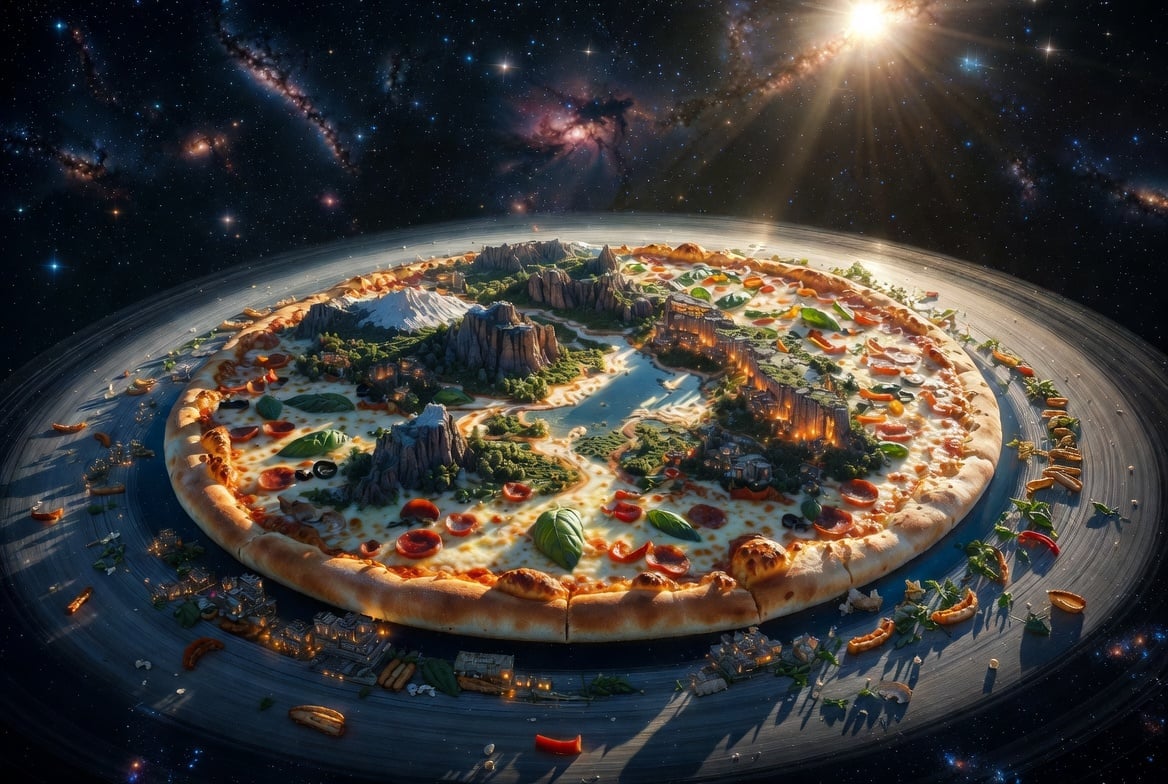
- Prompt included
- Model and format preset
- Premium template
The prompt behind this image
Copy the exact prompt behind Cosmic Pizza Planet in Deep Space, or open it in the studio and make it yours.
{argument name="food" default="pizza"} floating in {argument name="environment" default="deep space"}, featuring a perfectly baked golden crust forming the planetary edge, oceans of bubbling melted mozzarella cheese, rivers of rich tomato sauce, lush forests of fresh basil, towering mountains of pepperoni, mushrooms, olives, roasted peppers, and parmesan cliffs. Tiny glowing cities are built into the pizza surface with warm lights shining through the crust. A {argument name="orbital ring" default="ring of crispy breadsticks and herbs"} gracefully orbits the planet like Saturn's rings. Countless stars, colorful nebulae, and distant galaxies surround the scene, while cinematic sunlight illuminates the melted cheese with irresistible realism. Hyper-realistic food textures, ultra-detailed, fantasy world-building, volumetric lighting, dramatic composition, vibrant colors, 8K, masterpiece, photorealistic, breathtaking cosmic food art.
How to use Cosmic Pizza Planet in Deep Space in 3 steps
- 1
Open
The prompt is already in the box next to the preview, with the template's model and format selected.
- 2…a portrait of your subject in softgolden-hour light, 85mm…
Personalize
Edit the subject and creative details for your destination.
- 3Generate
Generate
Press Generate — your image is created in PicX Studio, so you can compare it with the original and refine one variable at a time.
More like this
Templates with the same subject, style or setup. Open one to see its prompt.

Miniature Travel Diorama Postcard
Cosmic Space Opera Dark Emperor

Astronaut Zero-Gravity Coffee Splash
Owl-Shaped Nebula in Deep Space
Imperial Research Bunker on Volcanic Planet
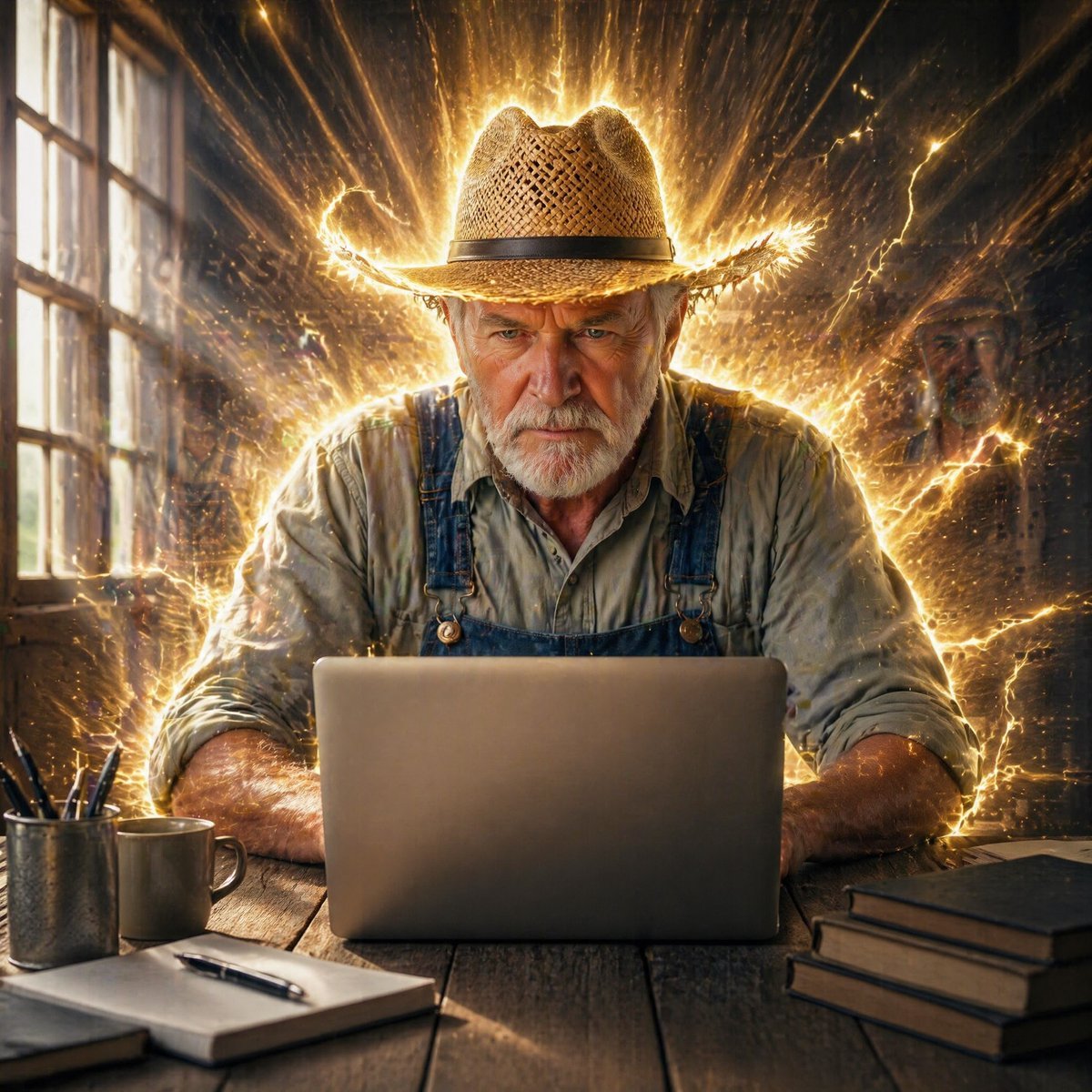
Farmer in Deep Work Aura

Donato Pizzaiolo Character Bible
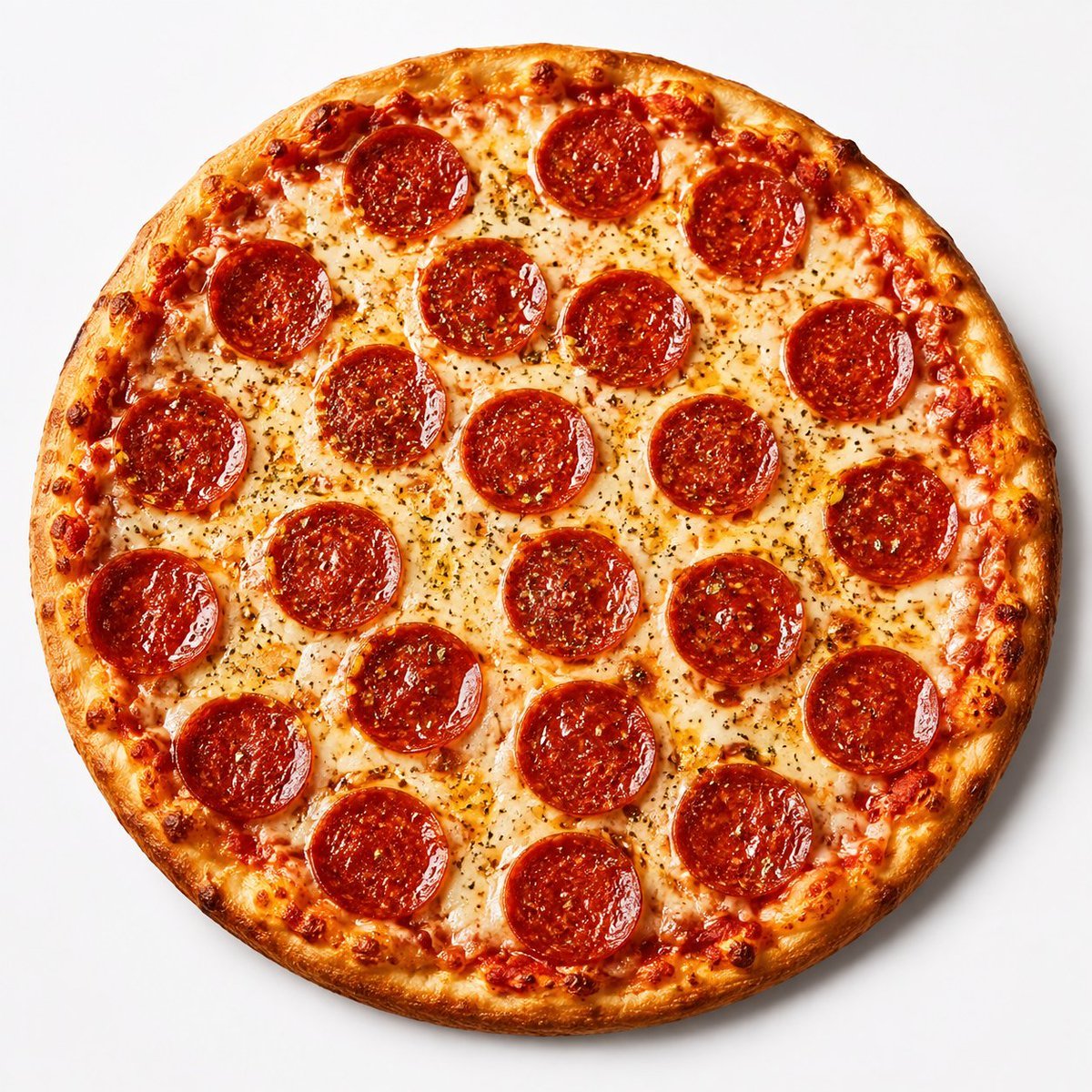
Overhead Pepperoni Pizza Photo
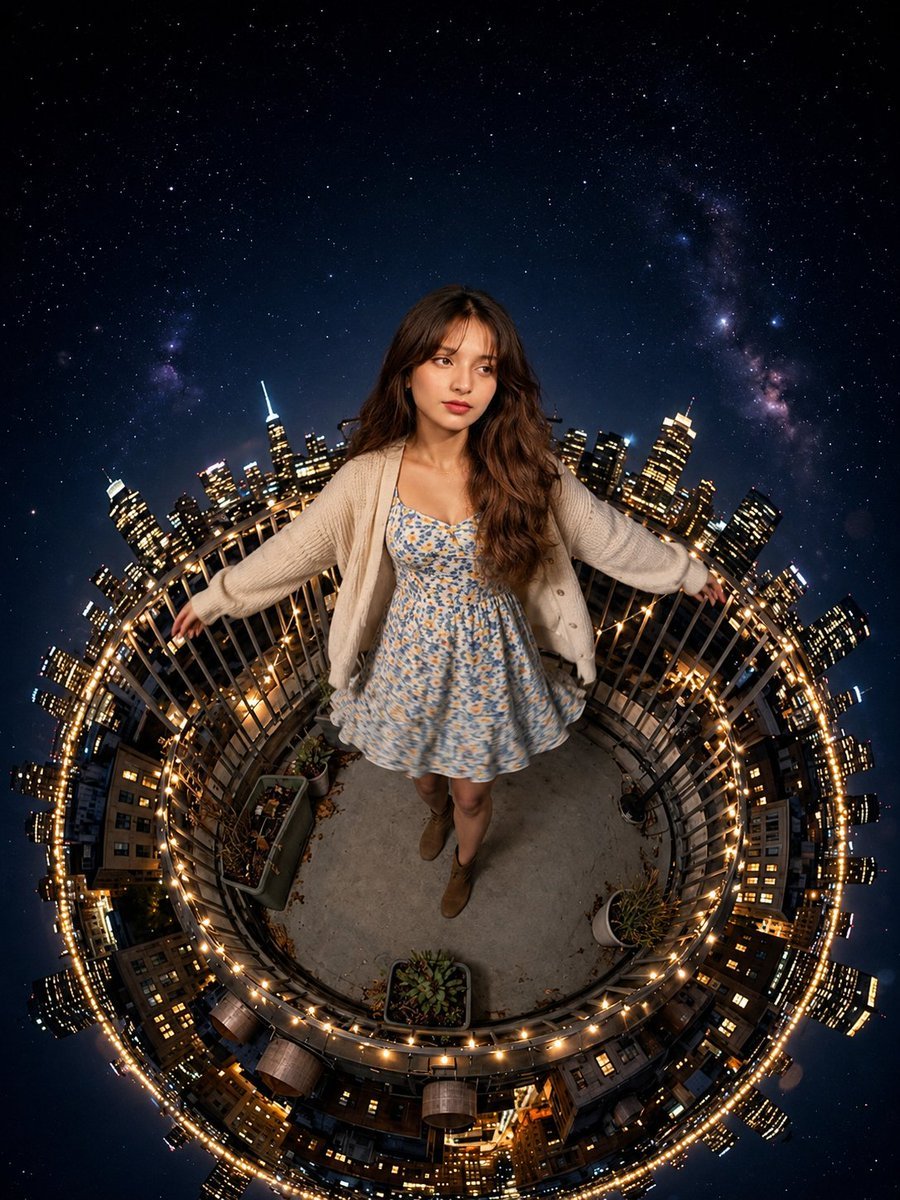
Tiny Planet Rooftop Portrait

Deep Blue Desire Fashion Poster
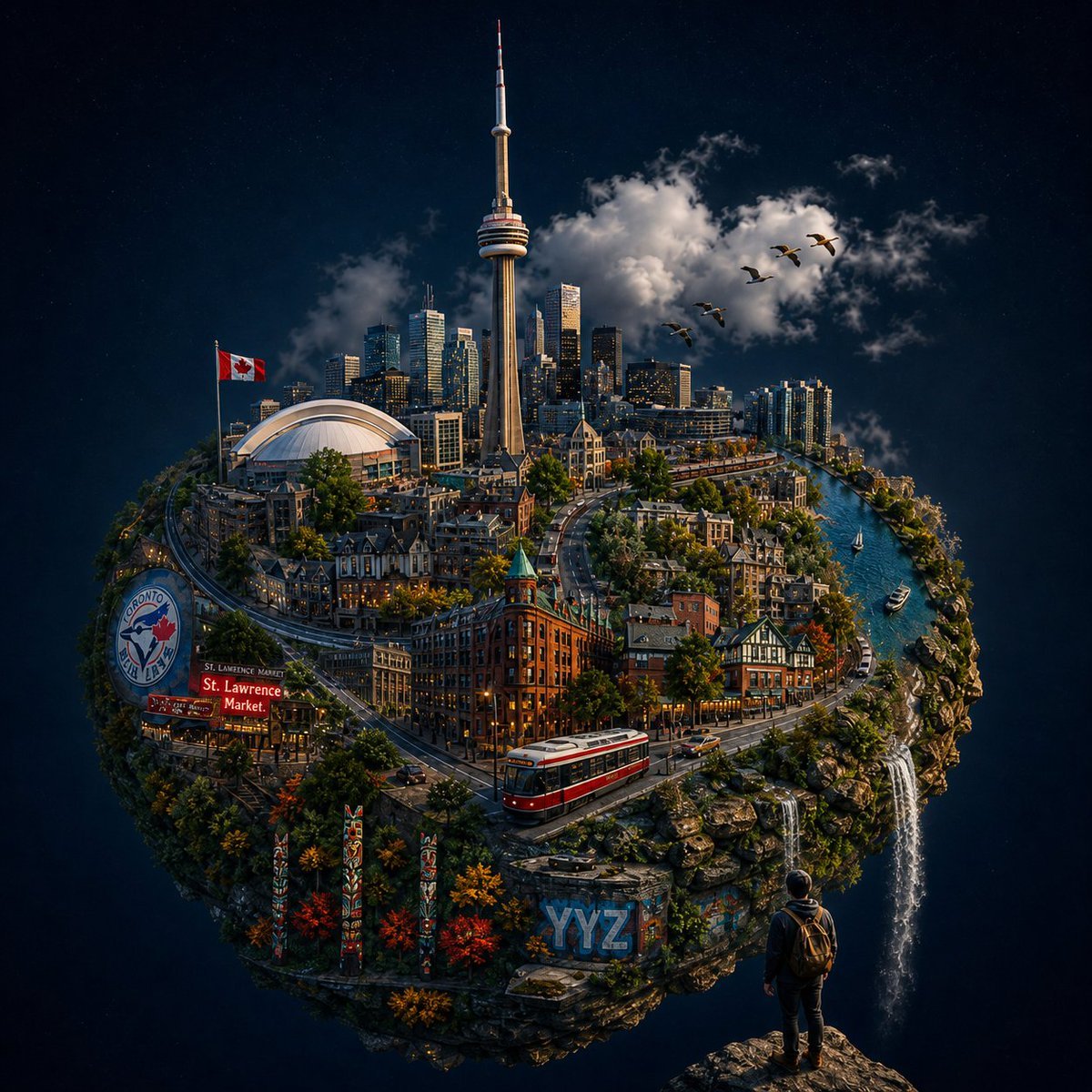
Toronto Tiny Planet Travel Poster
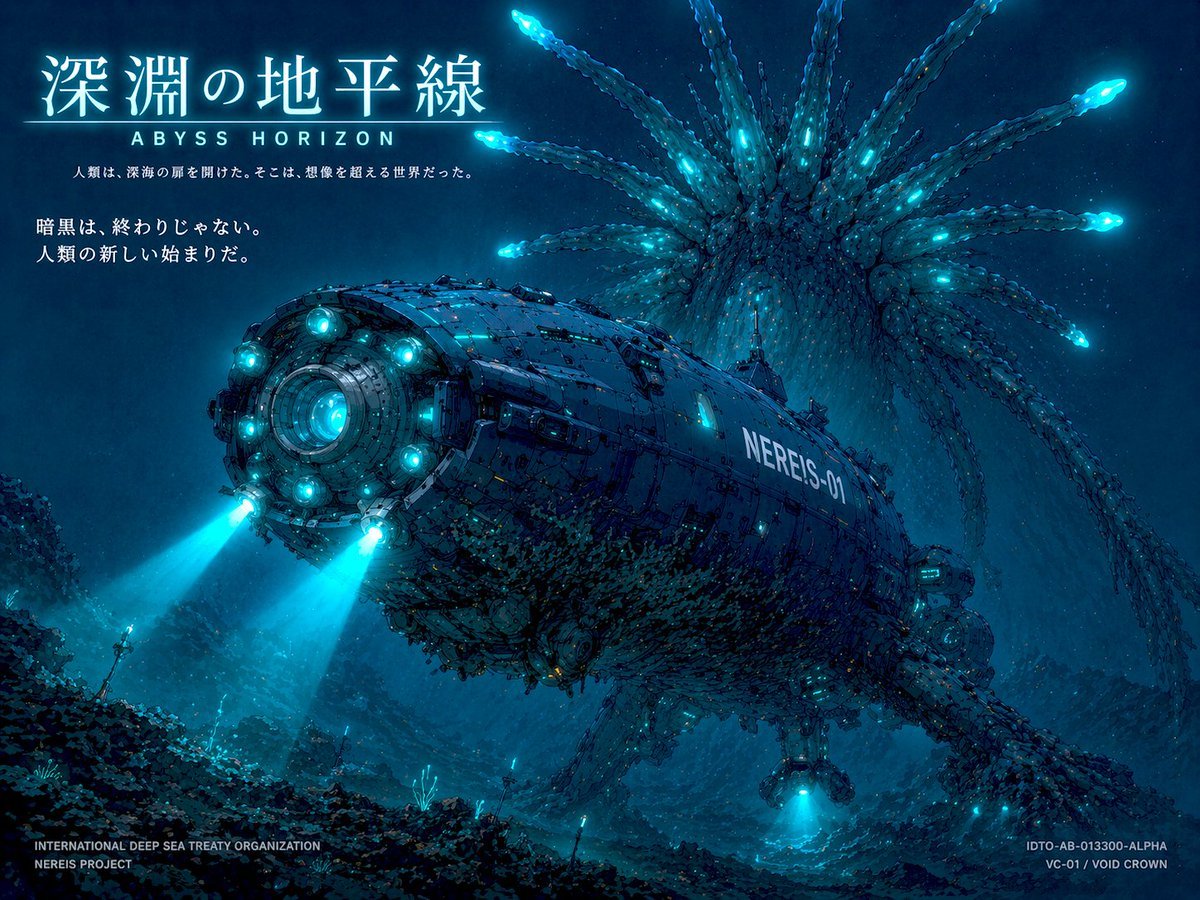
Sci-Fi Deep Sea Submarine Poster
Make it yours
Cosmic Pizza Planet in Deep Space works as-is. These are the safest ways to change it without losing the look.
Change one field
Copy a single group, rewrite it, and generate again so you can see what that field is doing.
Keep the frame, change the subject
Hold the composition and light of Cosmic Pizza Planet in Deep Space, then swap wardrobe, props or the person for a new take.
| If the result… | Why | Fix |
|---|---|---|
| The result drifts from the preview | Too many fields changed at once. | Reuse Cosmic Pizza Planet in Deep Space as-is first, then change one group — subject, light, or setting. |
| The model over-stylizes the scene | The prose prompt leaves finish and camera underspecified. | Add one camera or lighting sentence and stay on GPT Image 2. |
More GPT Image 2 templates
Other prompts made for GPT Image 2.

Six VTuber Japanese Logo Sheet

Realistic Portrait of Woman and Deer

The Vista Modular Condo Poster

AI Model Routing Comparison Infographic

2.5D Anime Art Board

Isometric Productivity Desk Scene

New York Double Exposure Poster

Four-Panel AI Landscape Comparison

Japanese Tatami Lifestyle Magazine Cover

NESCAFÉ Coffee Map Poster
More image prompts
Fresh picks from across the catalog.
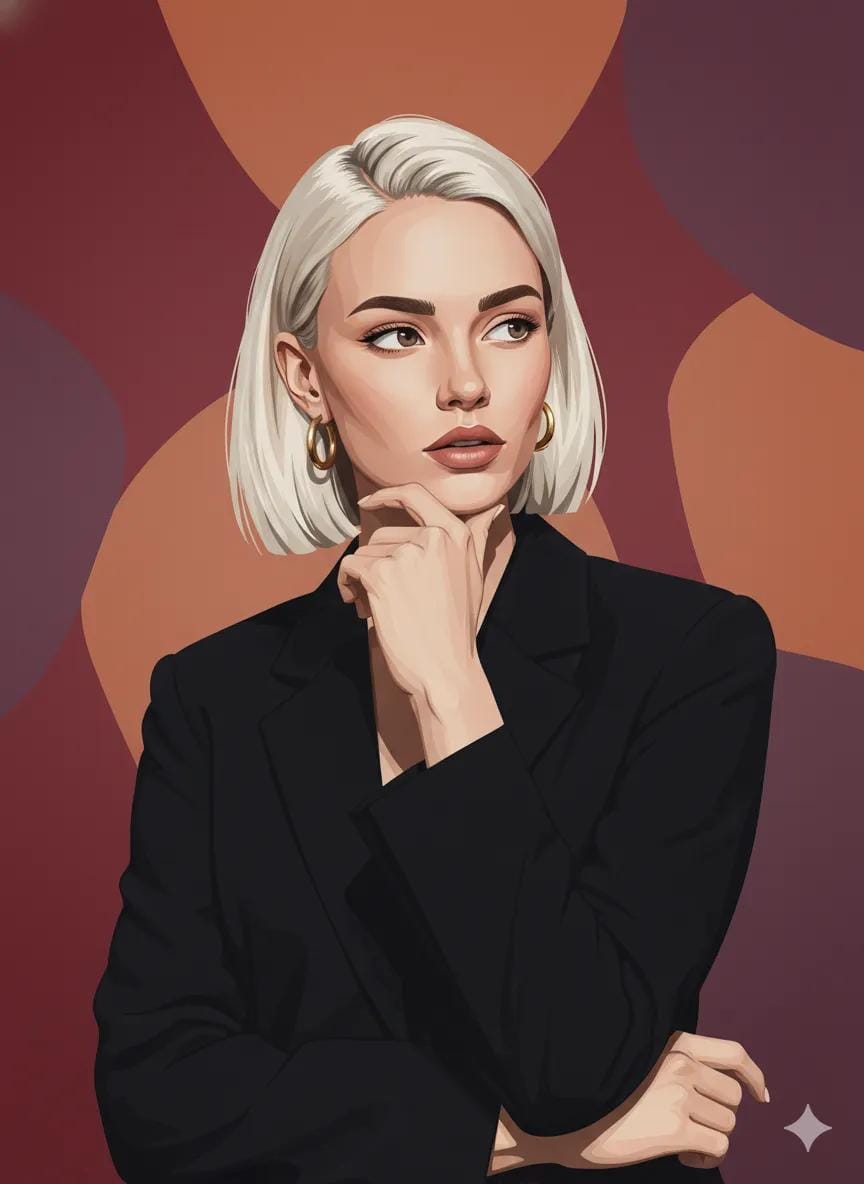
Photo to Vector Art Illustration
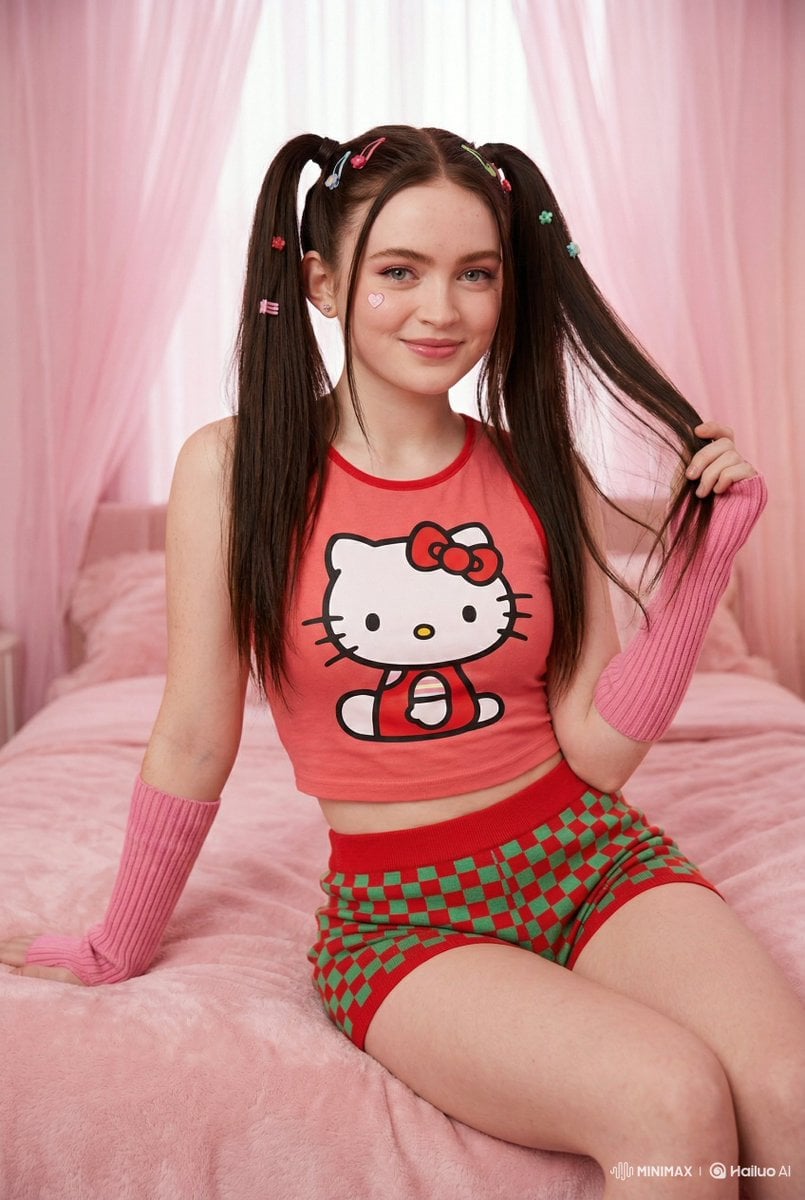
Kawaii-Inspired Cozy Bedroom Portrait

High-Quality Image Generation Optimization

Old Photo Restoration Prompt for Professional DSLR Quality
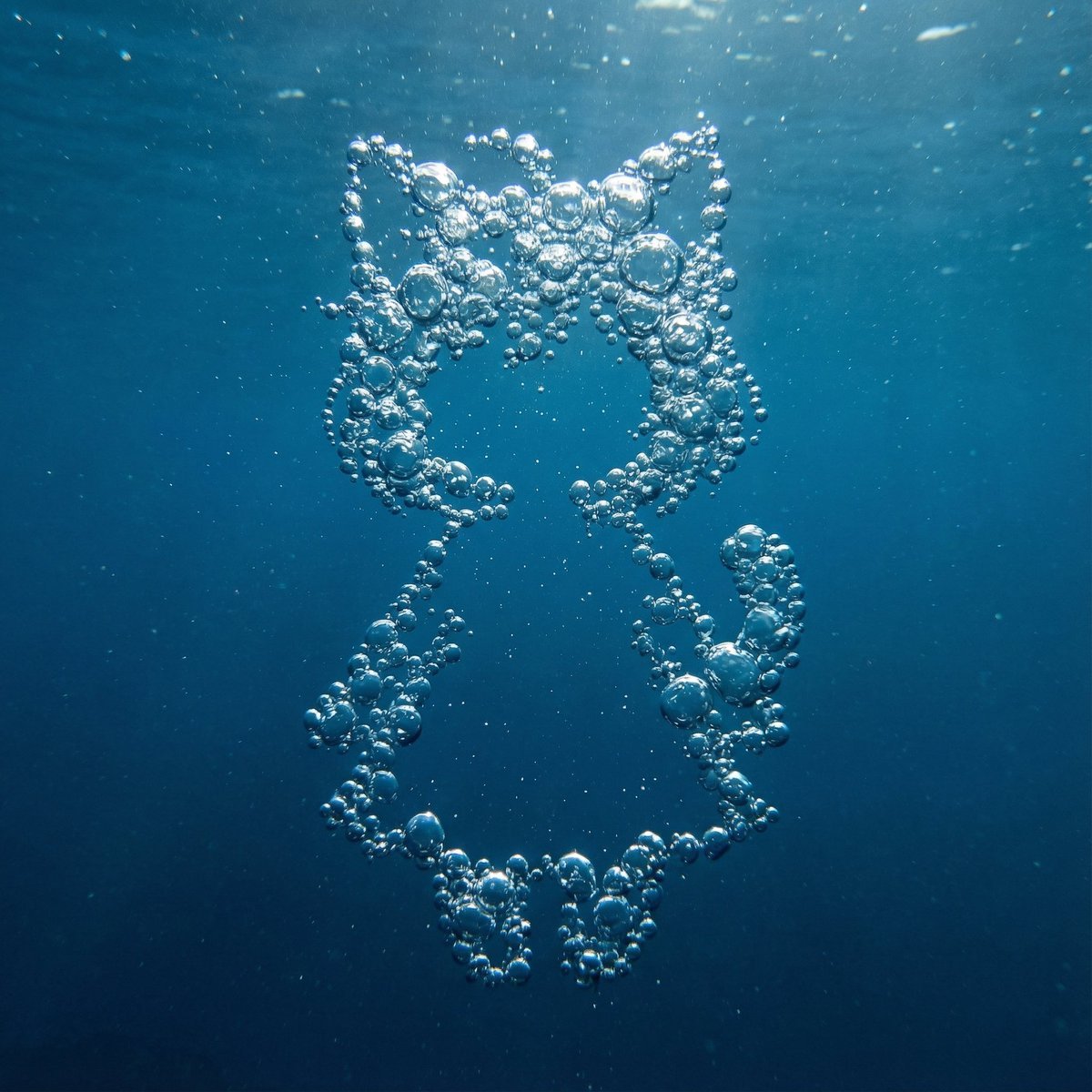
Underwater Bubble Silhouette Prompt
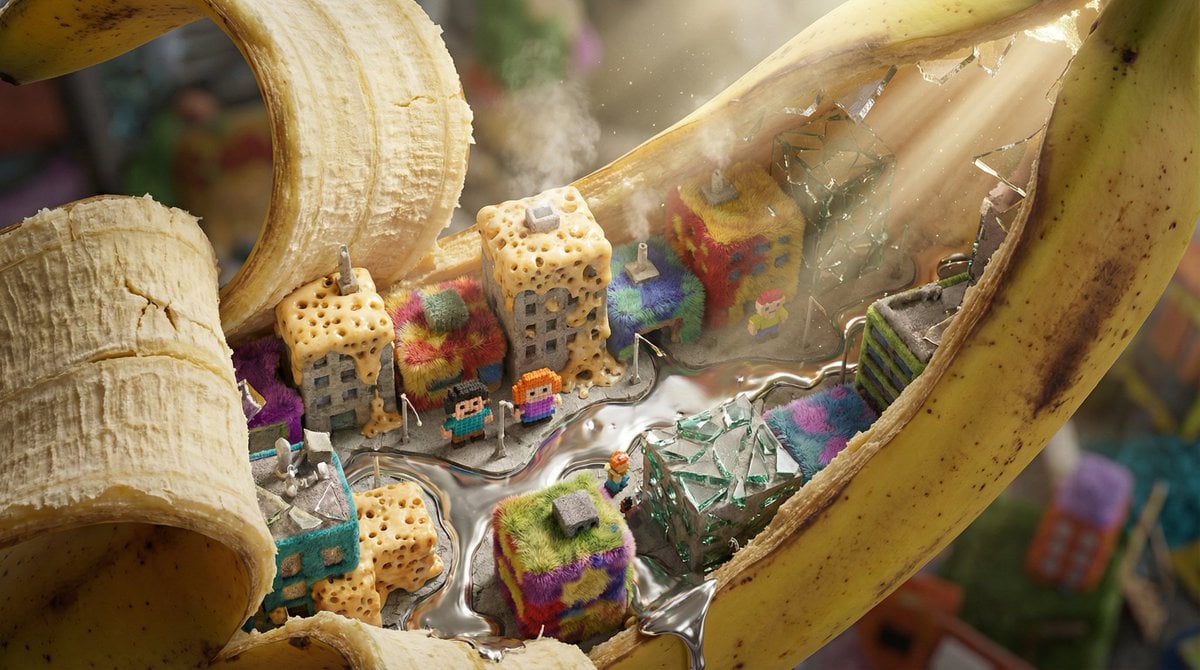
Nano-Scale Cityscape Inside a Banana Peel Prompt
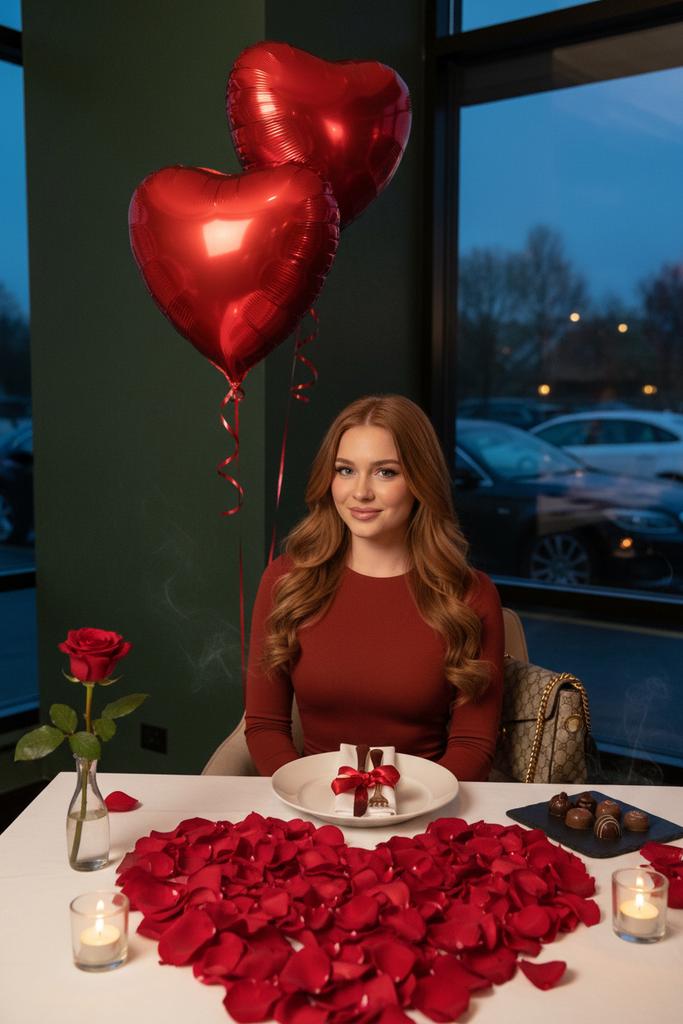
Luxury Valentine’s Dinner Photoshoot (Reddish-Brown Hair)
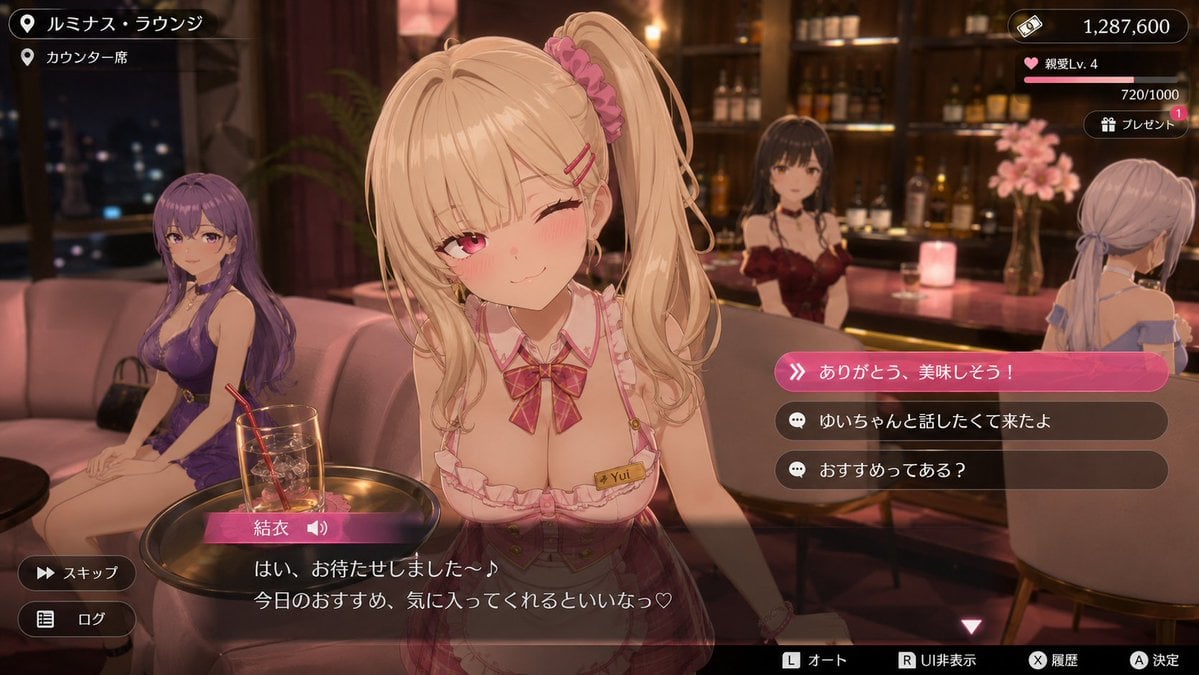
Anime Visual Novel Confession Scene
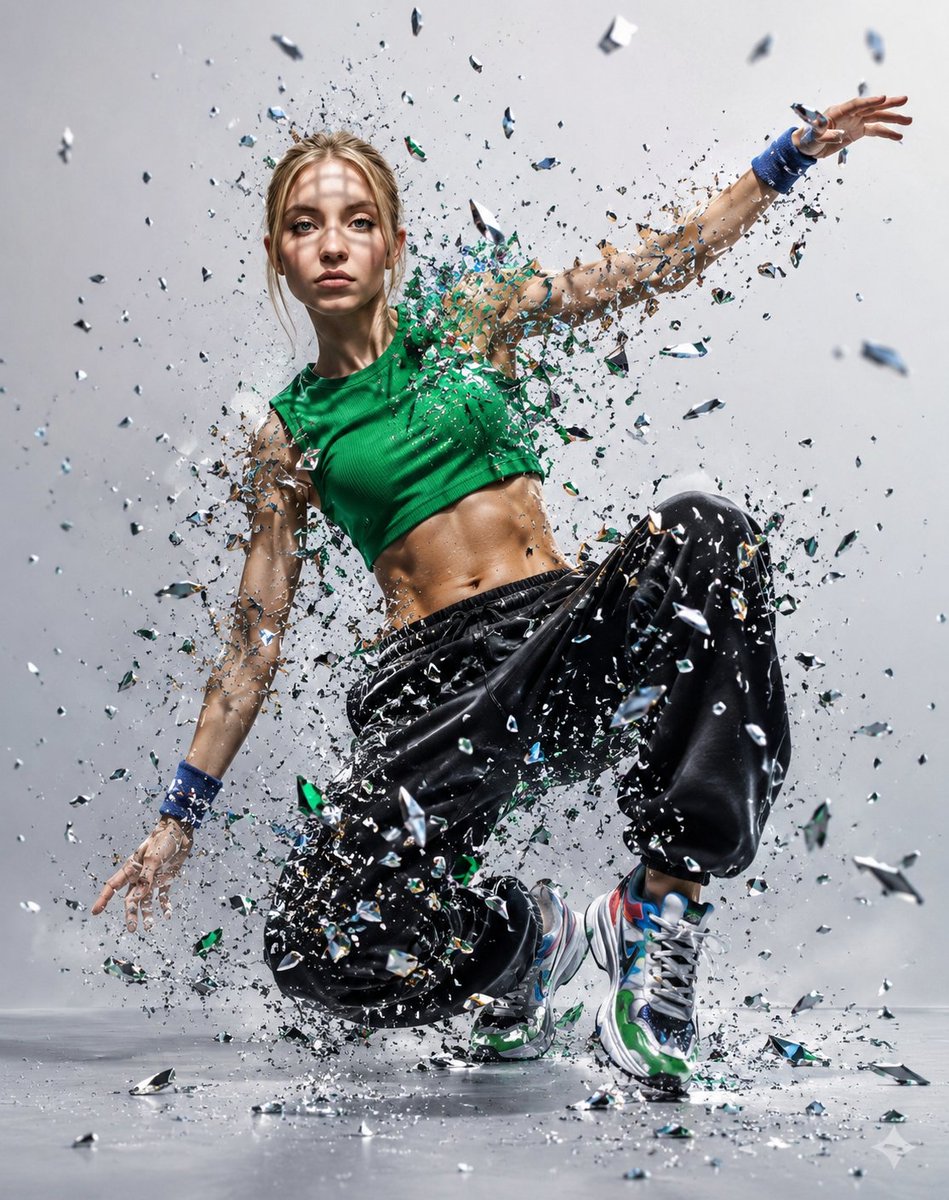
Glass Shard Dance Action Portrait

Cinematic Winter Scene Prompt of Couple Throwing Snow
Browse template categories
Cosmic Pizza Planet in Deep Space questions
How do I use the Cosmic Pizza Planet in Deep Space template?
Add your photo if the template asks for one, edit the prompt if you like — the template's model and format are already selected — and press Generate. Your version opens in PicX Studio.
Can I customize the Cosmic Pizza Planet in Deep Space template?
Yes. You can change the subject, setting, lighting, mood, format, and available model controls before creating your image.
Is the Cosmic Pizza Planet in Deep Space template free?
Opening and editing this template is free. Generating uses credits, shown on the Generate button when you are signed in.
Which AI model should I use?
Start with GPT Image 2, which is the model associated with this template. You can compare another compatible model for a different finish.
Looking for something else? Browse all templates.

Your photo, any look
Thousands of ready templates for every top image and video model, from one credit balance.