How do I use the Japanese Girl Candid Portrait template?
Choose the primary action to open PicX Studio with the available template settings. Review the model and format, personalize the creative direction, and generate when ready.
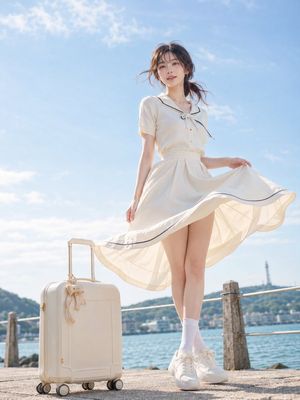
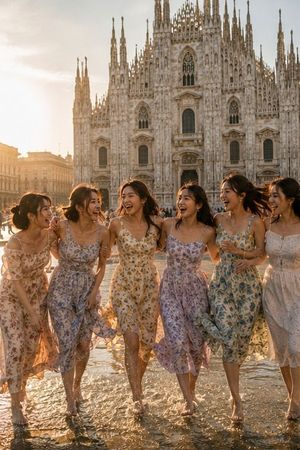
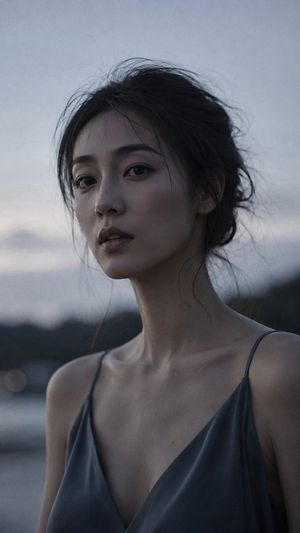
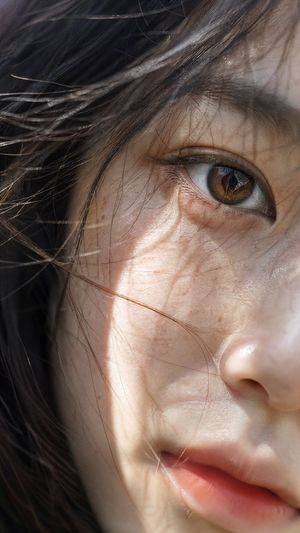
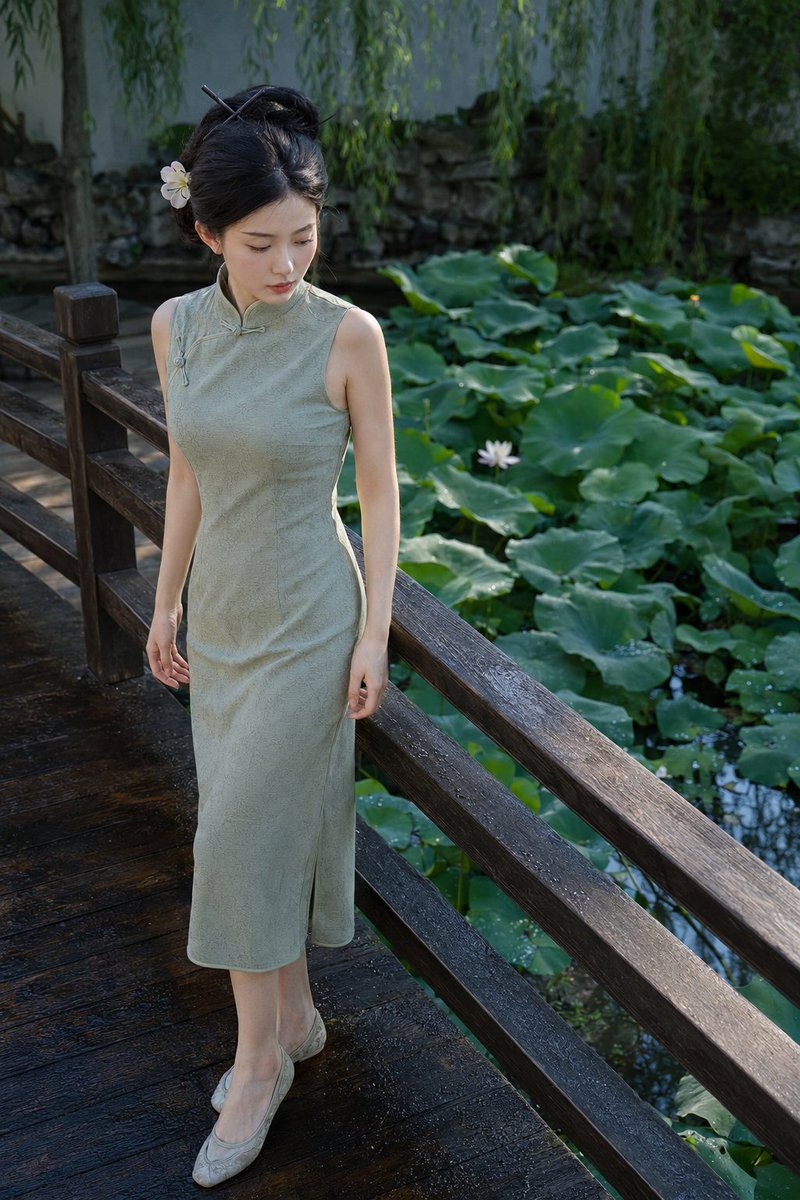
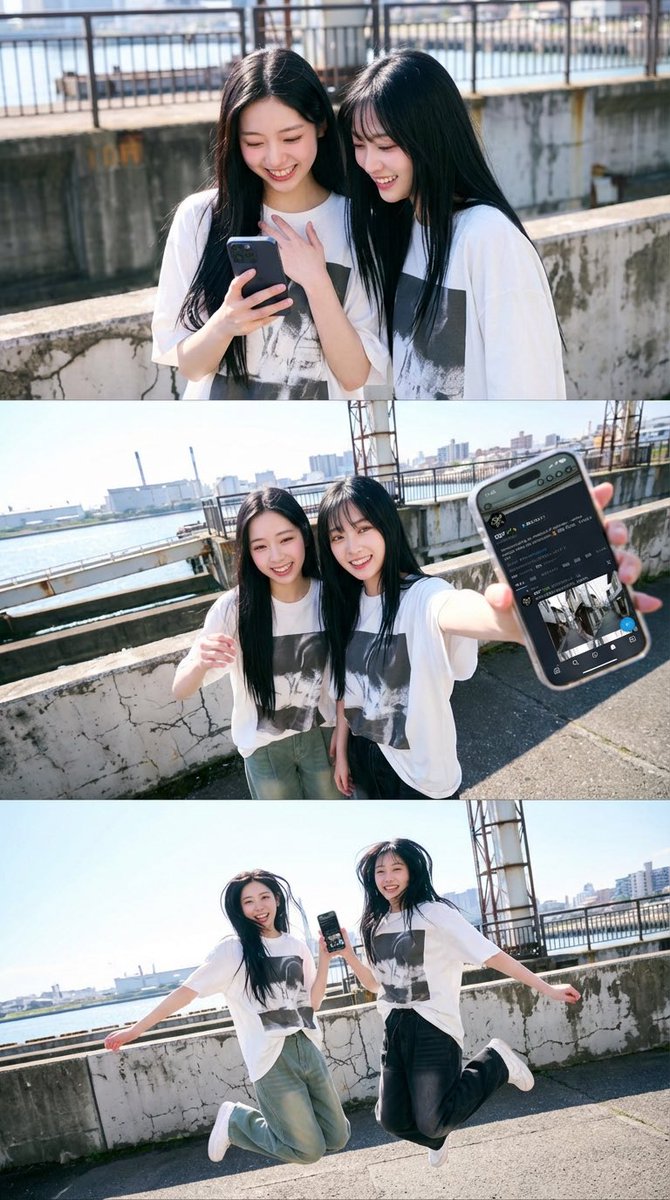
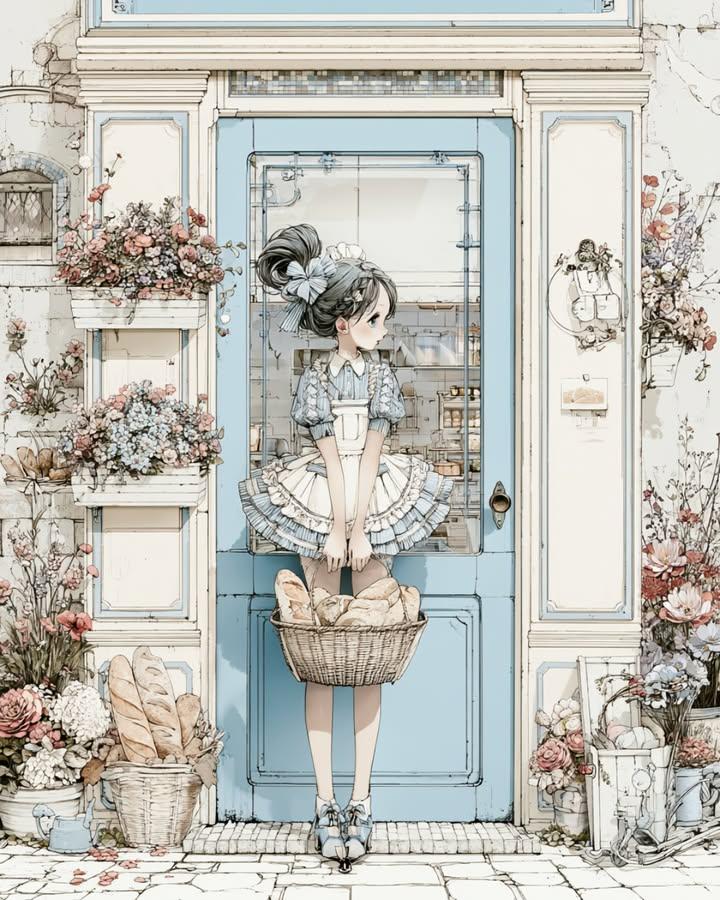
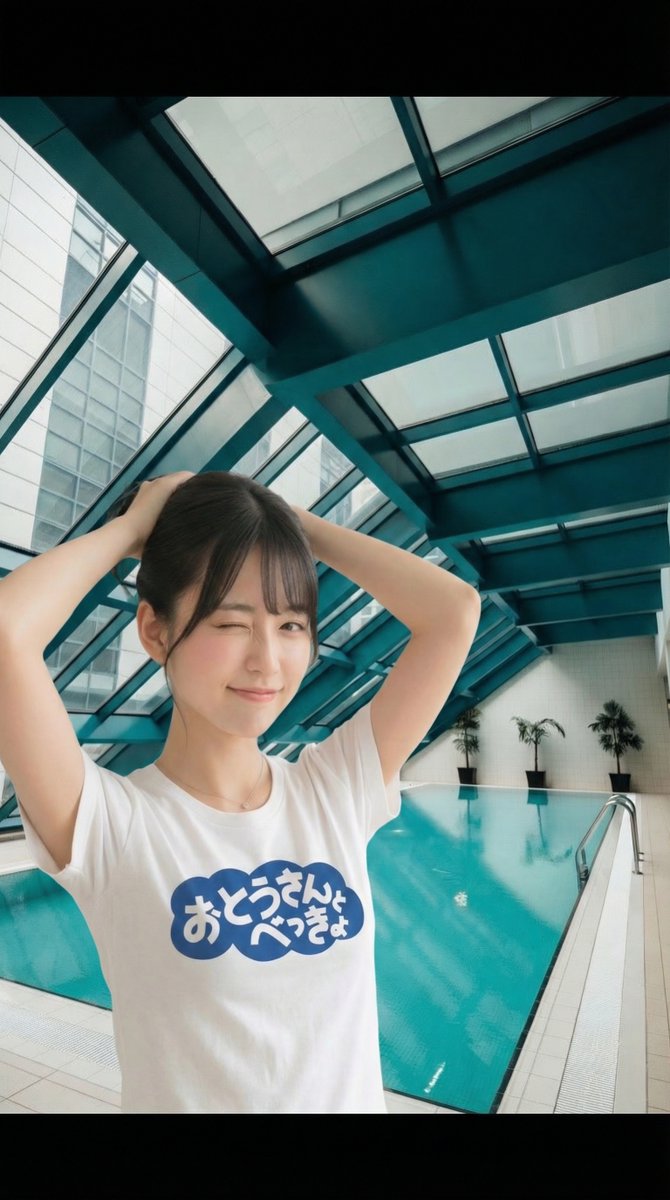
A photorealistic candid portrait of a Japanese girl in a school-day aesthetic, featuring soft natural lighting and street photography vibes.

Beautiful young {argument name="nationality" default="Japanese"} girl with {argument name="hair style" default="long silky black hair and soft wispy bangs"}, large expressive dark eyes, fair glowing skin, delicate facial features, natural pink lips, subtle blush, and a calm innocent expression. Wearing a fitted black t-shirt and a red backpack over one shoulder. Standing outdoors beside a warm beige wall with green leaves casting soft shadows. Bright midday sunlight creating natural highlights on her hair and face, gentle breeze moving loose strands of hair, casual school-day aesthetic, Korean/Japanese street photography vibe, realistic skin texture, soft natural makeup, candid portrait, photorealistic, ultra-detailed, DSLR quality, shallow depth of field, clean composition, vibrant natural colors, youthful and dreamy atmosphere, 85mm lens, high-resolution editorial portrait, 8K.
Choose the primary action to open PicX Studio with the available template settings. Review the model and format, personalize the creative direction, and generate when ready.
Yes. You can change the subject, setting, lighting, mood, format, and available model controls before creating your image.
This template is free to open and customize. Generation usage is shown in PicX Studio before you create.
Start with GPT Image 2, which is the model associated with this template. You can compare another compatible model for a different finish.
Follow a topic to a crawlable collection of related PicX Studio templates.