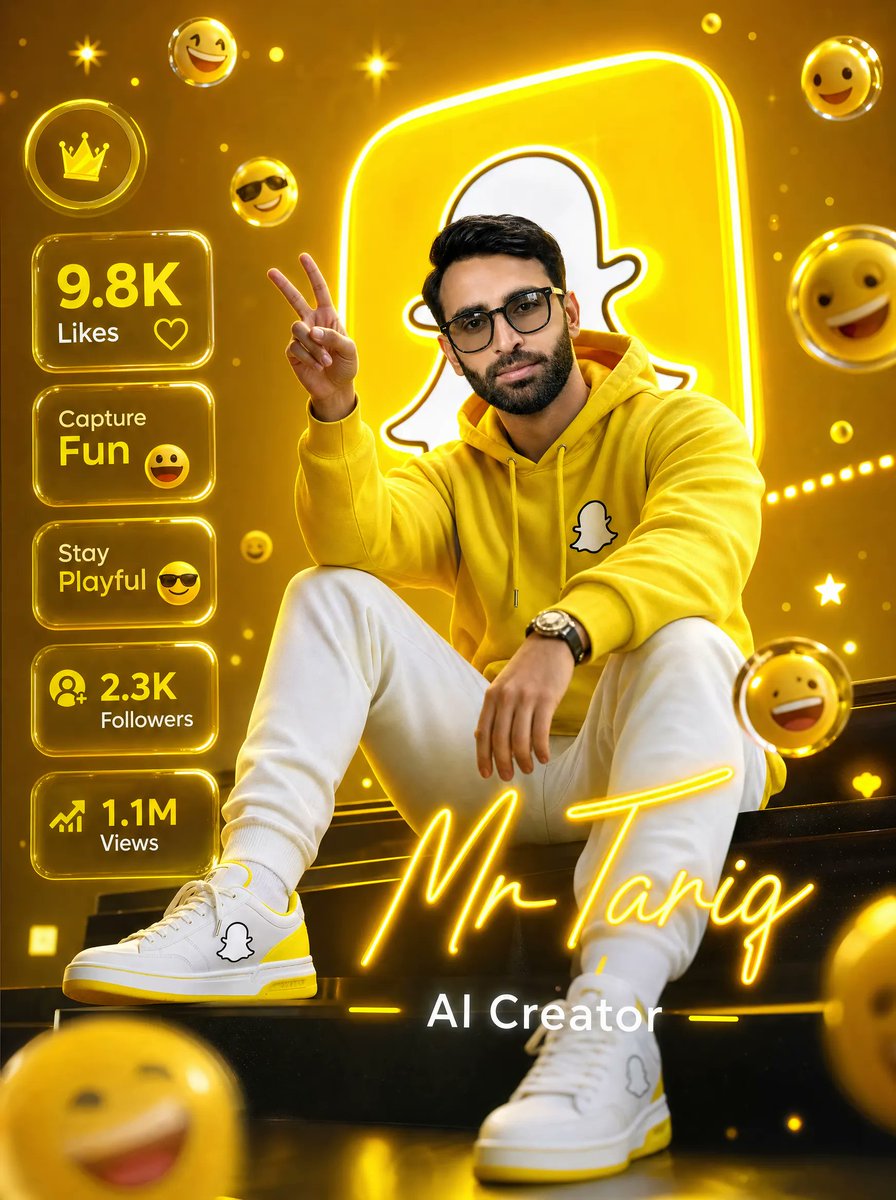
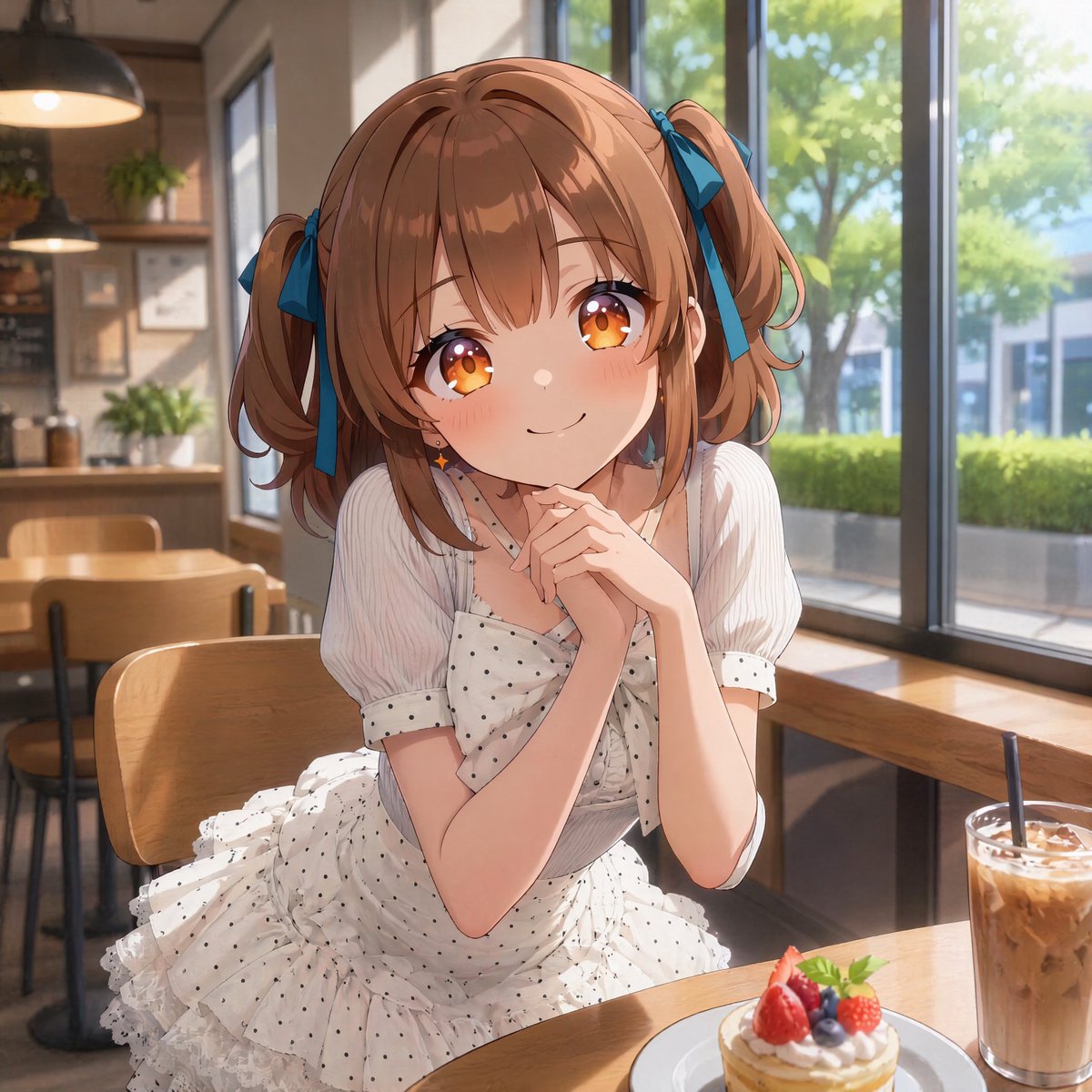
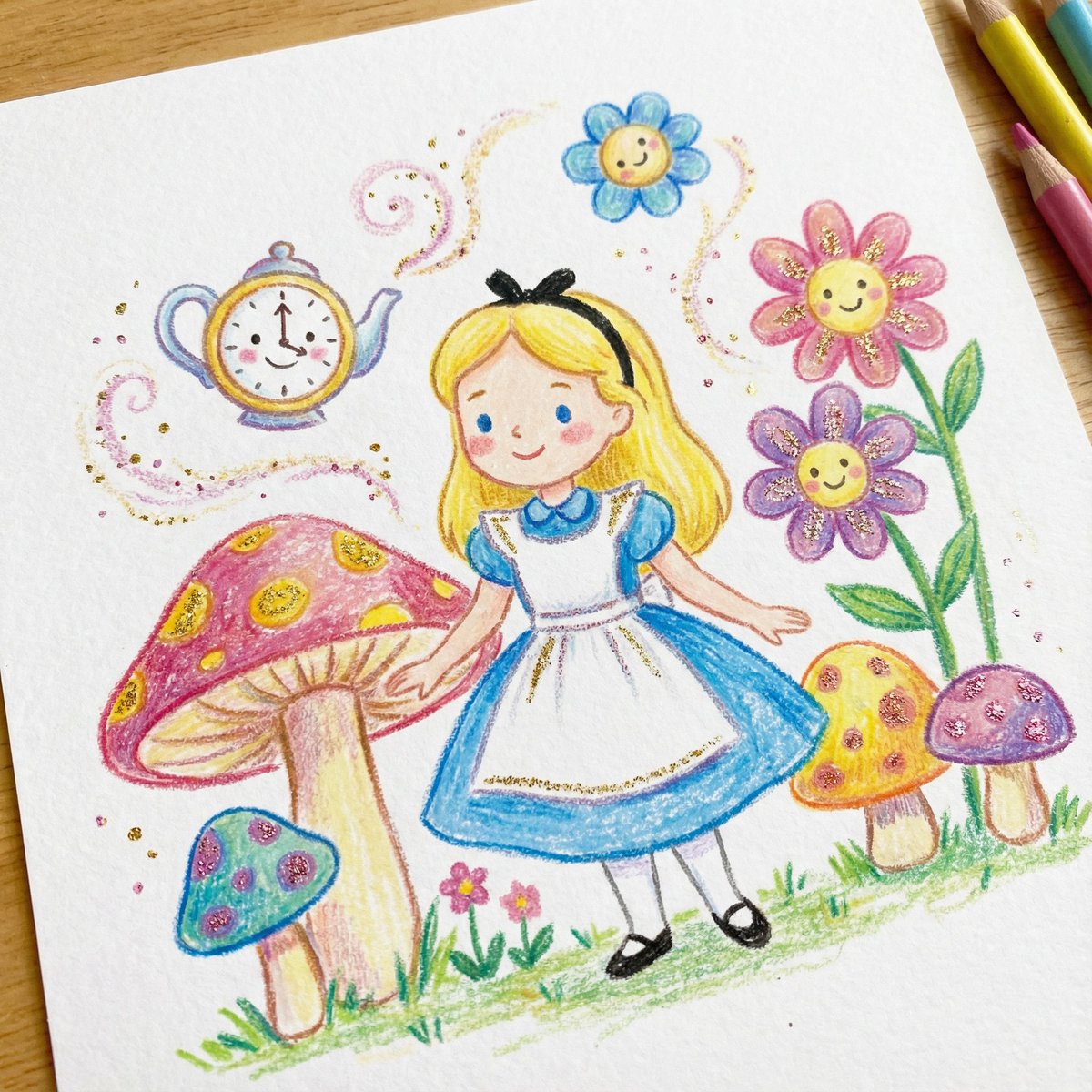
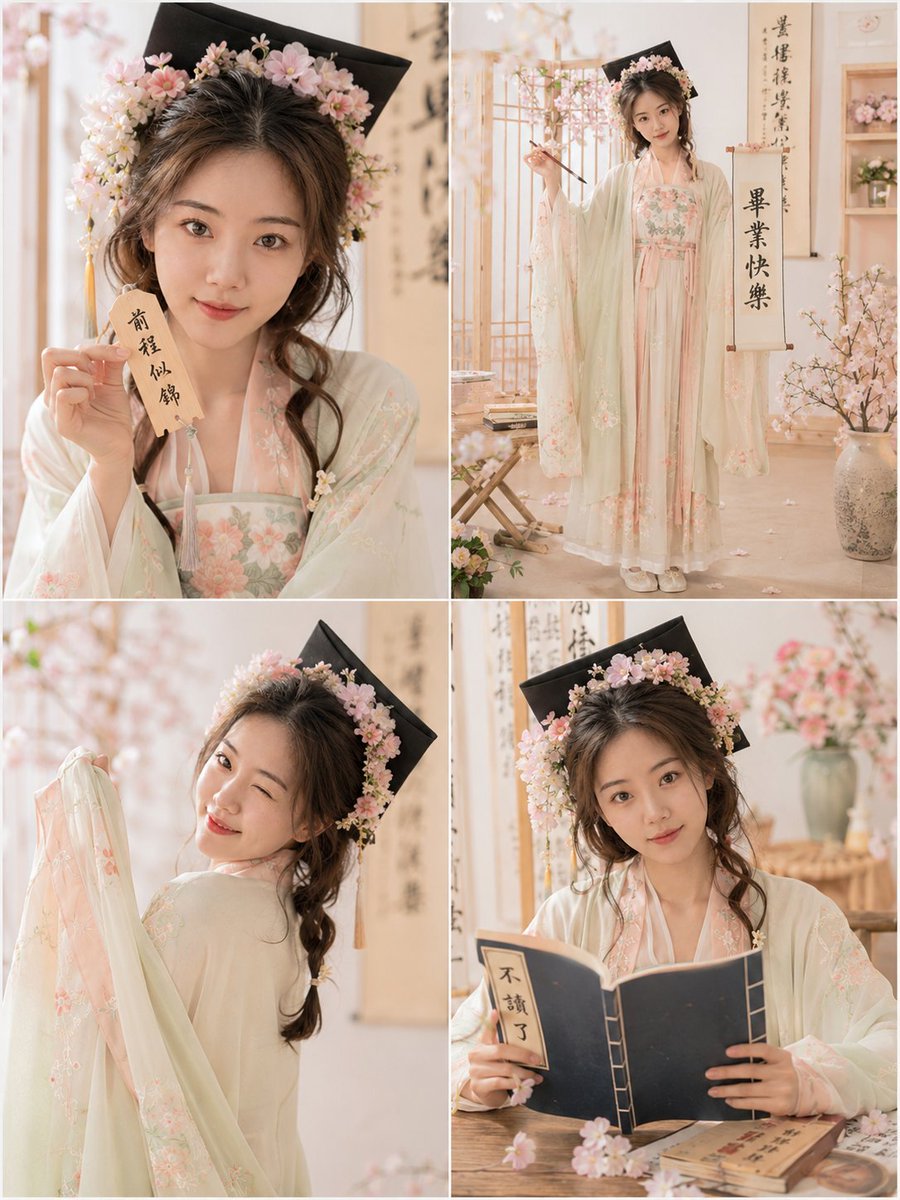
How do I use the Luxury Fashion Studio Transformation template?
Choose the primary action to open PicX Studio with the available template settings. Review the model and format, personalize the creative direction, and generate when ready.
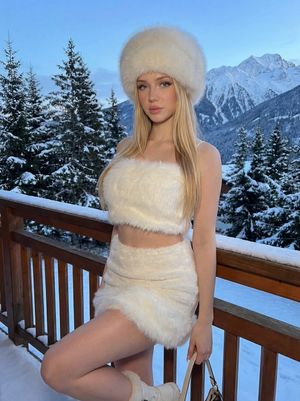
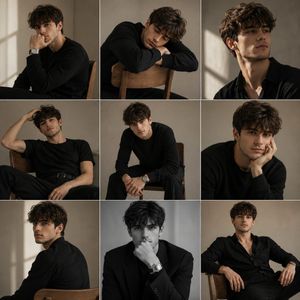
Transforms a portrait into a high-end editorial fashion shoot with professional studio lighting, luxury attire, and accessories while preserving the subject's f
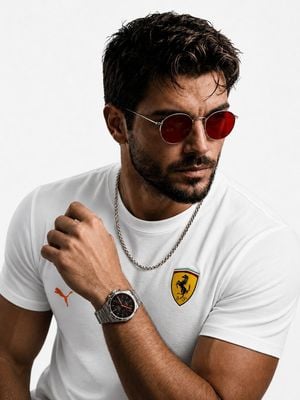
Transform this portrait into a luxury fashion studio photoshoot while keeping the same person's face and hairstyle unchanged. Replace the black background with a clean pure white studio background. Change the T-shirt to a {argument name="shirt" default="premium white Puma T-shirt"} with orange accents and an elegant {argument name="brand logo" default="Ferrari-inspired logo"} on the chest. Replace the current watch with a {argument name="luxury watch" default="stylish premium silver luxury watch (not Rolex)"}. Add a high-quality silver neck chain with a modern masculine design. Change the sunglasses to premium red-tinted shades with a sleek metal frame. Maintain realistic skin texture, sharp facial details, cinematic lighting, and a high-end editorial fashion look. Ultra-realistic, 8K quality, professional photography, soft shadows, luxury lifestyle aesthetic.
Choose the primary action to open PicX Studio with the available template settings. Review the model and format, personalize the creative direction, and generate when ready.
Yes. You can change the subject, setting, lighting, mood, format, and available model controls before creating your image.
This template is free to open and customize. Generation usage is shown in PicX Studio before you create.
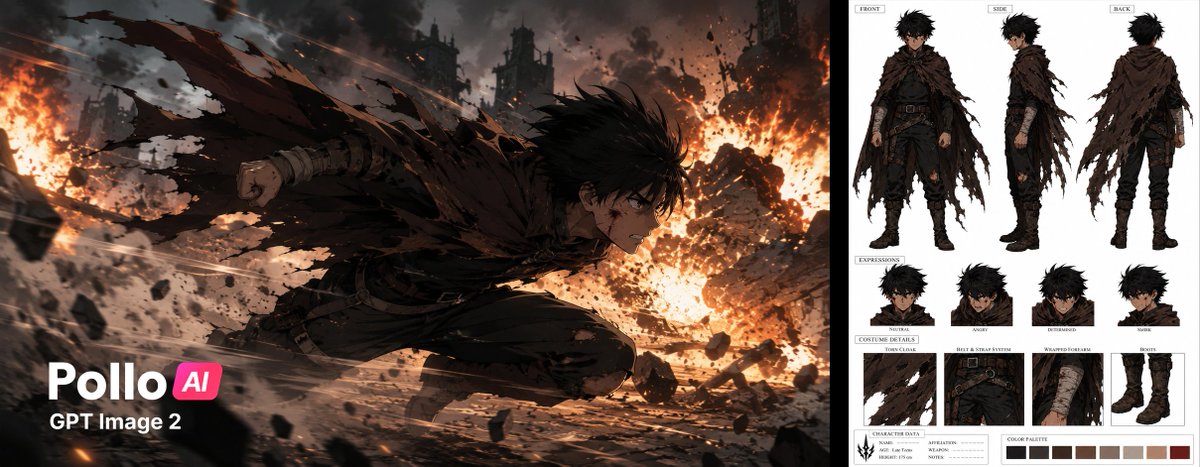
Start with GPT Image 2, which is the model associated with this template. You can compare another compatible model for a different finish.
Follow a topic to a crawlable collection of related PicX Studio templates.