How do I use the Boudoir Lifestyle Film Portrait template?
Choose the primary action to open PicX Studio with the available template settings. Review the model and format, personalize the creative direction, and generate when ready.
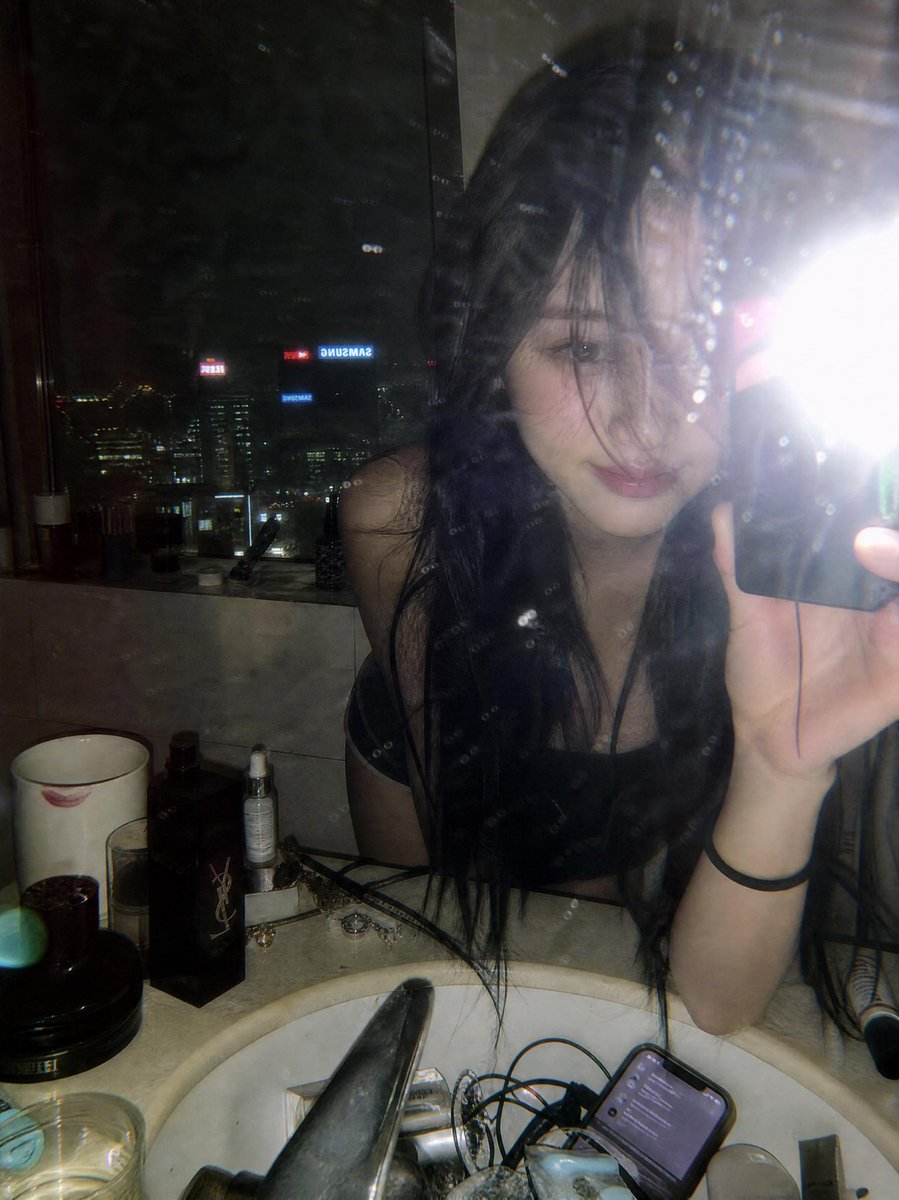
A soft blue-hour lifestyle portrait prompt for an East Asian woman, focusing on natural textures and cinematic indoor lighting. (free to use) — Free AI image template on PicX Studio.
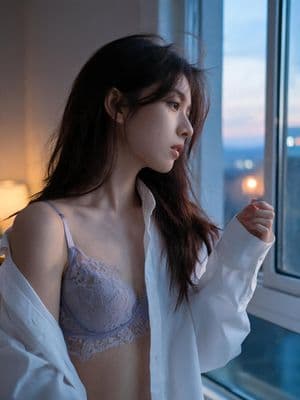
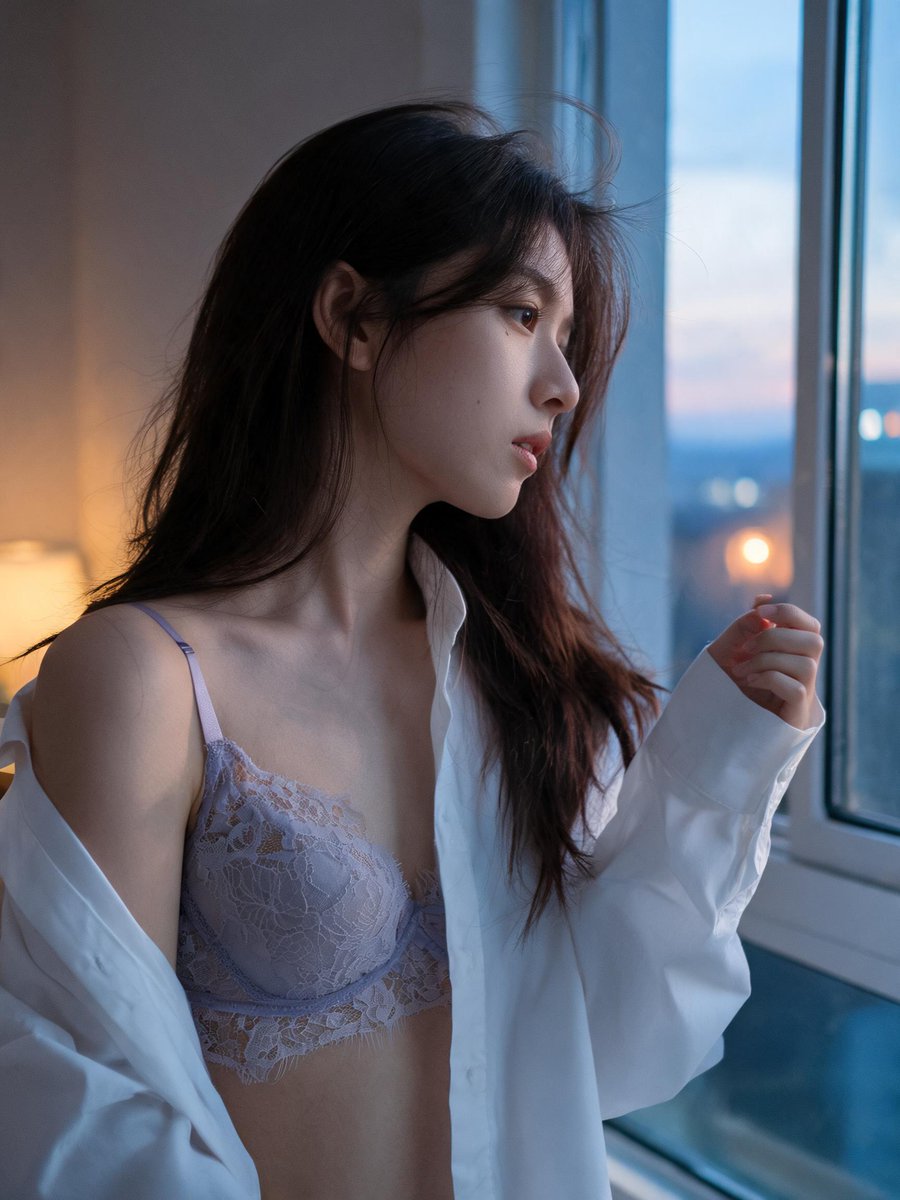
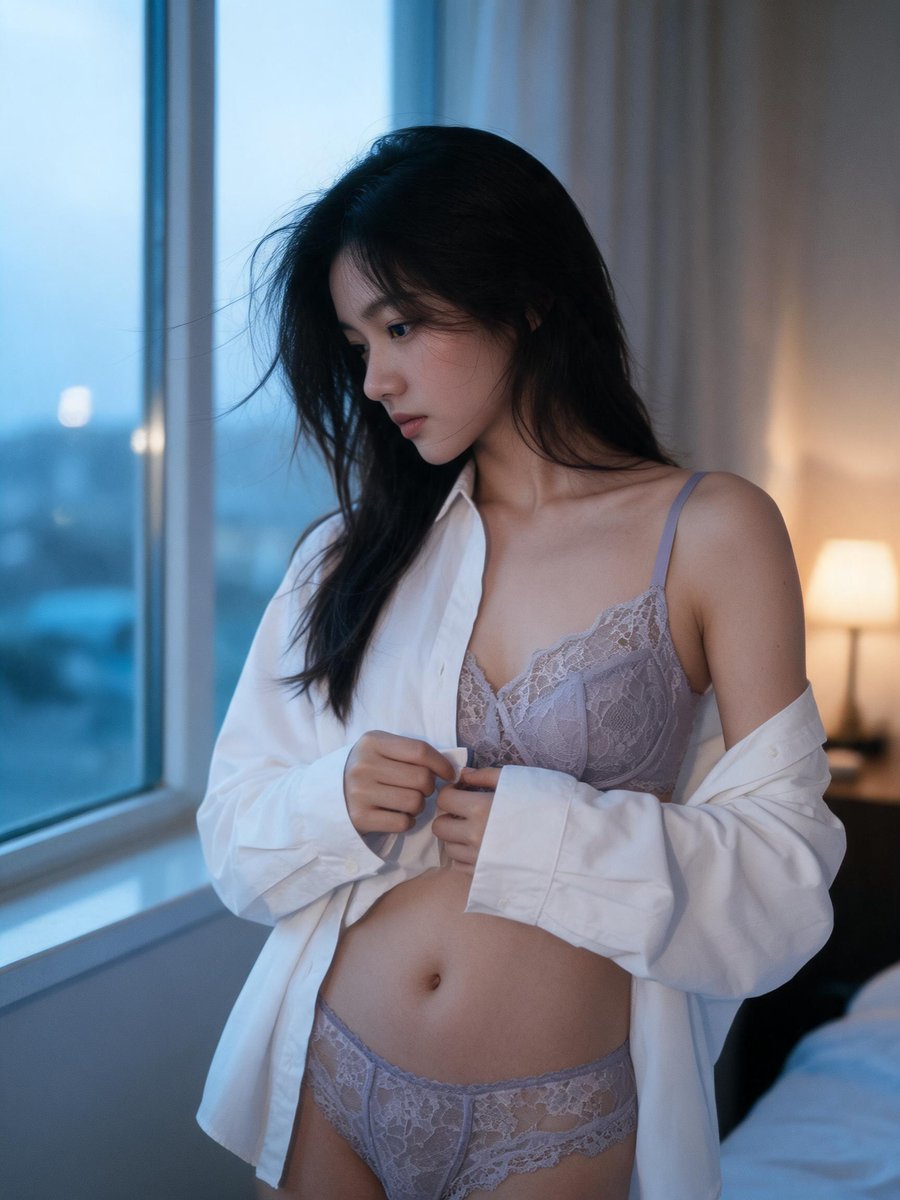
Medium shot, 23-year-old East Asian woman, delicate profile, natural skin texture, hair falling loosely over one shoulder. {argument name="clothing" default="Oversized white shirt worn open over the lavender-grey lace set"}, standing by a bedroom window at {argument name="time of day" default="dusk"} adjusting her sleeve, vertical 3:4 composition with subject positioned to one side, window view softly blurred behind her. Soft blue-hour light through the window mixing with a faint warm interior lamp glow, gentle rim light along her arm. Photographic texture and quality: subtle ISO 400 film grain in shadow areas, natural subsurface skin scattering, faint hair flyaways caught by the window draft. Preserve: lace pattern, window light quality. Avoid: AI-smoothed skin, artificially perfect symmetry.
Use Boudoir Lifestyle Film Portrait to plan an AI image around gpt-image-2 generation, themes such as en and gpt-image-2. Match the preview's composition first, then personalize the subject, setting, and mood for your own project.
Use the primary action to load the template settings in PicX Studio.
Adjust the subject and creative details for your destination.
Create the image, compare the result with the preview, and refine one variable at a time.
A continuous mix — similar concepts first, woven with same-model prompts and fresh picks from the catalog.
Choose the primary action to open PicX Studio with the available template settings. Review the model and format, personalize the creative direction, and generate when ready.
Yes. You can change the subject, setting, lighting, mood, format, and available model controls before creating your image.
This template is free to open and customize. Generation usage is shown in PicX Studio before you create.
Start with gpt-image-2, which is the model associated with this template. You can compare another compatible model for a different finish.
Follow a topic to a crawlable collection of related PicX Studio templates.
39,157 public templates available. Verified via the PicX Studio public templates API; refreshed hourly.
A continuous mix — similar concepts first, woven with same-model prompts and fresh picks from the catalog.