
Brass Rod Display Stand Modifier
An additive prompt for GPT Image 2 that modifies an object to include a supportive stand made of brass rods, creating a tilted display effect.
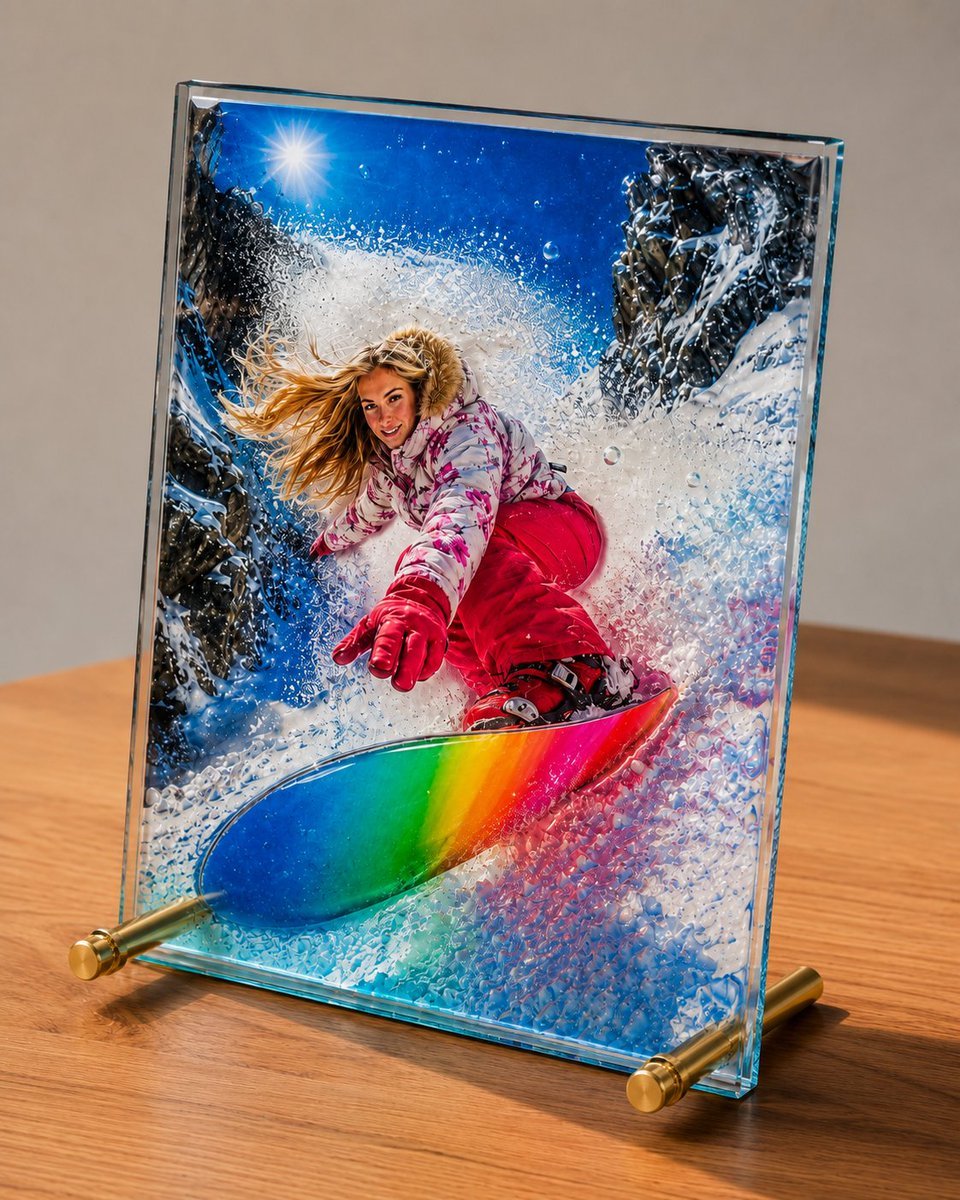
- Prompt included
- Model and format preset
- Free template
The prompt behind this image
Copy the exact prompt behind Brass Rod Display Stand Modifier, or open it in the studio and make it yours.
底辺の左右に{argument name="素材" default="真鍮"}の棒を支えとして貫通させて傾斜させて、{argument name="アイテム" default="スタンド"}にして。
How to use Brass Rod Display Stand Modifier in 3 steps
- 1Upload ImagePNG, JPG or paste
Add your photo
Upload the photo the template builds on. The prompt, model and format are already set.
- 2…a portrait of your subject in softgolden-hour light, 85mm…
Personalize
Edit the subject and creative details for your destination.
- 3Generate
Generate
Press Generate — your image is created in PicX Studio, so you can compare it with the original and refine one variable at a time.
More like this
Templates with the same subject, style or setup. Open one to see its prompt.
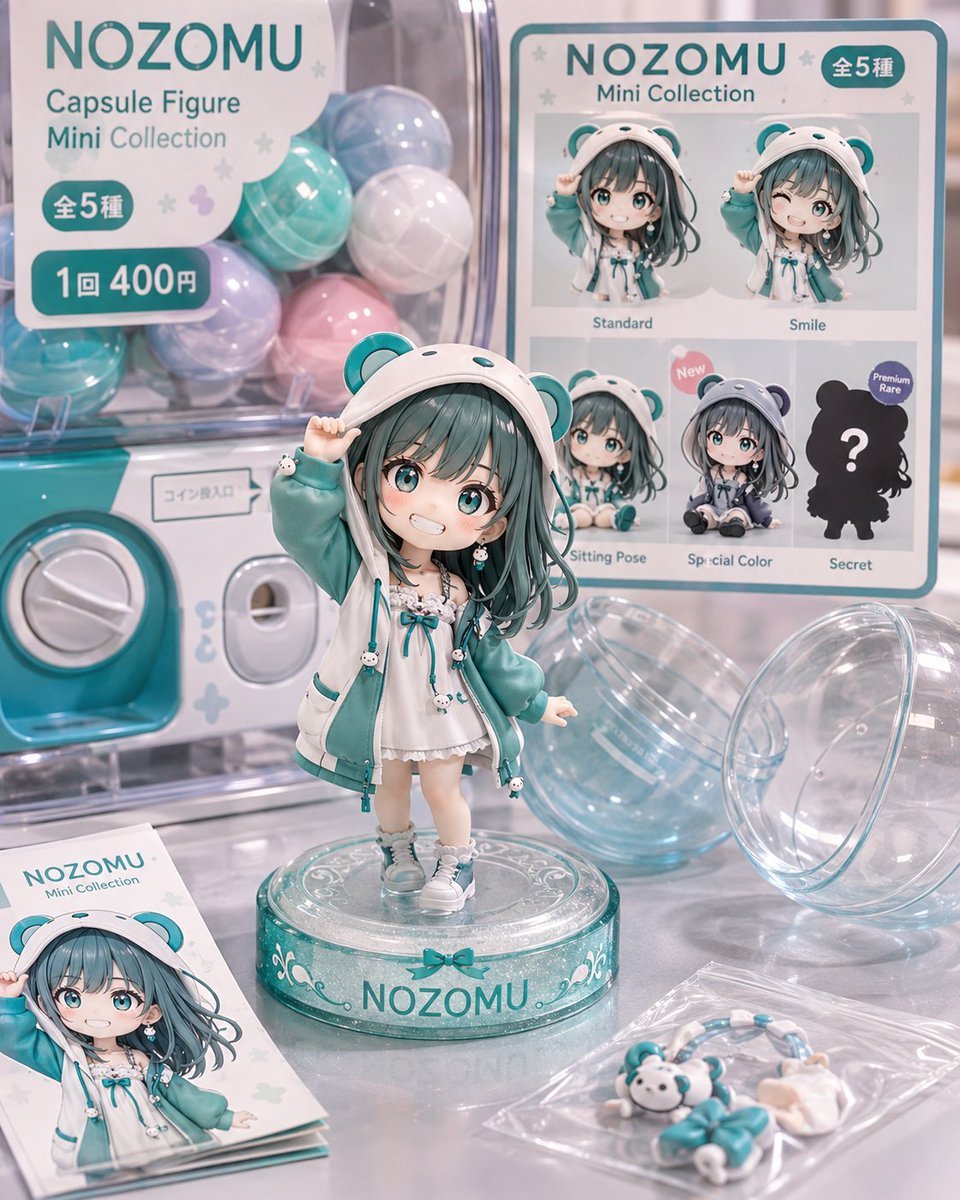
NOZOMU Capsule Figure Product Display
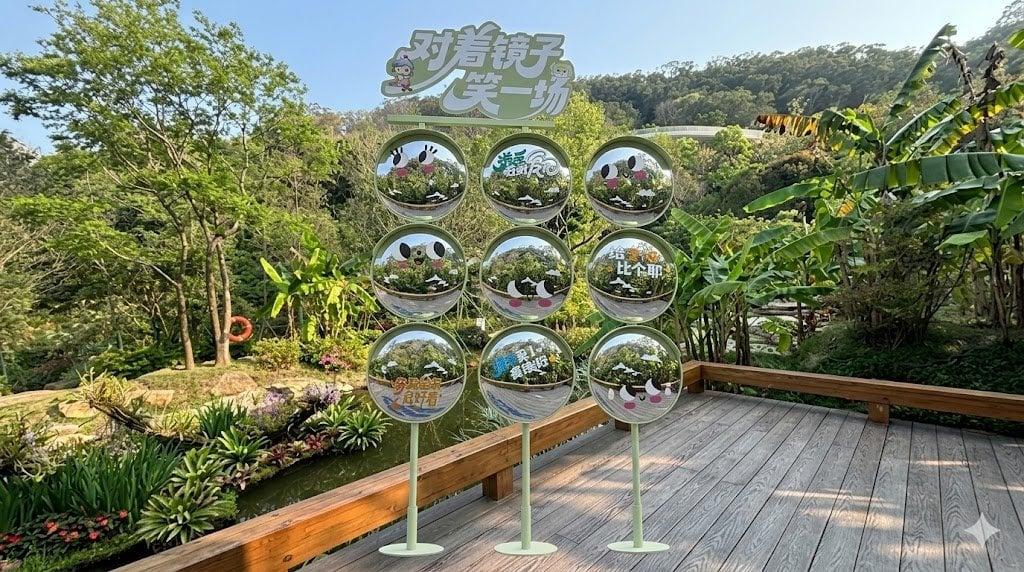
Move Display Stand Onto Deck
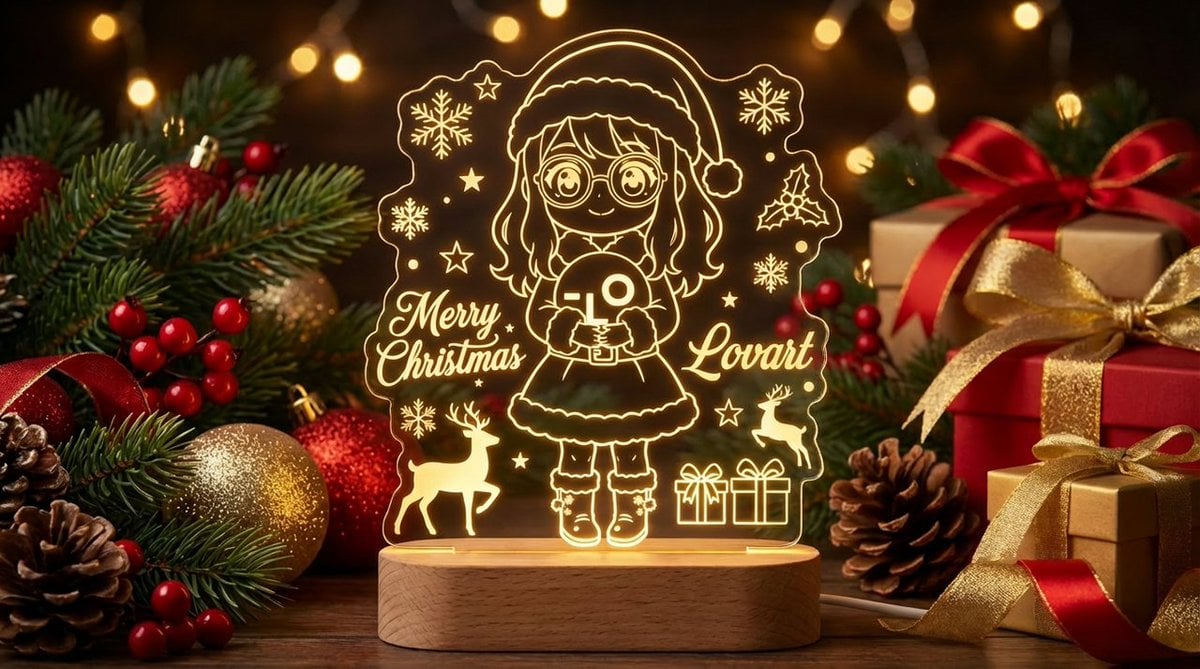
Laser Engraved Acrylic LED Stand Product Photography Prompt
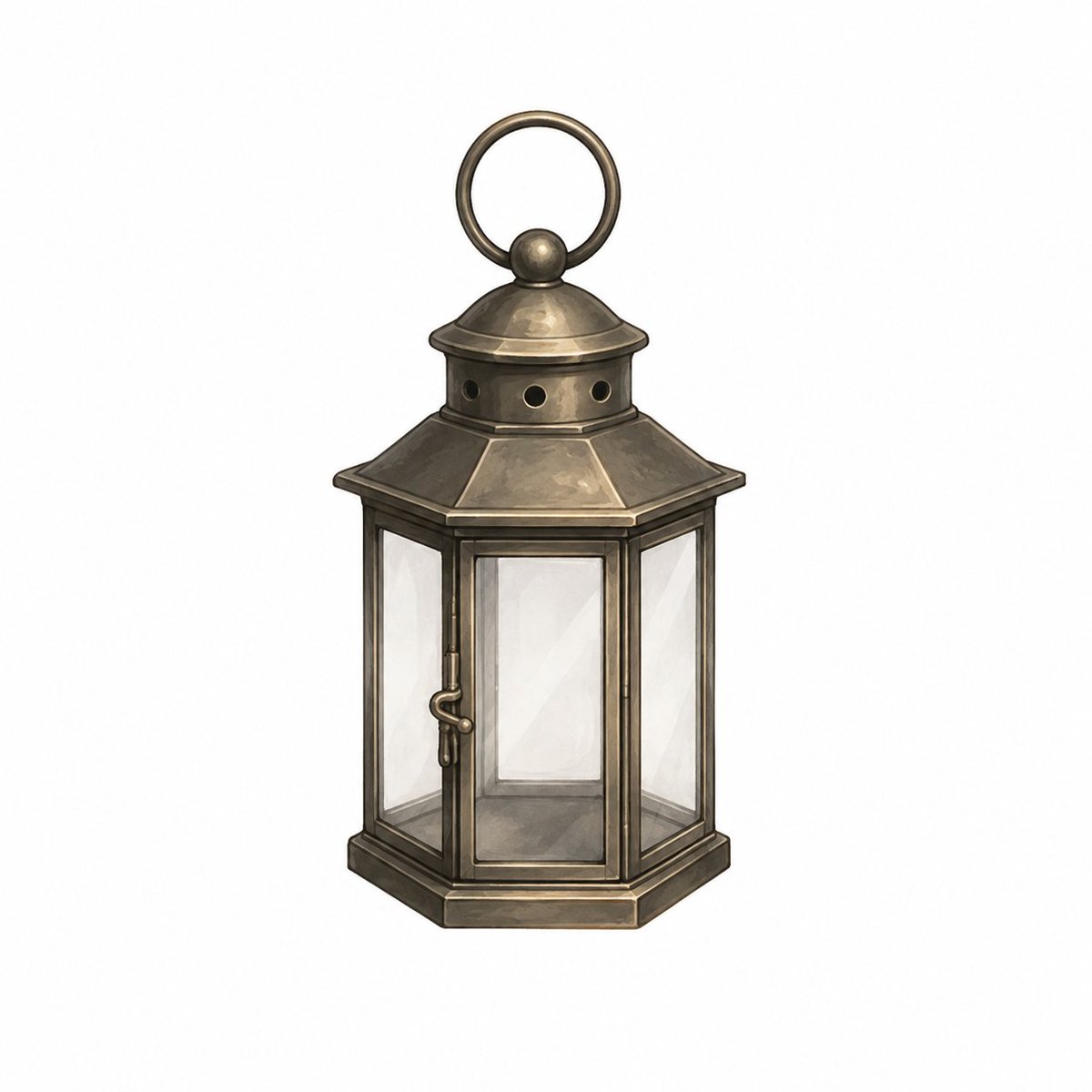
Vintage Brass Hanging Lantern
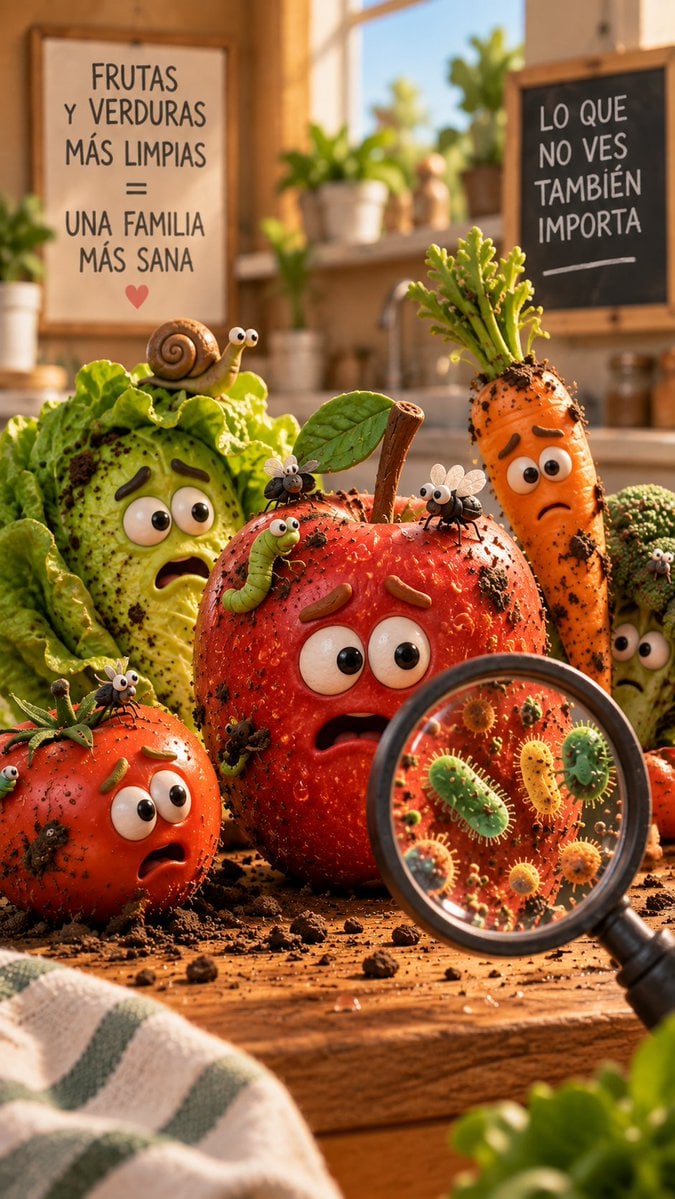
Dirty Produce Germs Kitchen Scene
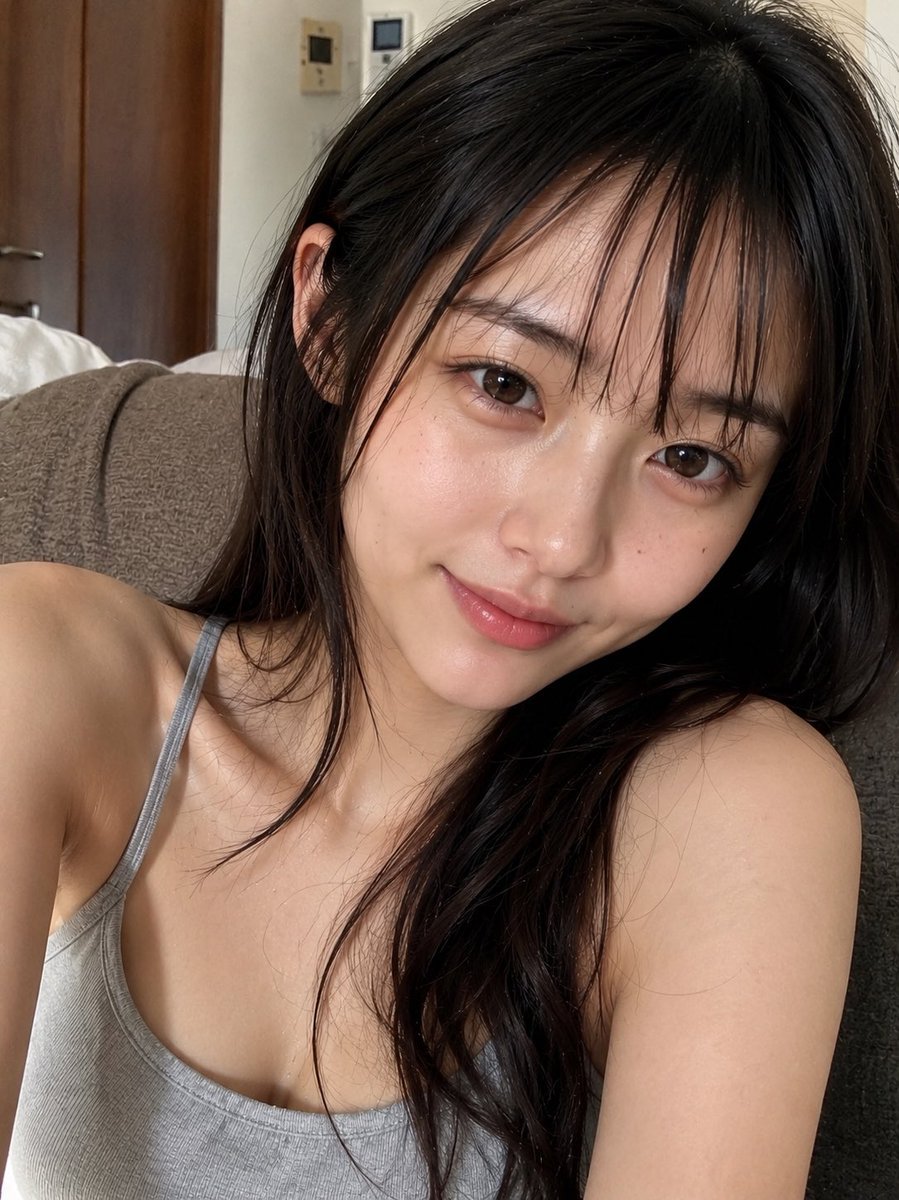
Natural Face Realism Modifier
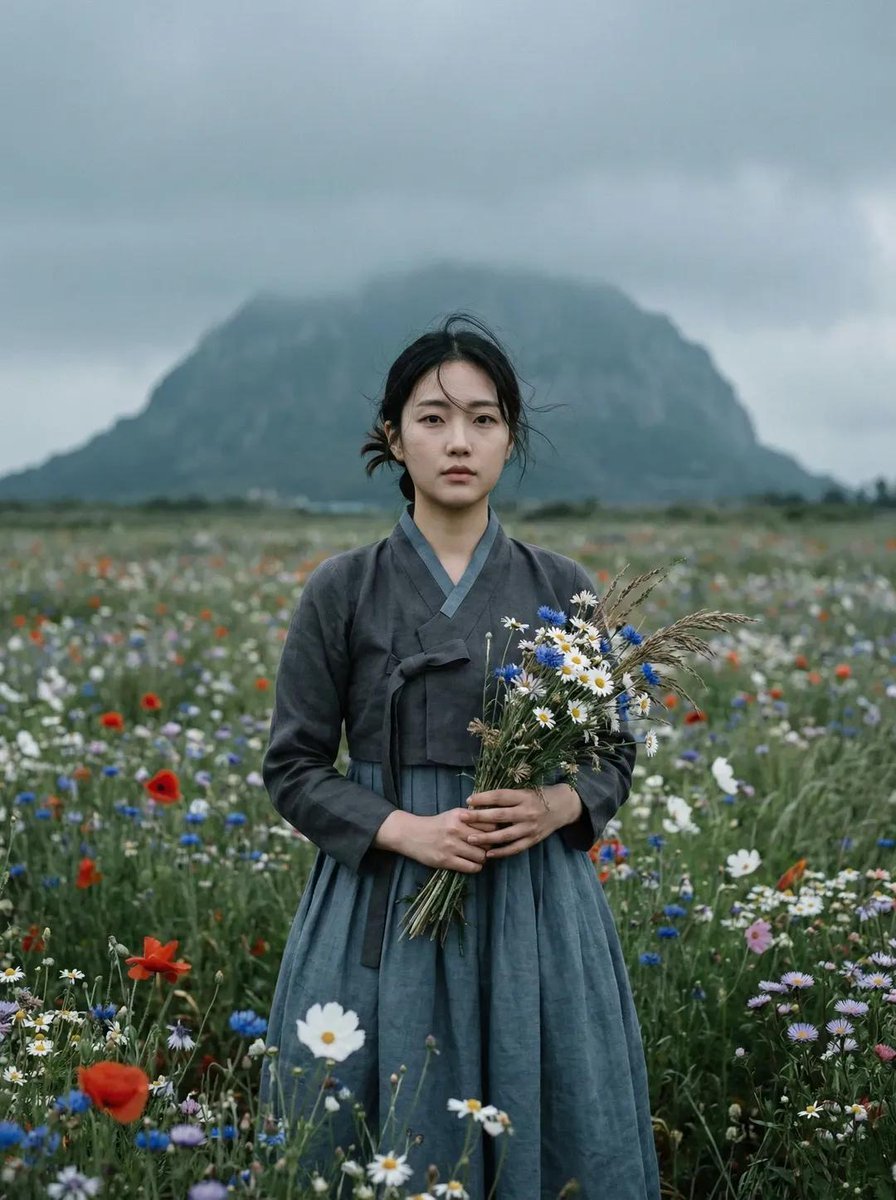
Ultra-realistic cinematic portrait of a young East Asian woman standing
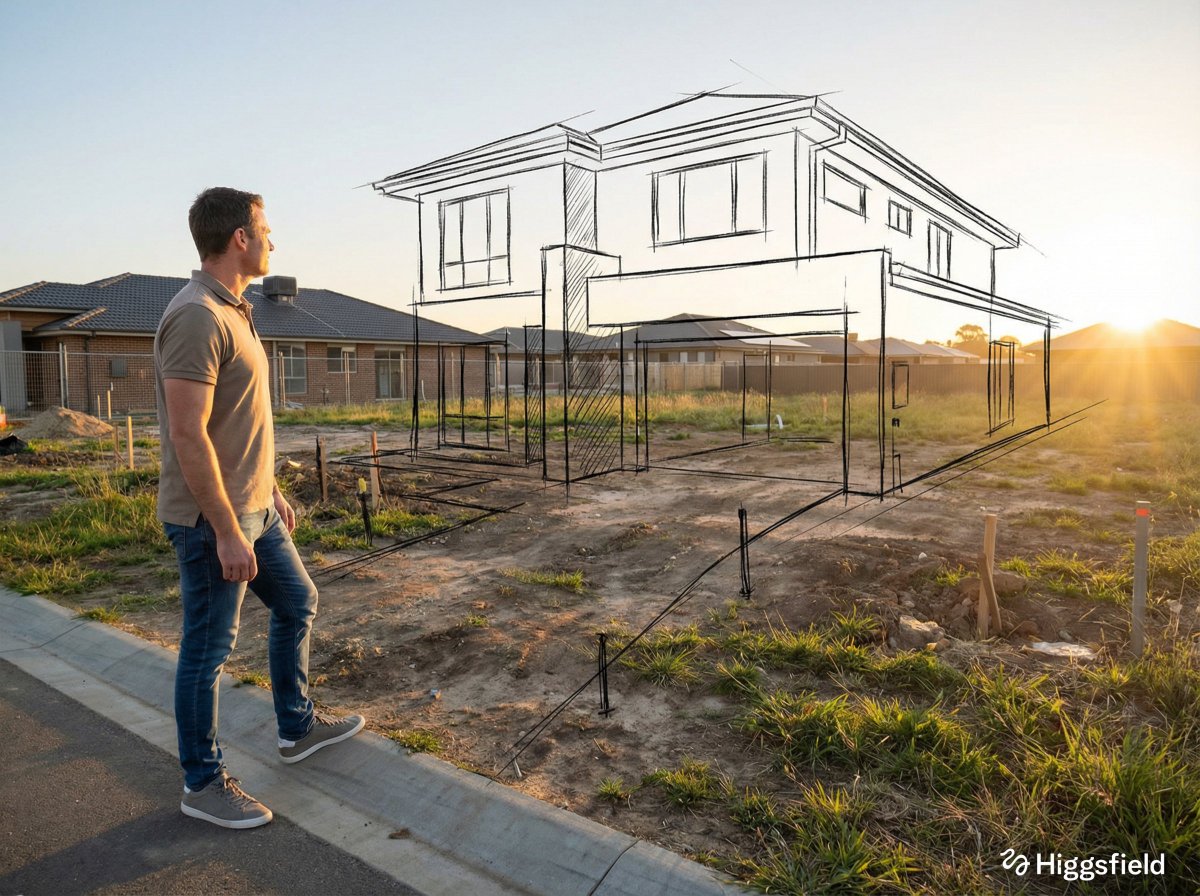
A standing full-body near the edge of the frame, slightly to the left
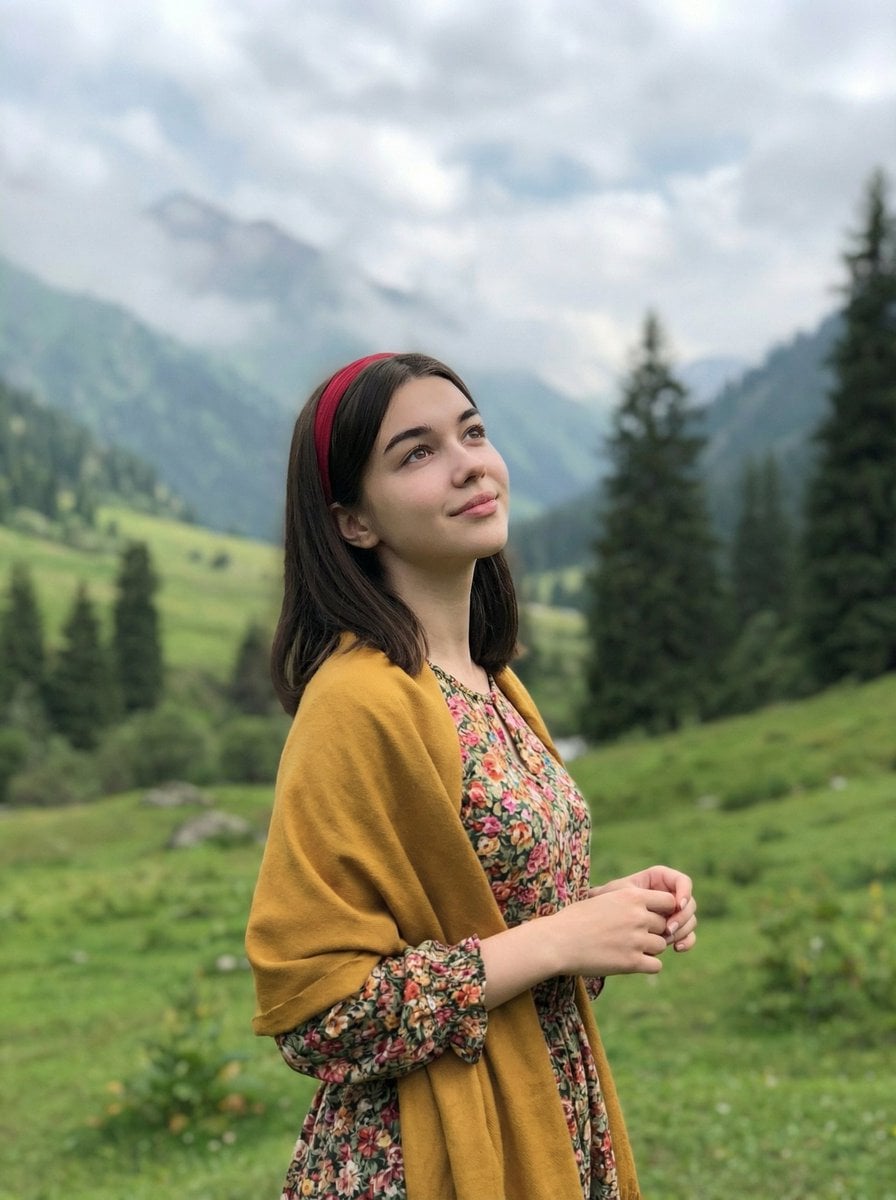
Standing naturally with hands gently together, looking slightly upward
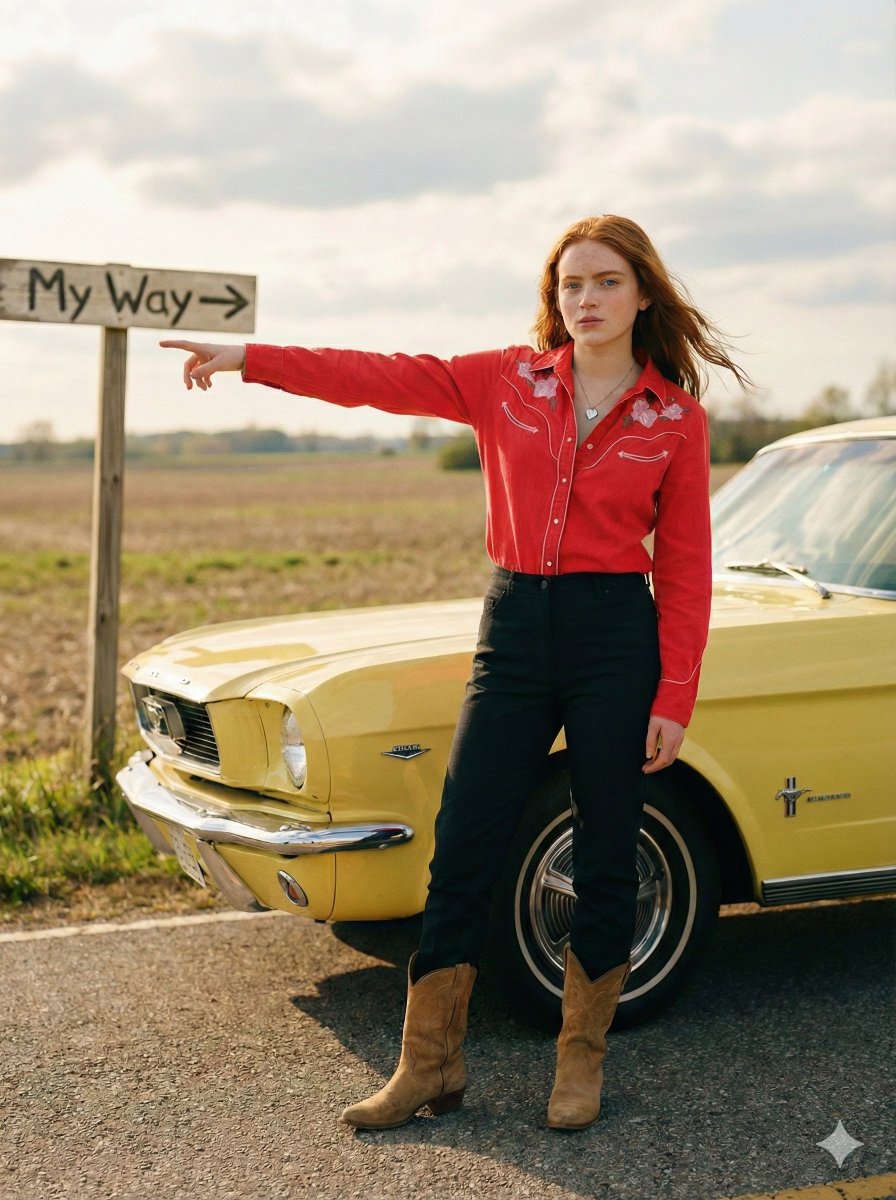
Standing beside the car, torso slightly angled, arm extended
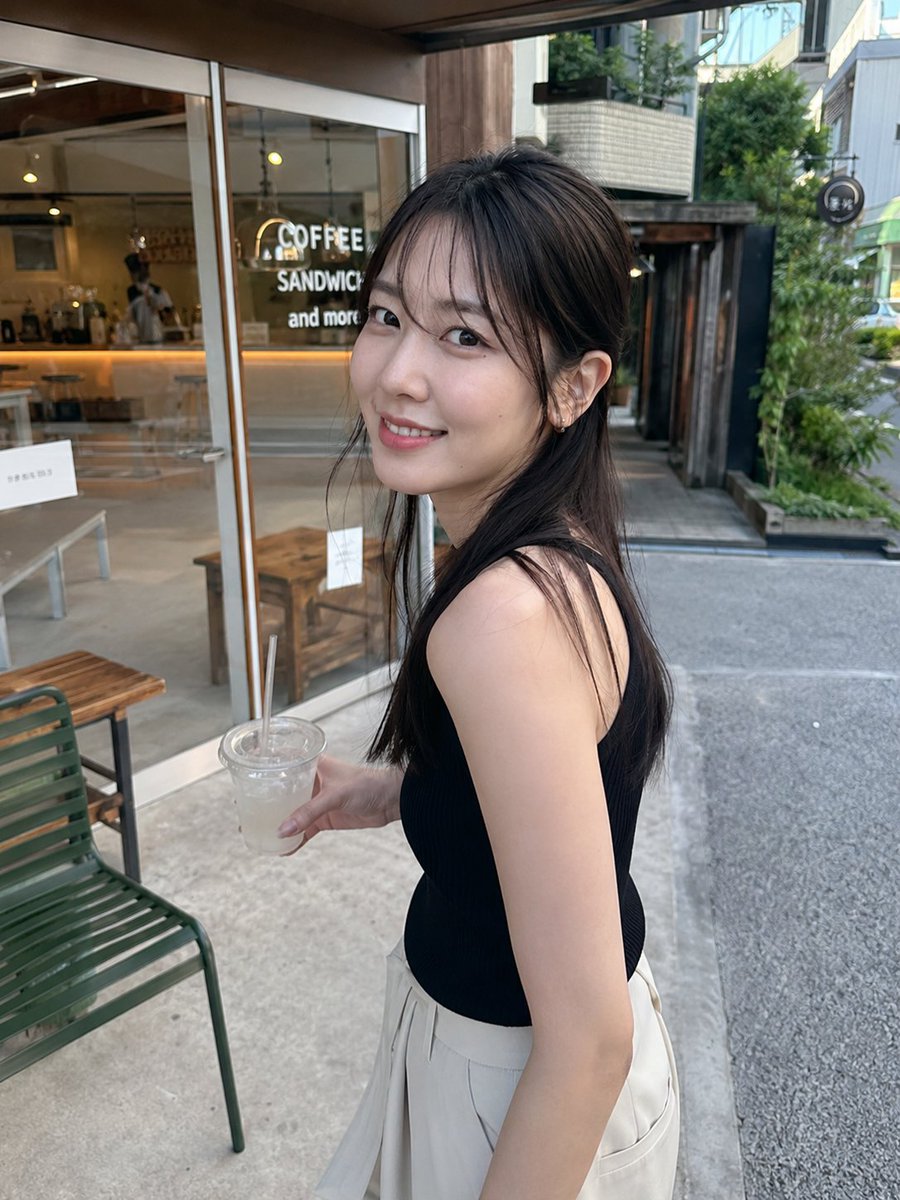
Natural Photography Modifiers for GPT Image 2
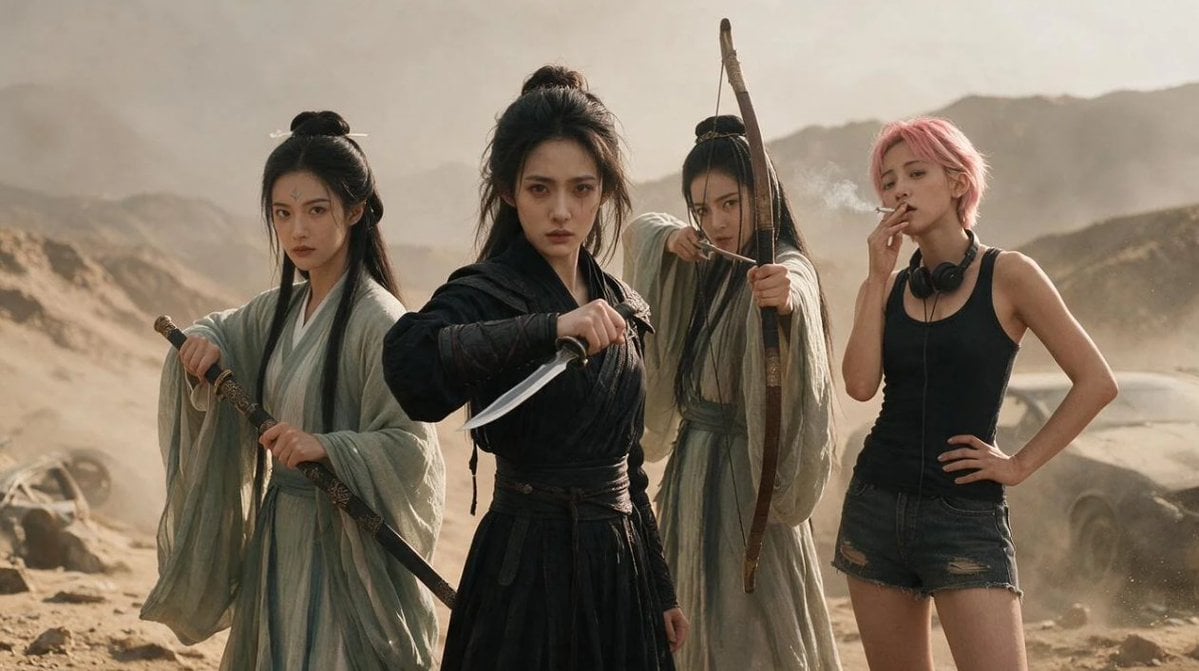
Post-Apocalyptic Wuxia Standoff
Make it yours
Brass Rod Display Stand Modifier works as-is. These are the safest ways to change it without losing the look.
Change one field
Copy a single group, rewrite it, and generate again so you can see what that field is doing.
Keep the frame, change the subject
Hold the composition and light of Brass Rod Display Stand Modifier, then swap wardrobe, props or the person for a new take.
| If the result… | Why | Fix |
|---|---|---|
| The result drifts from the preview | Too many fields changed at once. | Reuse Brass Rod Display Stand Modifier as-is first, then change one group — subject, light, or setting. |
| The model over-stylizes the scene | The prose prompt leaves finish and camera underspecified. | Add one camera or lighting sentence and stay on GPT Image 2. |
More GPT Image 2 templates
Other prompts made for GPT Image 2.

Six VTuber Japanese Logo Sheet

Realistic Portrait of Woman and Deer

The Vista Modular Condo Poster

AI Model Routing Comparison Infographic

2.5D Anime Art Board

Isometric Productivity Desk Scene

New York Double Exposure Poster

Four-Panel AI Landscape Comparison

Japanese Tatami Lifestyle Magazine Cover

NESCAFÉ Coffee Map Poster
More image prompts
Fresh picks from across the catalog.
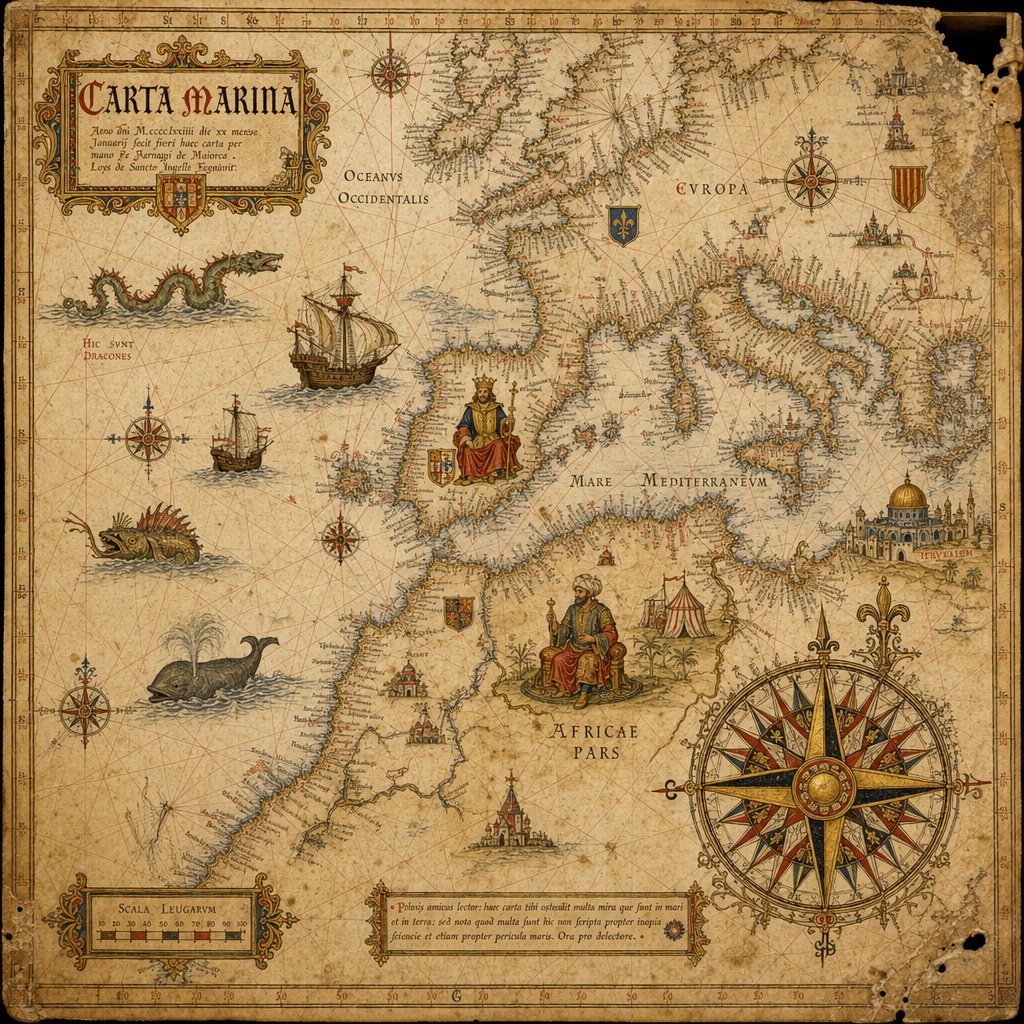
15th-Century Antique Portolan Chart
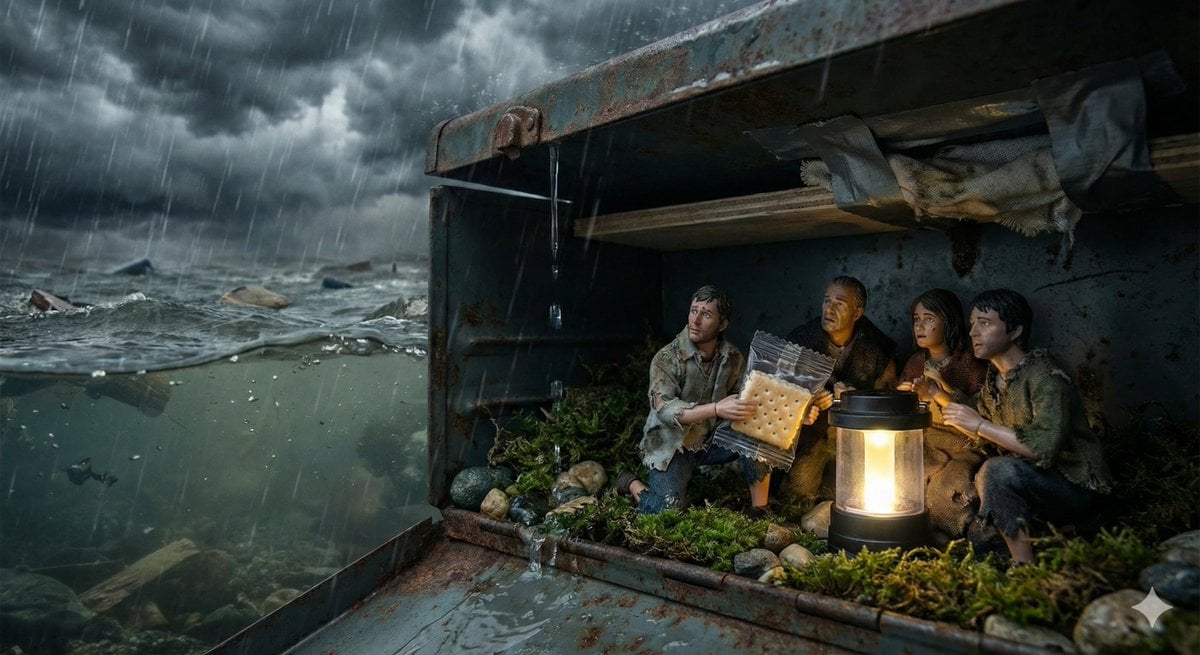
Ordinary Object as Desperate Refuge During Catastrophe
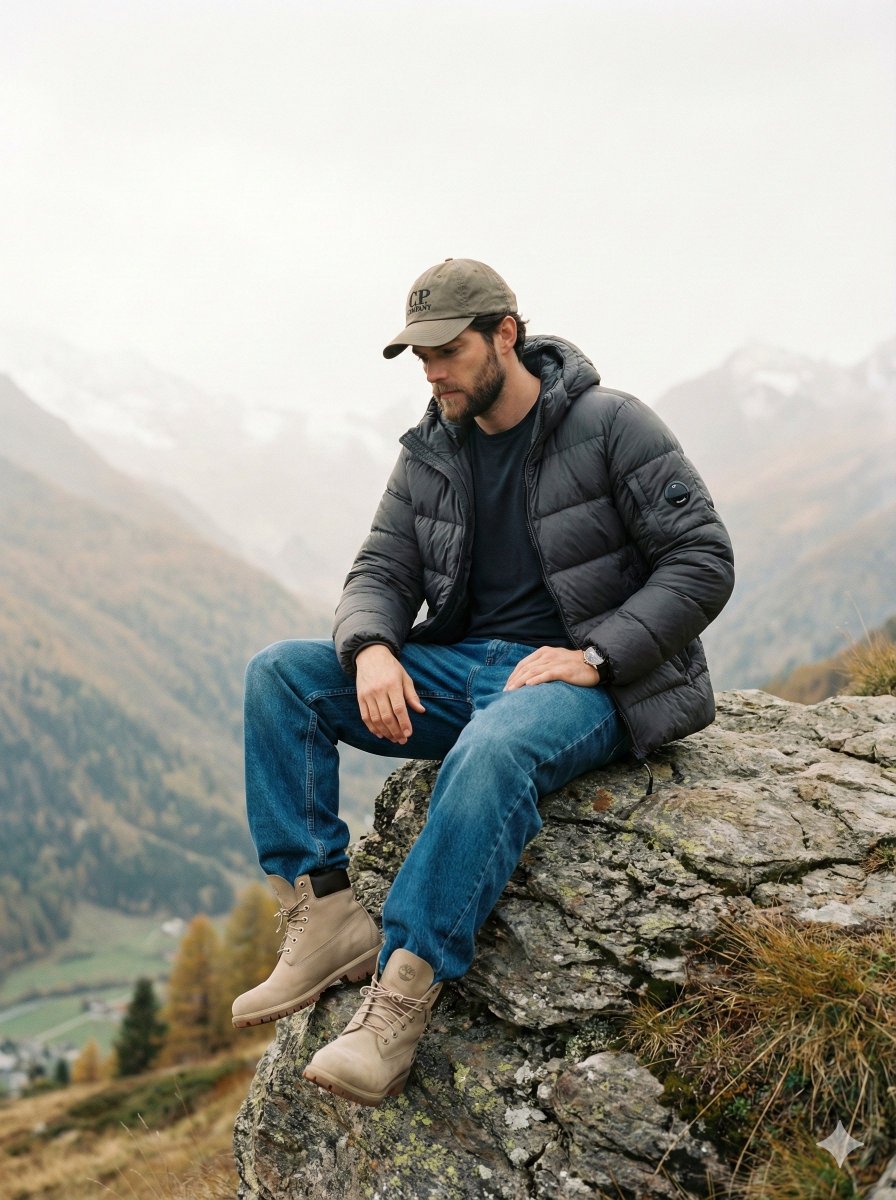
Cinematic Fashion Editorial Image Prompt for Male Subject in Swiss Alps
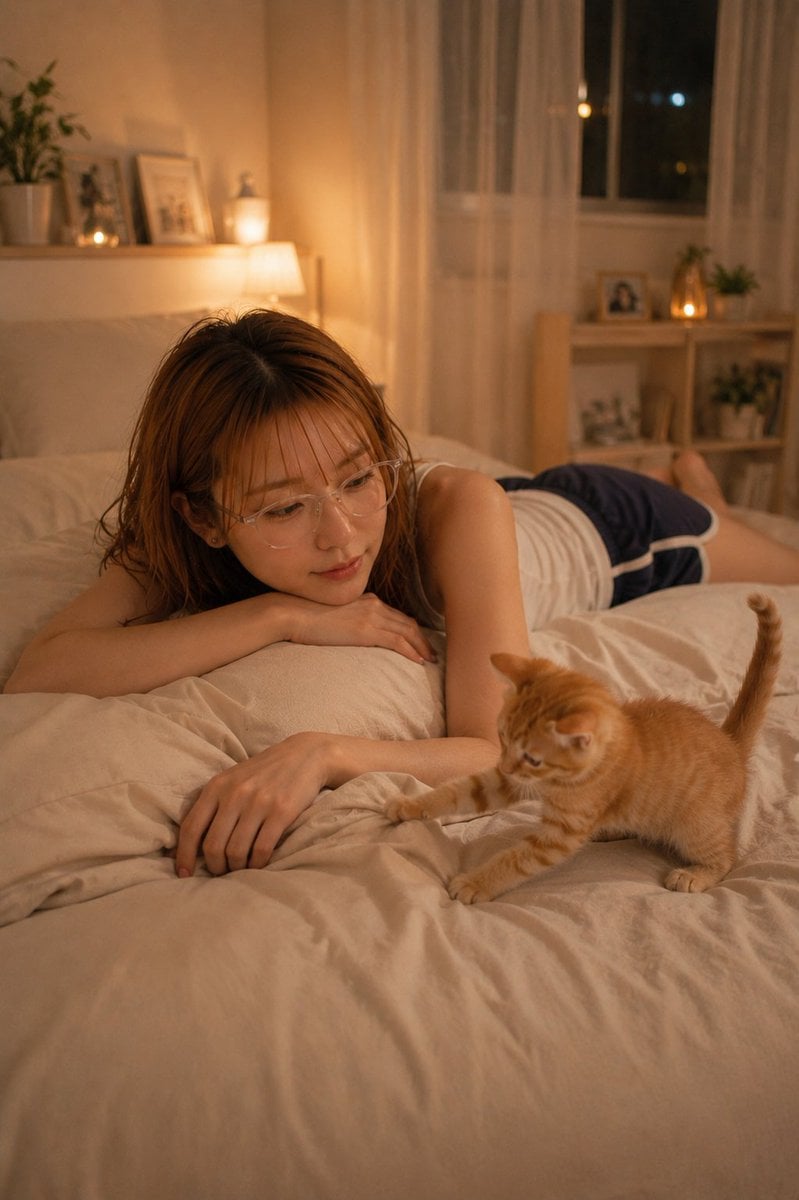
Cozy Night Bedroom With Kitten
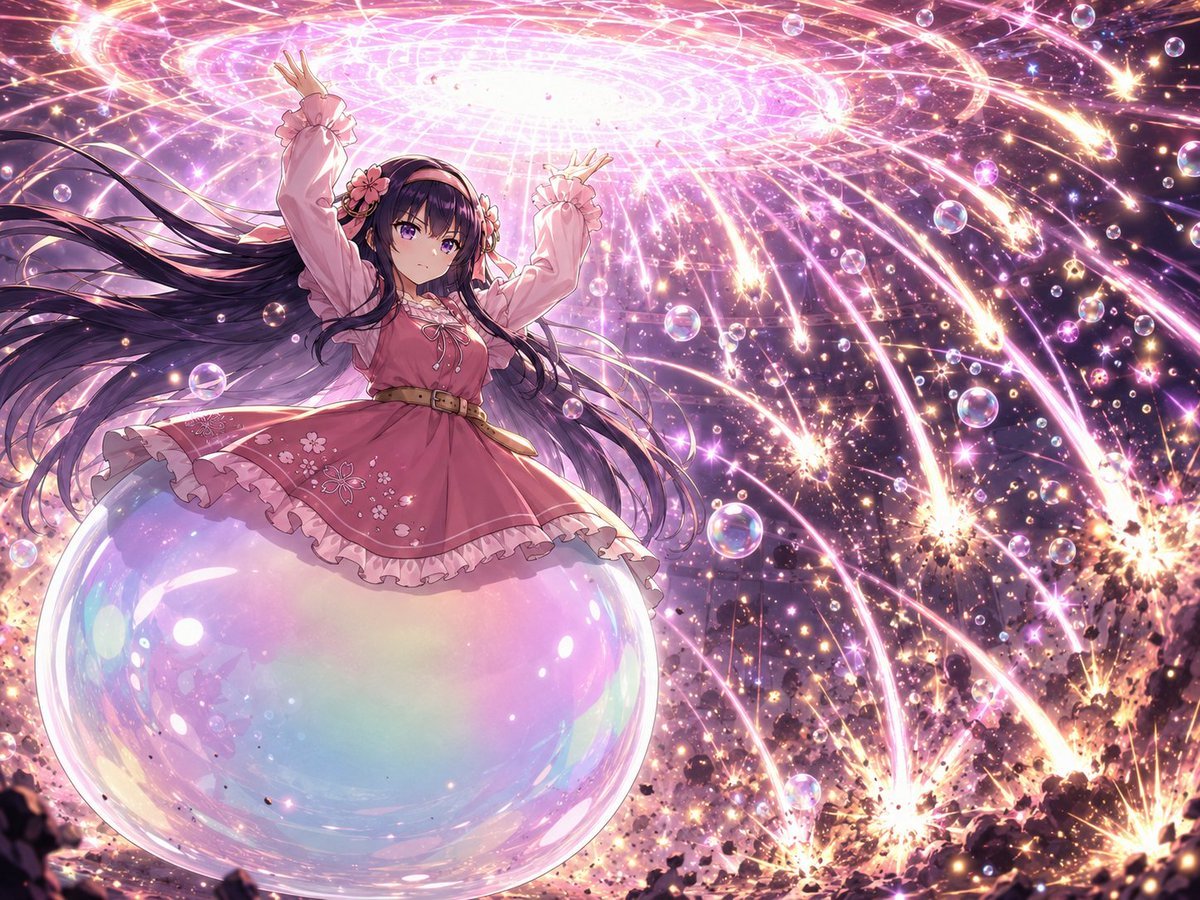
Magical Girl Starstorm on Bubble
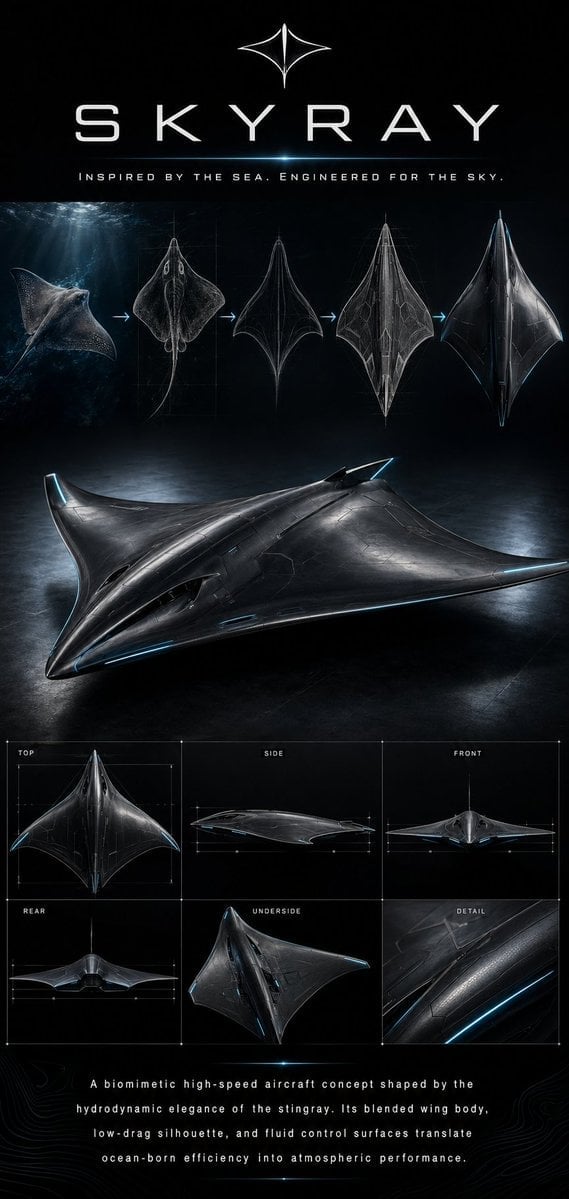
Biomimetic Skyray Aircraft Poster
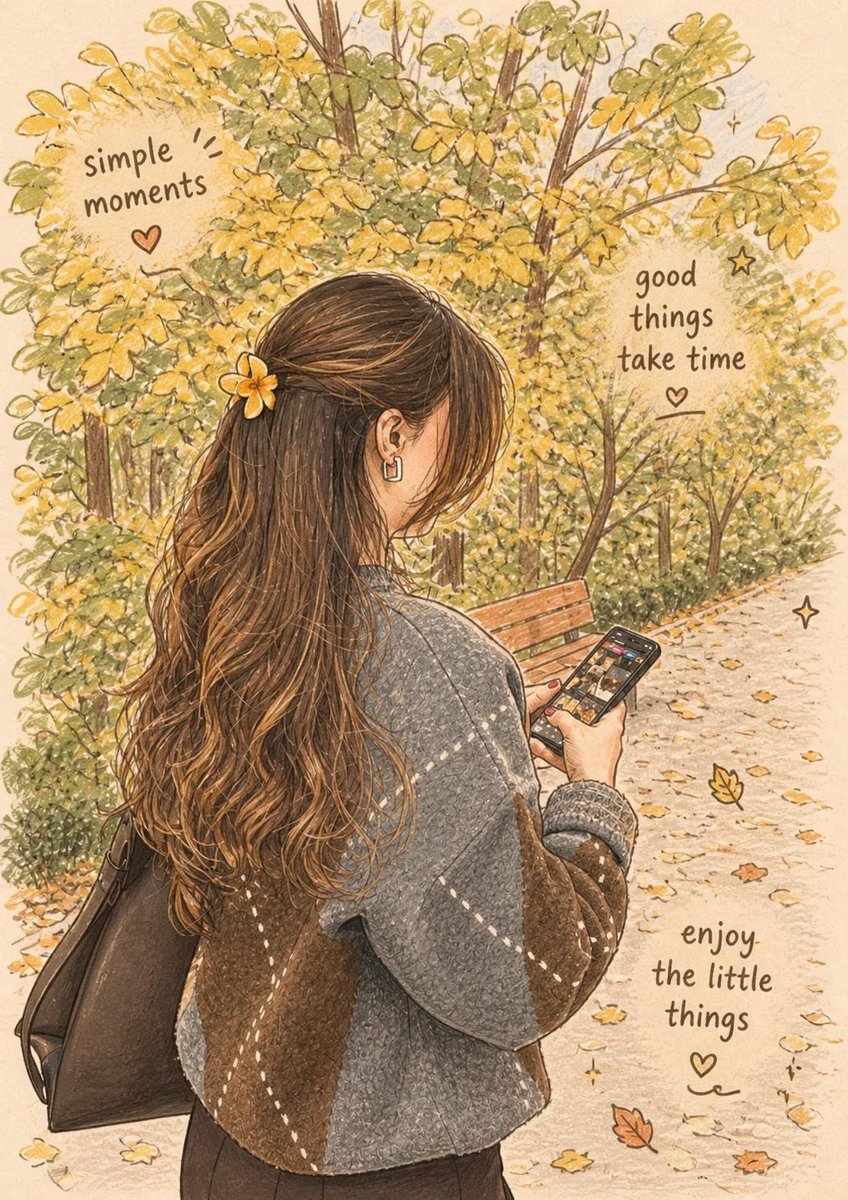
Cozy Autumn Lifestyle Collection
Anime Clerk in PS5 Game Store
Photorealistic High-Fashion Editorial Portrait Prompt Template
Ultra-Realistic Studio Fashion Model Portrait Prompt
Browse template categories
Brass Rod Display Stand Modifier questions
How do I use the Brass Rod Display Stand Modifier template?
Add your photo if the template asks for one, edit the prompt if you like — the template's model and format are already selected — and press Generate. Your version opens in PicX Studio.
Can I customize the Brass Rod Display Stand Modifier template?
Yes. You can change the subject, setting, lighting, mood, format, and available model controls before creating your image.
Is the Brass Rod Display Stand Modifier template free?
Opening and editing this template is free. Generating uses credits, shown on the Generate button when you are signed in.
Which AI model should I use?
Start with GPT Image 2, which is the model associated with this template. You can compare another compatible model for a different finish.
Looking for something else? Browse all templates.

Your photo, any look
Thousands of ready templates for every top image and video model, from one credit balance.