
Epic premium automotive poster
Create an epic premium automotive poster of [CAR MODEL].
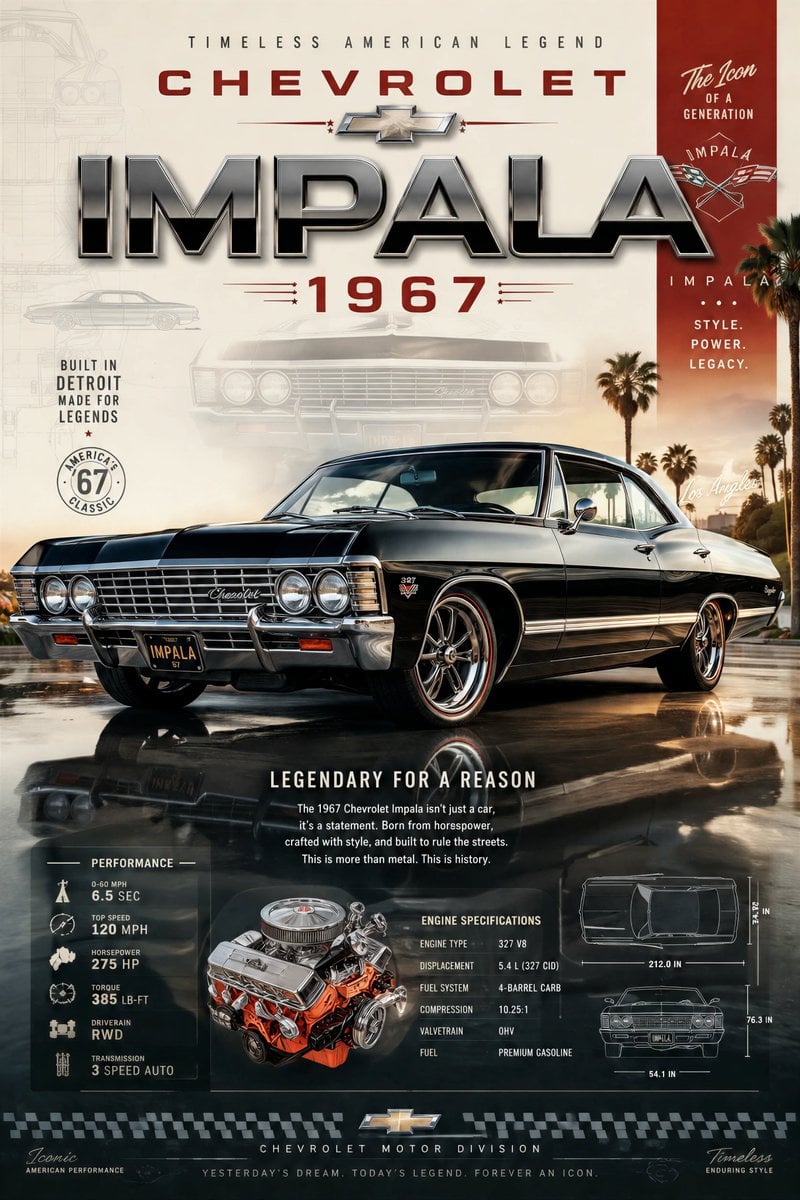
- Prompt included
- Model and format preset
- Premium template
The prompt behind this image
Copy the exact prompt behind Epic premium automotive poster, or open it in the studio and make it yours.
Create an epic premium automotive poster of [CAR MODEL]. Place the car as the heroic central subject in a dynamic three-quarter side profile, visually dominant and impossible to ignore. Show the full beauty of the vehicle with aggressive stance, perfect proportions, premium wheels, signature headlights, aerodynamic lines, spoilers, performance details, and luxury design language. Add bold premium typography with the brand name, model name, performance stats, horsepower, acceleration, top speed, engine specs, and iconic achievements beautifully integrated into the composition. Include subtle background elements inspired by the car’s heritage: faded blueprint lines, racing legacy, silhouette overlays, iconic tracks, engineering details, speed graphics, and collector-poster aesthetics. Use strong visual contrast, bright premium colors (avoid dark black-heavy backgrounds), cinematic lighting, ultra-detailed reflections, glossy paint finish, luxury magazine quality, modern graphic design, and scroll-stopping masterpiece energy. Clean composition, high-end automotive advertisement style, collector poster aesthetic, highly detailed, visually powerful, premium masterpiece.
How to use Epic premium automotive poster in 3 steps
- 1
Open
The prompt is already in the box next to the preview, with the template's model and format selected.
- 2…a portrait of your subject in softgolden-hour light, 85mm…
Personalize
Edit the subject and creative details for your destination.
- 3Generate
Generate
Press Generate — your image is created in PicX Studio, so you can compare it with the original and refine one variable at a time.
More like this
Templates with the same subject, style or setup. Open one to see its prompt.
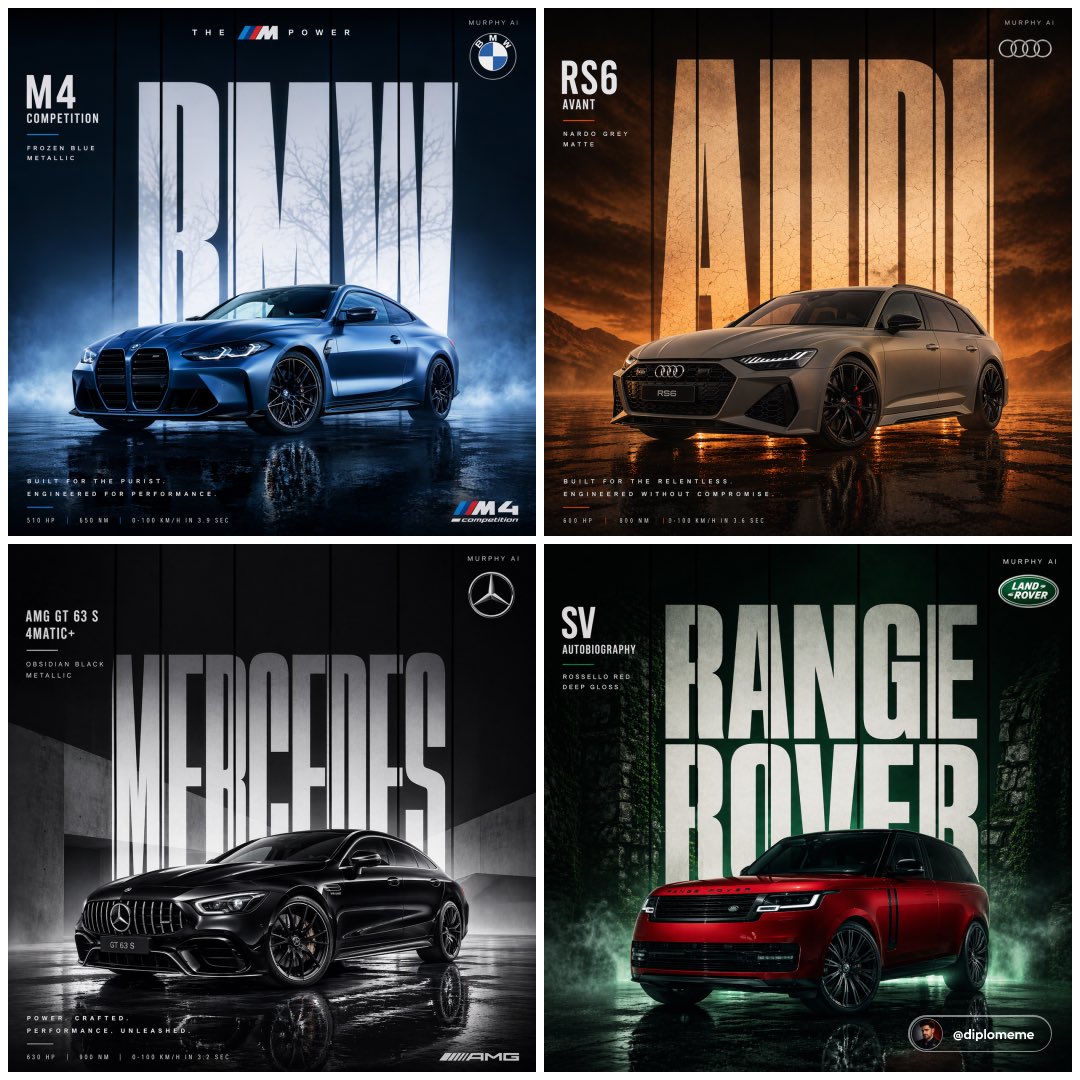
Cinematic automotive billboard poster, parked center-frame, dominant
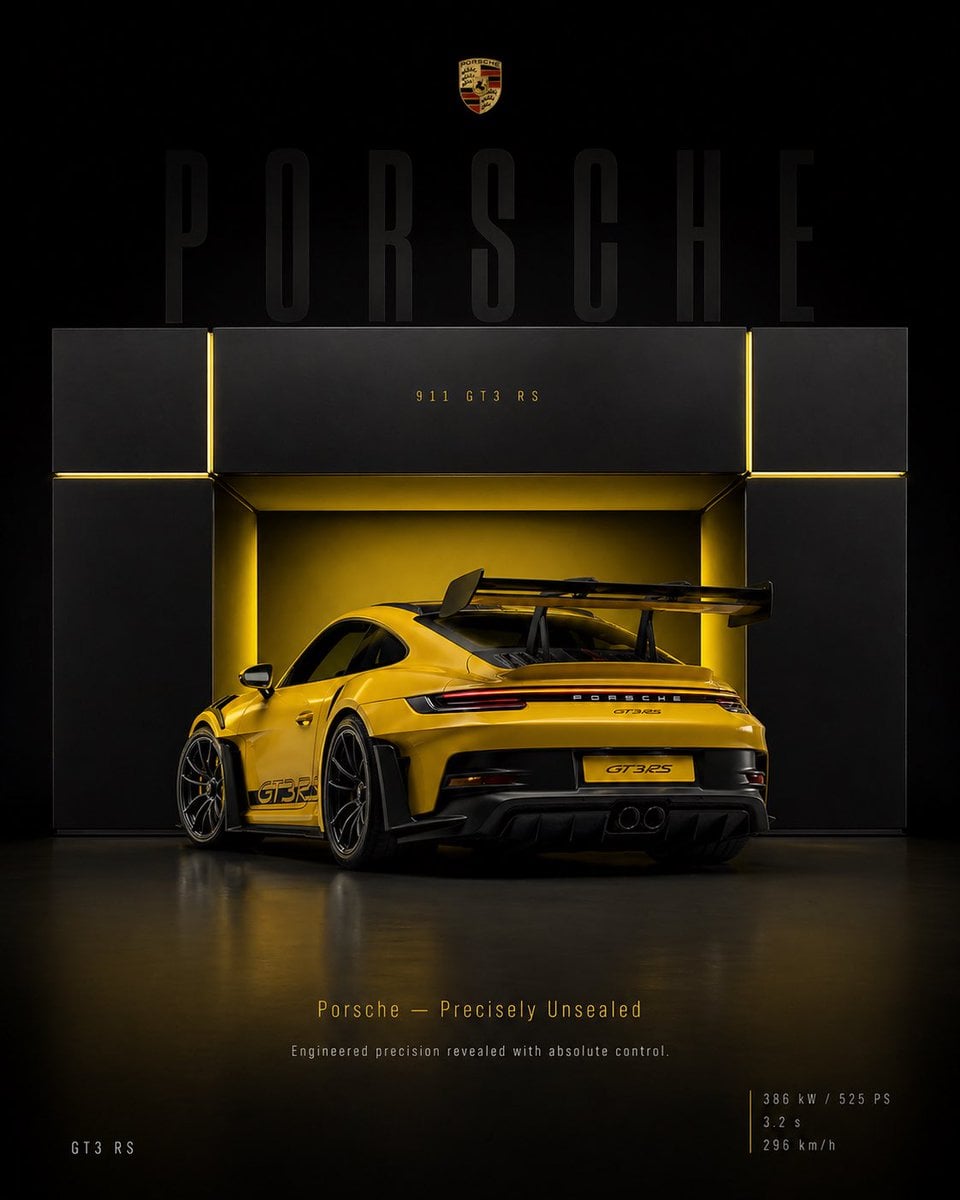
4 5 vertical poster, ultra high resolution, 8K, ultra-premium automotive
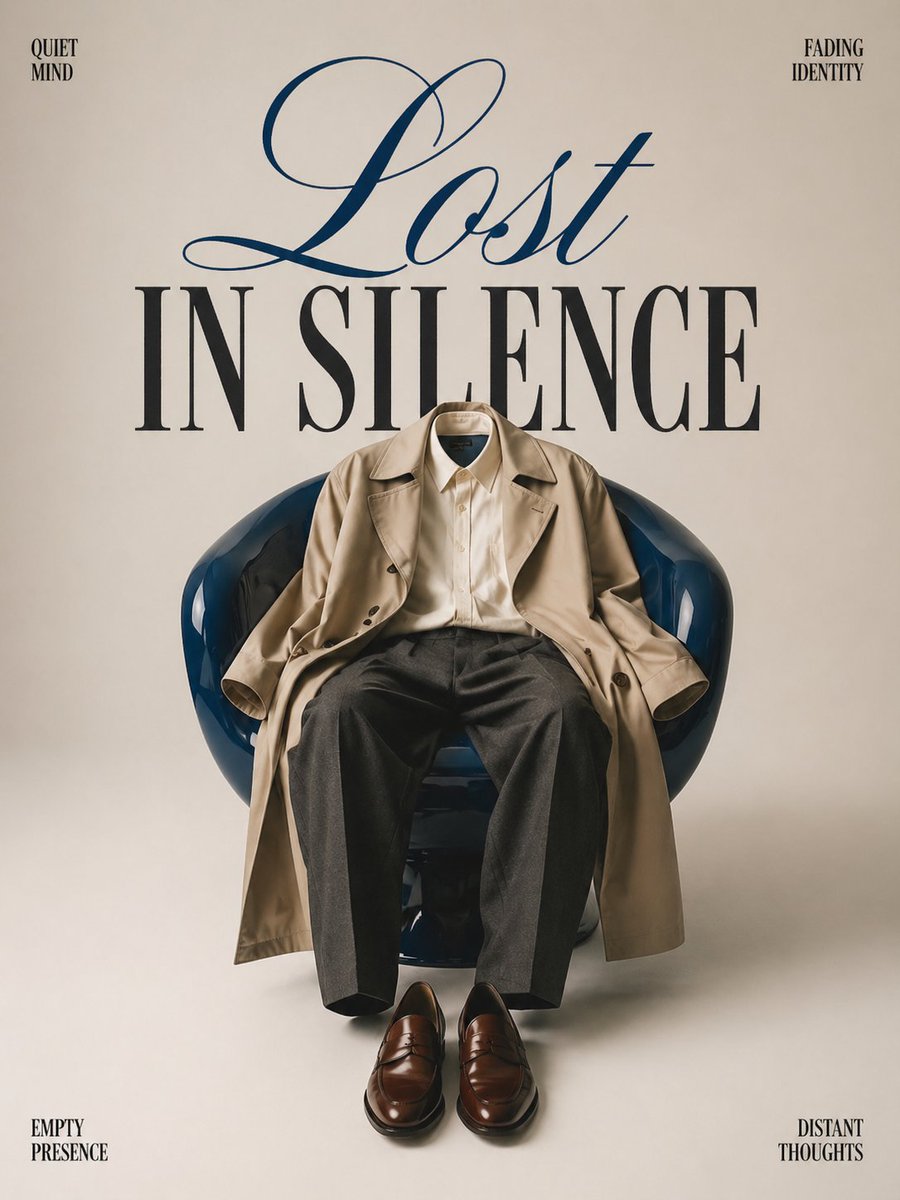
Minimalist conceptual fashion editorial poster, studio shot on a clean
武则天同款皇后内衣广告大片,明黄底色龙纹刺绣,大红丝绸飘带衬托
赵飞燕同款掌中舞香膏广告,错金缠枝莲铜瓶,冷艳诡谲深宫氛围感,竖屏9 16
Act as a Senior Art Director

Multiple dark purple berries erupting from inside the can
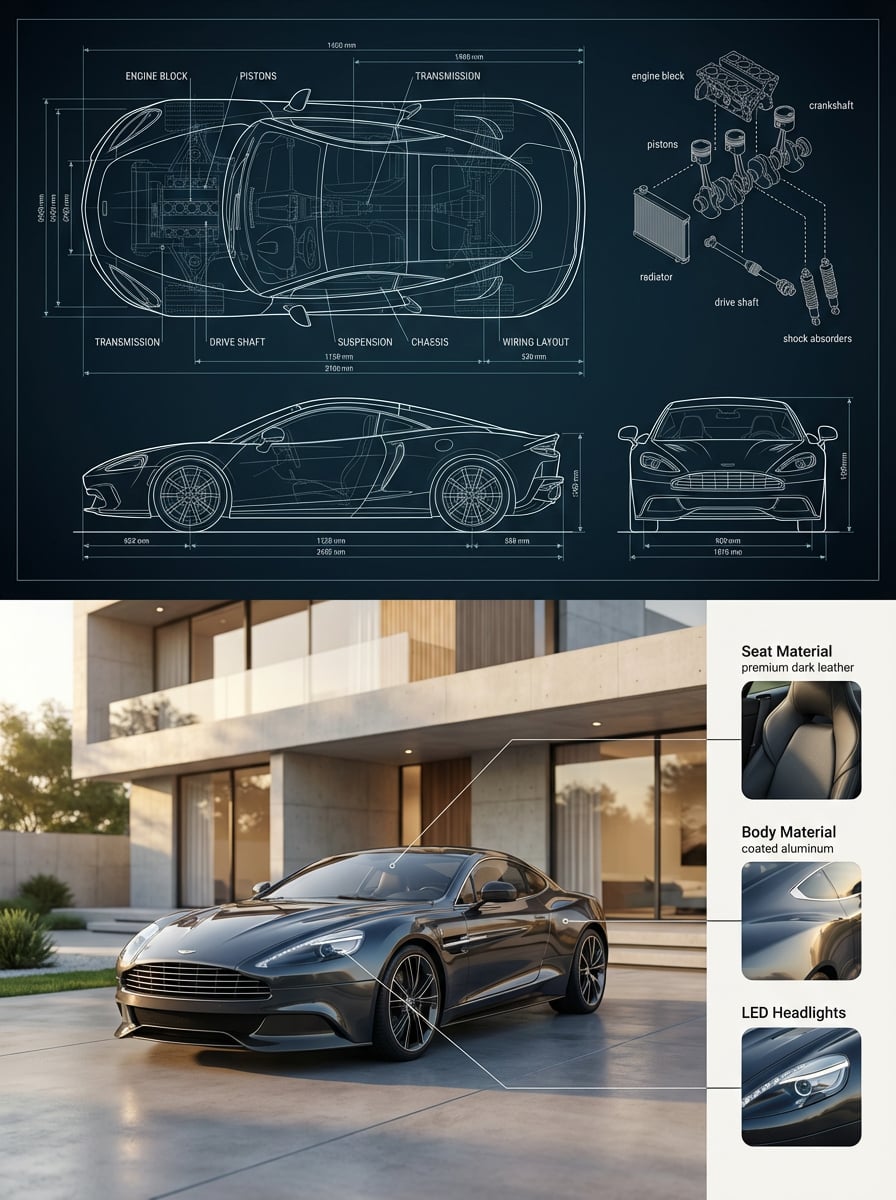
Premium split composition showing a detailed automotive blueprint top
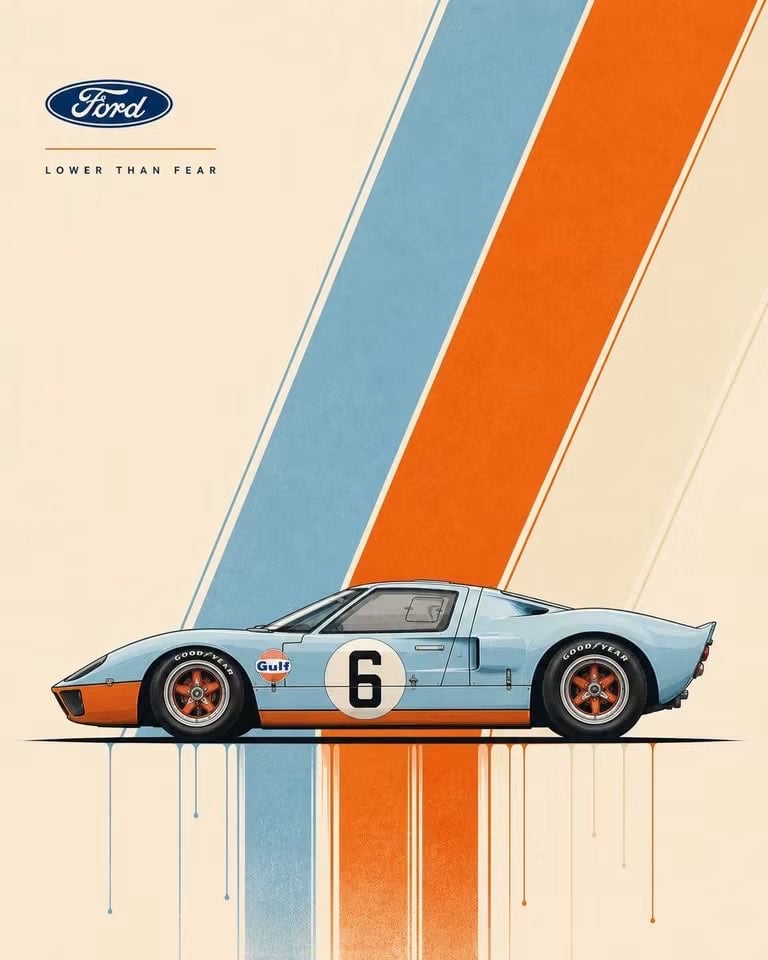
Modernist Automotive Poster Design
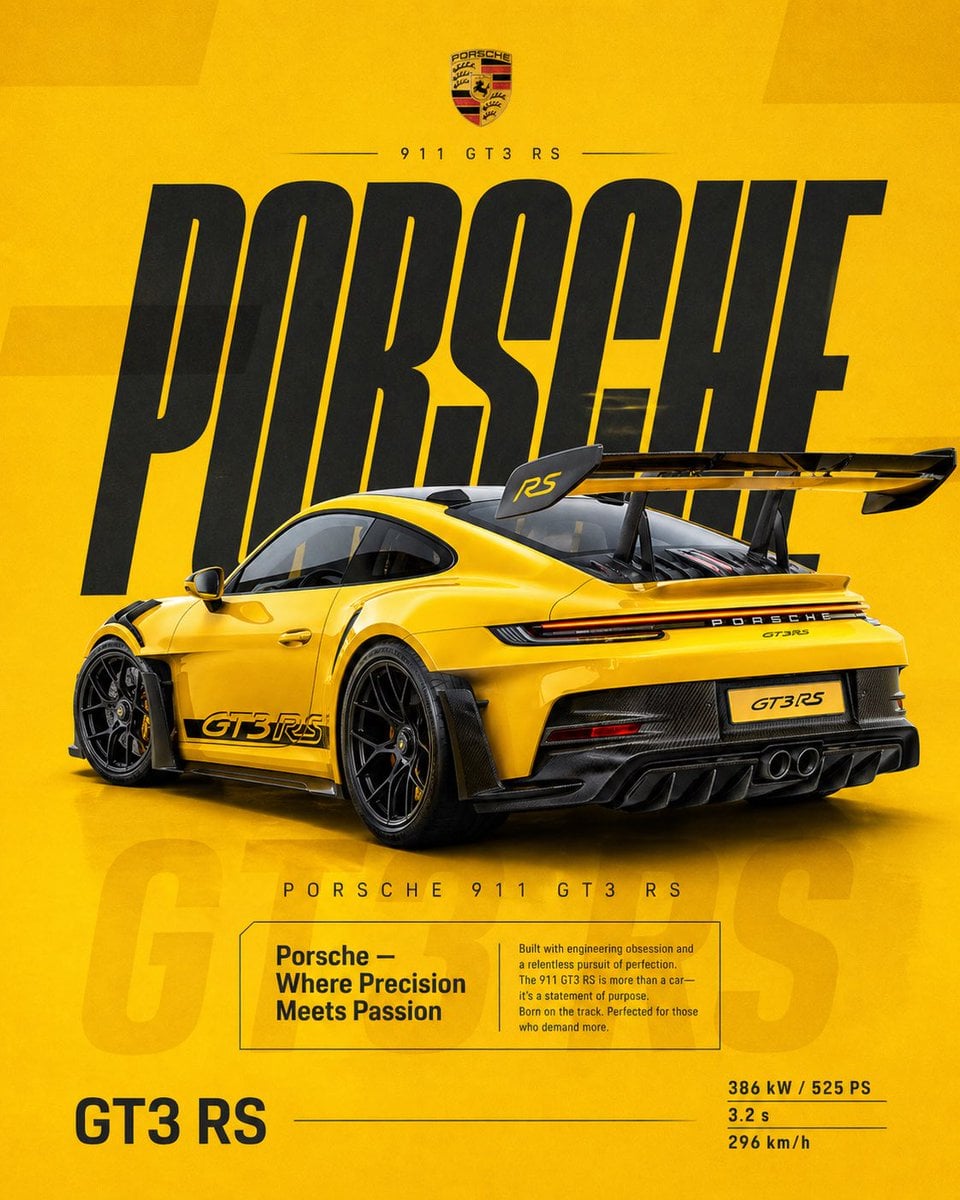
Dual Car Typography Poster Series

Pixar Style Ensemble Movie Poster
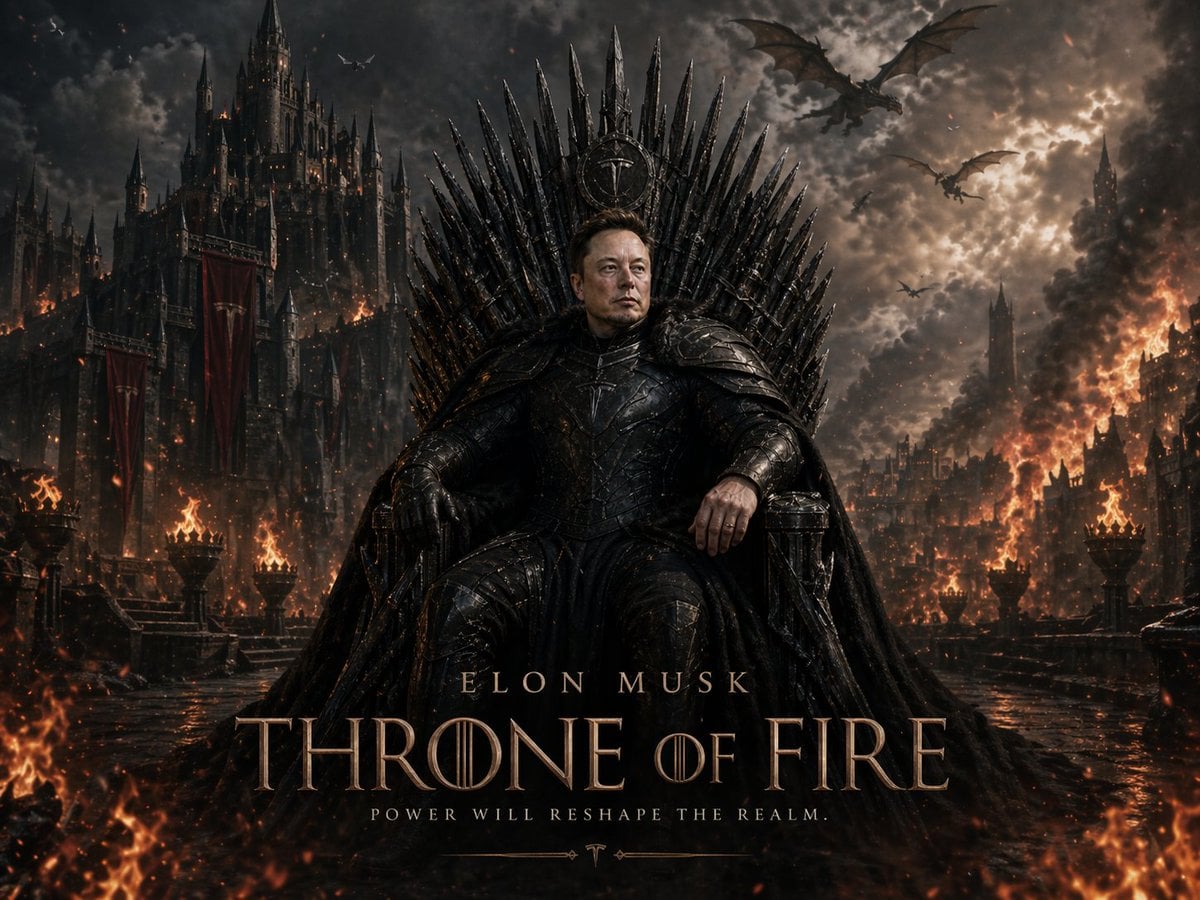
Sci-Fi AI Battle Movie Poster
Make it yours
Epic premium automotive poster works as-is. These are the safest ways to change it without losing the look.
Change one field
Copy a single group, rewrite it, and generate again so you can see what that field is doing.
Keep the frame, change the subject
Hold the composition and light of Epic premium automotive poster, then swap wardrobe, props or the person for a new take.
| If the result… | Why | Fix |
|---|---|---|
| The result drifts from the preview | Too many fields changed at once. | Reuse Epic premium automotive poster as-is first, then change one group — subject, light, or setting. |
| The model over-stylizes the scene | The prose prompt leaves finish and camera underspecified. | Add one camera or lighting sentence and stay on GPT Image 2. |
More GPT Image 2 templates
Other prompts made for GPT Image 2.

Six VTuber Japanese Logo Sheet

Realistic Portrait of Woman and Deer

The Vista Modular Condo Poster

AI Model Routing Comparison Infographic

2.5D Anime Art Board

Isometric Productivity Desk Scene

New York Double Exposure Poster

Four-Panel AI Landscape Comparison

Japanese Tatami Lifestyle Magazine Cover

NESCAFÉ Coffee Map Poster
More image prompts
Fresh picks from across the catalog.
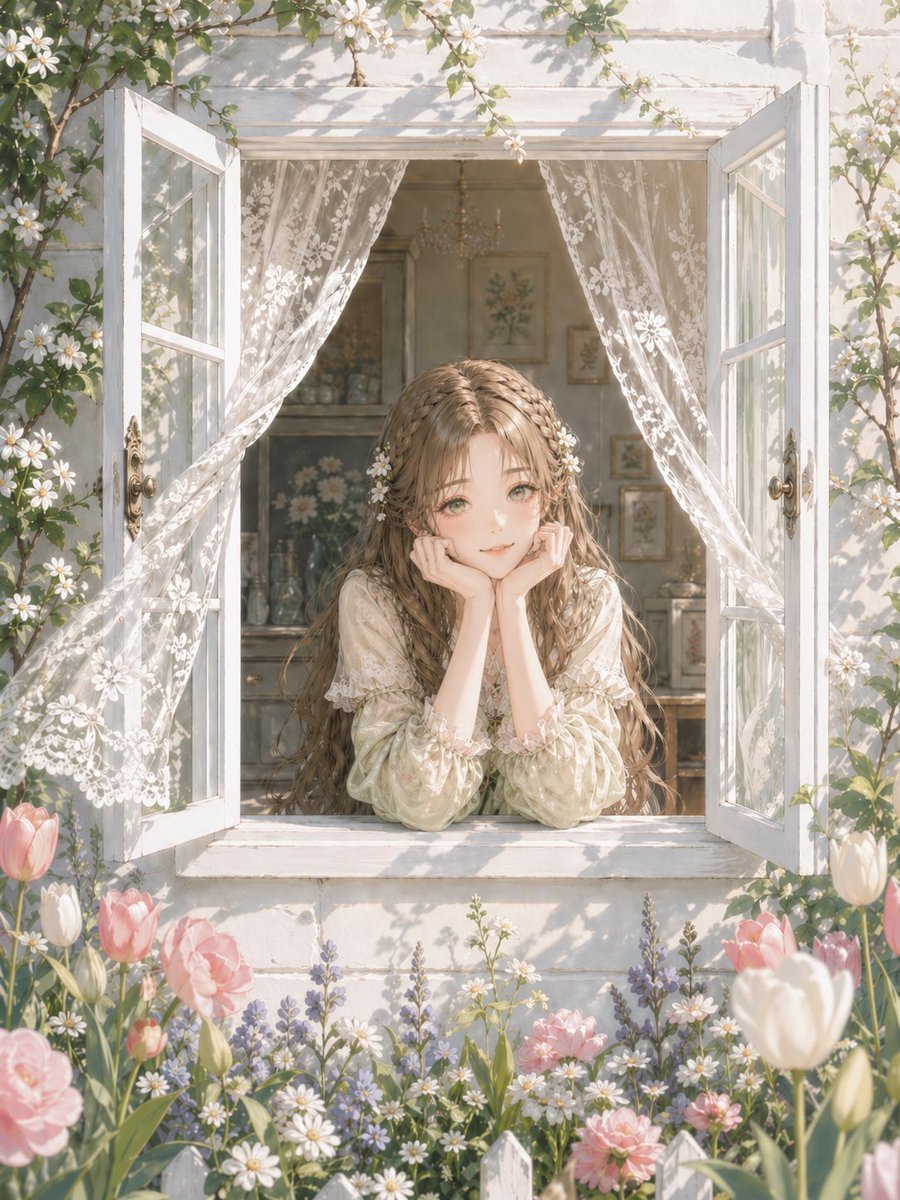
Romantic Cottage Window Garden Scene
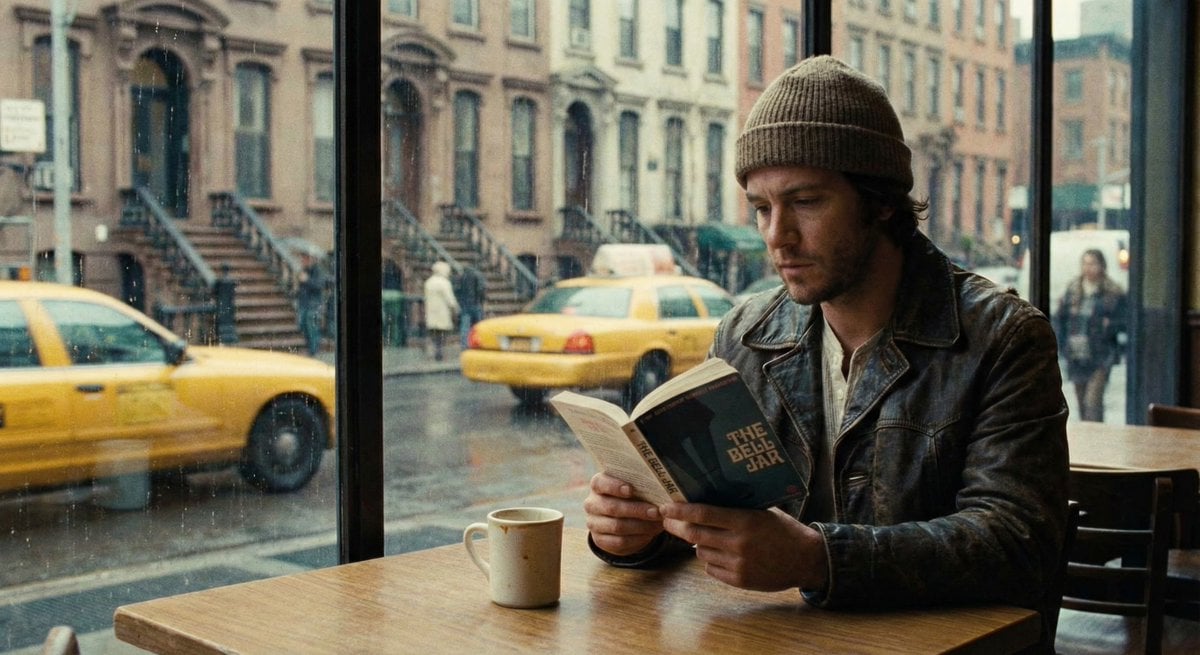
Cinematic Still of a Man in a Coffee Shop
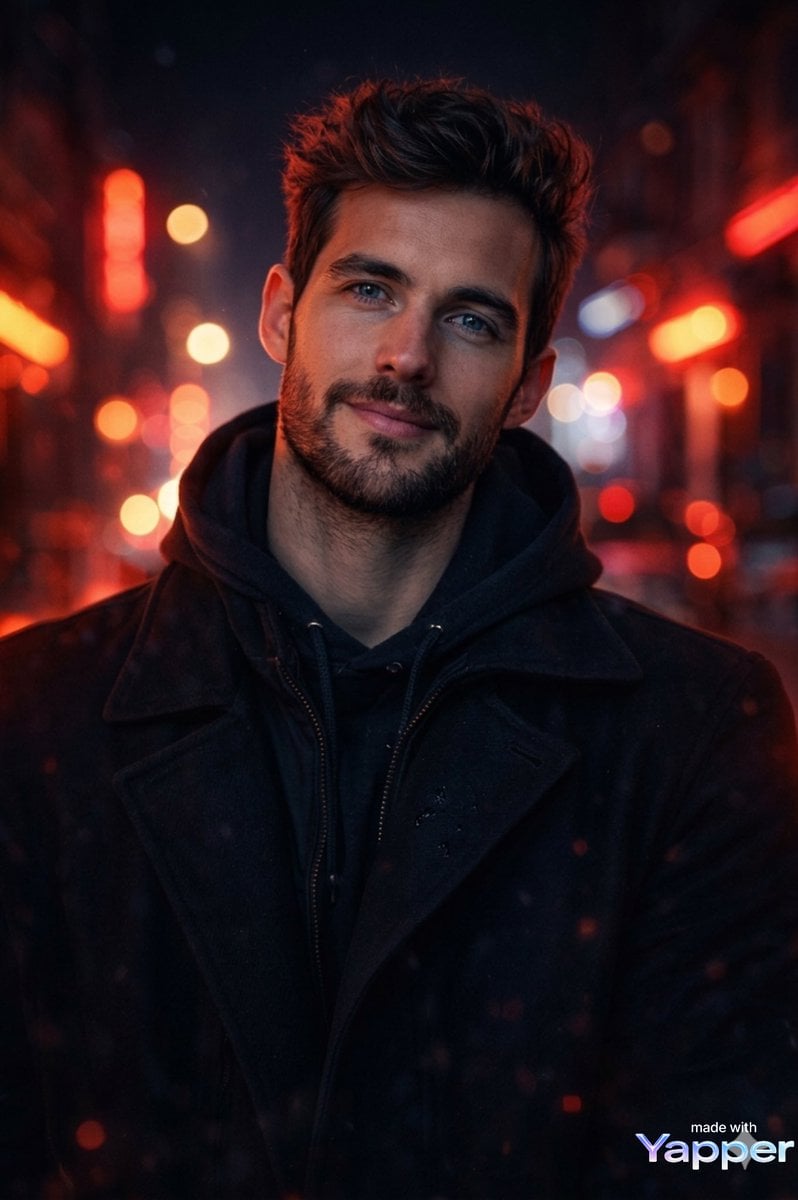
Cinematic Portrait Prompt with Neon Lighting
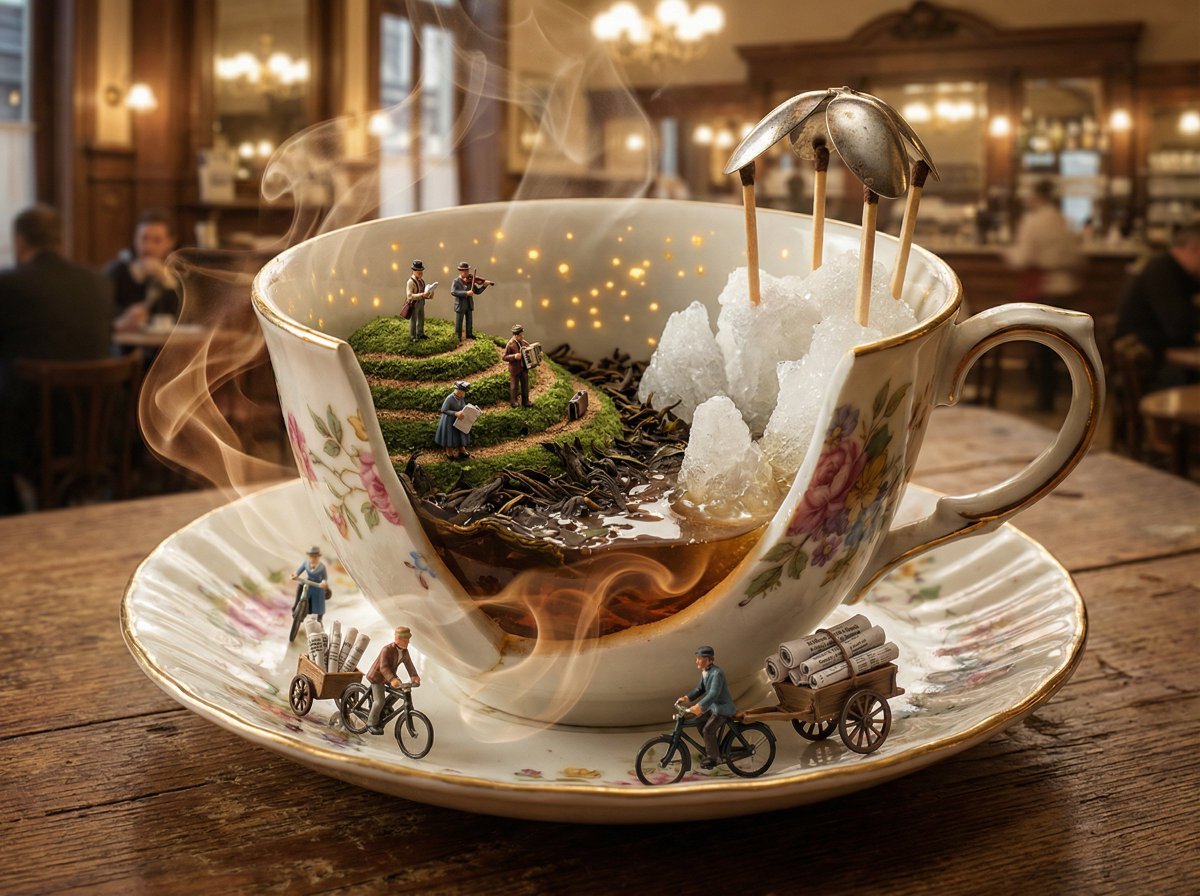
World in an Object Cinematic 3D Scene Template
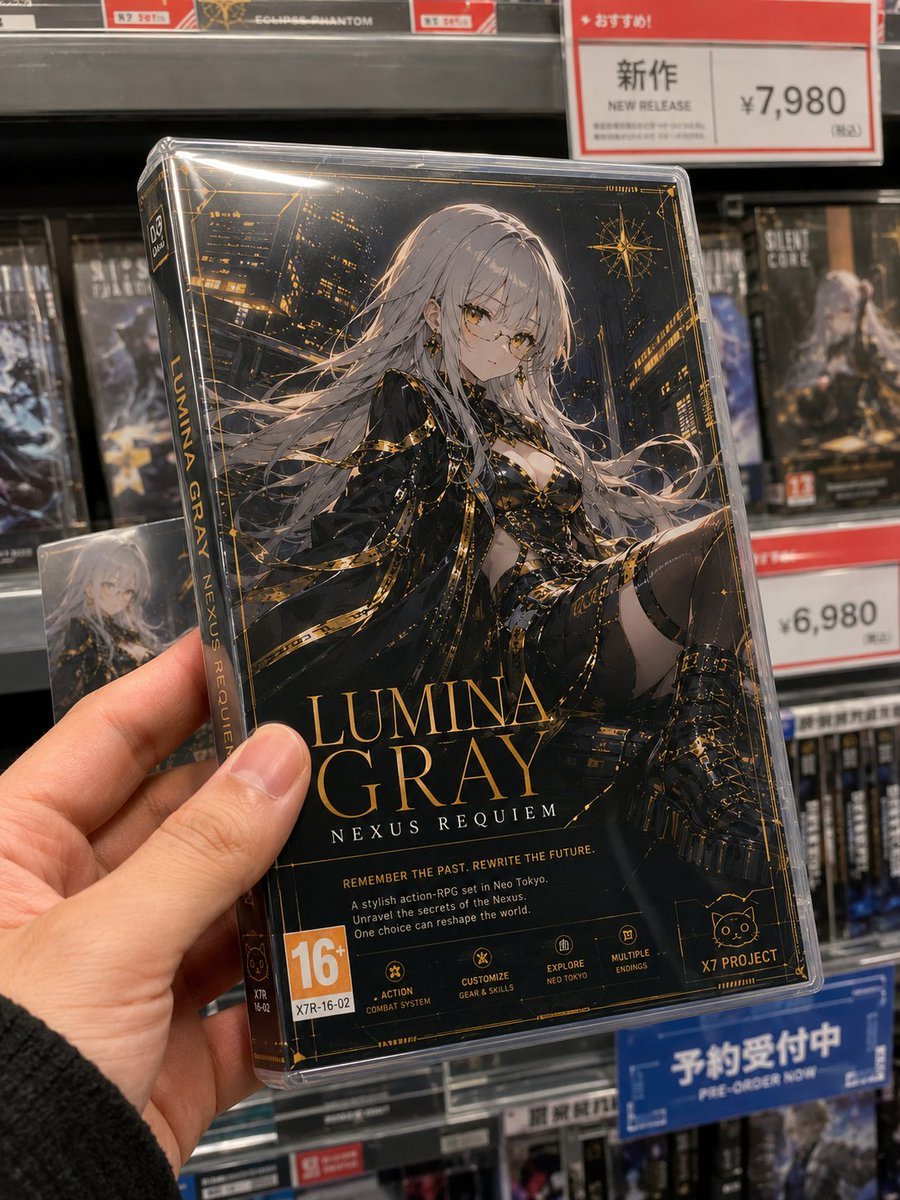
Fictional Game Case in Store
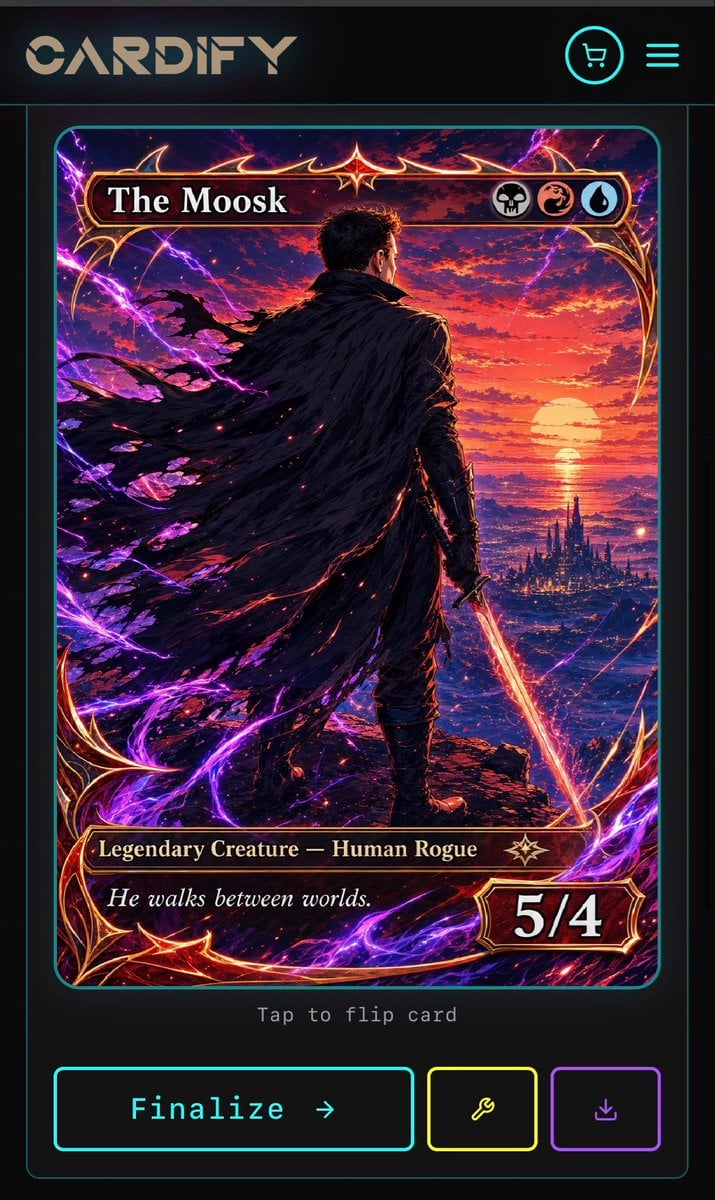
Cyberpunk Fantasy Trading Card App
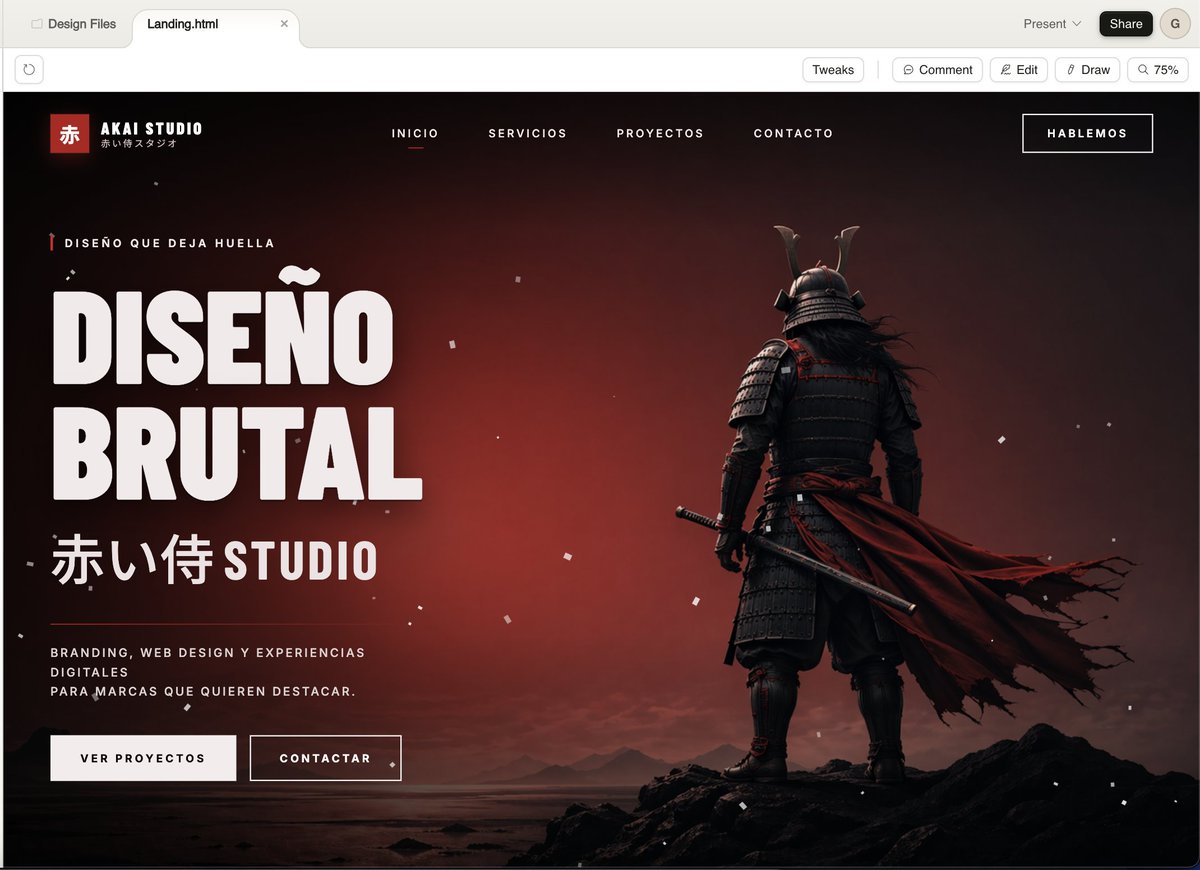
Cinematic Samurai Agency Landing Page
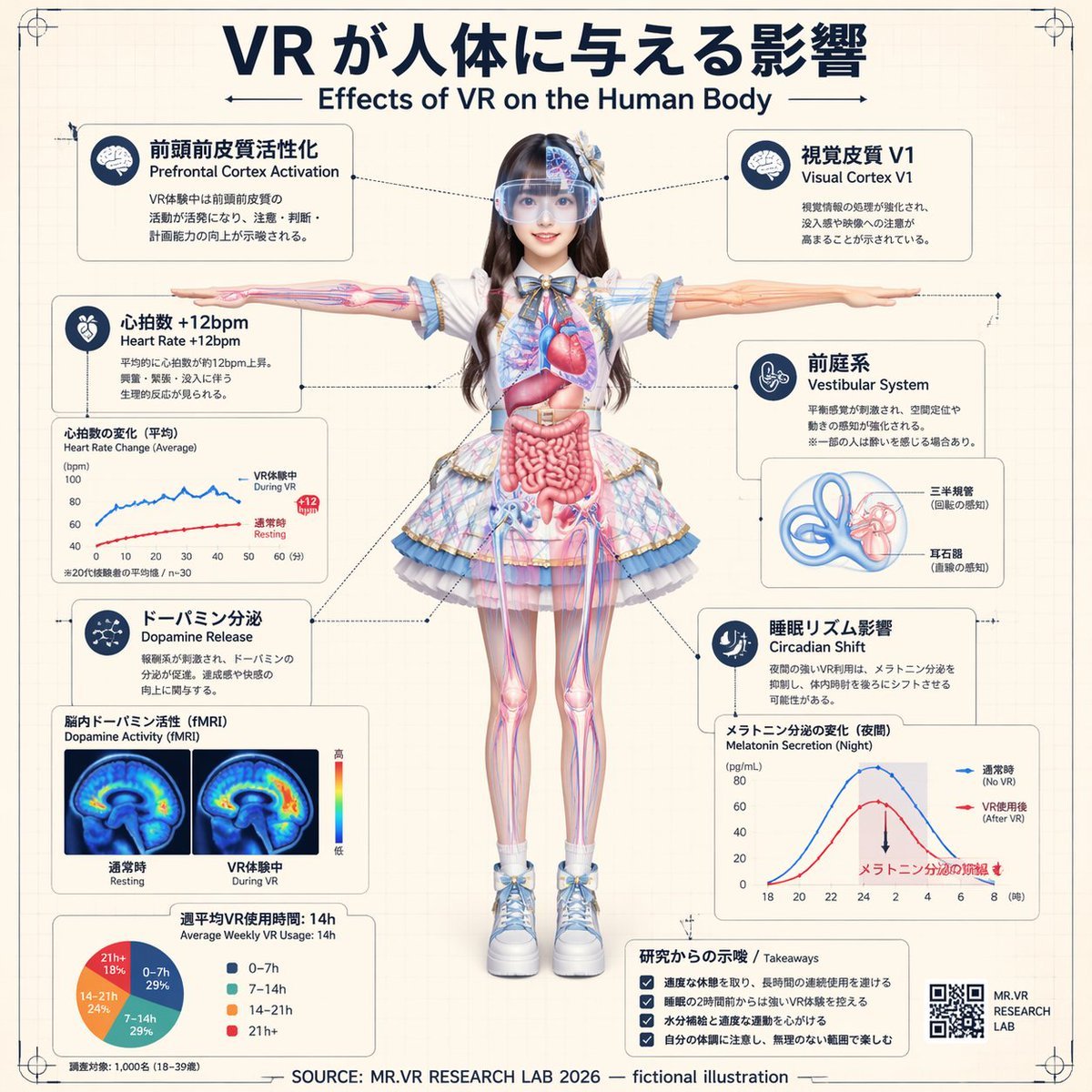
VR Effects on the Human Body Infographic
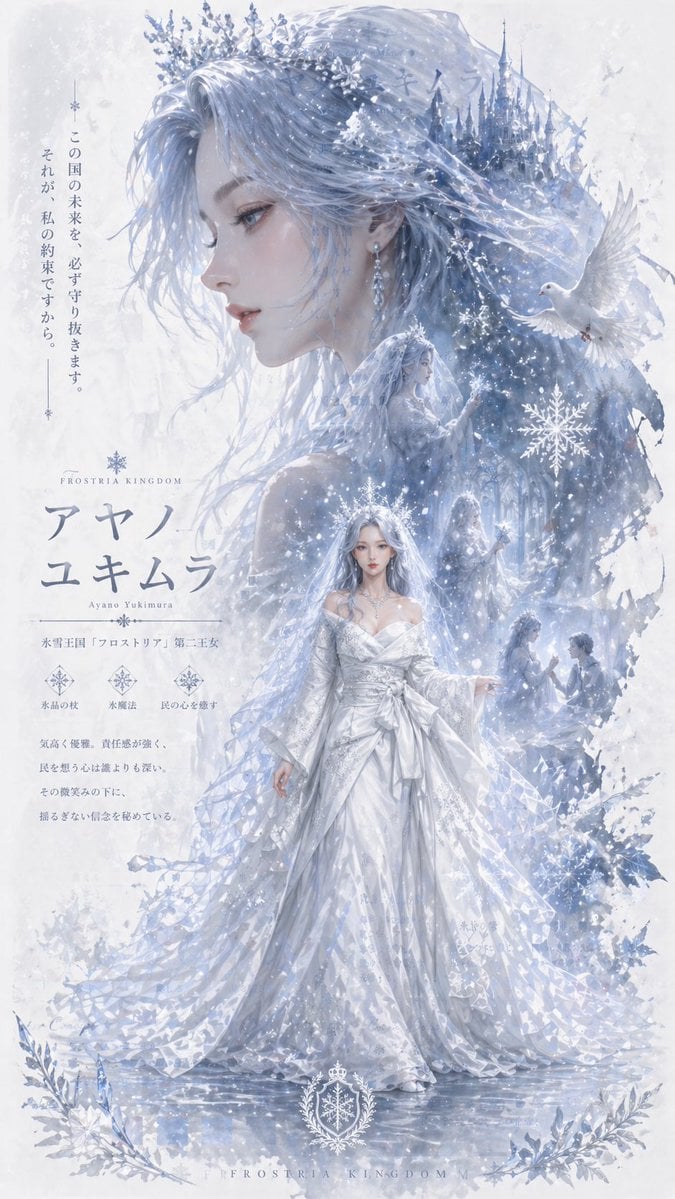
Ice Kingdom Princess Fantasy Poster

Ultra-Realistic Studio Portrait of Man in Green Hoodie
Browse template categories
Epic premium automotive poster questions
How do I use the Epic premium automotive poster template?
Add your photo if the template asks for one, edit the prompt if you like — the template's model and format are already selected — and press Generate. Your version opens in PicX Studio.
Can I customize the Epic premium automotive poster template?
Yes. You can change the subject, setting, lighting, mood, format, and available model controls before creating your image.
Is the Epic premium automotive poster template free?
Opening and editing this template is free. Generating uses credits, shown on the Generate button when you are signed in.
Which AI model should I use?
Start with GPT Image 2, which is the model associated with this template. You can compare another compatible model for a different finish.
Looking for something else? Browse all templates.

Your photo, any look
Thousands of ready templates for every top image and video model, from one credit balance.