
Street Fashion Sketch Alter Ego Collage
Creates a four-panel editorial street-fashion collage where real photographed subjects pose beside hand-drawn sketch versions on a minimalist wall.
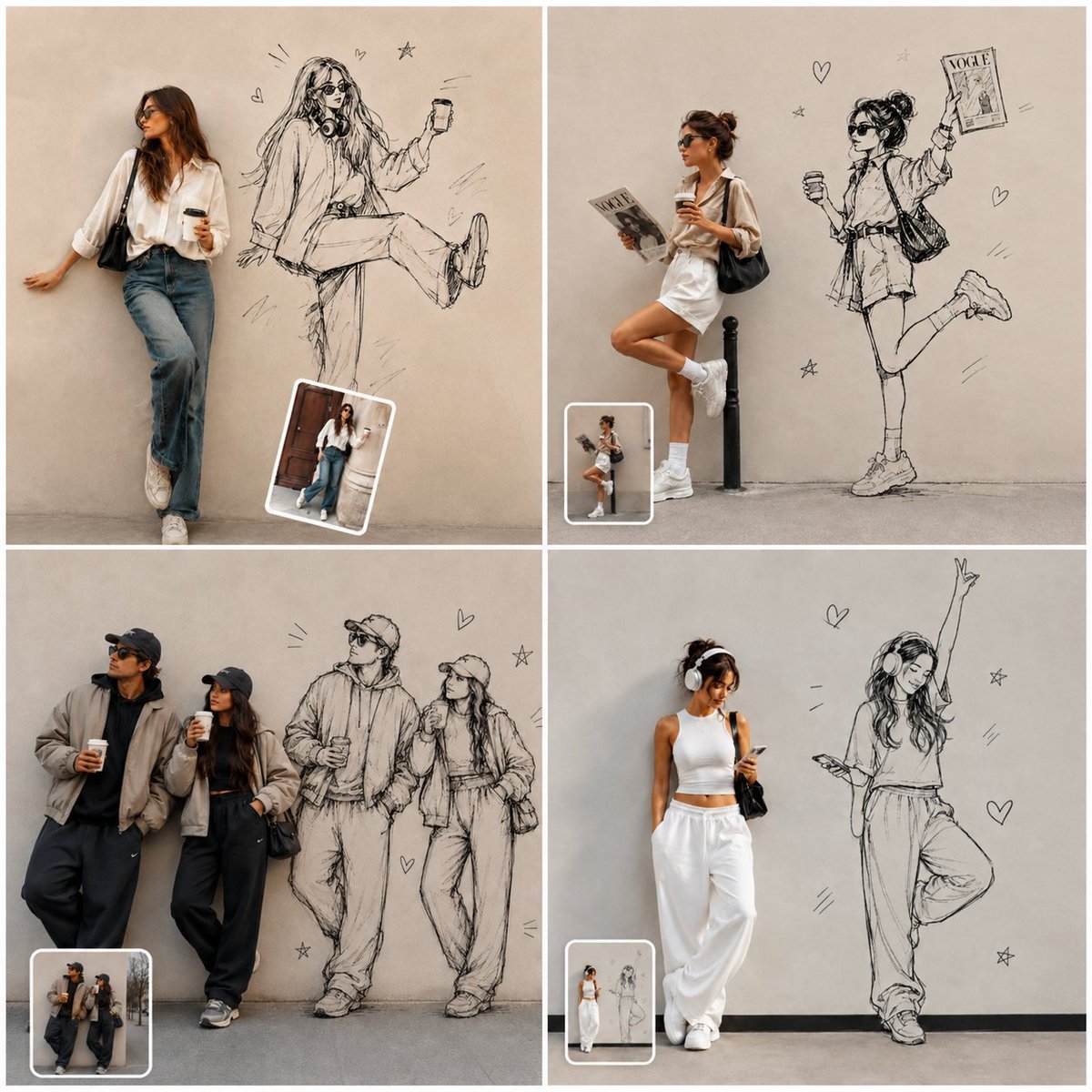
- Prompt included
- Model and format preset
- Free template
The prompt behind this image
Copy the exact prompt behind Street Fashion Sketch Alter Ego Collage, or open it in the studio and make it yours.
Goal: Create a square 2x2 editorial photo-collage showing real street-style people posed against a plain beige concrete wall, with black hand-drawn fashion-sketch versions of them illustrated directly on the wall beside them. The overall concept is “favorite photo transformed into fashion editorial with sketch alter ego,” ultra-realistic photography mixed with rough ink pencil illustration. Canvas: Square 1:1 image divided into exactly 4 equal panels by thin white gutters. Each panel has a minimalist beige/gray wall background and gray pavement floor, soft natural daylight, muted neutral tones, realistic shadows, and a clean Instagram moodboard aesthetic. Layout and panels: Include exactly 4 panels. Panel 1, top left: a stylish young woman in sunglasses leans casually against the wall on the left, wearing a loose white button shirt, blue jeans, white sneakers, and a black shoulder bag, holding a takeaway coffee; to her right is a large black sketch of the same woman sitting in midair with one leg raised, holding a phone, with tiny doodle hearts, stars, and motion lines. Panel 2, top right: a fashionable young woman stands leaning near a black bollard, wearing sunglasses, an oversized white shirt or mini dress, white socks and sneakers, carrying a black shoulder bag, holding a coffee and a magazine; to her right is a playful drawn version kicking one leg back while holding up a fashion magazine labeled “VOGE,” with hearts and stars around it. Panel 3, bottom left: a stylish couple stands on the left in oversized dark streetwear, caps, sunglasses, bomber jackets, baggy pants, sneakers, both holding coffee cups; to their right is a black sketch of the same couple standing side by side, matching their poses and outfits, surrounded by small hearts, stars, and short radiating lines. Panel 4, bottom right: a young woman in white athleisure stands on the left, wearing headphones, a white crop top, loose white sweatpants, white sneakers, and a black bag, looking at her phone; to her right is a large sketch version dancing with one arm raised and one leg bent, also wearing headphones, surrounded by hearts, stars, and energetic line accents. Inset thumbnails: Add exactly 4 small rounded-rectangle photo thumbnails, one inside each panel near the lower-left or lower-center area. Each thumbnail has a white border and shows the original reference-like mini version of that same panel’s real subject, slightly tilted or casually placed like a sticker. Visual style: Ultra-realistic editorial street photography for the live people, combined with expressive black graphite/ink line art for the drawn figures. The sketches should look hand-drawn on the wall, loose, stylish, slightly messy, with visible construction lines, crosshatching, fashion illustration proportions, and no color fill. Keep the wall clean and matte so the drawings read clearly. Customizable subject instruction: Use {argument name="photo subject" default="stylish young women and one fashionable couple"} as the real people, preserving identity and outfit accuracy if a source photo is provided. Set the overall vibe to {argument name="editorial style" default="minimal neutral street-fashion editorial"}. Use {argument name="wall color" default="warm beige concrete"}, {argument name="sketch style" default="loose black pencil fashion illustration"}, and include small doodles such as {argument name="doodle motifs" default="hearts, stars, short motion lines"}. Constraints: Exactly 4 panels, exactly 4 inset thumbnails, exactly 4 main sketch alter-egos or sketch groups corresponding to the real subjects, no extra panels, no watermark, no readable text except the small fashion magazine label “VOGE,” keep the composition clean and high-end.
How to use Street Fashion Sketch Alter Ego Collage in 3 steps
- 1Upload ImagePNG, JPG or paste
Add your photo
Upload the photo the template builds on. The prompt, model and format are already set.
- 2…a portrait of your subject in softgolden-hour light, 85mm…
Personalize
Edit the subject and creative details for your destination.
- 3Generate
Generate
Press Generate — your image is created in PicX Studio, so you can compare it with the original and refine one variable at a time.
More like this
Templates with the same subject, style or setup. Open one to see its prompt.
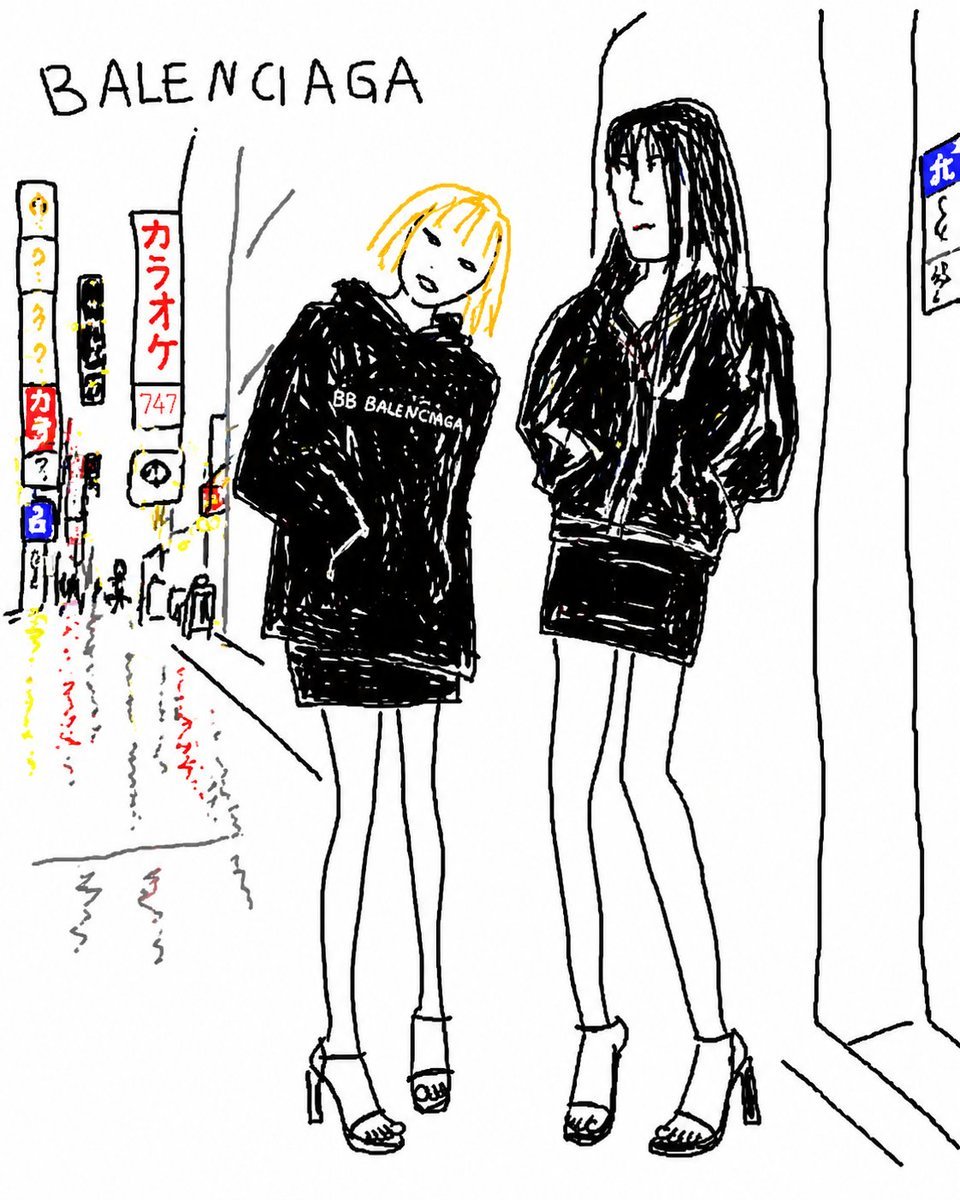
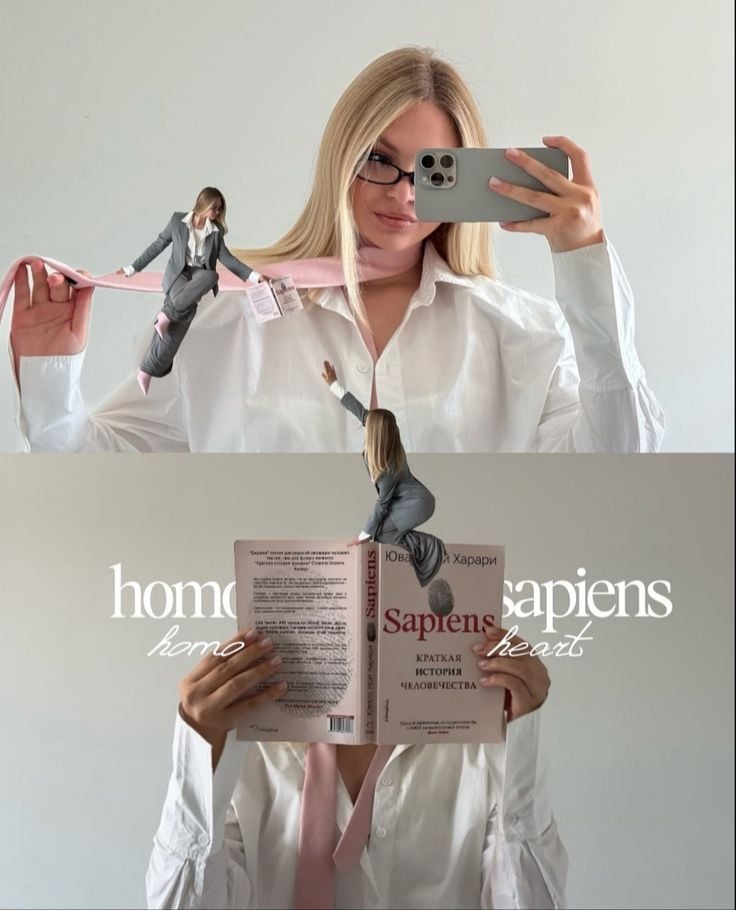


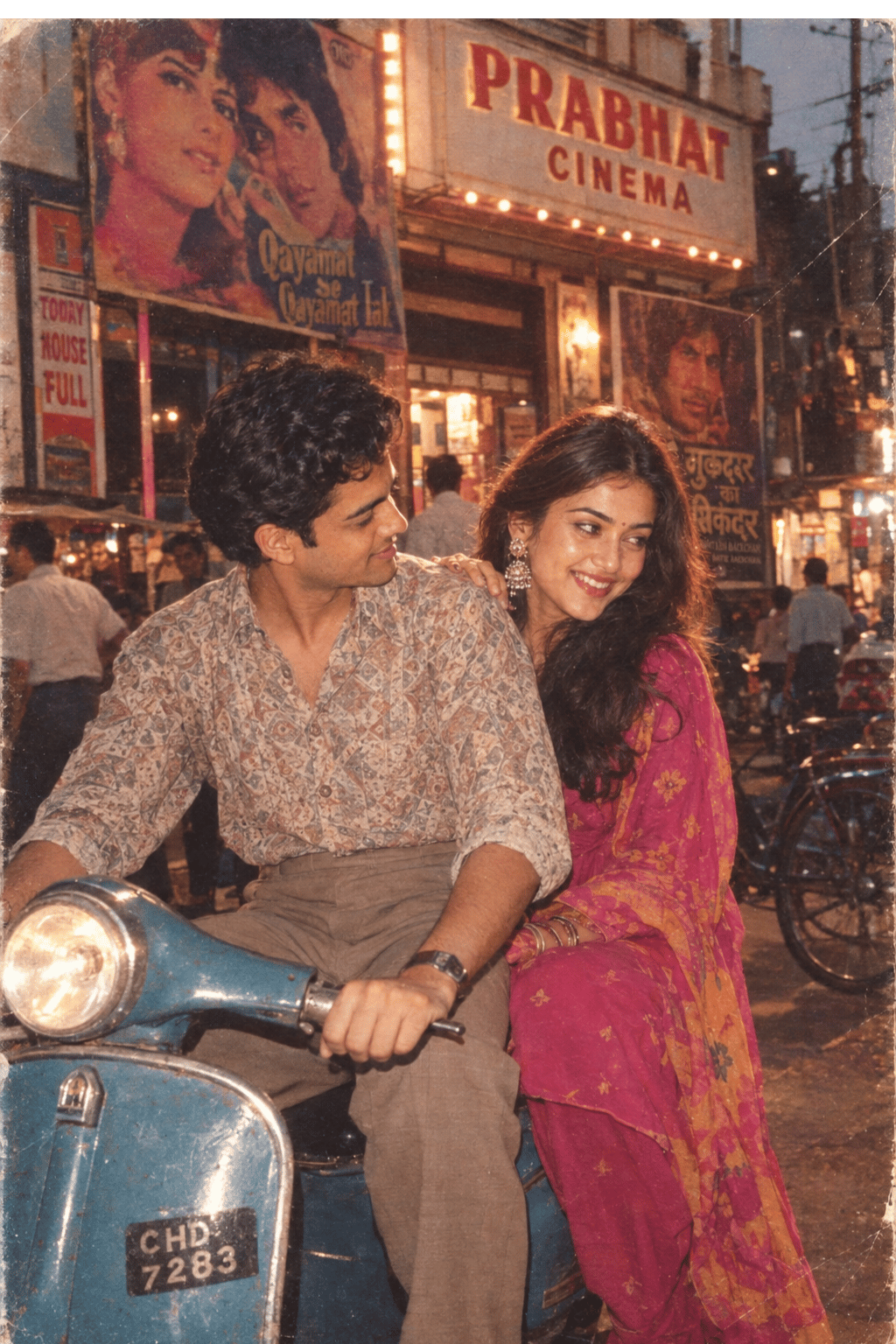



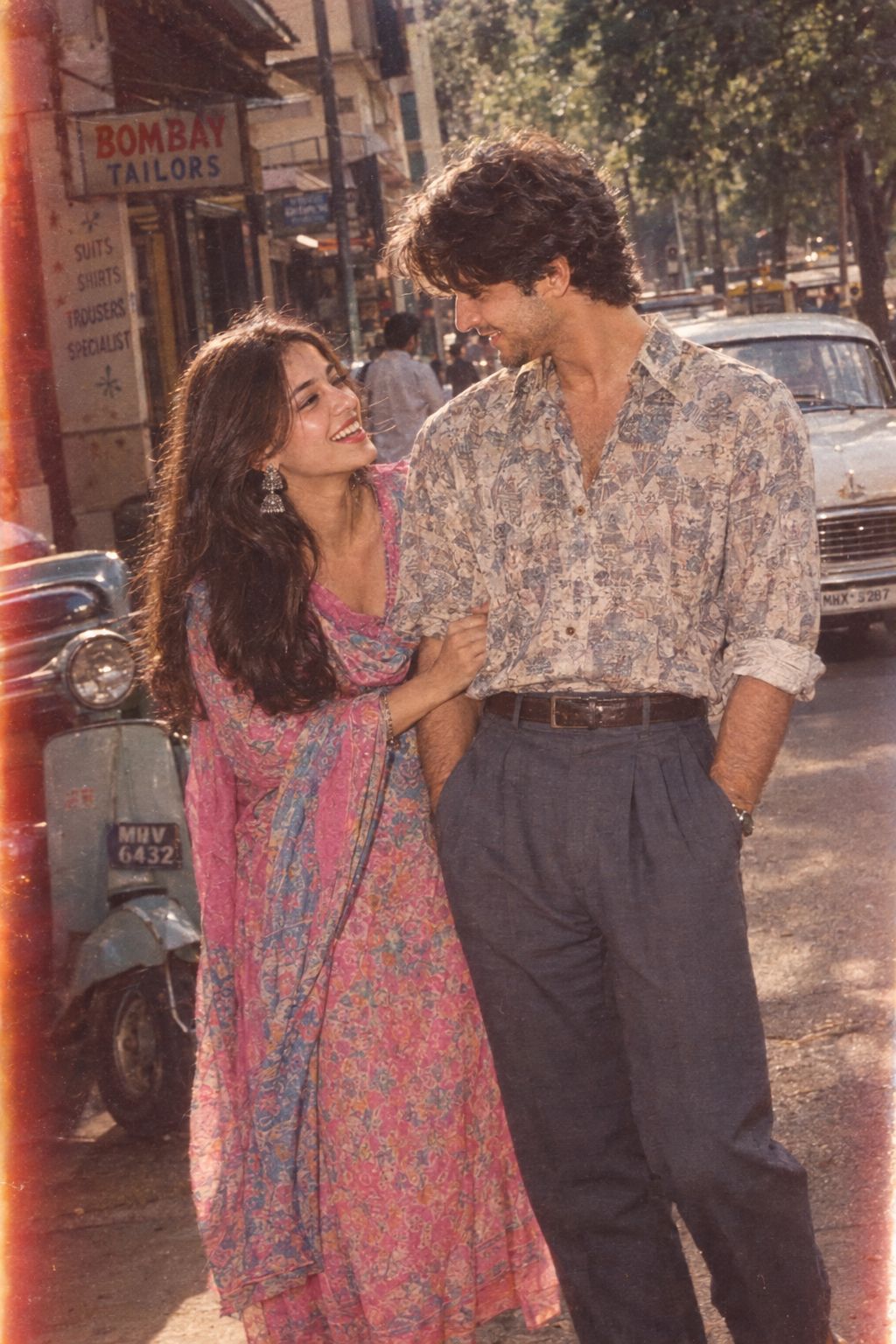
Make it yours
Street Fashion Sketch Alter Ego Collage works as-is. These are the safest ways to change it without losing the look.
Change one field
Copy a single group, rewrite it, and generate again so you can see what that field is doing.
Keep the frame, change the subject
Hold the composition and light of Street Fashion Sketch Alter Ego Collage, then swap wardrobe, props or the person for a new take.
| If the result… | Why | Fix |
|---|---|---|
| The result drifts from the preview | Too many fields changed at once. | Reuse Street Fashion Sketch Alter Ego Collage as-is first, then change one group — subject, light, or setting. |
| The model over-stylizes the scene | The prose prompt leaves finish and camera underspecified. | Add one camera or lighting sentence and stay on GPT Image 2. |
More GPT Image 2 templates
Other prompts made for GPT Image 2.

Six VTuber Japanese Logo Sheet

Realistic Portrait of Woman and Deer

The Vista Modular Condo Poster

AI Model Routing Comparison Infographic

2.5D Anime Art Board

Isometric Productivity Desk Scene

New York Double Exposure Poster

Four-Panel AI Landscape Comparison

Japanese Tatami Lifestyle Magazine Cover

NESCAFÉ Coffee Map Poster
More image prompts
Fresh picks from across the catalog.
Streetwear Brand Drop Collage Poster
Neon Cyborg Girl Portrait Prompt
Spider-Girl Cosplay Selfie Prompt (Yellow)
Barcelona Fans Stadium Broadcast Photo
Chibi Boys in a Frozen Refrigerator
Cinematic Fantasy Country Atlas

Hyper-Realistic Nightclub Portrait Prompt
Sleeping Child with Dream Creatures
Hyper-realistic mirror selfie prompt with detailed material physics and identity locking
Celestial Blue Anime Girl Floating
Browse template categories
Street Fashion Sketch Alter Ego Collage questions
How do I use the Street Fashion Sketch Alter Ego Collage template?
Add your photo if the template asks for one, edit the prompt if you like — the template's model and format are already selected — and press Generate. Your version opens in PicX Studio.
Can I customize the Street Fashion Sketch Alter Ego Collage template?
Yes. You can change the subject, setting, lighting, mood, format, and available model controls before creating your image.
Is the Street Fashion Sketch Alter Ego Collage template free?
Opening and editing this template is free. Generating uses credits, shown on the Generate button when you are signed in.
Which AI model should I use?
Start with GPT Image 2, which is the model associated with this template. You can compare another compatible model for a different finish.
Looking for something else? Browse all templates.

Your photo, any look
Thousands of ready templates for every top image and video model, from one credit balance.