
Complex Multi-Action Street Photography
A complex stress-test prompt for image models, requiring multiple distinct character actions, spatial separation, and text rendering in a single frame.
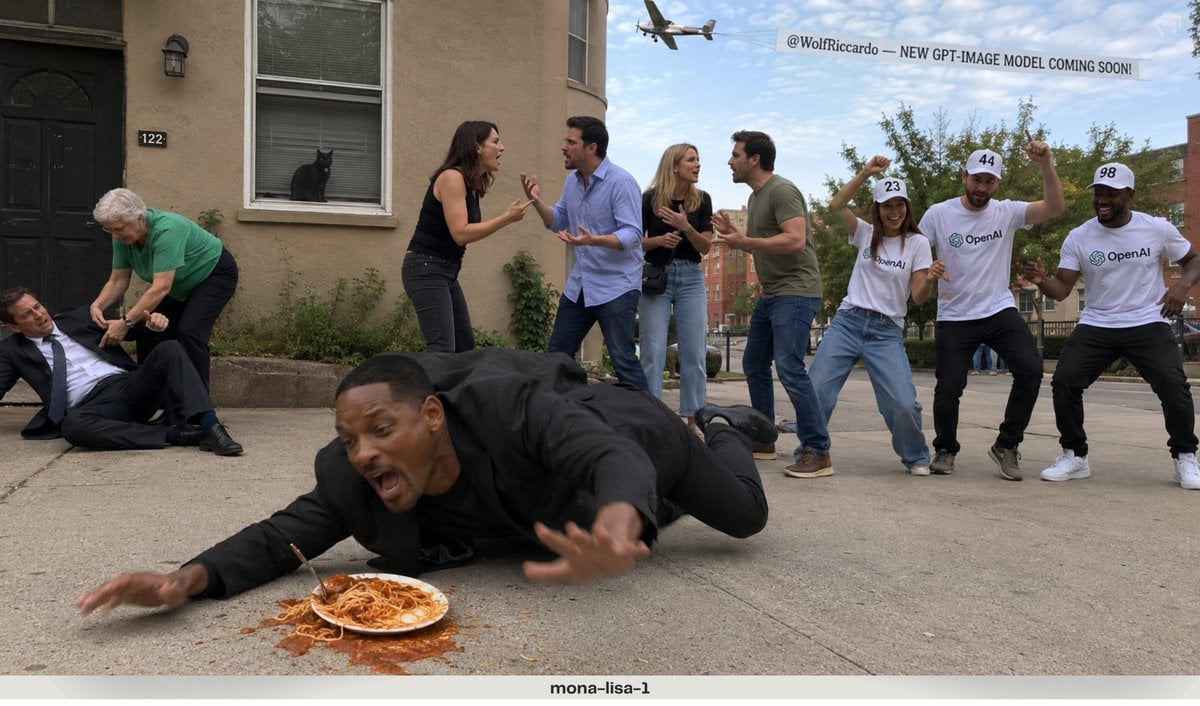
- Prompt included
- Model and format preset
- Free template
The prompt behind this image
Copy the exact prompt behind Complex Multi-Action Street Photography, or open it in the studio and make it yours.
RAW iPhone photo quality, completely unedited smartphone-camera look, natural exposure, realistic lighting. COMPOSITION: On the FAR LEFT side of the frame, a man wearing a formal business suit has fallen onto the ground. An elderly woman wearing a green shirt is bending down and trying to help him stand up. In the FAR BACKGROUND, directly across the scene, a {argument name="animal" default="black cat"} is clearly visible sitting by a window and staring outside. In the FRONT-MIDDLE area, TWO DIFFERENT COUPLES — four adults total — are having a heated argument with each other, using natural hand gestures and expressive body language. On the FAR RIGHT side, THREE PEOPLE are dancing together. Their shirts clearly display the {argument name="logo" default="OpenAI logo"}. Each person wears a hat with a large readable number: 23, 44, 98 High above the scene, an airplane is flying across the sky while towing a large banner behind it. The banner clearly reads: “{argument name="banner text" default="@WolfRiccardo — NEW GPT-IMAGE MODEL COMING SOON!"}” At the VERY FRONT of the frame, closest to the camera, {argument name="celebrity" default="Will Smith"} is accidentally tripping over a plate/pile of spaghetti on the ground and falling forward in a spontaneous, comedic moment. Everything must appear inside the SAME photograph at the SAME time. Make every character, action, object, number, logo and text clearly distinguishable and spatially separated.
How to use Complex Multi-Action Street Photography in 3 steps
- 1
Open
The prompt is already in the box next to the preview, with the template's model and format selected.
- 2…a portrait of your subject in softgolden-hour light, 85mm…
Personalize
Edit the subject and creative details for your destination.
- 3Generate
Generate
Press Generate — your image is created in PicX Studio, so you can compare it with the original and refine one variable at a time.
More like this
Templates with the same subject, style or setup. Open one to see its prompt.
Seedance - Street Bull Incident
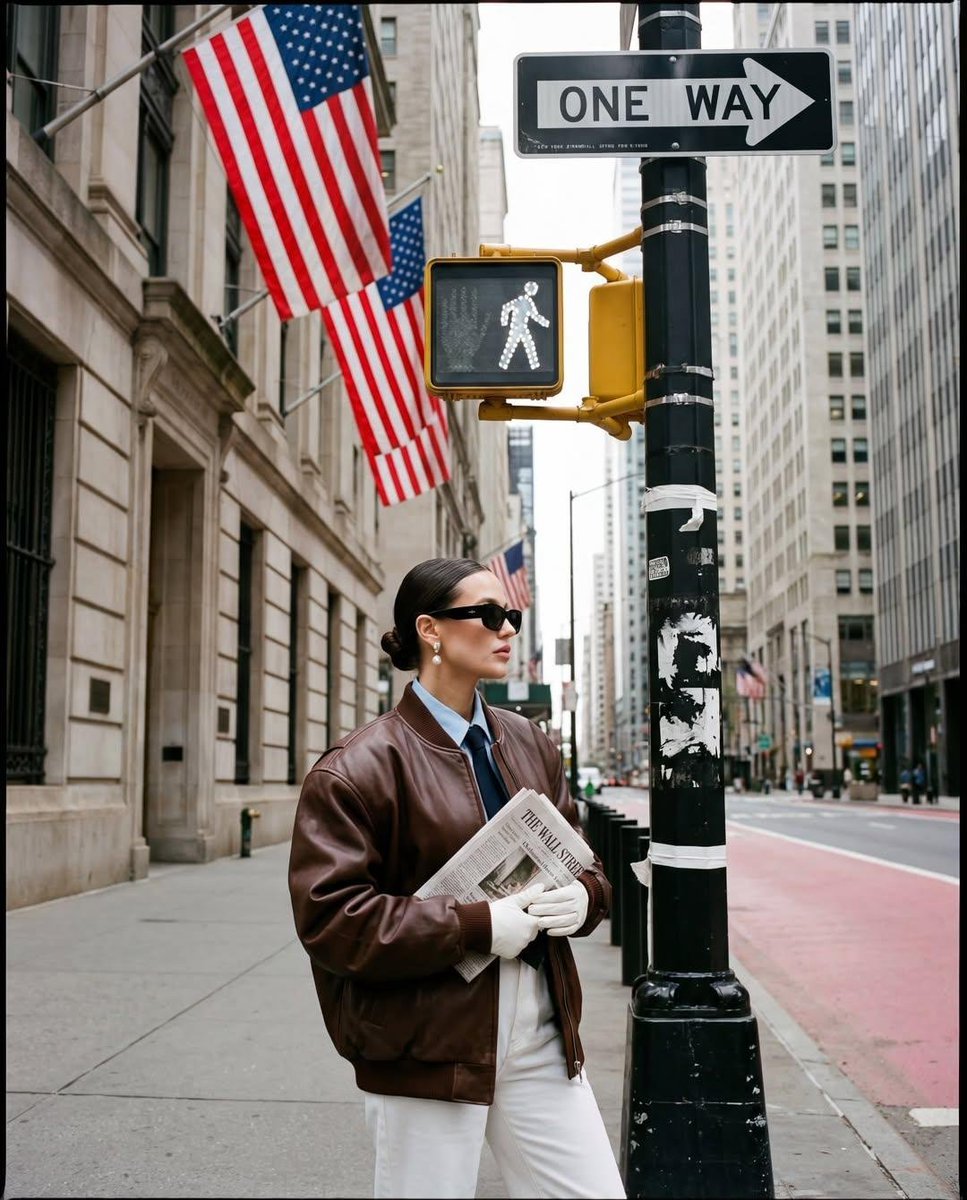
Ultra-realistic street fashion editorial photograph in New York City
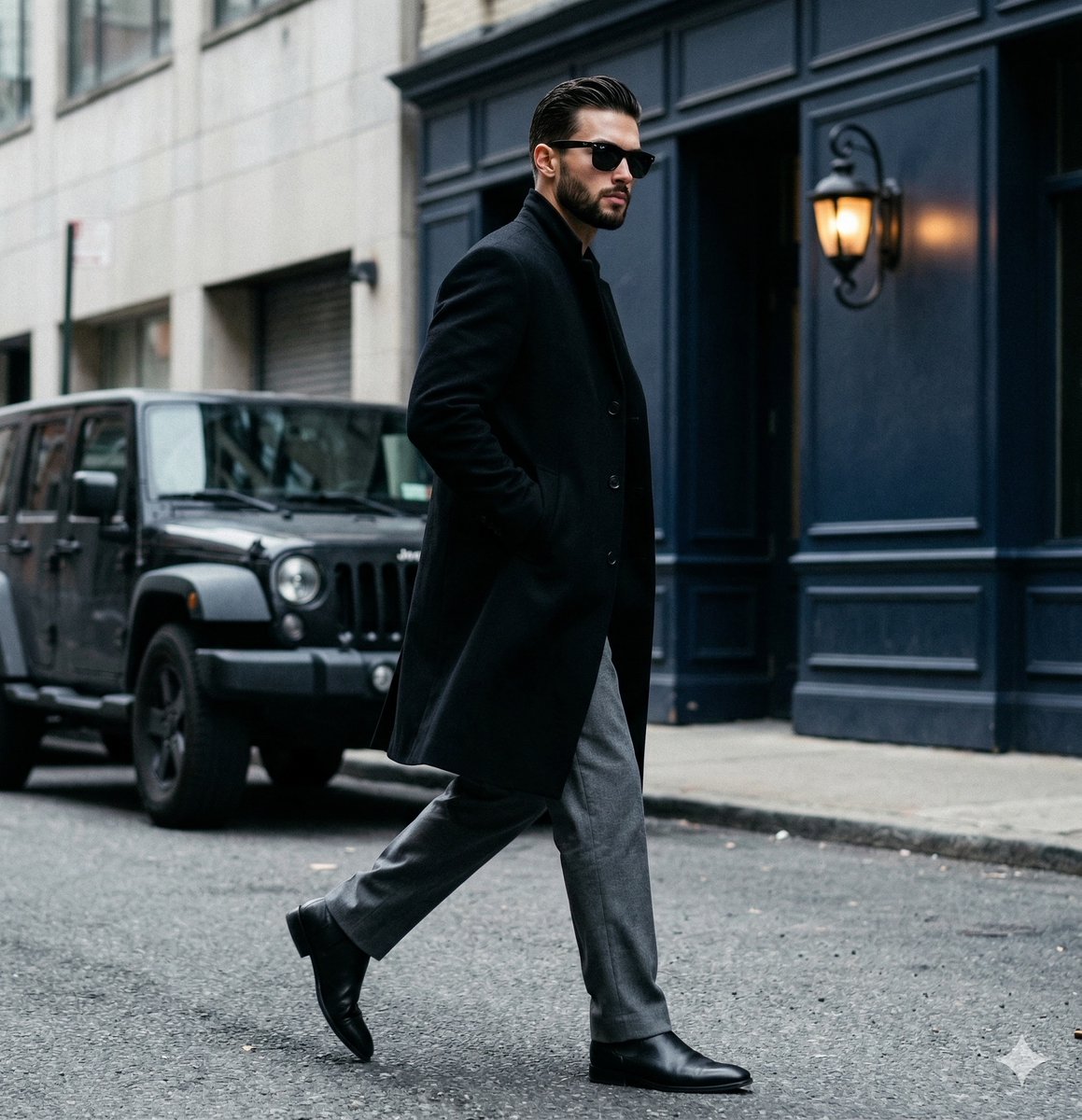
A candid paparazzi-style street photography shot of a handsome man

Hero Portrait Comic Multi-Panel Poster
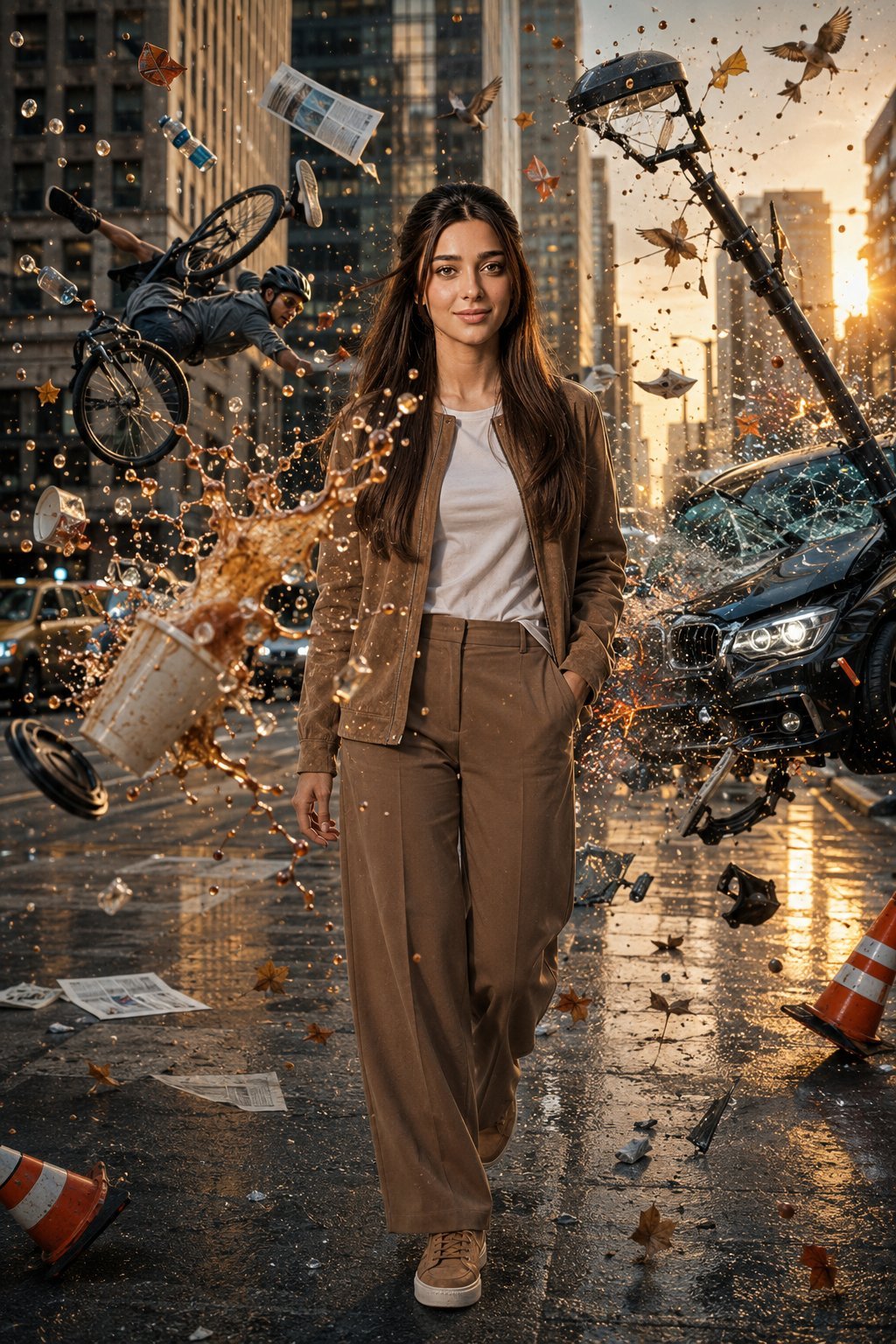
Bullet Time Frozen Street Action Portrait

Two Tickets, One Night

Meet Me When It Rains

Two Hearts. One Scooter.

1986 Street Couple

1985 Street Scene

Mirror Selfie Chibi Characters Pixar Style

Flower Petal Sunglasses Couture Portrait
Make it yours
Complex Multi-Action Street Photography works as-is. These are the safest ways to change it without losing the look.
Change one field
Copy a single group, rewrite it, and generate again so you can see what that field is doing.
Keep the frame, change the subject
Hold the composition and light of Complex Multi-Action Street Photography, then swap wardrobe, props or the person for a new take.
| If the result… | Why | Fix |
|---|---|---|
| The result drifts from the preview | Too many fields changed at once. | Reuse Complex Multi-Action Street Photography as-is first, then change one group — subject, light, or setting. |
| The model over-stylizes the scene | The prose prompt leaves finish and camera underspecified. | Add one camera or lighting sentence and stay on GPT Image 2. |
More GPT Image 2 templates
Other prompts made for GPT Image 2.

Six VTuber Japanese Logo Sheet

Realistic Portrait of Woman and Deer

The Vista Modular Condo Poster

AI Model Routing Comparison Infographic

2.5D Anime Art Board

Isometric Productivity Desk Scene

New York Double Exposure Poster

Four-Panel AI Landscape Comparison

Japanese Tatami Lifestyle Magazine Cover

NESCAFÉ Coffee Map Poster
More image prompts
Fresh picks from across the catalog.
Black and White Cinematic Motion Portrait
Ultra-realistic Product Shot with Dramatic Split Lighting
Retro Pop Riverbank Key Visual
Image Editing Prompt for Mirror Seam Removal
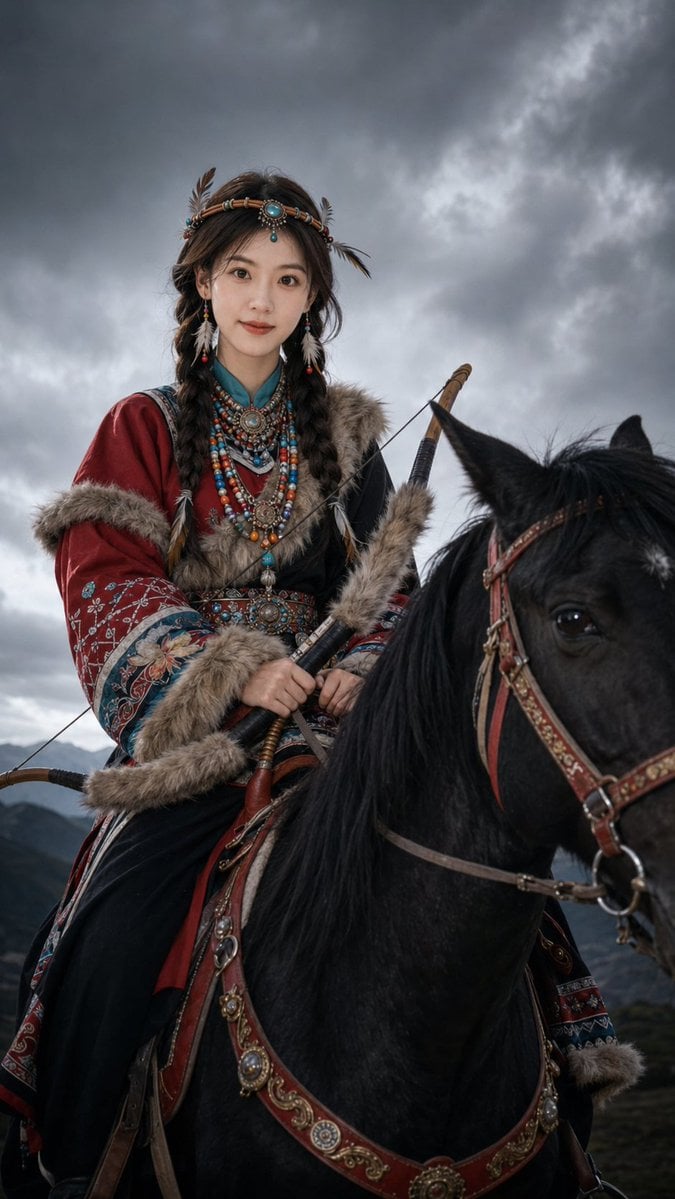
Nomadic Archer Cinematic Editorial Portrait
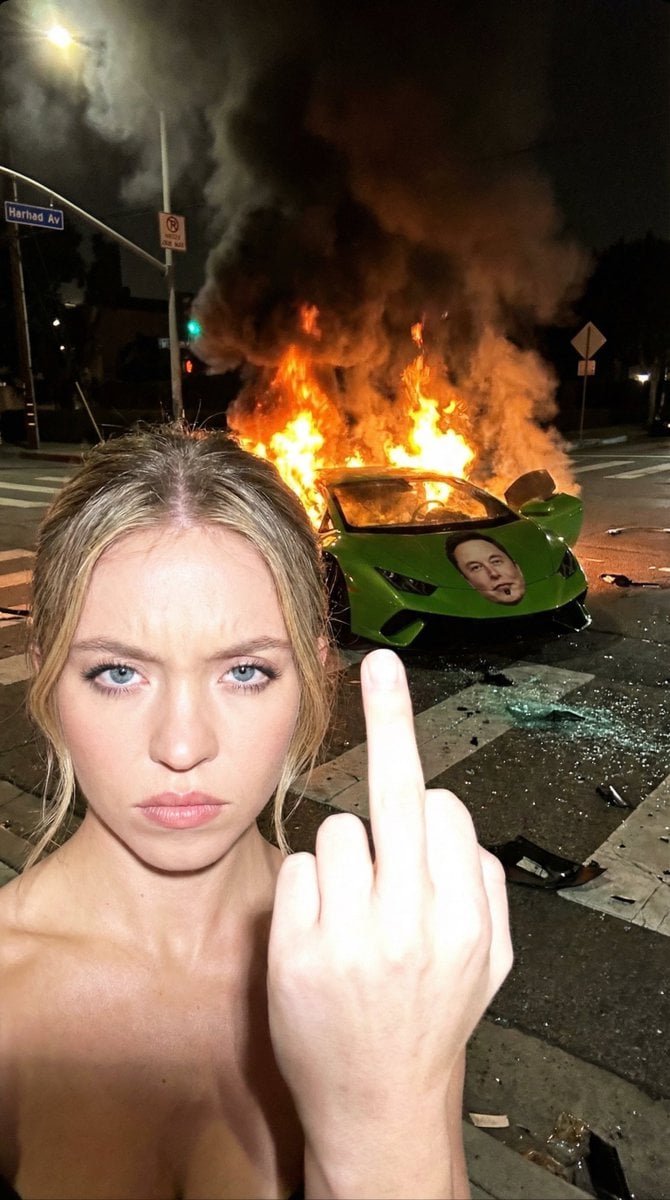
The Crash & The Gesture: Aggressive Street Photography
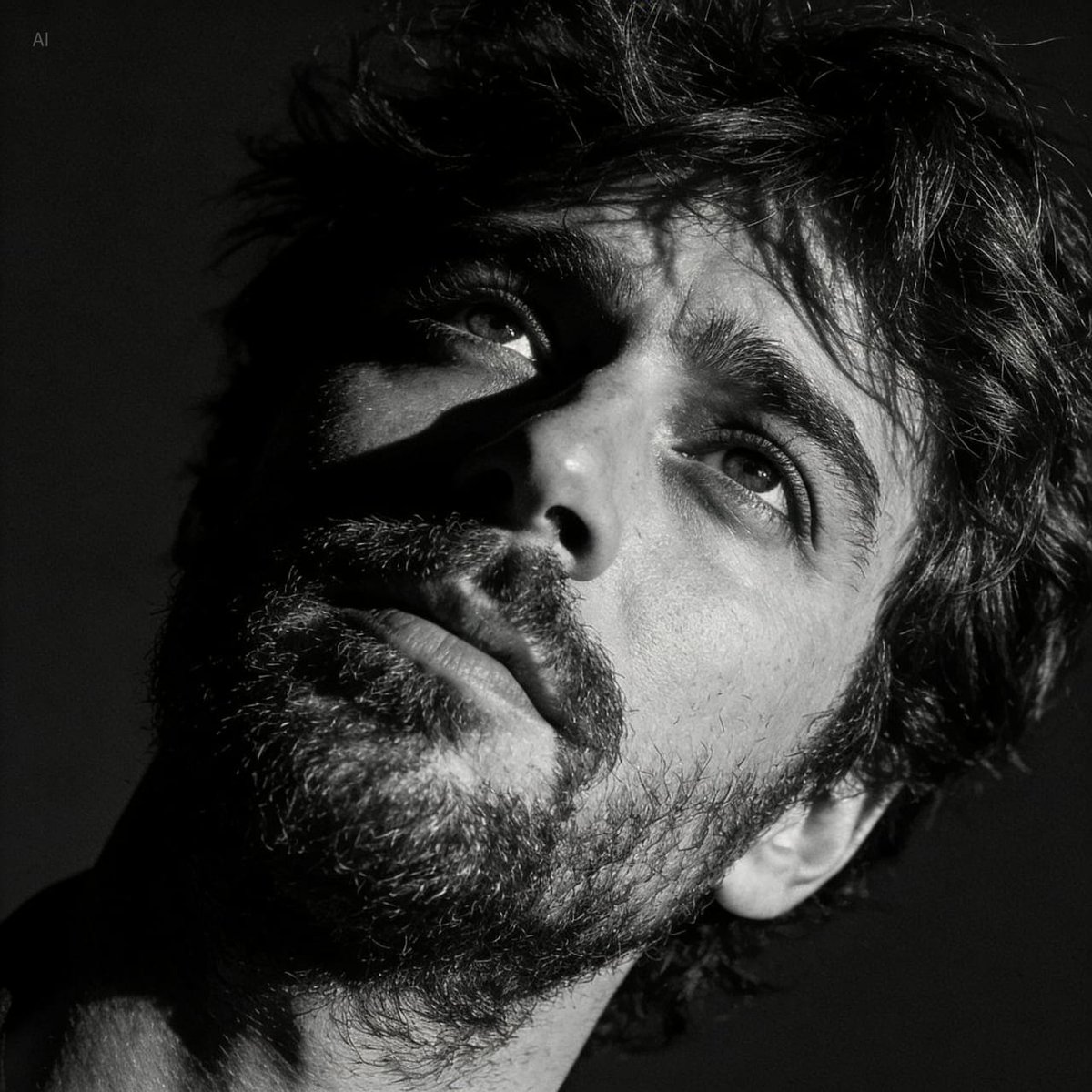
Dramatic Black and White Portrait with Silhouette Lighting Prompt
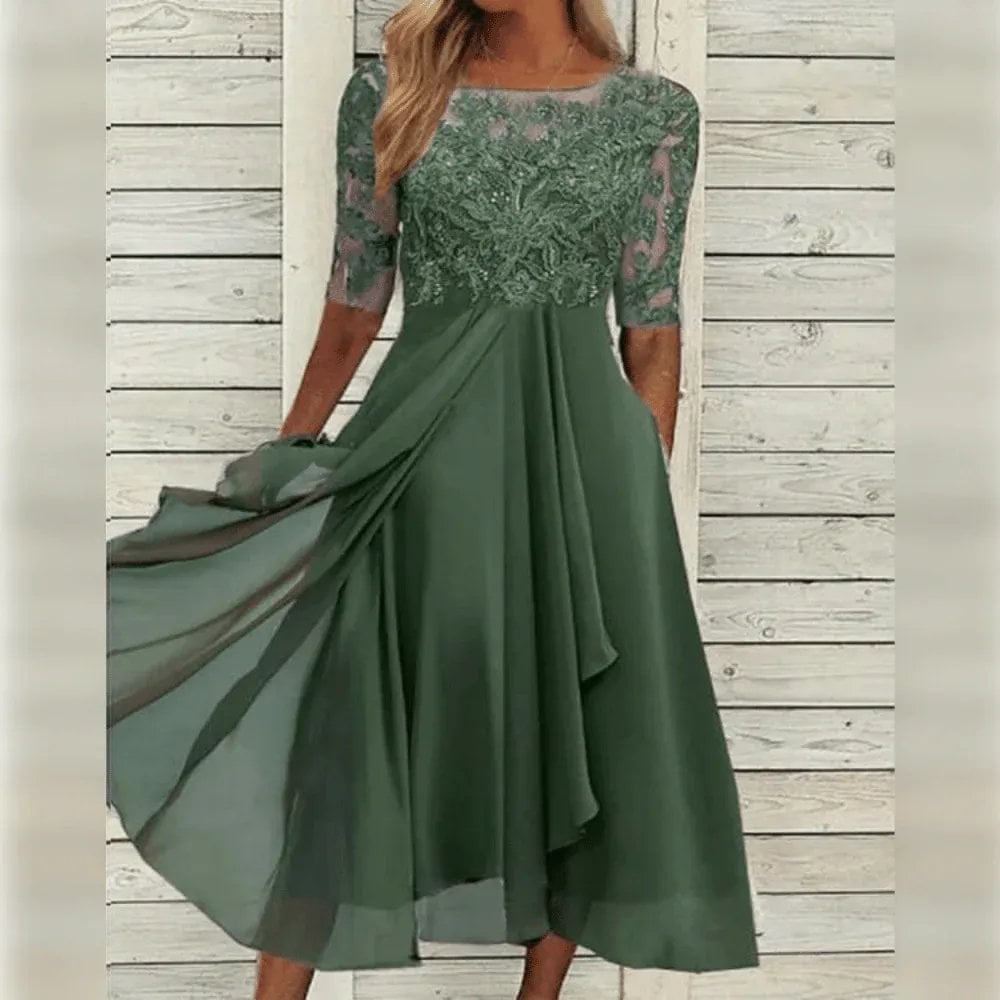
Lifestyle Product Integration Prompt for Nano Banana Pro
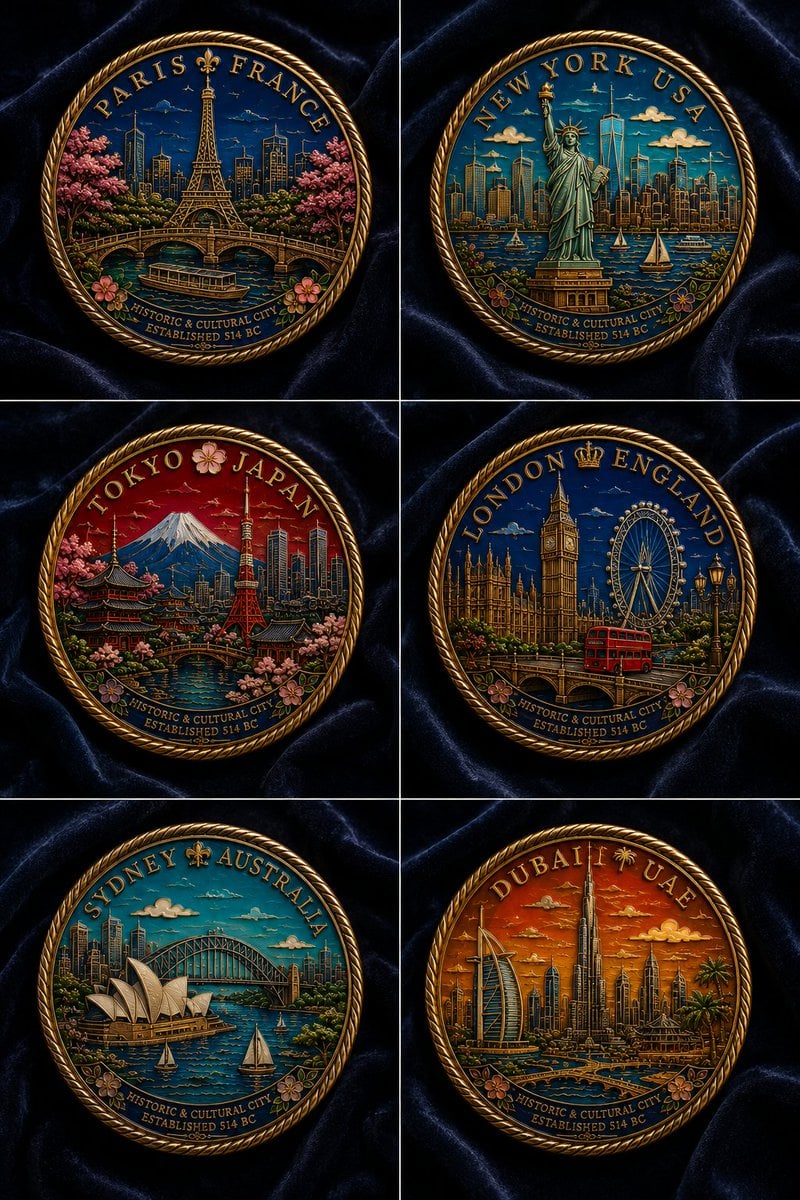
Six Cloisonné City Medals
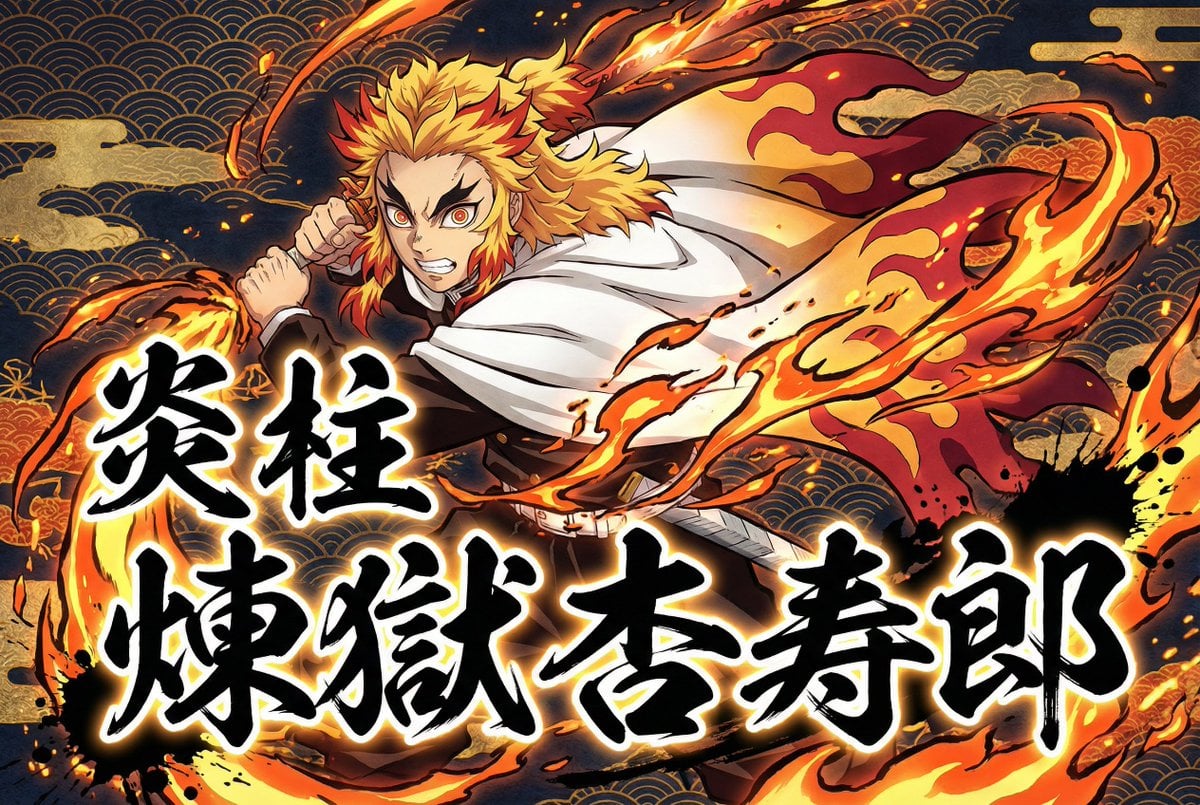
Kimetsu no Yaiba-style anime transformation with brush calligraphy
Browse template categories
Complex Multi-Action Street Photography questions
How do I use the Complex Multi-Action Street Photography template?
Add your photo if the template asks for one, edit the prompt if you like — the template's model and format are already selected — and press Generate. Your version opens in PicX Studio.
Can I customize the Complex Multi-Action Street Photography template?
Yes. You can change the subject, setting, lighting, mood, format, and available model controls before creating your image.
Is the Complex Multi-Action Street Photography template free?
Opening and editing this template is free. Generating uses credits, shown on the Generate button when you are signed in.
Which AI model should I use?
Start with GPT Image 2, which is the model associated with this template. You can compare another compatible model for a different finish.
Looking for something else? Browse all templates.

Your photo, any look
Thousands of ready templates for every top image and video model, from one credit balance.