How do I use the Luxury Fashion Mirror Selfie template?
Choose the primary action to open PicX Studio with the available template settings. Review the model and format, personalize the creative direction, and generate when ready.
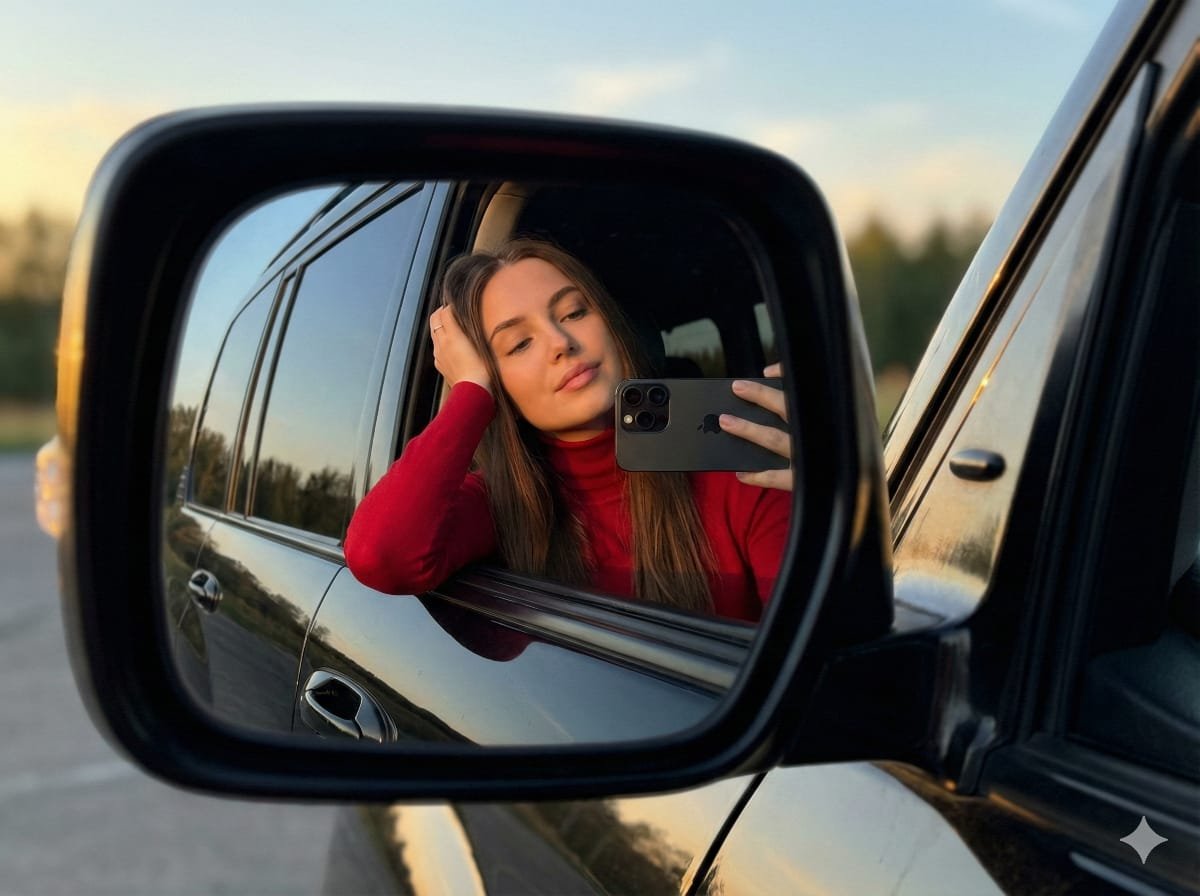
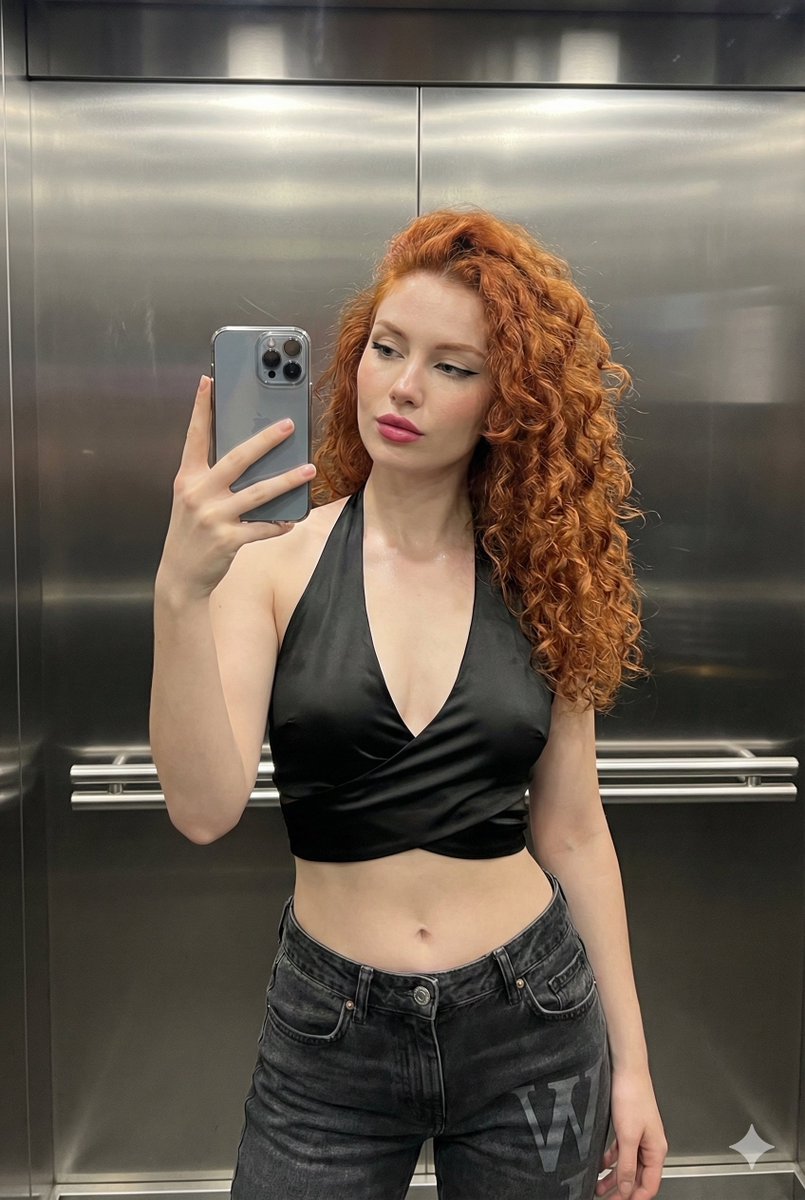
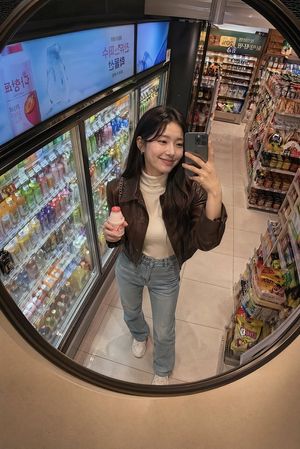
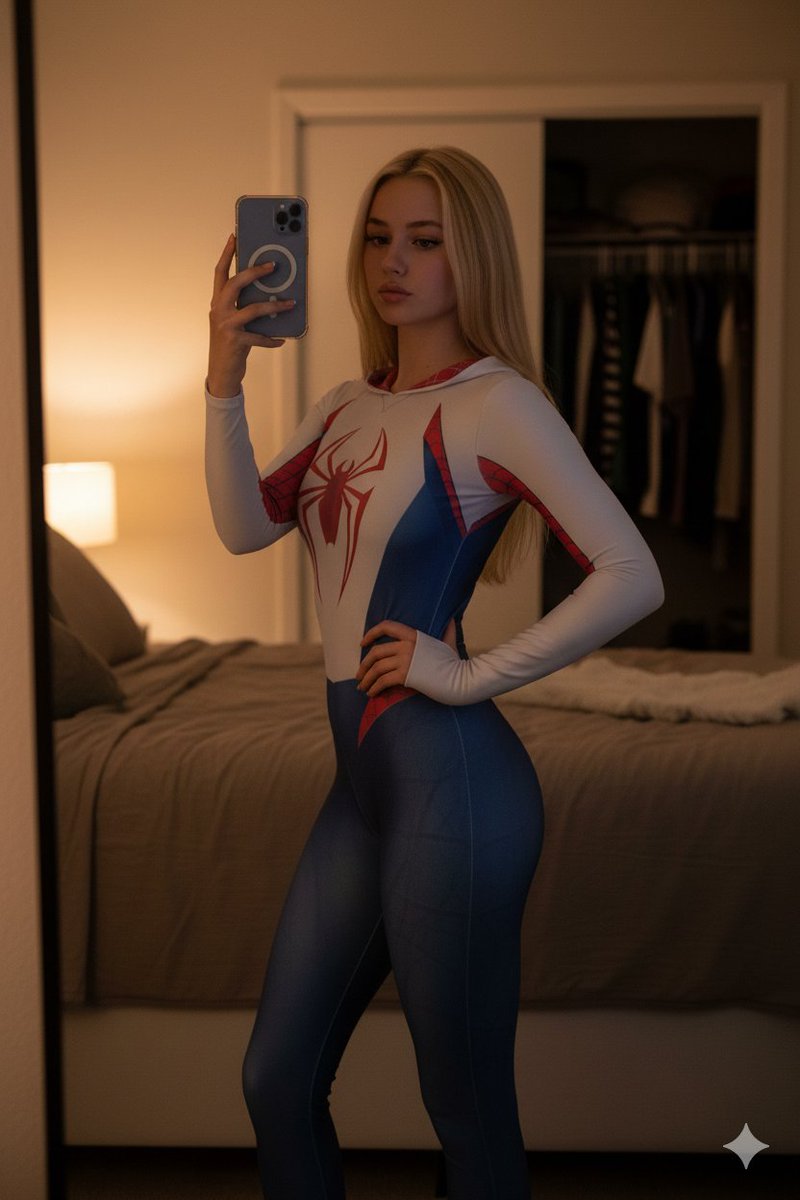
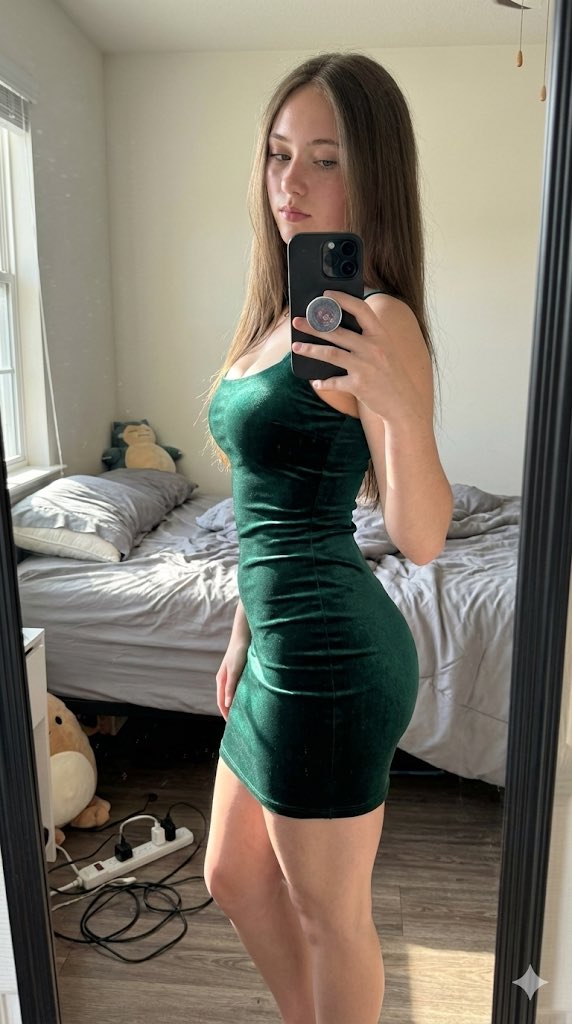
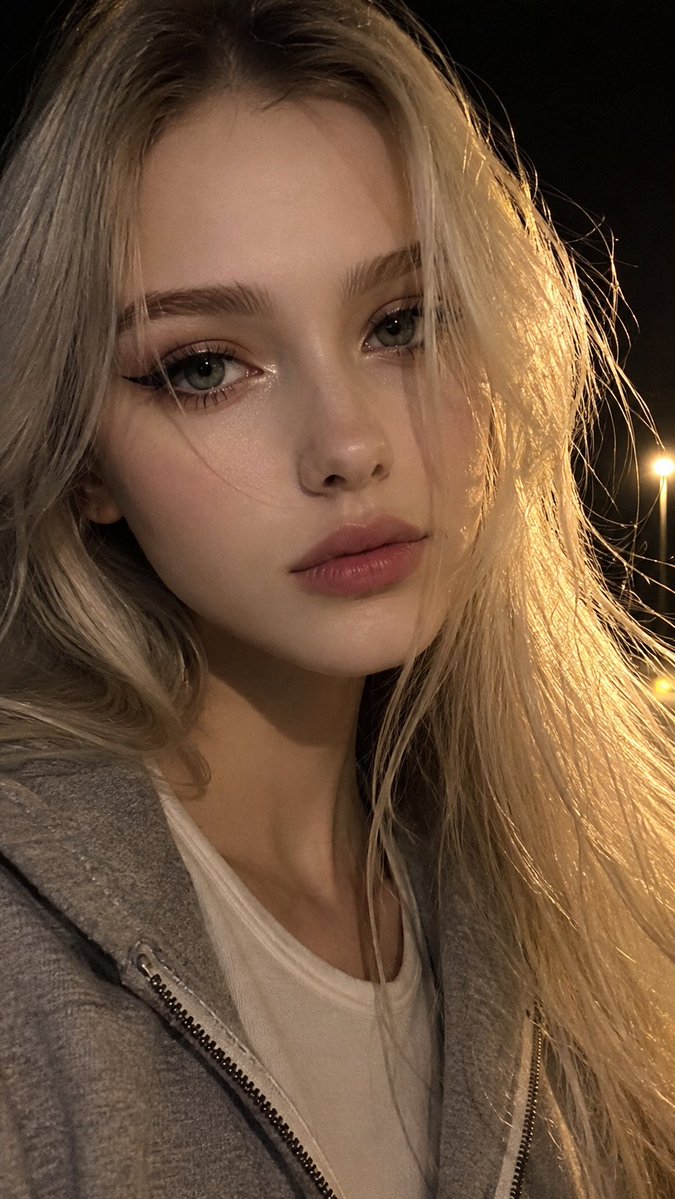
Generates a realistic fashion mirror selfie with specific clothing and accessory details, utilizing a reference image for identity consistency.
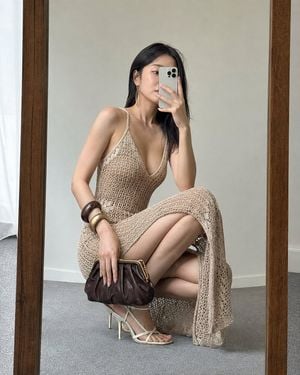
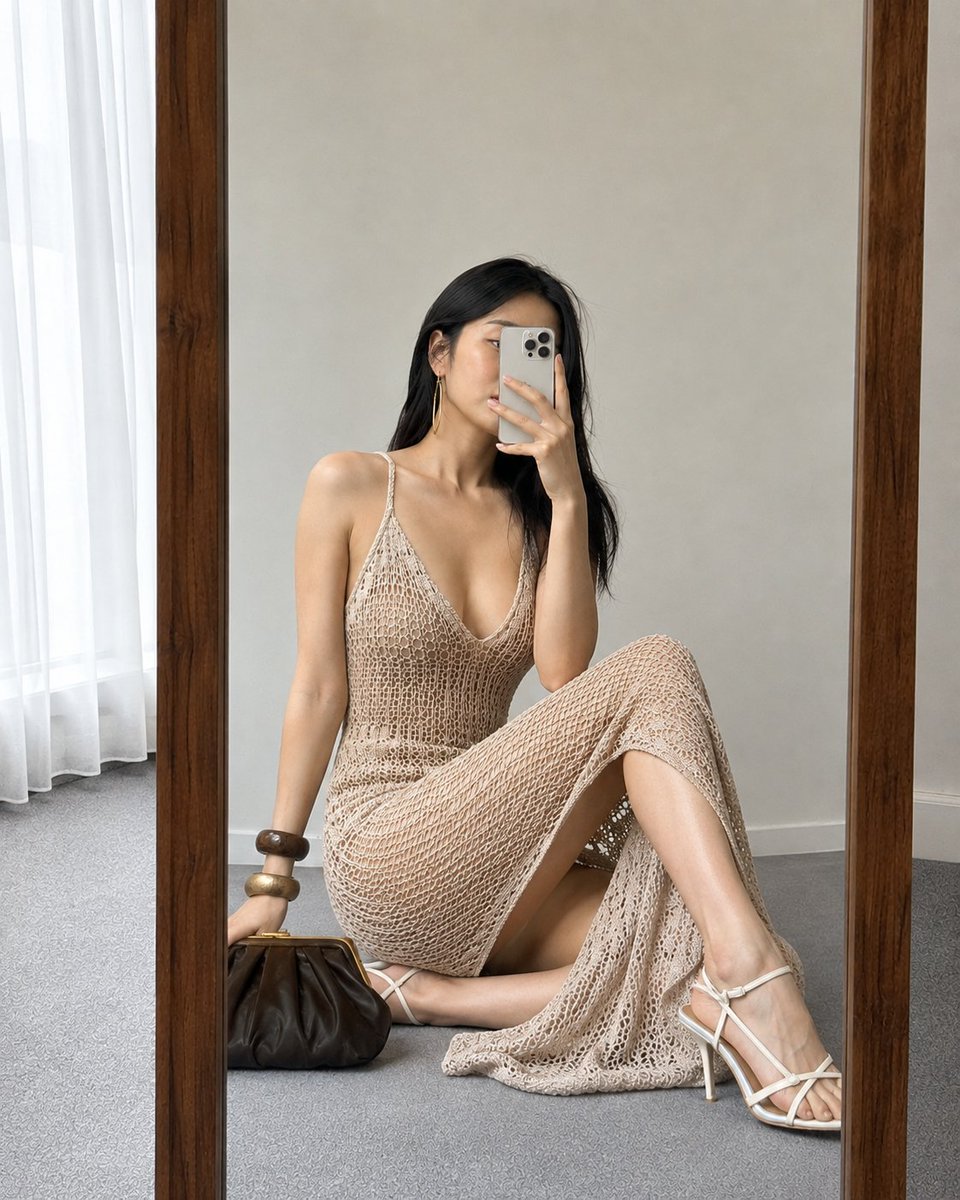
Use image_1 as the exact identity reference. Ultra-realistic 4:5 mirror selfie, luxury fashion, deep natural squat in front of a wooden-framed full-length mirror. Right hand holding a light-colored phone partially covering the face, left hand holding a dark brown clutch. Wearing a {argument name="dress type" default="long sand-beige open-knit crochet dress"} (thin straps, deep V-neck, no belt), {argument name="footwear" default="cream stiletto sandals"}, chunky bracelets, long earrings, {argument name="hair style" default="sleek straight hair"}. Light wall, gray carpet, soft daylight, HDR, accurate reflection, lifelike skin, realistic anatomy, premium candid fashion look. Negative: altered face, different identity, plastic skin, deformed hands, extra fingers, fused legs, warped mirror, wrong dress, belt, missing clutch, cartoon, text, logo, watermark.
Luxury Fashion Mirror Selfie needs input media to work. Open it in the studio and these load alongside the prompt — pick whichever ones your chosen model can take.
Choose the primary action to open PicX Studio with the available template settings. Review the model and format, personalize the creative direction, and generate when ready.
Yes. You can change the subject, setting, lighting, mood, format, and available model controls before creating your image.
This template is free to open and customize. Generation usage is shown in PicX Studio before you create.
Start with GPT Image 2, which is the model associated with this template. You can compare another compatible model for a different finish.
Follow a topic to a crawlable collection of related PicX Studio templates.