
Candid Korean Supermarket Shopper
A realistic smartphone-style lifestyle fashion photo of a woman crouching in a supermarket aisle, useful for authentic retail or social media product imagery.

- Prompt included
- Model and format preset
- Free template
The prompt behind this image
Copy the exact prompt behind Candid Korean Supermarket Shopper, or open it in the studio and make it yours.
Create a realistic vertical smartphone photo of a candid grocery-store shopping moment in a Korean supermarket. A young woman with {argument name="hair color" default="dark brown shoulder-length hair"} is crouching low beside the cereal and granola aisle, wearing a {argument name="hat color" default="red"} baseball cap pulled low over her face, a slightly loose white ribbed long-sleeve henley top, light blue wide-leg jeans, white sneakers with beige soles, and a slim black shoulder bag. She is turned in side profile looking to the right, with her left arm extended toward a black plastic shopping basket on the floor; the basket contains visible groceries and has the white “emart” logo on the side. The scene contains exactly one main shopper, one black basket, two background shoppers, one shopping cart in the background, one prominent overhead aisle sign with the number 6 and Korean category text, one visible price sign reading “2,980,” and long shelves packed with cereal, granola, snack, and packaged food bags with Korean labels. Use a natural consumer-phone snapshot style, slightly imperfect framing, realistic indoor fluorescent lighting, mild motion softness, neutral colors, glossy gray supermarket floor reflections, deep aisle perspective, and authentic everyday details. Make it look like a casual buyer-show or store social media photo rather than a studio fashion shoot. No glamour lighting, no exaggerated posing, no artificial-looking skin, no extra people, no watermark.
How to use Candid Korean Supermarket Shopper in 3 steps
- 1Upload ImagePNG, JPG or paste
Add your photo
Upload the photo the template builds on. The prompt, model and format are already set.
- 2…a portrait of your subject in softgolden-hour light, 85mm…
Personalize
Edit the subject and creative details for your destination.
- 3Generate
Generate
Press Generate — your image is created in PicX Studio, so you can compare it with the original and refine one variable at a time.
More like this
Templates with the same subject, style or setup. Open one to see its prompt.

Sunday Afternoon, 1988

Our Song was on a Cassette

The Date After College

80s College Gate

Teen Girl Alpine Lake Mountain View

Cat Photobomb Selfie — 0.5x Wide Angle Café Chaos

Trendy Cafe Drink Promo Poster

Retro Pop-Art K-Fashion Ultraluxury Campaign Poster

Urban Fashion Editorial Collage Streetwear Poster

Korean Luxury Fashion Editorial 2x2 Grid Series

Korean Streetwear Minimalist Campaign Portrait

Cinematic Korean Streetwear Street Portrait
Make it yours
Candid Korean Supermarket Shopper works as-is. These are the safest ways to change it without losing the look.
Change one field
Copy a single group, rewrite it, and generate again so you can see what that field is doing.
Keep the frame, change the subject
Hold the composition and light of Candid Korean Supermarket Shopper, then swap wardrobe, props or the person for a new take.
| If the result… | Why | Fix |
|---|---|---|
| The result drifts from the preview | Too many fields changed at once. | Reuse Candid Korean Supermarket Shopper as-is first, then change one group — subject, light, or setting. |
| The model over-stylizes the scene | The prose prompt leaves finish and camera underspecified. | Add one camera or lighting sentence and stay on GPT Image 2. |
More GPT Image 2 templates
Other prompts made for GPT Image 2.

Six VTuber Japanese Logo Sheet

Realistic Portrait of Woman and Deer

The Vista Modular Condo Poster

AI Model Routing Comparison Infographic

2.5D Anime Art Board

Isometric Productivity Desk Scene

New York Double Exposure Poster

Four-Panel AI Landscape Comparison

Japanese Tatami Lifestyle Magazine Cover

NESCAFÉ Coffee Map Poster
More image prompts
Fresh picks from across the catalog.
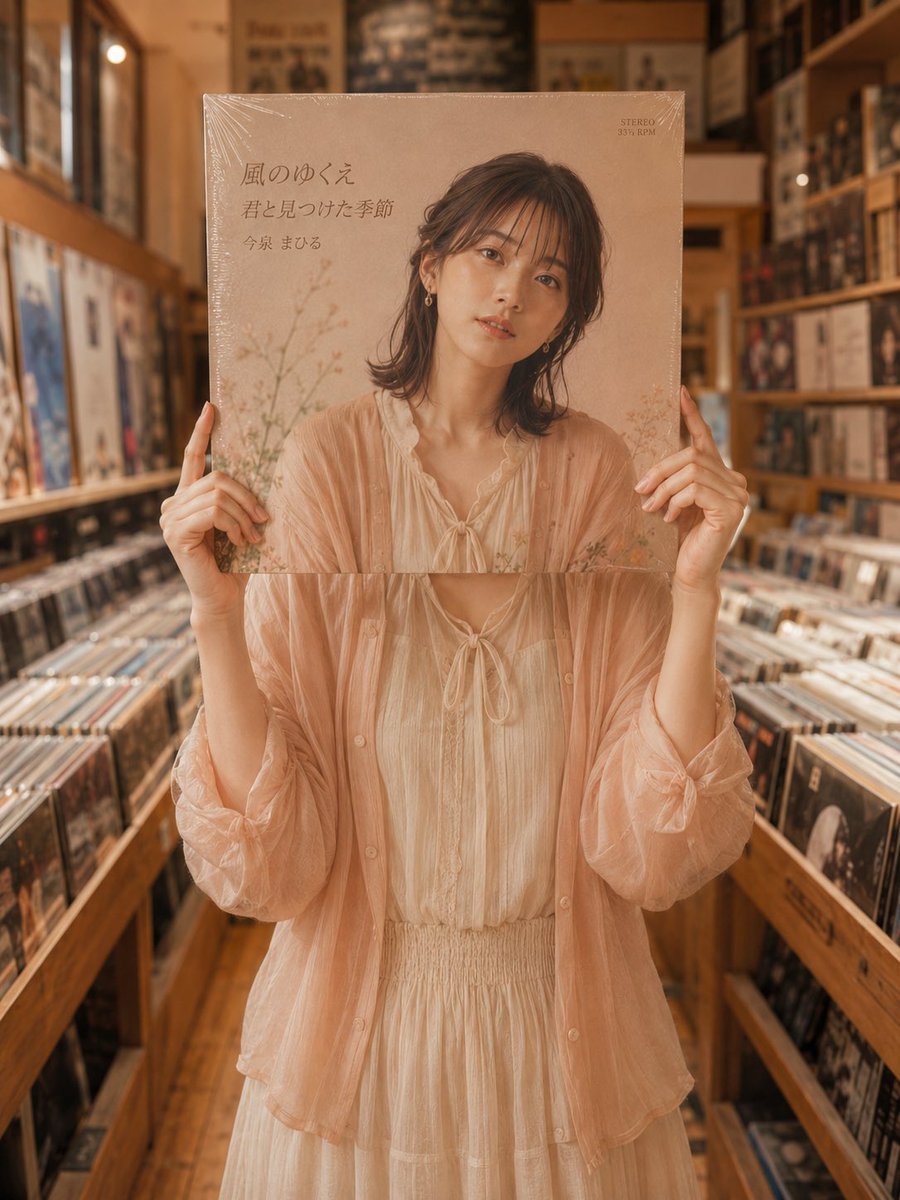
Vinyl Record Store Illusion Portrait

Minimalist Rope Line Art Portrait

Minimalist Urban Fashion Editorial Side Profile

Cinematic Sunset Couple Close-Up

3D Render of Childlike Character in Puzzle Sweater

High-Contrast Editorial Portrait Prompt (Car/Tuxedo)
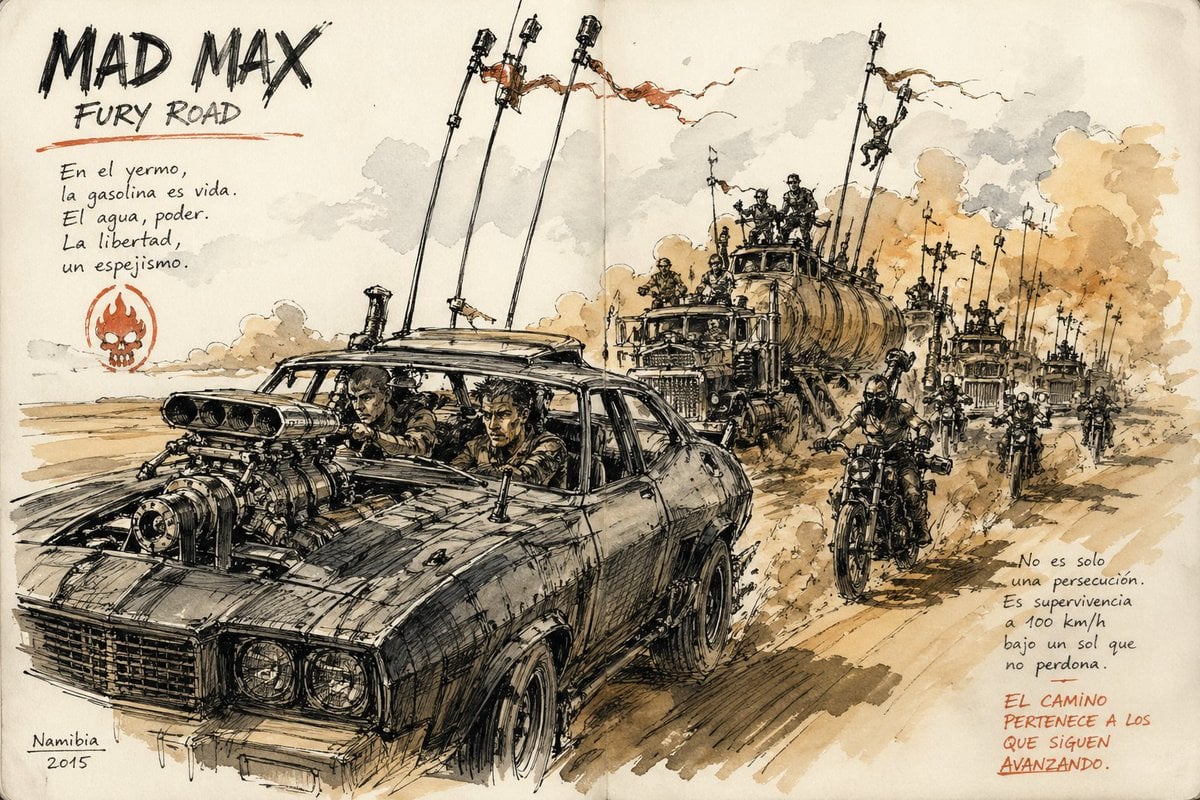
Urban Sketching Style Prompt

Cinematic Urban Rain Scene Prompt (Neo-Noir)

Pixar-Style Chibi Sticker Sheet

Vintage Film Aesthetic Portrait with Motion Blur
Browse template categories
Candid Korean Supermarket Shopper questions
How do I use the Candid Korean Supermarket Shopper template?
Add your photo if the template asks for one, edit the prompt if you like — the template's model and format are already selected — and press Generate. Your version opens in PicX Studio.
Can I customize the Candid Korean Supermarket Shopper template?
Yes. You can change the subject, setting, lighting, mood, format, and available model controls before creating your image.
Is the Candid Korean Supermarket Shopper template free?
Opening and editing this template is free. Generating uses credits, shown on the Generate button when you are signed in.
Which AI model should I use?
Start with GPT Image 2, which is the model associated with this template. You can compare another compatible model for a different finish.
Looking for something else? Browse all templates.

Your photo, any look
Thousands of ready templates for every top image and video model, from one credit balance.