
High-Fashion Editorial Composite
A sophisticated high-fashion editorial prompt that uses a subject photo as a facial reference to create a composite of a close-up and full-body portrait with abstract paint art.
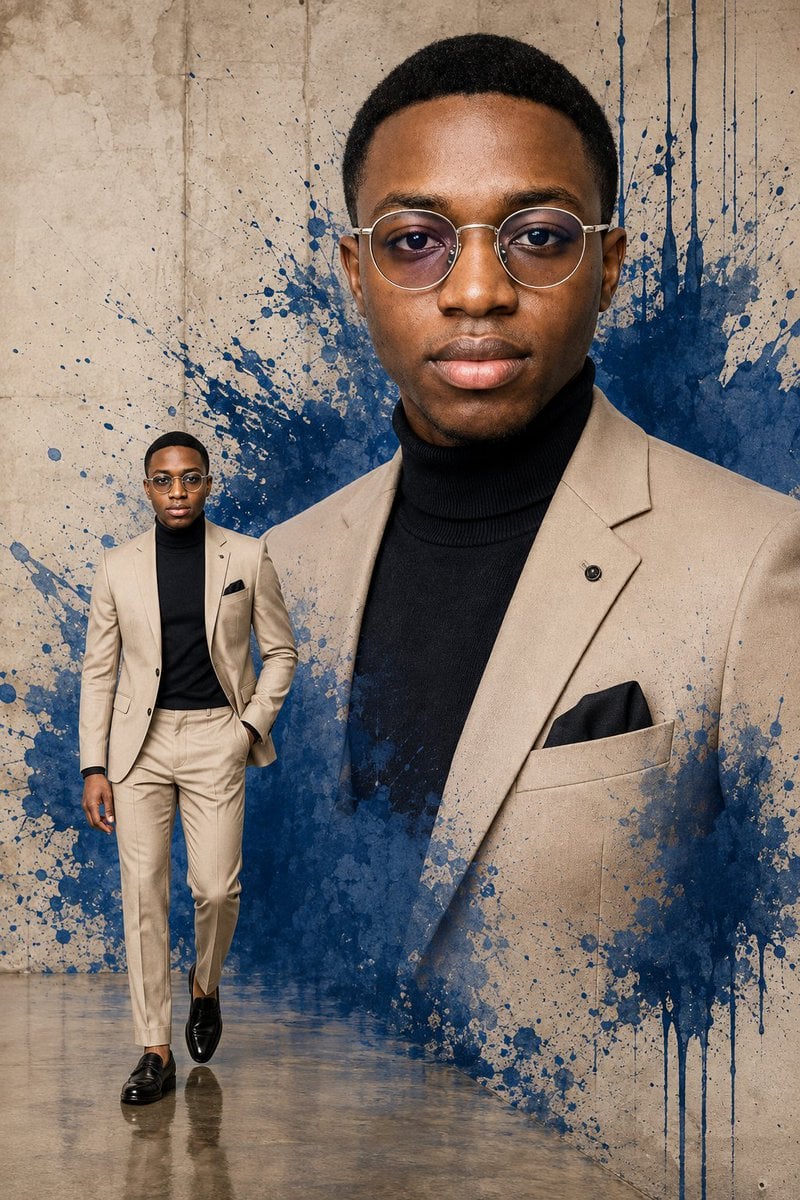
- Prompt included
- Model and format preset
- Free template
The prompt behind this image
Copy the exact prompt behind High-Fashion Editorial Composite, or open it in the studio and make it yours.
Using the subject photo as a facial identity reference. Create an ultra-realistic high-fashion editorial composite portrait of an adult man, combining a dramatic large close-up portrait with a smaller full-body figure of the same person in one seamless composition. The dominant portrait fills the right and center of the frame from the chest upward. He faces the camera with a calm, confident expression and relaxed posture. Give him a neat short natural haircut with subtle texture and a clean hairline. He wears stylish round silver-framed eyeglasses with lightly tinted lenses. Dress him in {argument name="outfit" default="an elegant light beige tailored suit jacket over a fitted black turtleneck sweater, finished with a black pocket square and a small minimalist lapel pin"}. Keep the styling sophisticated and modern with no necklace or unnecessary accessories. On the lower-left side, include a smaller full-body version of the same man walking confidently toward the camera. He wears the matching beige tailored trousers, beige blazer, black turtleneck, round glasses, and polished black leather loafers. One hand rests casually inside his trouser pocket while the other hangs naturally beside him. Use a {argument name="background art" default="textured warm beige concrete/plaster background covered with an expressive deep cobalt-blue abstract paint explosion"} behind both figures. Add energetic paint splashes, droplets, brush textures, scattered speckles, vertical drips, and watercolor-like edges radiating outward. Allow portions of the blue paint texture to subtly blend into the lower edges of the large portrait for an artistic mixed-media effect. Create a slightly reflective polished concrete floor beneath the full-body figure with realistic soft reflections and grounding shadows. Lighting should be soft, bright, and professionally controlled, with realistic skin texture, crisp facial details, natural highlights, gentle shadows, and subtle reflections on the eyeglasses. Keep both versions of the subject visually consistent in facial features, hairstyle, clothing, and proportions. Style: luxury menswear campaign, contemporary editorial photography mixed with abstract paint art, photorealistic, sophisticated, bold, clean composition, extremely detailed, sharp focus, realistic fabric texture, premium magazine aesthetic, 8K quality, vertical 2:3 composition.
How to use High-Fashion Editorial Composite in 3 steps
- 1Upload ImagePNG, JPG or paste
Add your photo
Upload the photo the template builds on. The prompt, model and format are already set.
- 2…a portrait of your subject in softgolden-hour light, 85mm…
Personalize
Edit the subject and creative details for your destination.
- 3Generate
Generate
Press Generate — your image is created in PicX Studio, so you can compare it with the original and refine one variable at a time.
More like this
Templates with the same subject, style or setup. Open one to see its prompt.

Blue Backdrop Luxury Fashion Portrait Campaign

Luxury Black-and-White Fashion Contact Sheet

untitled

Google Gemini Nano Banana Pro

Conceptual Fashion Portrait in Spider We

01 Skincare Split Portrait — Nano Banana 2

24 The Getty Center — California Series

21 Glass Floor Skyscraper — California Series

19 Luxury Helicopter Travel — California Series

08 Rodeo Drive Luxury Exit — California Series

03 Beverly Hills Convertible — California Series

Gpt Image 2 Fashion Portrait
Make it yours
High-Fashion Editorial Composite works as-is. These are the safest ways to change it without losing the look.
Change one field
Copy a single group, rewrite it, and generate again so you can see what that field is doing.
Keep the frame, change the subject
Hold the composition and light of High-Fashion Editorial Composite, then swap wardrobe, props or the person for a new take.
| If the result… | Why | Fix |
|---|---|---|
| The result drifts from the preview | Too many fields changed at once. | Reuse High-Fashion Editorial Composite as-is first, then change one group — subject, light, or setting. |
| The model over-stylizes the scene | The prose prompt leaves finish and camera underspecified. | Add one camera or lighting sentence and stay on GPT Image 2. |
More GPT Image 2 templates
Other prompts made for GPT Image 2.

Six VTuber Japanese Logo Sheet

Realistic Portrait of Woman and Deer

The Vista Modular Condo Poster

AI Model Routing Comparison Infographic

2.5D Anime Art Board

Isometric Productivity Desk Scene

New York Double Exposure Poster

Four-Panel AI Landscape Comparison

Japanese Tatami Lifestyle Magazine Cover

NESCAFÉ Coffee Map Poster
More image prompts
Fresh picks from across the catalog.
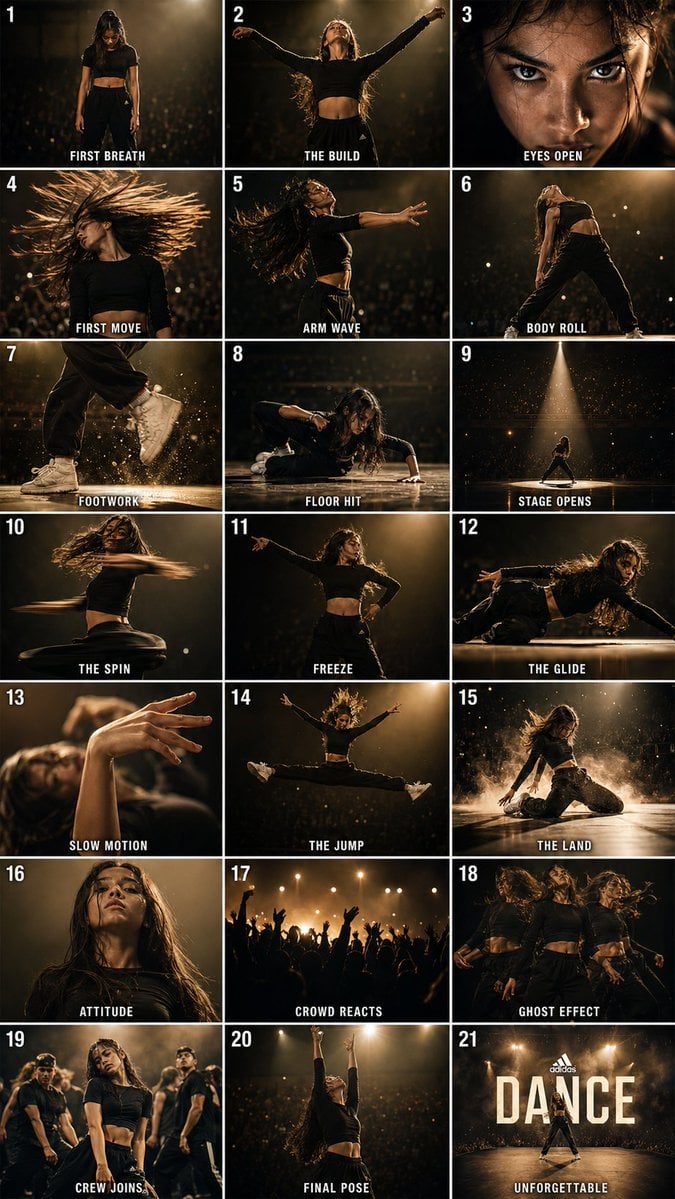
Cinematic Dance Routine Storyboard
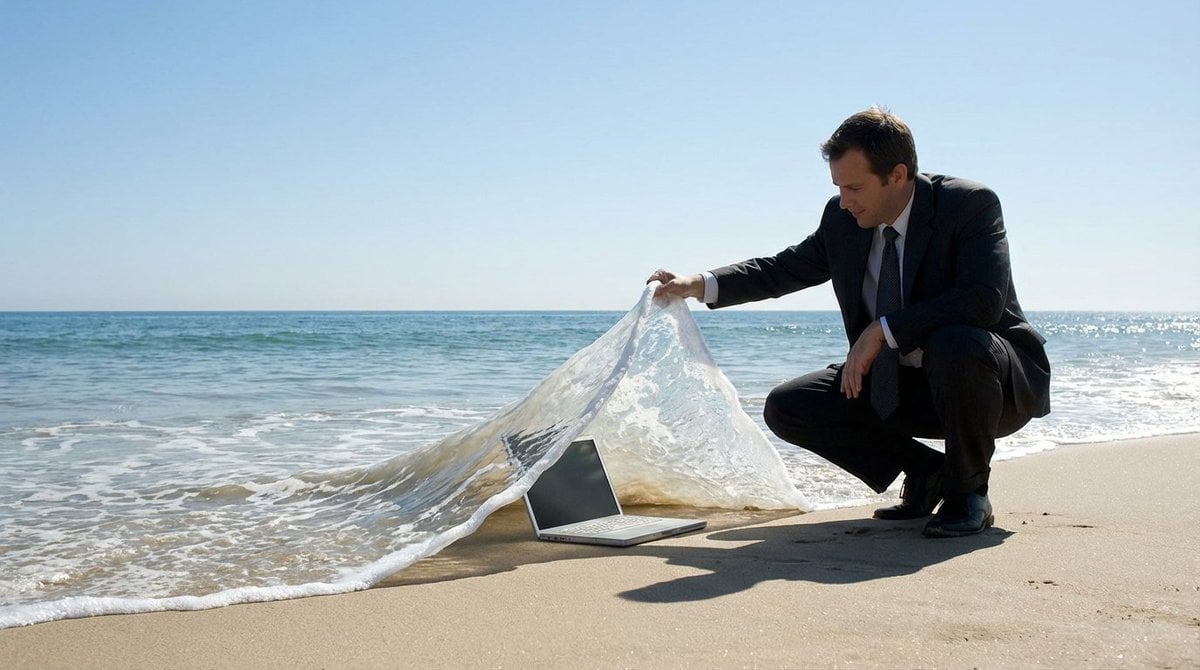
Surreal deep sea storage illusion prompt
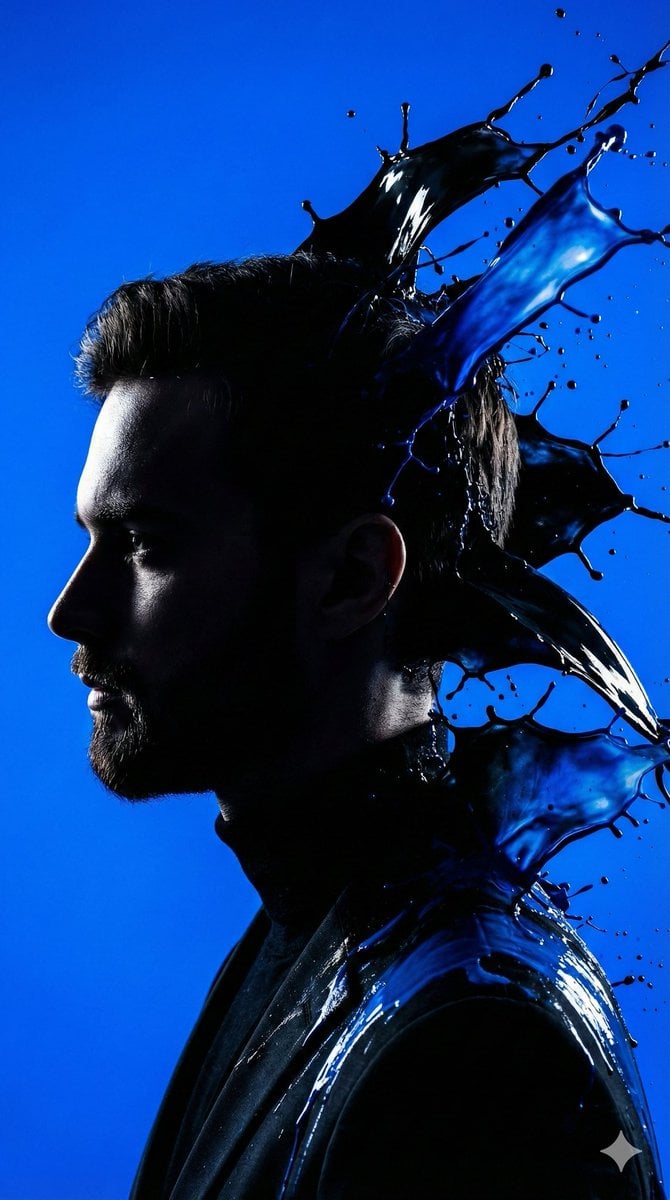
High-Contrast Silhouette with Paint Splashes Prompt
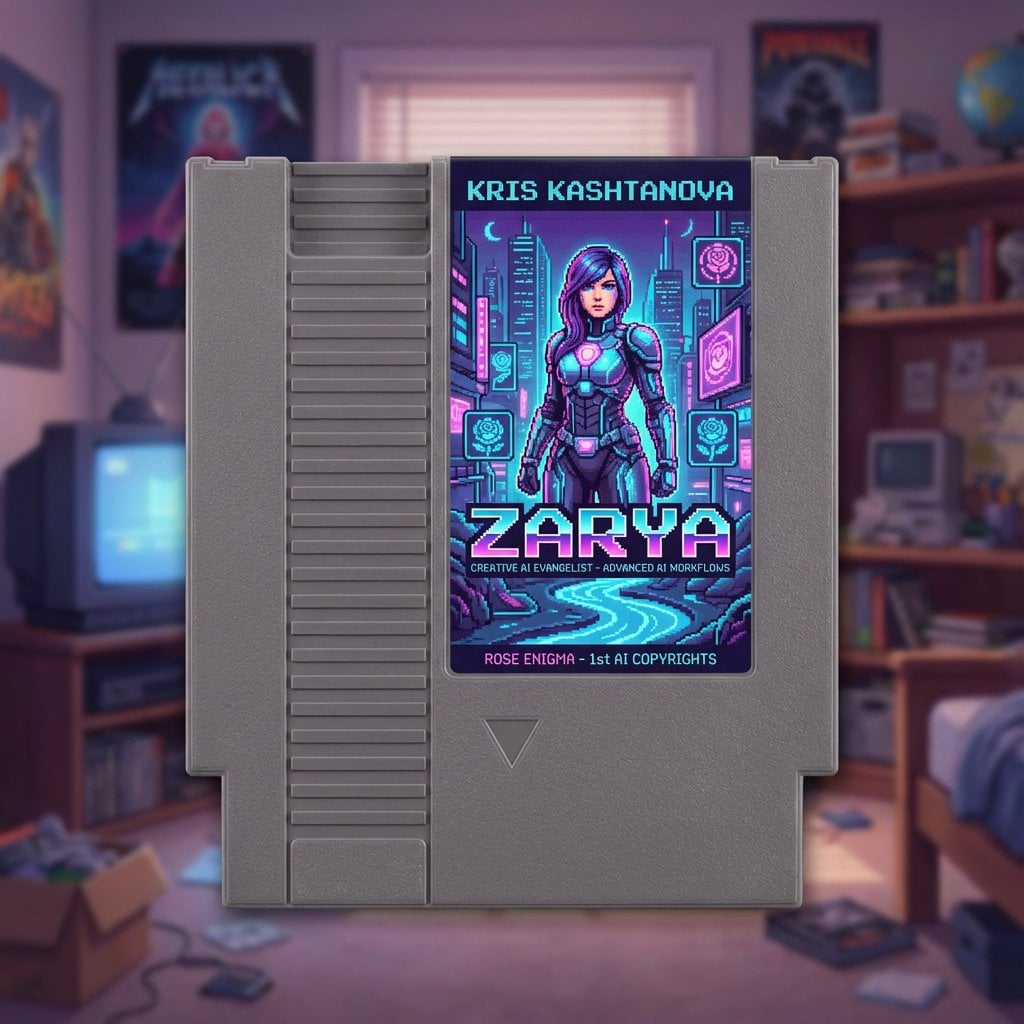
Turn a social bio into a NES cartridge cover
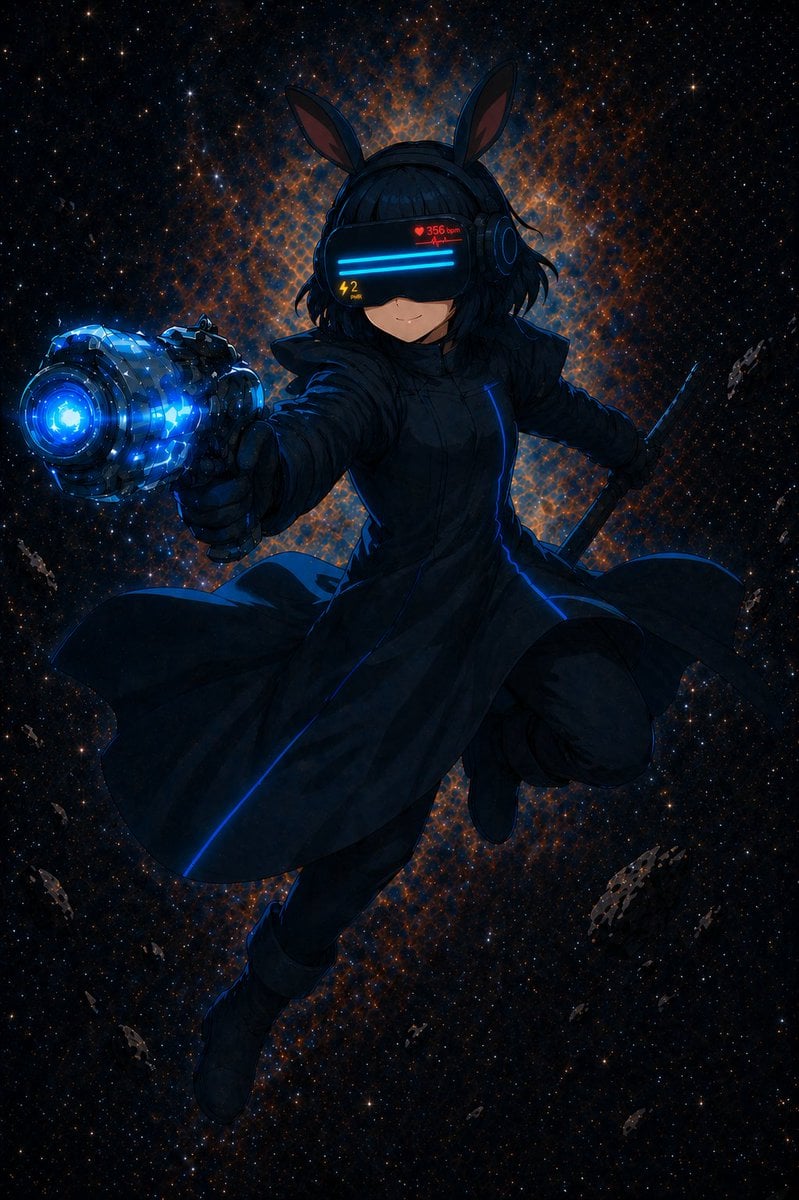
Cyber Bunny Visor Space Warrior
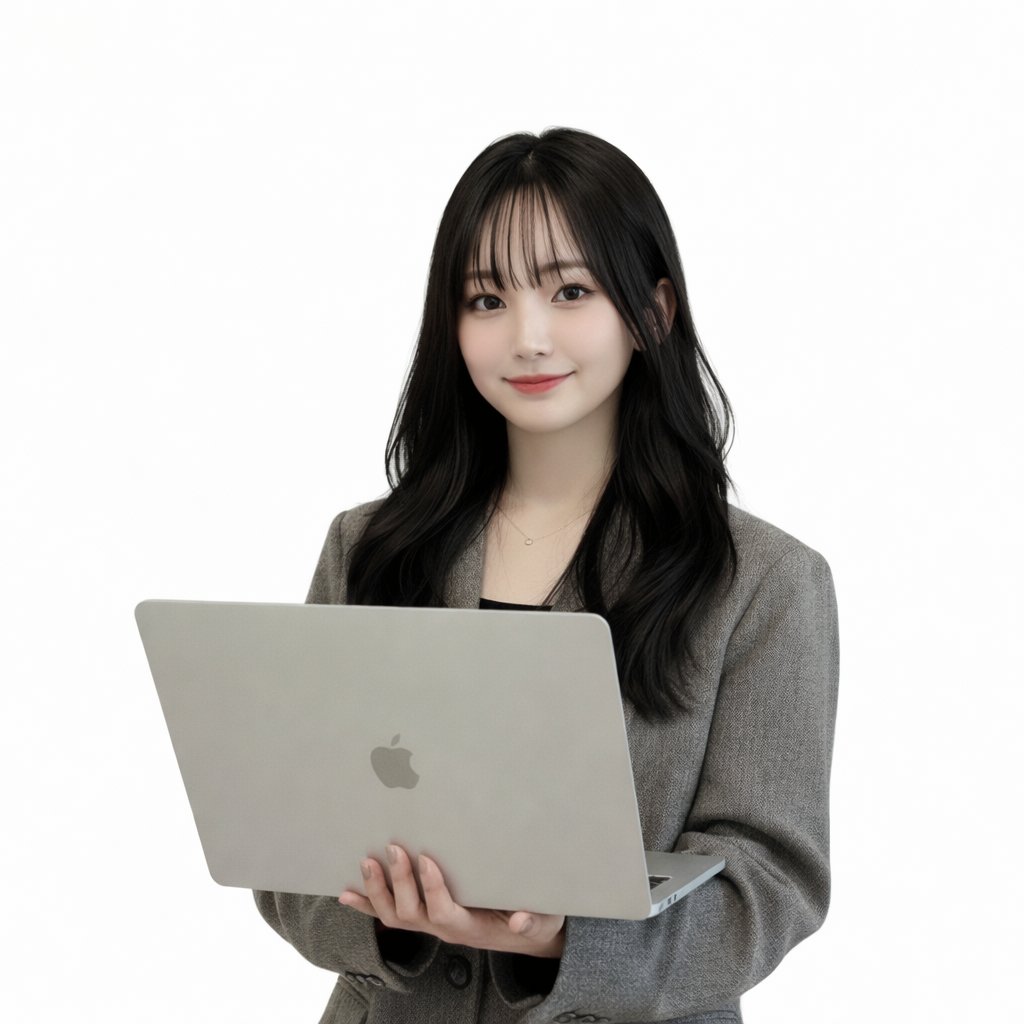
Generating a Korean Idol Style Image
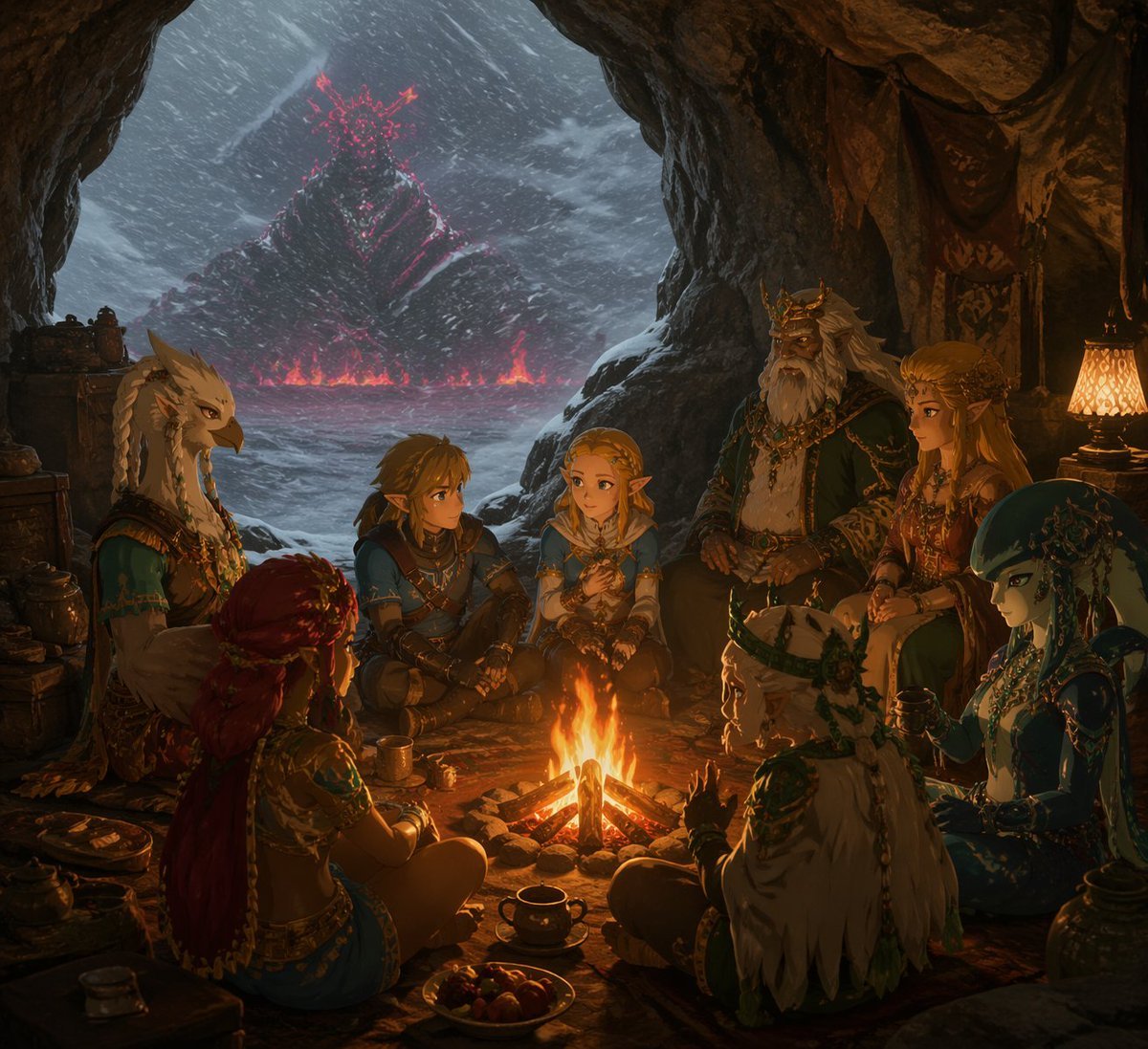
Fantasy Campfire Before a Crimson Mountain
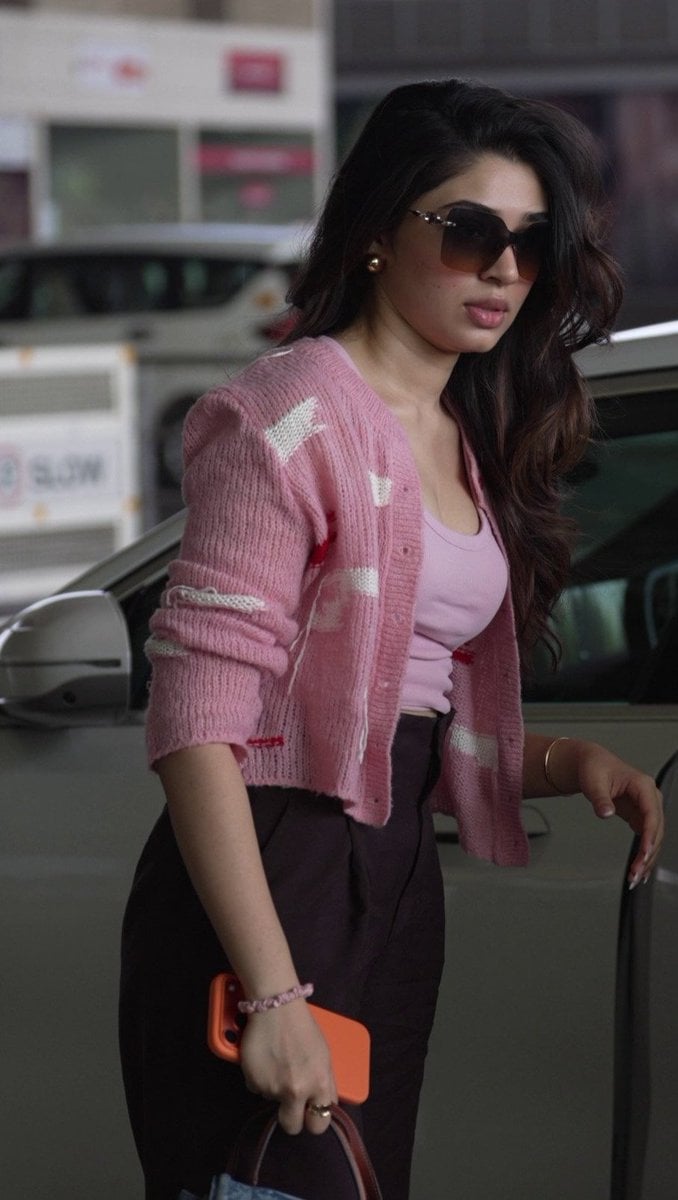
Elegant Pink Urban Glow Fashion Portrait
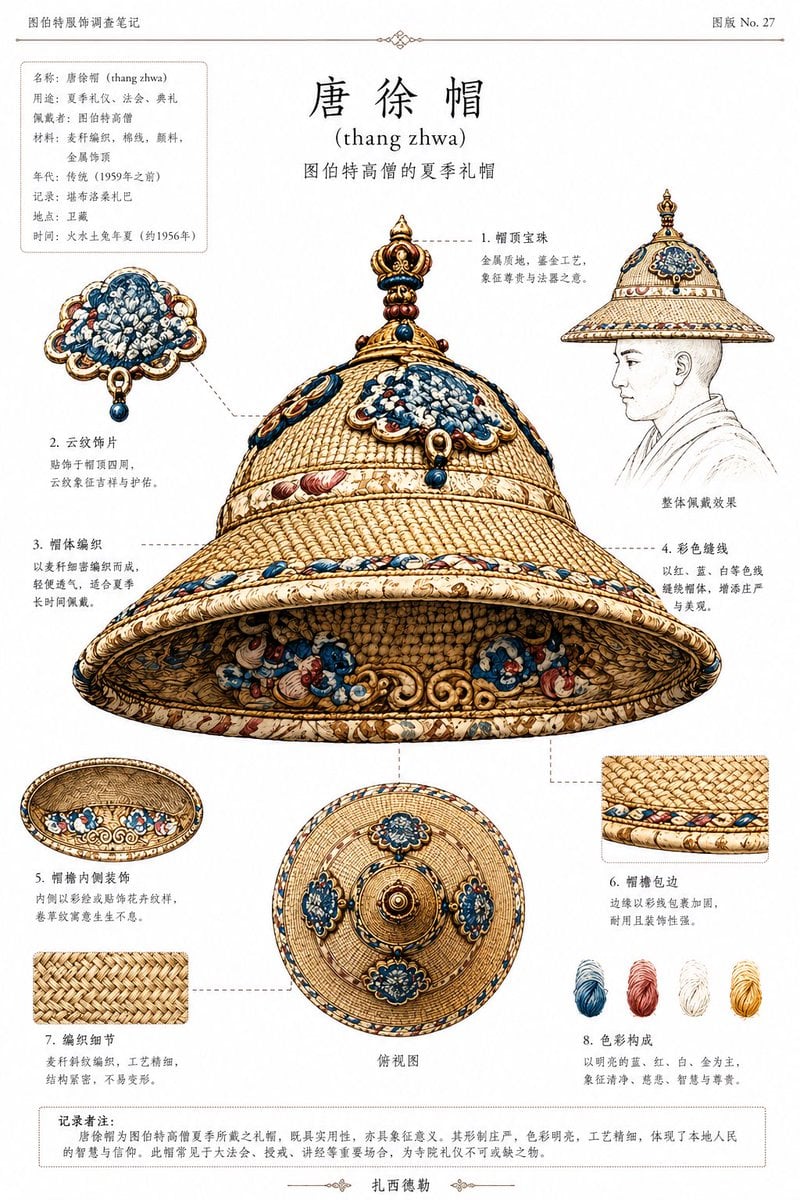
Ethnographic Plate for Tibetan Ceremonial Hat
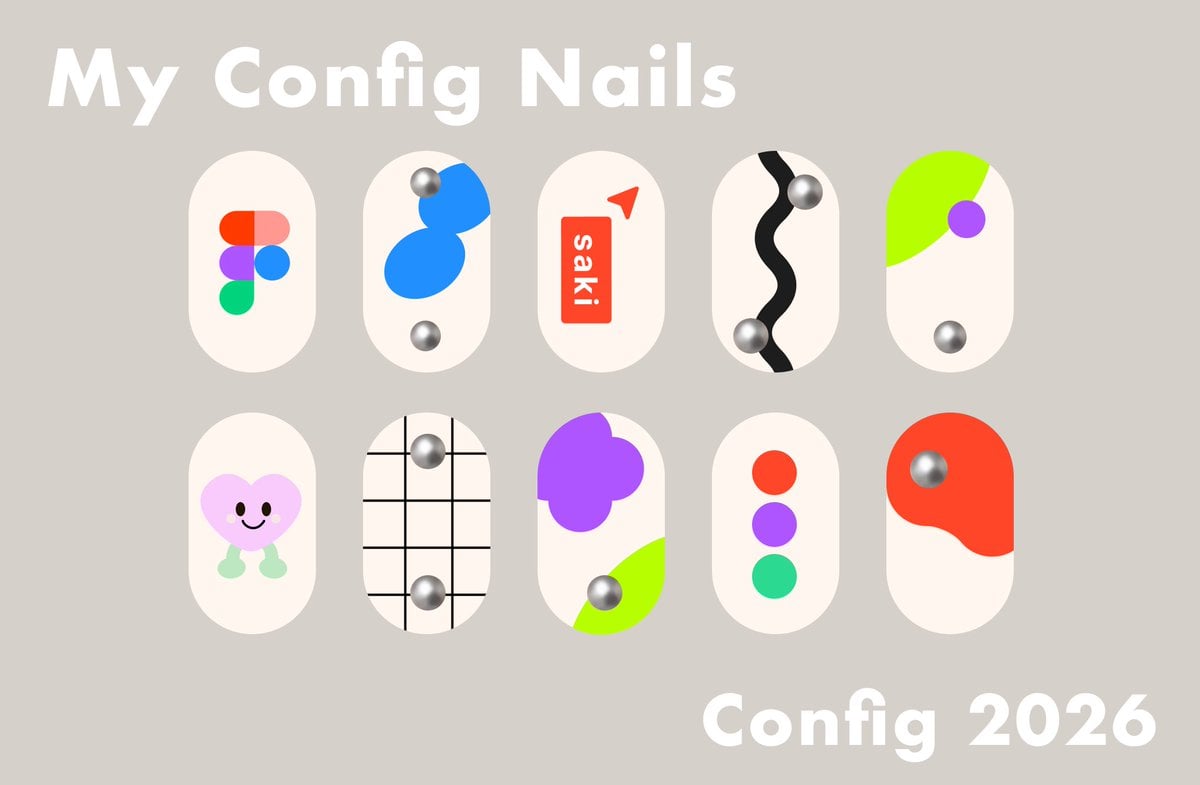
Config 2026 Nail Art Board
Browse template categories
High-Fashion Editorial Composite questions
How do I use the High-Fashion Editorial Composite template?
Add your photo if the template asks for one, edit the prompt if you like — the template's model and format are already selected — and press Generate. Your version opens in PicX Studio.
Can I customize the High-Fashion Editorial Composite template?
Yes. You can change the subject, setting, lighting, mood, format, and available model controls before creating your image.
Is the High-Fashion Editorial Composite template free?
Opening and editing this template is free. Generating uses credits, shown on the Generate button when you are signed in.
Which AI model should I use?
Start with GPT Image 2, which is the model associated with this template. You can compare another compatible model for a different finish.
Looking for something else? Browse all templates.

Your photo, any look
Thousands of ready templates for every top image and video model, from one credit balance.