
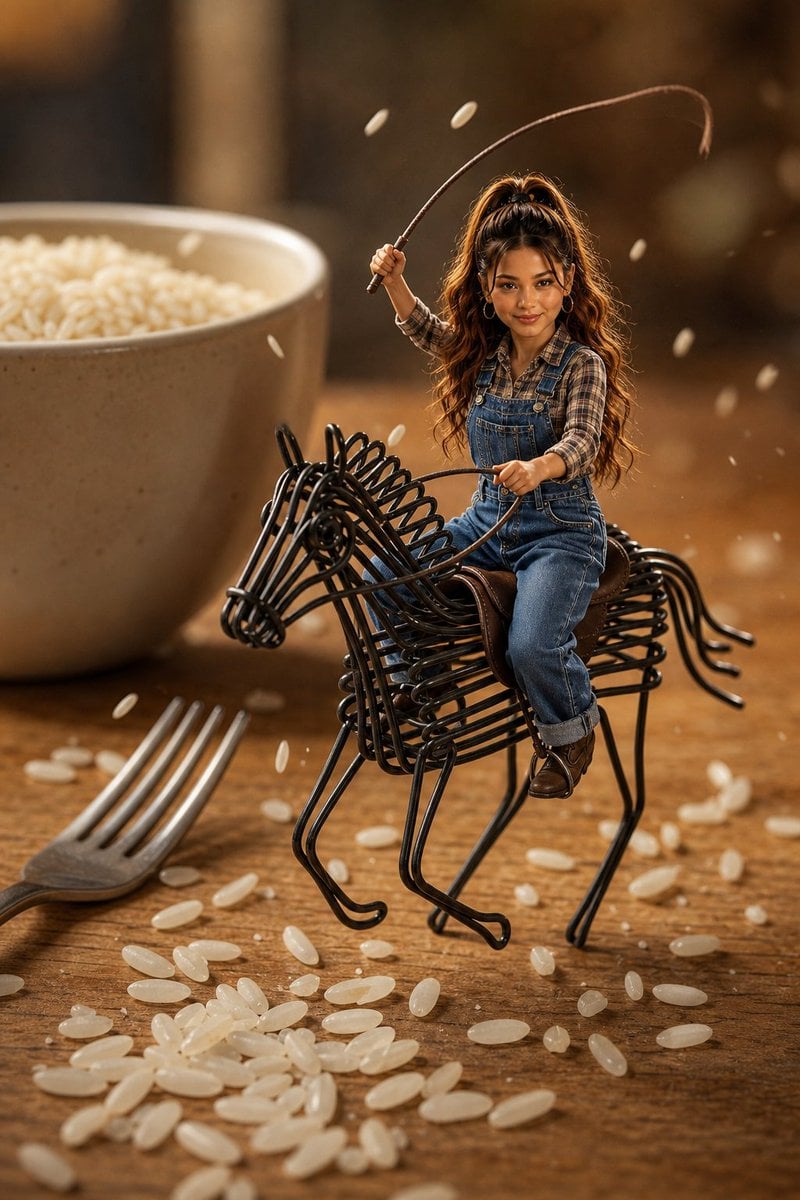
Miniature Cowgirl on Wire Horse
A photorealistic macro miniature scene of a tiny cowgirl riding a black wire horse among rice grains on a kitchen tabletop.
- Prompt included
- Model and format preset
- Free template
The prompt behind this image
Copy the exact prompt behind Miniature Cowgirl on Wire Horse, or open it in the studio and make it yours.
Create a highly detailed photorealistic miniature-world scene of {argument name="character name" default="a tiny young woman"} as a cowgirl riding a black wire horse sculpture on a rustic wooden tabletop. The rider has {argument name="hair color and style" default="long wavy brown hair in a high ponytail"}, warm medium skin, a confident playful smile, and delicate facial features; she wears {argument name="outfit" default="blue denim overalls over a brown plaid shirt, small hoop earrings, rolled cuffs, and brown leather boots"}. She sits on a tiny brown saddle, holding black wire reins in one hand and raising a long curved brown whip or lasso-like riding crop in the other, posed mid-action like a miniature rodeo. The horse is made entirely of glossy black bent metal wire, with a visible wire head, mane, ribcage, legs, and tail, scaled like a toy but rendered with realistic reflections and shadows. Surround the scene with oversized kitchen objects for scale: exactly 2 large background props, a beige ceramic bowl filled with white rice on the left rear and a silver fork lying diagonally in the lower left foreground. Scatter many individual white rice grains across the table, with some grains frozen in the air around the rider to suggest motion. Use warm golden-brown cinematic lighting, shallow depth of field, macro photography perspective, creamy bokeh background, crisp focus on the miniature rider and wire horse, realistic skin, fabric texture, denim seams, metal highlights, wood grain, and rice translucency. Vertical 2:3 composition, subject centered slightly right, bowl softly blurred behind, fork partially cropped, no text, no watermark, no cartoon style.
How to use Miniature Cowgirl on Wire Horse in 3 steps
- 1Upload ImagePNG, JPG or paste
Add your photo
Upload the photo the template builds on. The prompt, model and format are already set.
- 2…a portrait of your subject in softgolden-hour light, 85mm…
Personalize
Edit the subject and creative details for your destination.
- 3Generate
Generate
Press Generate — your image is created in PicX Studio, so you can compare it with the original and refine one variable at a time.
More like this
Templates with the same subject, style or setup. Open one to see its prompt.

Paper Tunnel Book Architecture

Isometric Brand Store Diorama
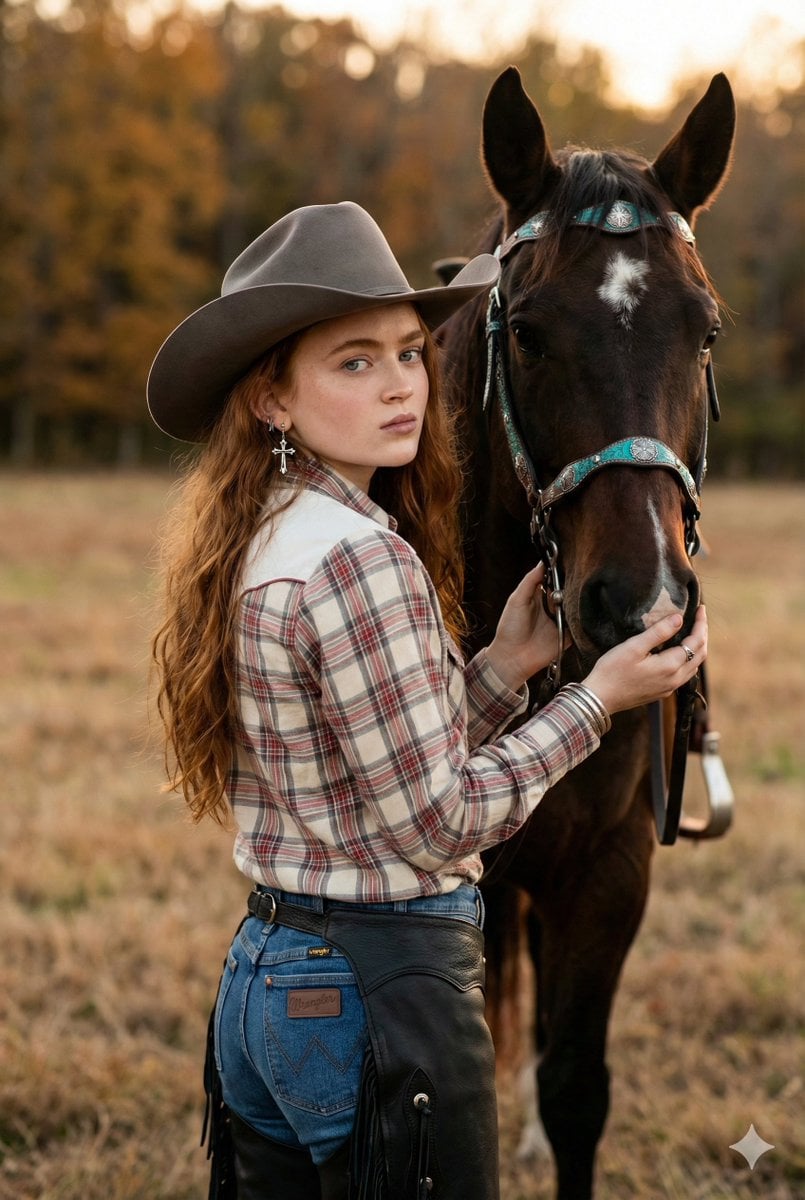
Rustic Cowgirl Portrait with Horse
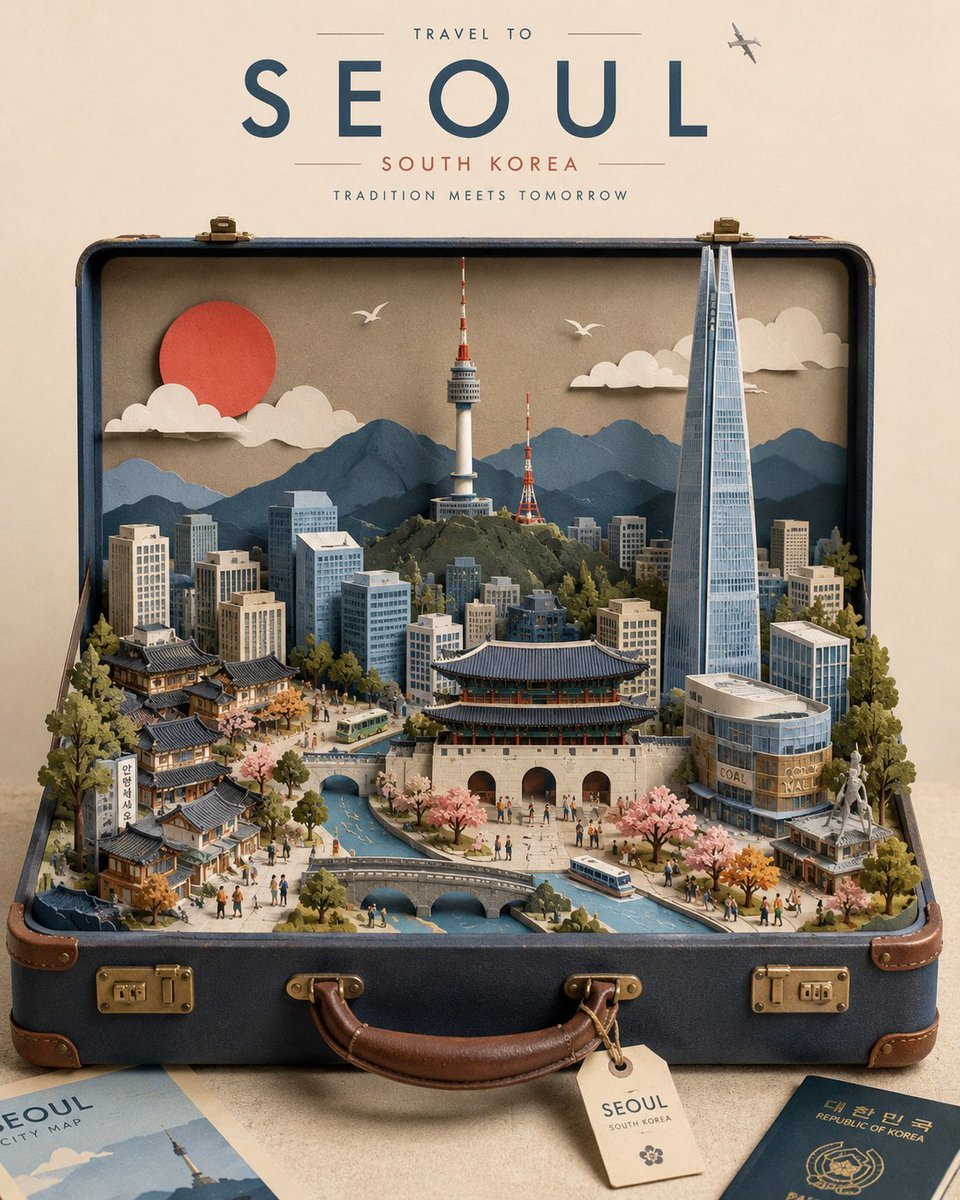
Miniature Suitcase Travel Poster

Miniature Sick Day Diorama
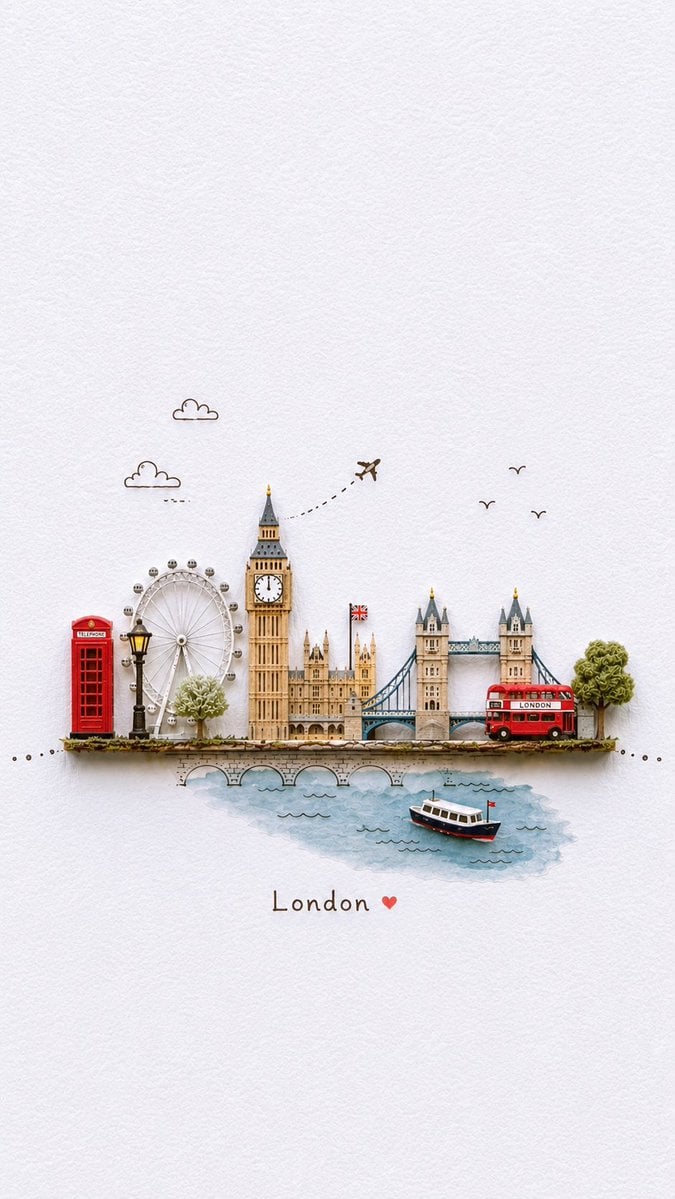
Miniature Paper-Craft Travel Illustration

Stylized Miniature 3D Diorama Craft
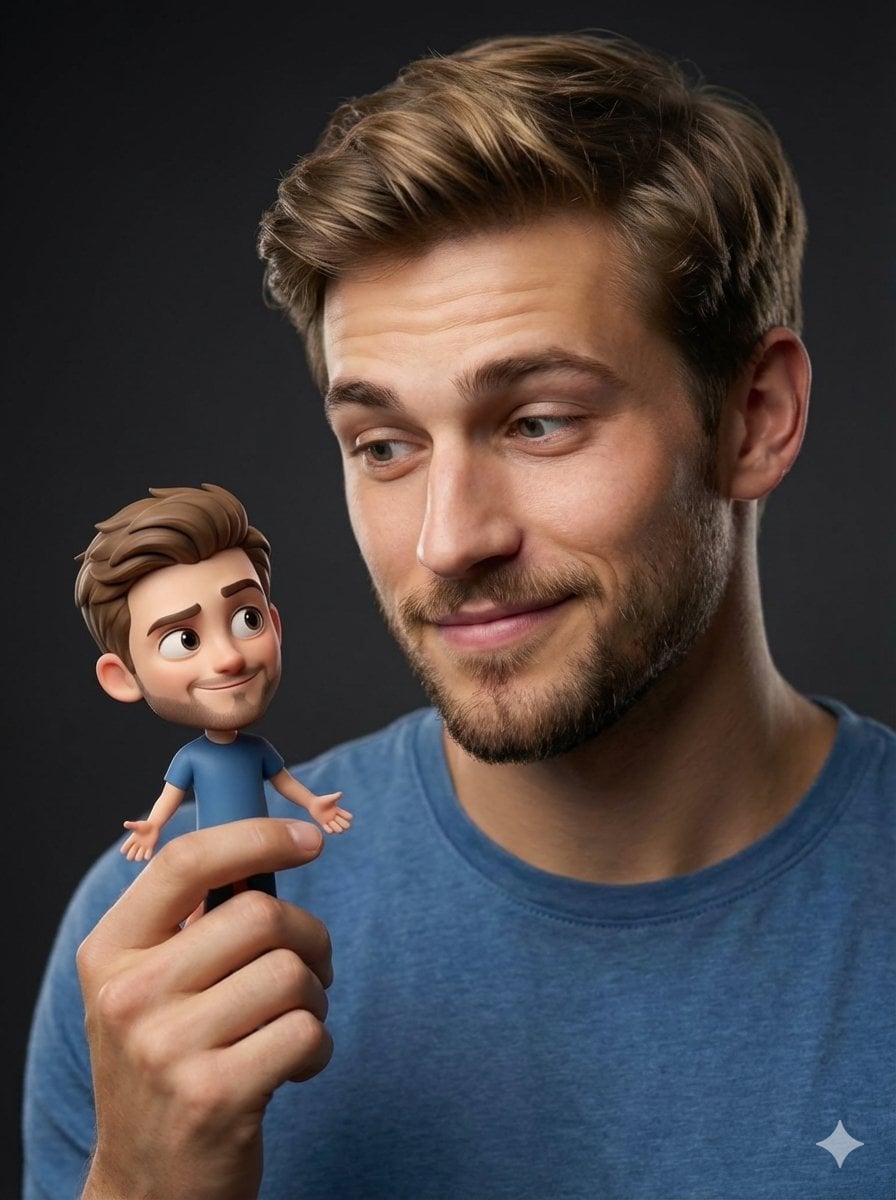
Human with Miniature 3D Self Portrait

Cozy Isometric Bathroom Miniature Diorama

Clear, 45 top-down isometric miniature 3D cartoon scene of the iconic
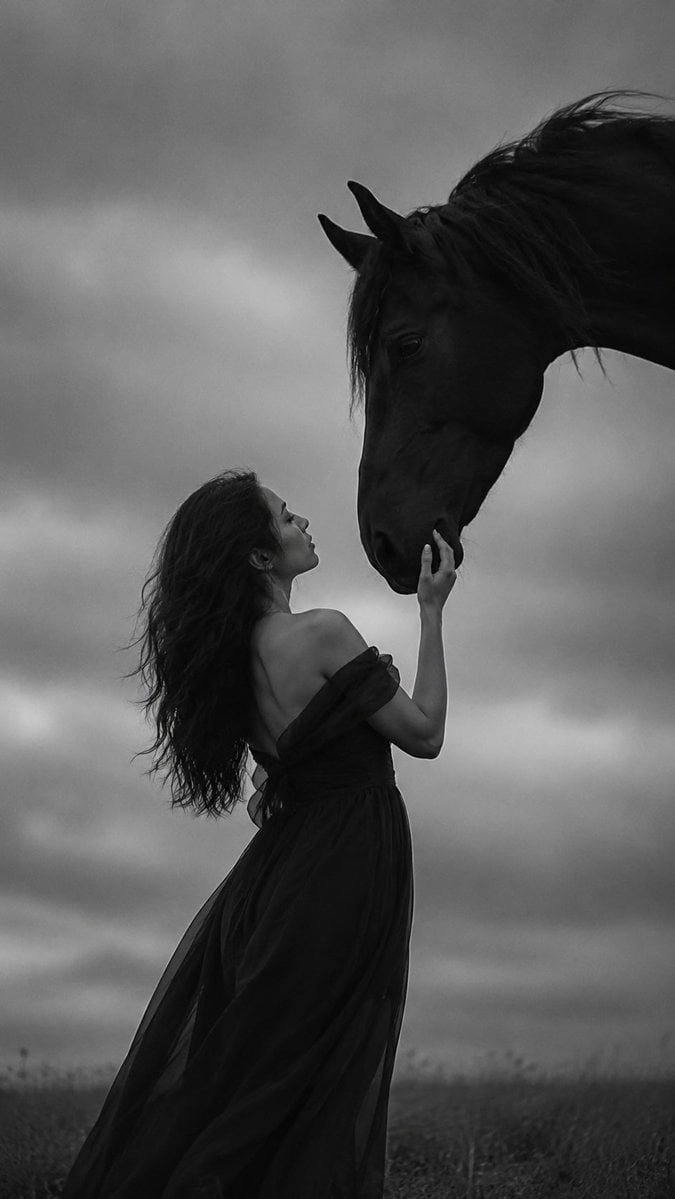
Monochrome Woman and Black Horse
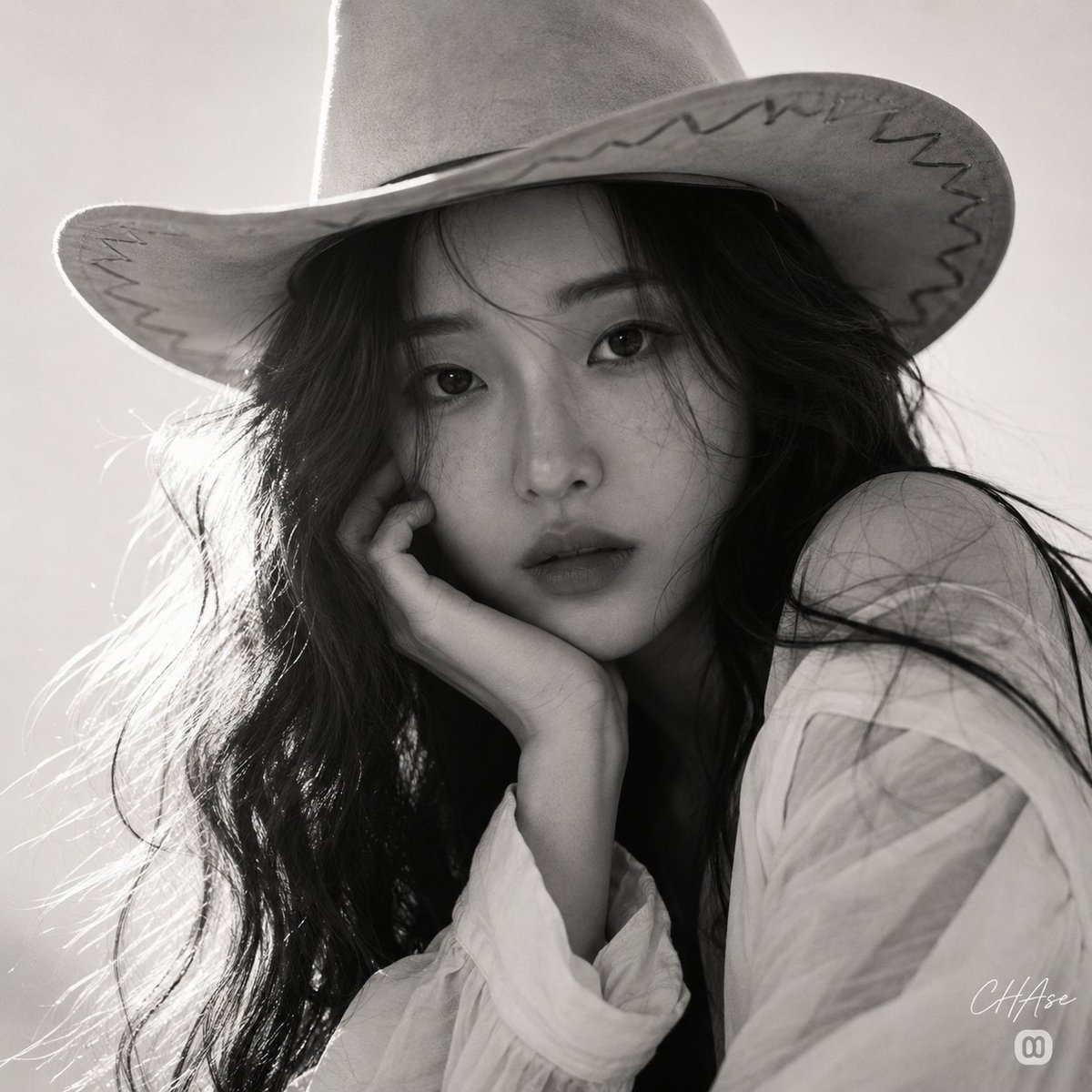
Monochrome Western Cowgirl Portrait
Make it yours
Miniature Cowgirl on Wire Horse works as-is. These are the safest ways to change it without losing the look.
Change one field
Copy a single group, rewrite it, and generate again so you can see what that field is doing.
Keep the frame, change the subject
Hold the composition and light of Miniature Cowgirl on Wire Horse, then swap wardrobe, props or the person for a new take.
| If the result… | Why | Fix |
|---|---|---|
| The result drifts from the preview | Too many fields changed at once. | Reuse Miniature Cowgirl on Wire Horse as-is first, then change one group — subject, light, or setting. |
| The model over-stylizes the scene | The prose prompt leaves finish and camera underspecified. | Add one camera or lighting sentence and stay on GPT Image 2. |
More GPT Image 2 templates
Other prompts made for GPT Image 2.

Six VTuber Japanese Logo Sheet

Realistic Portrait of Woman and Deer

The Vista Modular Condo Poster

AI Model Routing Comparison Infographic

2.5D Anime Art Board

Isometric Productivity Desk Scene

New York Double Exposure Poster

Four-Panel AI Landscape Comparison

Japanese Tatami Lifestyle Magazine Cover

NESCAFÉ Coffee Map Poster
More image prompts
Fresh picks from across the catalog.
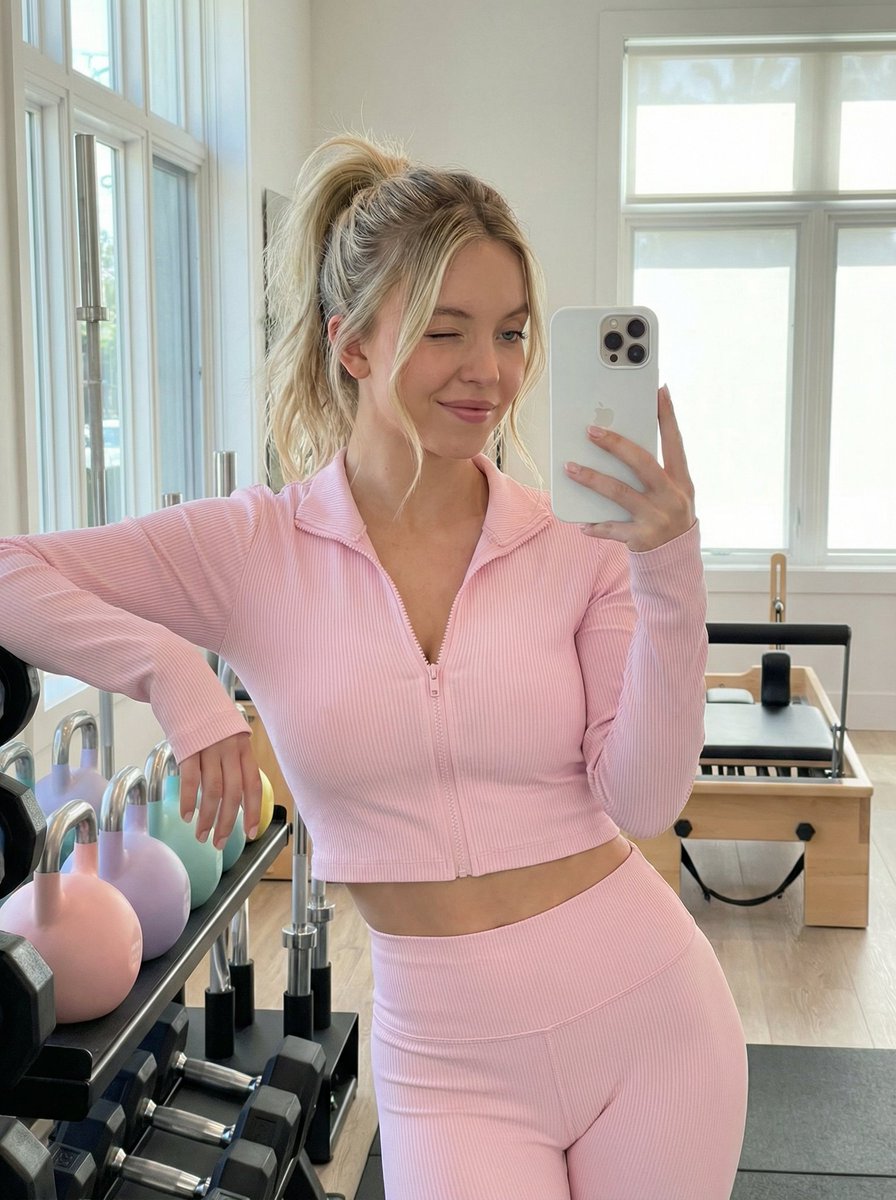
Gym Mirror Selfie Prompt
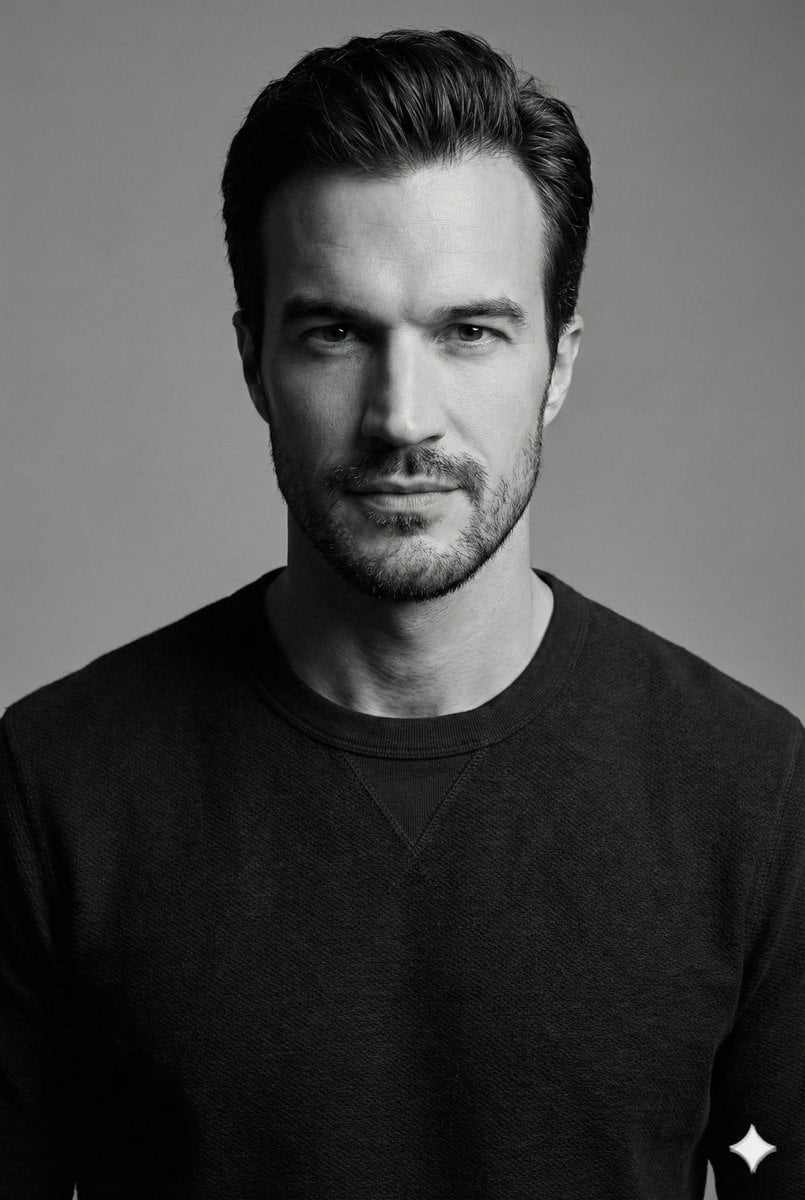
High-Contrast Monochrome Studio Portrait
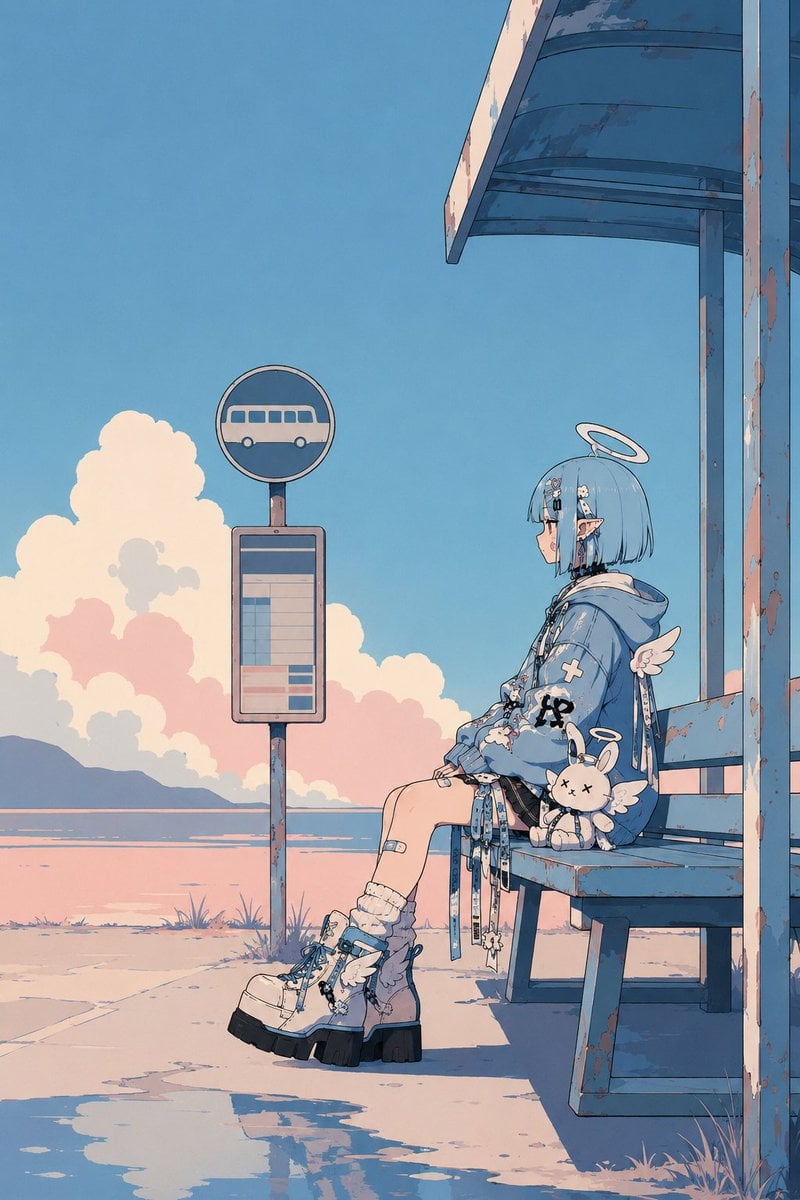
Minimalist Retro Anime Template
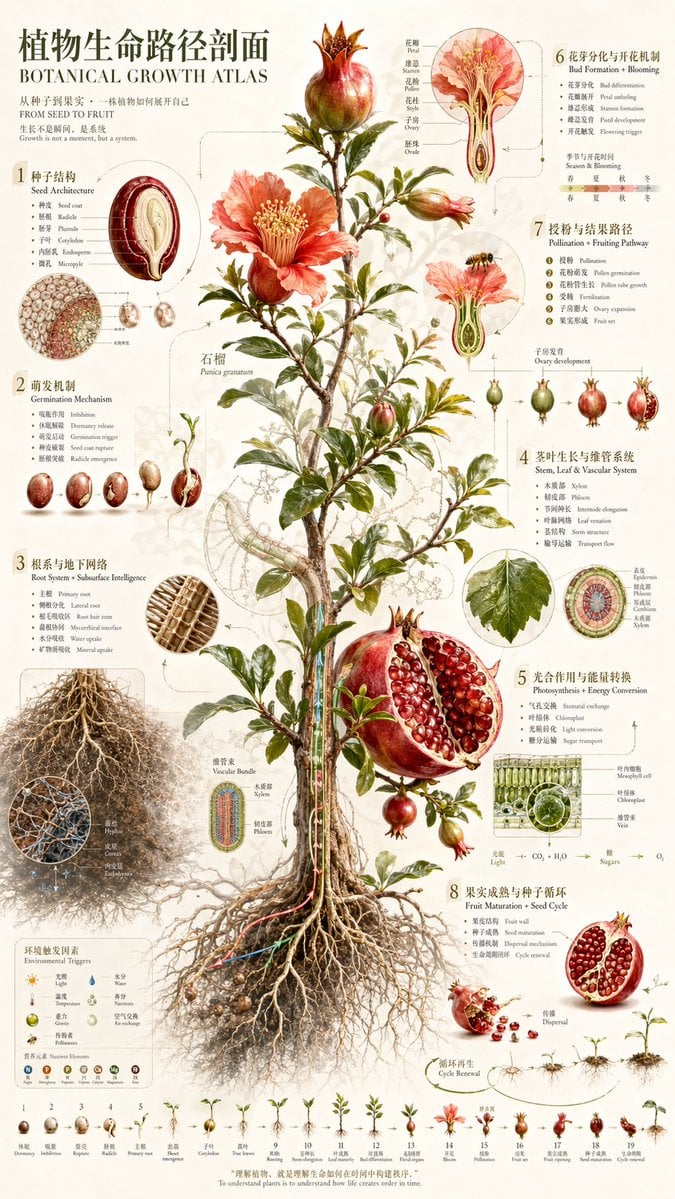
Vintage Pomegranate Growth Atlas
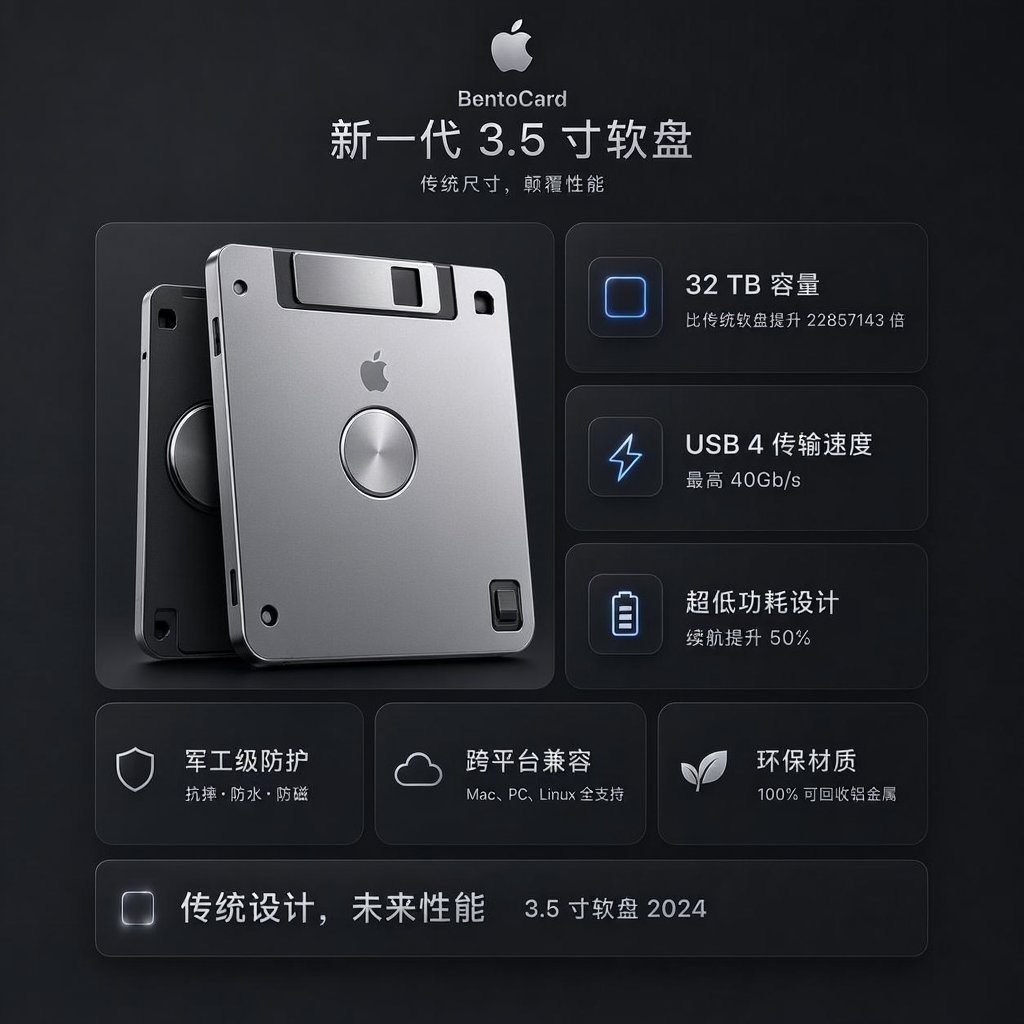
Futuristic BentoCard Floppy Ad
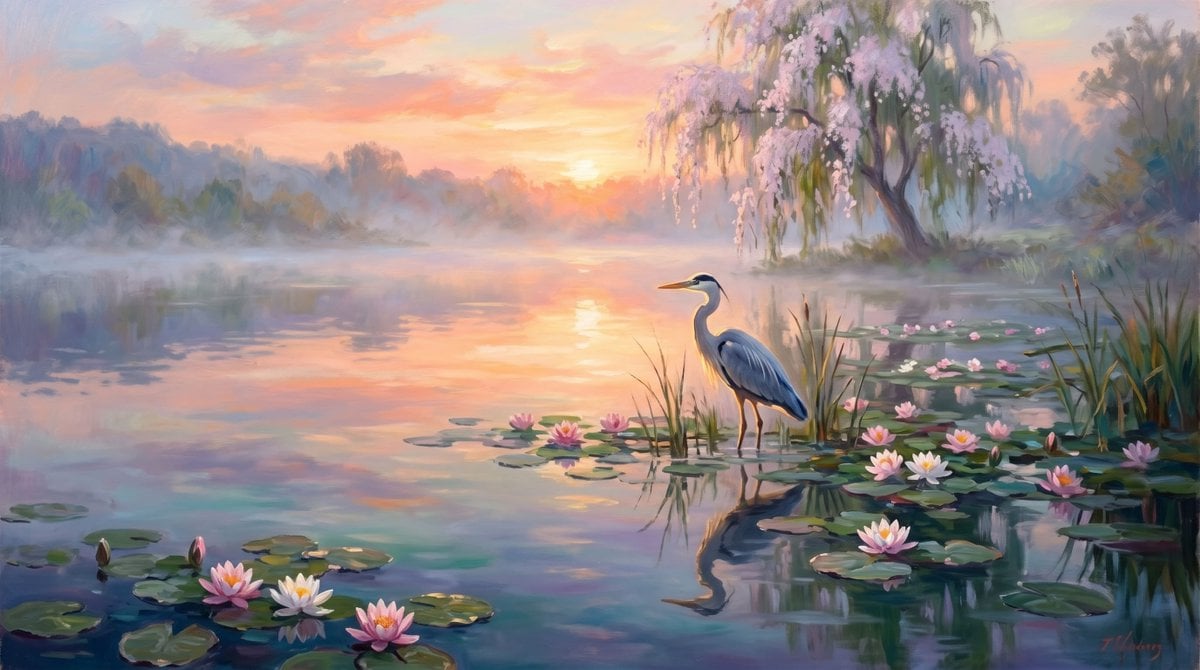
Misty Sunrise Heron Lake
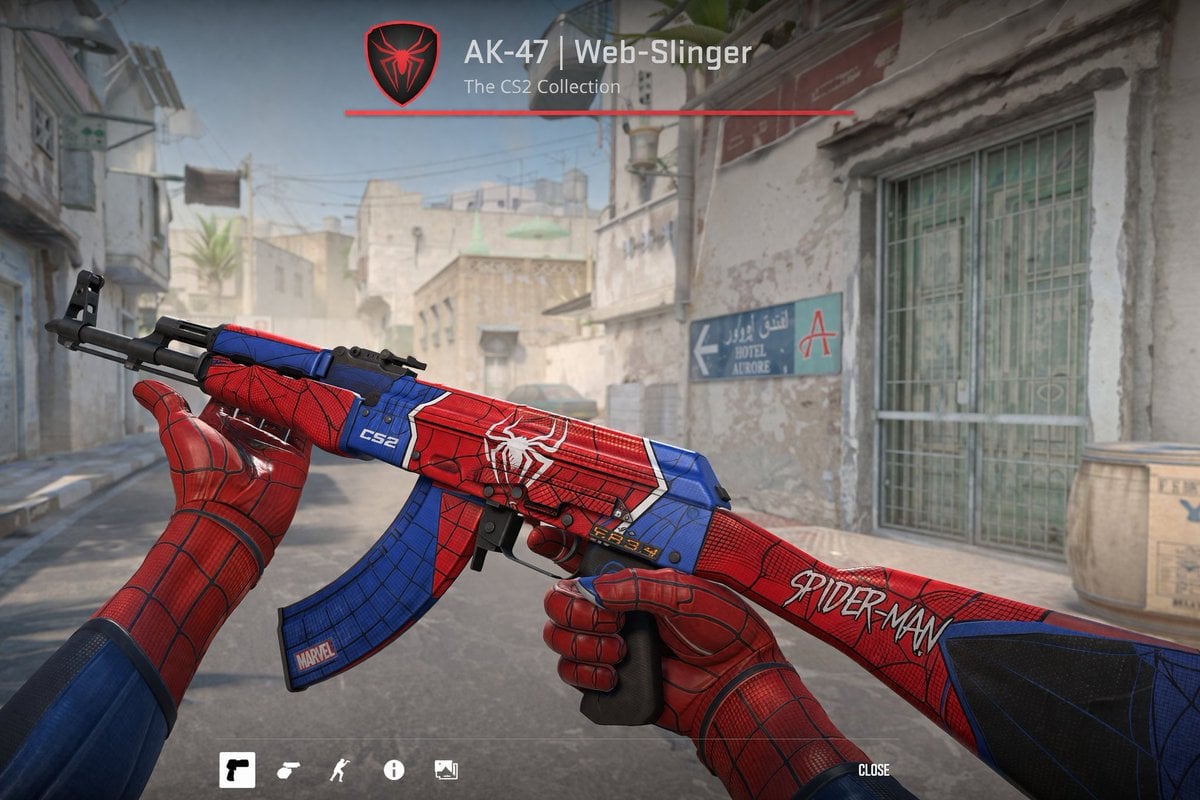
FPS Custom Weapon Skin Screenshot
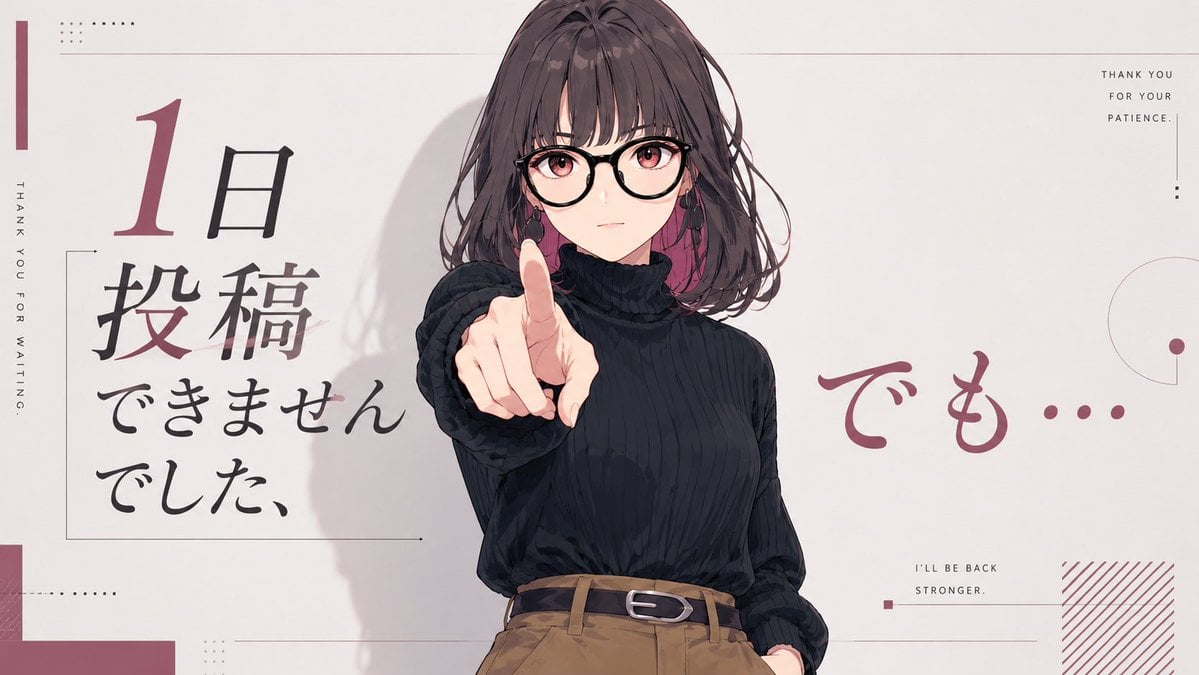
Anime Comeback Posting Banner
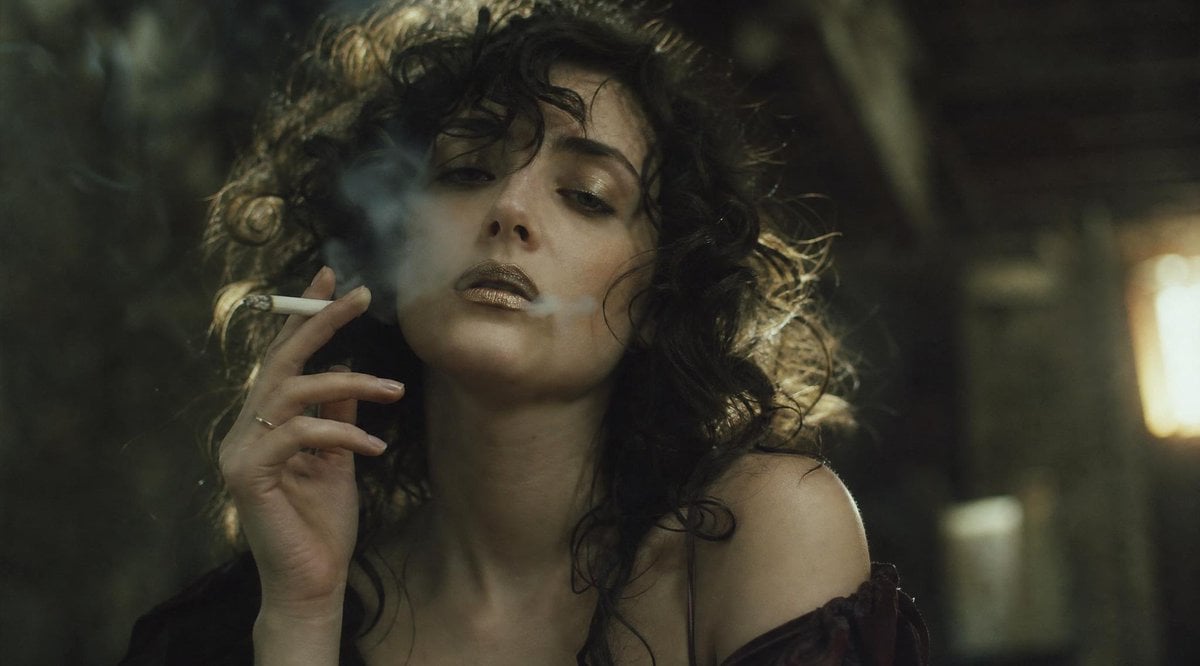
Smoky Censored Film Still
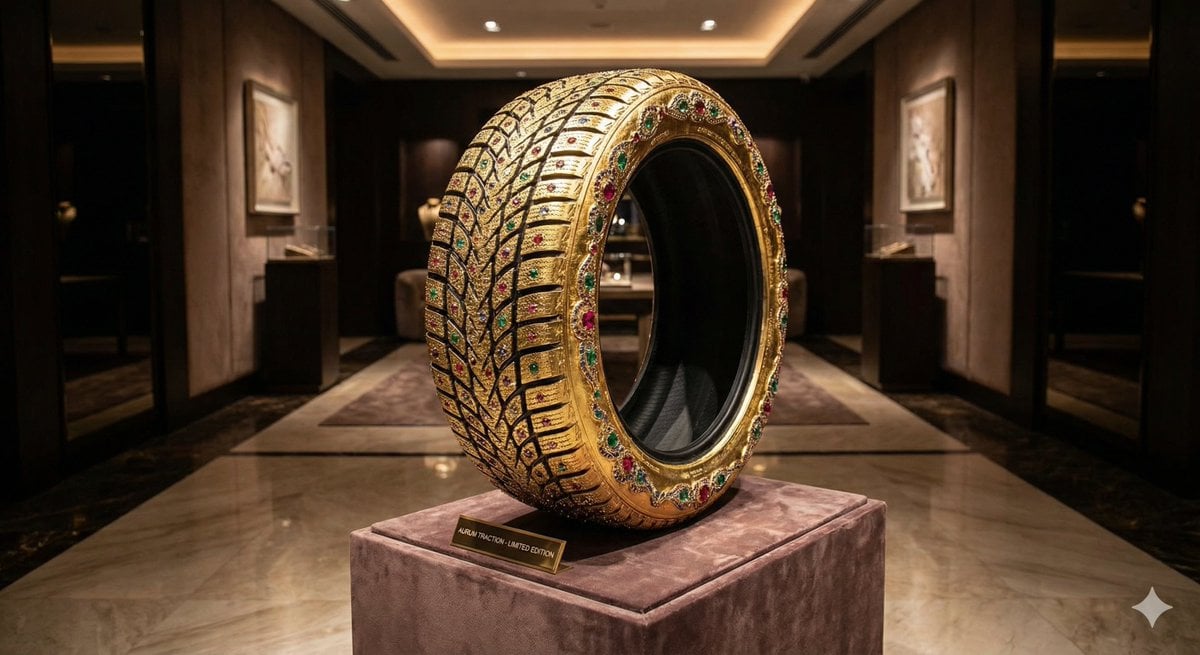
Luxury Snow Tire Image Generation
Browse template categories
Miniature Cowgirl on Wire Horse questions
How do I use the Miniature Cowgirl on Wire Horse template?
Add your photo if the template asks for one, edit the prompt if you like — the template's model and format are already selected — and press Generate. Your version opens in PicX Studio.
Can I customize the Miniature Cowgirl on Wire Horse template?
Yes. You can change the subject, setting, lighting, mood, format, and available model controls before creating your image.
Is the Miniature Cowgirl on Wire Horse template free?
Opening and editing this template is free. Generating uses credits, shown on the Generate button when you are signed in.
Which AI model should I use?
Start with GPT Image 2, which is the model associated with this template. You can compare another compatible model for a different finish.
Looking for something else? Browse all templates.

Your photo, any look
Thousands of ready templates for every top image and video model, from one credit balance.