
Minimalist 3D Clay Illustration Template
A customizable prompt for creating 3D clay illustrations with bold typography and stylized characters, perfect for editorial design.
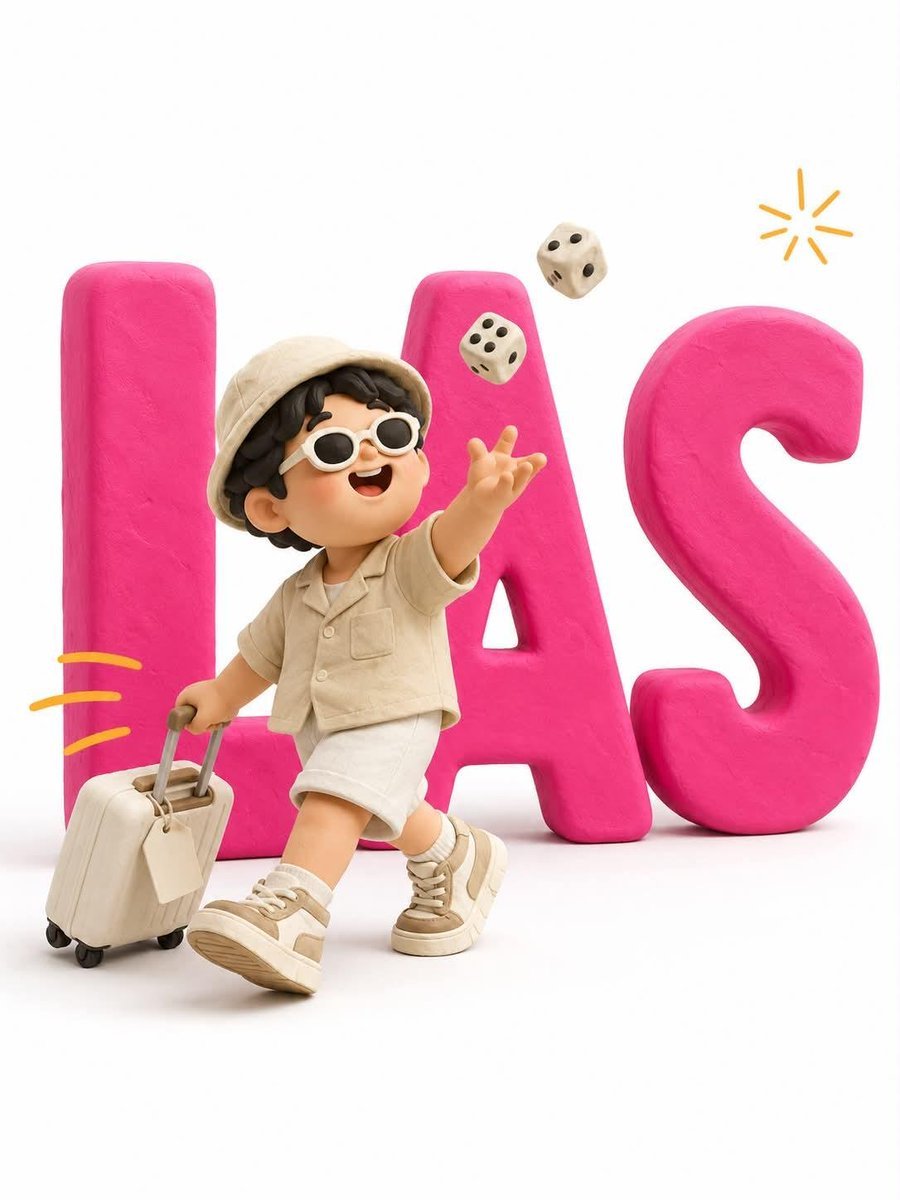
- Prompt included
- Model and format preset
- Free template
The prompt behind this image
Copy the exact prompt behind Minimalist 3D Clay Illustration Template, or open it in the studio and make it yours.
Minimalist 3D clay illustration. Giant bold typography reading "{argument name="text" default="[TEXT]"}" stands flat against a pure white background — thick chunky extruded letterforms in matte {argument name="letter color" default="[LETTER COLOR]"} plasticine (a single solid saturated color across all letters), soft rounded edges and bevels, subtle fingerprint texture, no gloss, a faint soft drop shadow beneath. A cute stylized clay character stands IN FRONT of the letters, overlapping them, full body visible from head to sneakers. The letters remain fully readable behind — the character never sits on, climbs, or merges into them. CHARACTER: chubby handmade proportions, oversized round head, big glossy black dot eyes, tiny smiling mouth, soft blush cheeks, mitten hands. {argument name="character description" default="[CHARACTER DESCRIPTION]"}. NOTE: the character wears NO colors matching the letters — use contrasting colors only, so the character separates cleanly from the typography. ACTION: [ACTION DESCRIPTION]. Body overlaps the first and middle letters; the final letter stays clear on the right. SCALE: character height about 65% of the letter height, centered slightly left. ACCENTS: [NUMBER] small hand-drawn [ACCENT COLOR] motion dashes trailing behind the character, one tiny doodled [ACCENT ELEMENT] arcing in the upper right — thin flat 2D marks, not 3D. RENDER: soft diffused studio light from upper left, gentle ambient occlusion, matte clay surfaces throughout, clean white seamless backdrop, slightly elevated eye-level camera, vertical 3:4. NEGATIVE: glossy plastic, metallic sheen, gradients on the letters, letters obscured or broken, character standing on or inside the letters, extra text, readable text on props, misspelled words, brand or commercial logos, realistic skin, harsh shadows, colored background.
How to use Minimalist 3D Clay Illustration Template in 3 steps
- 1
Open
The prompt is already in the box next to the preview, with the template's model and format selected.
- 2…a portrait of your subject in softgolden-hour light, 85mm…
Personalize
Edit the subject and creative details for your destination.
- 3Generate
Generate
Press Generate — your image is created in PicX Studio, so you can compare it with the original and refine one variable at a time.
More like this
Templates with the same subject, style or setup. Open one to see its prompt.

Quiet Minimalist Anime Style Guide
Quiet Minimalist Anime Style Guide
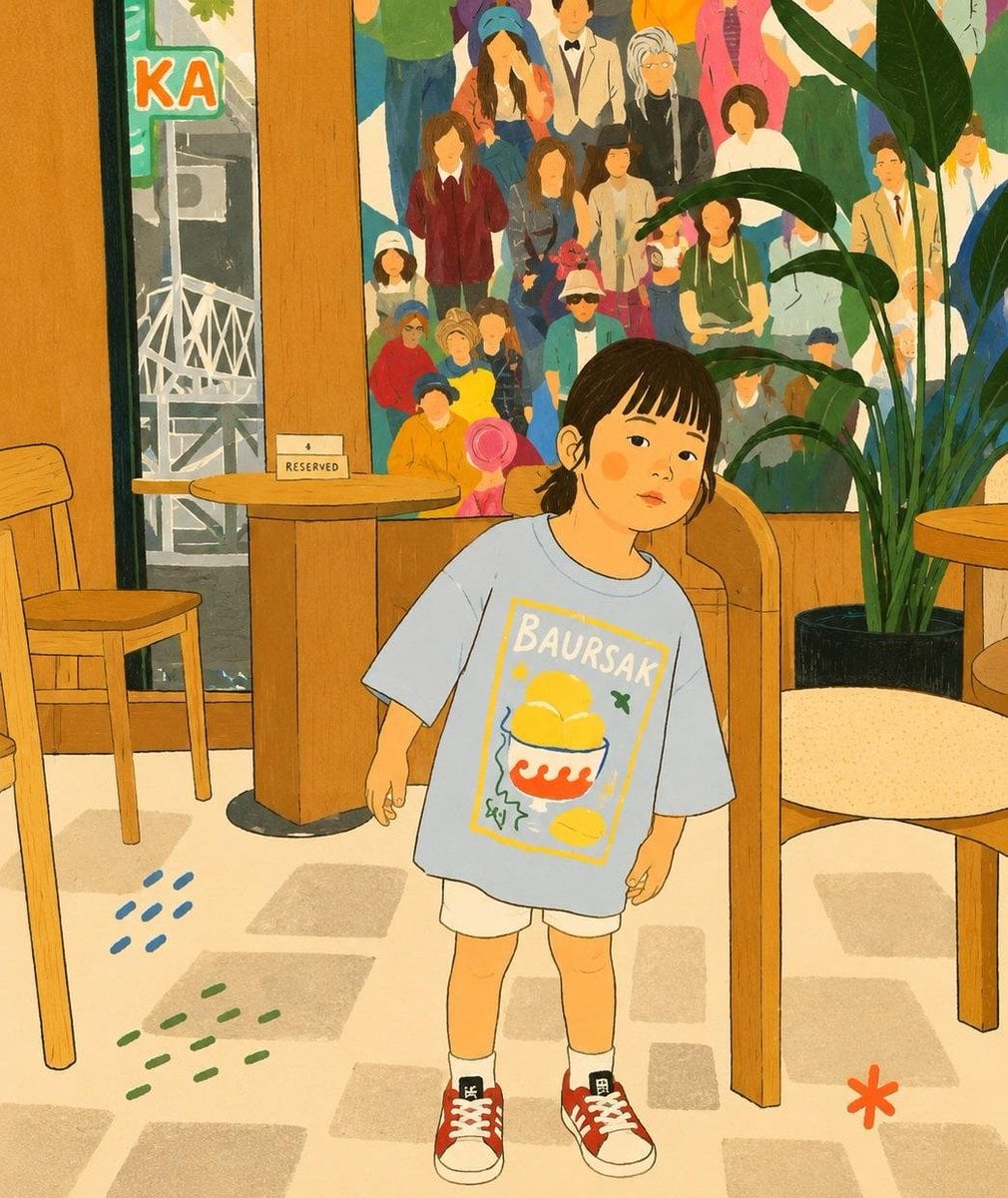
Cozy Storybook Minimalist Illustration

Japanese Minimalist Concrete Studio Fashion Editorial

Korean Streetwear Minimalist Campaign Portrait

Minimalist Fashion Editorial Split Layout
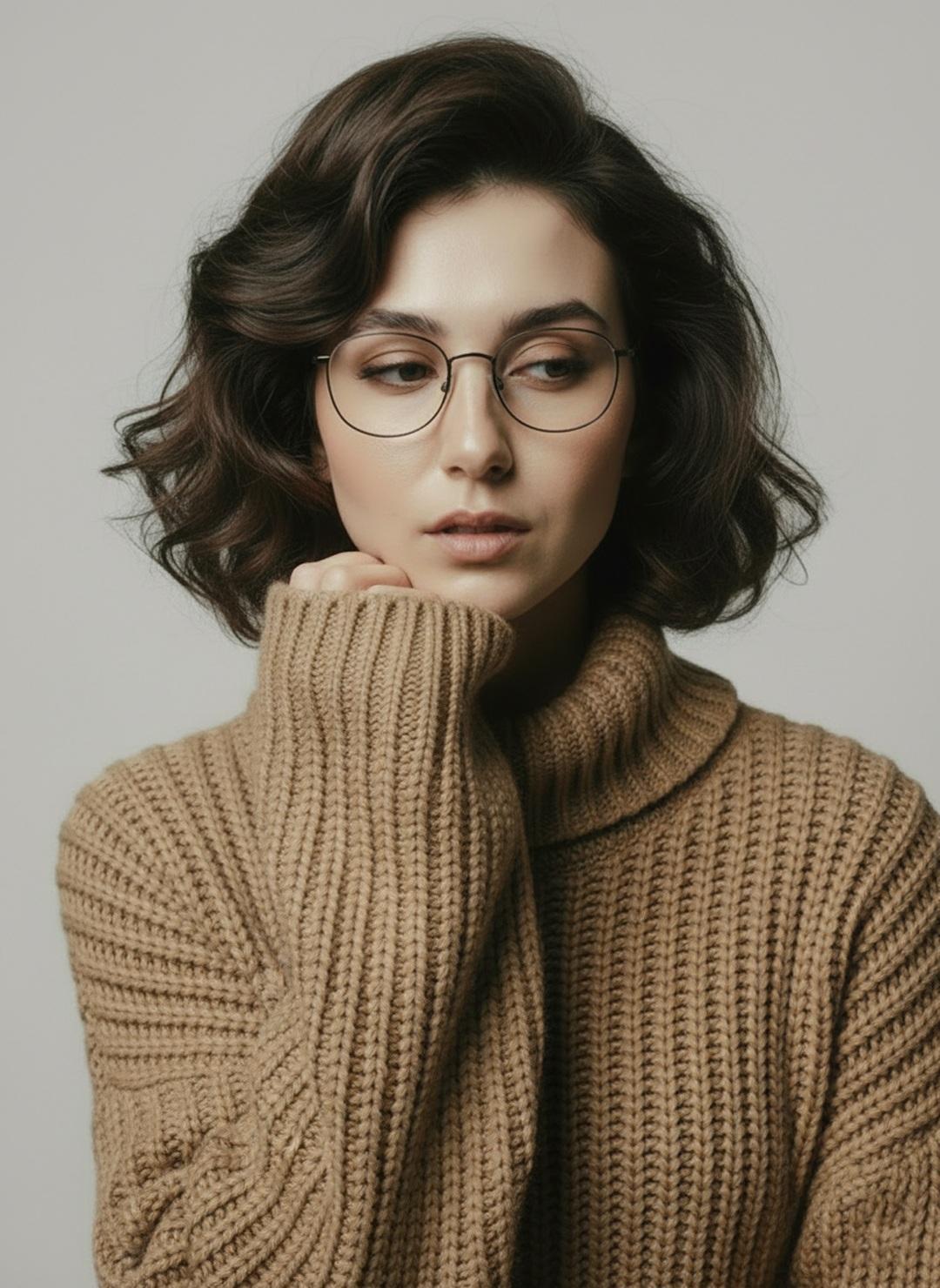
Minimalist Scandinavian Editorial Fashion Portrait Series

Real Illustration Split Portrait Transition

Premium Vintage Travel Poster Landscape
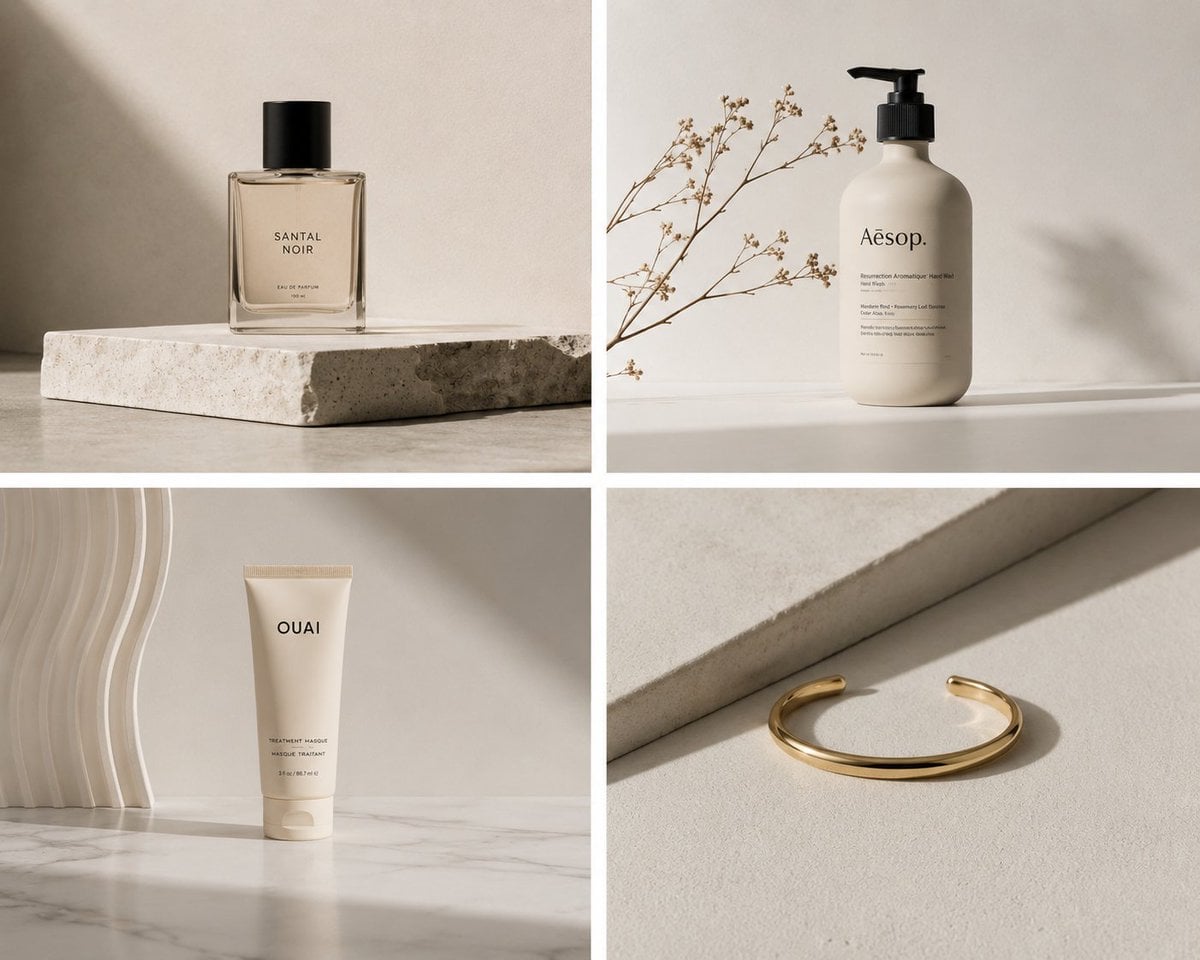
Elegant Minimalist Product Photography

Watercolor Café Cheesecake Editorial Illustration
Real Illustration Split Portrait Transition
Make it yours
Minimalist 3D Clay Illustration Template works as-is. These are the safest ways to change it without losing the look.
Change one field
Copy a single group, rewrite it, and generate again so you can see what that field is doing.
Keep the frame, change the subject
Hold the composition and light of Minimalist 3D Clay Illustration Template, then swap wardrobe, props or the person for a new take.
| If the result… | Why | Fix |
|---|---|---|
| The result drifts from the preview | Too many fields changed at once. | Reuse Minimalist 3D Clay Illustration Template as-is first, then change one group — subject, light, or setting. |
| The model over-stylizes the scene | The prose prompt leaves finish and camera underspecified. | Add one camera or lighting sentence and stay on GPT Image 2. |
More GPT Image 2 templates
Other prompts made for GPT Image 2.

Six VTuber Japanese Logo Sheet

Realistic Portrait of Woman and Deer

The Vista Modular Condo Poster

AI Model Routing Comparison Infographic

2.5D Anime Art Board

Isometric Productivity Desk Scene

New York Double Exposure Poster

Four-Panel AI Landscape Comparison

Japanese Tatami Lifestyle Magazine Cover

NESCAFÉ Coffee Map Poster
More image prompts
Fresh picks from across the catalog.
Luxury Sneaker Advertisement Photography

AI Companies in 2026 Grid Poster
Yin-yang koi ink illustration
Dark Fantasy Ponyo Warrior Poster
3D Luxury Birthday Poster
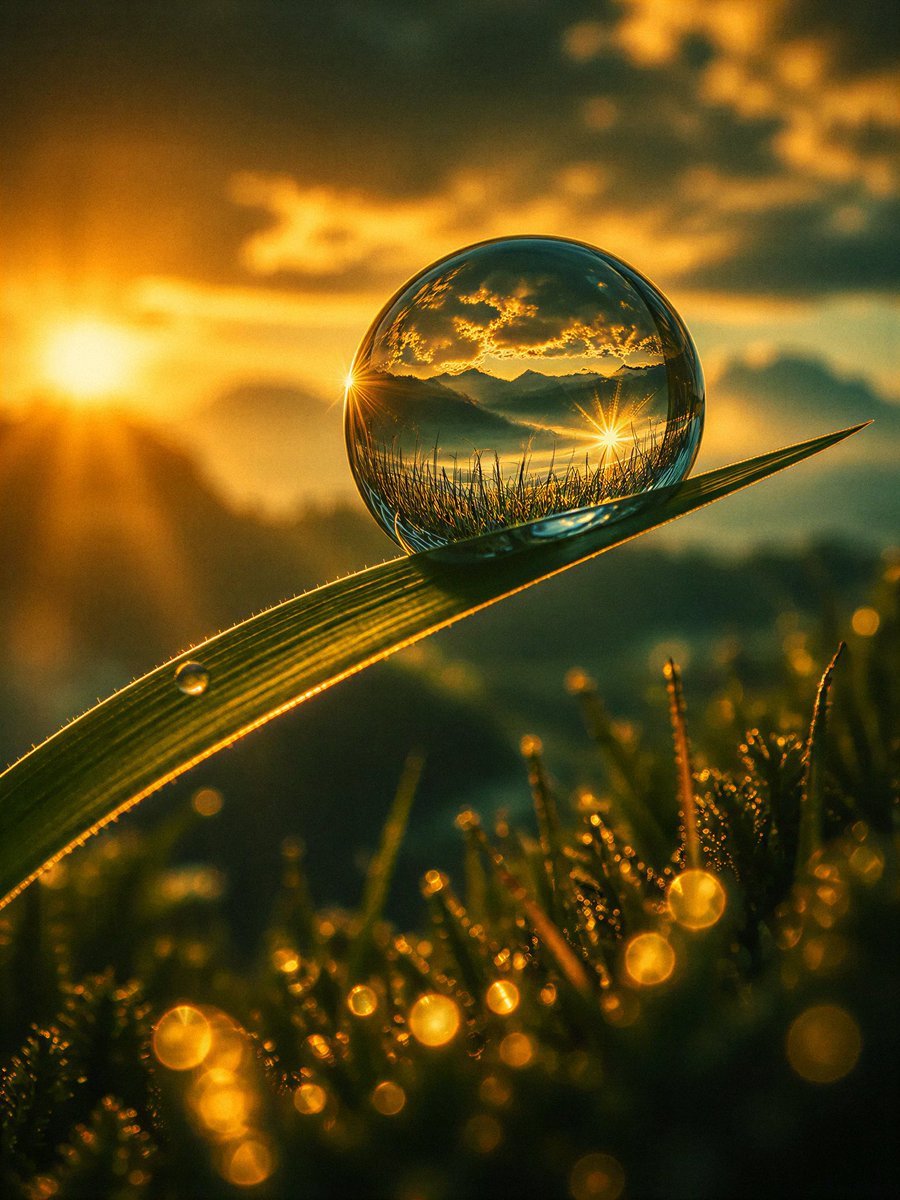
Macro Photography Prompt Template
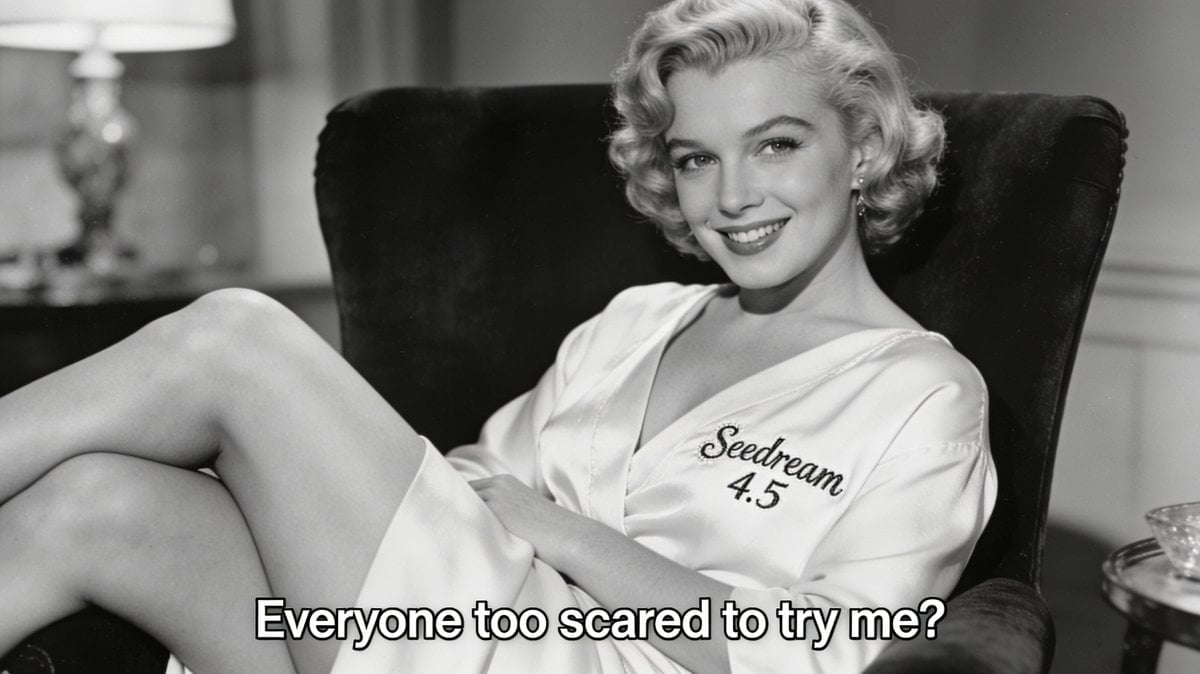
Archival Film Still of a Glamorous Femme Fatale
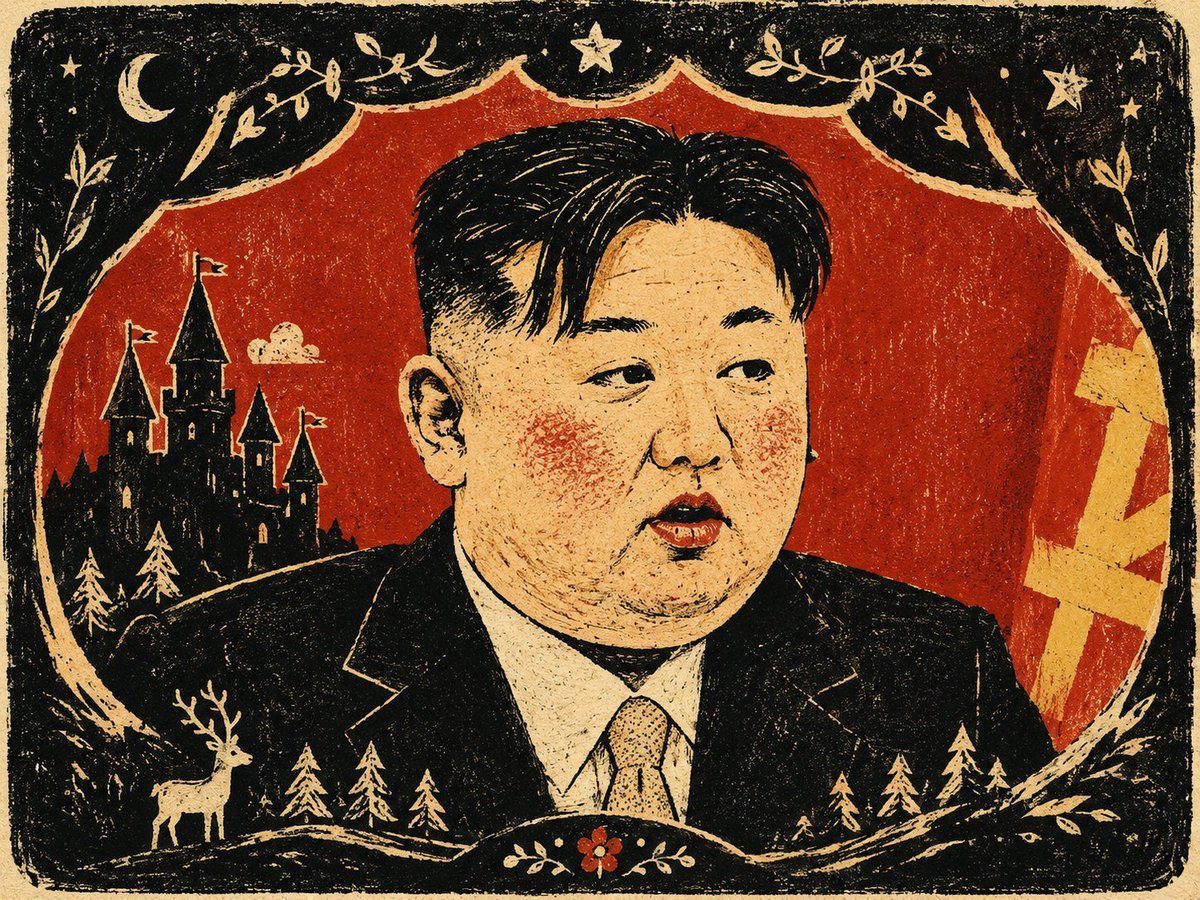
Fairy Tale Woodcut Engraving Style
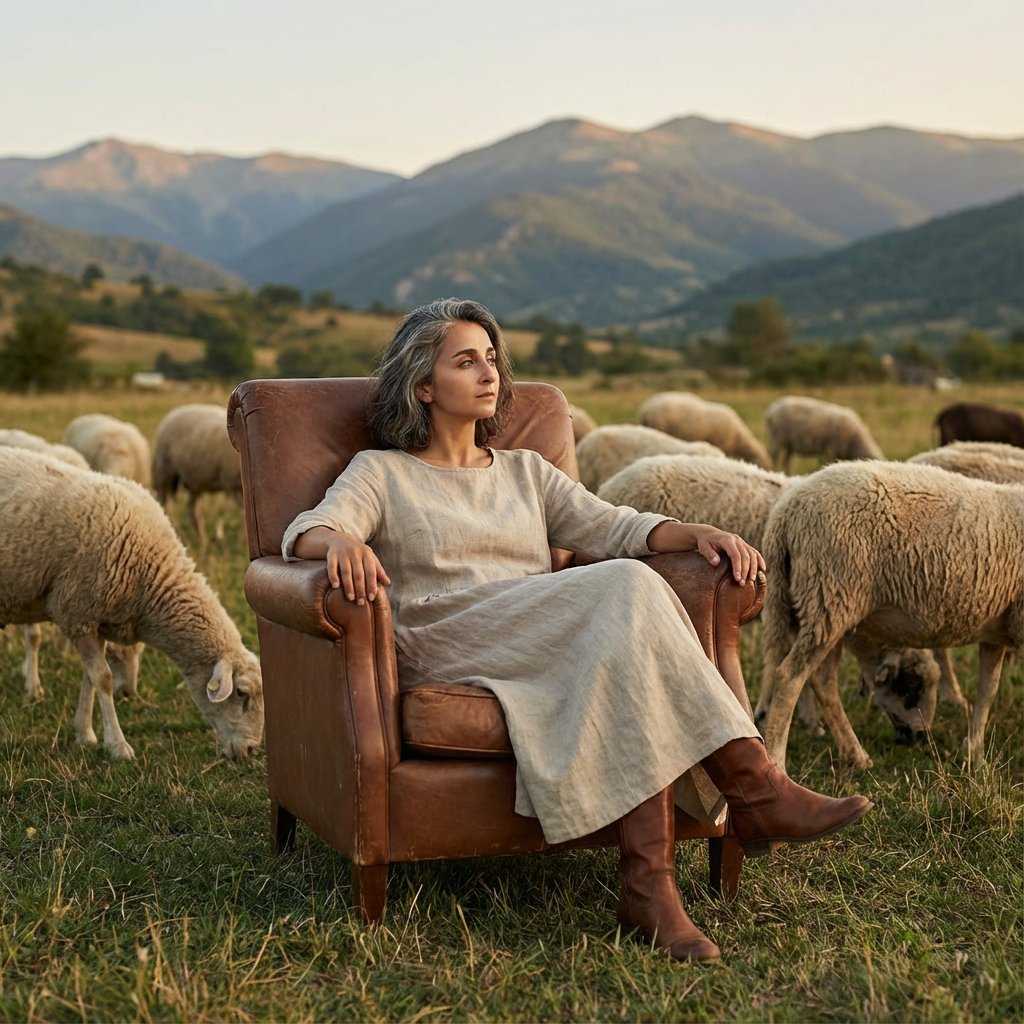
Editorial Photography of Woman in Armchair with Sheep
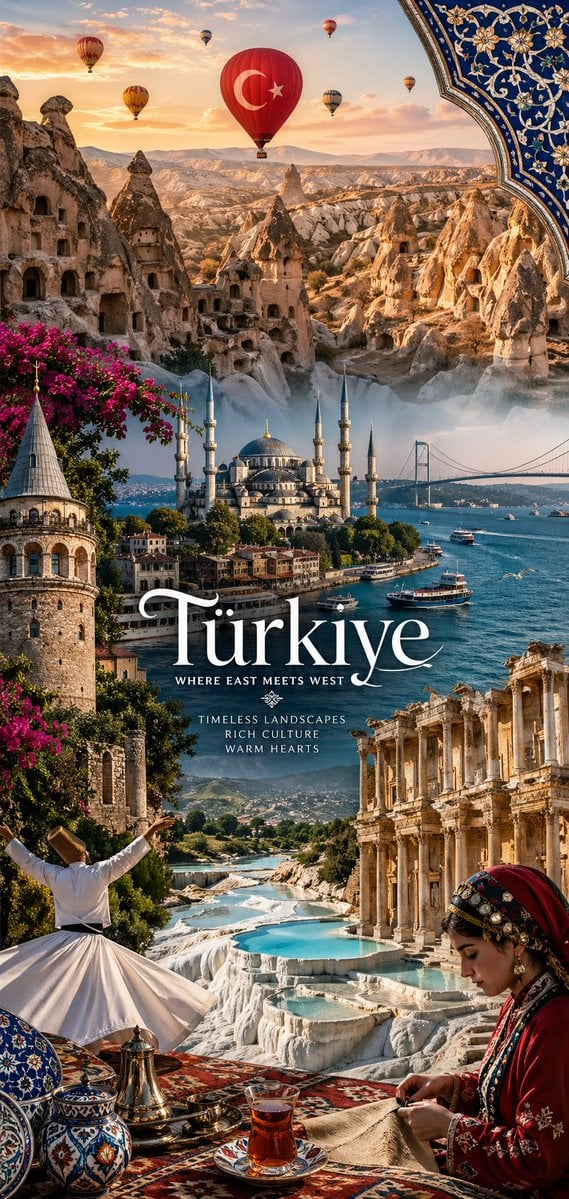
National Identity Mobile Wallpaper
Browse template categories
Minimalist 3D Clay Illustration Template questions
How do I use the Minimalist 3D Clay Illustration Template template?
Add your photo if the template asks for one, edit the prompt if you like — the template's model and format are already selected — and press Generate. Your version opens in PicX Studio.
Can I customize the Minimalist 3D Clay Illustration Template template?
Yes. You can change the subject, setting, lighting, mood, format, and available model controls before creating your image.
Is the Minimalist 3D Clay Illustration Template template free?
Opening and editing this template is free. Generating uses credits, shown on the Generate button when you are signed in.
Which AI model should I use?
Start with GPT Image 2, which is the model associated with this template. You can compare another compatible model for a different finish.
Looking for something else? Browse all templates.

Your photo, any look
Thousands of ready templates for every top image and video model, from one credit balance.