
Urban Street Celebration Portrait
A photorealistic portrait of a woman at a street celebration, featuring detailed textures, natural lighting, and a playful atmosphere.
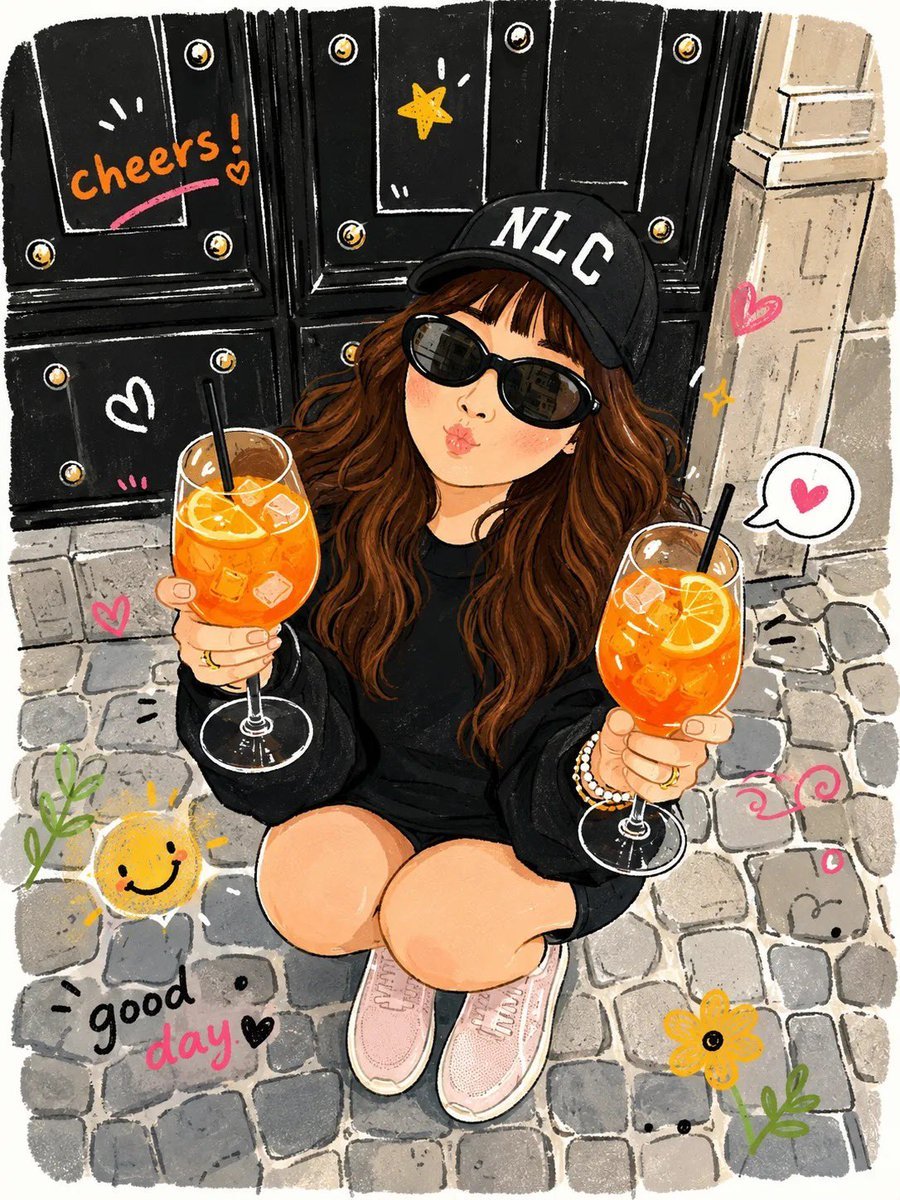
- Prompt included
- Model and format preset
- Free template
The prompt behind this image
Copy the exact prompt behind Urban Street Celebration Portrait, or open it in the studio and make it yours.
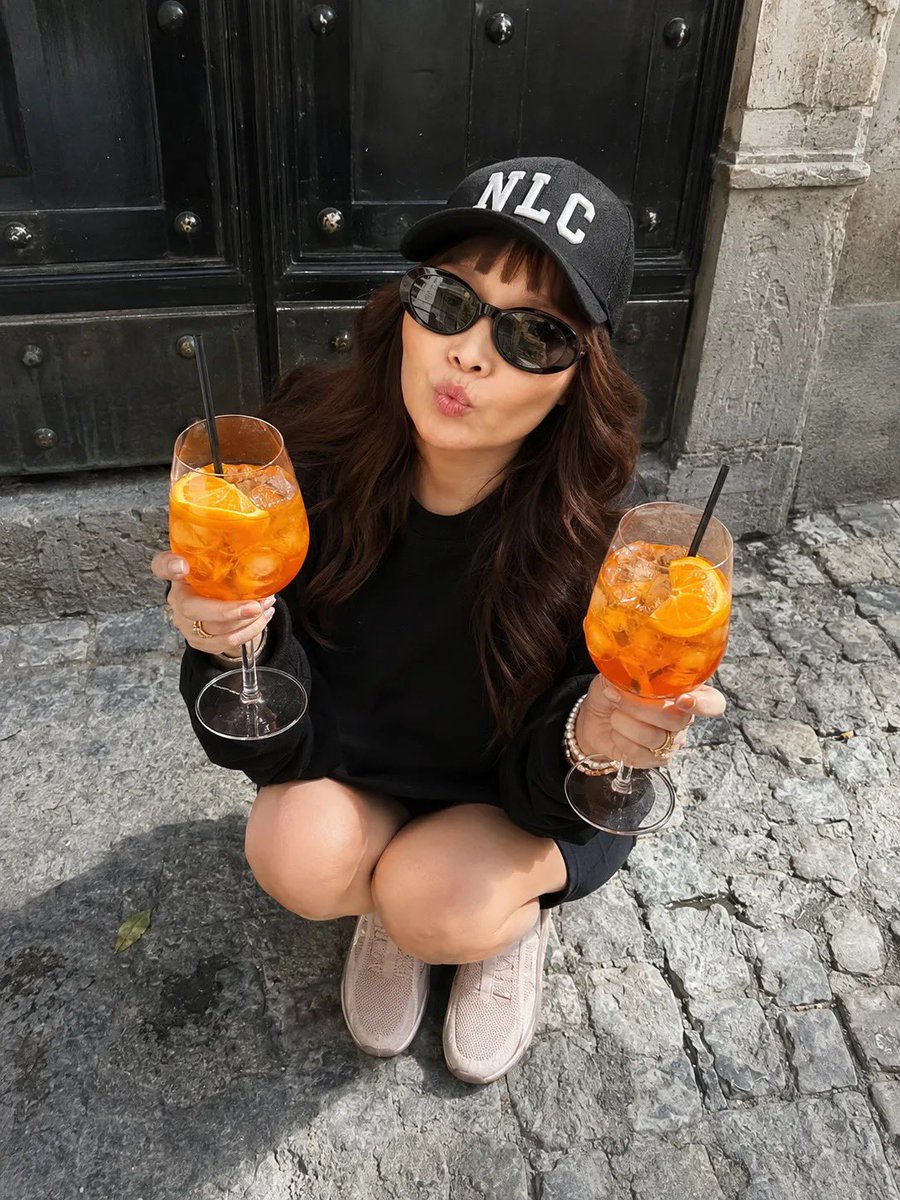
Without changing the woman’s appearance from the reference photo, the frame captures a lively and dynamic atmosphere of a street celebration or a casual gathering with friends. The woman is crouching with her legs together on a stone-paved surface with an uneven texture, as if having a small picnic right on the sidewalk in front of a massive black door with metal accents. The door creates a muted contrast against the gray, slightly weathered stone. She looks directly into the camera from below, with her lips puckered into a funny, playful kiss, giving the image a lighthearted and joyful feel. Her long chestnut-brown hair falls freely over her shoulders, softly shimmering in the natural daylight, which seems to fill the entire space and gives her skin warm golden-amber tones with a subtle glow. She is wearing a {argument name="sweatshirt color" default="black sweatshirt"} with an indistinct fabric texture that creates a cozy, substantial feeling, paired with short shorts that leave her knees exposed. On her head is a black cap with {argument name="cap text" default="large white letters “NLC”"}, adding a modern urban style and a touch of casualness. Her eyes are hidden behind elegant, dark sunglasses with a softly oval shape, reflecting the surrounding buildings and adding mystery and depth to the image. In her hands, she holds two large glasses filled with a {argument name="drink color" default="bright orange-colored drink"}, each garnished with a slice of citrus and a black straw. Drops of condensation and ice crystals inside the glasses look extremely realistic and refreshing. Several gold-colored rings and a pearl bracelet are visible on her right hand, gently catching the sunlight and emphasizing the refined attention to detail. She is wearing light-pink sneakers or slip-ons, which create a harmonious contrast with the rest of the dark outfit, adding lightness and youthfulness to her pose. The overall composition is filled with light and shadow, reflecting the atmosphere of a warm, carefree day. Every detail—from the textured cobblestones beneath her feet to the vibrant drinks in her hands—enhances the festive mood and lively energy of the moment. Photorealistic image, shot from above, highly detailed textures, high quality, 8K resolution.
Reference images included
Urban Street Celebration Portrait needs input media to work. They load alongside the prompt when you open it in the studio.
How to use Urban Street Celebration Portrait in 3 steps
- 1Upload ImagePNG, JPG or paste
Add your photo
Upload the photo the template builds on. The prompt, model and format are already set.
- 2…a portrait of your subject in softgolden-hour light, 85mm…
Personalize
Edit the subject and creative details for your destination.
- 3Generate
Generate
Press Generate — your image is created in PicX Studio, so you can compare it with the original and refine one variable at a time.
More like this
Templates with the same subject, style or setup. Open one to see its prompt.
Modern Urban Streetwear Portrait

Street-Art Inspired Urban Portrait
Cinematic Urban Street Portrait
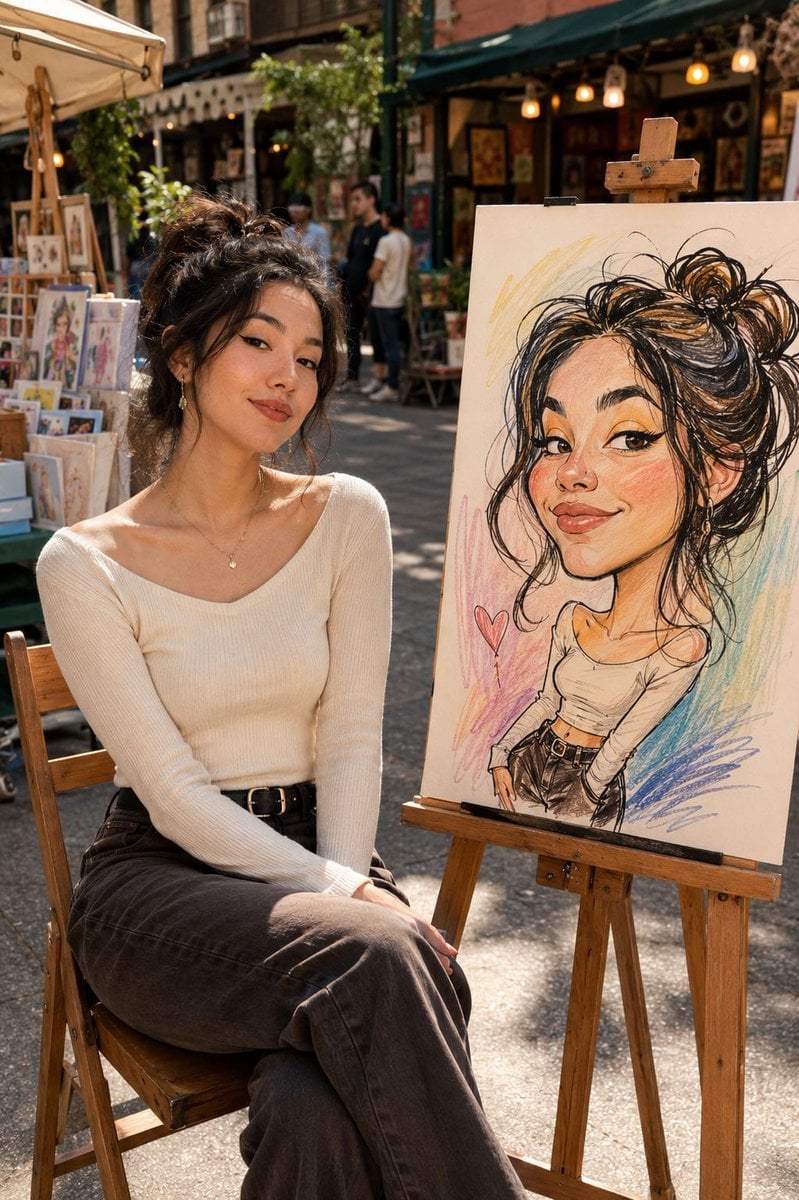
Urban Street Market Caricature Portrait

Urban Street Portrait with Cartoon Inner Self Duo

Two Tickets, One Night

Found Photograph: Us, 1970

Meet Me When It Rains

Two Hearts. One Scooter.

80s Couple Studio Portrait

80s Bollywood Star

1986 Street Couple
Make it yours
Urban Street Celebration Portrait works as-is. These are the safest ways to change it without losing the look.
Change one field
Copy a single group, rewrite it, and generate again so you can see what that field is doing.
Keep the frame, change the subject
Hold the composition and light of Urban Street Celebration Portrait, then swap wardrobe, props or the person for a new take.
| If the result… | Why | Fix |
|---|---|---|
| The result drifts from the preview | Too many fields changed at once. | Reuse Urban Street Celebration Portrait as-is first, then change one group — subject, light, or setting. |
| The model over-stylizes the scene | The prose prompt leaves finish and camera underspecified. | Add one camera or lighting sentence and stay on GPT Image 2. |
More GPT Image 2 templates
Other prompts made for GPT Image 2.

Six VTuber Japanese Logo Sheet

Realistic Portrait of Woman and Deer

The Vista Modular Condo Poster

AI Model Routing Comparison Infographic

2.5D Anime Art Board

Isometric Productivity Desk Scene

New York Double Exposure Poster

Four-Panel AI Landscape Comparison

Japanese Tatami Lifestyle Magazine Cover

NESCAFÉ Coffee Map Poster
More image prompts
Fresh picks from across the catalog.
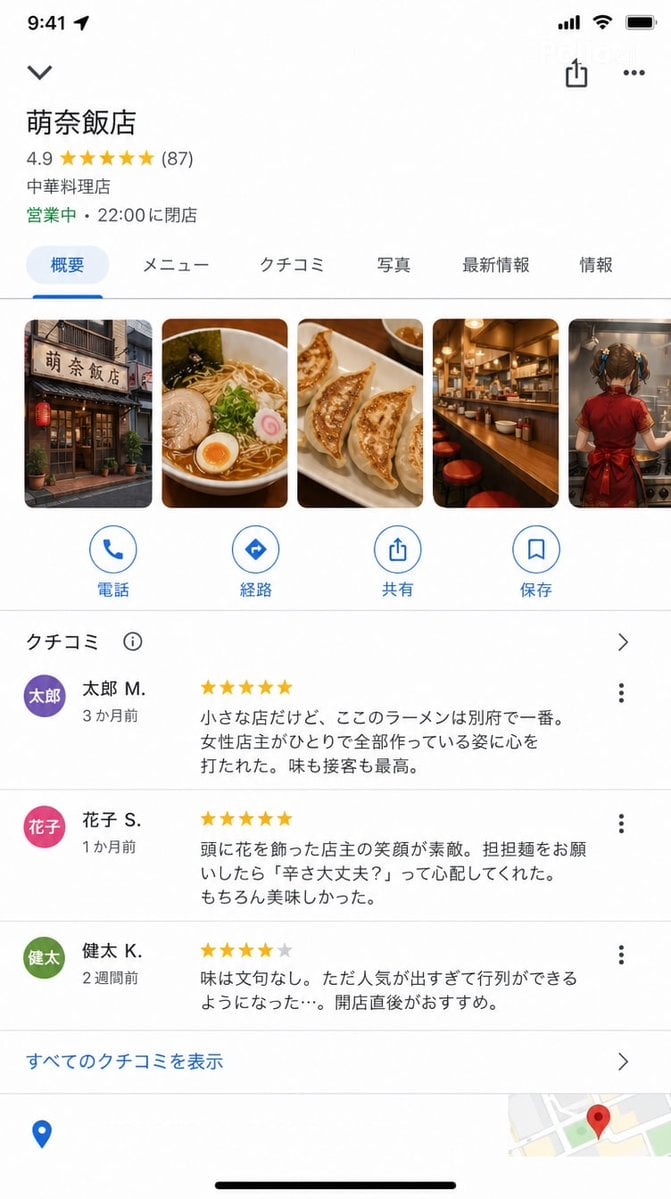
Google Maps UI Mockup
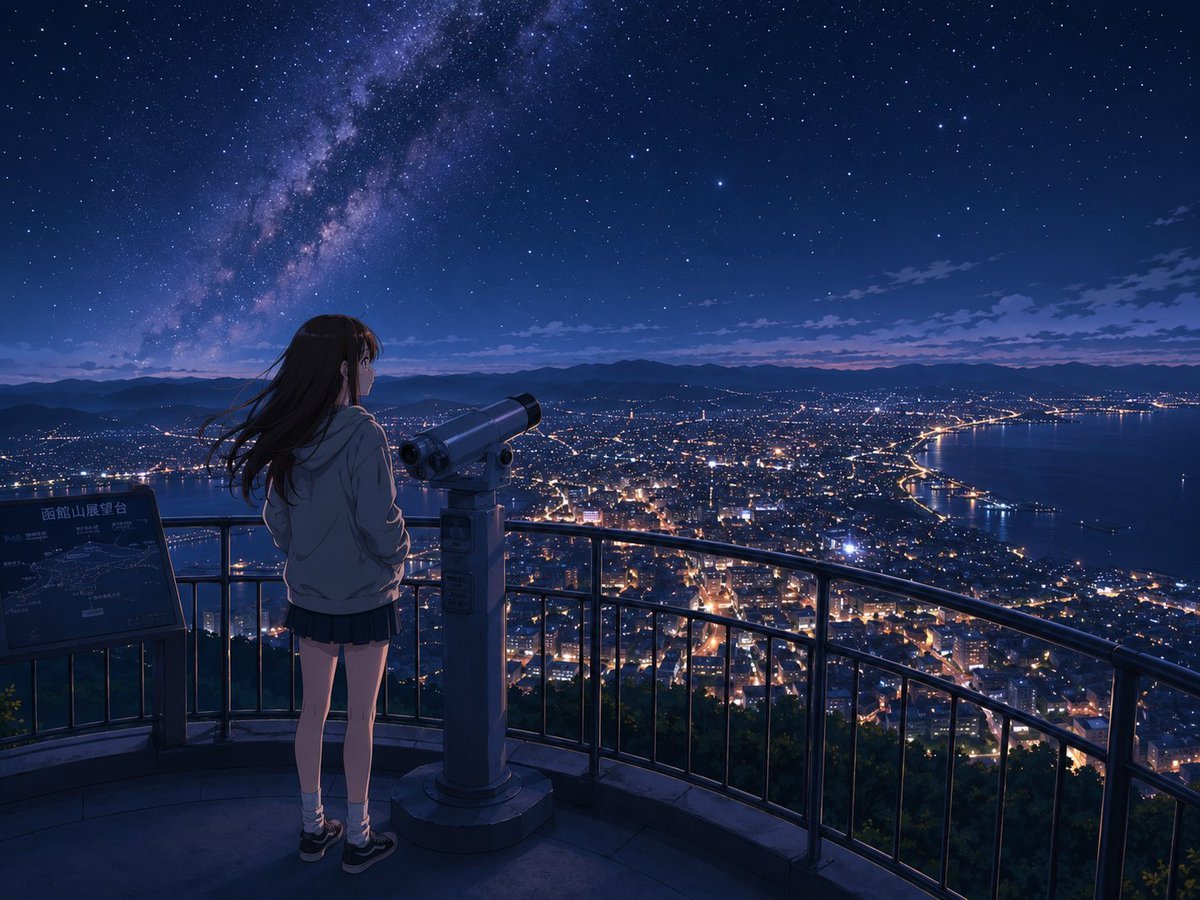
Anime Night Observatory Over Hakodate
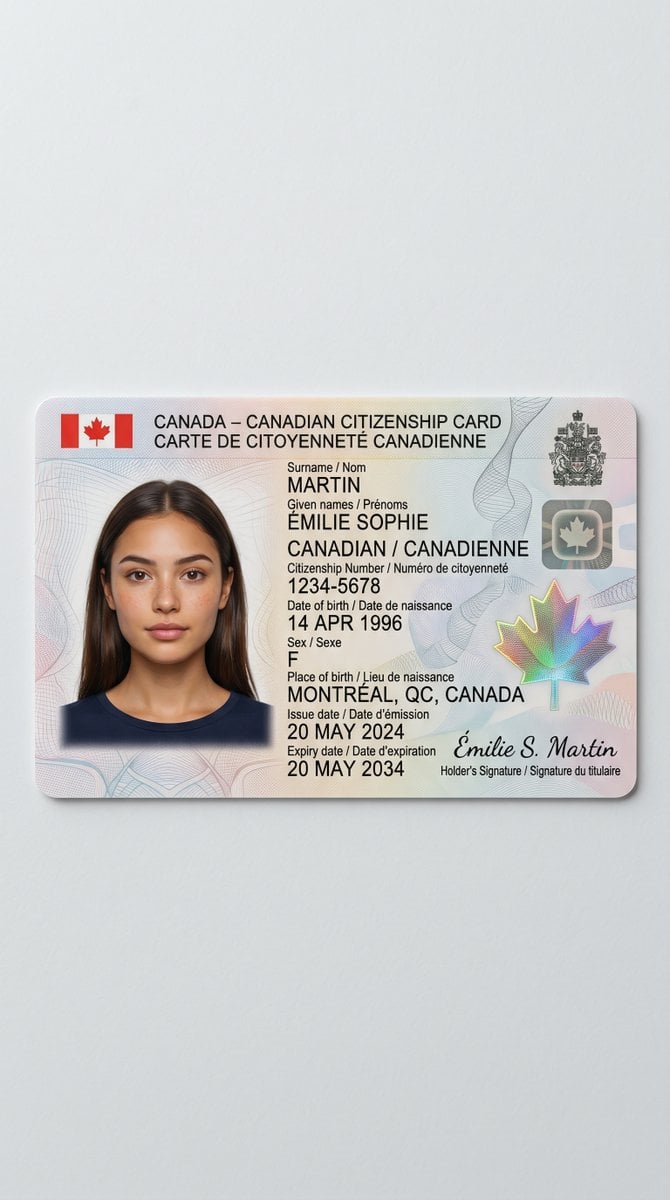
Canadian Citizenship Card Mockup Prompt
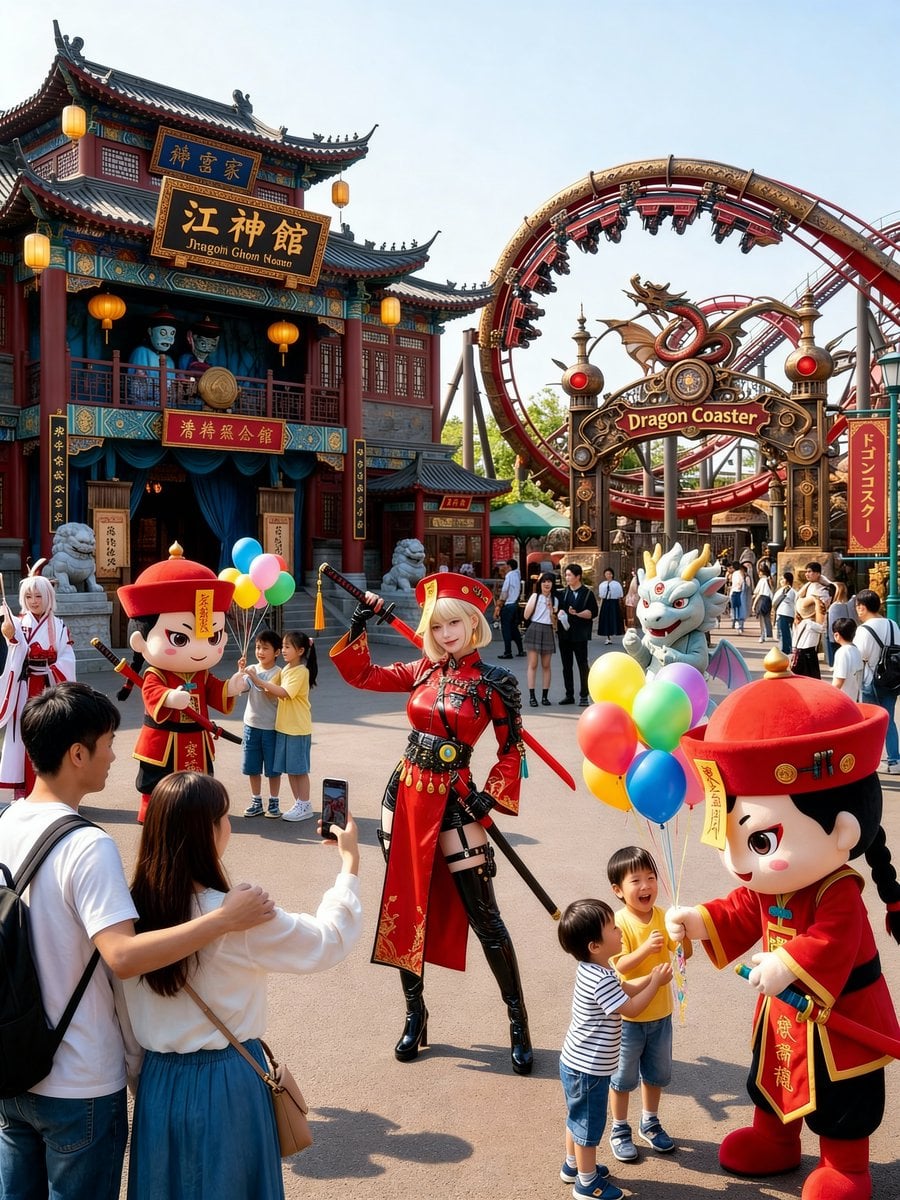
Amusement Park Prompt Template for Character Placement
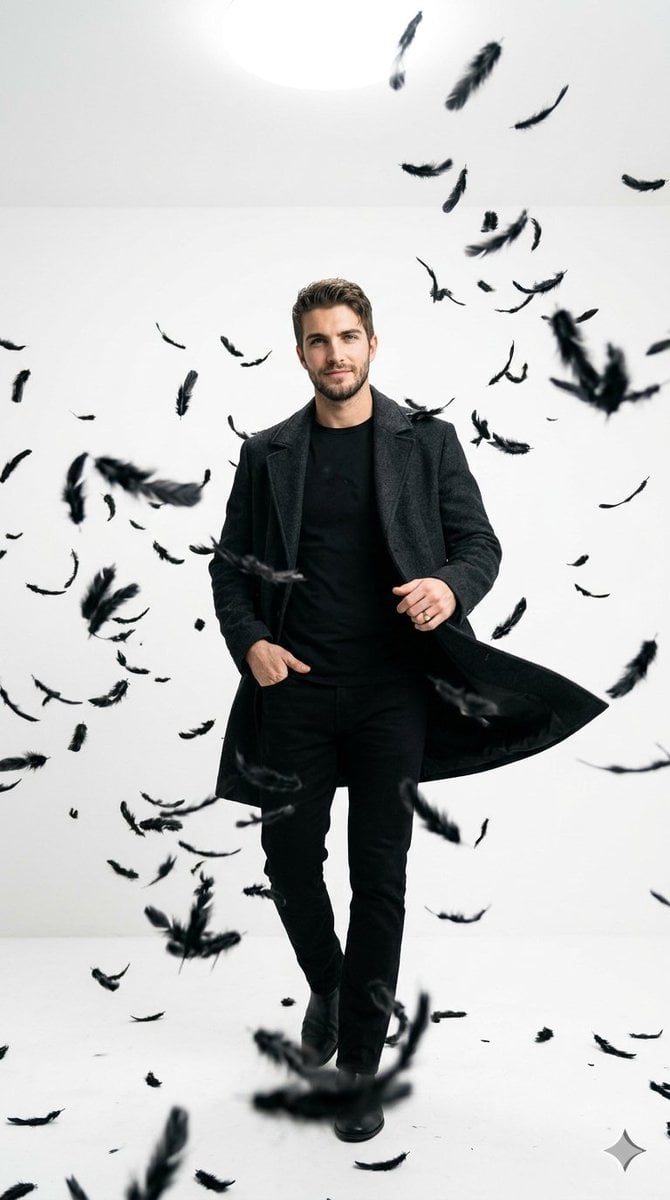
Cinematic Studio Portrait with Floating Feathers
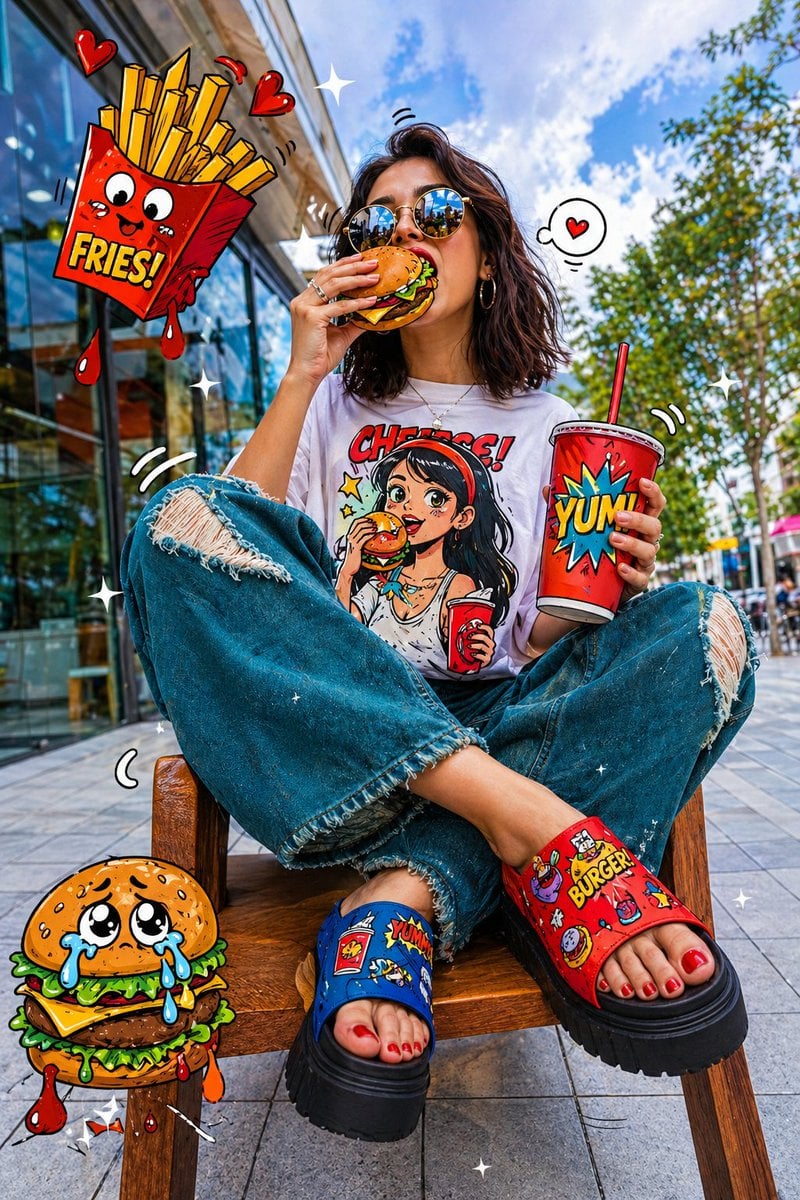
Pop-Art Urban Photography Fusion

Japanese Supermarket Spring Flyer
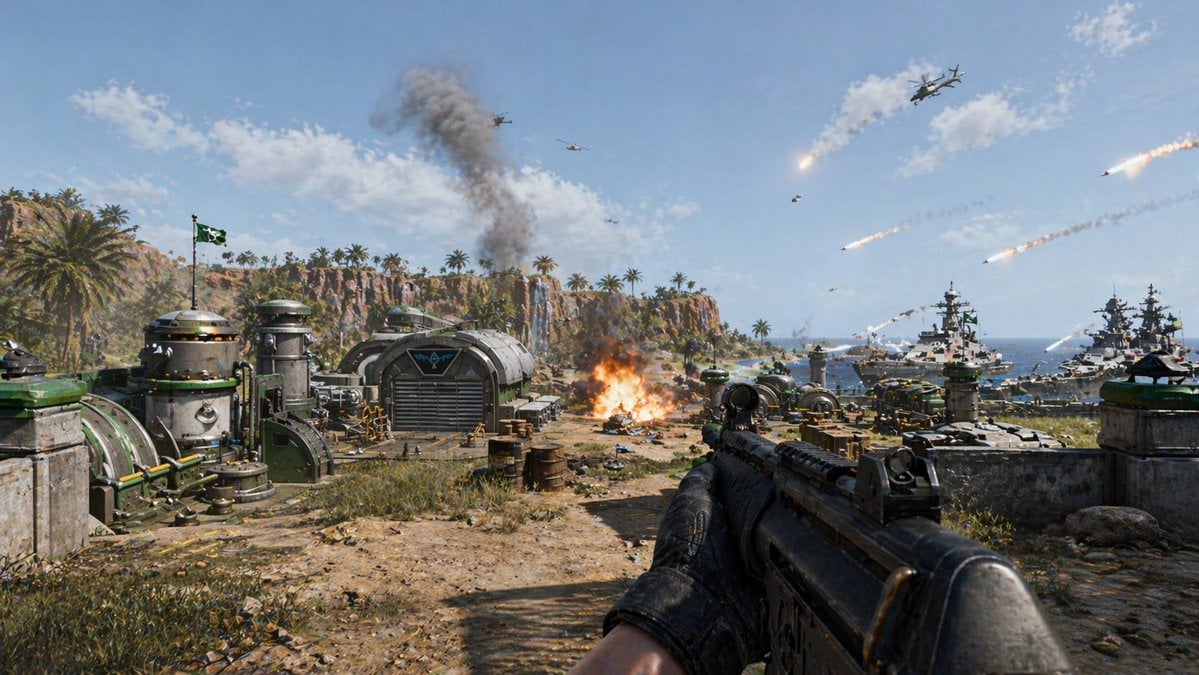
First-Person Tropical Island Warzone
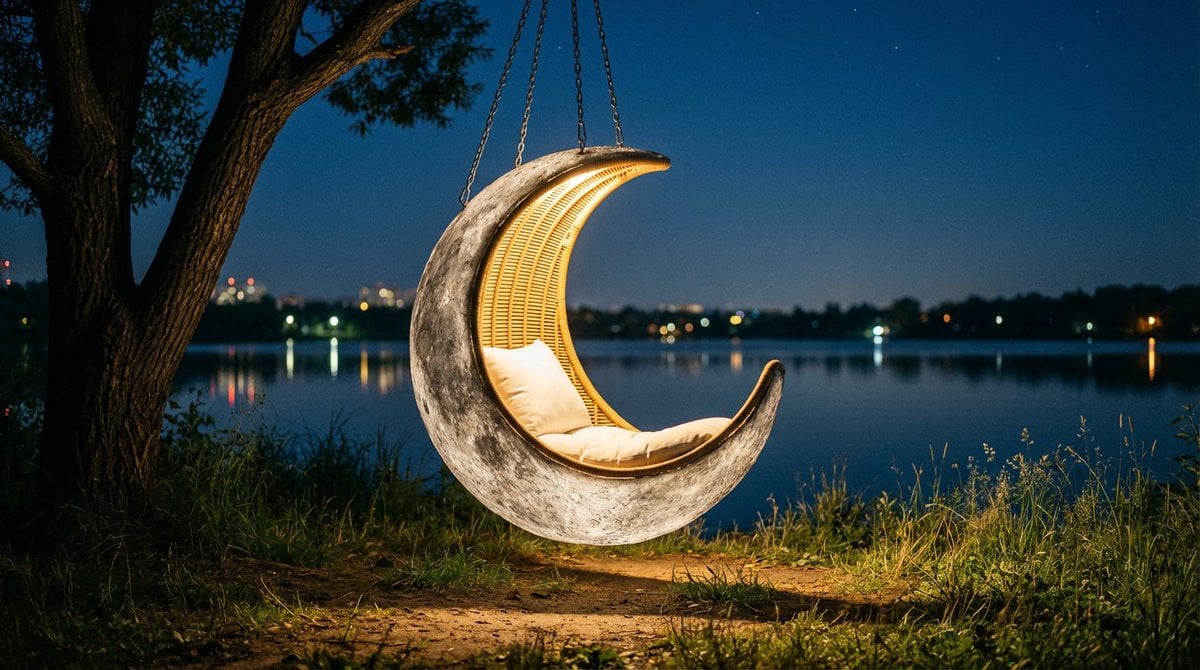
Cinematic lakeside hanging chair concept prompt with space object theme

Infographic about the Jackson Laboratory
Browse template categories
Urban Street Celebration Portrait questions
How do I use the Urban Street Celebration Portrait template?
Add your photo if the template asks for one, edit the prompt if you like — the template's model and format are already selected — and press Generate. Your version opens in PicX Studio.
Can I customize the Urban Street Celebration Portrait template?
Yes. You can change the subject, setting, lighting, mood, format, and available model controls before creating your image.
Is the Urban Street Celebration Portrait template free?
Opening and editing this template is free. Generating uses credits, shown on the Generate button when you are signed in.
Which AI model should I use?
Start with GPT Image 2, which is the model associated with this template. You can compare another compatible model for a different finish.
Looking for something else? Browse all templates.

Your photo, any look
Thousands of ready templates for every top image and video model, from one credit balance.