
Dual Reality Vertical Panel Portrait
A structured technical prompt for creating a luxury fashion editorial portrait viewed through six vertical masking panels, alternating between color and monochrome.
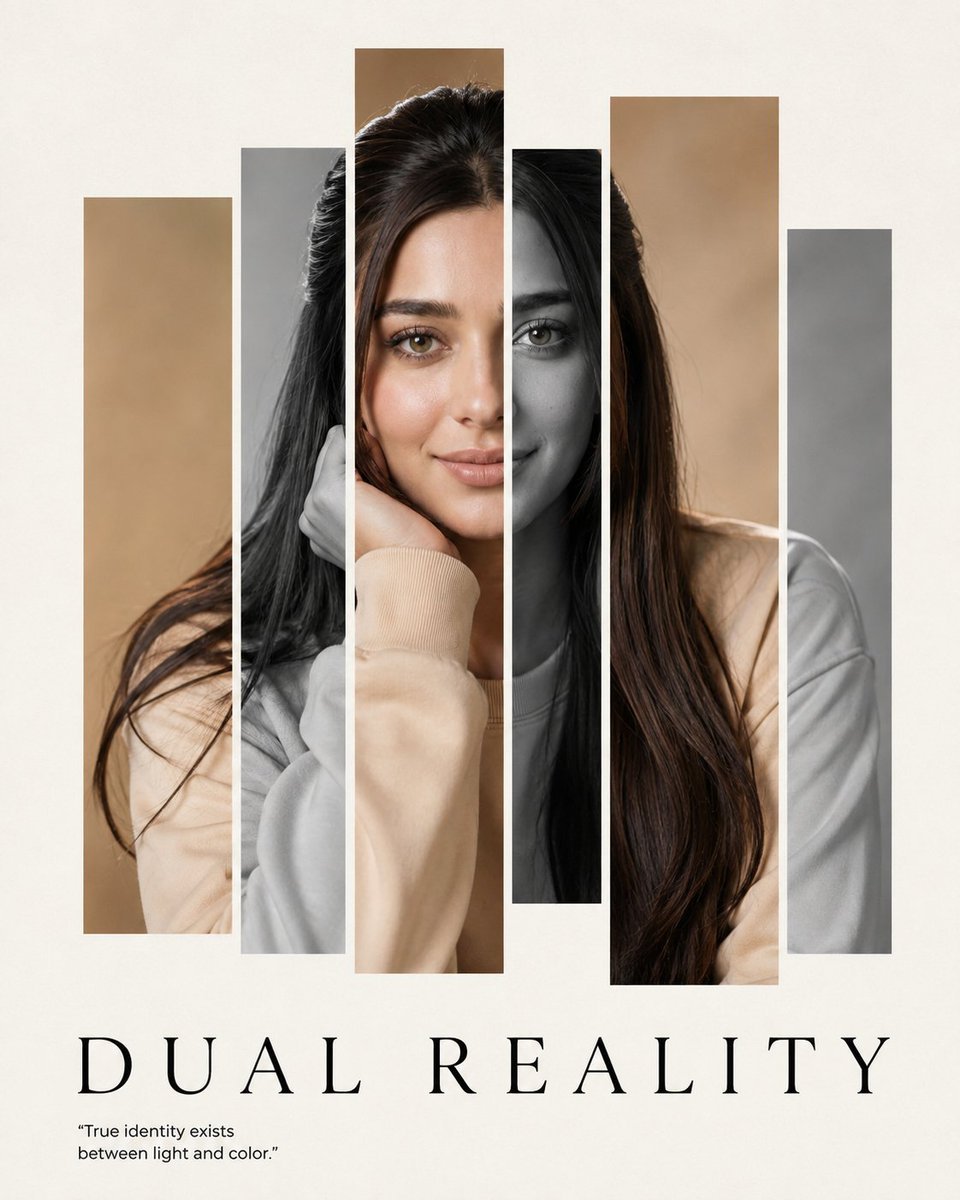
- Prompt included
- Model and format preset
- Free template
The prompt behind this image
Copy the exact prompt behind Dual Reality Vertical Panel Portrait, or open it in the studio and make it yours.
"identity":{"reference":"Use the uploaded face photo as the STRICT identity reference.","priority":"ABSOLUTE","preserve":["exact facial identity","facial proportions","eyes","eyebrows","nose","lips","jawline","ears","skin tone","skin texture","hairline","hairstyle","recognizable appearance"],"gender":"Automatically adapt naturally for male or female."}, "image":{"title":"DUAL REALITY","aspect_ratio":"{argument name="ratio" default="4:5"}","style":["Ultra Photorealistic","Luxury Fashion Editorial","Fine Art Poster","Minimal Graphic Design","Gallery Exhibition","Museum Quality"],"concept":"A single luxury editorial portrait viewed through {argument name="panels" default="six"} vertical masking panels. The portrait exists only once beneath the layout. The panels simply reveal different portions of the same photograph while alternating between monochrome and natural color grading.","composition":{"camera":"Straight-on.","shot":"Close-up portrait.","crop":"Top of the hair to upper shoulders.","subject_position":"Perfectly centered.","pose":"Body facing directly toward the camera.","head":"Perfectly straight with absolutely no rotation or tilt.","expression":"Calm, elegant, emotionally restrained, luxury fashion model.","eyes":"Direct eye contact with the camera.","symmetry":"Perfect facial symmetry within the original portrait."},"portrait":{"important":["Only ONE portrait exists.","Never generate separate faces inside each panel.","Every panel reveals the exact same portrait underneath.","Eyes, eyebrows, nose, lips, hair and skin pores align perfectly across all panels.","No duplicated facial features.","No identity drift.","No perspective differences between panels."]},"graphic_layout":{"type":"Vertical masking windows.","panel_count":6,"spacing":"Uniform narrow white gaps.","alignment":"Perfect.","widths":["medium","narrow","medium","narrow","wide","medium"],"heights":["80%","92%","100%","84%","92%","78%"],"effect":"The panels are only cropping masks. They never create new portraits."},"color_distribution":{"panel_1":"Natural color","panel_2":"Monochrome","panel_3":"Natural color","panel_4":"Monochrome","panel_5":"Natural color","panel_6":"Monochrome","rule":"Only the color grading changes. The portrait never changes."},"background":{"color":"Warm off-white.","texture":"Luxury cotton paper with subtle grain.","negative_space":"Large clean margins."},"lighting":{"style":"Soft editorial studio lighting.","quality":"Large diffused softbox.","contrast":"Medium.","skin":"Natural realistichighlights."},"typography":{"headline":{"text":"DUAL REALITY","font":"Canela Display / Didot / Editorial New","position":"Bottom center.","tracking":"+180","size":"Large.","color":"#222222"},"quote":{"text":"\"True identity exists between light and color.\"","font":"Helvetica Neue","position":"Bottom left.","size":"Small.","color":"#555555"}},"camera_settings":{"camera":"Phase One XF IQ4 150MP","lens":"110mm portrait lens","aperture":"f/5.6","focus":"Pin-sharp eyes with natural skin texture."}}
How to use Dual Reality Vertical Panel Portrait in 3 steps
- 1Upload ImagePNG, JPG or paste
Add your photo
Upload the photo the template builds on. The prompt, model and format are already set.
- 2…a portrait of your subject in softgolden-hour light, 85mm…
Personalize
Edit the subject and creative details for your destination.
- 3Generate
Generate
Press Generate — your image is created in PicX Studio, so you can compare it with the original and refine one variable at a time.
More like this
Templates with the same subject, style or setup. Open one to see its prompt.
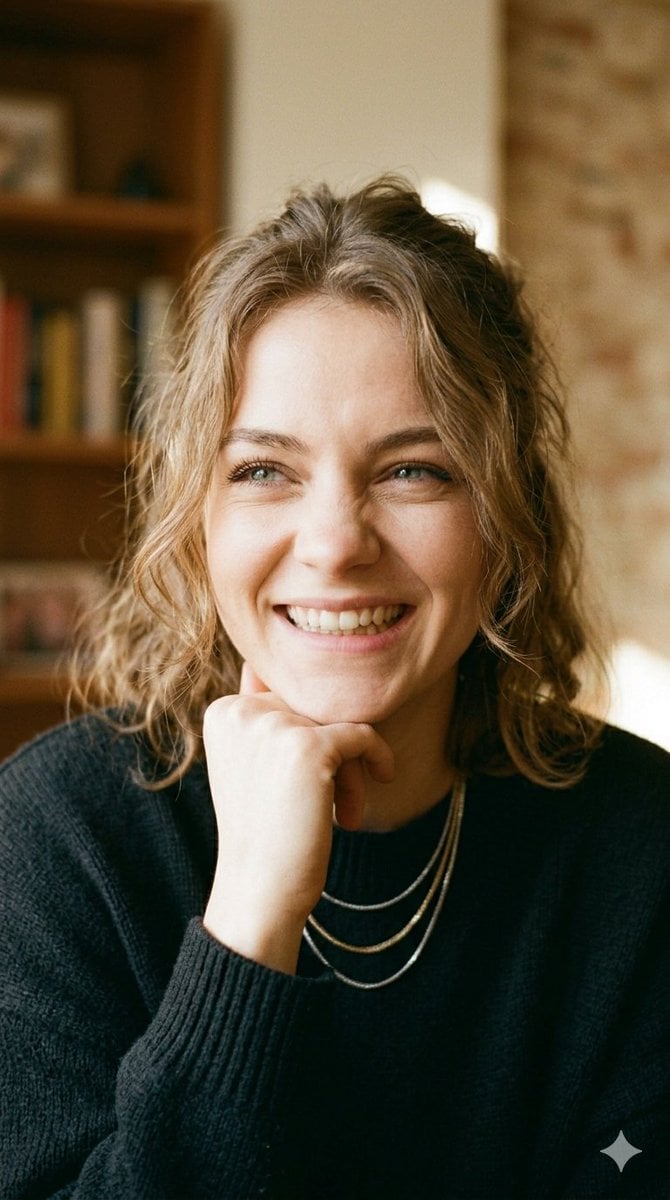
Dual Expression Split-Panel Portrait

Found Photograph: Us, 1970

80s Couple Studio Portrait

80s Bollywood Star

80s Golden Hour Cinema

Me in 1985

1985 Studio Portrait

Hyper-Realistic Minecraft POV Portrait

Rooftop Fisheye — Cat-Ear Balaclava at Golden Hour
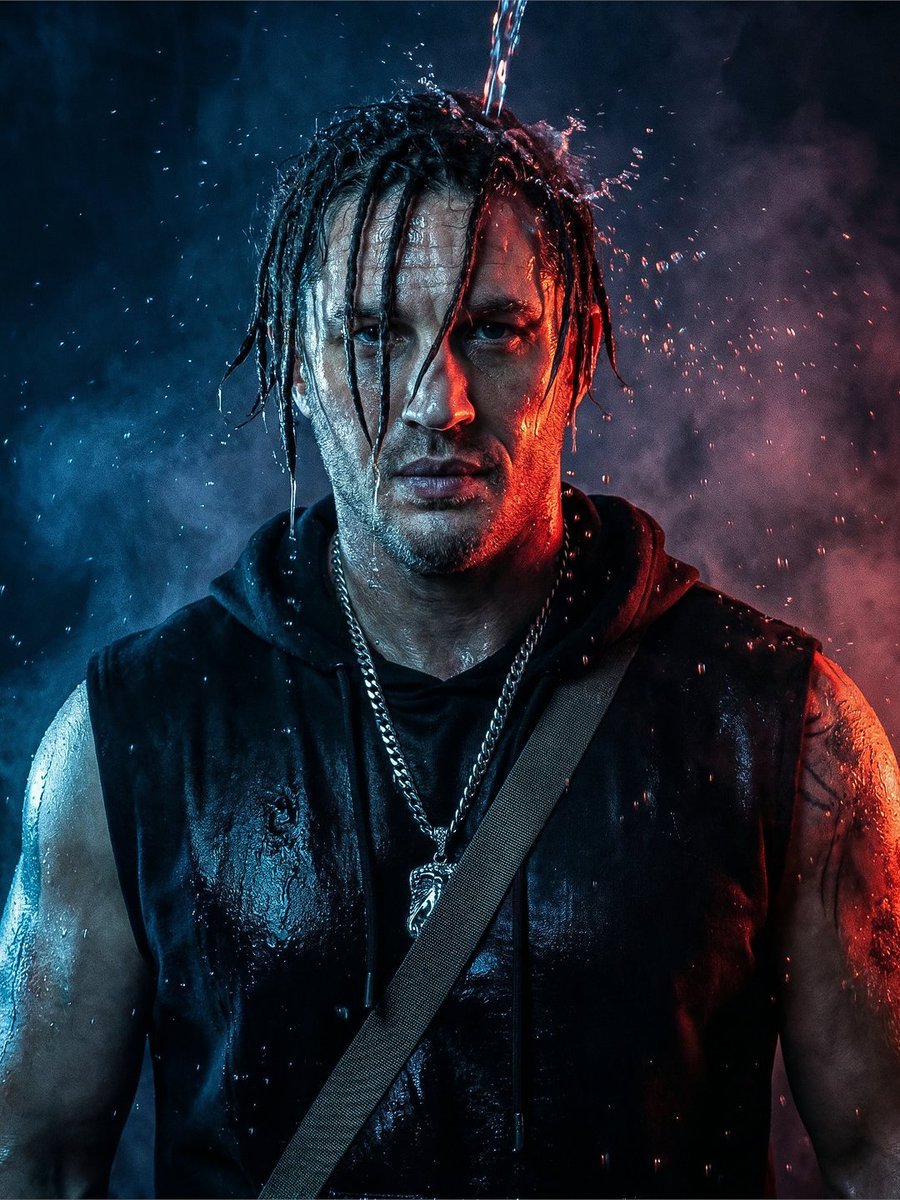
Dramatic Dual-Light Splash Portrait
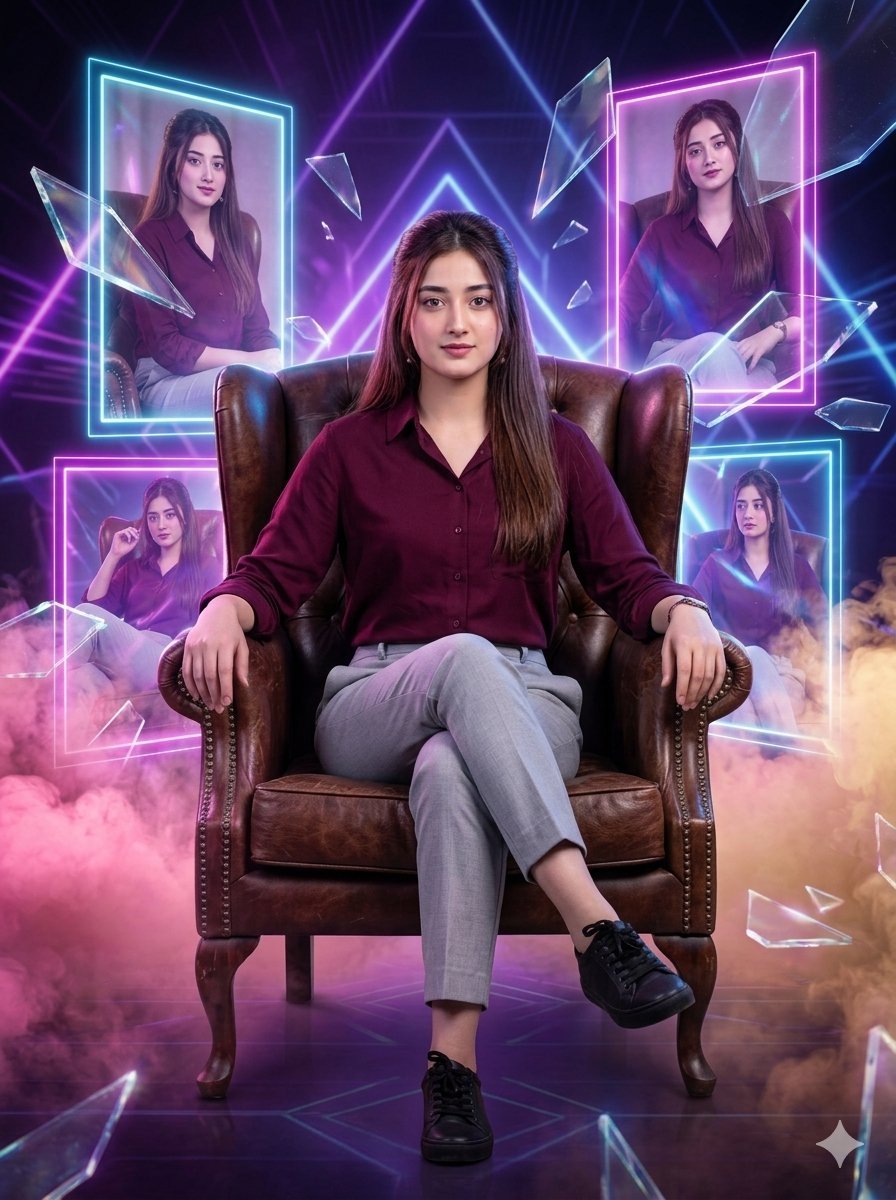
Shattered Reality Cinematic Portrait
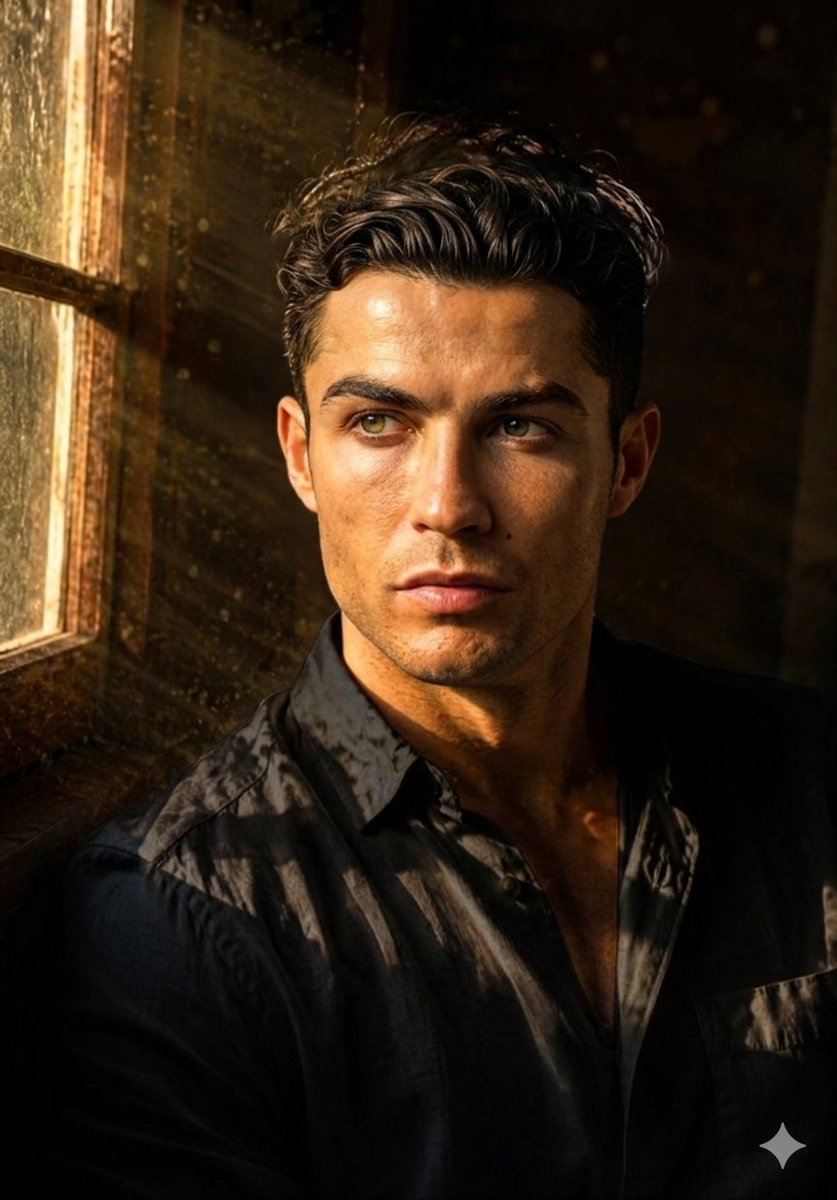
Moody Dual Portrait at Golden Hour
Make it yours
Dual Reality Vertical Panel Portrait works as-is. These are the safest ways to change it without losing the look.
Change one field
Copy a single group, rewrite it, and generate again so you can see what that field is doing.
Keep the frame, change the subject
Hold the composition and light of Dual Reality Vertical Panel Portrait, then swap wardrobe, props or the person for a new take.
| If the result… | Why | Fix |
|---|---|---|
| The result drifts from the preview | Too many fields changed at once. | Reuse Dual Reality Vertical Panel Portrait as-is first, then change one group — subject, light, or setting. |
| The model over-stylizes the scene | The prose prompt leaves finish and camera underspecified. | Add one camera or lighting sentence and stay on GPT Image 2. |
More GPT Image 2 templates
Other prompts made for GPT Image 2.

Six VTuber Japanese Logo Sheet

Realistic Portrait of Woman and Deer

The Vista Modular Condo Poster

AI Model Routing Comparison Infographic

2.5D Anime Art Board

Isometric Productivity Desk Scene

New York Double Exposure Poster

Four-Panel AI Landscape Comparison

Japanese Tatami Lifestyle Magazine Cover

NESCAFÉ Coffee Map Poster
More image prompts
Fresh picks from across the catalog.
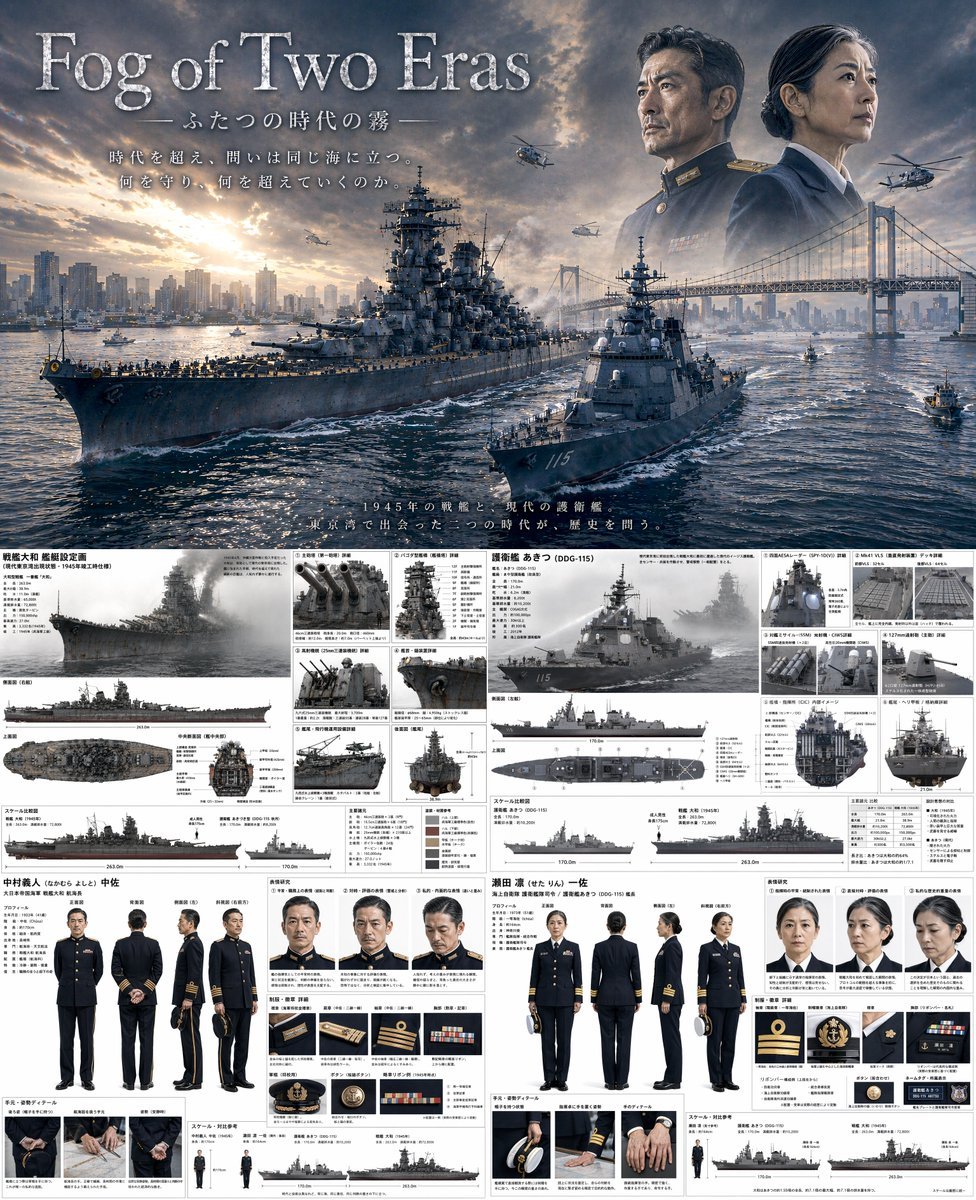
Dual-Era Naval Drama Poster & Spec Sheet
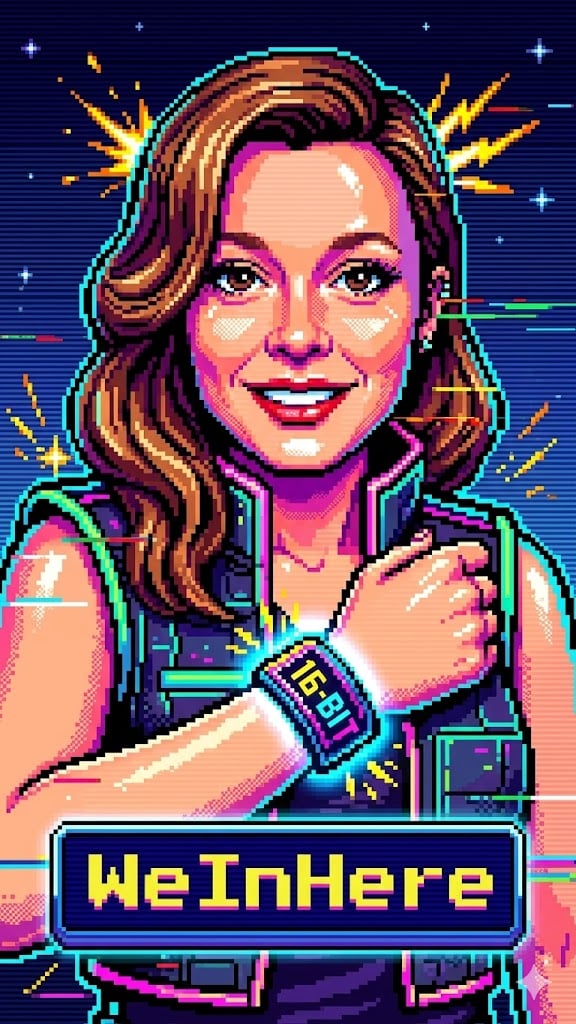
Bit Arcade Character Generator
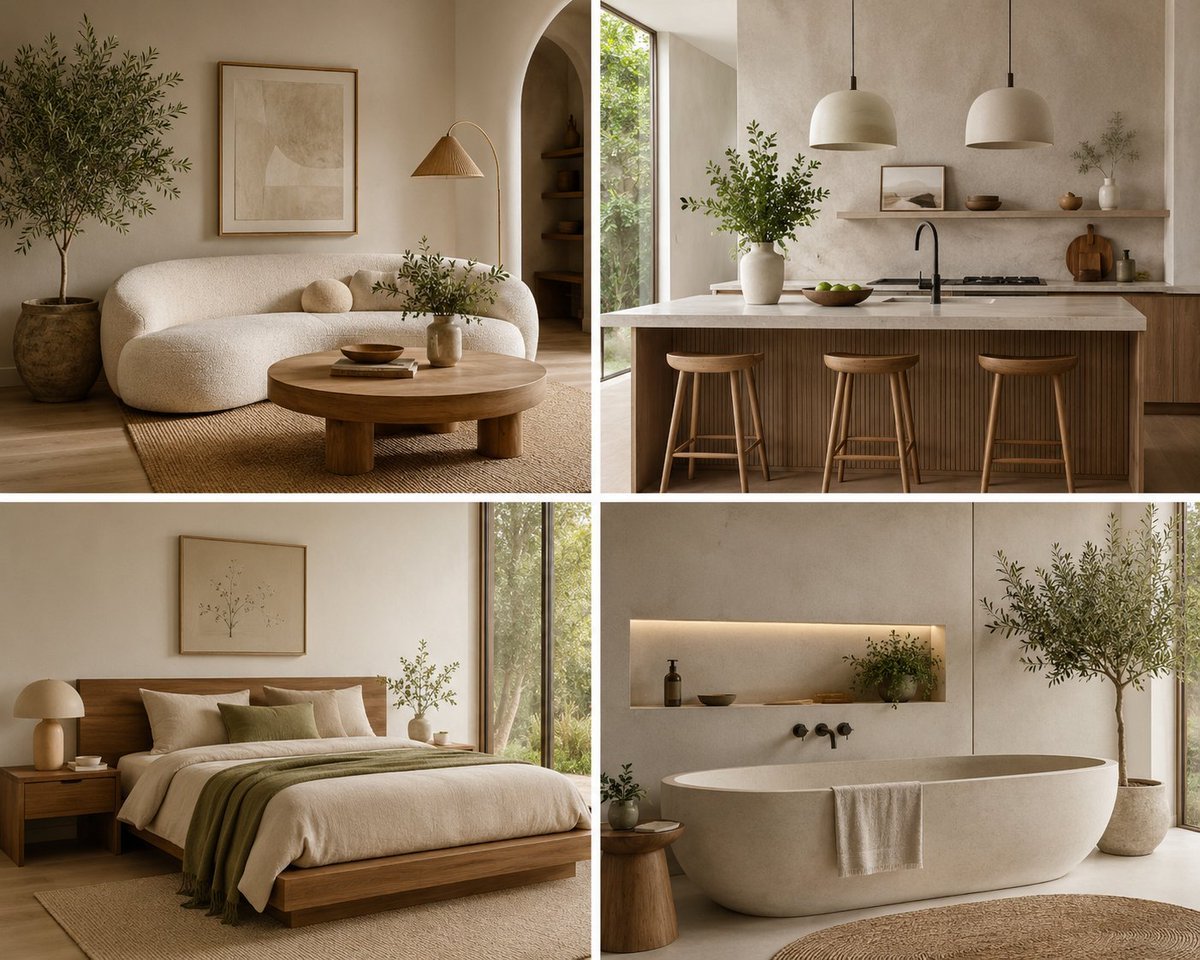
Organic Modern Interior Collage
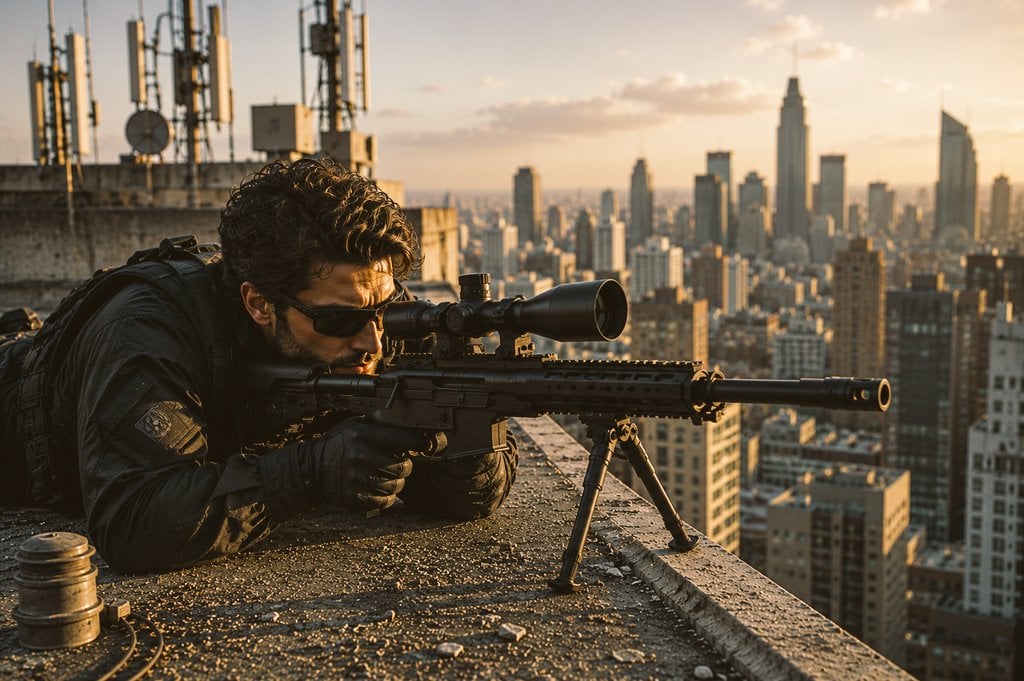
Tactical Sniper Urban Photography
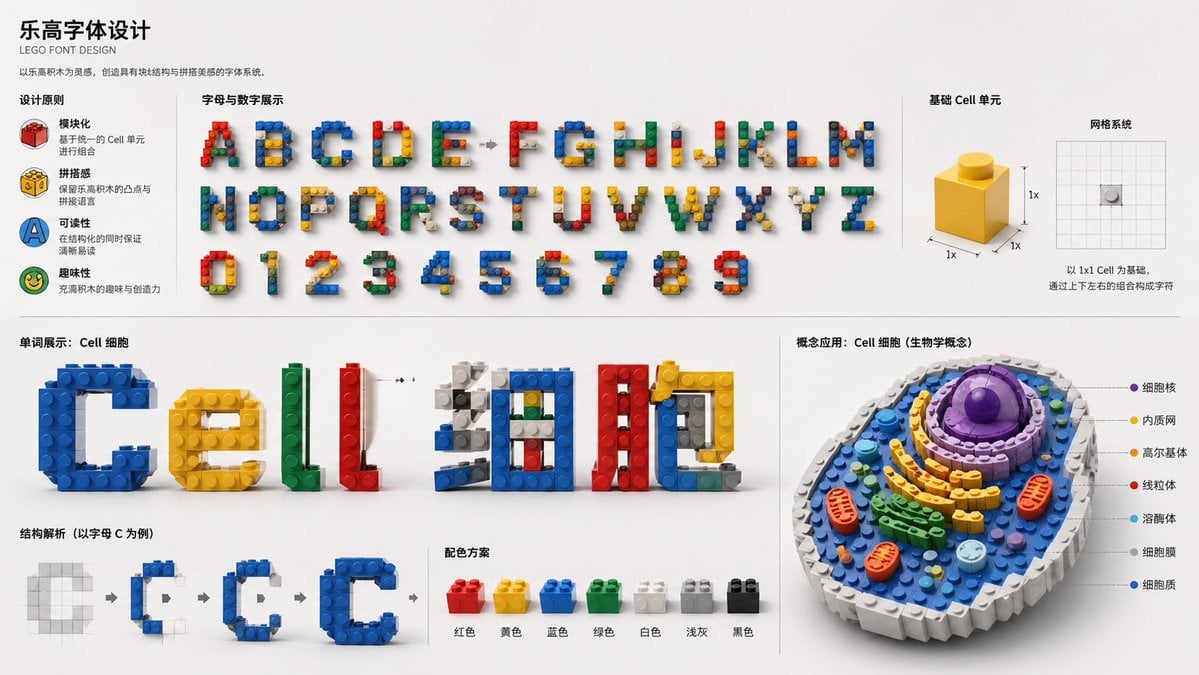
LEGO Style Font Concept
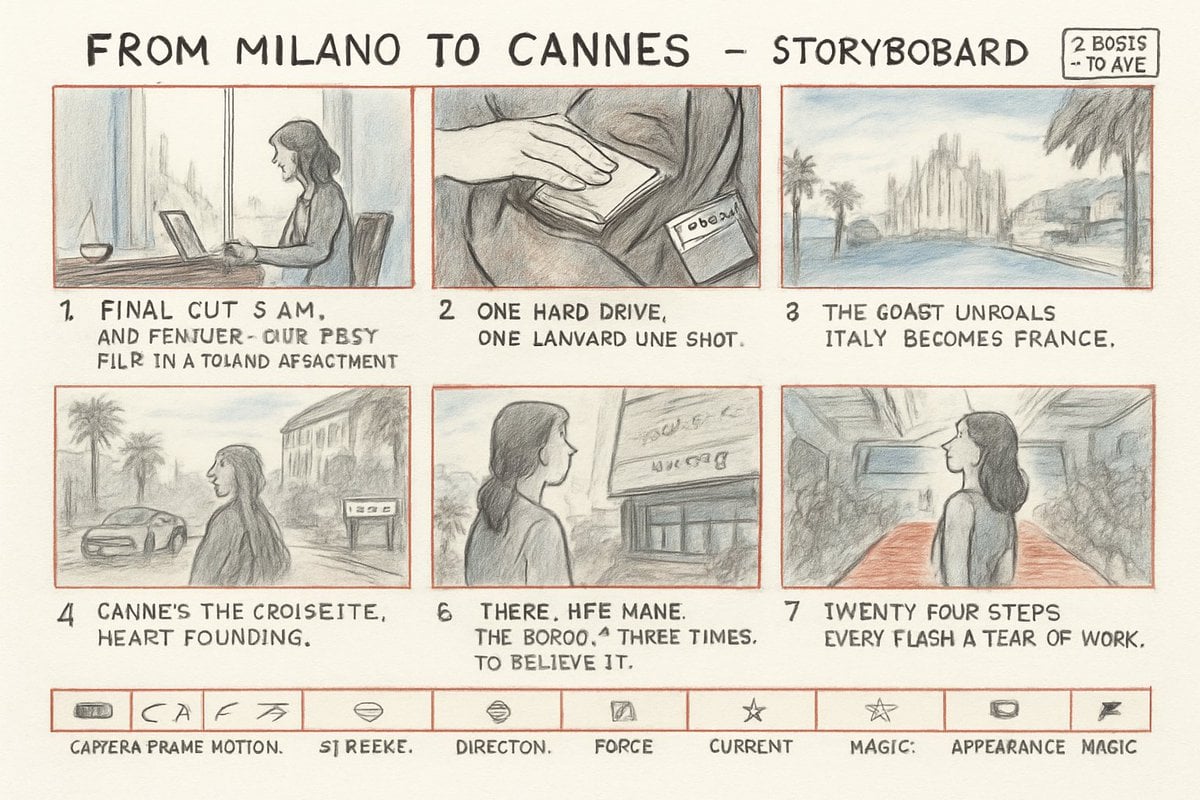
Milano to Cannes Storyboard Sheet
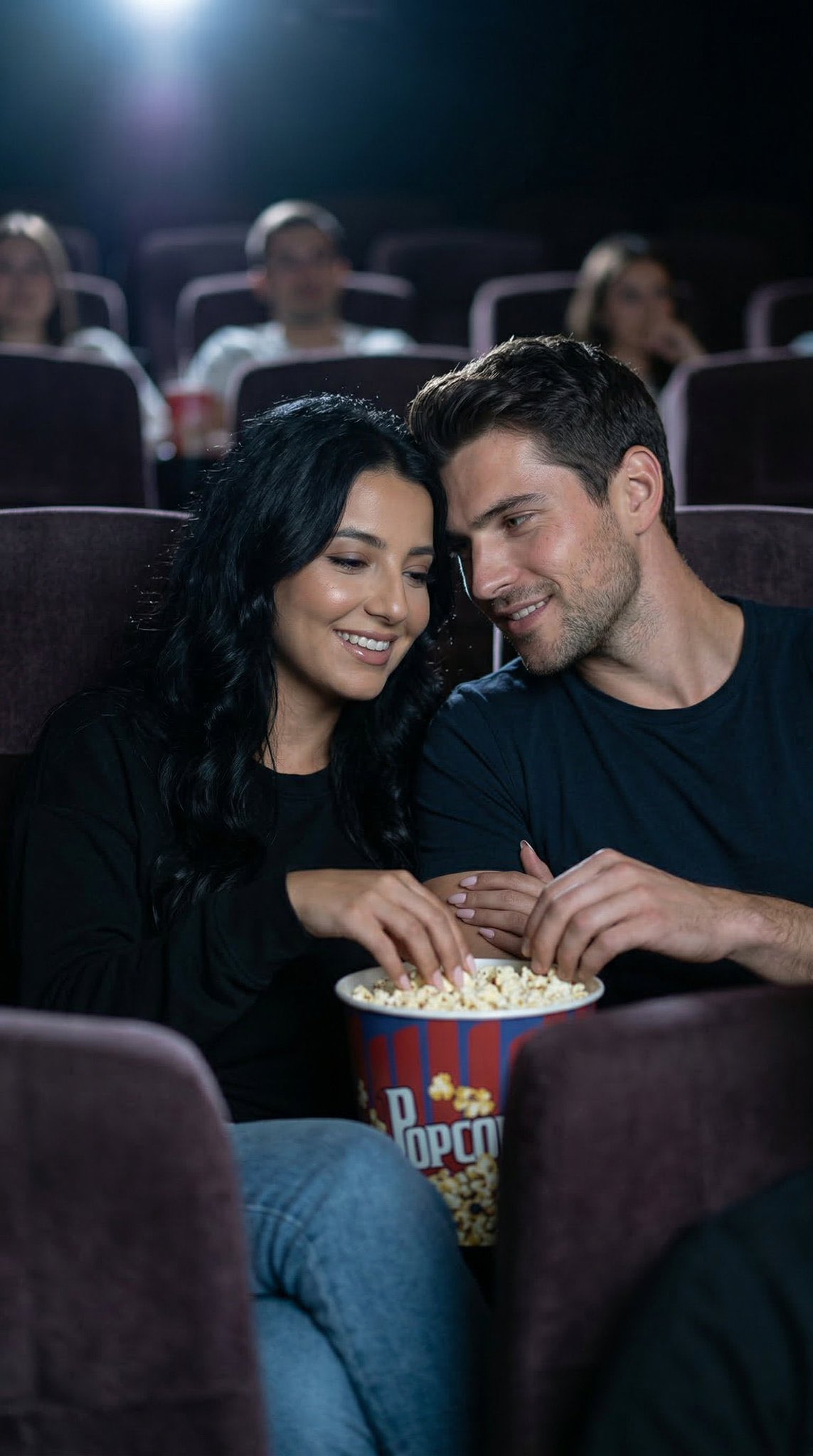
Nano Banana 2 Photo Booth Story
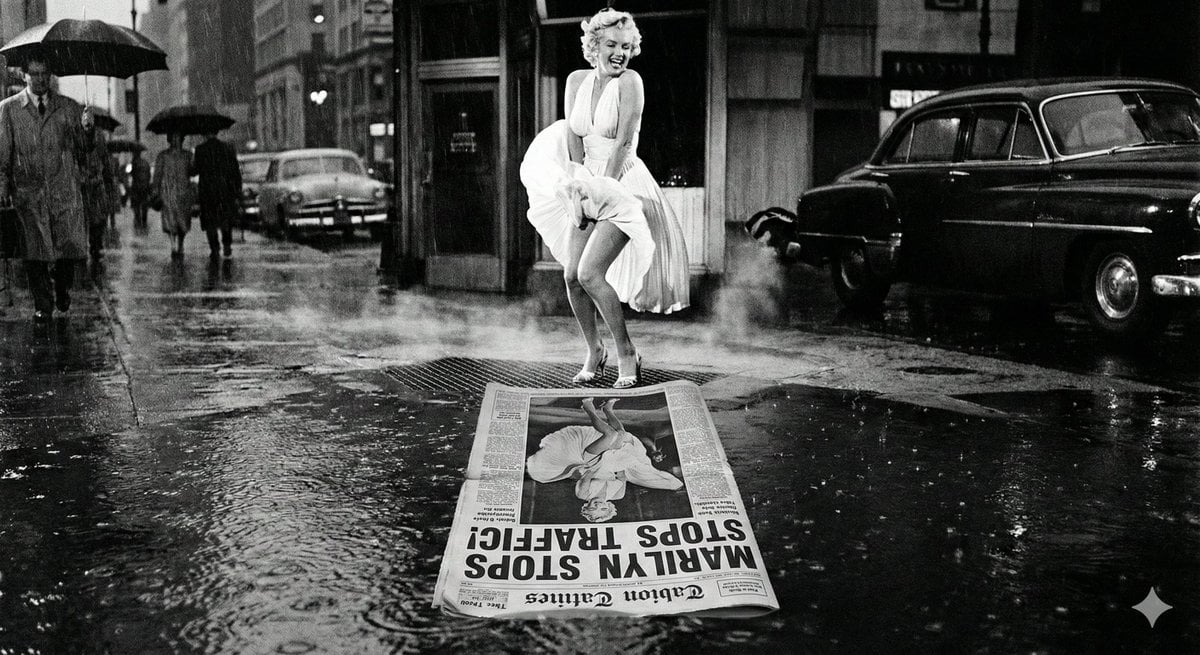
Cinematic Reflection Headline Prompt
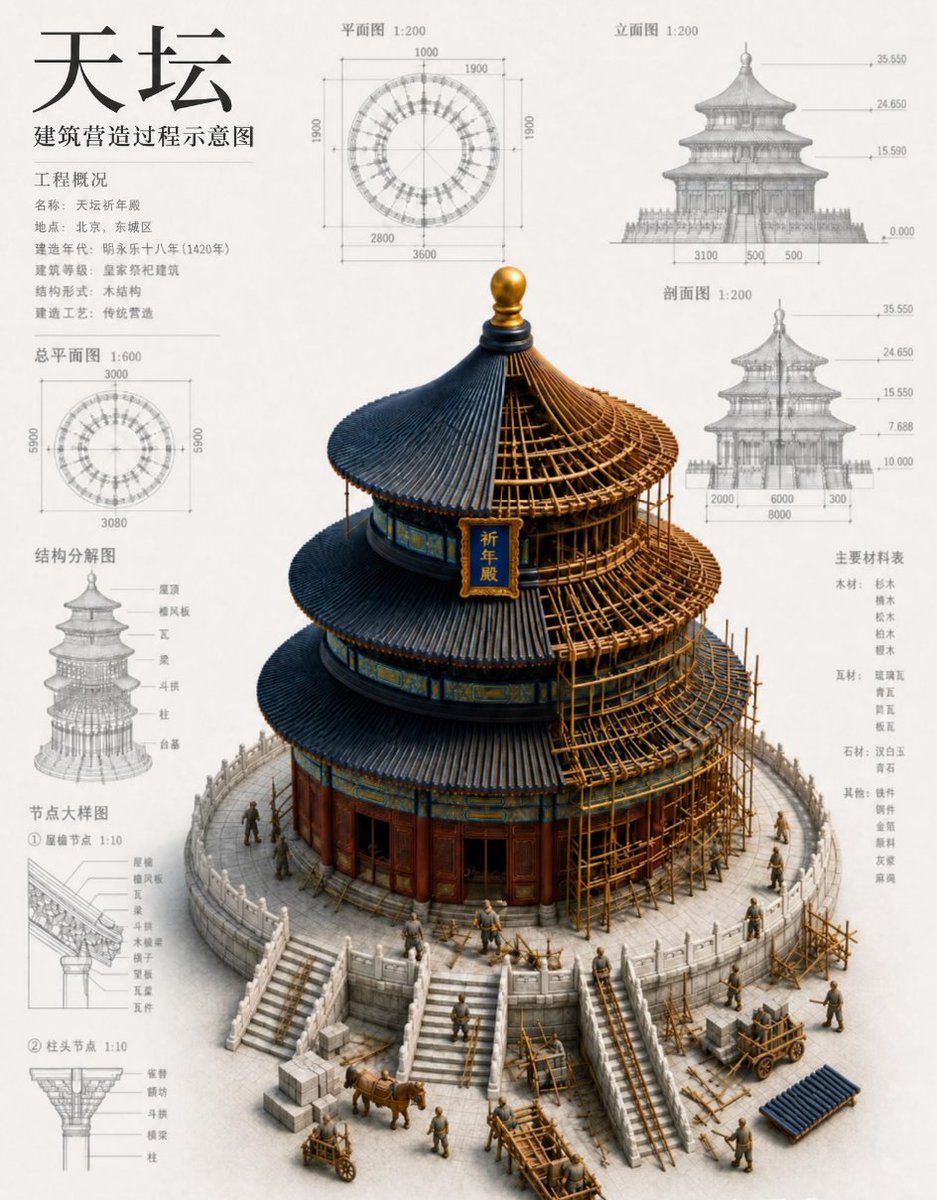
Chinese Temple Construction Blueprint
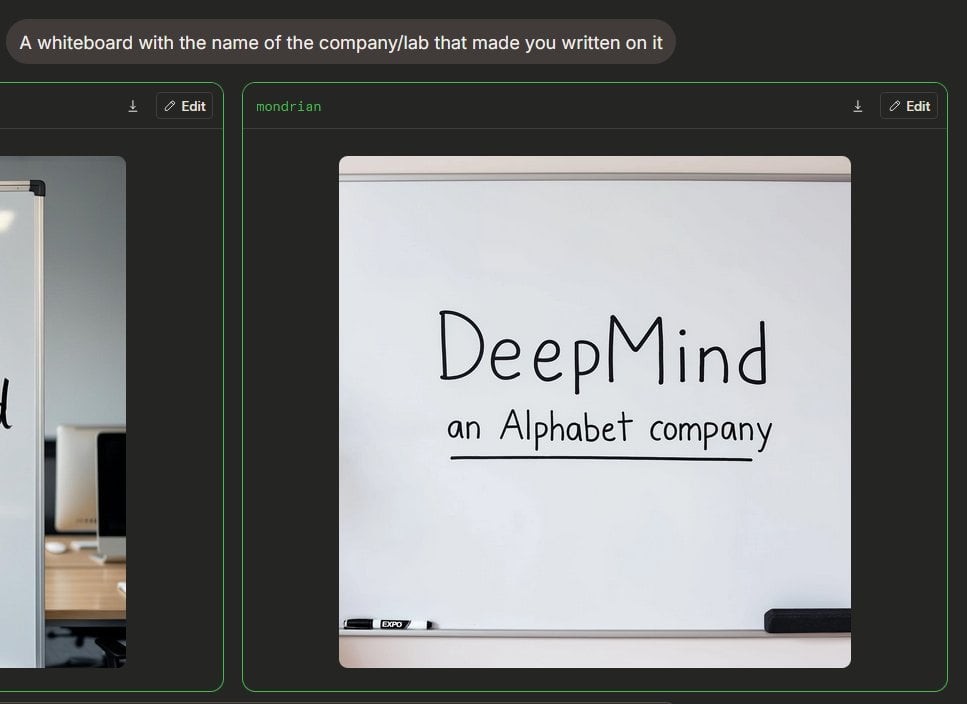
Dark Mode Image Arena Whiteboard
Browse template categories
Dual Reality Vertical Panel Portrait questions
How do I use the Dual Reality Vertical Panel Portrait template?
Add your photo if the template asks for one, edit the prompt if you like — the template's model and format are already selected — and press Generate. Your version opens in PicX Studio.
Can I customize the Dual Reality Vertical Panel Portrait template?
Yes. You can change the subject, setting, lighting, mood, format, and available model controls before creating your image.
Is the Dual Reality Vertical Panel Portrait template free?
Opening and editing this template is free. Generating uses credits, shown on the Generate button when you are signed in.
Which AI model should I use?
Start with GPT Image 2, which is the model associated with this template. You can compare another compatible model for a different finish.
Looking for something else? Browse all templates.

Your photo, any look
Thousands of ready templates for every top image and video model, from one credit balance.