
Strawberry Café A/B Comparison UI
Creates a ChatGPT-style side-by-side image evaluation screen featuring pastel strawberry dessert fashion editorials with kawaii illustration overlays.
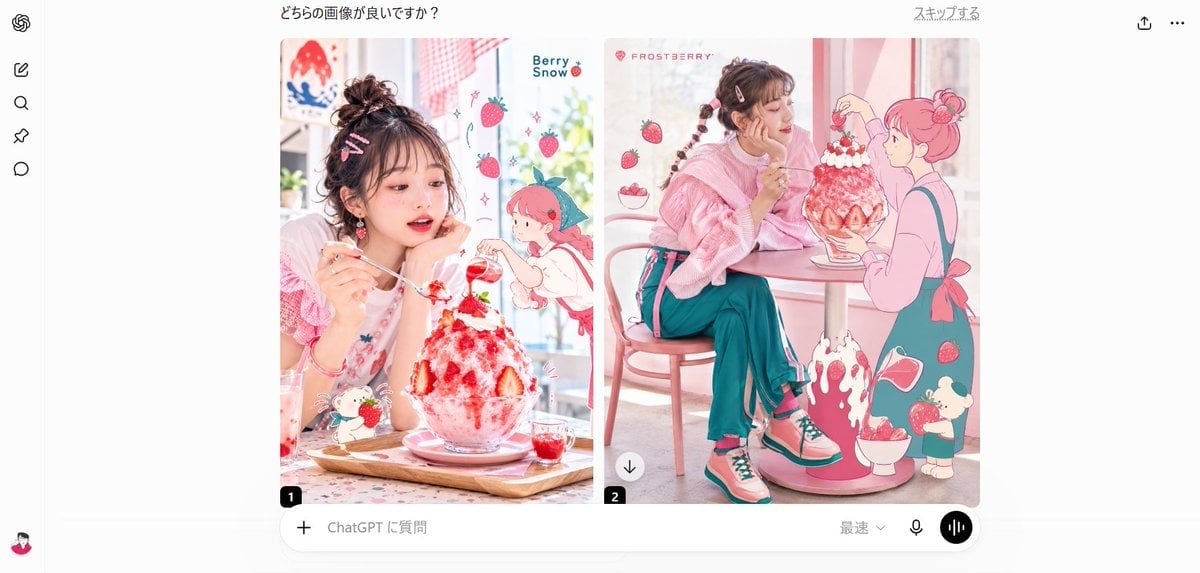
- Prompt included
- Model and format preset
- Free template
The prompt behind this image
Copy the exact prompt behind Strawberry Café A/B Comparison UI, or open it in the studio and make it yours.
Goal: Create a clean desktop web-app A/B comparison screen showing two generated fashion-food images side by side, as if inside a ChatGPT image evaluation interface. Canvas: Wide 16:9 screenshot, white background, light gray app chrome, centered content. Include a narrow left sidebar and a large central comparison area. Layout: At the top center, show the Japanese question text 「どちらの画像が良いですか?」. At the top right, show the small Japanese link 「スキップする」 plus two simple icons: share/upload and three-dot menu. On the far left, include a vertical toolbar with exactly 6 visible items: the OpenAI swirl logo at the top, then 4 simple black outline navigation icons stacked below it, and a small user avatar at the bottom. Main comparison area: Place exactly 2 rounded-corner image cards side by side with a narrow white gap between them. The left card is labeled with a small black rounded square containing “1” at the lower-left corner. The right card is labeled with a small black rounded square containing “2” at the lower-left corner and has a small circular download button overlay near its lower-left area. Left card subject: A pastel strawberry dessert café image featuring {argument name="main subject" default="a young woman with messy dark brown hair in a high bun, pink hair clips, rosy makeup, and a soft pink outfit"}. She sits at a table, holding a spoon and looking at a huge strawberry shaved-ice parfait in a glass bowl. The dessert has white whipped cream, bright red strawberry syrup, whole strawberries, and a small decorative green garnish. Add kawaii illustrated overlays: exactly 5 floating strawberries, exactly 1 chibi strawberry-headed character on the right, exactly 1 small bunny-like dessert mascot near the bottom, tiny sparkles, and the English text “Berry Snow” near the upper right. The overall palette is white, blush pink, strawberry red, and soft teal. Right card subject: A pastel strawberry café image featuring the same young woman seated sideways at a small round café table, wearing a fluffy pink sweater, teal wide-leg pants, pink socks, and pink-and-teal sneakers. Her hair is braided with small clips. She faces a giant strawberry shaved-ice dessert on the table. Add a large pink line-art anime girl on the right side as if interacting with the dessert. Include exactly 6 floating strawberries, exactly 1 strawberry bowl near the lower right, exactly 1 splashing strawberry syrup illustration at the bottom center, exactly 1 small cream-topped mascot near the lower right, and the pink brand text “FROSTBERRY” near the upper left. Bottom input bar: Under the two image cards, draw a rounded ChatGPT prompt bar spanning the comparison width. Include exactly 5 visible controls/text items: a plus icon on the left, placeholder text 「ChatGPT に質問」, a small dropdown labeled 「最速」, a microphone icon, and a black circular voice-wave button on the far right. Visual style: Photorealistic fashion editorial mixed with flat kawaii strawberry illustrations, bright window light, soft pastel pink café interior, high-key exposure, glossy dessert textures, crisp UI screenshot styling. Keep the two image cards polished and vivid while the surrounding app interface remains minimal and white. Constraints: Preserve the Japanese interface text exactly as shown. Use exactly 2 comparison images, exactly 6 left-sidebar items, exactly 2 numbered labels, and exactly 5 bottom input controls. Avoid extra popups, watermarks, browser bars, or unrelated text.
How to use Strawberry Café A/B Comparison UI in 3 steps
- 1Upload ImagePNG, JPG or paste
Add your photo
Upload the photo the template builds on. The prompt, model and format are already set.
- 2…a portrait of your subject in softgolden-hour light, 85mm…
Personalize
Edit the subject and creative details for your destination.
- 3Generate
Generate
Press Generate — your image is created in PicX Studio, so you can compare it with the original and refine one variable at a time.
More like this
Templates with the same subject, style or setup. Open one to see its prompt.
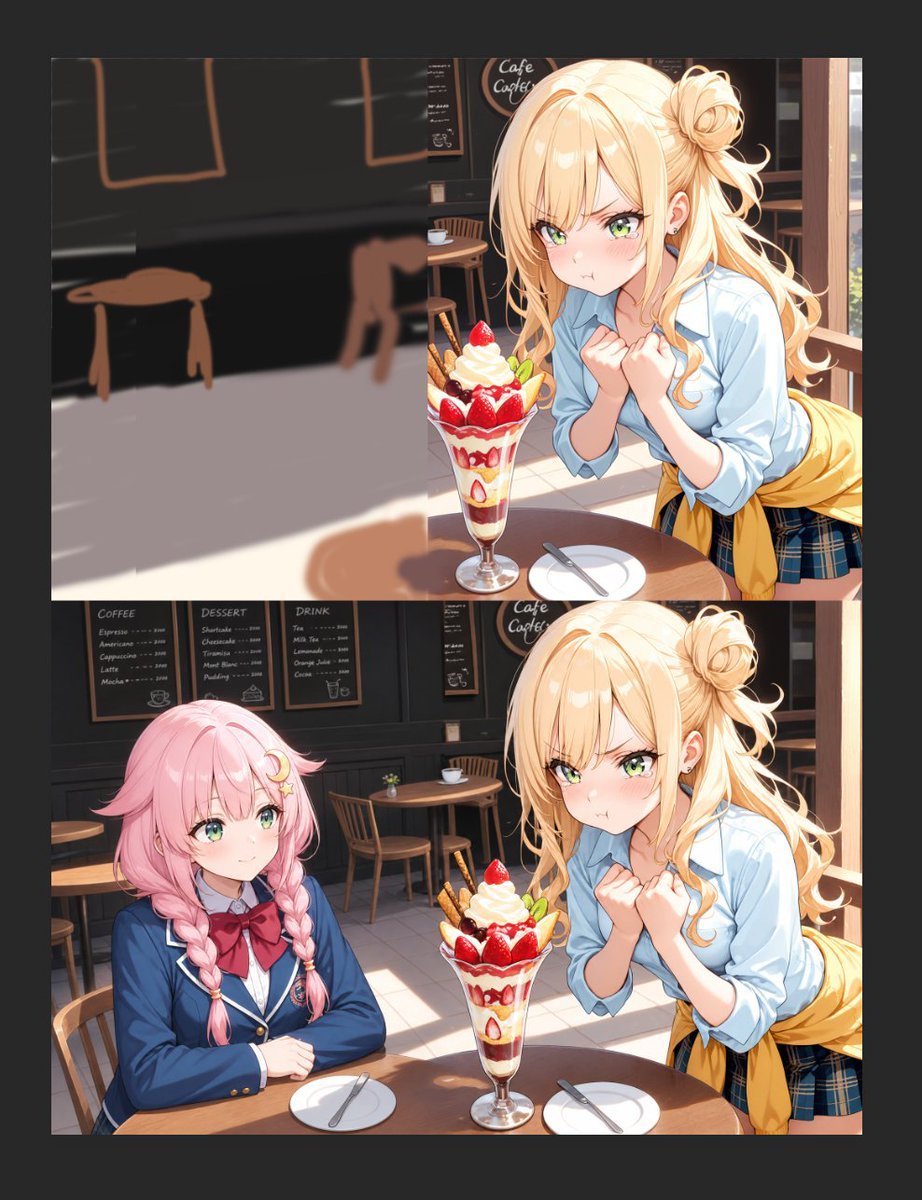
Anime Cafe Two-Panel Comparison

Skin Comparison Portrait — Nano Banana Pro

AI Model Routing Comparison Infographic

Four-Panel AI Landscape Comparison

Arctic Warship Style Comparison

Four-Panel Anime Face Comparison
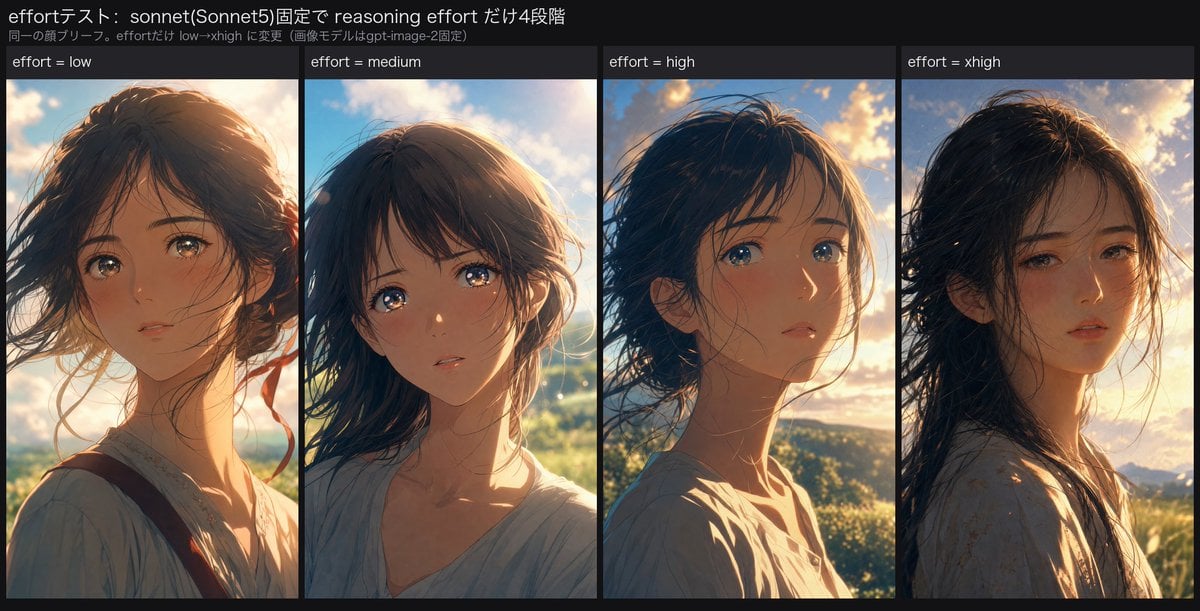
Reasoning Effort Anime Comparison
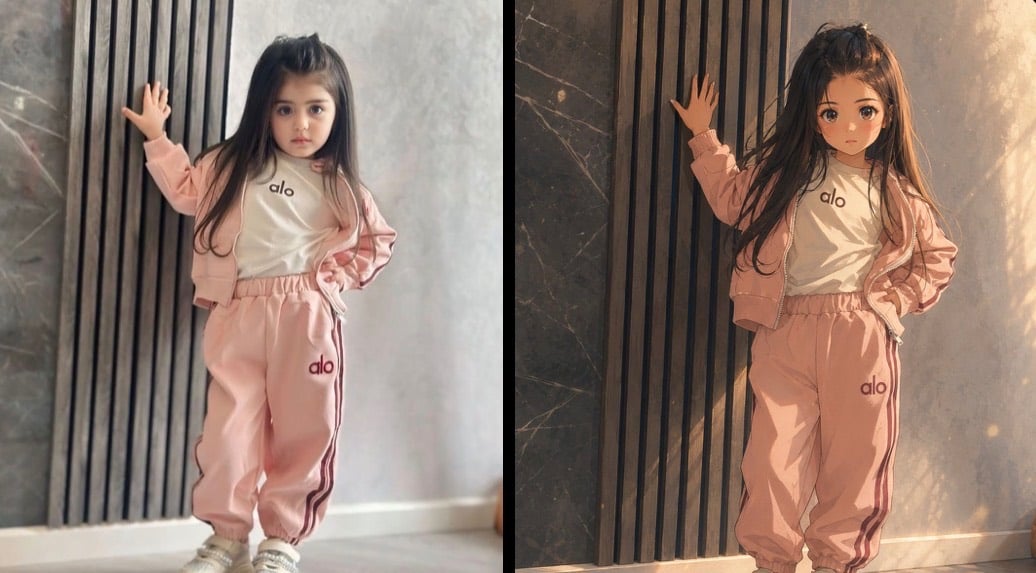
Cinematic Anime Photo Comparison

Fantasy Model Comparison Grid

Four-Panel AI Landscape Comparison
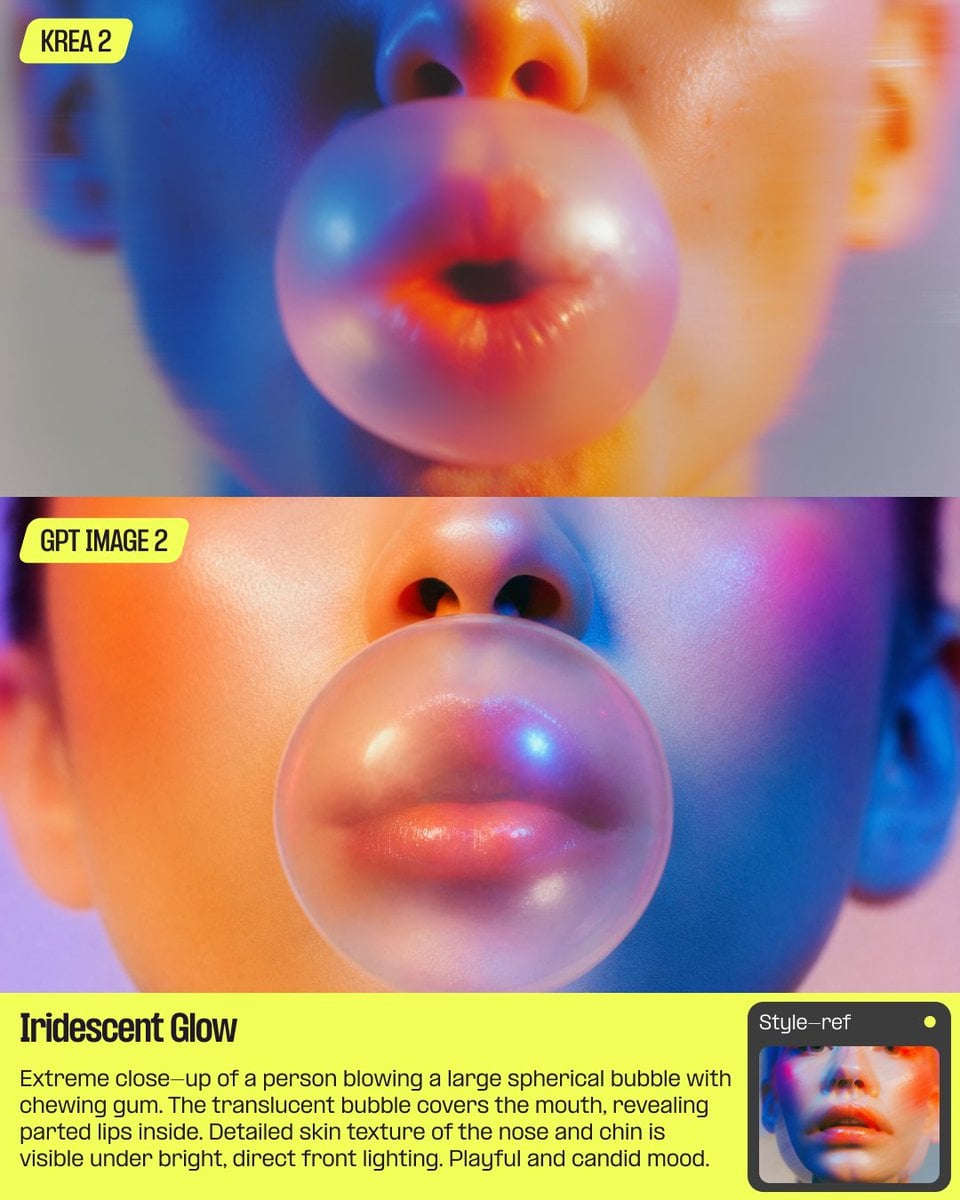
AI Bubblegum Style Comparison Slide
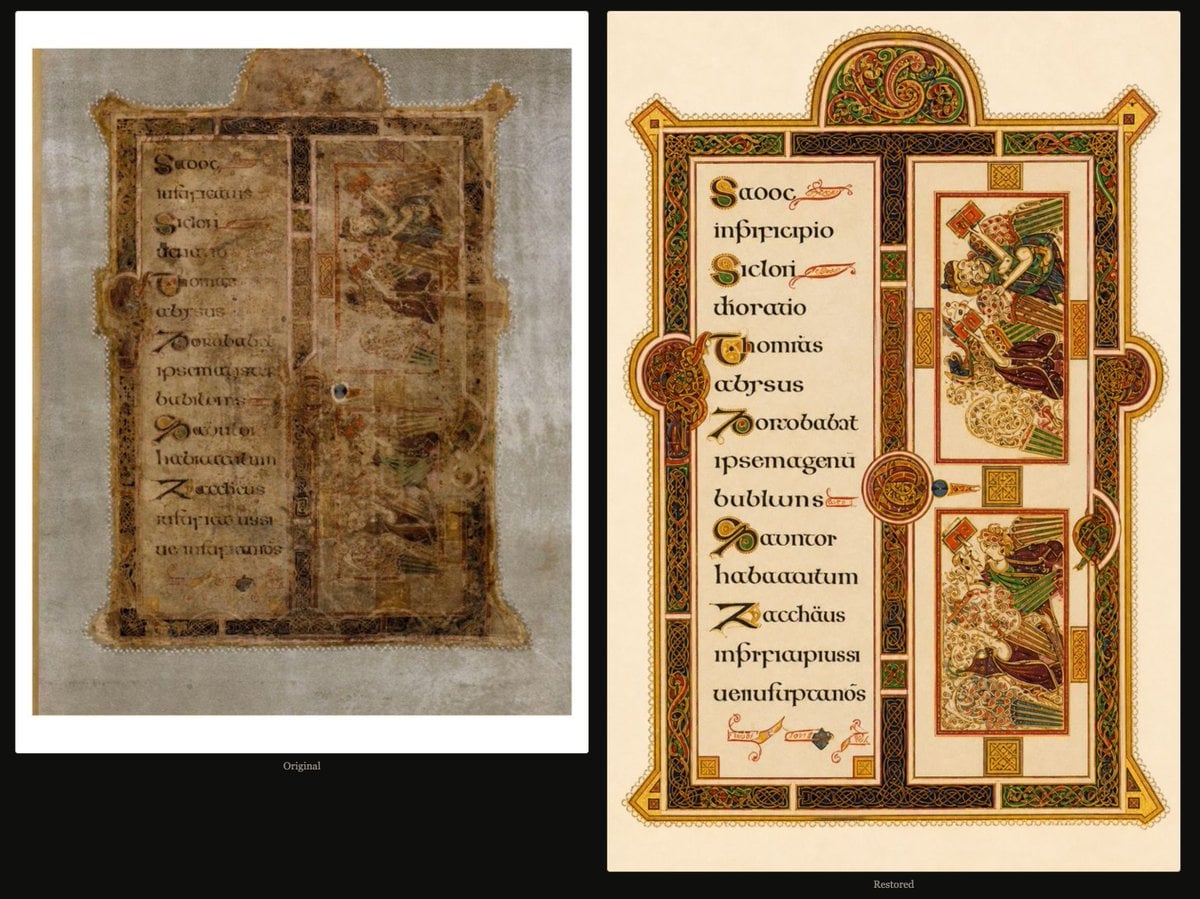
Book of Kells Restoration Comparison
Make it yours
Strawberry Café A/B Comparison UI works as-is. These are the safest ways to change it without losing the look.
Change one field
Copy a single group, rewrite it, and generate again so you can see what that field is doing.
Keep the frame, change the subject
Hold the composition and light of Strawberry Café A/B Comparison UI, then swap wardrobe, props or the person for a new take.
| If the result… | Why | Fix |
|---|---|---|
| The result drifts from the preview | Too many fields changed at once. | Reuse Strawberry Café A/B Comparison UI as-is first, then change one group — subject, light, or setting. |
| The model over-stylizes the scene | The prose prompt leaves finish and camera underspecified. | Add one camera or lighting sentence and stay on GPT Image 2. |
More GPT Image 2 templates
Other prompts made for GPT Image 2.

Six VTuber Japanese Logo Sheet

Realistic Portrait of Woman and Deer

The Vista Modular Condo Poster

2.5D Anime Art Board

Isometric Productivity Desk Scene

New York Double Exposure Poster

Japanese Tatami Lifestyle Magazine Cover

NESCAFÉ Coffee Map Poster

Brutalist Cogito Chinese Typography Poster

Cinematic Luxury Terrace Portrait
More image prompts
Fresh picks from across the catalog.
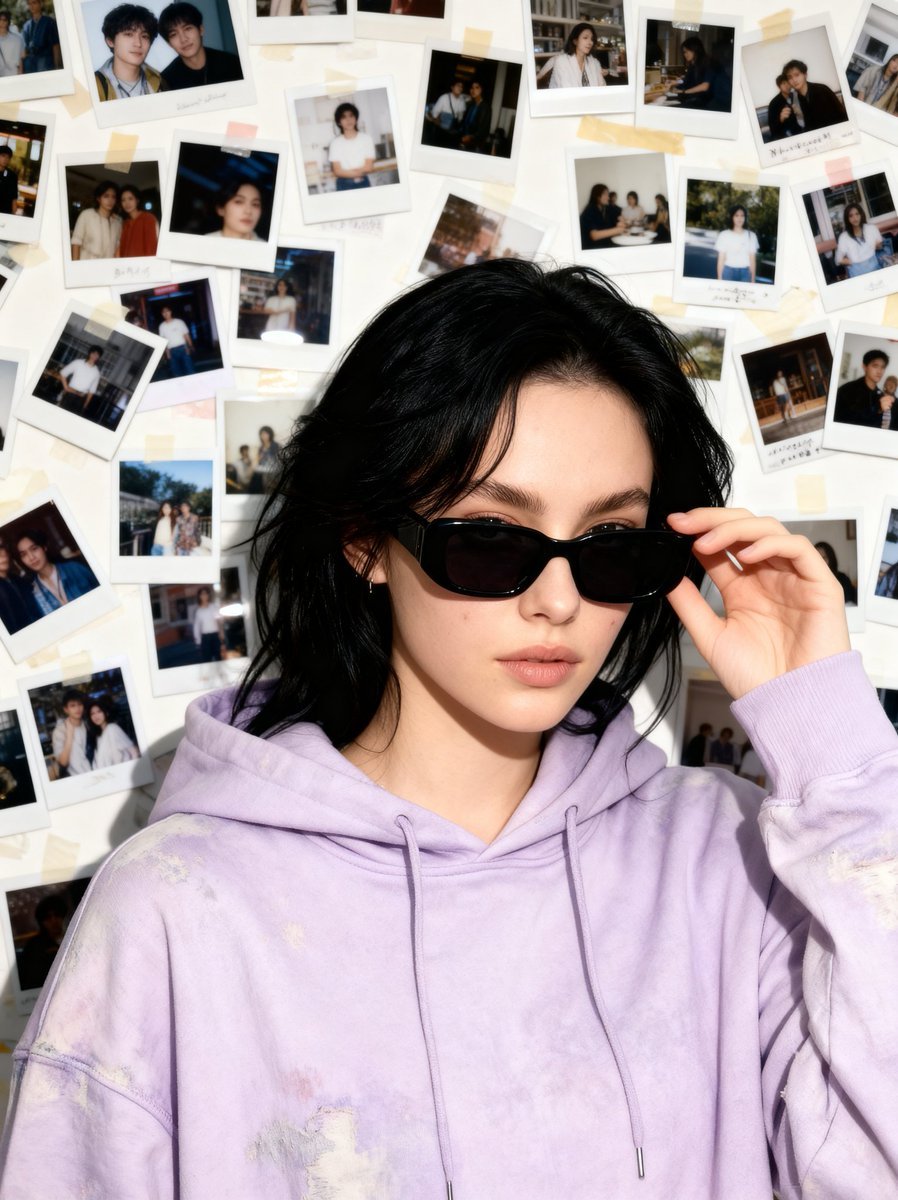
Nostalgic 90s Disposable Camera Snapshot
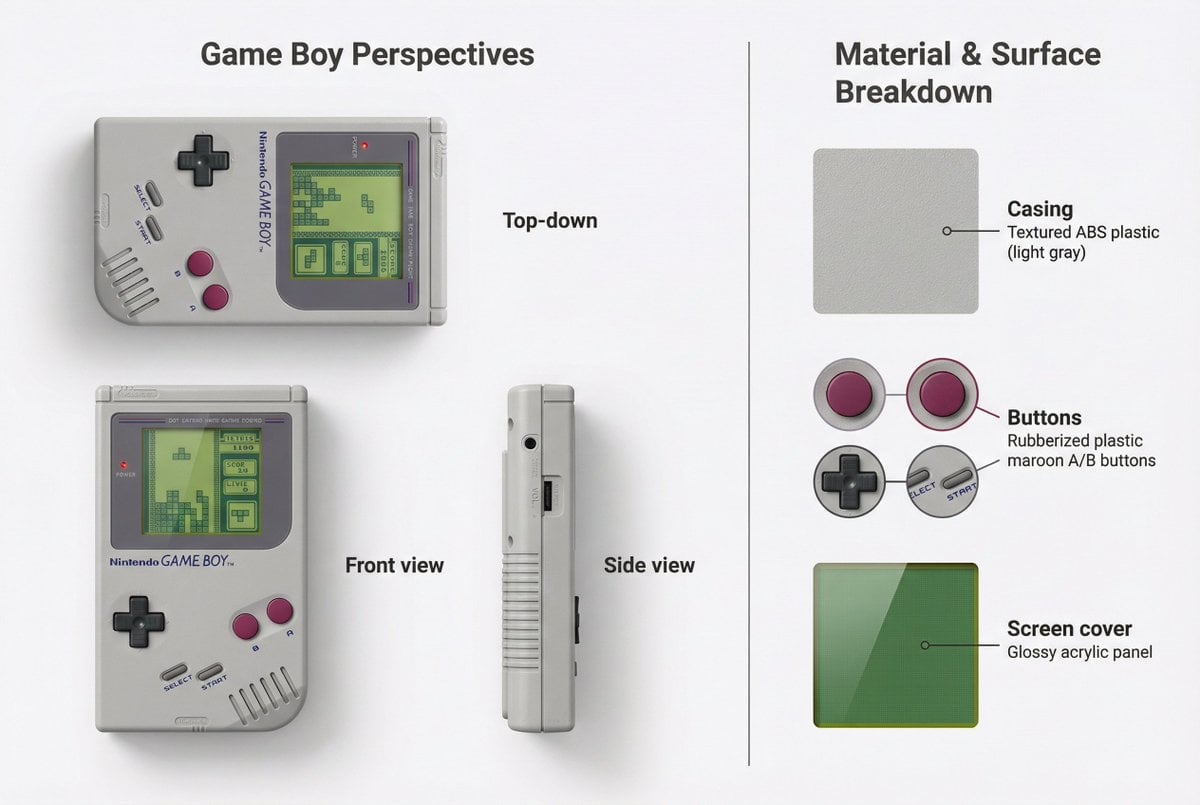
Nintendo Game Boy Product Showcase Infographic with Tetris
Magical Glowing Ribbon Style Transformation
Typographic Sculpture of Historical Inventions
Open-world RPG screenshot style
Ship Girl Daily Schedule Poster
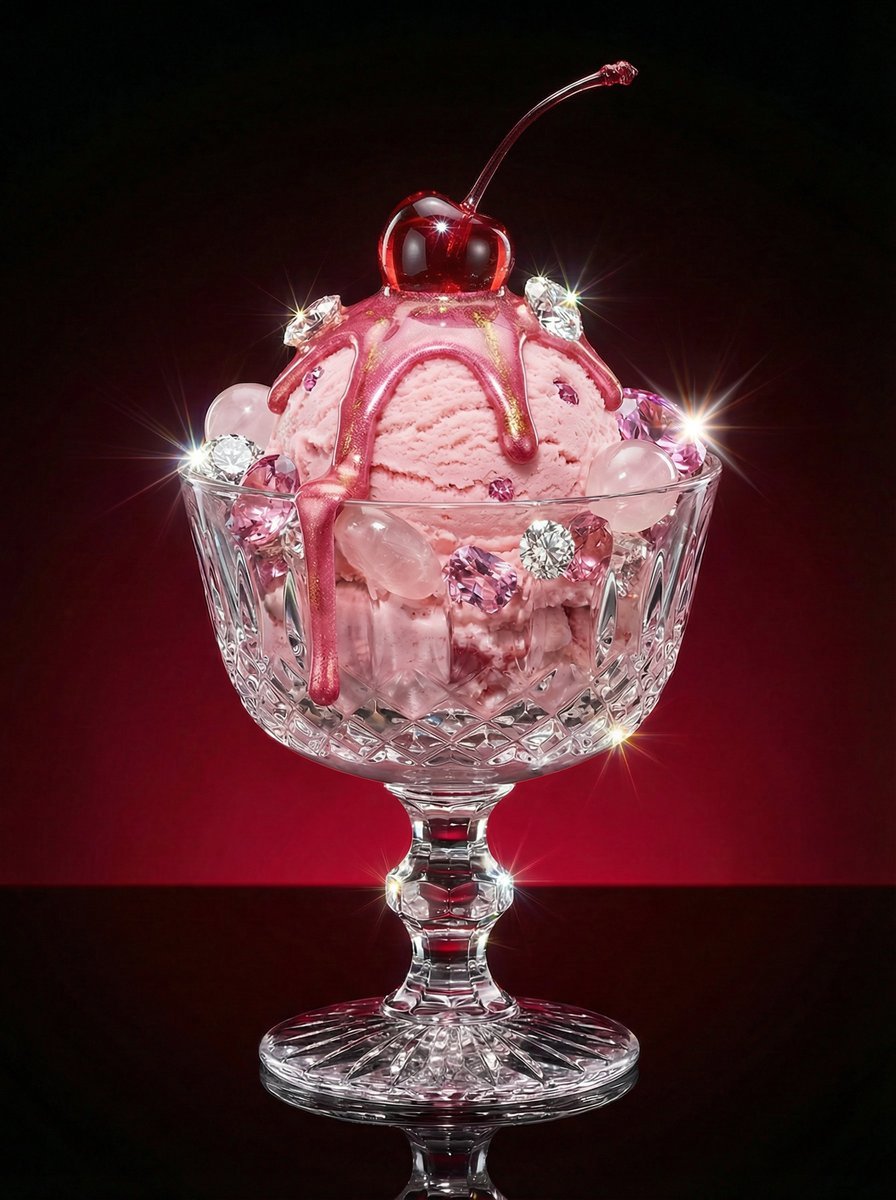
Luxury Dessert Still Life with Diamonds and Molten Center
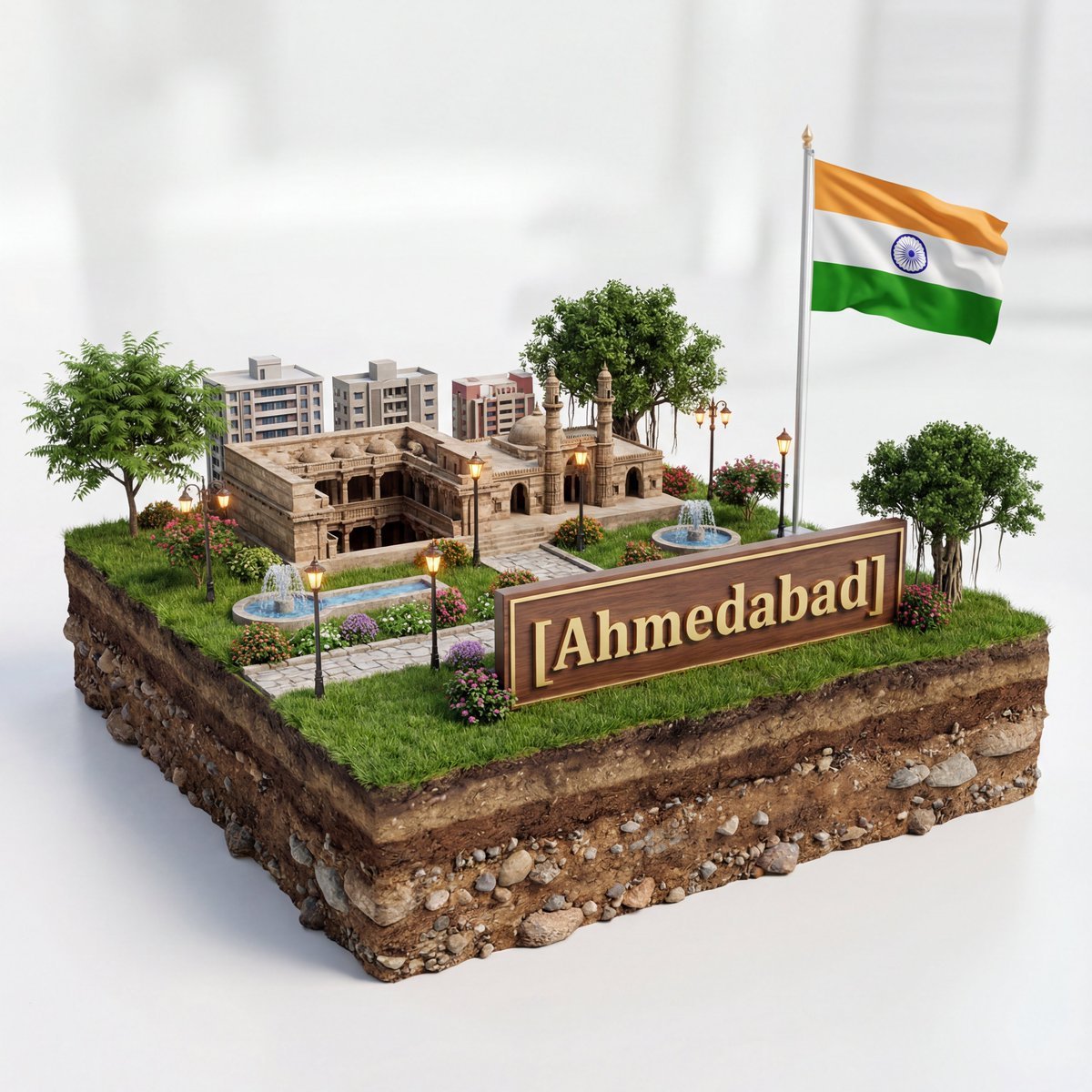
3D Diorama of Ahmedabad Landmark
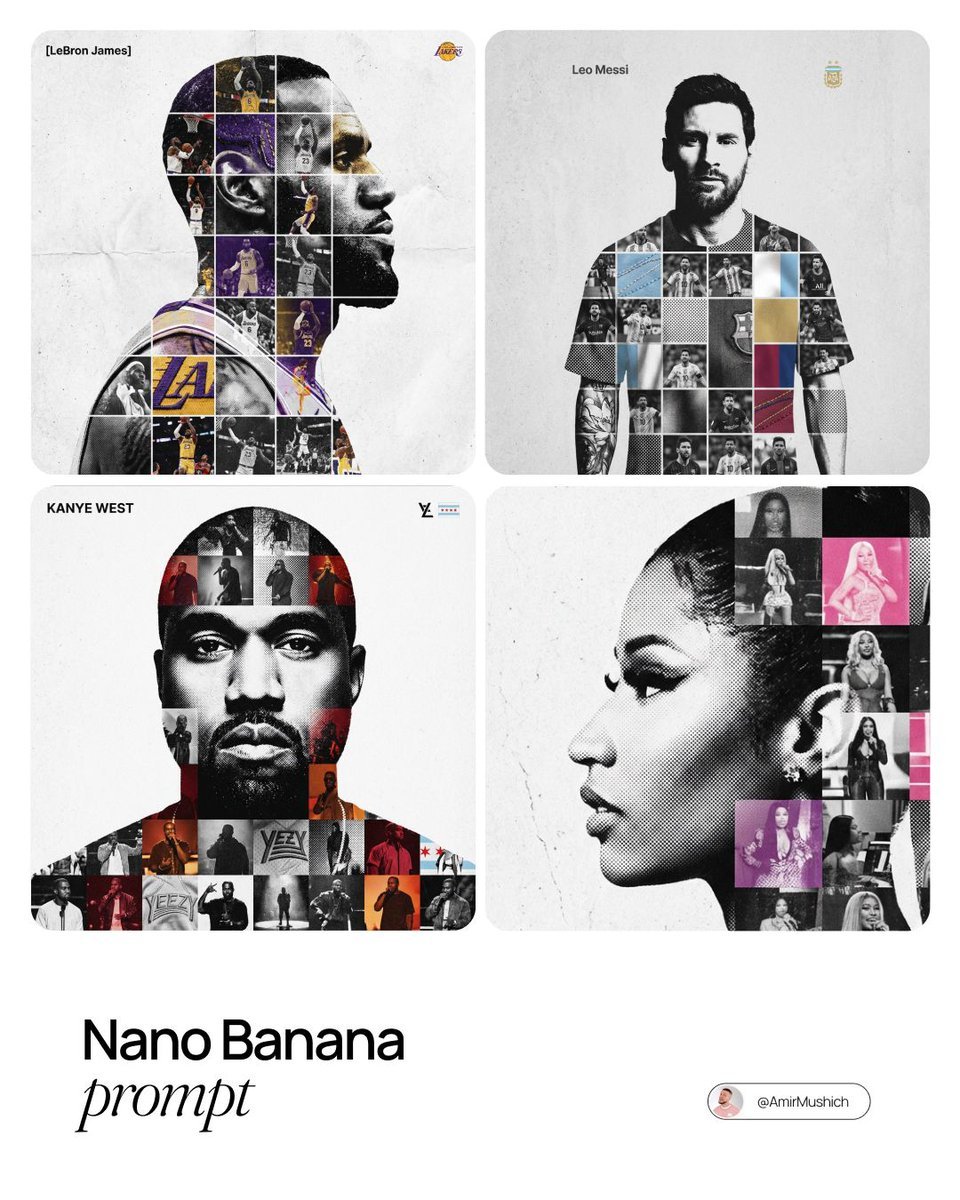
Photo-Grid Tribute Poster Design Prompt
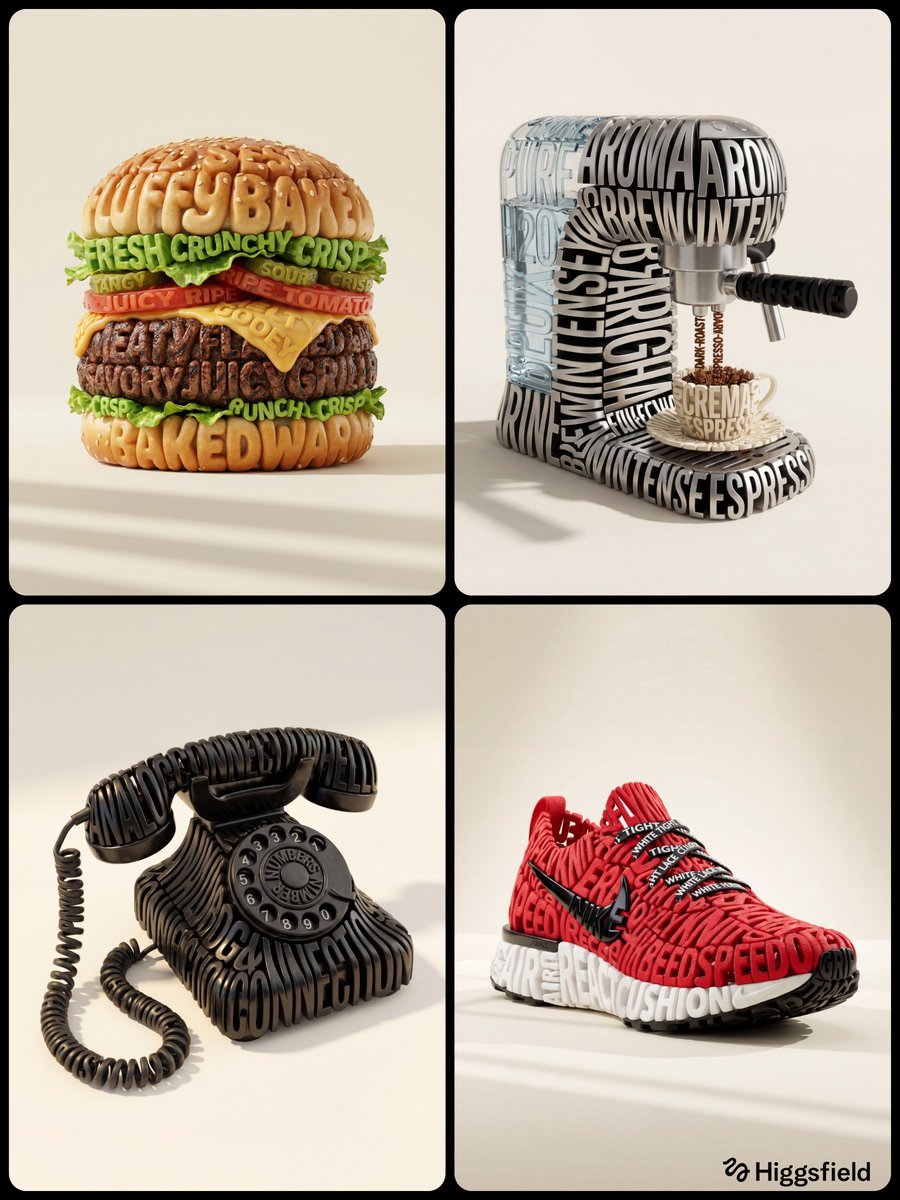
Hyper-Realistic 3D Typographic Sculpture Product Concept
Browse template categories
Strawberry Café A/B Comparison UI questions
How do I use the Strawberry Café A/B Comparison UI template?
Add your photo if the template asks for one, edit the prompt if you like — the template's model and format are already selected — and press Generate. Your version opens in PicX Studio.
Can I customize the Strawberry Café A/B Comparison UI template?
Yes. You can change the subject, setting, lighting, mood, format, and available model controls before creating your image.
Is the Strawberry Café A/B Comparison UI template free?
Opening and editing this template is free. Generating uses credits, shown on the Generate button when you are signed in.
Which AI model should I use?
Start with GPT Image 2, which is the model associated with this template. You can compare another compatible model for a different finish.
Looking for something else? Browse all templates.

Your photo, any look
Thousands of ready templates for every top image and video model, from one credit balance.