
Vintage Mediterranean Fashion Portrait
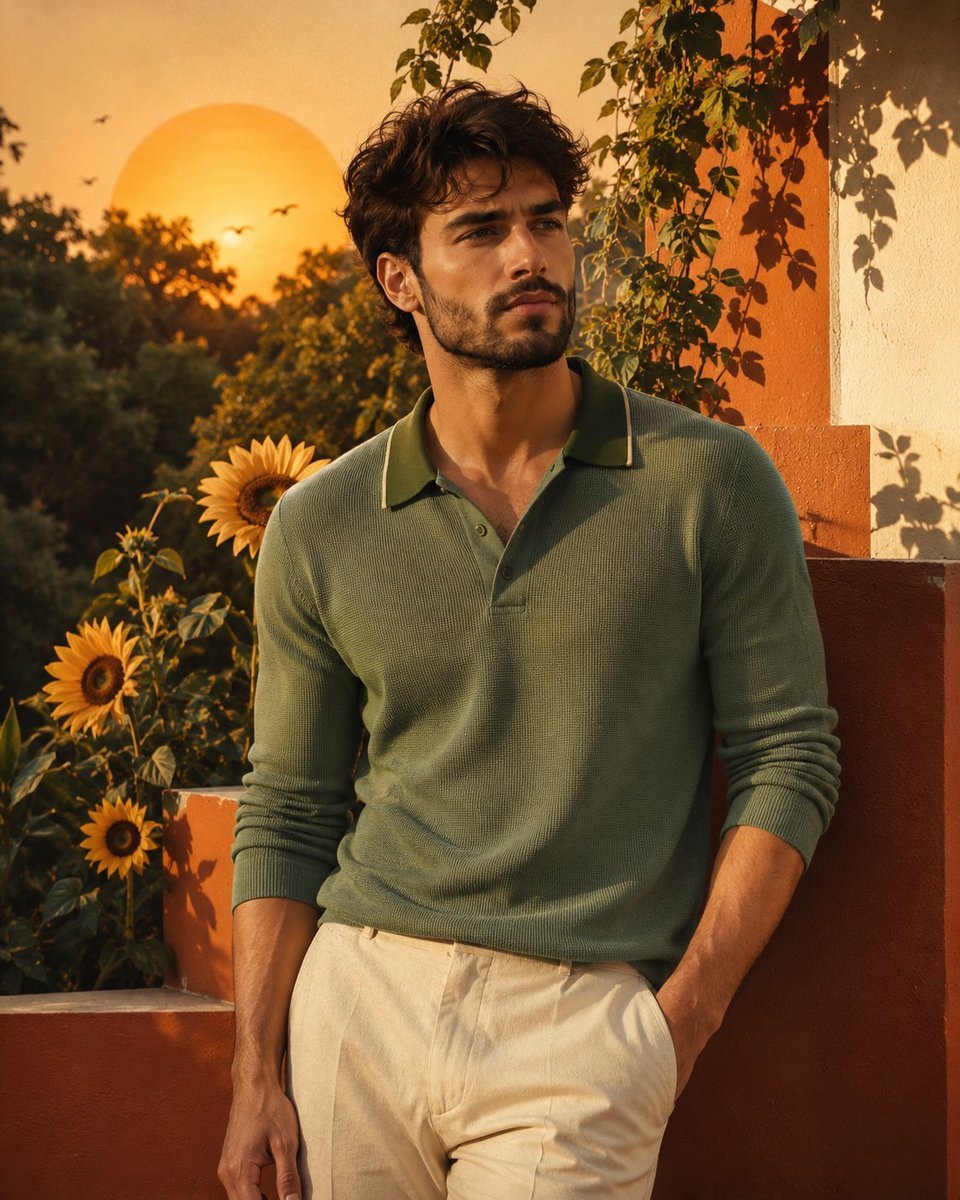
A cinematic editorial fashion prompt for a young man, blending retro Mediterranean summer aesthetics with a burnt-orange geometric background and warm sunlight.
- Prompt included
- Model and format preset
- Free template
The prompt behind this image
Copy the exact prompt behind Vintage Mediterranean Fashion Portrait, or open it in the studio and make it yours.
Ultra-realistic cinematic editorial fashion portrait of a strikingly handsome young man in his early 20s, completely original character, inspired by the reference image’s composition, vintage color palette, framing, and artistic atmosphere. He has thick, naturally wavy dark-brown hair styled slightly tousled, strong well-defined eyebrows, deep expressive dark-brown eyes, a straight sculpted nose, prominent cheekbones, a defined masculine jawline, and subtle natural stubble. He wears a rich sage-green long-sleeve knitted polo shirt with a contrasting dark green collar and subtle piping, sleeves naturally pushed slightly toward the forearms, paired with tailored cream-beige trousers. He stands casually with one hand in his trouser pocket and the other relaxed by his side, looking slightly to the side with a calm, confident expression. Behind him is a large glowing golden-yellow sun, oversized sunflowers, lush green trees, climbing vines, and several small birds in the distance. The background features a bold burnt-orange and warm ivory geometric wall, creating a sophisticated retro Mediterranean summer aesthetic. Warm late-afternoon sunlight, soft cinematic shadows, subtle film grain, rich earthy tones, natural skin texture, realistic fabric details, editorial fashion photography, sophisticated vintage mood, shallow depth of field, highly detailed, photorealistic, vertical 4:5 composition, premium magazine aesthetic. Avoid: distorted anatomy, extra fingers, plastic skin, overly muscular body, cartoon appearance, text, watermark, logos.
How to use Vintage Mediterranean Fashion Portrait in 3 steps
- 1Upload ImagePNG, JPG or paste
Add your photo
Upload the photo the template builds on. The prompt, model and format are already set.
- 2…a portrait of your subject in softgolden-hour light, 85mm…
Personalize
Edit the subject and creative details for your destination.
- 3Generate
Generate
Press Generate — your image is created in PicX Studio, so you can compare it with the original and refine one variable at a time.
More like this
Templates with the same subject, style or setup. Open one to see its prompt.

Found Photograph: Us, 1970

80s Couple Studio Portrait

80s College Gate

1988 Mall Style

80s Polka Dot Saree

Monroe and Ash Mediterranean Luxury Fashion Campaign

Nano Banana 2 High Fashion Sports Campai

Couture Fashion Editorial Woman and Drag

Ive Yujin Fashion Portrait in Blue

Nano Banana 2 Editorial Fashion Portrait

Caution Tape Fashion — Industrial Editorial
Mediterranean Vintage Car Portrait
Make it yours
Vintage Mediterranean Fashion Portrait works as-is. These are the safest ways to change it without losing the look.
Change one field
Copy a single group, rewrite it, and generate again so you can see what that field is doing.
Keep the frame, change the subject
Hold the composition and light of Vintage Mediterranean Fashion Portrait, then swap wardrobe, props or the person for a new take.
| If the result… | Why | Fix |
|---|---|---|
| The result drifts from the preview | Too many fields changed at once. | Reuse Vintage Mediterranean Fashion Portrait as-is first, then change one group — subject, light, or setting. |
| The model over-stylizes the scene | The prose prompt leaves finish and camera underspecified. | Add one camera or lighting sentence and stay on GPT Image 2. |
More GPT Image 2 templates
Other prompts made for GPT Image 2.

Six VTuber Japanese Logo Sheet

Realistic Portrait of Woman and Deer

The Vista Modular Condo Poster

AI Model Routing Comparison Infographic

2.5D Anime Art Board

Isometric Productivity Desk Scene

New York Double Exposure Poster

Four-Panel AI Landscape Comparison

Japanese Tatami Lifestyle Magazine Cover

NESCAFÉ Coffee Map Poster
More image prompts
Fresh picks from across the catalog.
High-Key B&W Cinematic Portrait
Tiny People, Giant Problem Diorama Prompt
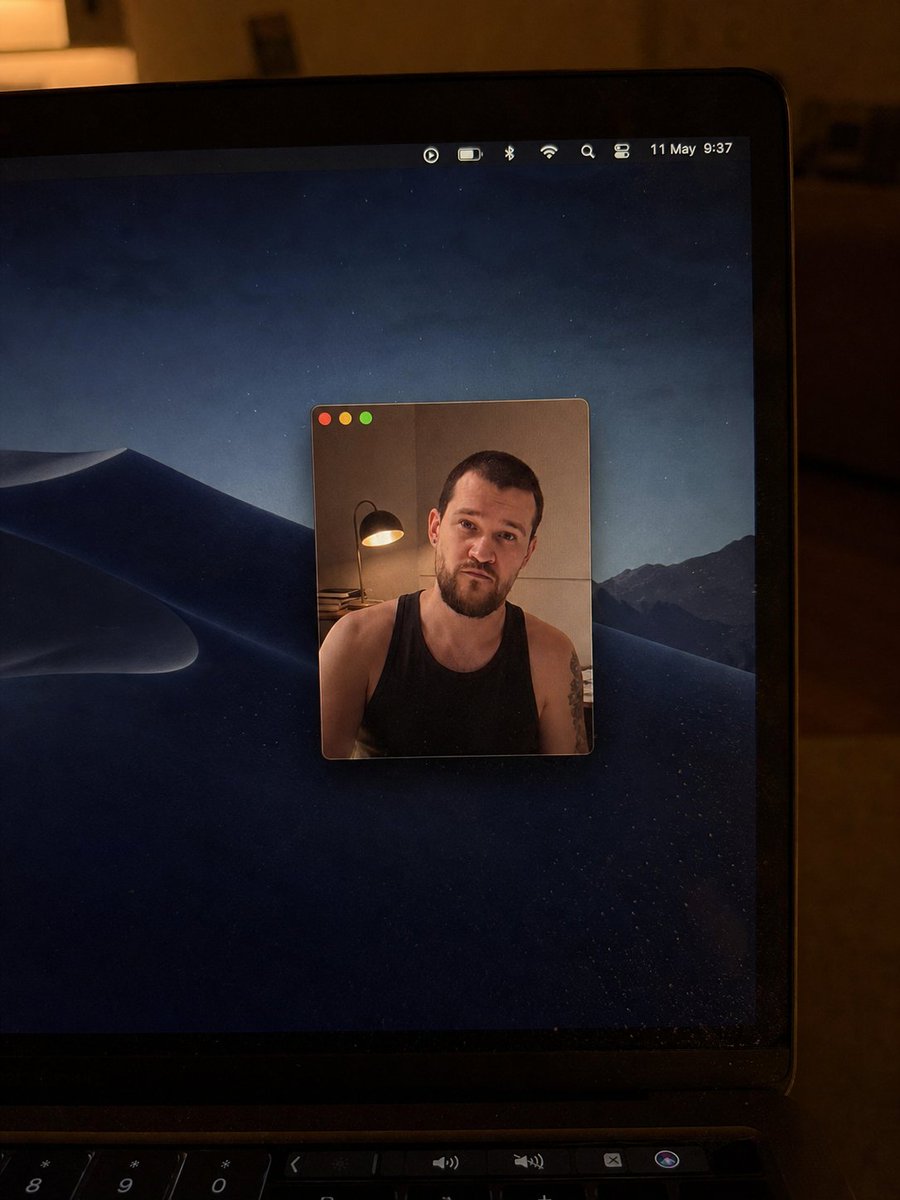
Realistic Mac Webcam Photo Edit
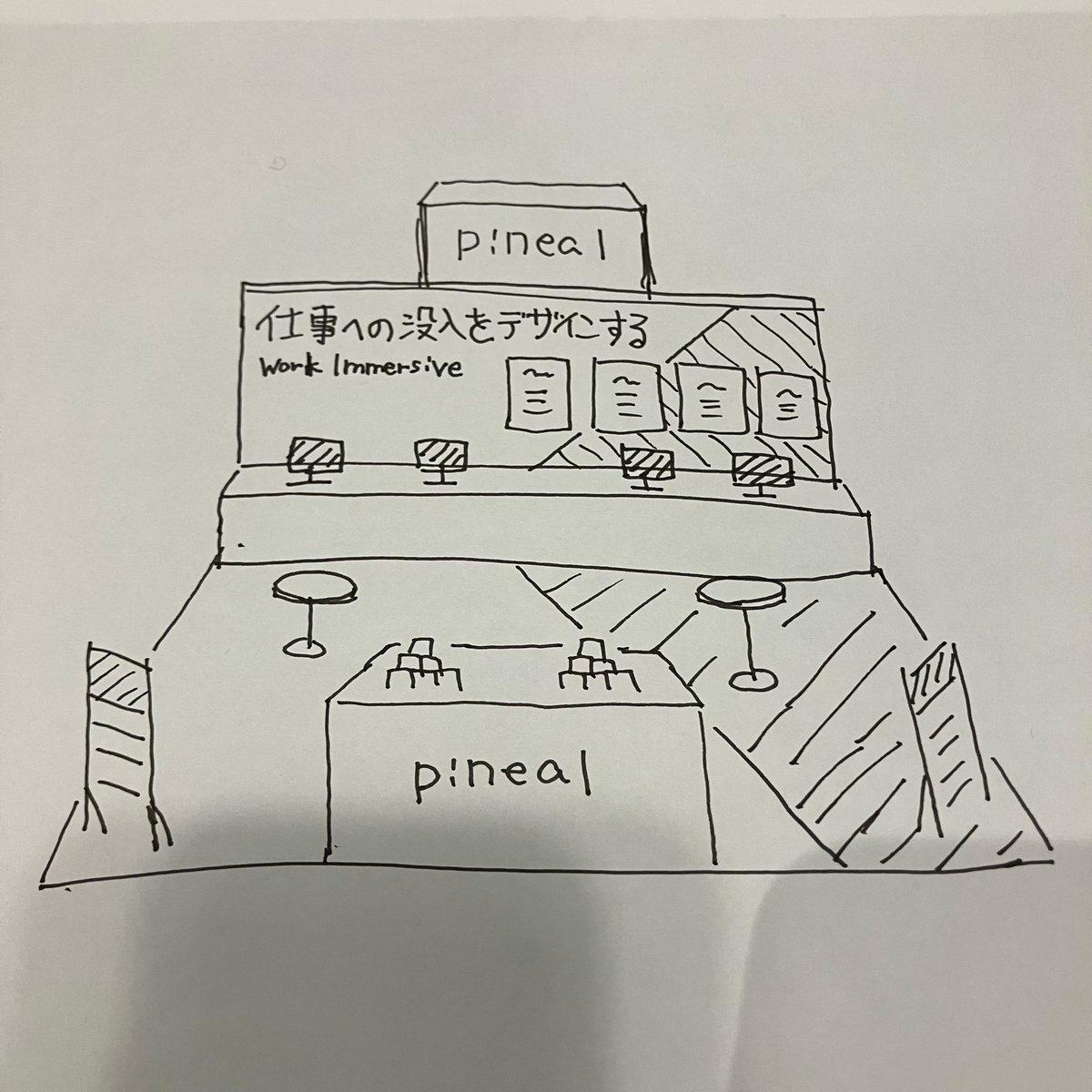
Turn booth sketch into perspective drawing
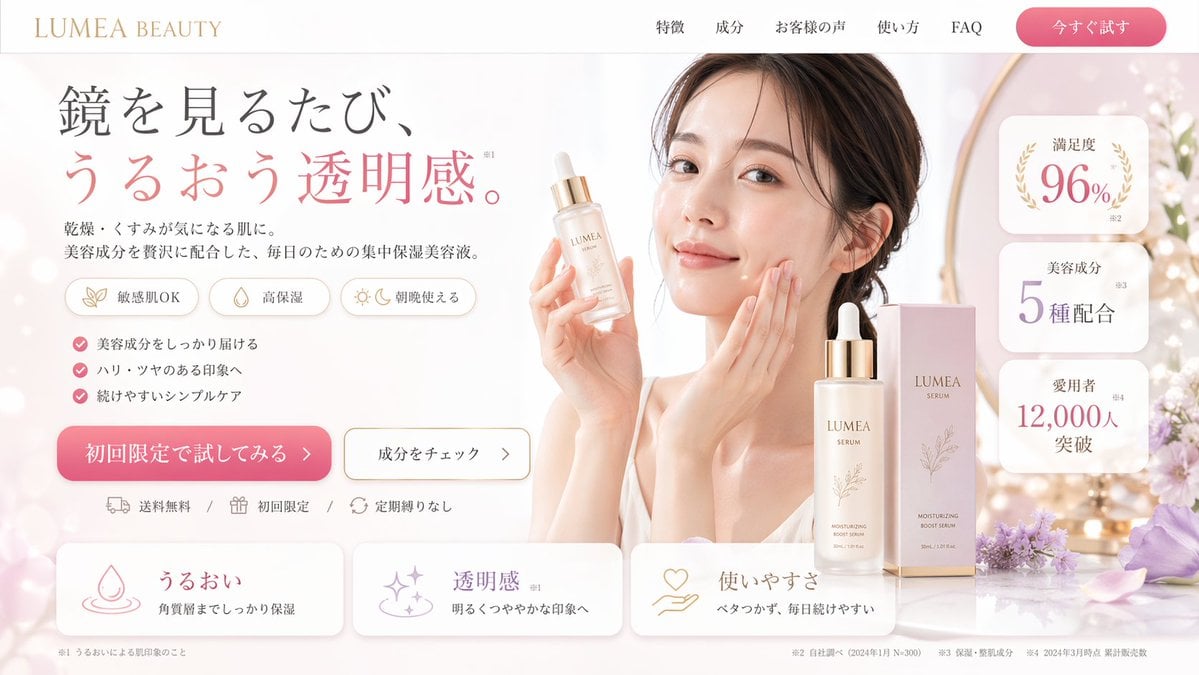
Beauty Landing Page Hero Section
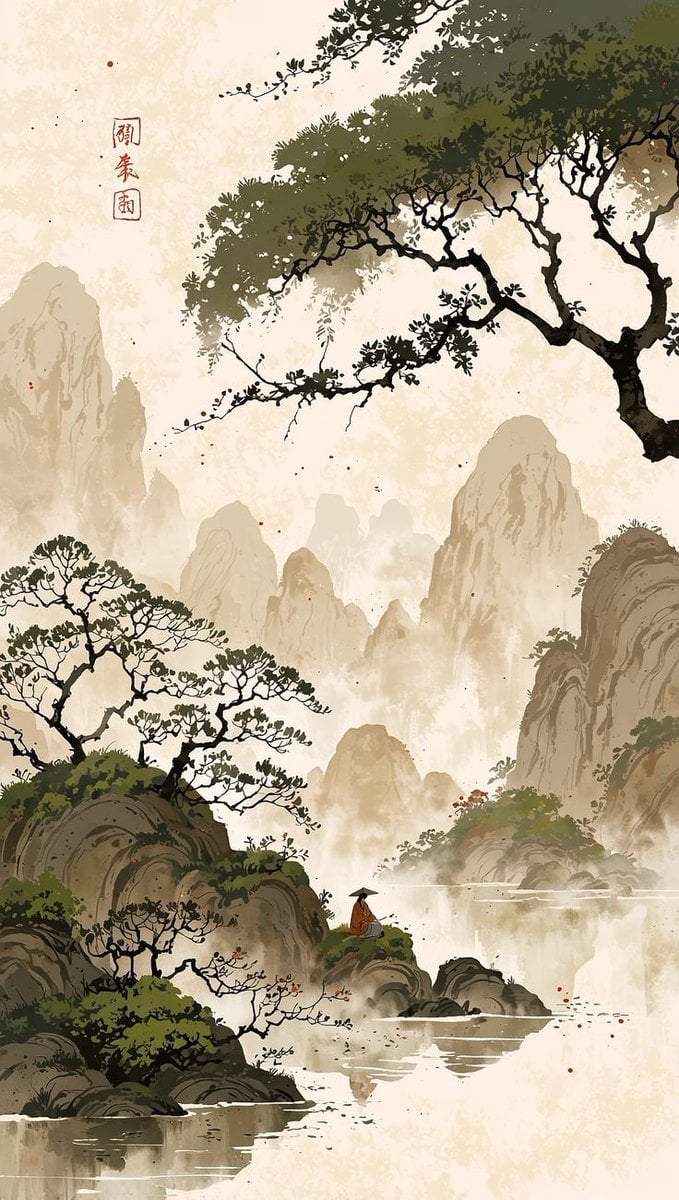
Cinematic Chinese Ink Landscape
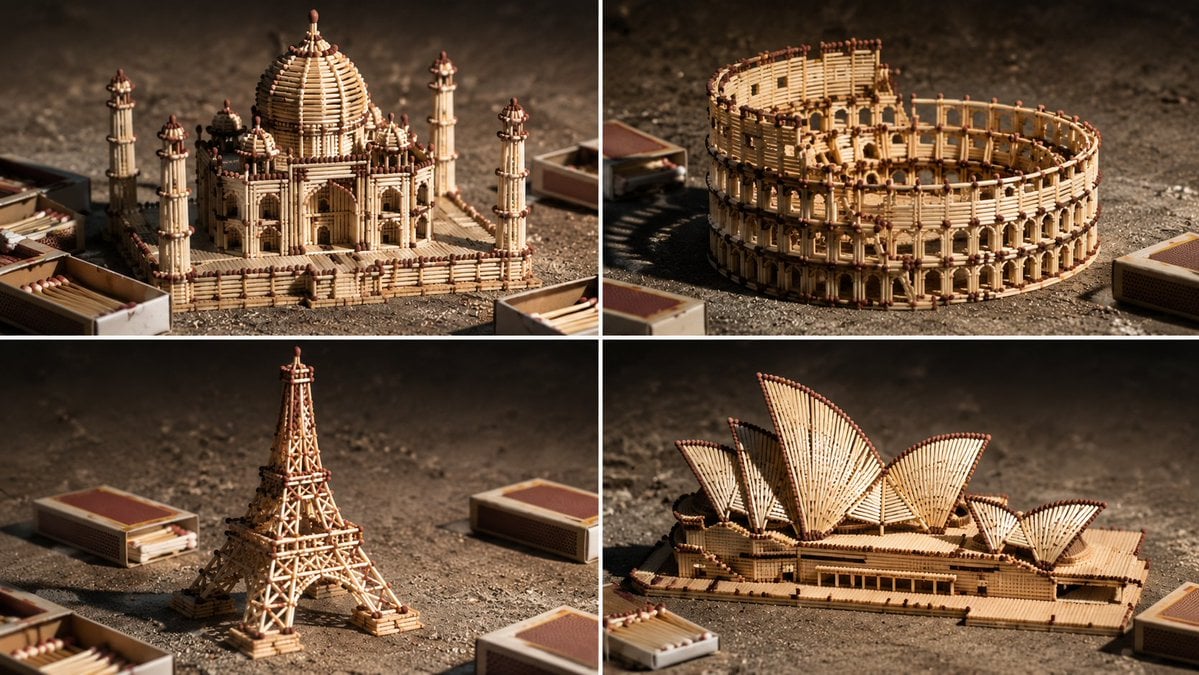
Matchstick Architectural Models
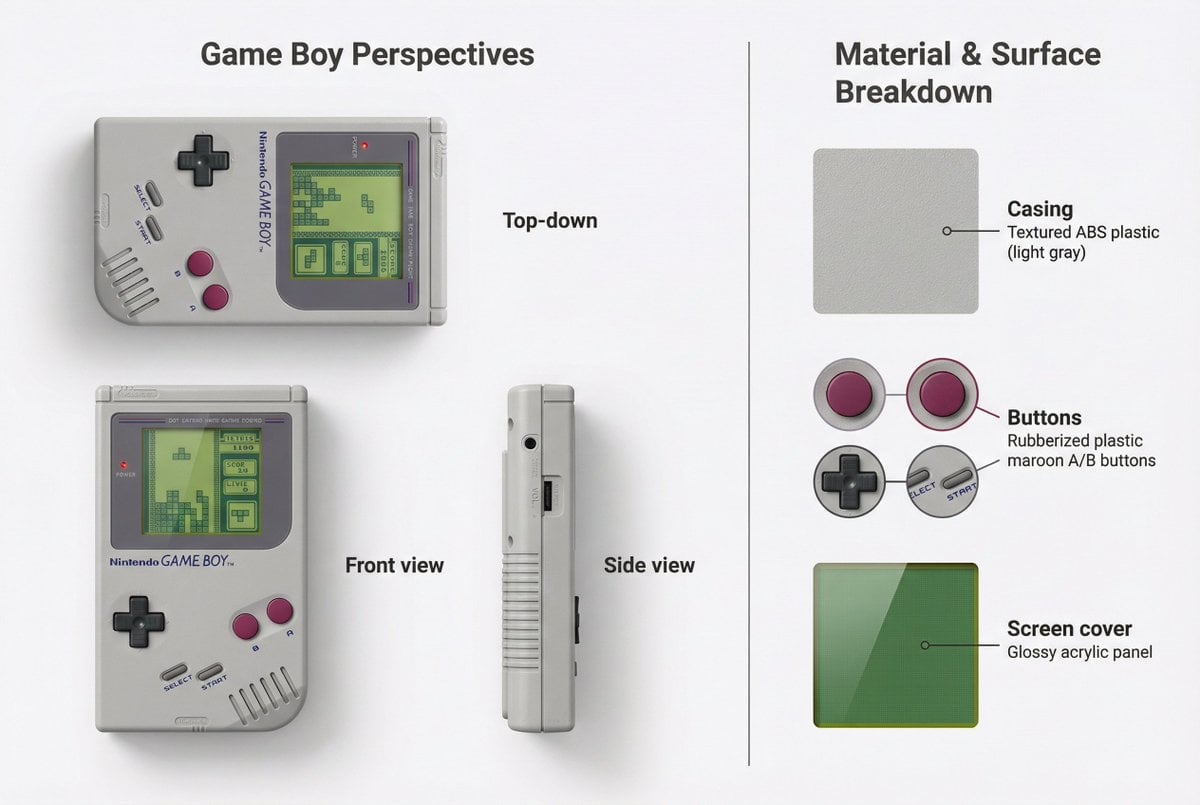
Nintendo Game Boy Product Showcase Infographic with Tetris
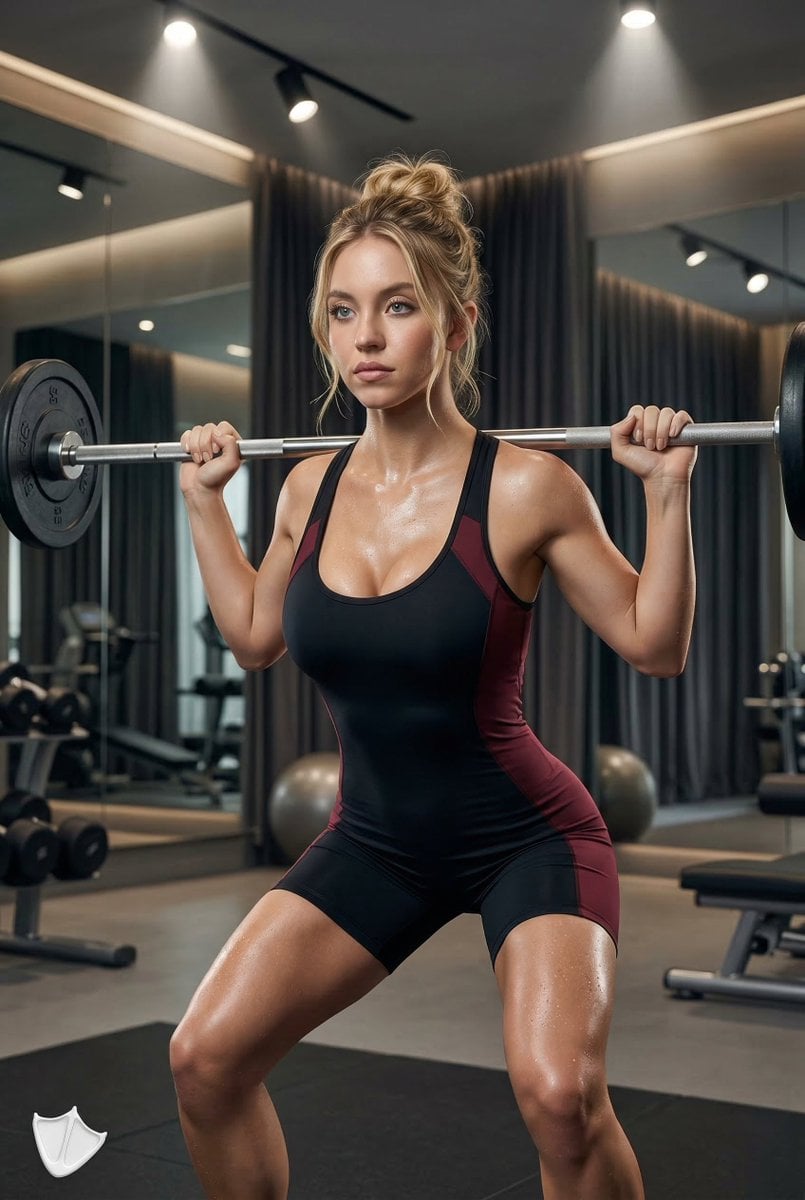
Ultra-Realistic Fitness Editorial Photography
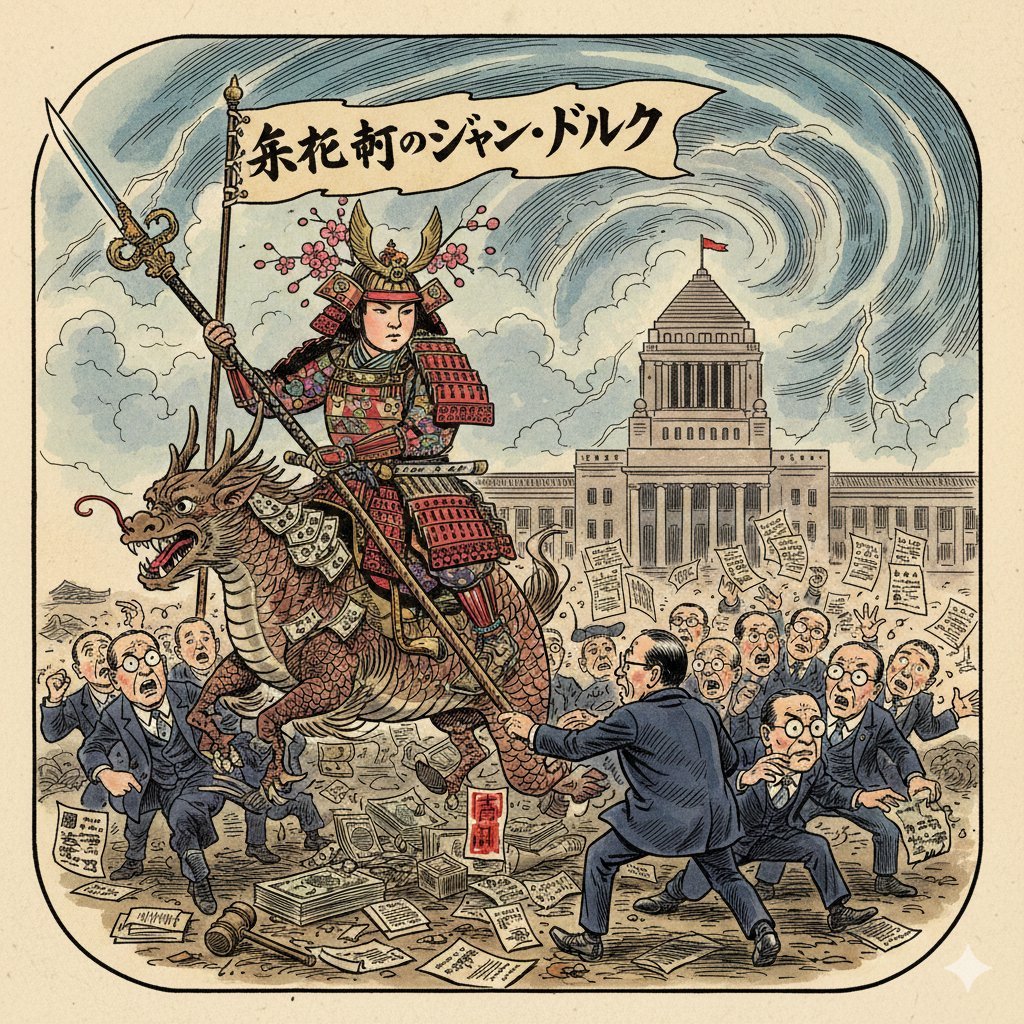
Image generation prompt for Nano Banana Pro: Caricature of Joan of Arc in Nagatacho
Browse template categories
Vintage Mediterranean Fashion Portrait questions
How do I use the Vintage Mediterranean Fashion Portrait template?
Add your photo if the template asks for one, edit the prompt if you like — the template's model and format are already selected — and press Generate. Your version opens in PicX Studio.
Can I customize the Vintage Mediterranean Fashion Portrait template?
Yes. You can change the subject, setting, lighting, mood, format, and available model controls before creating your image.
Is the Vintage Mediterranean Fashion Portrait template free?
Opening and editing this template is free. Generating uses credits, shown on the Generate button when you are signed in.
Which AI model should I use?
Start with GPT Image 2, which is the model associated with this template. You can compare another compatible model for a different finish.
Looking for something else? Browse all templates.

Your photo, any look
Thousands of ready templates for every top image and video model, from one credit balance.