
Identity-Preserving Fashion Photo Transformation
A specialized structural prompt for transforming user-uploaded photos into high-fashion street-style shots while preserving identity and clothing details.
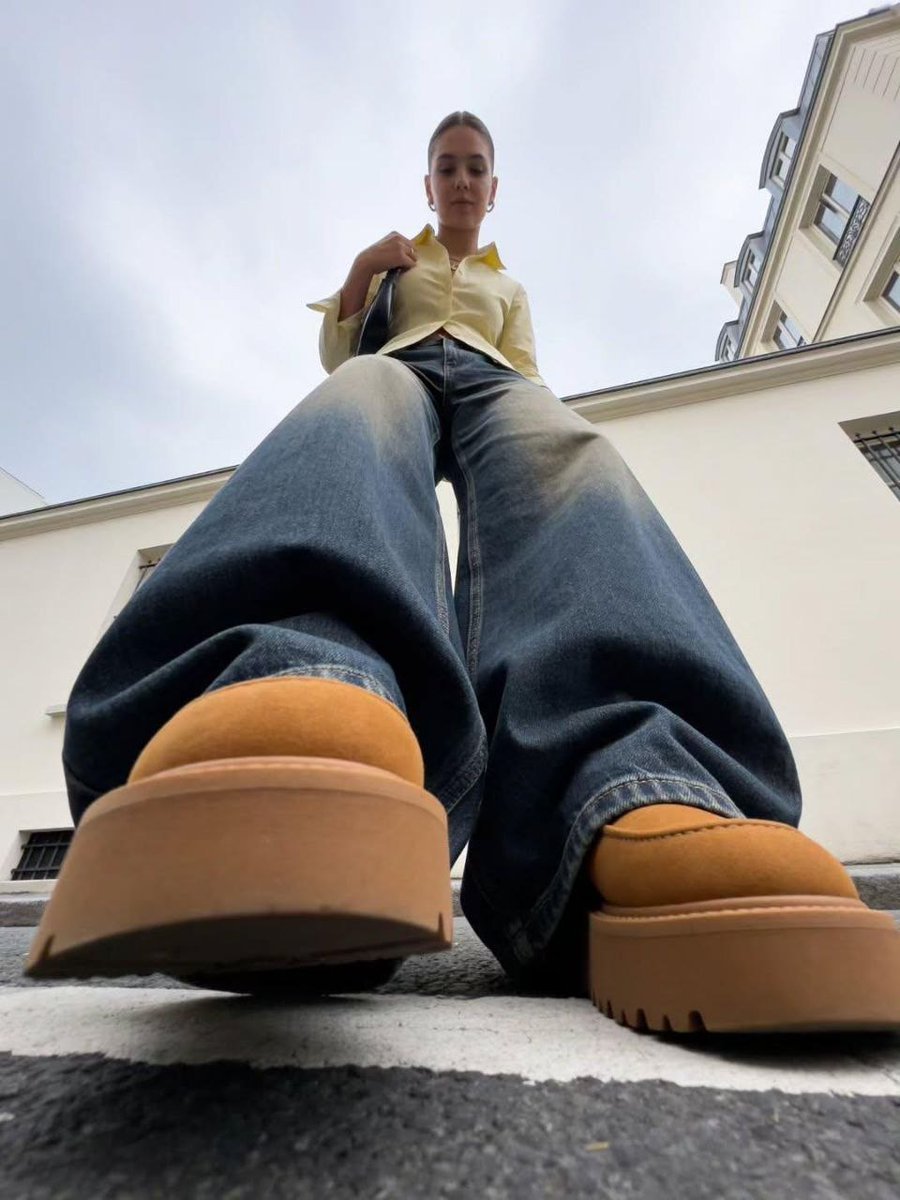
- Prompt included
- Model and format preset
- Free template
The prompt behind this image
Copy the exact prompt behind Identity-Preserving Fashion Photo Transformation, or open it in the studio and make it yours.
{ "input": { "reference_image": "{{UPLOAD_USER_IMAGE}}", "pose": "{{USER_DESCRIBED_POSE}}" }, "core_instruction": "Transform the supplied image into a photorealistic high-fashion street-style photograph while treating the uploaded woman as the single source of truth for her identity, facial features, body proportions, skin tone, clothing, accessories and overall appearance. The user's pose description is the only variable creative input. Everything else should remain visually consistent with the established aesthetic.", "subject_preservation": { "identity": "Preserve the exact recognizable woman from the uploaded reference image. Do not change her facial structure, ethnicity, age appearance, skin tone, body proportions or distinctive features.", "outfit": "Preserve the exact outfit visible in the uploaded image, including garment type, color, material, fit, construction, buttons, seams, cuffs, footwear and accessories. Do not redesign or substitute clothing.", "hair": "Style her hair as loosely tied back with natural volume, slightly relaxed rather than tightly slicked, with subtle loose strands and believable texture. Preserve her natural hair color and overall character.", "accessories": "Preserve all visible jewelry, handbag and other accessories from the reference image unless physically incompatible with the requested pose." }, "pose": { "instruction": "Follow the user's supplied pose description exactly.", "user_input": "{{USER_DESCRIBED_POSE}}", "priority": "The pose may change freely, but the woman's identity, outfit, styling, environment aesthetic, lighting and photographic realism remain locked." }, "visual_style": { "genre": "photorealistic luxury street-style fashion photography", "aesthetic": "understated European fashion editorial, candid luxury, refined minimalism, effortless styling", "environment": "quiet upscale European city street with elegant pale stucco architecture, tall windows with shutters or subtle ironwork, clean sidewalks, curbs and realistic urban details", "composition": "strong editorial composition with natural architectural framing and deliberate negative space", "camera": "professional full-frame fashion photography, realistic lens characteristics, natural perspective appropriate to the requested pose", "perspective": "camera perspective should be chosen intelligently to make the requested pose visually compelling; use dramatic low angles only when appropriate to the pose", "lighting": "soft natural daylight, overcast or gently diffused sunlight, subtle realistic shadows, controlled highlights", "color_grade": "muted sophisticated tones, natural skin tones, restrained contrast, subtle filmic rendering", "depth": "realistic depth of field with the woman clearly separated from the background without excessive artificial blur", "texture": "authentic skin texture, realistic fabric textu
Reference images included
Identity-Preserving Fashion Photo Transformation needs input media to work. They load alongside the prompt when you open it in the studio.
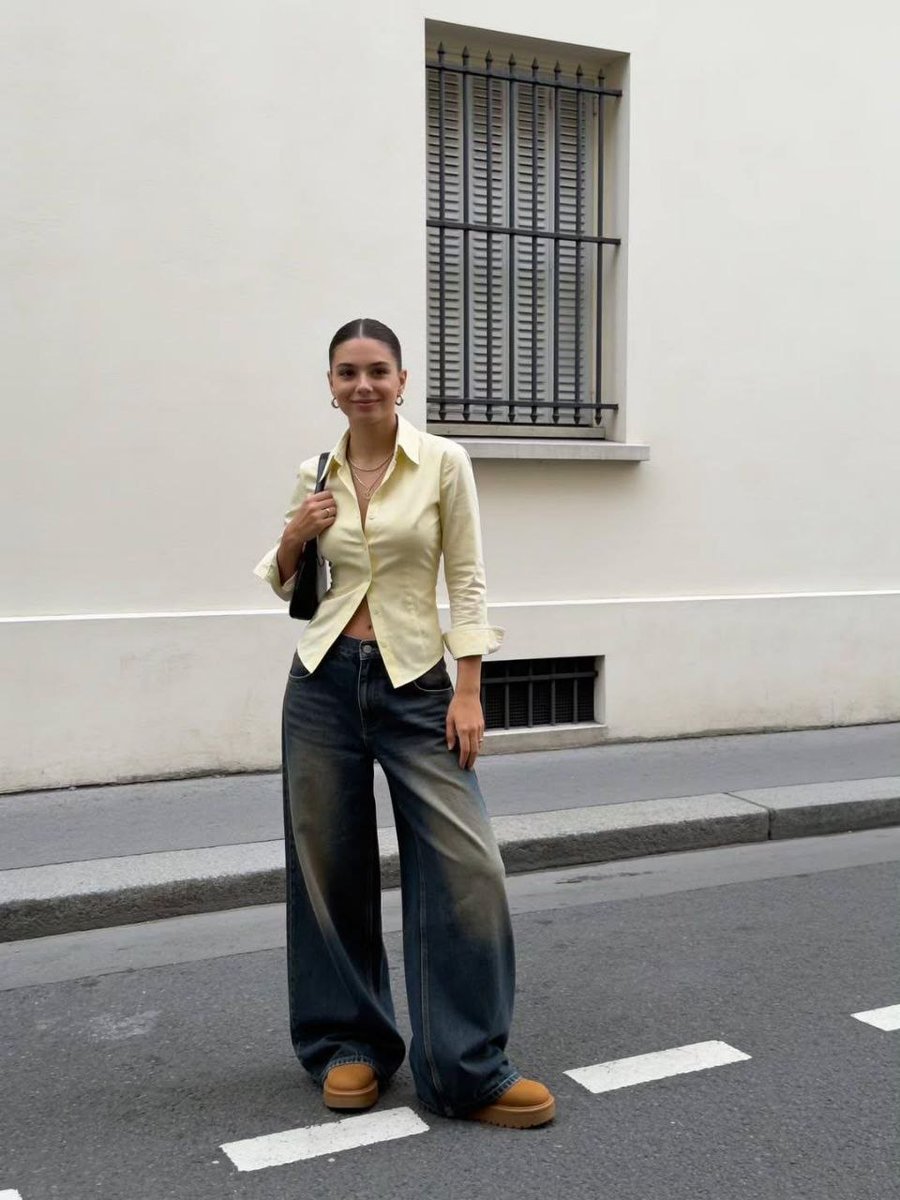
How to use Identity-Preserving Fashion Photo Transformation in 3 steps
- 1Upload ImagePNG, JPG or paste
Add your photo
Upload the photo the template builds on. The prompt, model and format are already set.
- 2…a portrait of your subject in softgolden-hour light, 85mm…
Personalize
Edit the subject and creative details for your destination.
- 3Generate
Generate
Press Generate — your image is created in PicX Studio, so you can compare it with the original and refine one variable at a time.
More like this
Templates with the same subject, style or setup. Open one to see its prompt.

Face-Locked Identity Reference Portrait

80s College Gate

1988 Mall Style

80s Polka Dot Saree
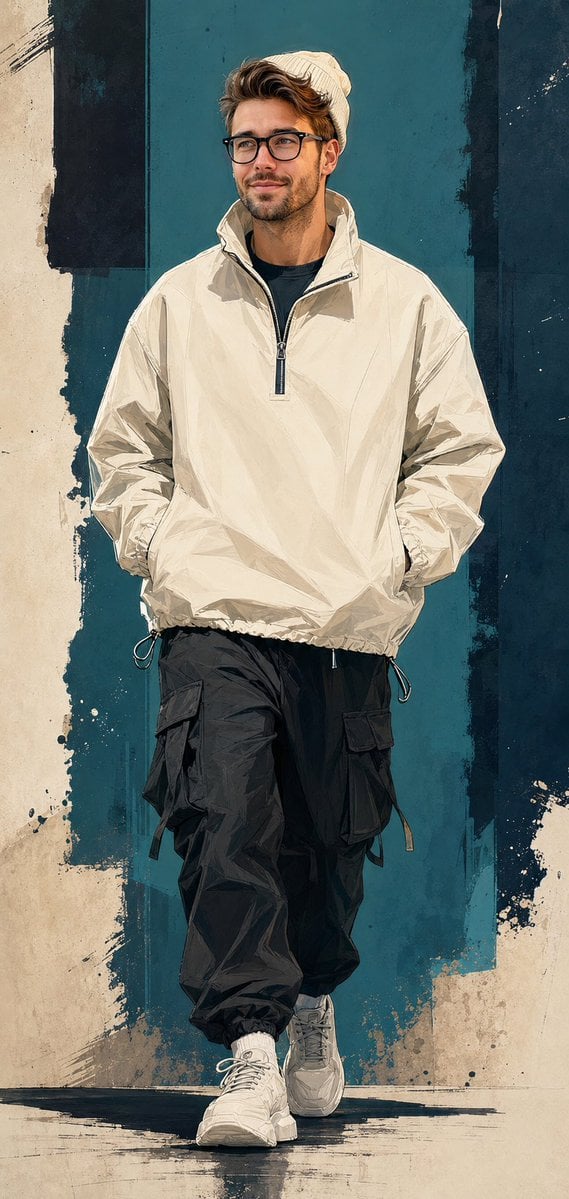
Identity Preserving Streetwear Campaign Poster
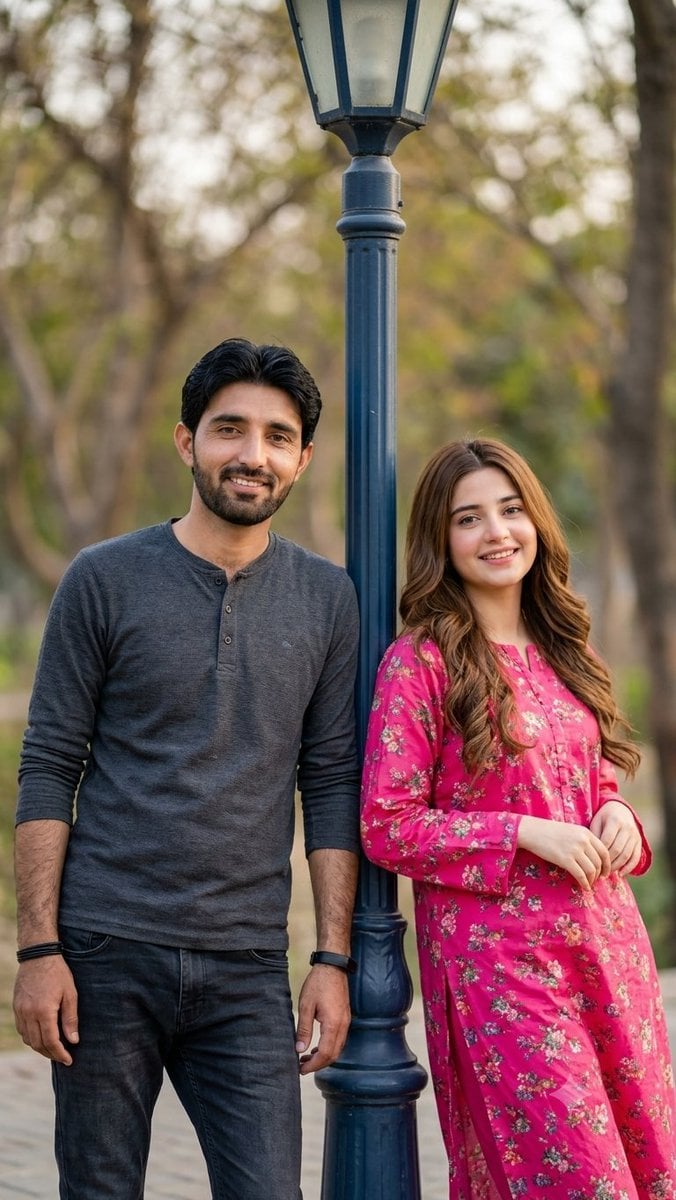
Identity-Preserving Romantic Couple Portrait
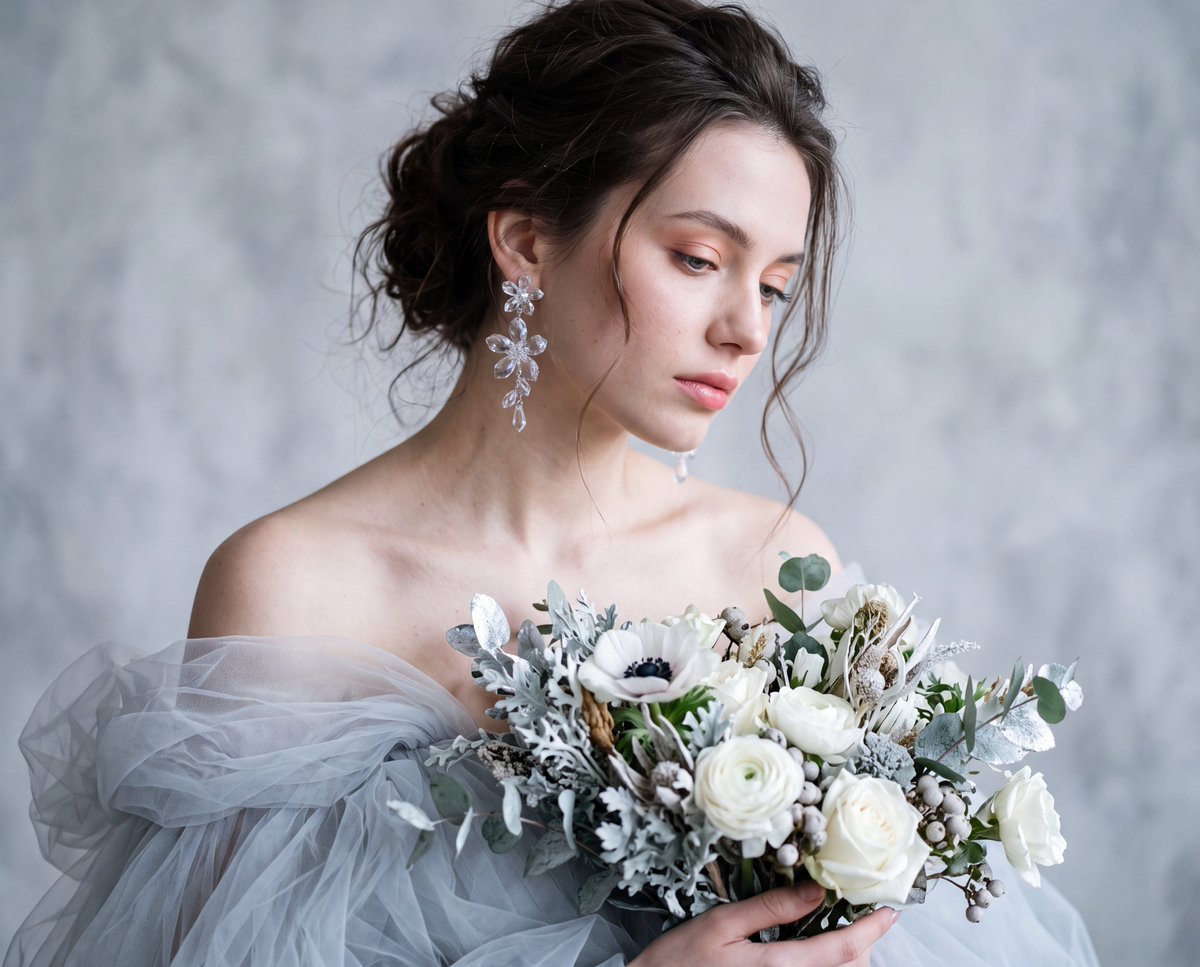
Identity-Preserving Tulle Dress Portrait
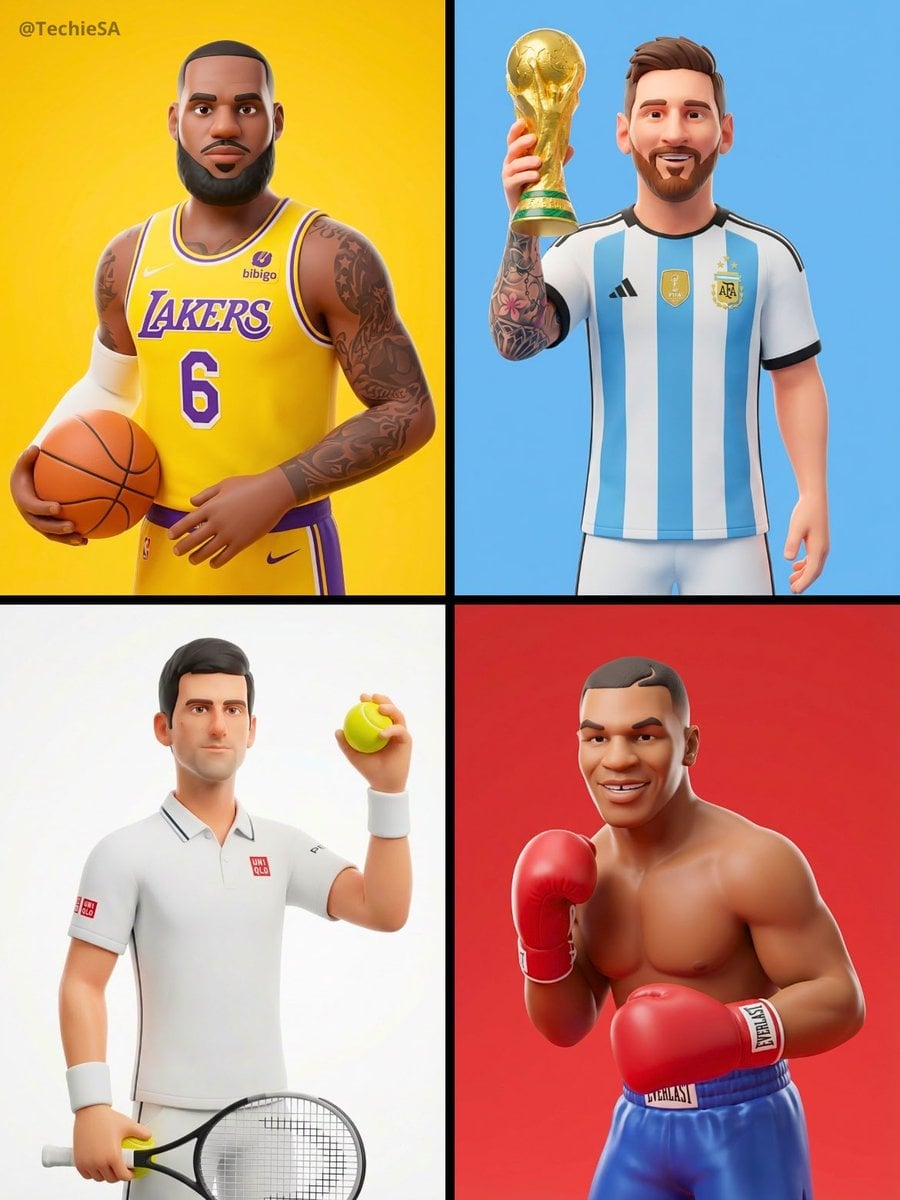
Identity Preserving 3D Character Style Transfer
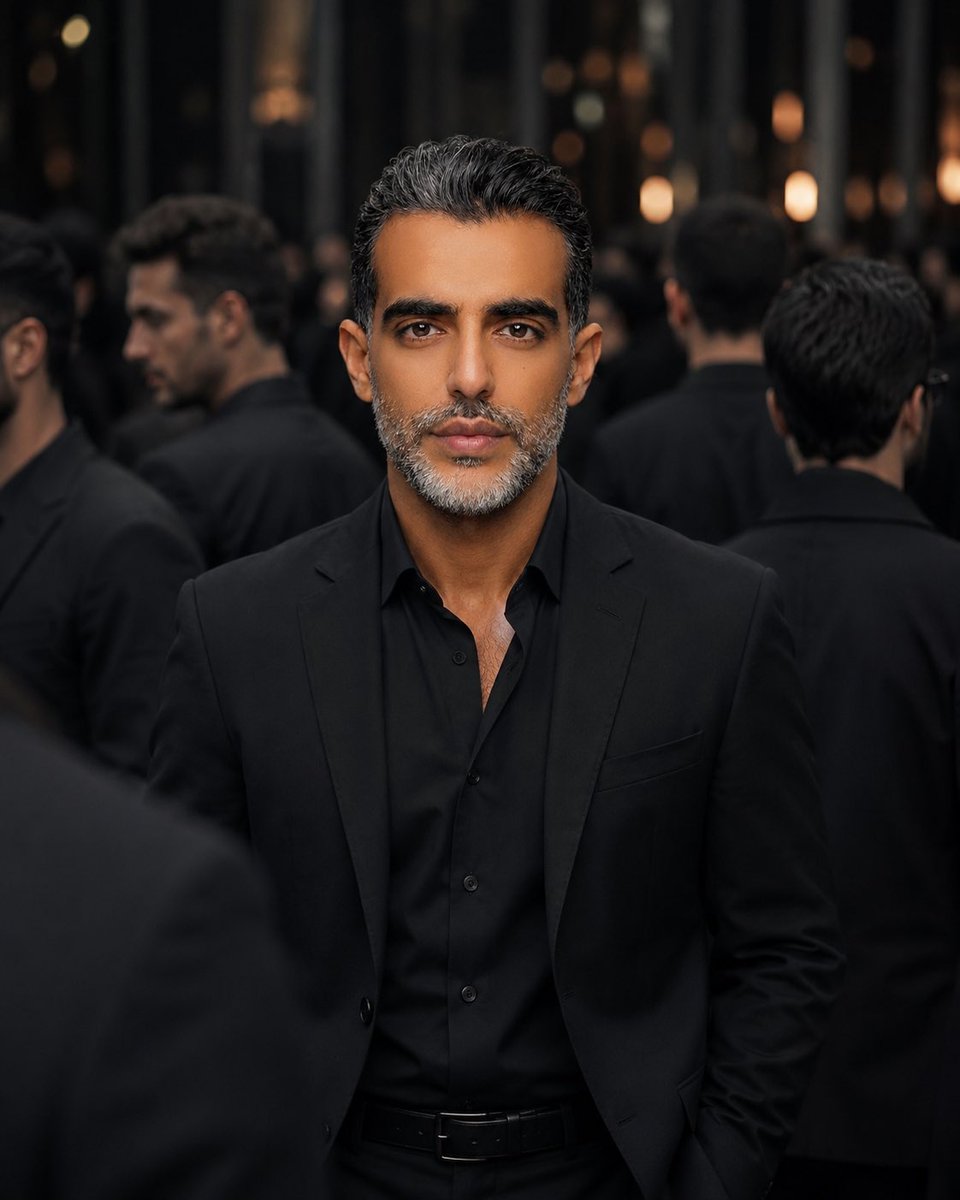
Identity Preserving Cinematic Portrait
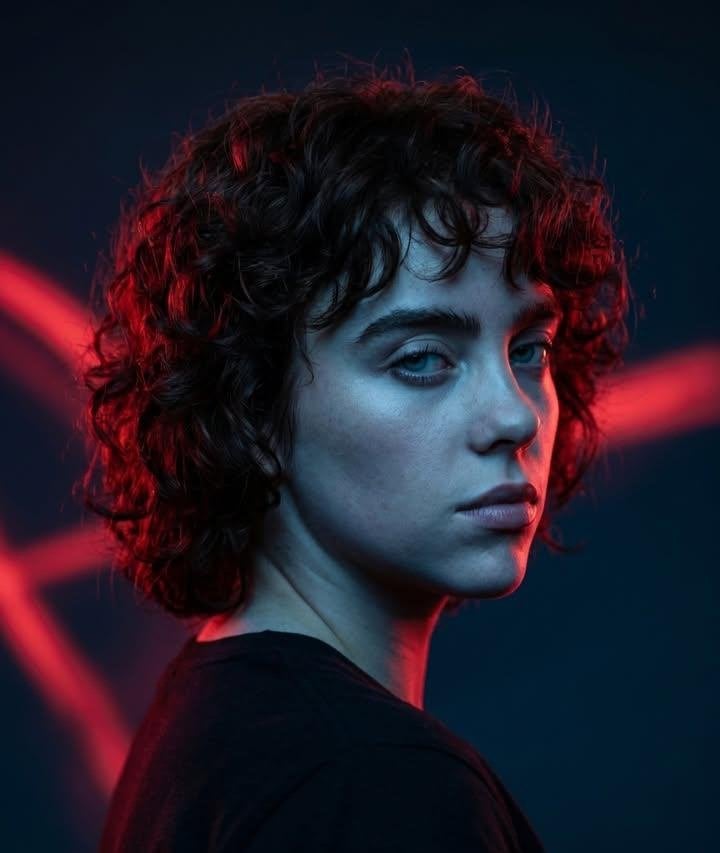
Cinematic Identity Preserving Portrait
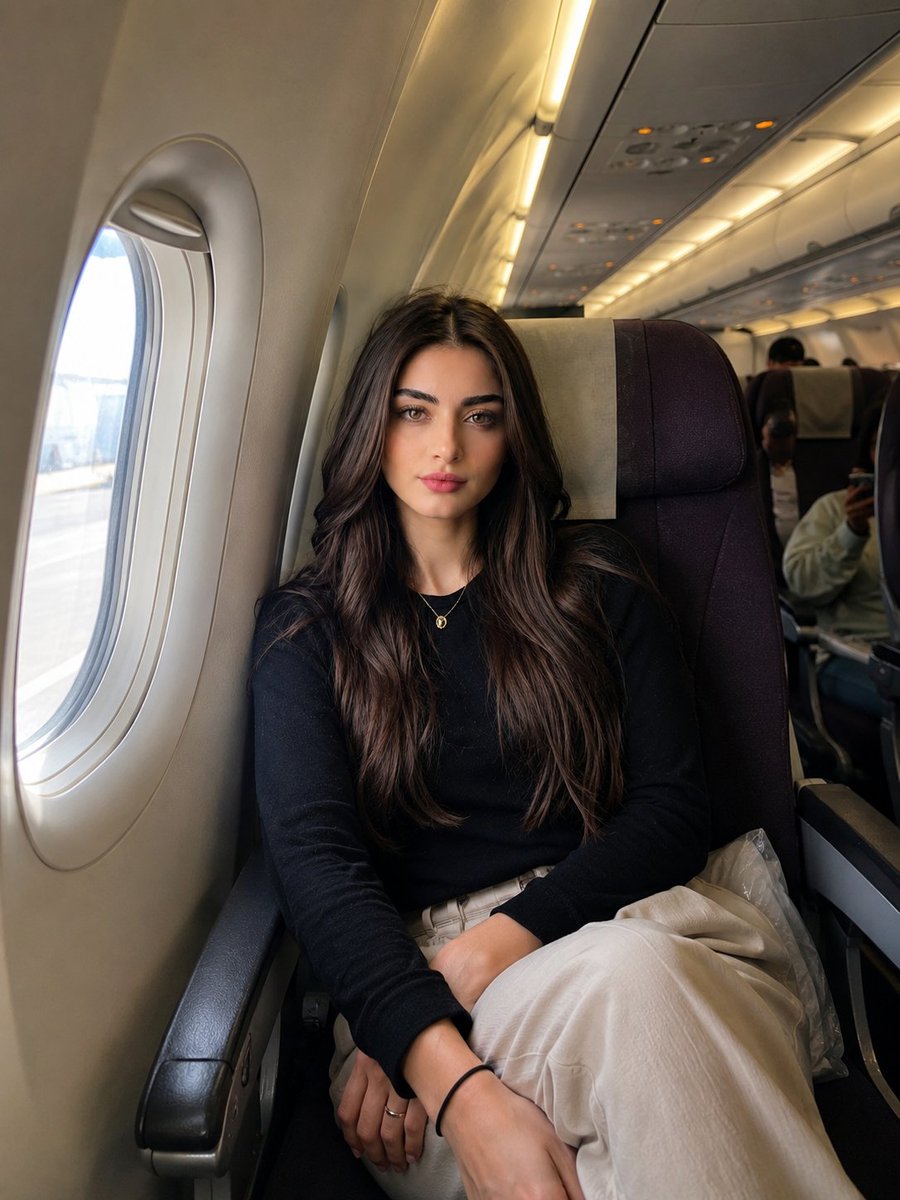
Identity-Preserving Travel Candid Portrait
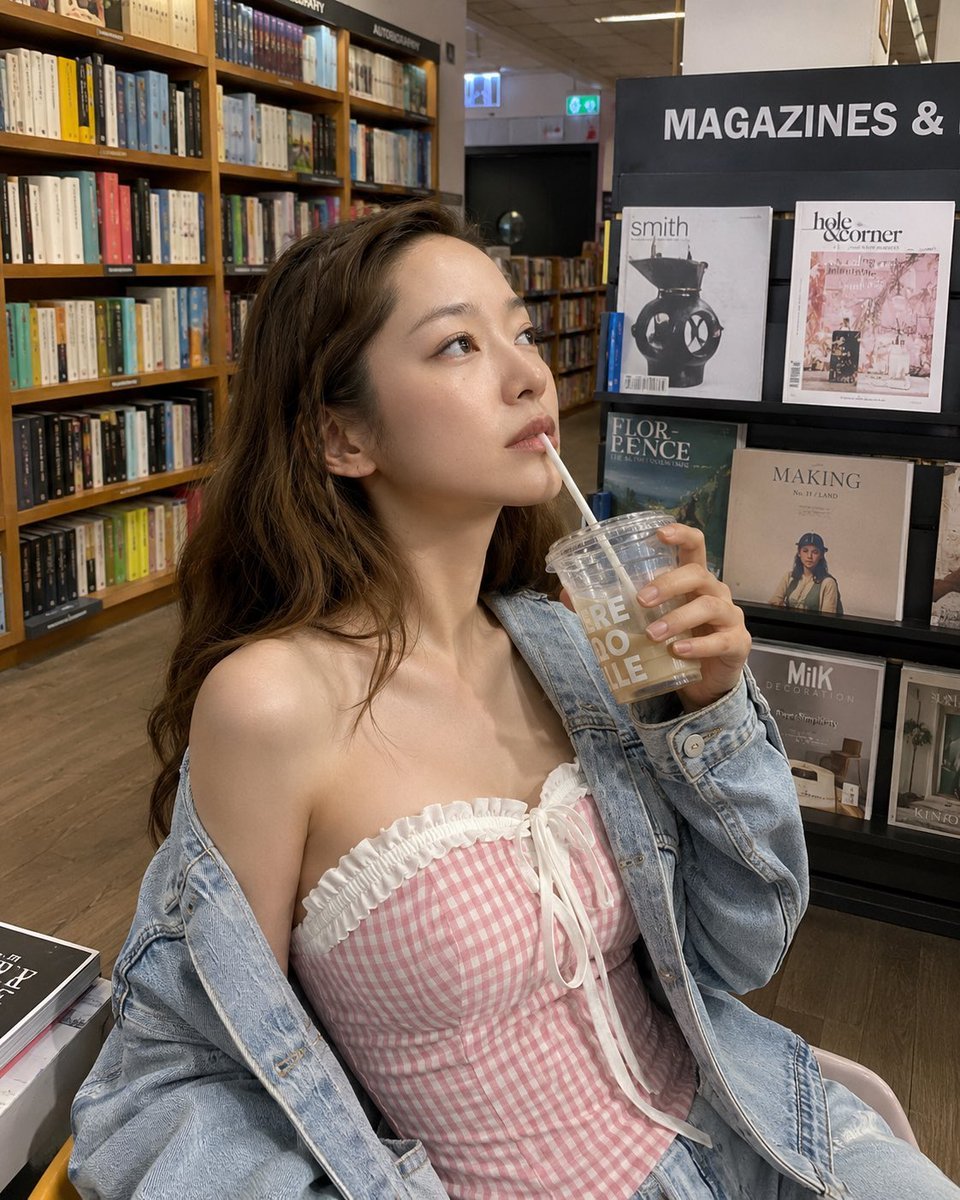
Smartphone Photo Identity Transformation
Make it yours
Identity-Preserving Fashion Photo Transformation works as-is. These are the safest ways to change it without losing the look.
Change one field
Copy a single group, rewrite it, and generate again so you can see what that field is doing.
Keep the frame, change the subject
Hold the composition and light of Identity-Preserving Fashion Photo Transformation, then swap wardrobe, props or the person for a new take.
| If the result… | Why | Fix |
|---|---|---|
| The result drifts from the preview | Too many fields changed at once. | Reuse Identity-Preserving Fashion Photo Transformation as-is first, then change one group — subject, light, or setting. |
| The model over-stylizes the scene | The prose prompt leaves finish and camera underspecified. | Add one camera or lighting sentence and stay on GPT Image 2. |
More GPT Image 2 templates
Other prompts made for GPT Image 2.

Six VTuber Japanese Logo Sheet

Realistic Portrait of Woman and Deer

The Vista Modular Condo Poster

AI Model Routing Comparison Infographic

2.5D Anime Art Board

Isometric Productivity Desk Scene

New York Double Exposure Poster

Four-Panel AI Landscape Comparison

Japanese Tatami Lifestyle Magazine Cover

NESCAFÉ Coffee Map Poster
More image prompts
Fresh picks from across the catalog.
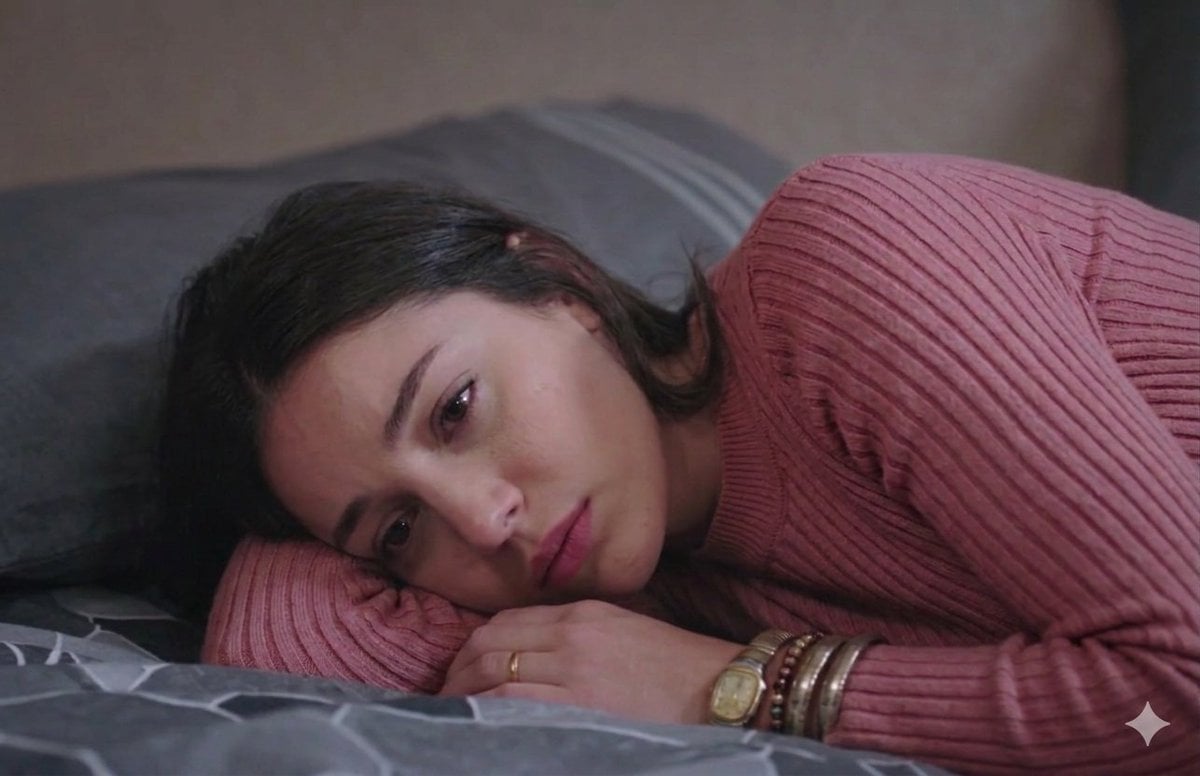
Cinematic Close-up of Pensive Woman

Blueprint to 3D Chrome Manifestation Prompt
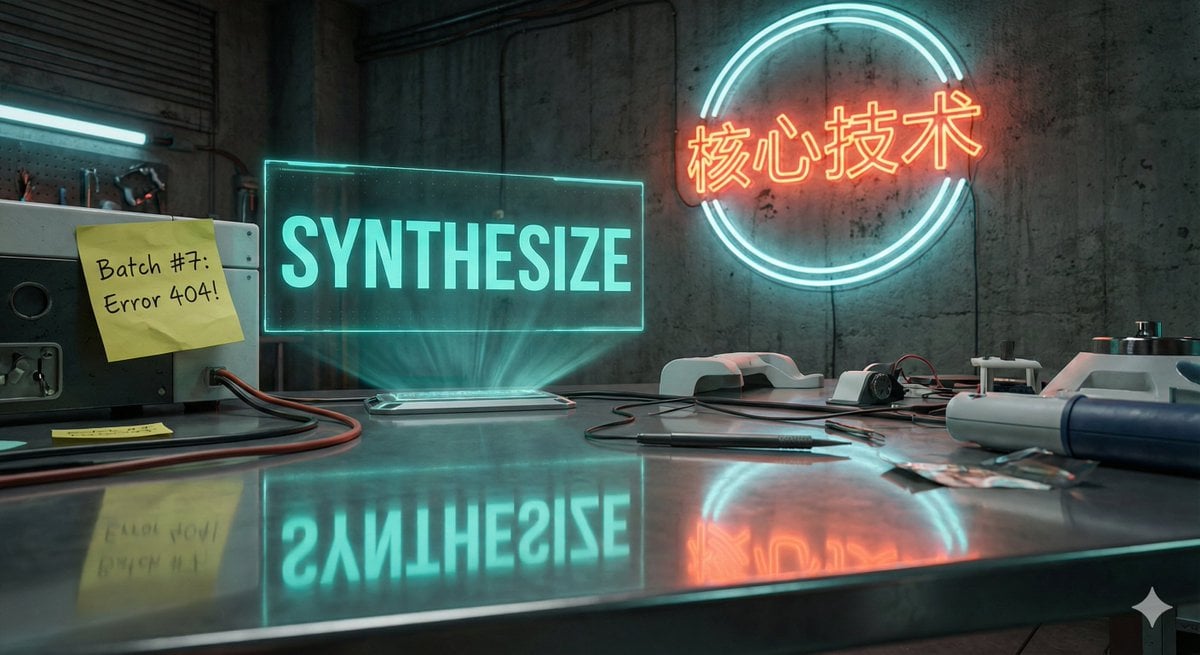
Futuristic Laboratory Text Accuracy Test Prompt
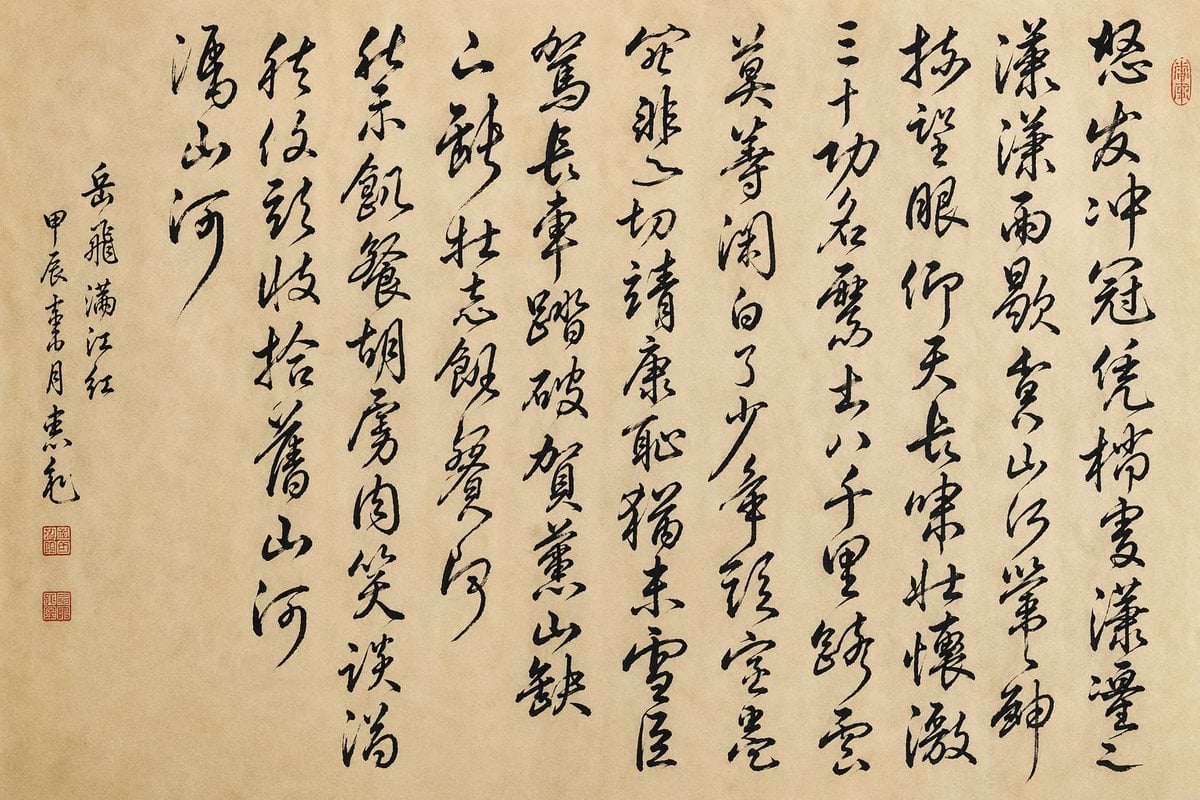
Chinese Cursive Calligraphy Scroll
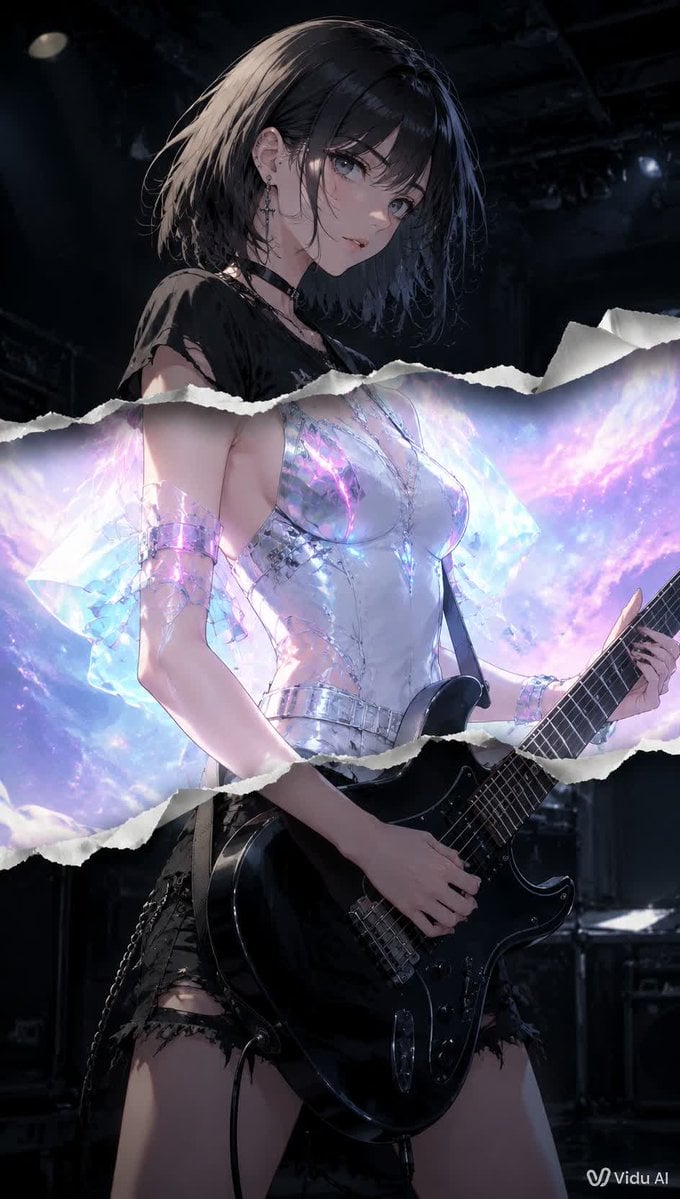
Torn Paper Anime Guitarist
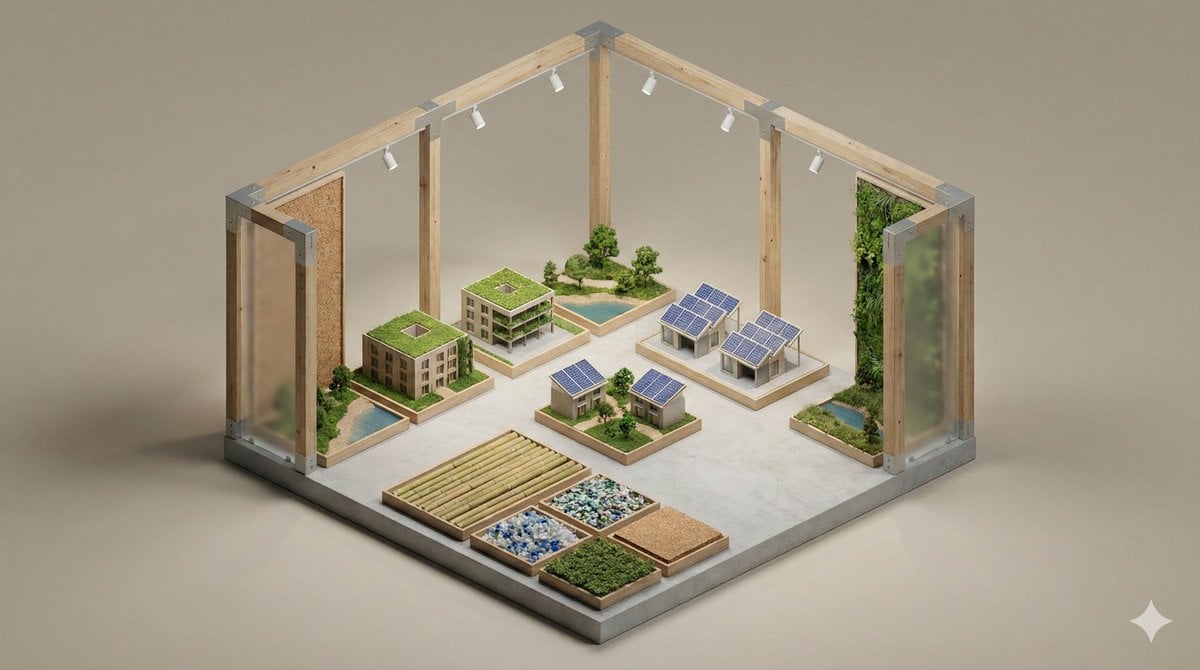
Minimalist 3D Isometric Exhibition Pod Diorama
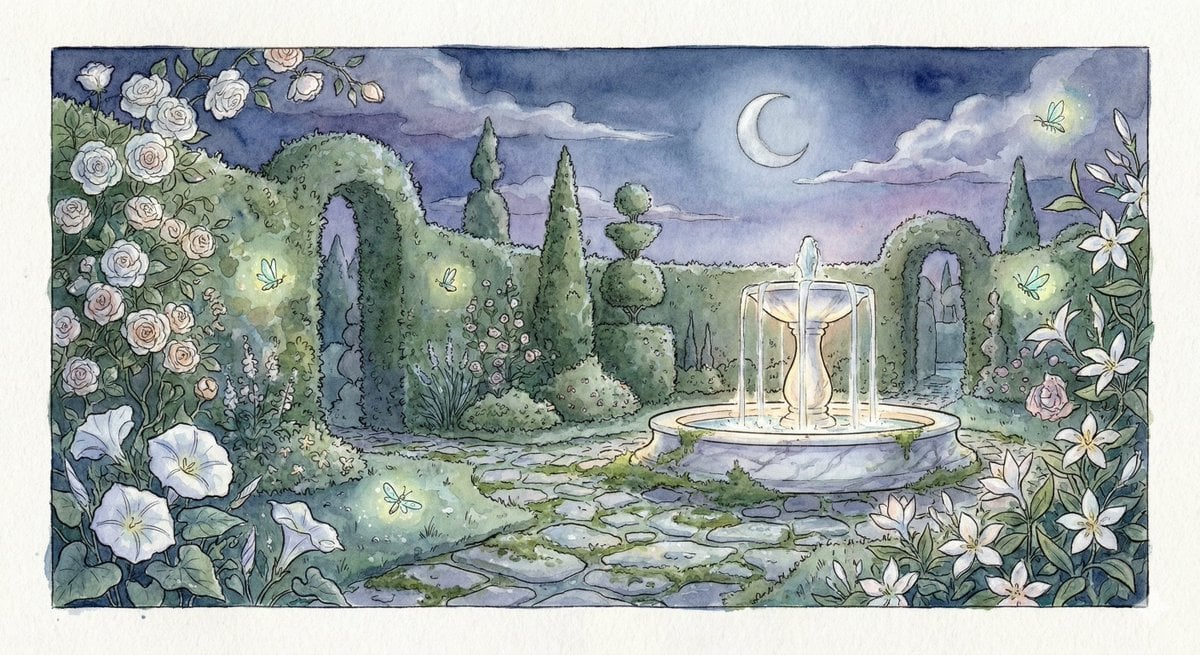
Watercolor Illustration of a Magical Garden at Midnight
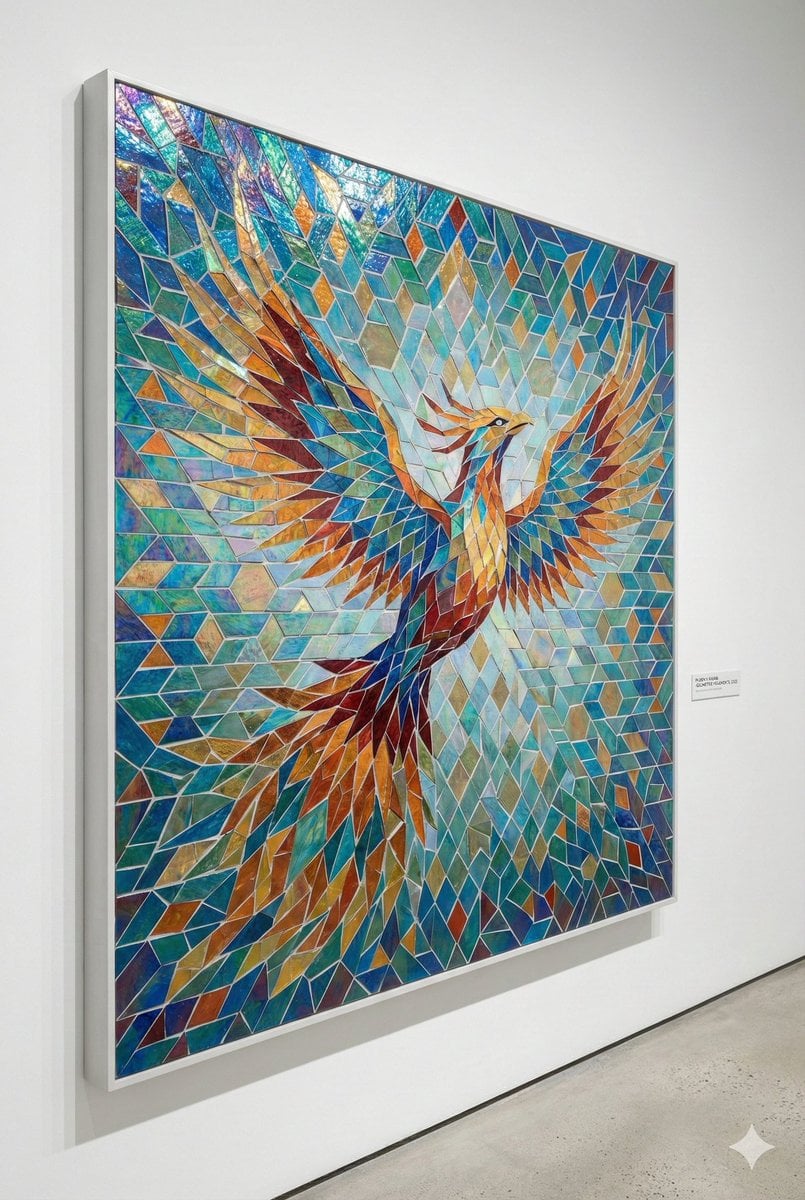
Geometric Mosaic Composition Prompt
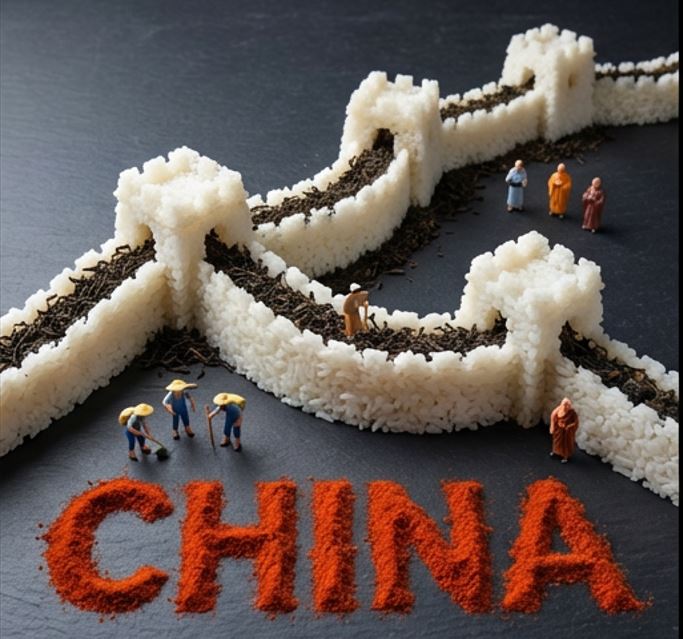
Food Art Diorama of the Great Wall of China Prompt
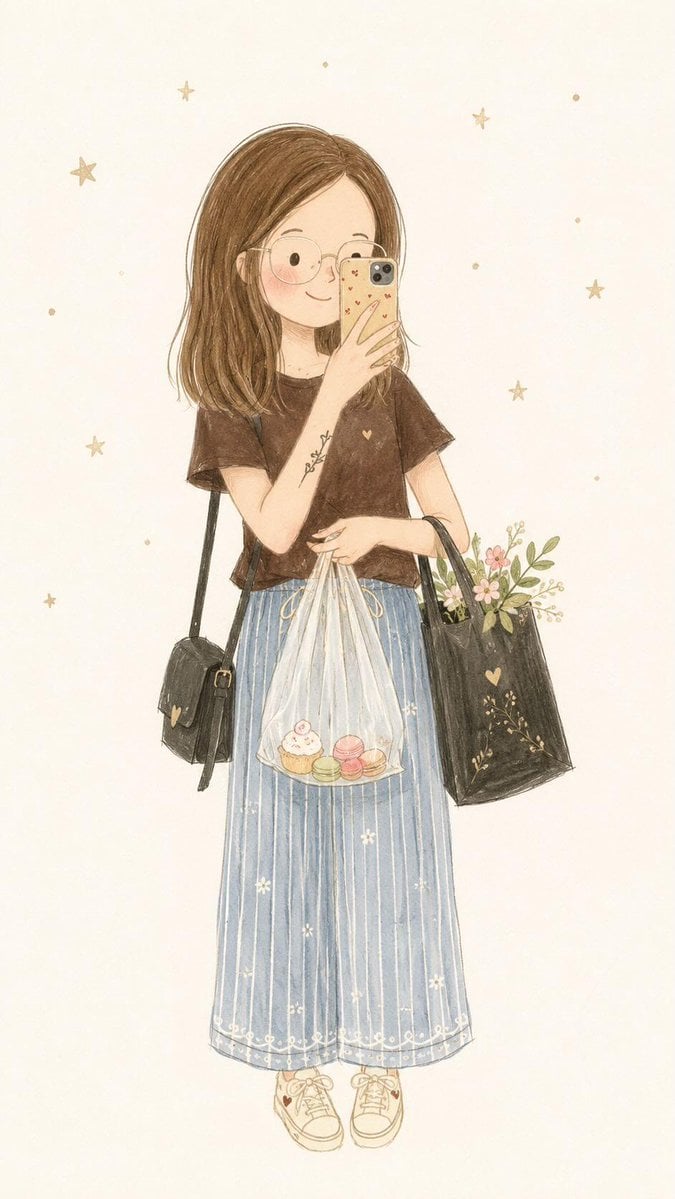
Minimalist Fairy-Tale Children's Illustration
Browse template categories
Identity-Preserving Fashion Photo Transformation questions
How do I use the Identity-Preserving Fashion Photo Transformation template?
Add your photo if the template asks for one, edit the prompt if you like — the template's model and format are already selected — and press Generate. Your version opens in PicX Studio.
Can I customize the Identity-Preserving Fashion Photo Transformation template?
Yes. You can change the subject, setting, lighting, mood, format, and available model controls before creating your image.
Is the Identity-Preserving Fashion Photo Transformation template free?
Opening and editing this template is free. Generating uses credits, shown on the Generate button when you are signed in.
Which AI model should I use?
Start with GPT Image 2, which is the model associated with this template. You can compare another compatible model for a different finish.
Looking for something else? Browse all templates.

Your photo, any look
Thousands of ready templates for every top image and video model, from one credit balance.