
Candid Flagship Camera Selfie
A prompt for an intimate, cinematic candid selfie with golden hour lighting and high hair detail.
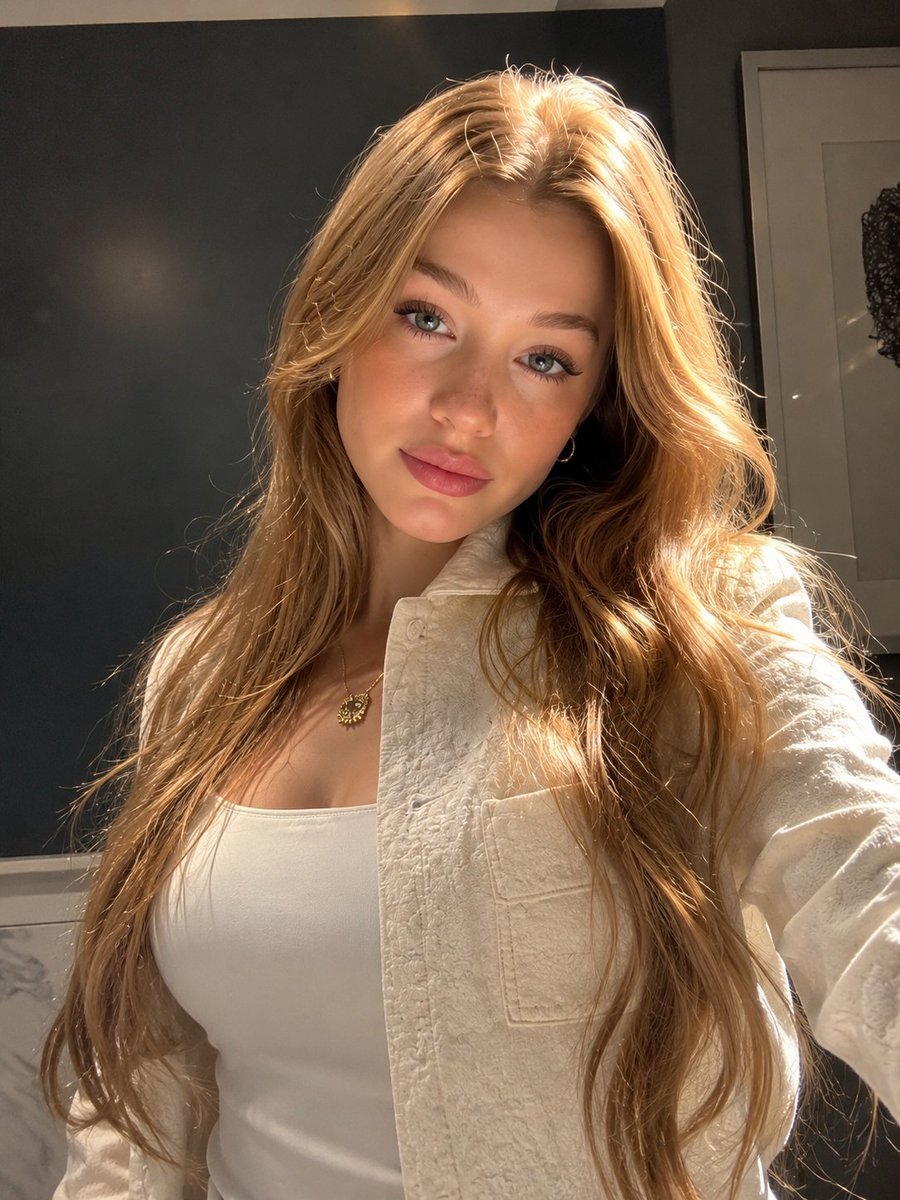
- Prompt included
- Model and format preset
- Free template
The prompt behind this image
Copy the exact prompt behind Candid Flagship Camera Selfie, or open it in the studio and make it yours.
Create an insanely photorealistic, stop-scrolling vertical portrait that feels like a perfectly timed candid selfie someone captured by accident—but looks unbelievably beautiful and cinematic.\n\nA {argument name="subject" default="beautiful young woman"} stands close to the camera in a cozy modern interior, creating an intimate, instantly eye-catching composition. Her long, luxurious {argument name="hair color" default="honey-blonde"} hair flows naturally over both shoulders and down her torso, with thousands of individually visible strands catching the warm sunlight. Subtle golden highlights and soft flyaway hairs create an authentic, effortless look.\n\nHer face is the undeniable focal point: luminous natural skin with visible realistic pores and delicate texture, softly flushed cheeks, elegant facial proportions, naturally full rosy lips, and mesmerizing light blue-gray eyes with intricate iris detail, realistic moisture, sharp catchlights, and subtle reflections of the room. Her expression is soft, confident, slightly mysterious, and effortlessly captivating—as if she just noticed the camera.\n\nHer head is tilted slightly toward the viewer, creating a natural, flattering perspective. Her eyes make direct contact with the lens, producing a strong “you had to stop and look twice” feeling.\n\nShe wears a {argument name="attire" default="sophisticated cream-white textured button-up shirt over a fitted white camisole"}. A tiny gold pendant necklace and delicate hoop earrings add understated luxury. The styling feels expensive without looking overly produced.\n\nLighting is the hero: intense but natural golden-hour sunlight enters from the side, wrapping around her face and hair, producing glowing highlights, subtle rim light, realistic skin shadows, and beautiful dimensional contrast. A few illuminated strands of hair glow almost magically against the darker background.\n\nBehind her is a minimalist charcoal-gray interior with subtle architectural details and a partially visible framed artwork, heavily softened by shallow depth of field. The darker background dramatically separates her illuminated face and golden hair from the scene.\n\nPhotography style: ultra-realistic smartphone flagship camera aesthetic, candid luxury lifestyle photography, cinematic realism, natural imperfections, authentic skin texture, realistic hair physics, physically accurate shadows, HDR, subtle film grain, soft highlight roll-off, realistic exposure, crisp eyes, gentle background bokeh, 50mm portrait look, f/1.8, high dynamic range, 8K detail.\n\nViral visual priorities: immediate eye contact, mesmerizing eyes, glowing hair, flattering natural light, emotional expression, luxurious simplicity, realistic imperfections, strong foreground/background separation, intimate framing, and an effortlessly beautiful “caught in the moment” feeling.
How to use Candid Flagship Camera Selfie in 3 steps
- 1
Open
The prompt is already in the box next to the preview, with the template's model and format selected.
- 2…a portrait of your subject in softgolden-hour light, 85mm…
Personalize
Edit the subject and creative details for your destination.
- 3Generate
Generate
Press Generate — your image is created in PicX Studio, so you can compare it with the original and refine one variable at a time.
More like this
Templates with the same subject, style or setup. Open one to see its prompt.
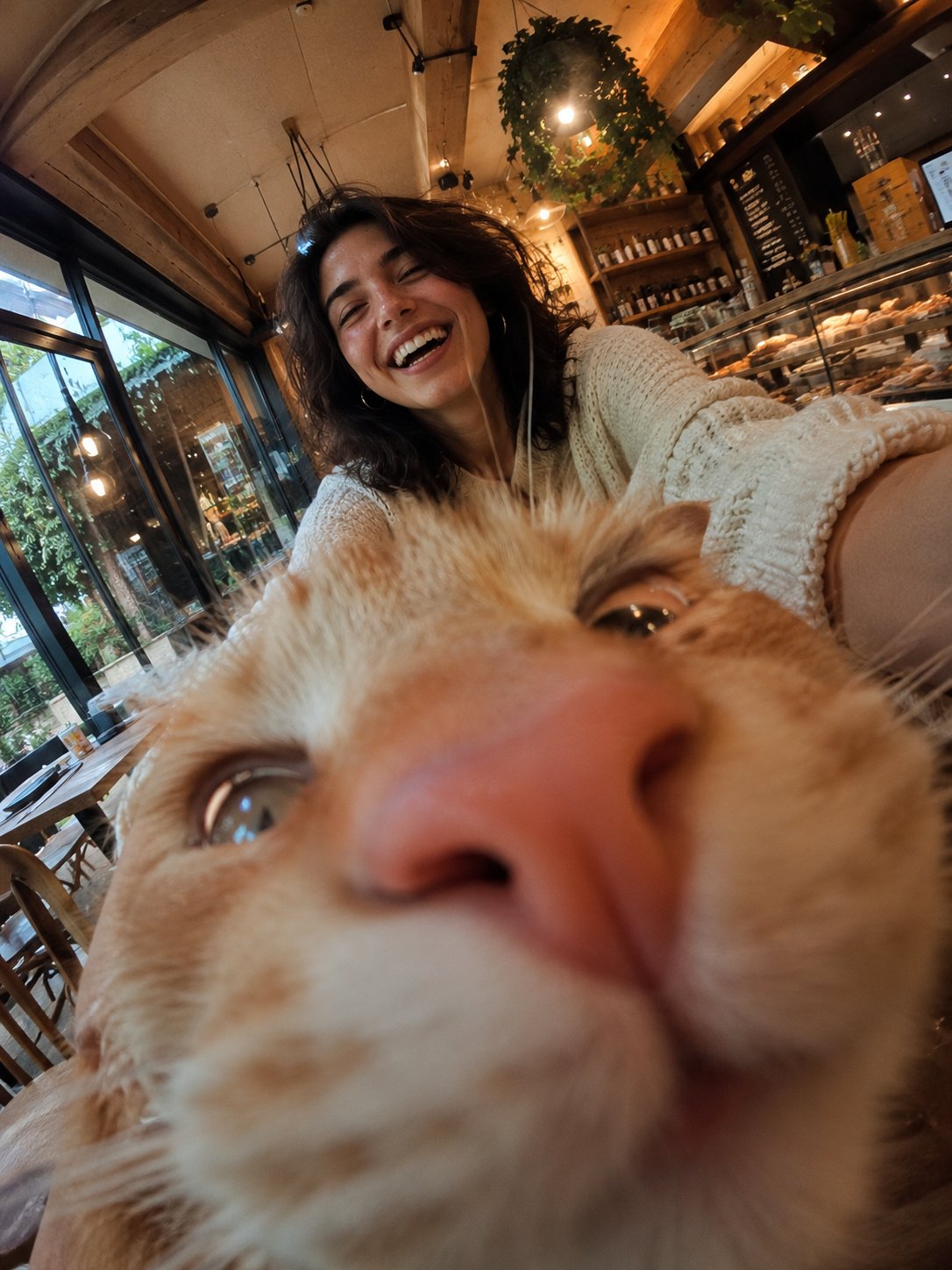
Cat Photobomb Selfie — 0.5x Wide Angle Café Chaos
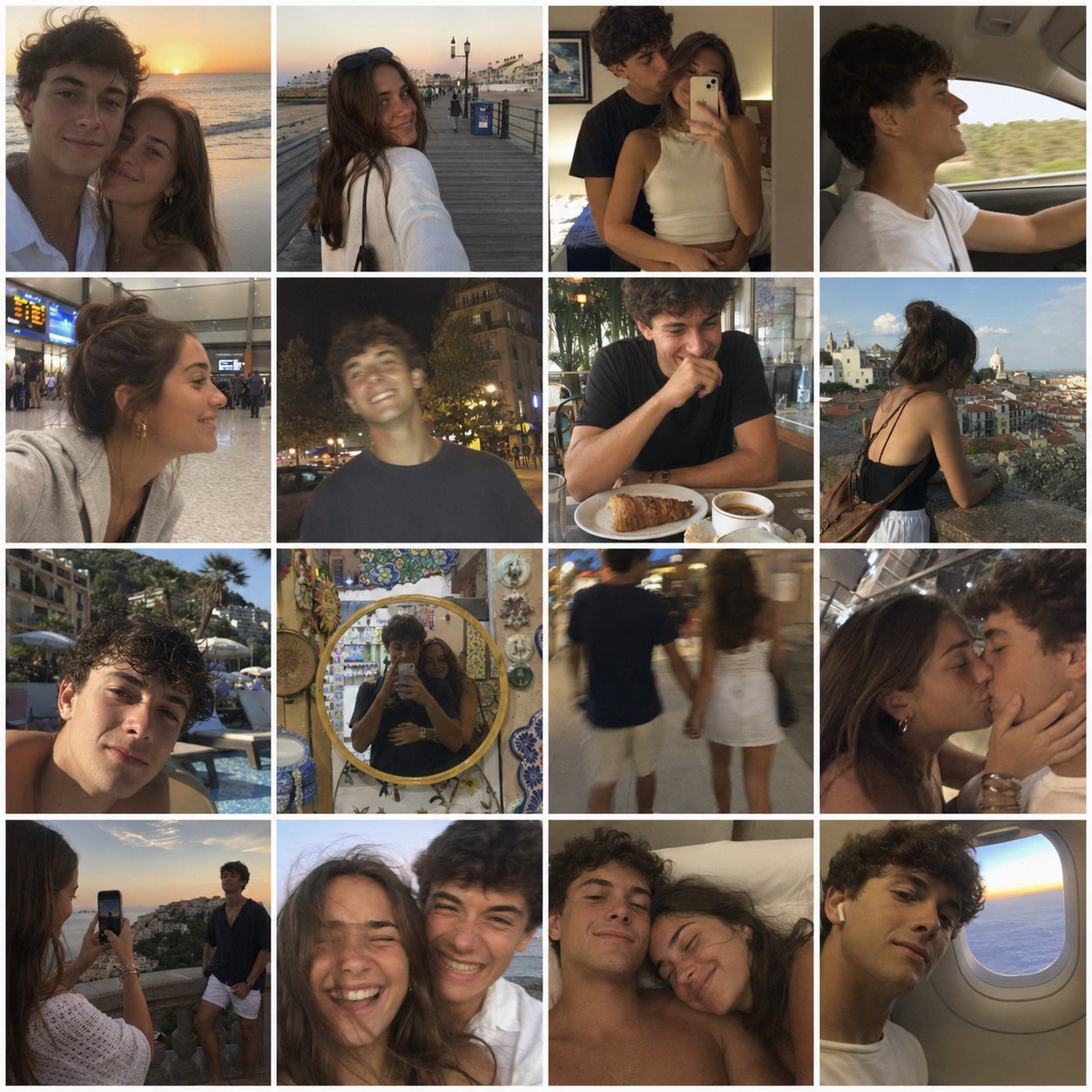
4x4 Grid - Candid Nostalgic Vacation Selfies
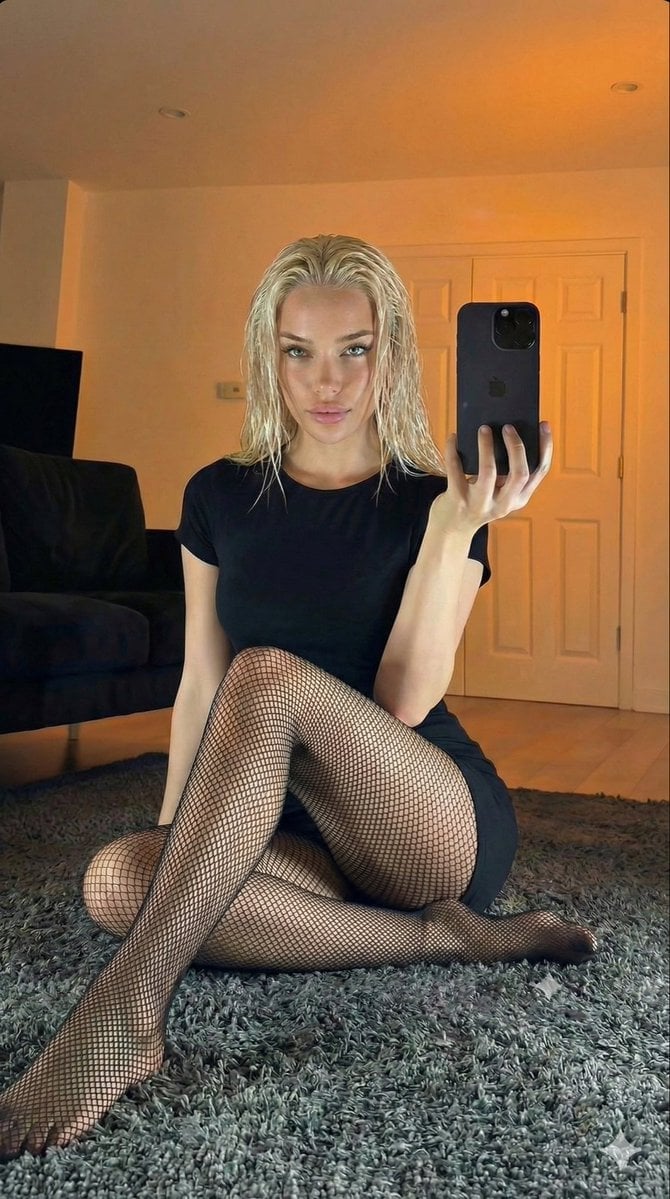
Living Room Rug Evening Mirror Selfie

Sunday Afternoon, 1988

Our Song was on a Cassette
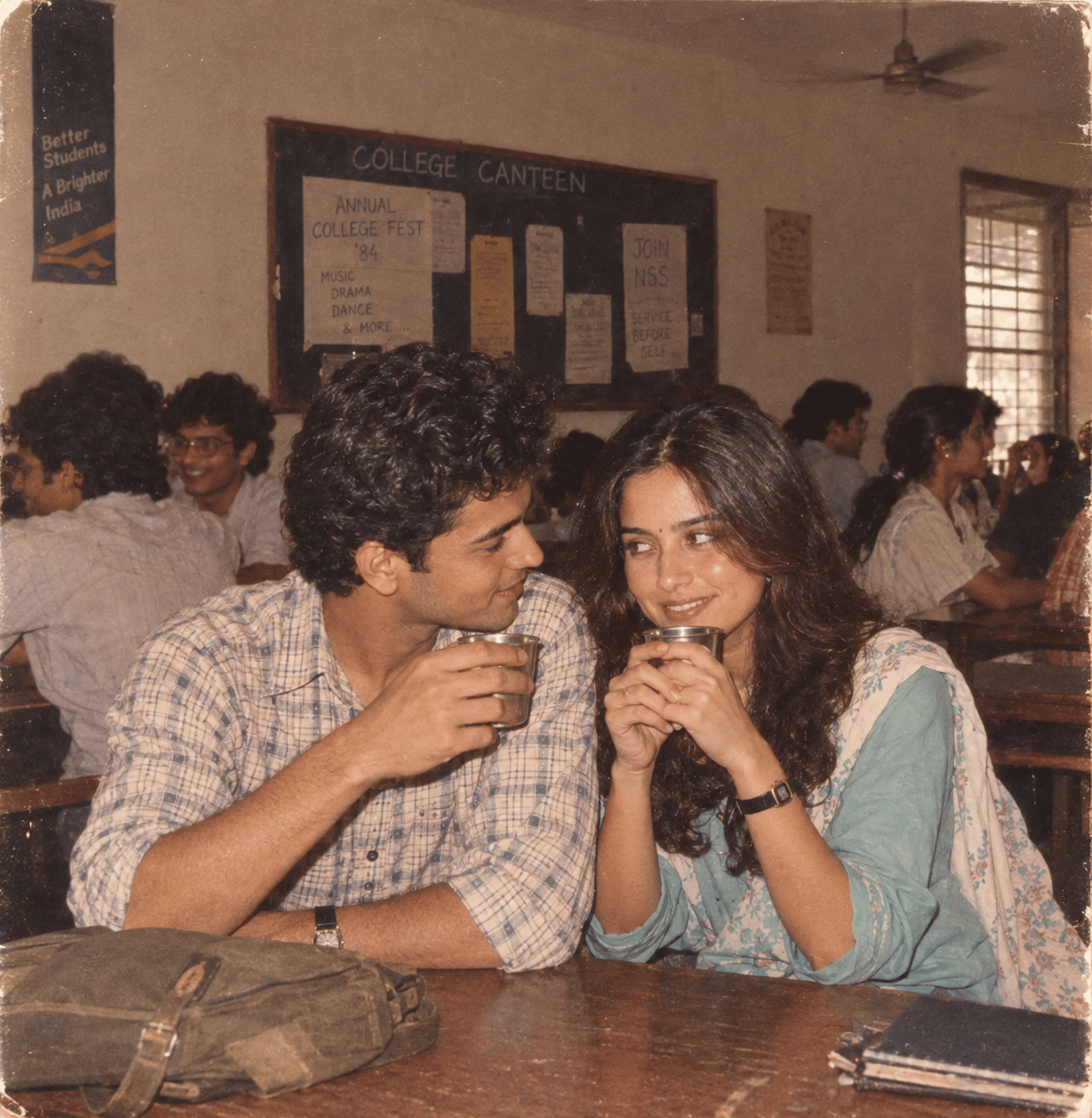
The Date After College

80s College Gate

Candid Store Front-Camera Photo
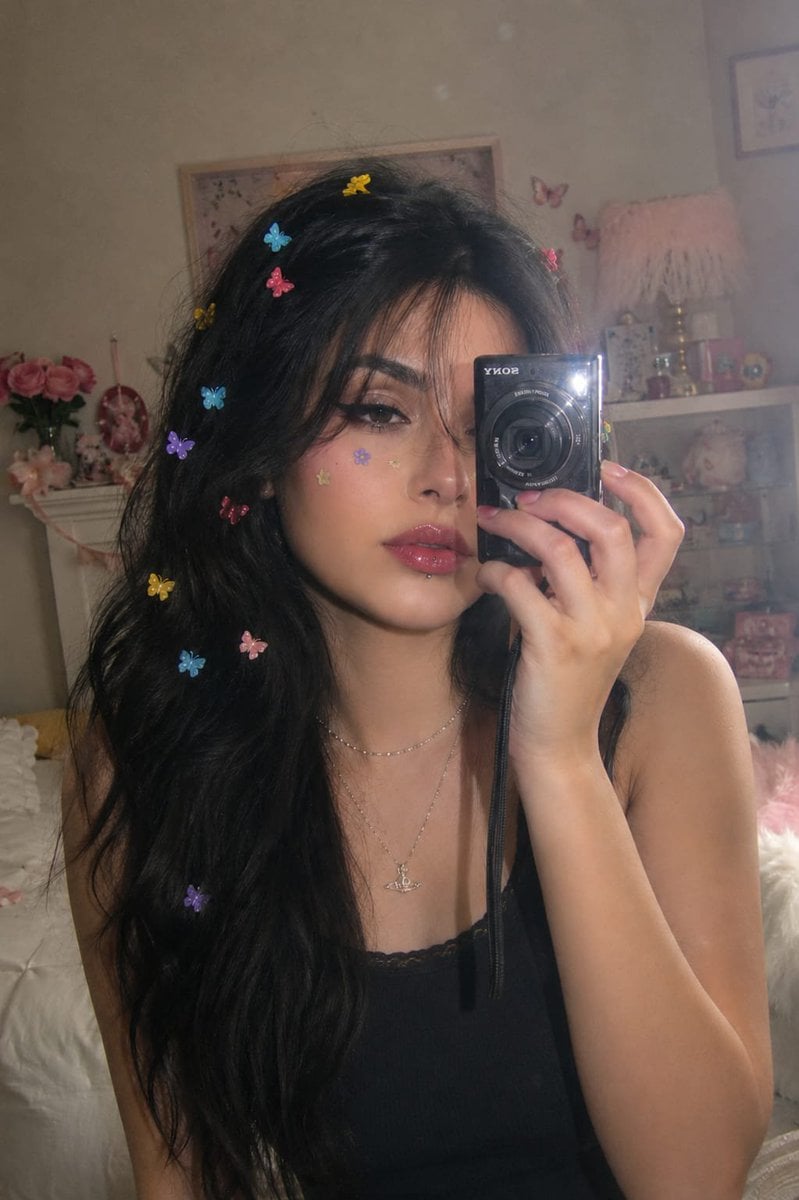
Dreamy Y2K Digital Camera Mirror Selfie
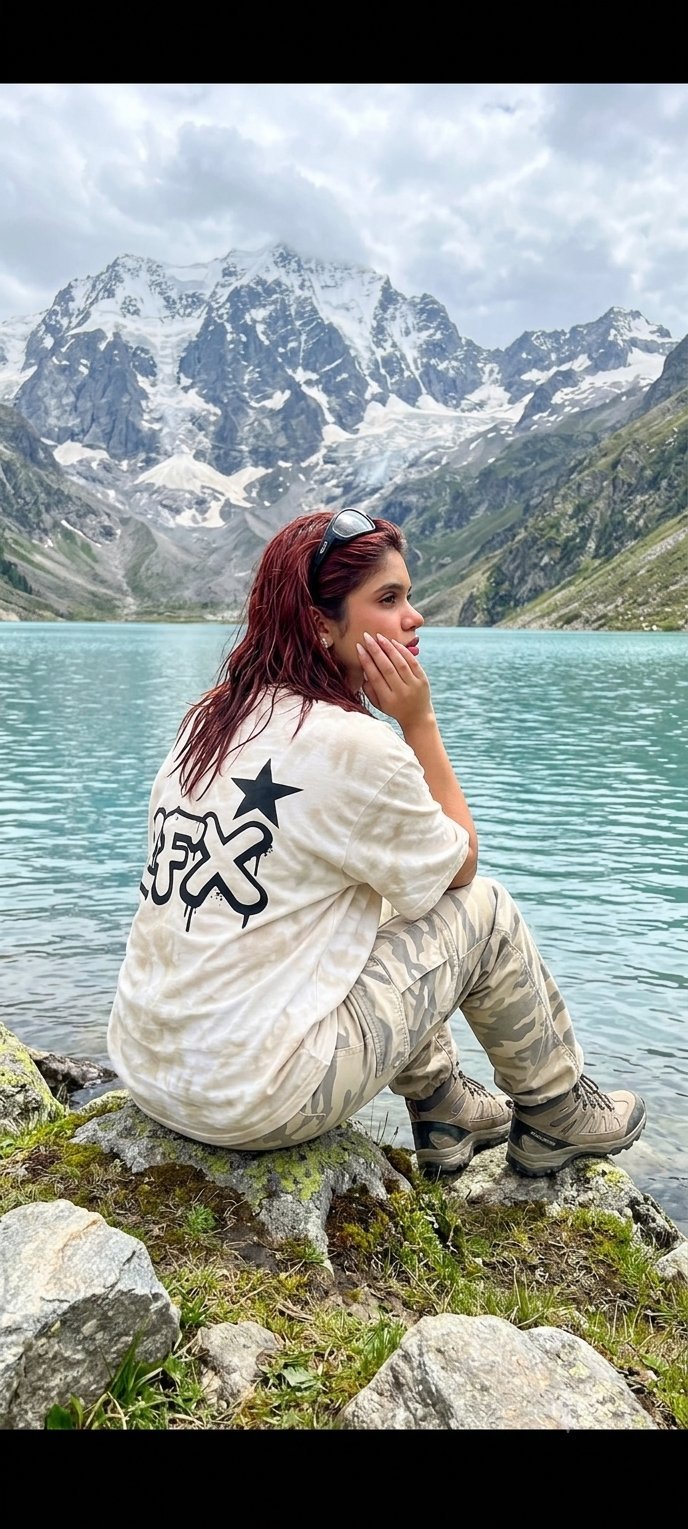
Teen Girl Alpine Lake Mountain View

Rooftop Fisheye — Cat-Ear Balaclava at Golden Hour

Felt & Knit 3D Character — Photo-Exact Face, Pixar-Quality Plush Figurine
Make it yours
Candid Flagship Camera Selfie works as-is. These are the safest ways to change it without losing the look.
Change one field
Copy a single group, rewrite it, and generate again so you can see what that field is doing.
Keep the frame, change the subject
Hold the composition and light of Candid Flagship Camera Selfie, then swap wardrobe, props or the person for a new take.
| If the result… | Why | Fix |
|---|---|---|
| The result drifts from the preview | Too many fields changed at once. | Reuse Candid Flagship Camera Selfie as-is first, then change one group — subject, light, or setting. |
| The model over-stylizes the scene | The prose prompt leaves finish and camera underspecified. | Add one camera or lighting sentence and stay on GPT Image 2. |
More GPT Image 2 templates
Other prompts made for GPT Image 2.

Six VTuber Japanese Logo Sheet

Realistic Portrait of Woman and Deer

The Vista Modular Condo Poster

AI Model Routing Comparison Infographic

2.5D Anime Art Board

Isometric Productivity Desk Scene

New York Double Exposure Poster

Four-Panel AI Landscape Comparison

Japanese Tatami Lifestyle Magazine Cover

NESCAFÉ Coffee Map Poster
More image prompts
Fresh picks from across the catalog.
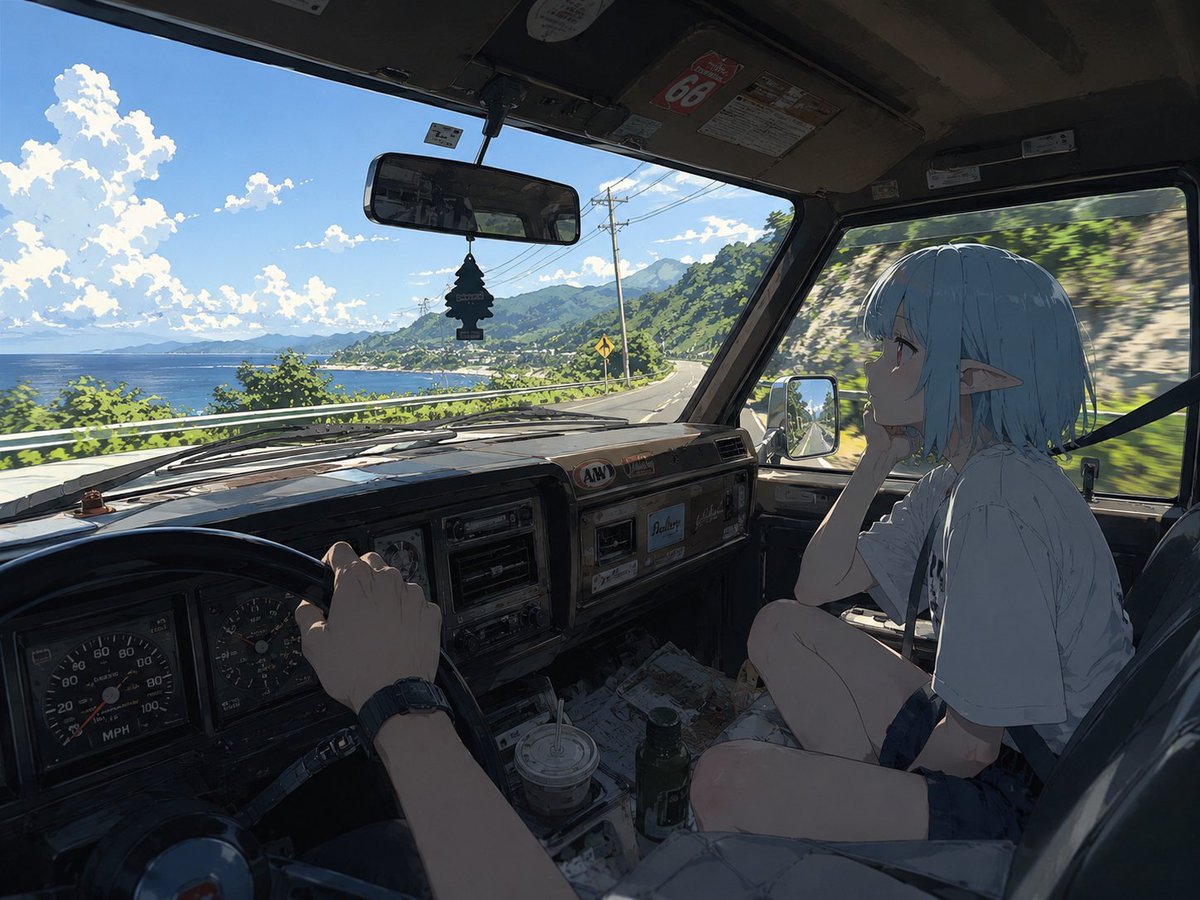
Elf Girl Coastal Driver POV

Chinese Alzheimer’s Infographic Poster
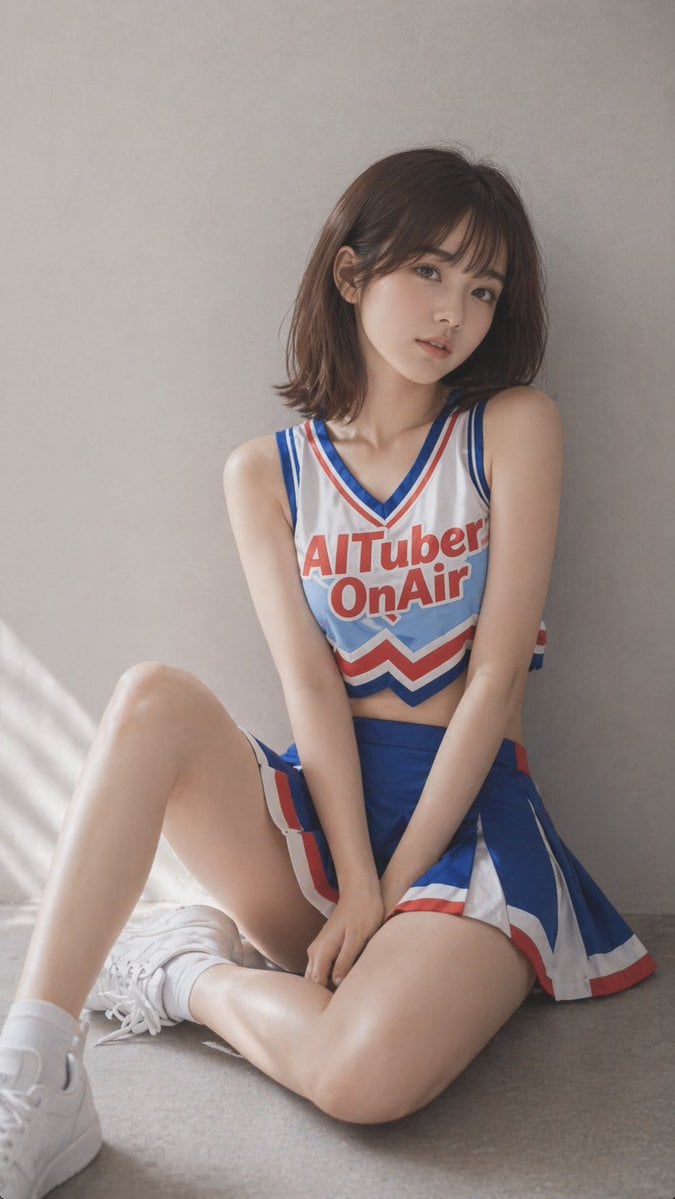
Realistic Cheerleader Portrait
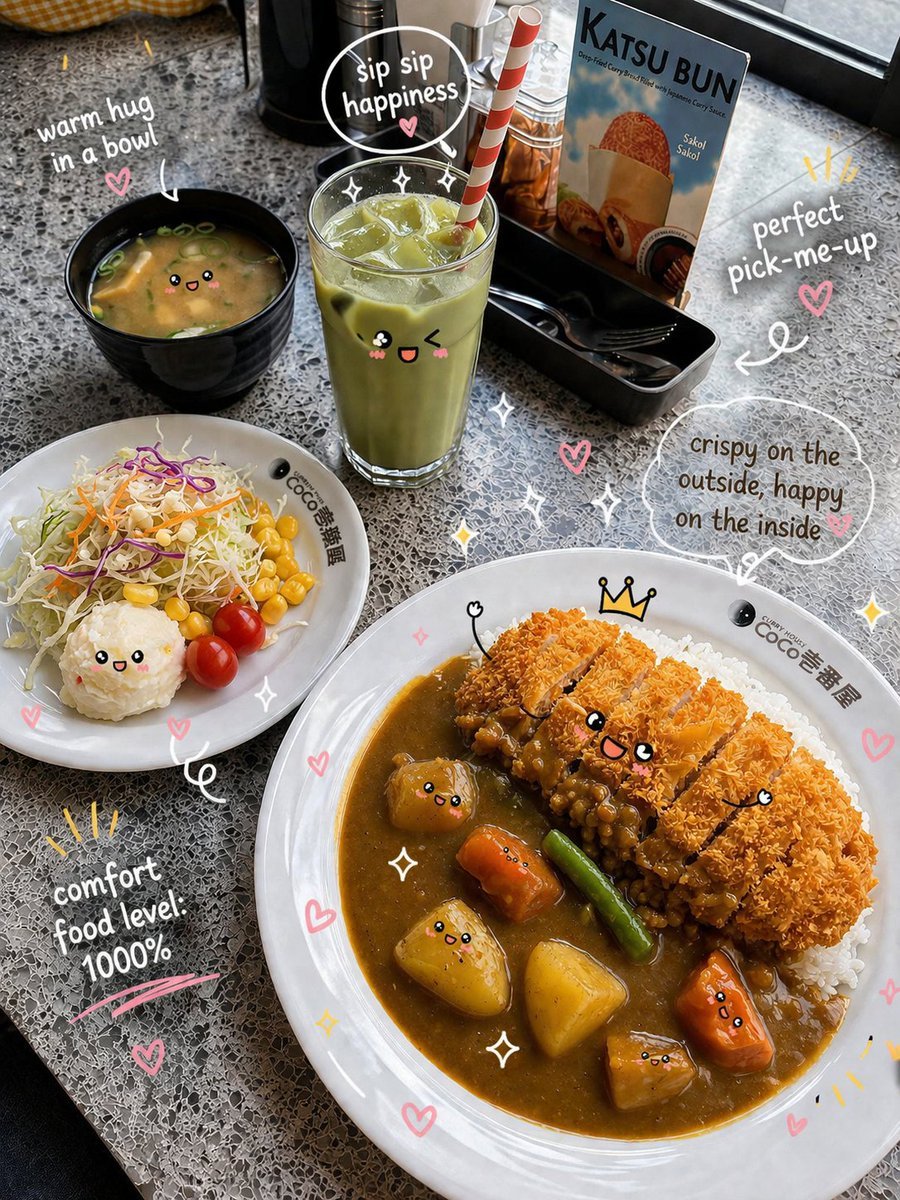
Kawaii Katsu Curry Food Photography

Cinematic Behind-the-Scenes VFX Artists Prompt
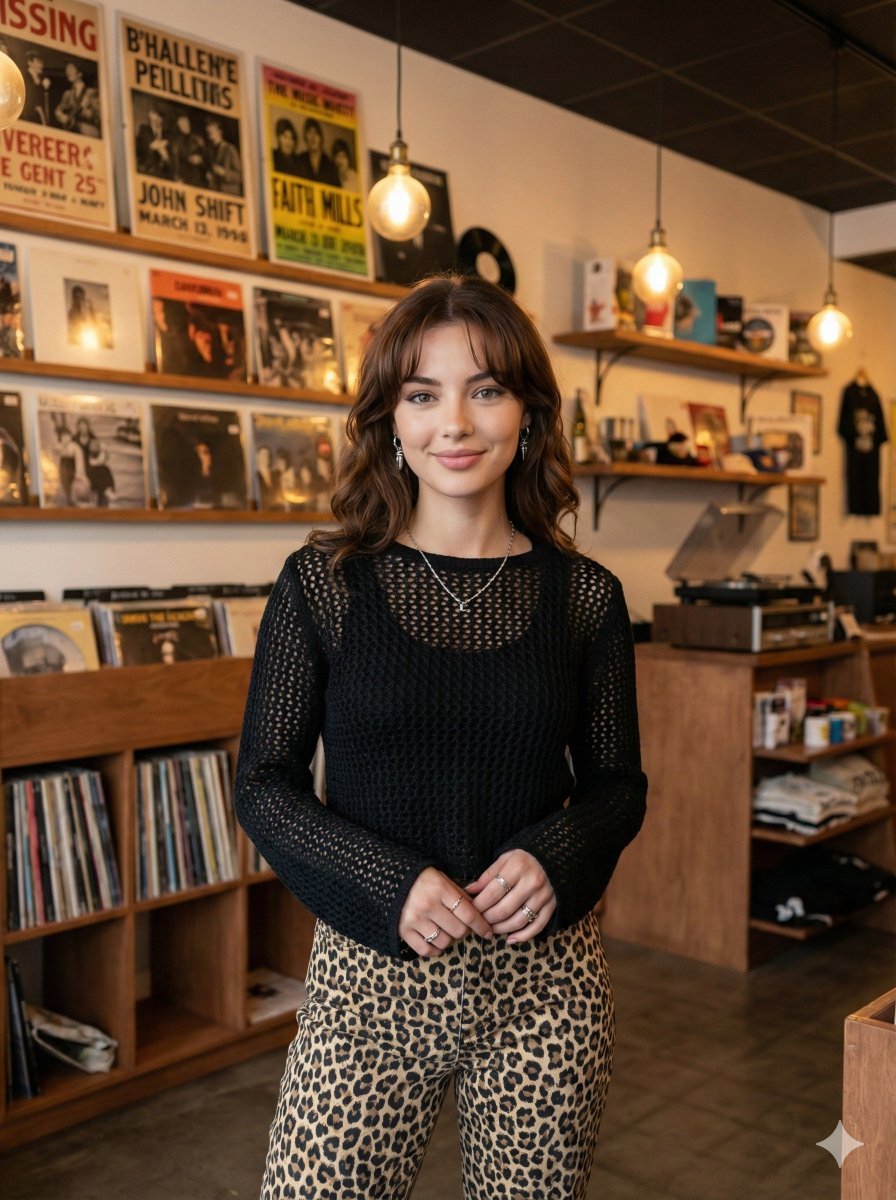
Modern Candid Portrait in a Record Store
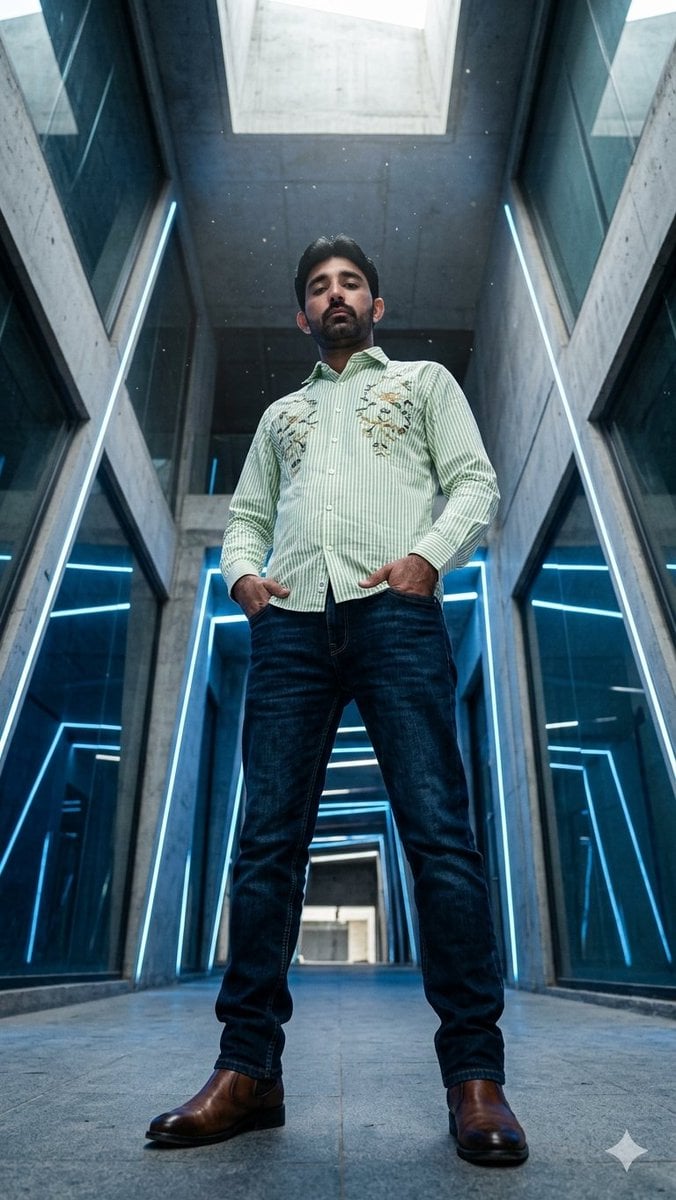
Low-Angle Futuristic Fashion Editorial
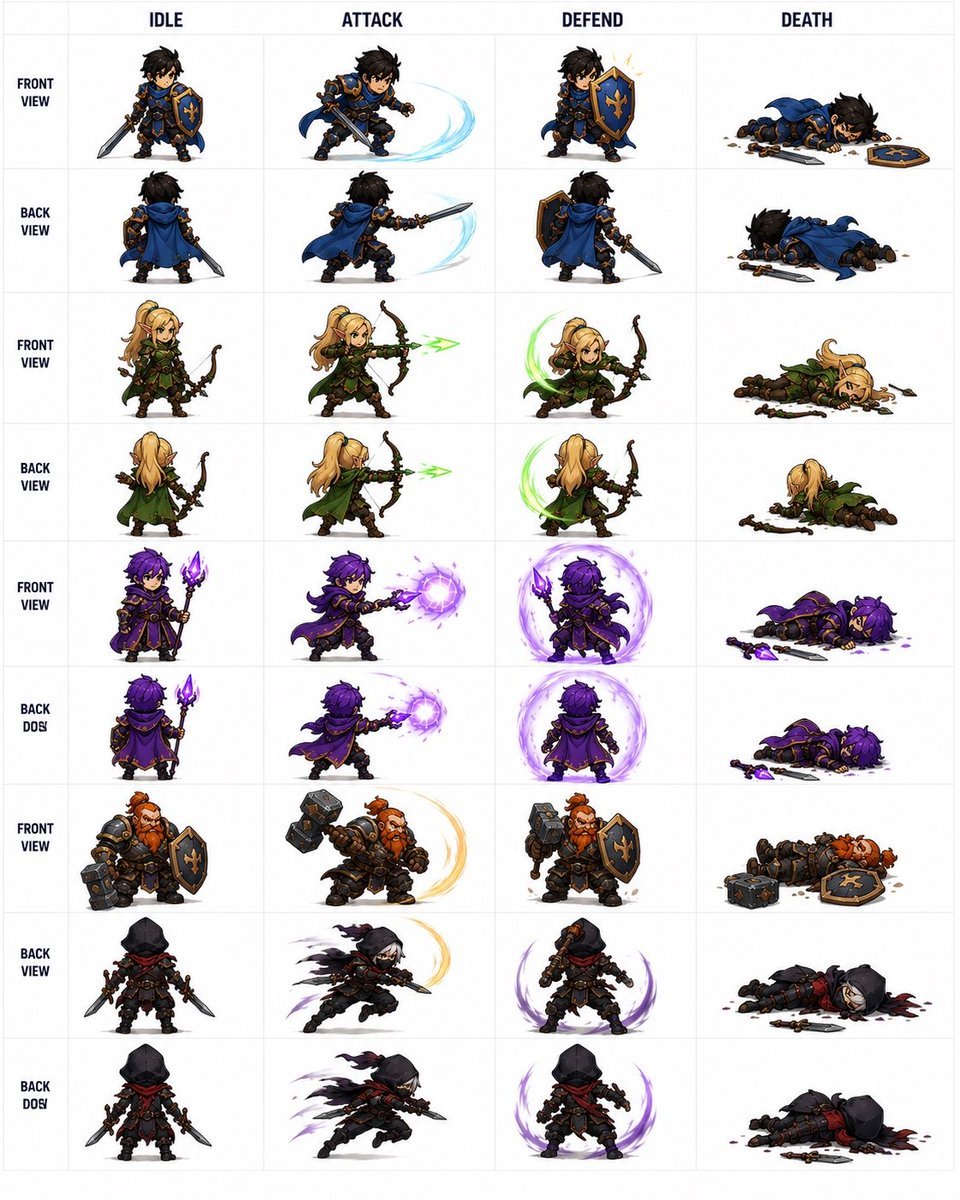
Fantasy RPG Character Sprite Sheet

Sun Wukong Epic Fantasy Poster

Midnight Anime Album Cover
Browse template categories
Candid Flagship Camera Selfie questions
How do I use the Candid Flagship Camera Selfie template?
Add your photo if the template asks for one, edit the prompt if you like — the template's model and format are already selected — and press Generate. Your version opens in PicX Studio.
Can I customize the Candid Flagship Camera Selfie template?
Yes. You can change the subject, setting, lighting, mood, format, and available model controls before creating your image.
Is the Candid Flagship Camera Selfie template free?
Opening and editing this template is free. Generating uses credits, shown on the Generate button when you are signed in.
Which AI model should I use?
Start with GPT Image 2, which is the model associated with this template. You can compare another compatible model for a different finish.
Looking for something else? Browse all templates.

Your photo, any look
Thousands of ready templates for every top image and video model, from one credit balance.