
Vintage Premium Travel Poster Illustration
A detailed prompt for generating mid-century style European travel posters with a hand-painted lithograph aesthetic, featuring customizable locations and architectural details.
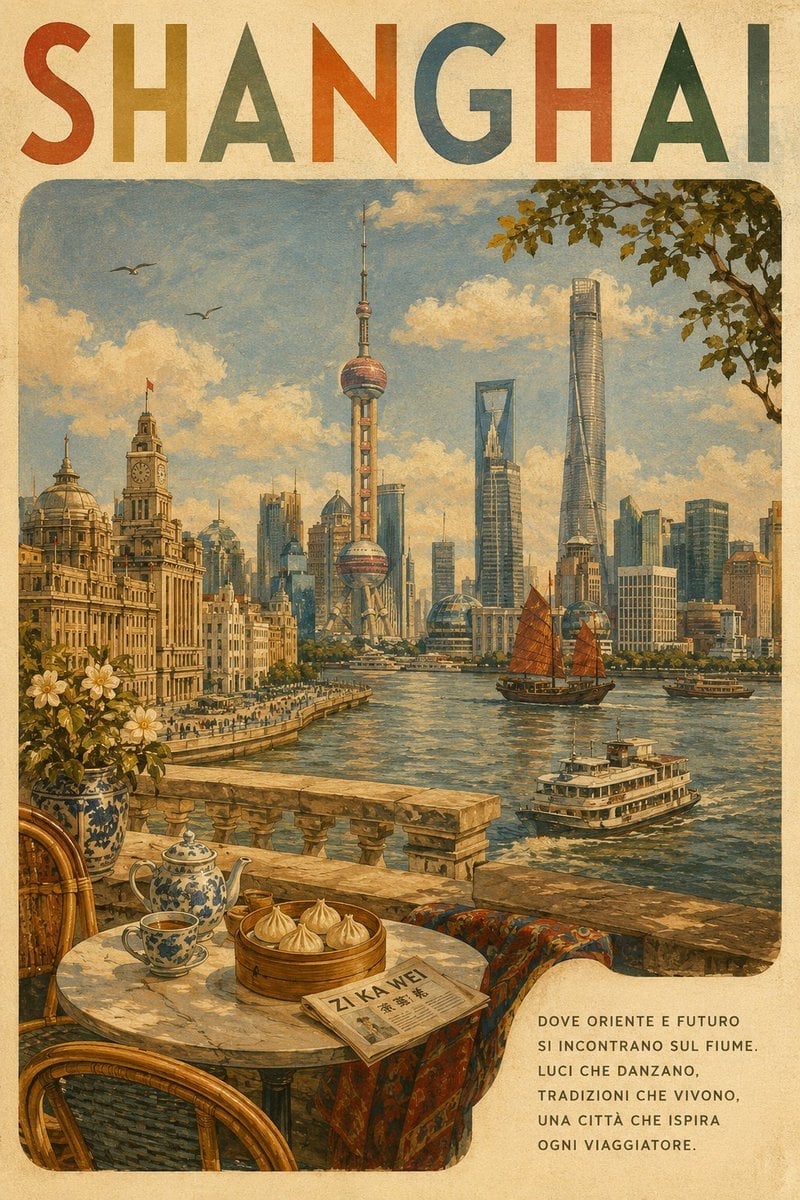
- Prompt included
- Model and format preset
- Free template
The prompt behind this image
Copy the exact prompt behind Vintage Premium Travel Poster Illustration, or open it in the studio and make it yours.
Create a premium vintage travel poster for {argument name="location" default="Paris"}. Visual Style Create a nostalgic mid-century European travel-poster illustration with a hand-painted lithograph/screen-print aesthetic. Use warm cream paper, muted naturally faded pigments, subtle paper grain, visible brush texture, gentle ink imperfections, and softly weathered edges. The artwork should feel collectible, sophisticated, tactile, and authentic rather than digitally rendered. Composition Use a tall portrait layout. At the top, place {argument name="location" default="Paris"} in large uppercase, hand-drawn geometric lettering. Give each letter a slightly different muted vintage color, with spacious, elegant, and subtly imperfect printed character. Below the title, create one large rounded-rectangle illustrated scene occupying most of the poster. Build a cohesive panoramic composition around the recognizable identity of {argument name="location" default="Paris"}, featuring 3–5 genuine local landmarks or architectural elements. Include, where appropriate: the city’s most recognizable landmark characteristic local architecture a distinctive landscape, waterfront, river, square, mountain, or skyline authentic local transportation regional vegetation and atmospheric details small background figures when useful Keep all landmarks geographically and architecturally plausible. Do not invent landmarks or combine buildings from unrelated cities. Foreground Create an inviting terrace, balcony, café table, or stone viewpoint inspired by {argument name="location" default="Paris"}. Add 2–4 culturally appropriate local details such as traditional pottery, regional food or pastry, coffee or tea, textiles, flowers, decorative tiles, or characteristic architectural materials. Keep these elements secondary to the main scenery. Atmosphere & Palette Use warm golden-hour lighting, a soft blue sky, cream-colored clouds, and gentle atmospheric haze. Use a refined palette of terracotta, ochre, muted blue, olive green, cream, and earthy brown, naturally adapted to {argument name="location" default="Paris"}. Add subtle details such as birds, foliage, boats, street activity, and architectural shadows where appropriate. Poster Text In the lower-right cream area, add a short poetic Italian slogan specifically written for {argument name="location" default="Paris"}. Format it as 5–7 short uppercase lines. The wording should feel elegant, poetic, timeless, and travel-oriented—not like advertising copy. Accuracy & Final Look The poster must immediately communicate {argument name="location" default="Paris"} to someone familiar with the city. Prioritize authentic landmarks, architecture, landscapes, cuisine, materials, colors, and cultural details. Avoid generic tourist imagery when a distinctive local alternative exists. The finished artwork should resemble a beautifully preserved vintage travel poster from the golden age of illustrated tourism: painterly, tactile, slightly imperfect, warm, cinematic, sophisticated, and suitable for a premium travel-art collection.
How to use Vintage Premium Travel Poster Illustration in 3 steps
- 1
Open
The prompt is already in the box next to the preview, with the template's model and format selected.
- 2…a portrait of your subject in softgolden-hour light, 85mm…
Personalize
Edit the subject and creative details for your destination.
- 3Generate
Generate
Press Generate — your image is created in PicX Studio, so you can compare it with the original and refine one variable at a time.
More like this
Templates with the same subject, style or setup. Open one to see its prompt.

Japan Travel Brochure Poster

City Posters by Nano Banana Pro

Premium Vintage Travel Poster Landscape

Kids Crayon Travel Journal Illustration
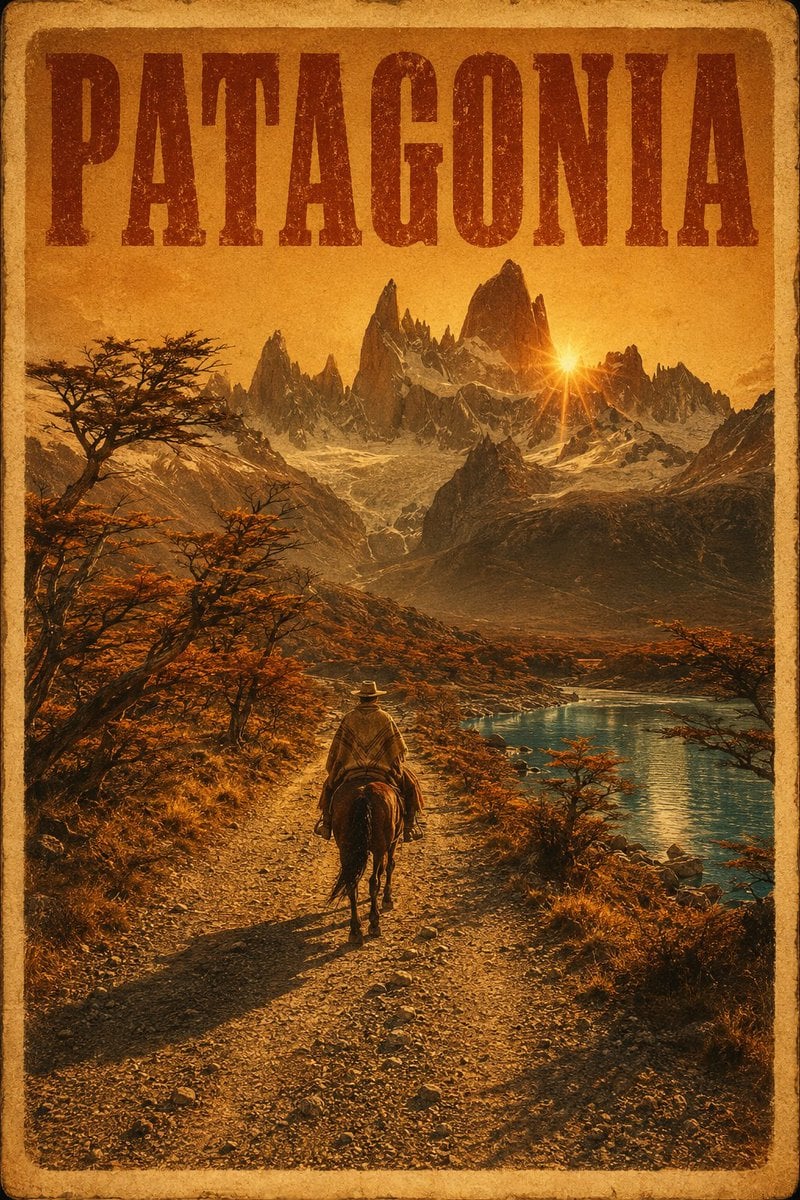
Vintage Patagonia Travel Poster

Paper Cut Vintage Travel Poster

Master Paper Cut Illustration — Saudi Arabia Travel Poster in Layered Paper Art
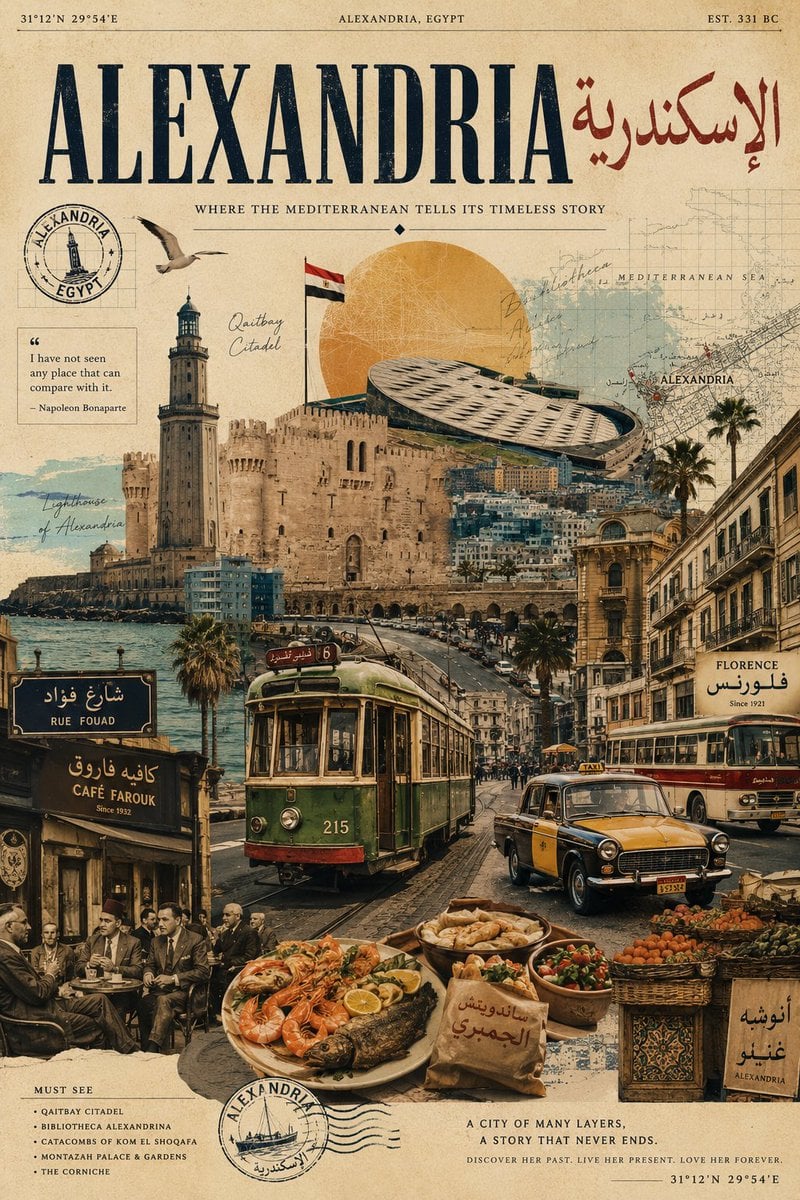
Vintage Alexandria Travel Poster
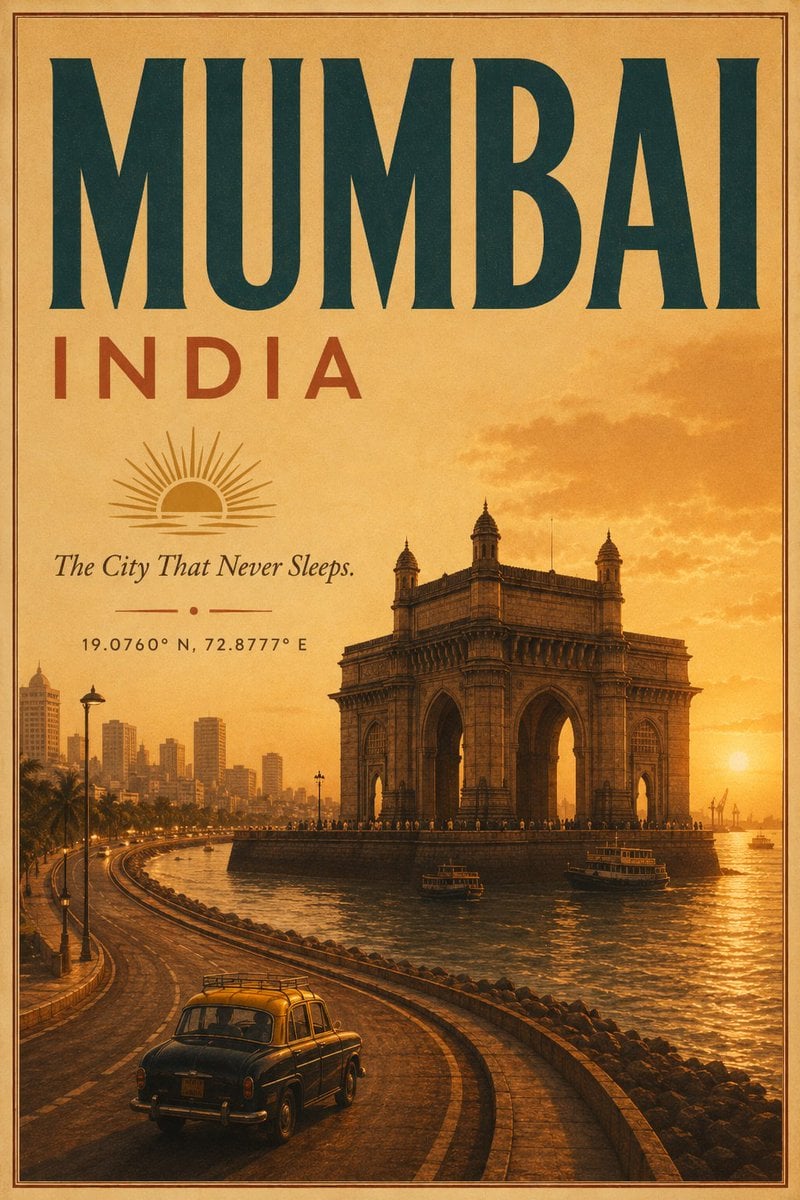
Vintage Mumbai Travel Poster
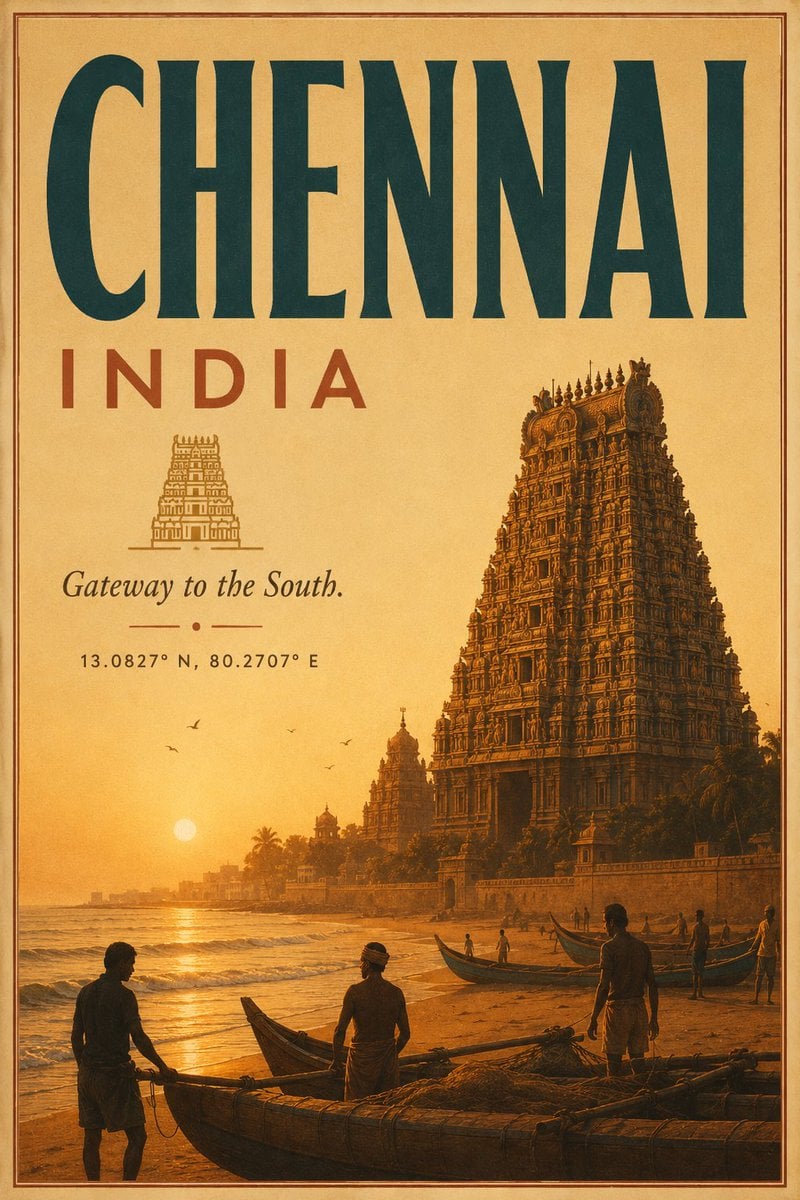
Vintage Chennai Travel Poster
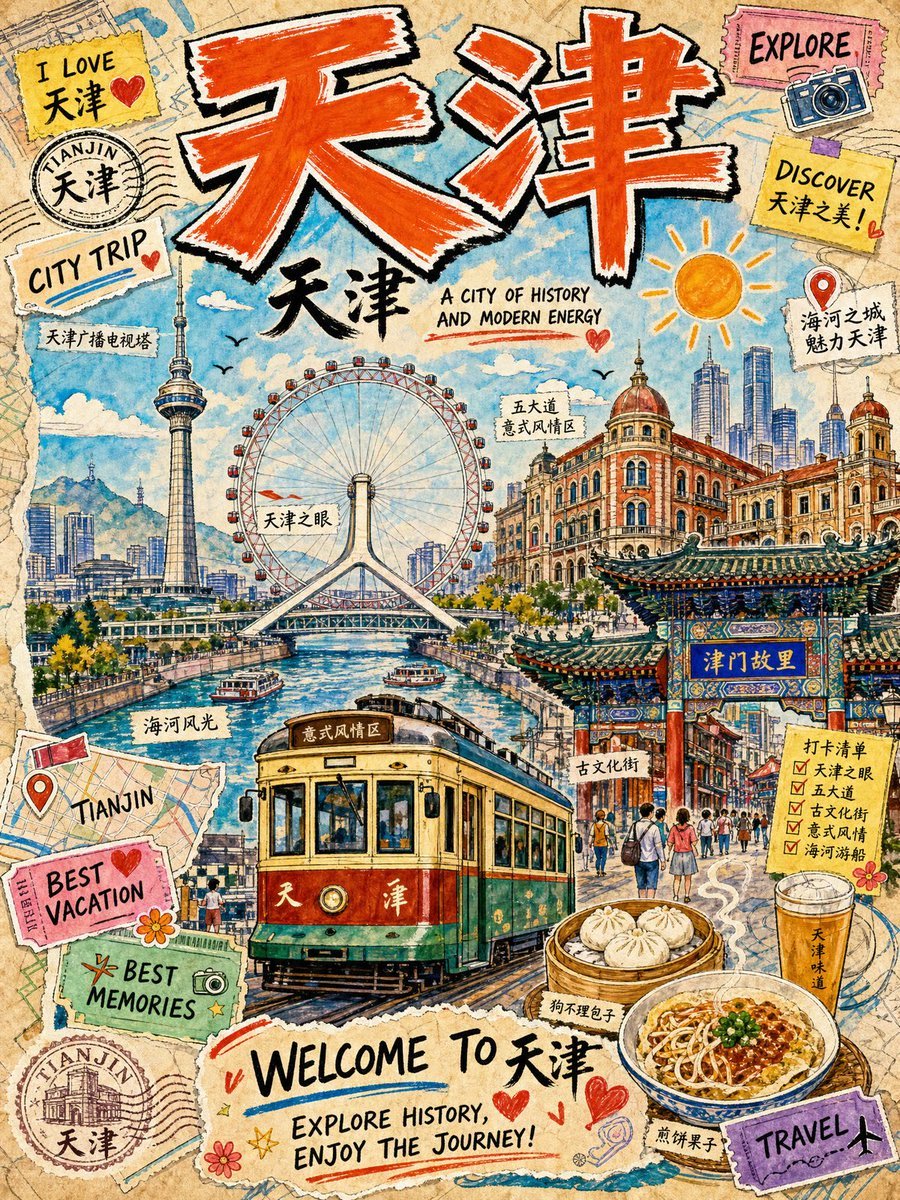
Vintage Tianjin Travel Poster

Sunday Afternoon, 1988
Make it yours
Vintage Premium Travel Poster Illustration works as-is. These are the safest ways to change it without losing the look.
Change one field
Copy a single group, rewrite it, and generate again so you can see what that field is doing.
Keep the frame, change the subject
Hold the composition and light of Vintage Premium Travel Poster Illustration, then swap wardrobe, props or the person for a new take.
| If the result… | Why | Fix |
|---|---|---|
| The result drifts from the preview | Too many fields changed at once. | Reuse Vintage Premium Travel Poster Illustration as-is first, then change one group — subject, light, or setting. |
| The model over-stylizes the scene | The prose prompt leaves finish and camera underspecified. | Add one camera or lighting sentence and stay on GPT Image 2. |
More GPT Image 2 templates
Other prompts made for GPT Image 2.

Six VTuber Japanese Logo Sheet

Realistic Portrait of Woman and Deer

The Vista Modular Condo Poster

AI Model Routing Comparison Infographic

2.5D Anime Art Board

Isometric Productivity Desk Scene

New York Double Exposure Poster

Four-Panel AI Landscape Comparison

Japanese Tatami Lifestyle Magazine Cover

NESCAFÉ Coffee Map Poster
More image prompts
Fresh picks from across the catalog.
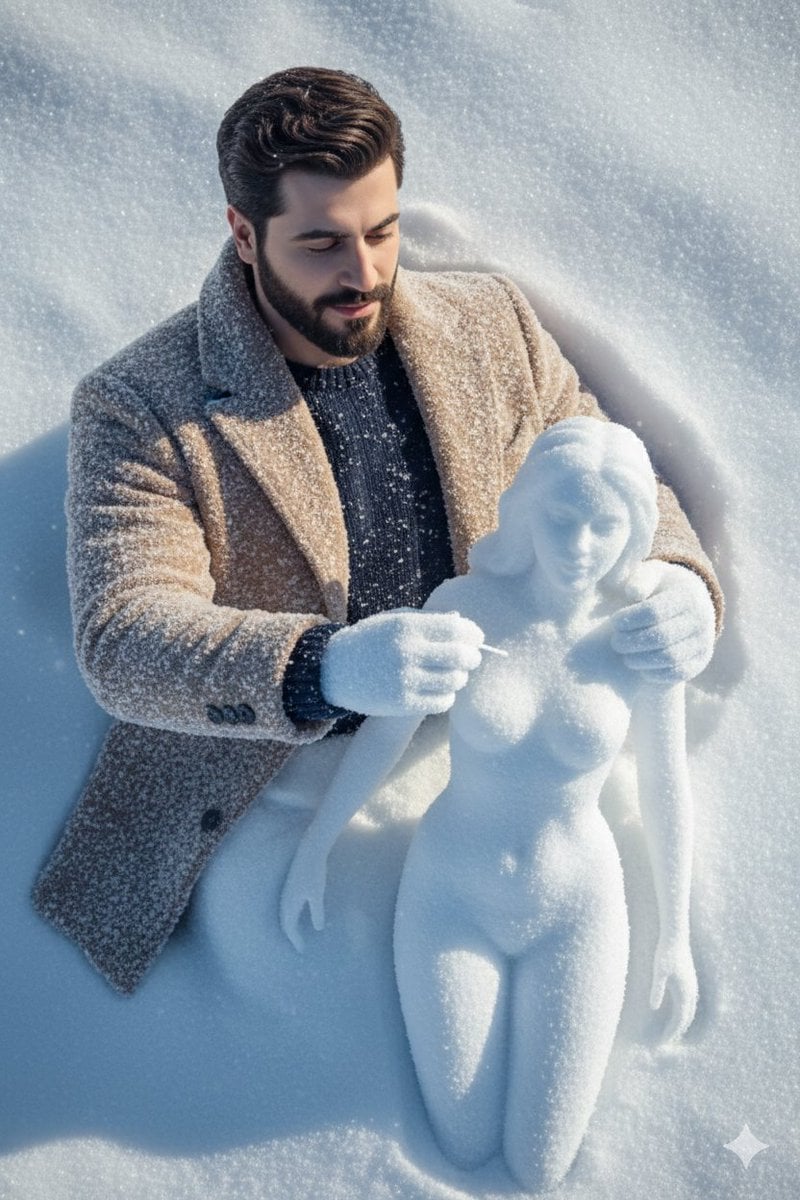
Hyper-Realistic Snow Sculpture Artist Prompt
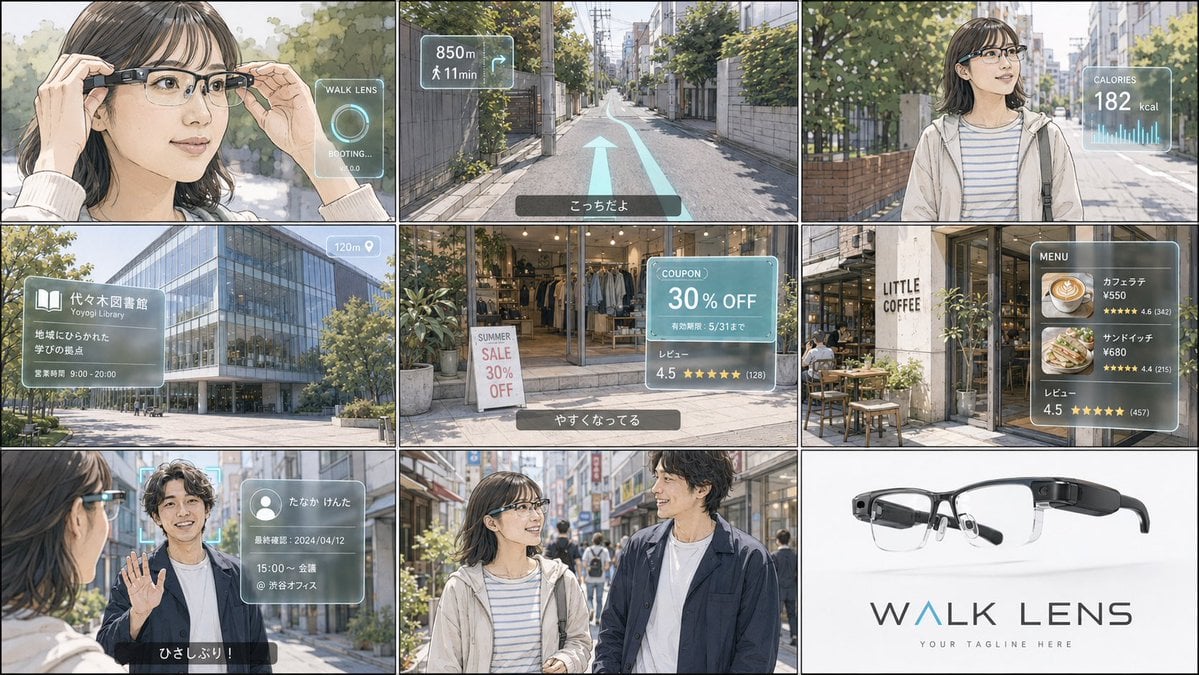
Realistic Colored Line Drawing Converter

Image Editing Prompt for Logo Integration
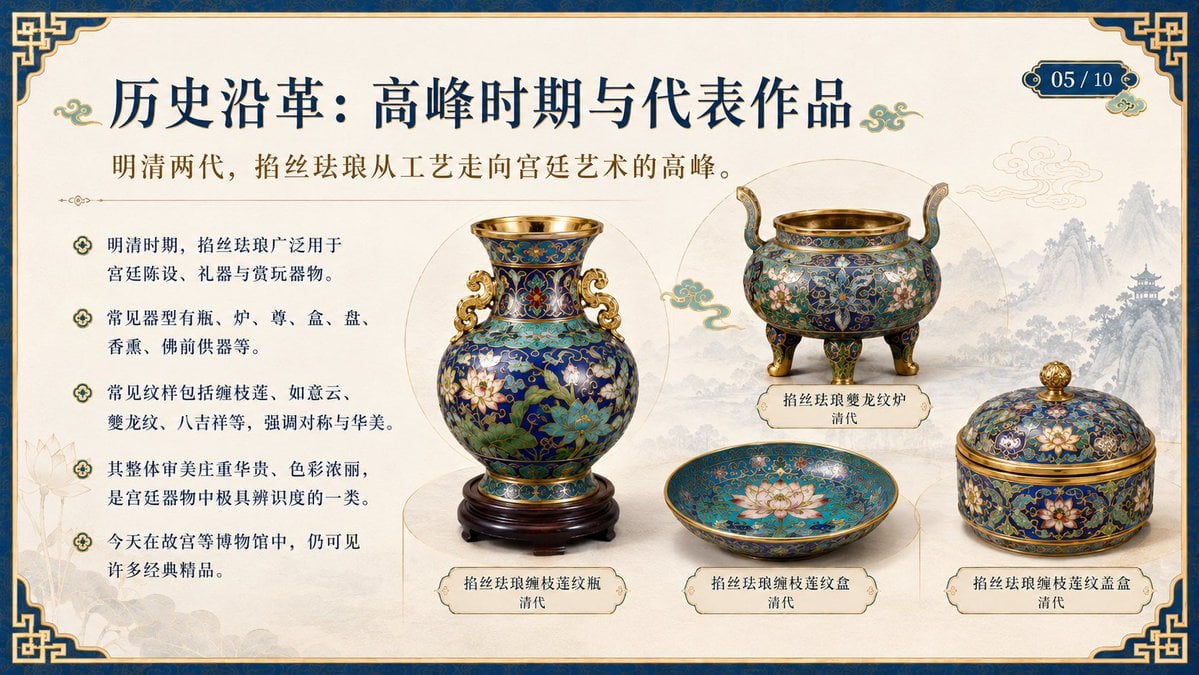
Chinese Cloisonné History PPT Slide
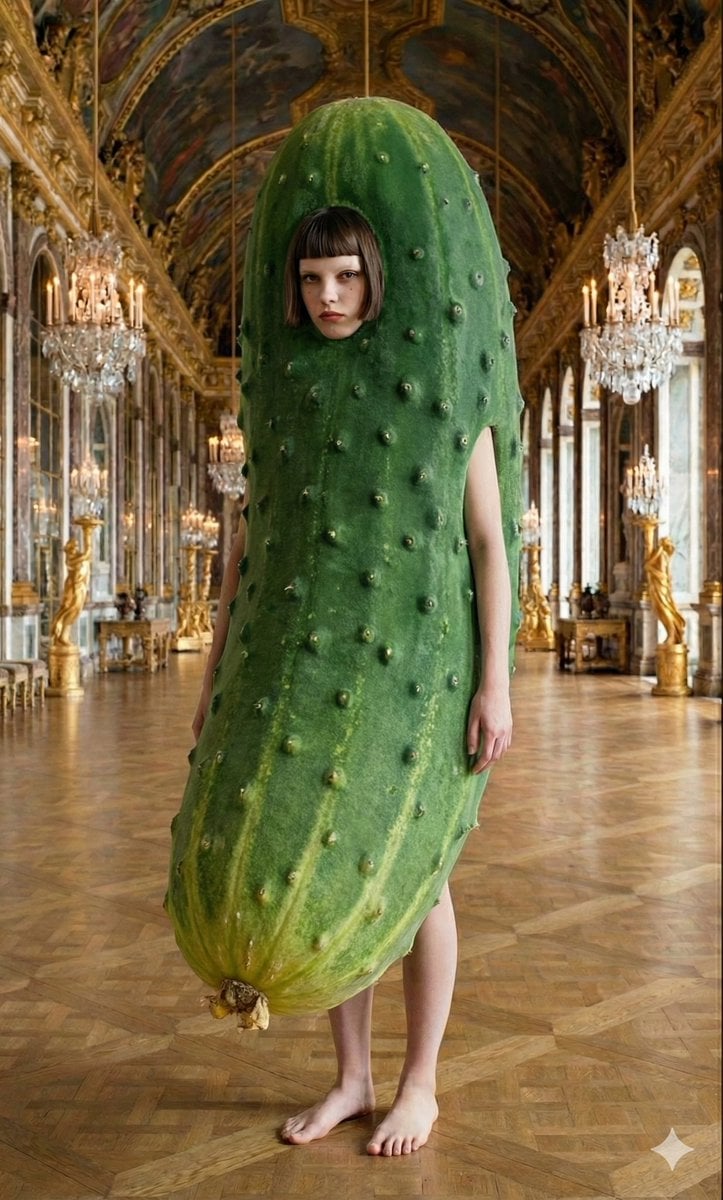
Corporate Elite Self-Reflection Portrait Prompt
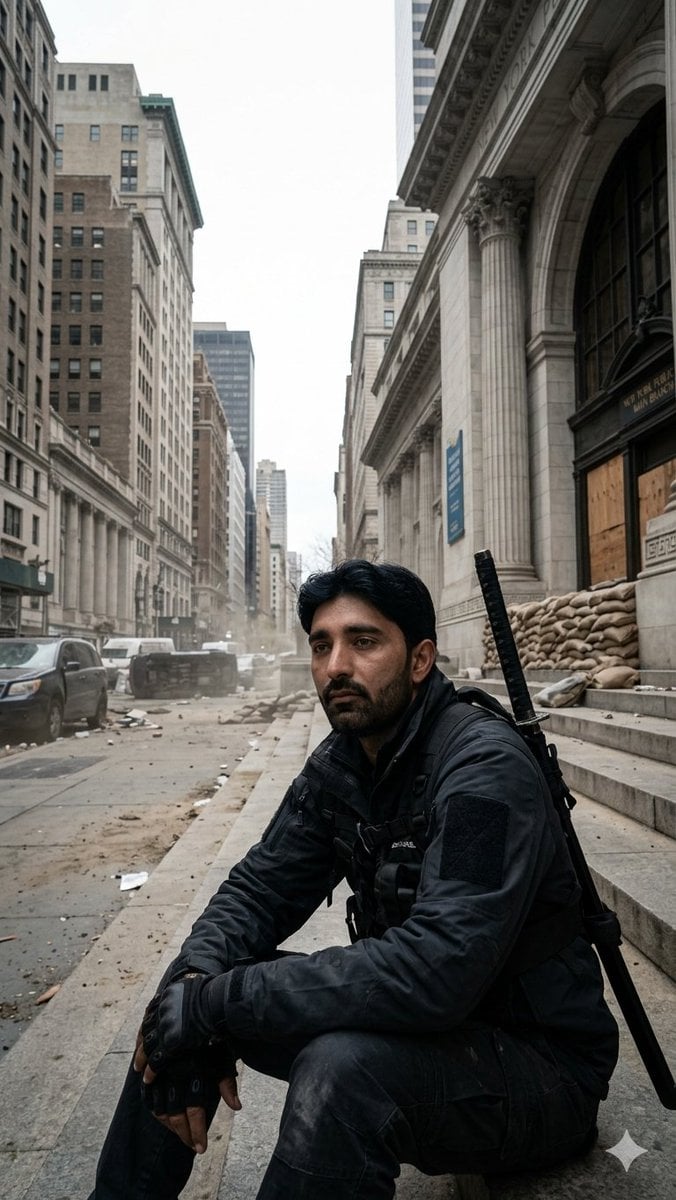
Fortified NYPL Survivor Scene
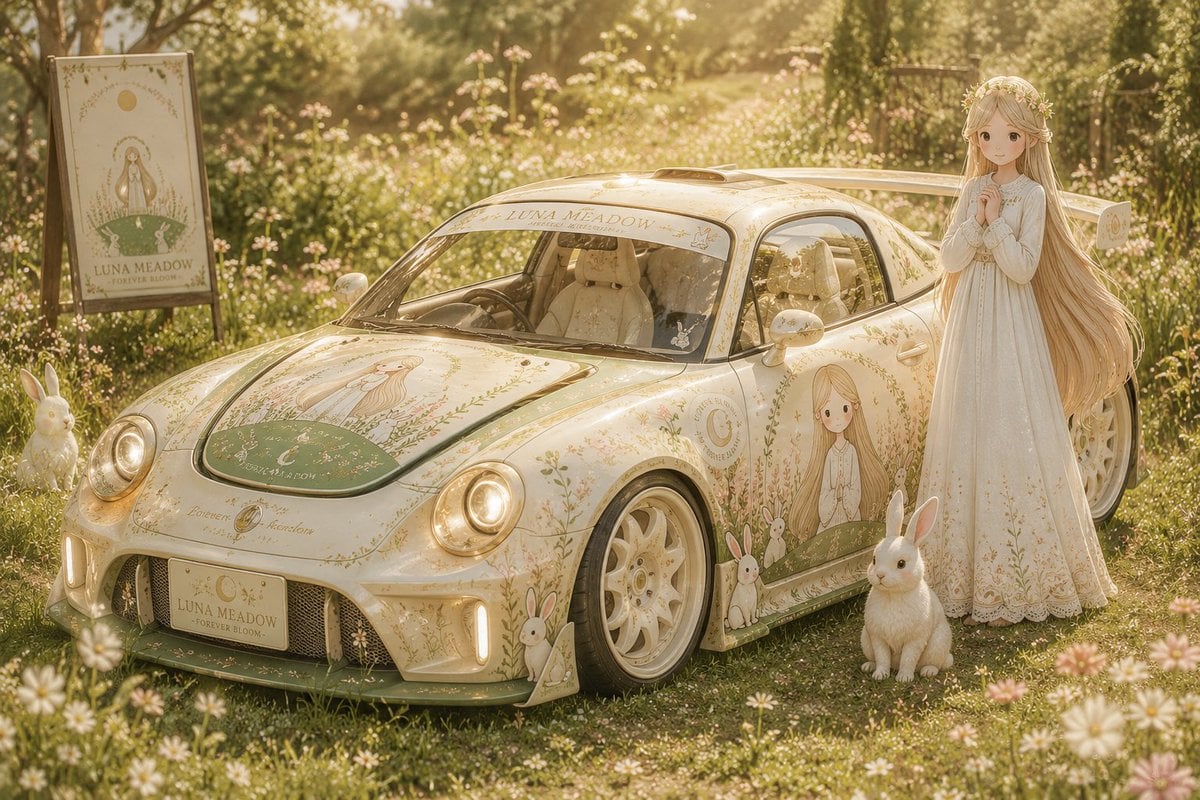
Custom Anime Itasha Vehicle Generator
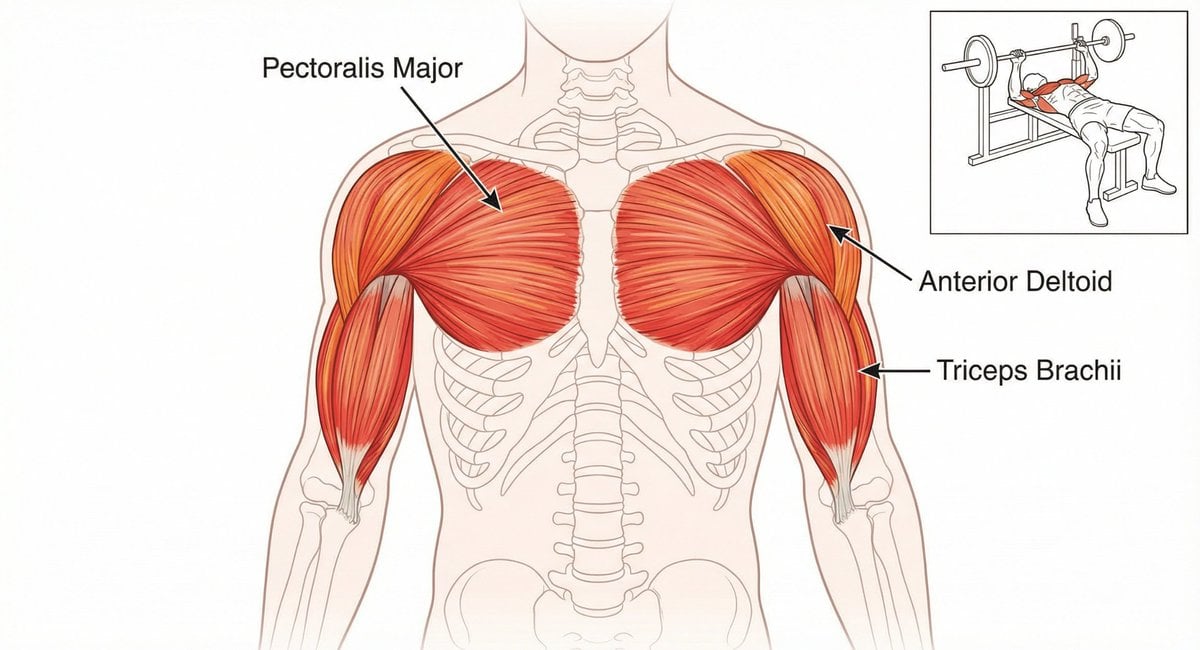
Bench press muscle diagram
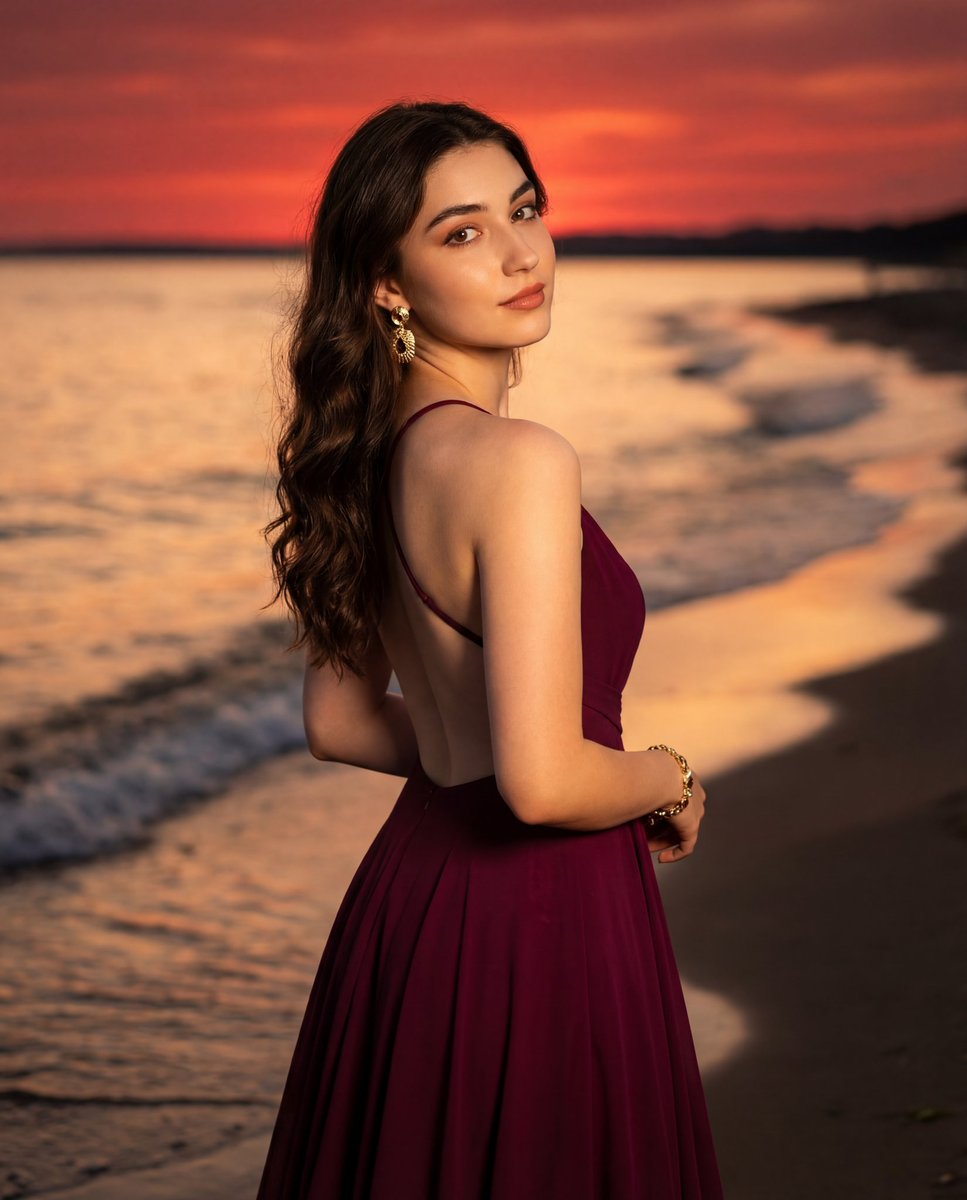
Photorealistic Portrait of a Woman in an Evening Dress at Sunset Beach

ASCII Art with Strawberry
Browse template categories
Vintage Premium Travel Poster Illustration questions
How do I use the Vintage Premium Travel Poster Illustration template?
Add your photo if the template asks for one, edit the prompt if you like — the template's model and format are already selected — and press Generate. Your version opens in PicX Studio.
Can I customize the Vintage Premium Travel Poster Illustration template?
Yes. You can change the subject, setting, lighting, mood, format, and available model controls before creating your image.
Is the Vintage Premium Travel Poster Illustration template free?
Opening and editing this template is free. Generating uses credits, shown on the Generate button when you are signed in.
Which AI model should I use?
Start with GPT Image 2, which is the model associated with this template. You can compare another compatible model for a different finish.
Looking for something else? Browse all templates.

Your photo, any look
Thousands of ready templates for every top image and video model, from one credit balance.