
Club Crest Isometric Miniature Diorama
A sophisticated prompt for creating photorealistic isometric miniature dioramas based on sports club crest silhouettes, using a strict club-inspired color palette.
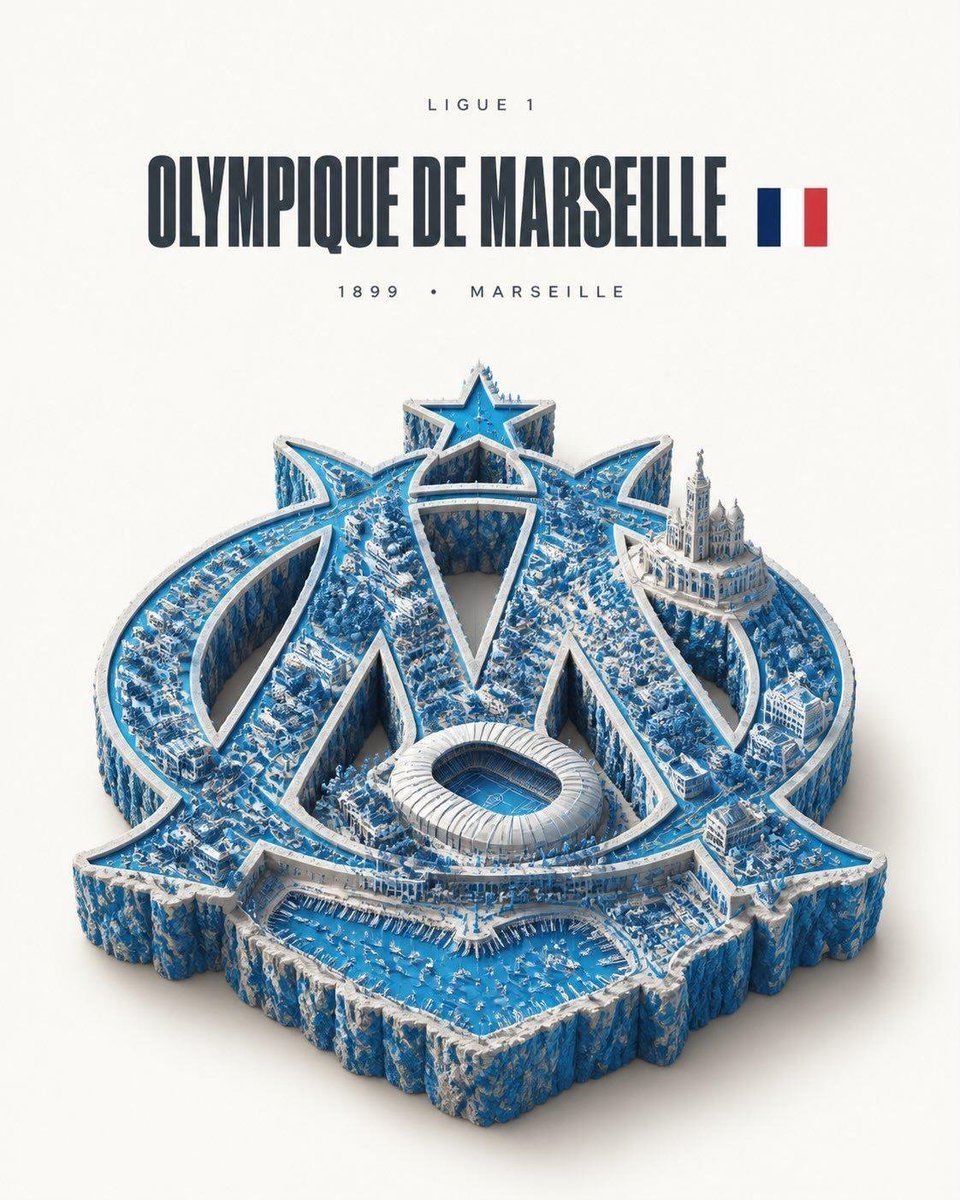
- Prompt included
- Model and format preset
- Free template
The prompt behind this image
Copy the exact prompt behind Club Crest Isometric Miniature Diorama, or open it in the studio and make it yours.
Ultra-detailed photorealistic isometric miniature scale-model diorama shaped exactly like the official crest outline of {argument name="club name" default="[CLUB NAME]"} — not a square tile, but the true precise silhouette of the badge, extruded downward into a thick slab with rough natural cliff-like edges, like the crest physically cut out and lifted. The slab follows every curve, point and detail of the real crest shape precisely. The entire top surface is a richly detailed miniature landscape rendered exclusively in {argument name="club name" default="[CLUB NAME]"}'s official club colors — {argument name="primary color" default="[PRIMARY COLOR]"} and {argument name="secondary color" default="[SECONDARY COLOR]"}. Every surface, building, road, tree, field and terrain feature is tinted and colored strictly within this palette. No realistic natural colors — everything is remapped to the club's colors. The terrain still has full physical detail: elevation changes, tiny buildings, roads, trees, plazas, micro-detail throughout — but all of it exists only in the club color palette, creating a dreamlike monochromatic world in those colors. Style: hyper-realistic tilt-shift miniature photography — extremely sharp, everything in focus, no blur. Soft warm studio lighting from above, gentle diffuse shadows. The color palette is strict and unwavering — {argument name="primary color" default="[PRIMARY COLOR]"} dominates, {argument name="secondary color" default="[SECONDARY COLOR]"} as accent throughout. Layout: the crest-shaped diorama floats centered in the lower two-thirds of the frame on a pure off-white studio background with a soft drop shadow beneath, clear margins on all sides. Upper third is empty off-white space with minimalist editorial typography, centered: small wide-tracked caps with the league name at the very top, then {argument name="club name" default="[CLUB NAME]"} in a bold condensed sans-serif in medium charcoal grey — large and dominant — with a small flat rectangular flag of [COUNTRY] sitting immediately to the right of the club name, vertically centered, sized to the cap-height of the club name. Then small wide-tracked caps below with founded year and home city. Minimalist editorial poster aesthetic, premium print quality, 4:5 aspect ratio.
How to use Club Crest Isometric Miniature Diorama in 3 steps
- 1
Open
The prompt is already in the box next to the preview, with the template's model and format selected.
- 2…a portrait of your subject in softgolden-hour light, 85mm…
Personalize
Edit the subject and creative details for your destination.
- 3Generate
Generate
Press Generate — your image is created in PicX Studio, so you can compare it with the original and refine one variable at a time.
More like this
Templates with the same subject, style or setup. Open one to see its prompt.

Isometric Brand Store Diorama

Isometric Process Educational Diorama

Cozy Isometric Bathroom Miniature Diorama

Miniature Sick Day Diorama

Stylized Miniature 3D Diorama Craft

Clear, 45 top-down isometric miniature 3D cartoon scene of the iconic

Paper Tunnel Book Architecture

Layered Paper Cut Forest Diorama

Soft Handcrafted Paper-Cut Layered Illustration
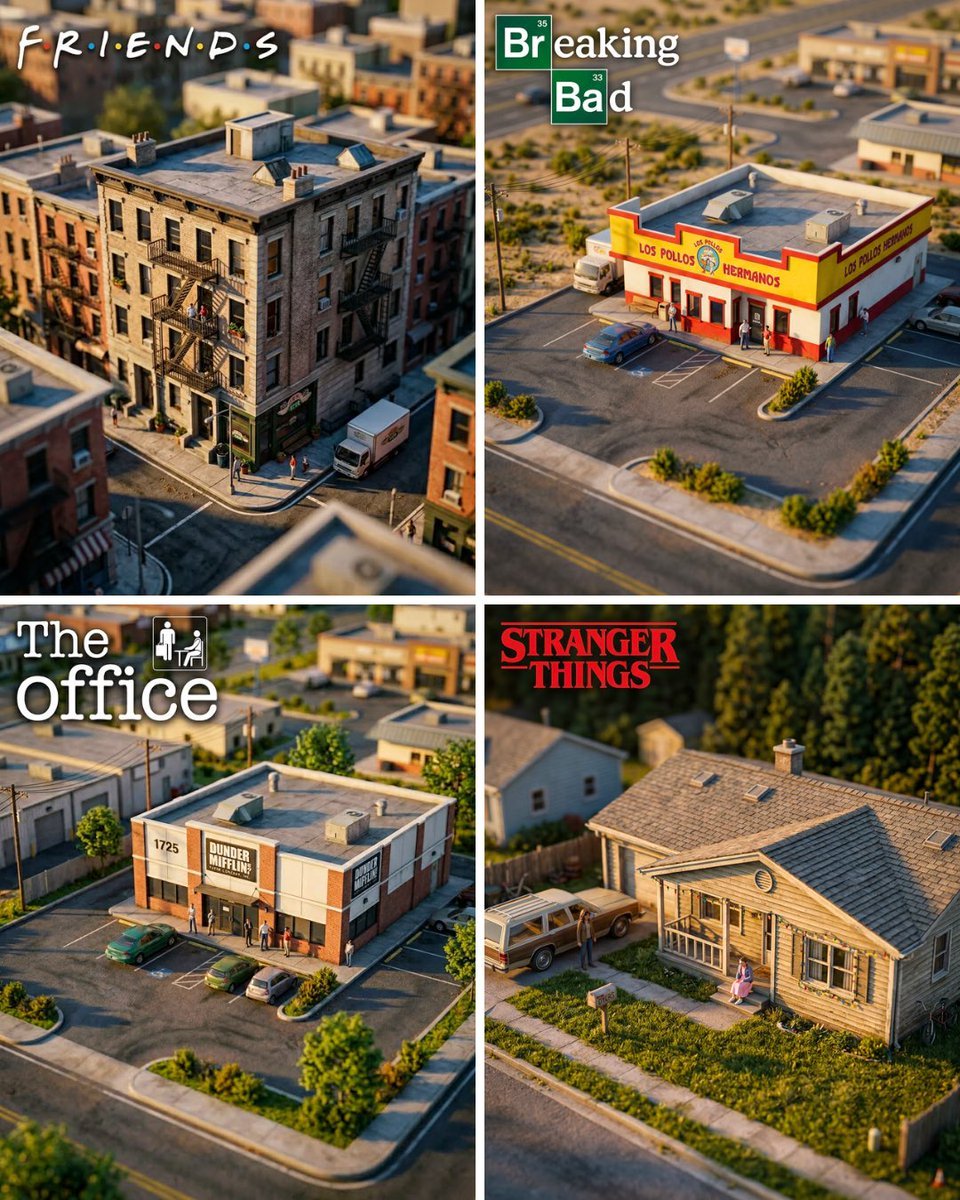
Hyper-Realistic Miniature Diorama Creator

FIFA World Cup — Brazil National Pass Diorama

Isometric Vehicle Teardown Infographic Template
Make it yours
Club Crest Isometric Miniature Diorama works as-is. These are the safest ways to change it without losing the look.
Change one field
Copy a single group, rewrite it, and generate again so you can see what that field is doing.
Keep the frame, change the subject
Hold the composition and light of Club Crest Isometric Miniature Diorama, then swap wardrobe, props or the person for a new take.
| If the result… | Why | Fix |
|---|---|---|
| The result drifts from the preview | Too many fields changed at once. | Reuse Club Crest Isometric Miniature Diorama as-is first, then change one group — subject, light, or setting. |
| The model over-stylizes the scene | The prose prompt leaves finish and camera underspecified. | Add one camera or lighting sentence and stay on GPT Image 2. |
More GPT Image 2 templates
Other prompts made for GPT Image 2.

Six VTuber Japanese Logo Sheet

Realistic Portrait of Woman and Deer

The Vista Modular Condo Poster

AI Model Routing Comparison Infographic

2.5D Anime Art Board

Isometric Productivity Desk Scene

New York Double Exposure Poster

Four-Panel AI Landscape Comparison

Japanese Tatami Lifestyle Magazine Cover

NESCAFÉ Coffee Map Poster
More image prompts
Fresh picks from across the catalog.
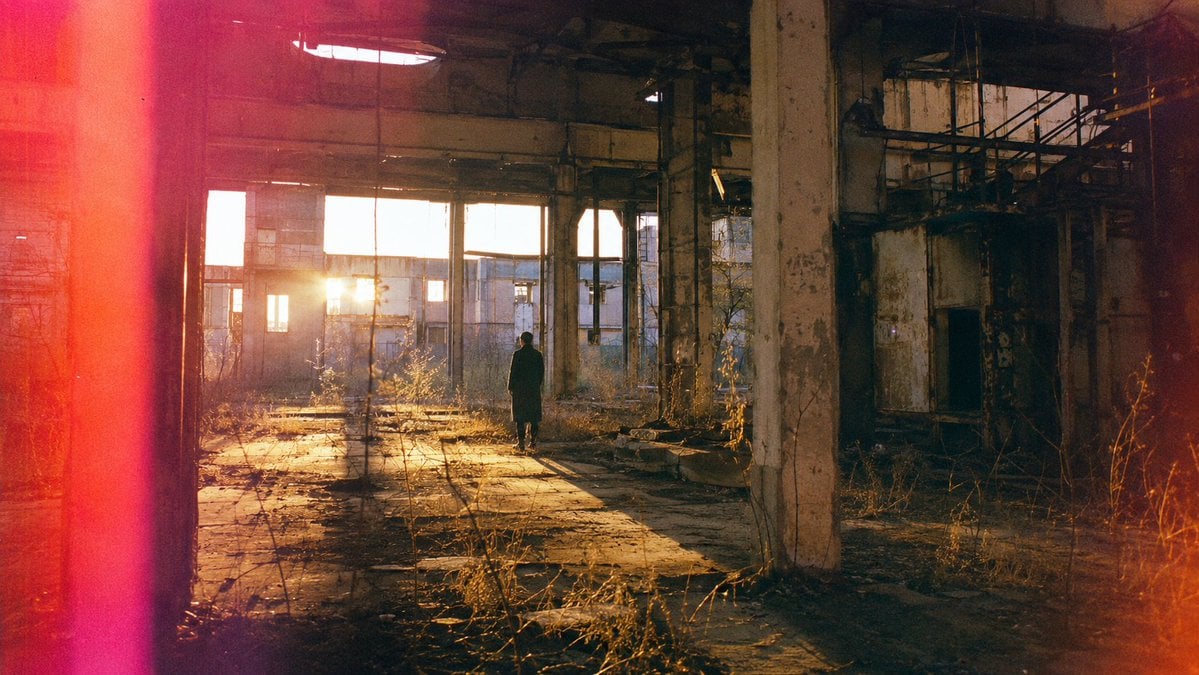
Lone Figure in Abandoned Warehouse
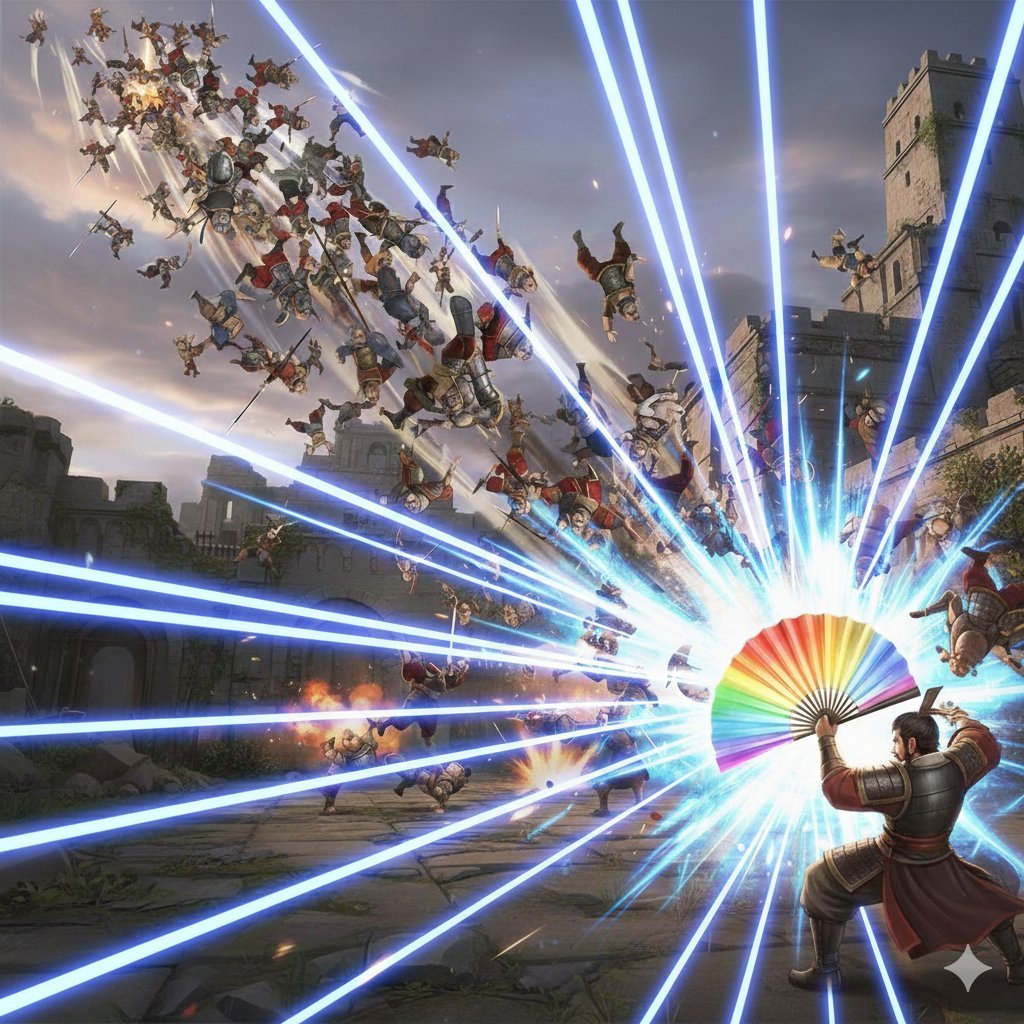
Dynasty Warriors: Kongming Musou Ranbu
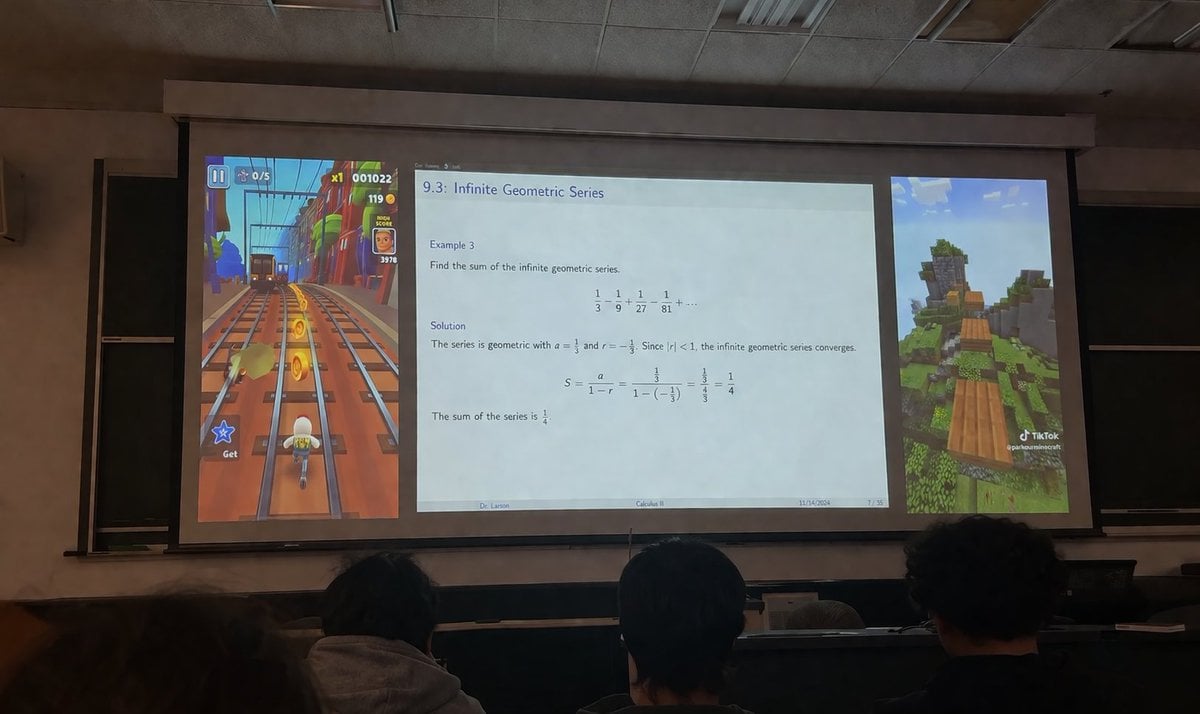
Brainrot Lecture Hall Projector

Minimalist Athletic Fashion Close-up

Isometric Miniature Stock Scene By Nano

Soft-Focus Ethereal Portrait with Motion Blur

Jirai-kei Girl with Claymore in Bamboo Forest
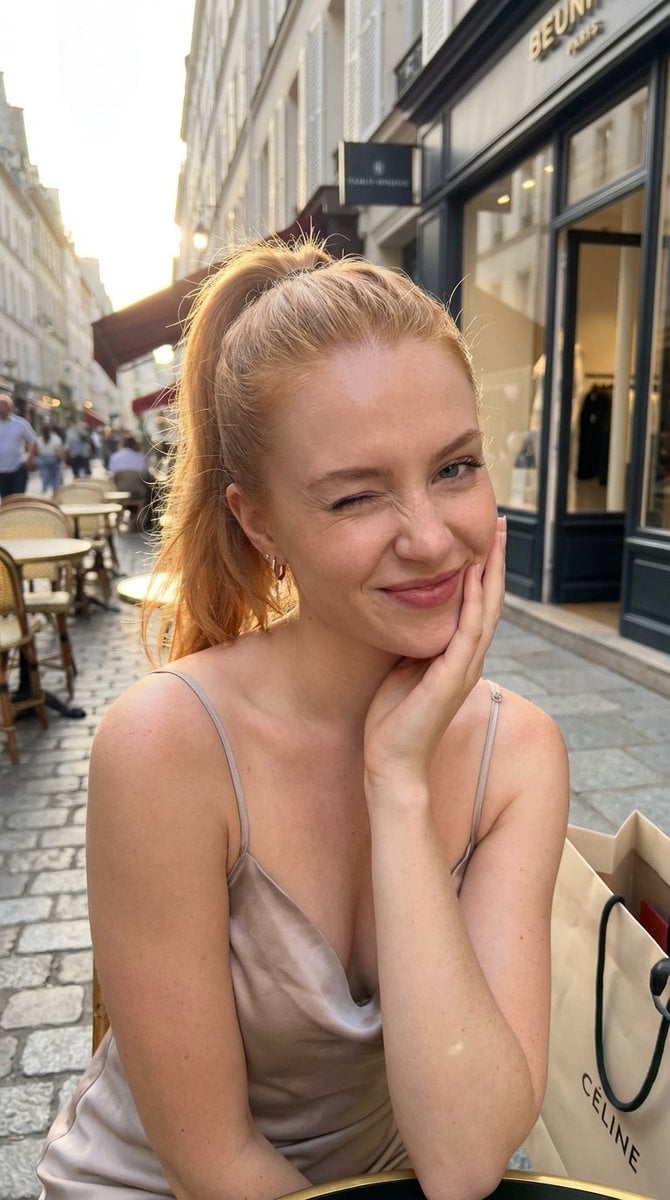
Golden Hour City Street Portrait of a Supermodel
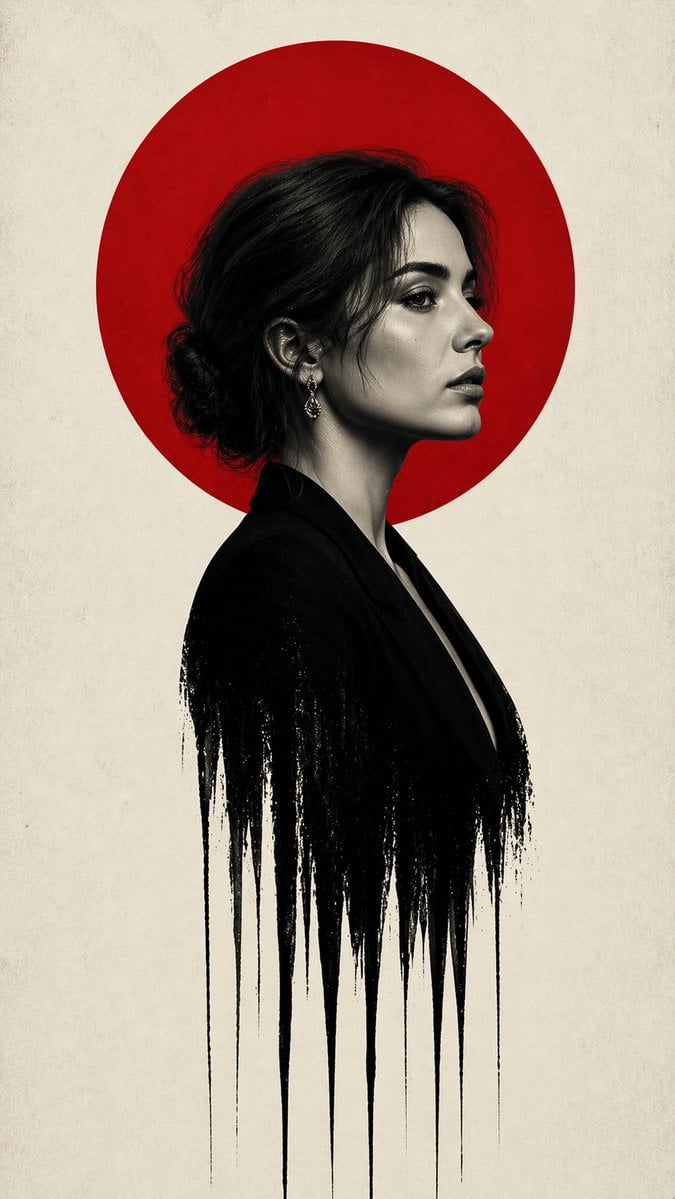
Noir Woman With Red Halo Poster
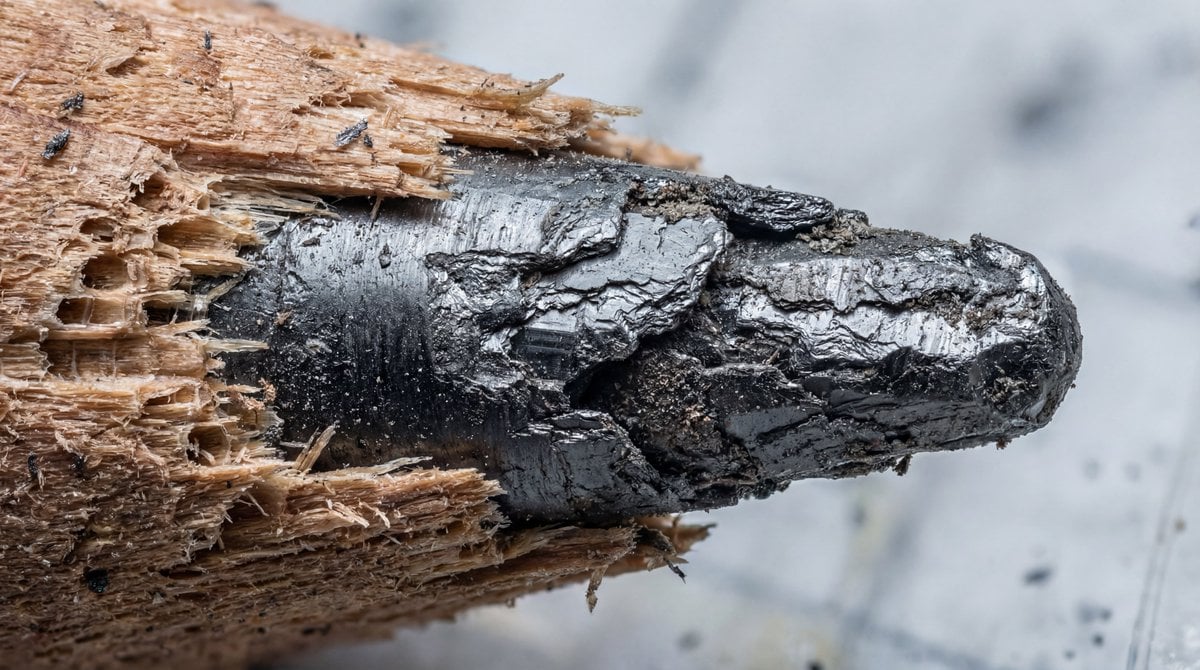
Microscopic View of a Pencil Tip
Browse template categories
Club Crest Isometric Miniature Diorama questions
How do I use the Club Crest Isometric Miniature Diorama template?
Add your photo if the template asks for one, edit the prompt if you like — the template's model and format are already selected — and press Generate. Your version opens in PicX Studio.
Can I customize the Club Crest Isometric Miniature Diorama template?
Yes. You can change the subject, setting, lighting, mood, format, and available model controls before creating your image.
Is the Club Crest Isometric Miniature Diorama template free?
Opening and editing this template is free. Generating uses credits, shown on the Generate button when you are signed in.
Which AI model should I use?
Start with GPT Image 2, which is the model associated with this template. You can compare another compatible model for a different finish.
Looking for something else? Browse all templates.

Your photo, any look
Thousands of ready templates for every top image and video model, from one credit balance.