
Spike Spiegel Comic Book Style
A detailed comic book art style prompt for the character Spike Spiegel in a gritty, neon-lit urban environment.
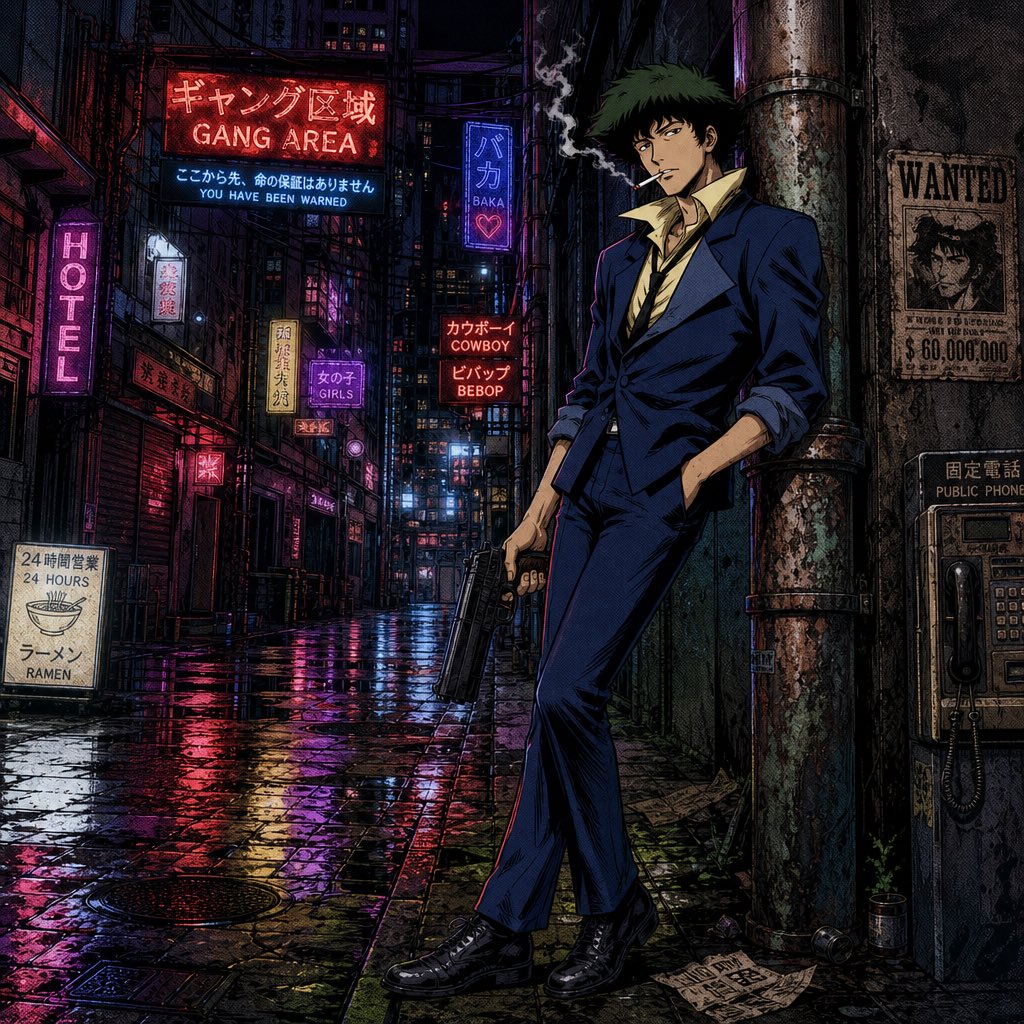
- Prompt included
- Model and format preset
- Free template
The prompt behind this image
Copy the exact prompt behind Spike Spiegel Comic Book Style, or open it in the studio and make it yours.
{argument name="character" default="Spike Spiegel from Cowboy Bebop"}, standing and leaning against a rusty pipe in a {argument name="setting" default="gritty, wet alleyway at night"}. The character has messy dark green hair, a lean face, and a bored expression, smoking a cigarette looking towards camera. He wears a {argument name="clothing" default="dark blue tailored suit, a yellow unbuttoned shirt, and a loose black tie"}, holding a large black pistol. The background is a dark, gritty damp urban landscape with rain-slicked cobblestones reflecting colorful neon signs with Japanese and English text. Dramatic neo-noir lighting with deep shadows and vibrant neon glow. {argument name="art style" default="American comic book art style"}, thick linework, cross-hatching, and visible halftone dot screen tones. Full-body shot, detailed environment. High quality.
How to use Spike Spiegel Comic Book Style in 3 steps
- 1
Open
The prompt is already in the box next to the preview, with the template's model and format selected.
- 2…a portrait of your subject in softgolden-hour light, 85mm…
Personalize
Edit the subject and creative details for your destination.
- 3Generate
Generate
Press Generate — your image is created in PicX Studio, so you can compare it with the original and refine one variable at a time.
More like this
Templates with the same subject, style or setup. Open one to see its prompt.
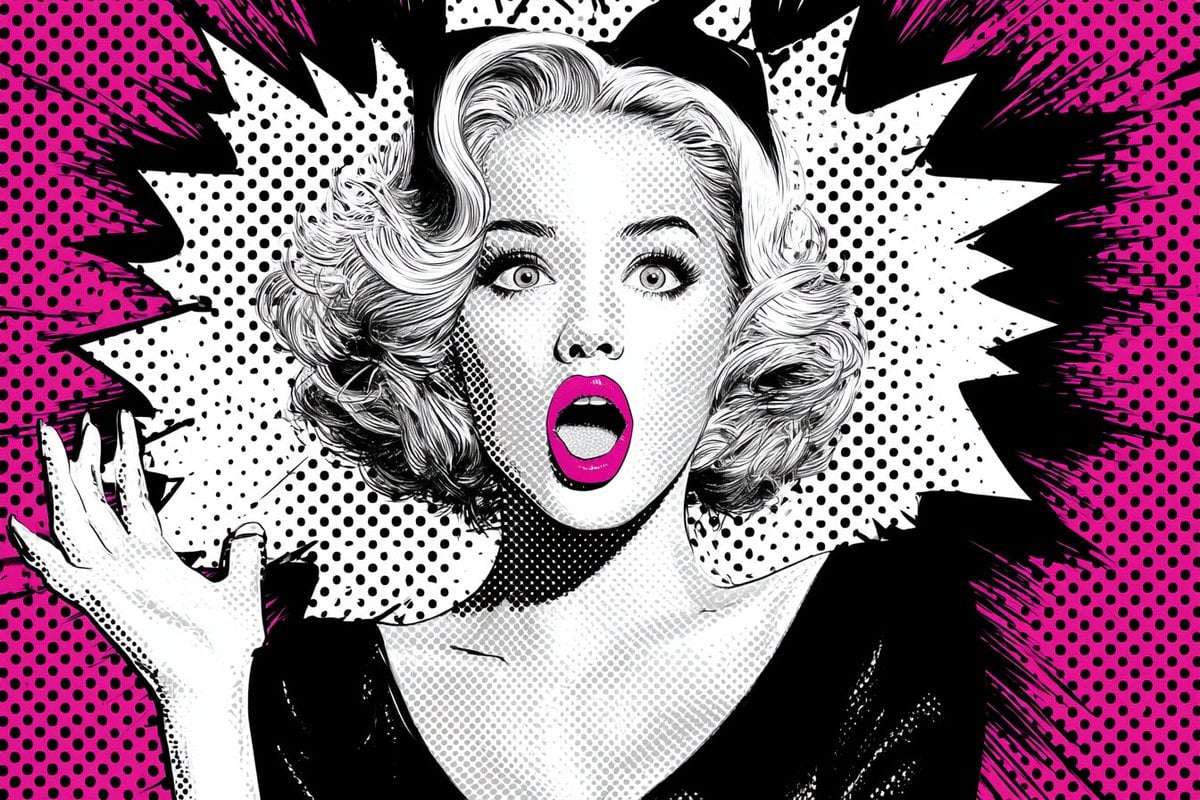
Pop Art Superhero Explosion Poster
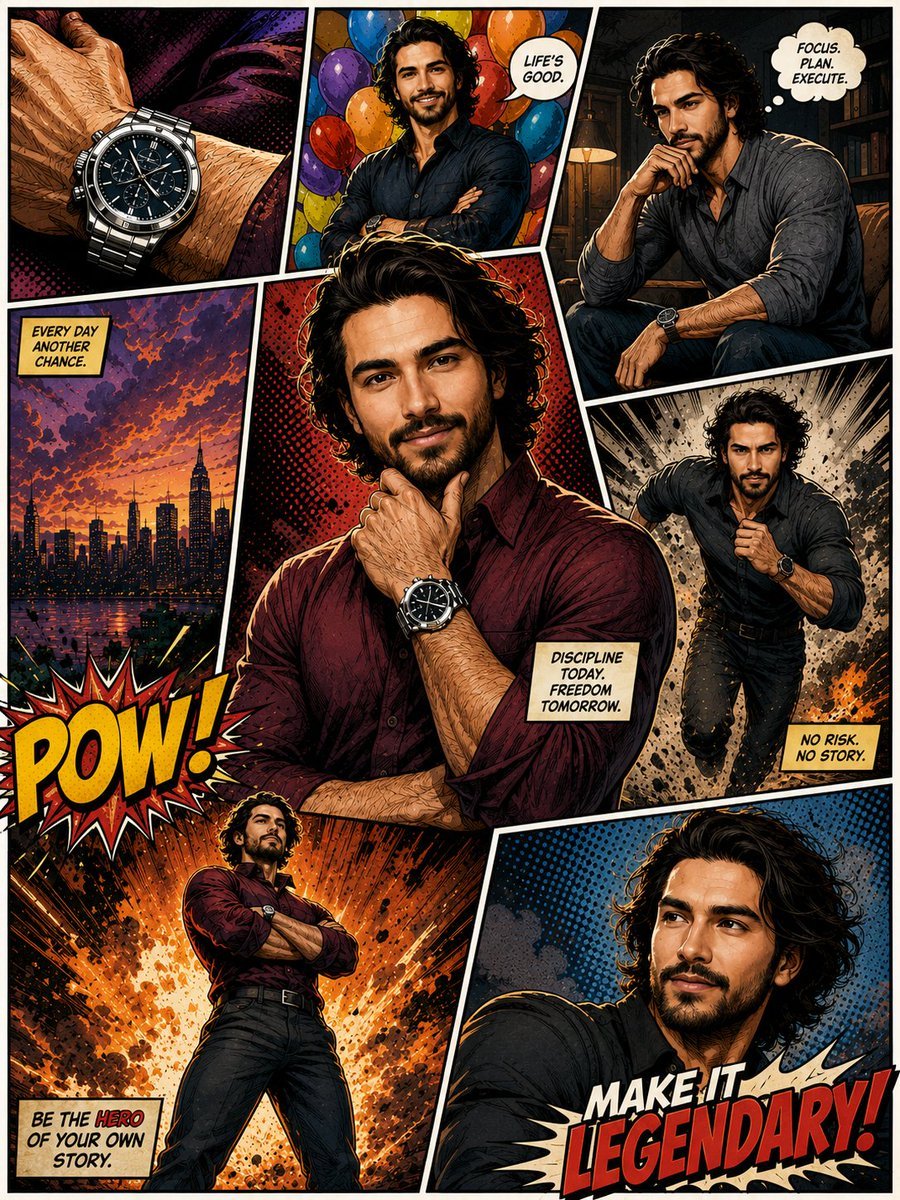
Hero Portrait Comic Multi-Panel Poster
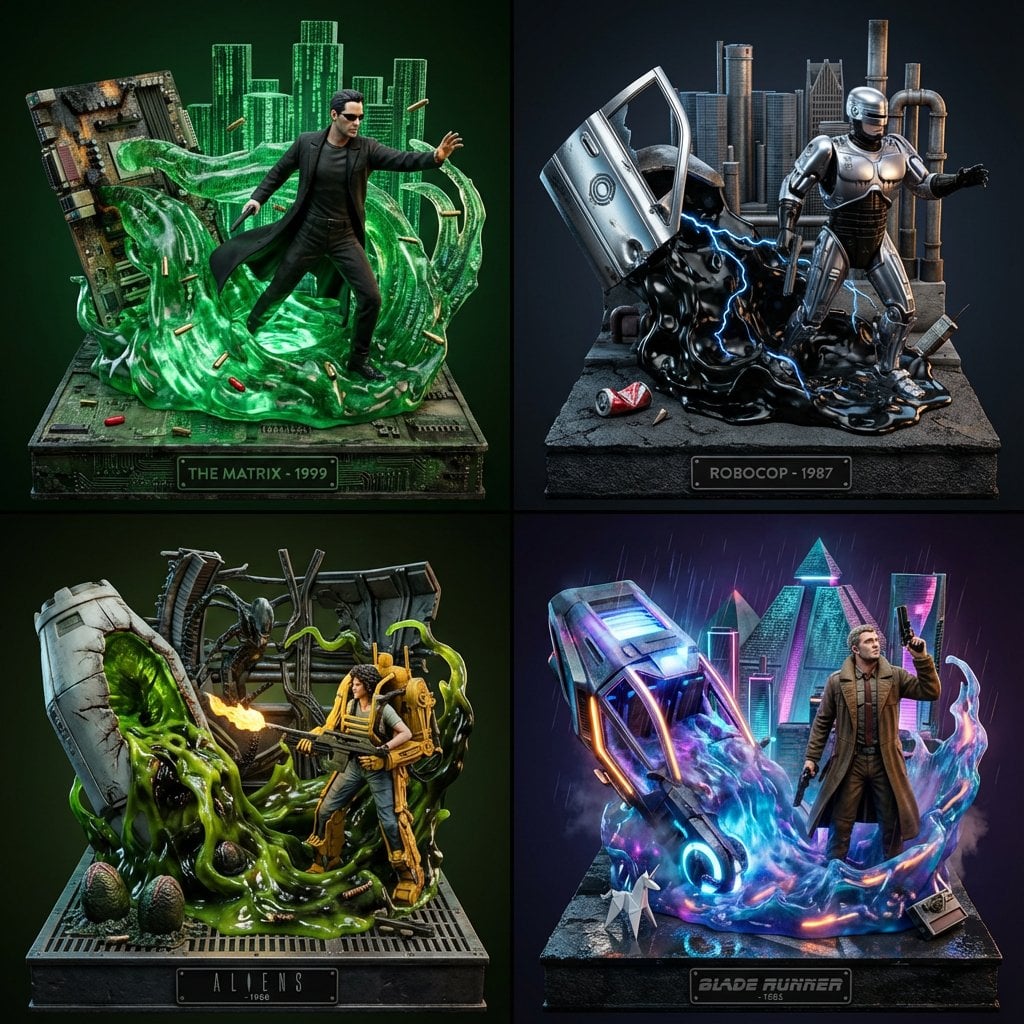
Spider-Man Noir Detective Rain Alley
Gpt2 E Commerce Main Image 9 Panel Product Tvc Storyboard
Fluorescent Comic Book Monster Encounter
Football Star Bursting From Comic Book
Red Spiked Mask Cabinet Still Life
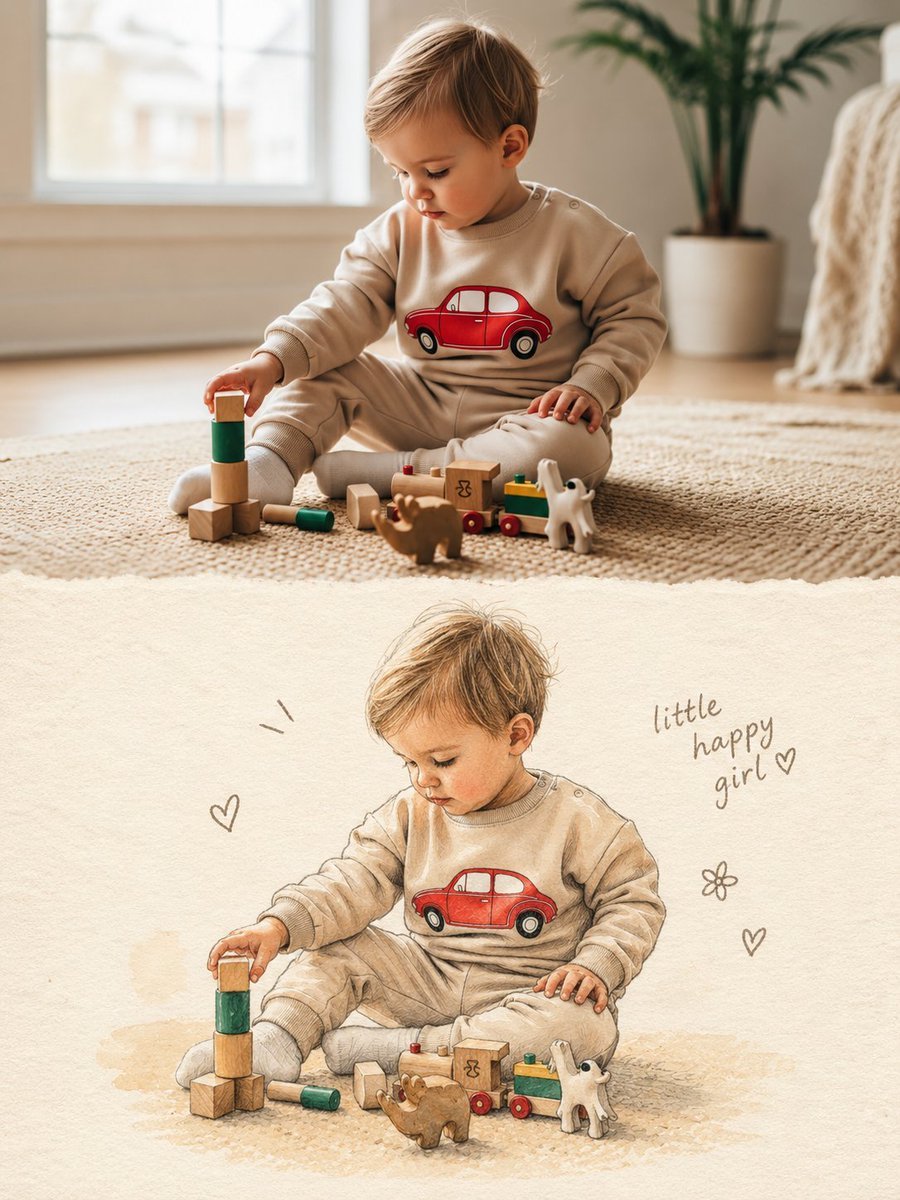
Split Photo and Storybook Illustration
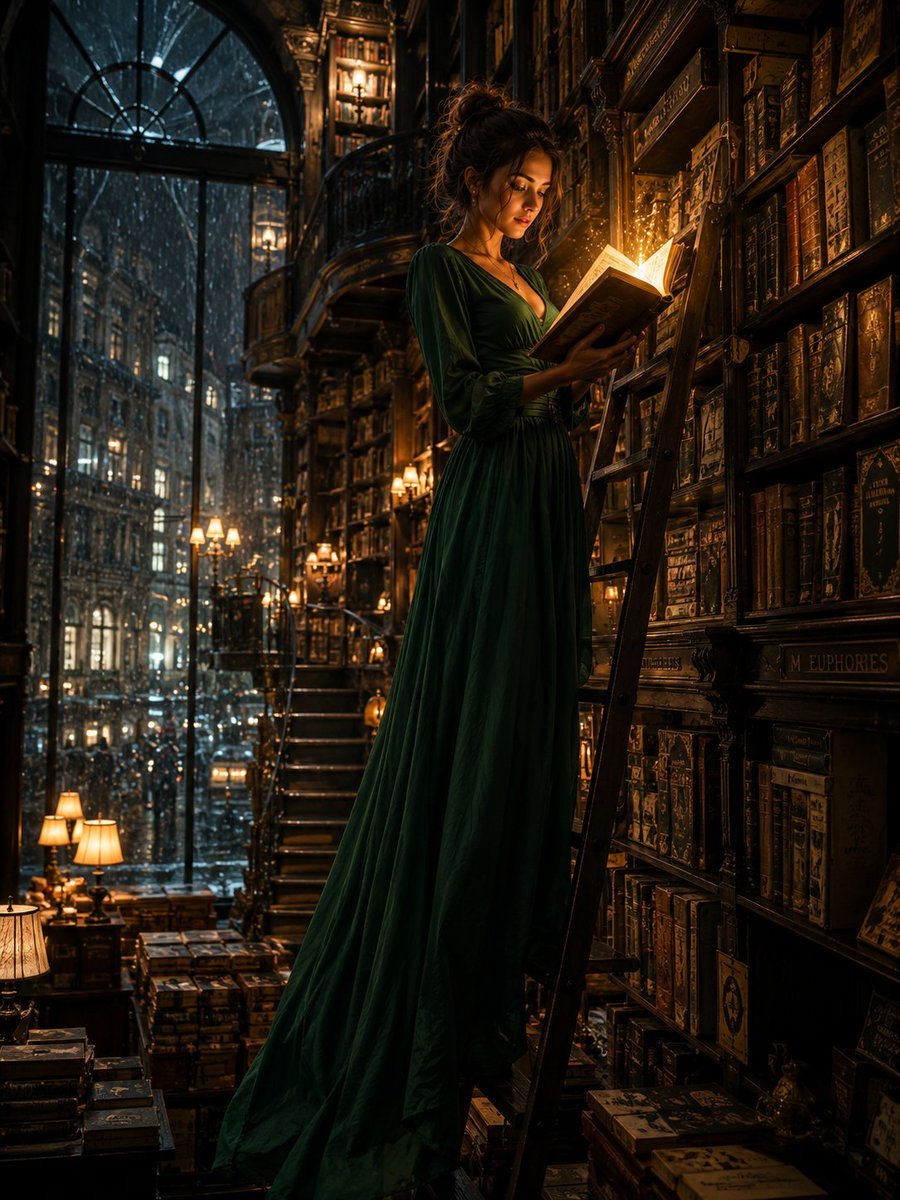
Cinematic Midnight Bookstore Mystery
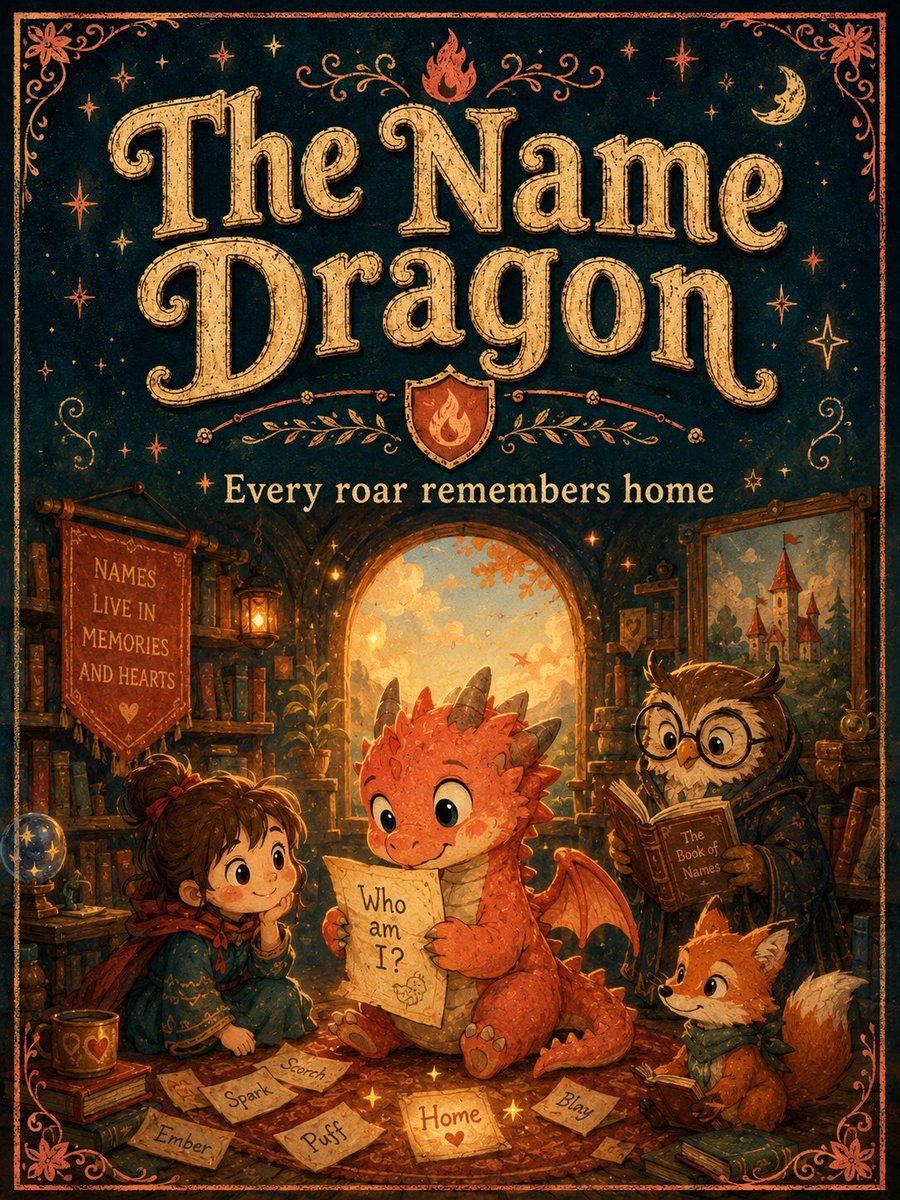
Vintage Name Dragon Storybook Poster

Three Kingdoms Pop-Up Book Scene
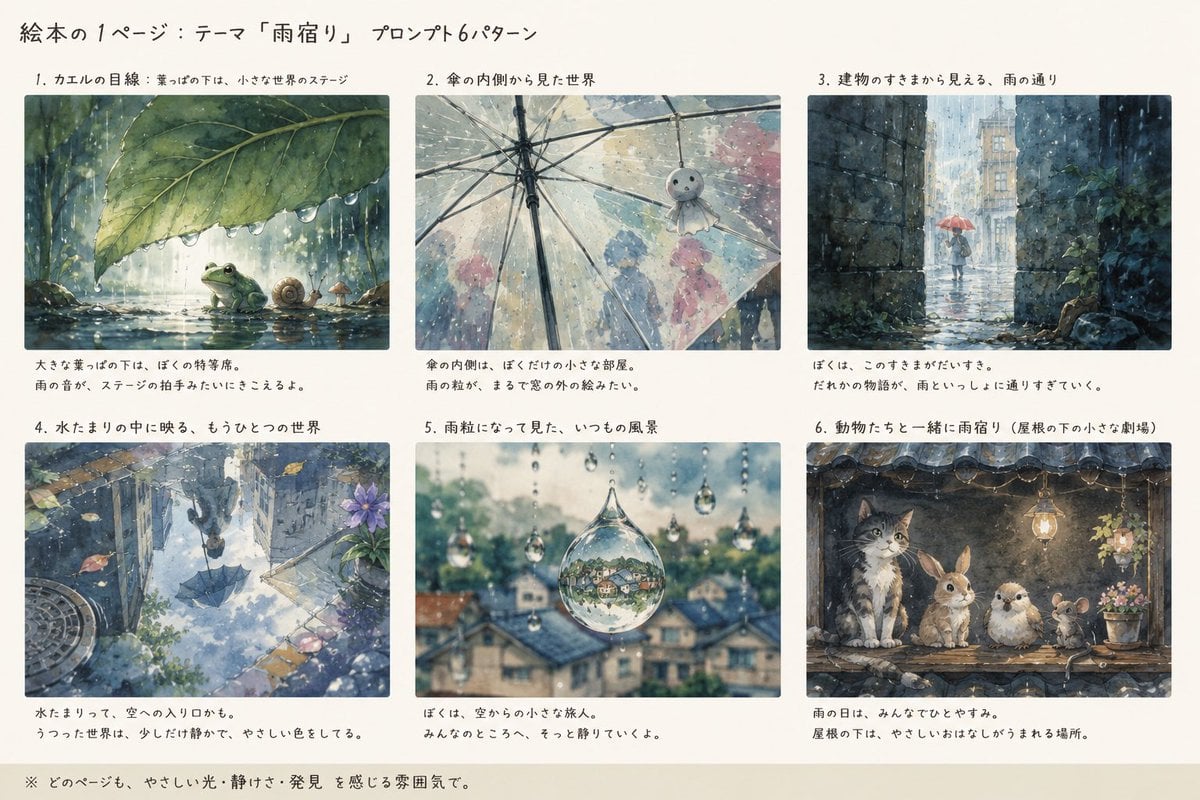
Rain Lodging Picture Book Prompt Sheet
Make it yours
Spike Spiegel Comic Book Style works as-is. These are the safest ways to change it without losing the look.
Change one field
Copy a single group, rewrite it, and generate again so you can see what that field is doing.
Keep the frame, change the subject
Hold the composition and light of Spike Spiegel Comic Book Style, then swap wardrobe, props or the person for a new take.
| If the result… | Why | Fix |
|---|---|---|
| The result drifts from the preview | Too many fields changed at once. | Reuse Spike Spiegel Comic Book Style as-is first, then change one group — subject, light, or setting. |
| The model over-stylizes the scene | The prose prompt leaves finish and camera underspecified. | Add one camera or lighting sentence and stay on GPT Image 2. |
More GPT Image 2 templates
Other prompts made for GPT Image 2.

Six VTuber Japanese Logo Sheet

Realistic Portrait of Woman and Deer

The Vista Modular Condo Poster

AI Model Routing Comparison Infographic

2.5D Anime Art Board

Isometric Productivity Desk Scene

New York Double Exposure Poster

Four-Panel AI Landscape Comparison

Japanese Tatami Lifestyle Magazine Cover

NESCAFÉ Coffee Map Poster
More image prompts
Fresh picks from across the catalog.
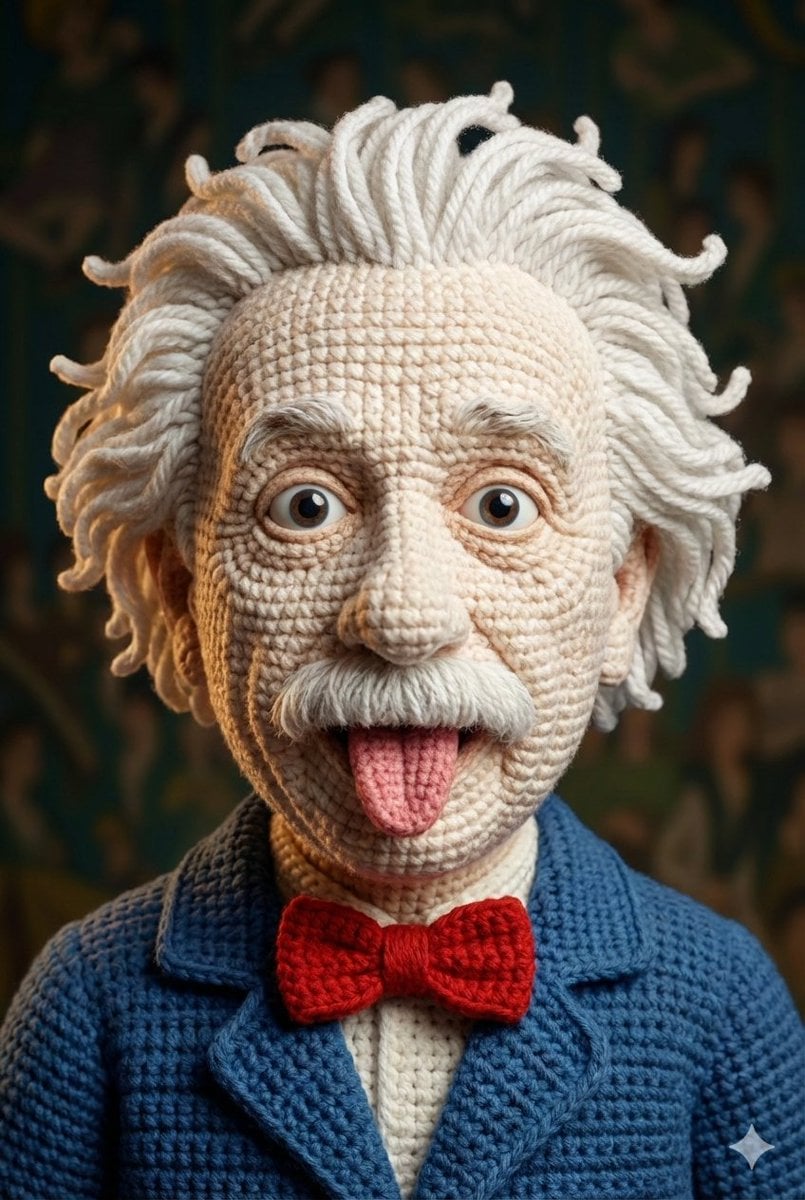
Hyper-Detailed Crocheted Portrait of a Legend
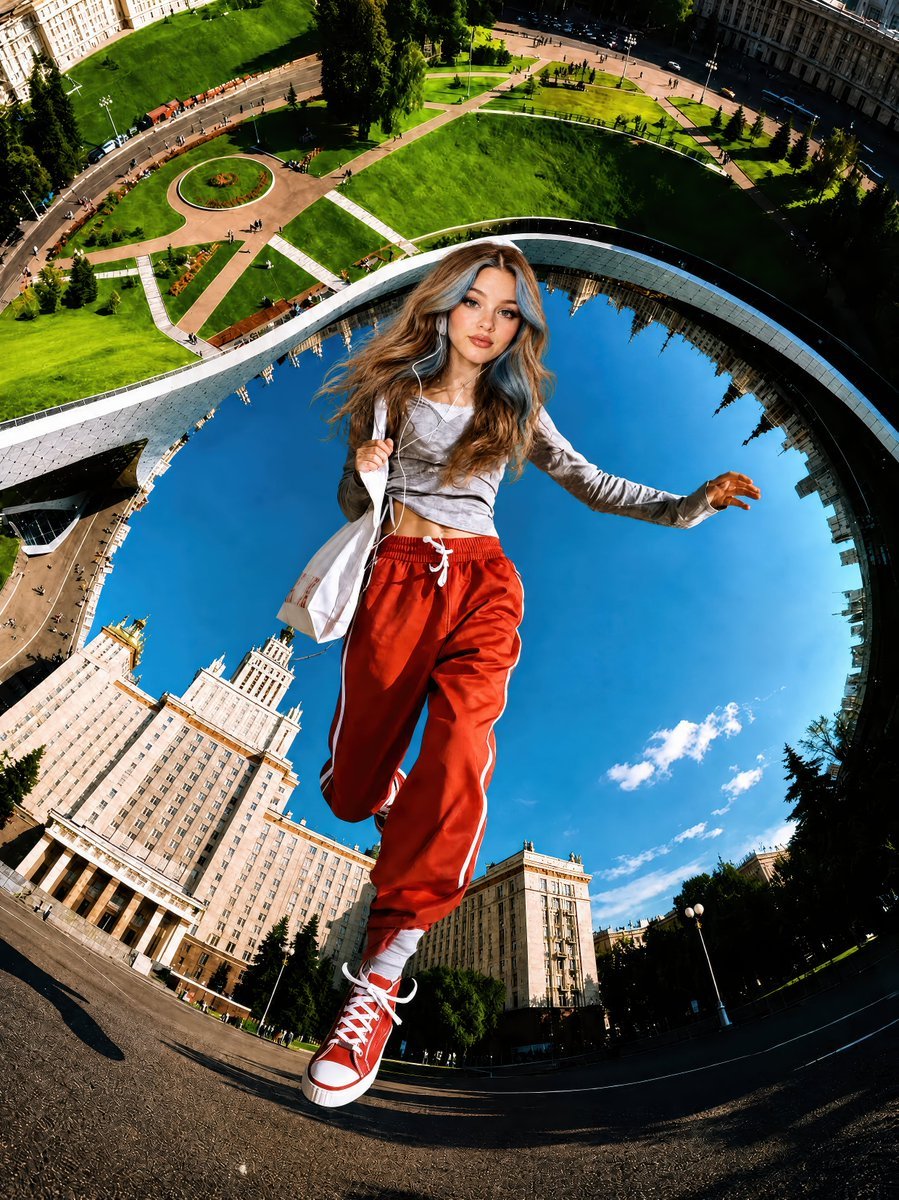
Surreal Fisheye Stadium Portrait
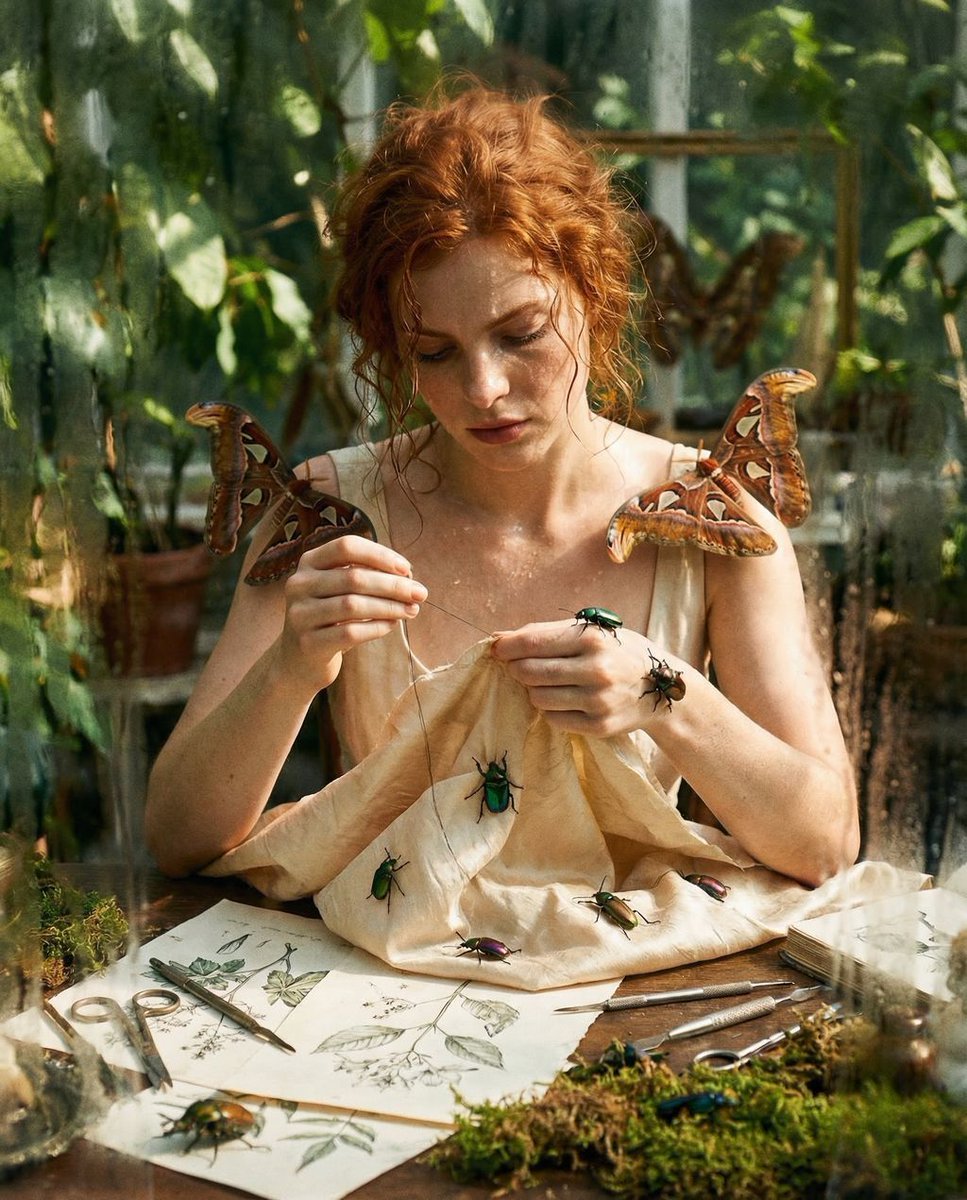
Surreal High Fashion Editorial Prompt with Living Insects
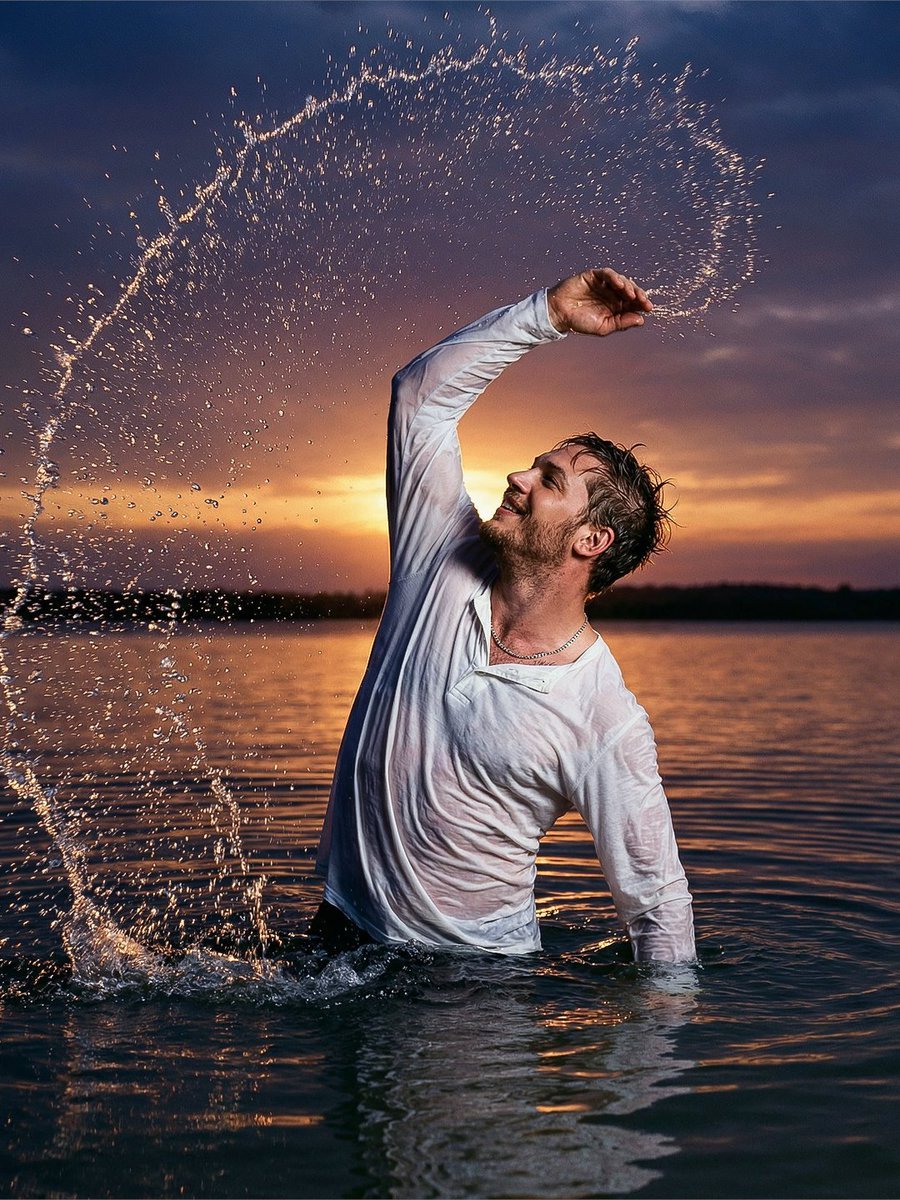
Cinematic Sunset Water Splash Portrait
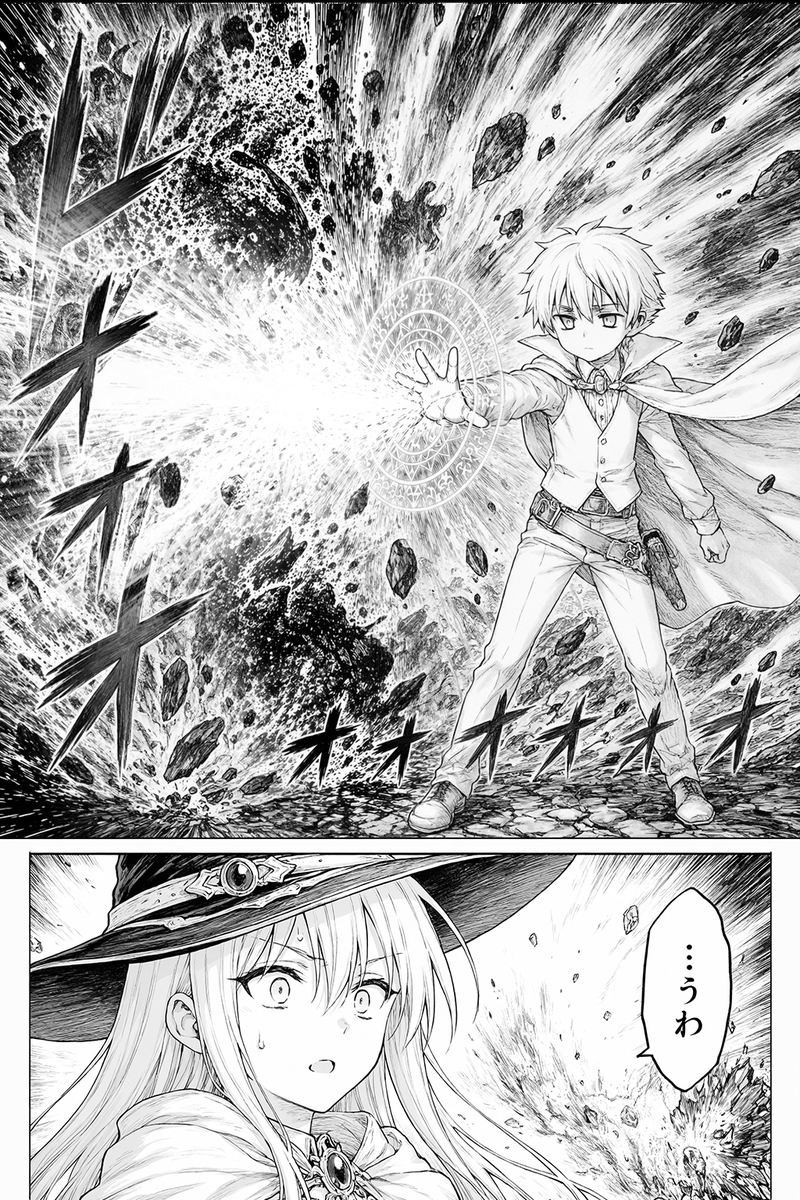
Fantasy Manga Spell Explosion Page
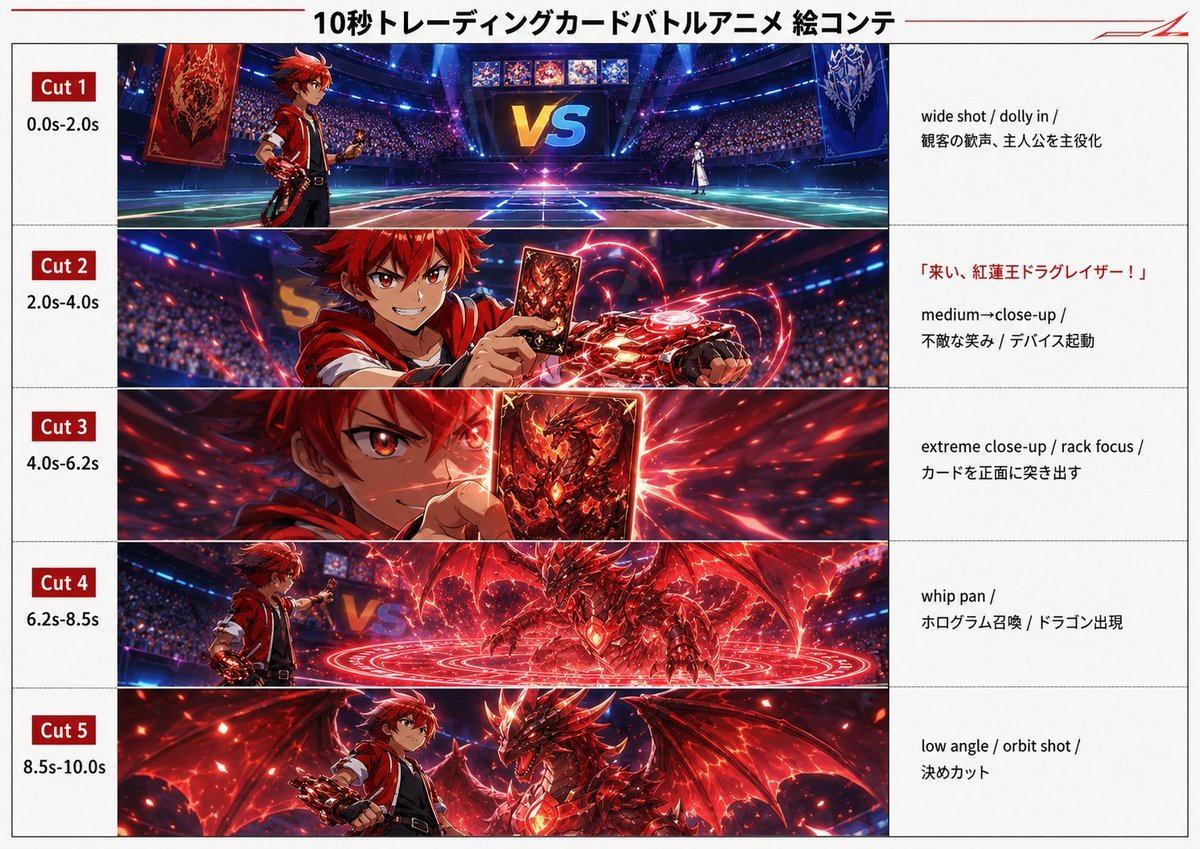
Trading Card Battle Anime Storyboard
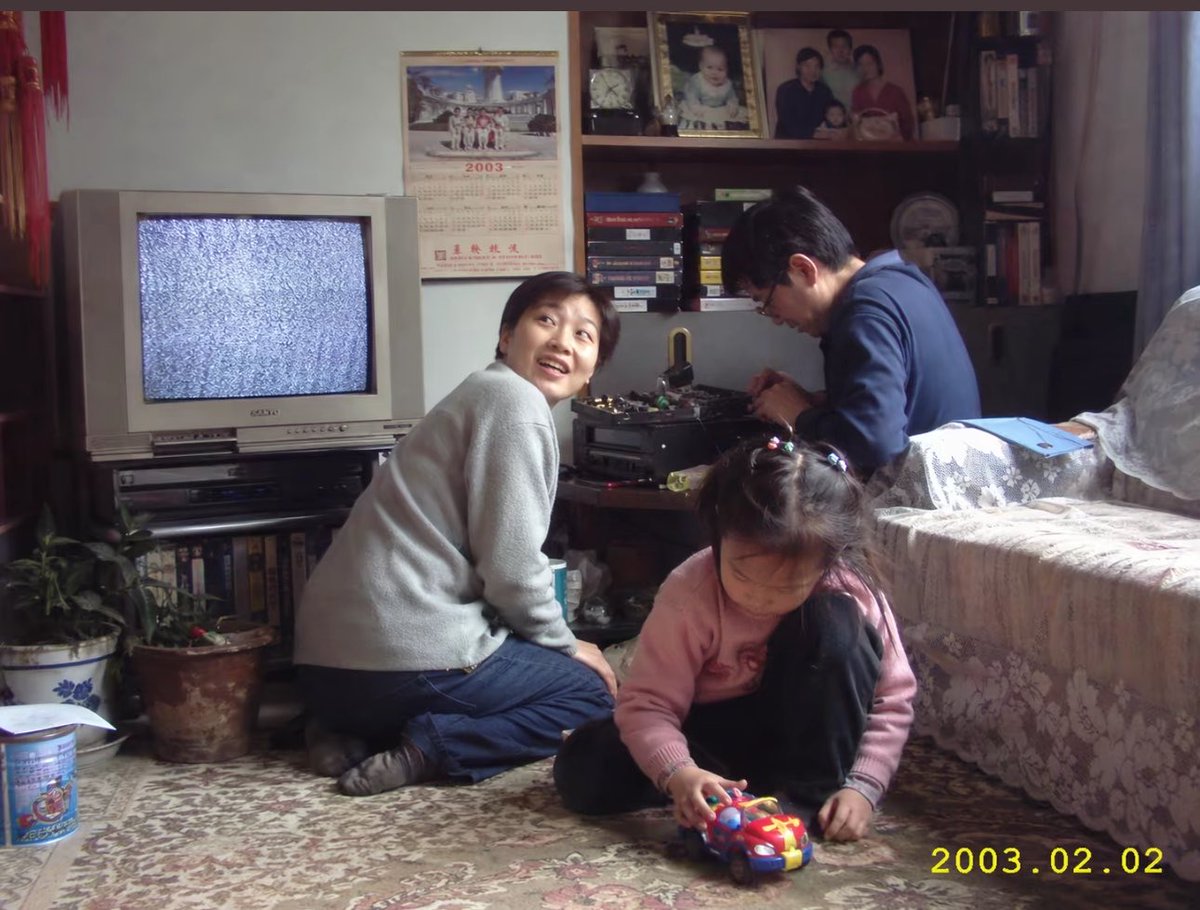
Early 2000s Family Living Room Photo
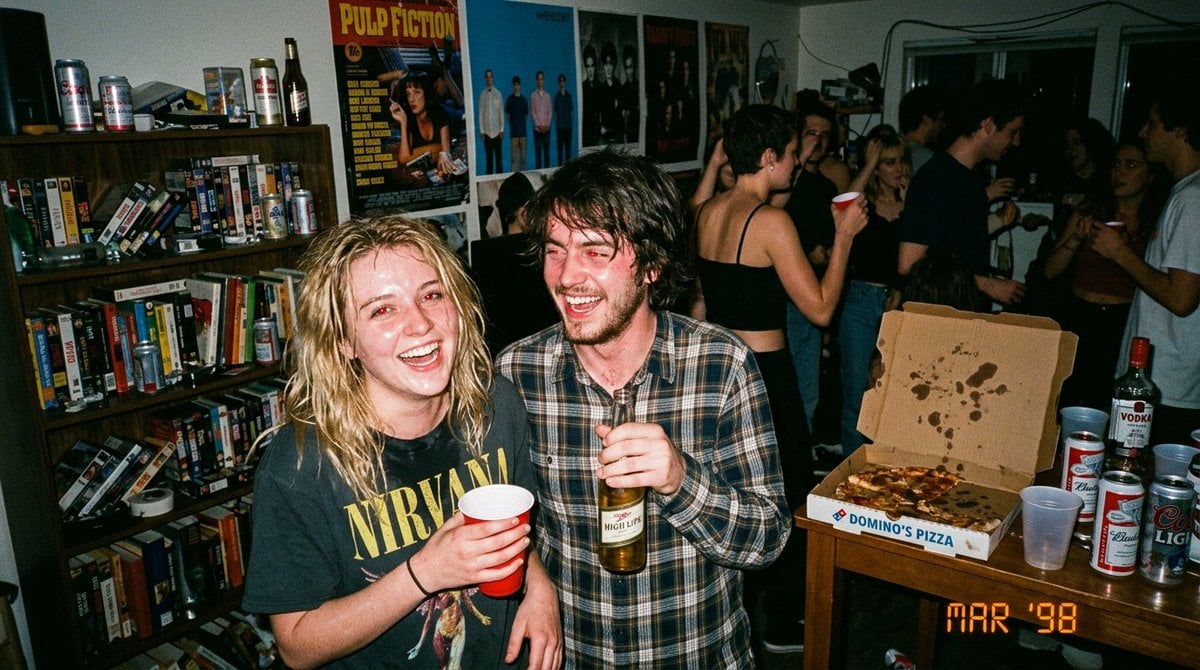
1990s Disposable Camera Party Photo Prompt
Selfie with Sydney Sweeney and Ana De Ar
Hyperrealistic Dark Sorcerer Portrait
Browse template categories
Spike Spiegel Comic Book Style questions
How do I use the Spike Spiegel Comic Book Style template?
Add your photo if the template asks for one, edit the prompt if you like — the template's model and format are already selected — and press Generate. Your version opens in PicX Studio.
Can I customize the Spike Spiegel Comic Book Style template?
Yes. You can change the subject, setting, lighting, mood, format, and available model controls before creating your image.
Is the Spike Spiegel Comic Book Style template free?
Opening and editing this template is free. Generating uses credits, shown on the Generate button when you are signed in.
Which AI model should I use?
Start with GPT Image 2, which is the model associated with this template. You can compare another compatible model for a different finish.
Looking for something else? Browse all templates.

Your photo, any look
Thousands of ready templates for every top image and video model, from one credit balance.