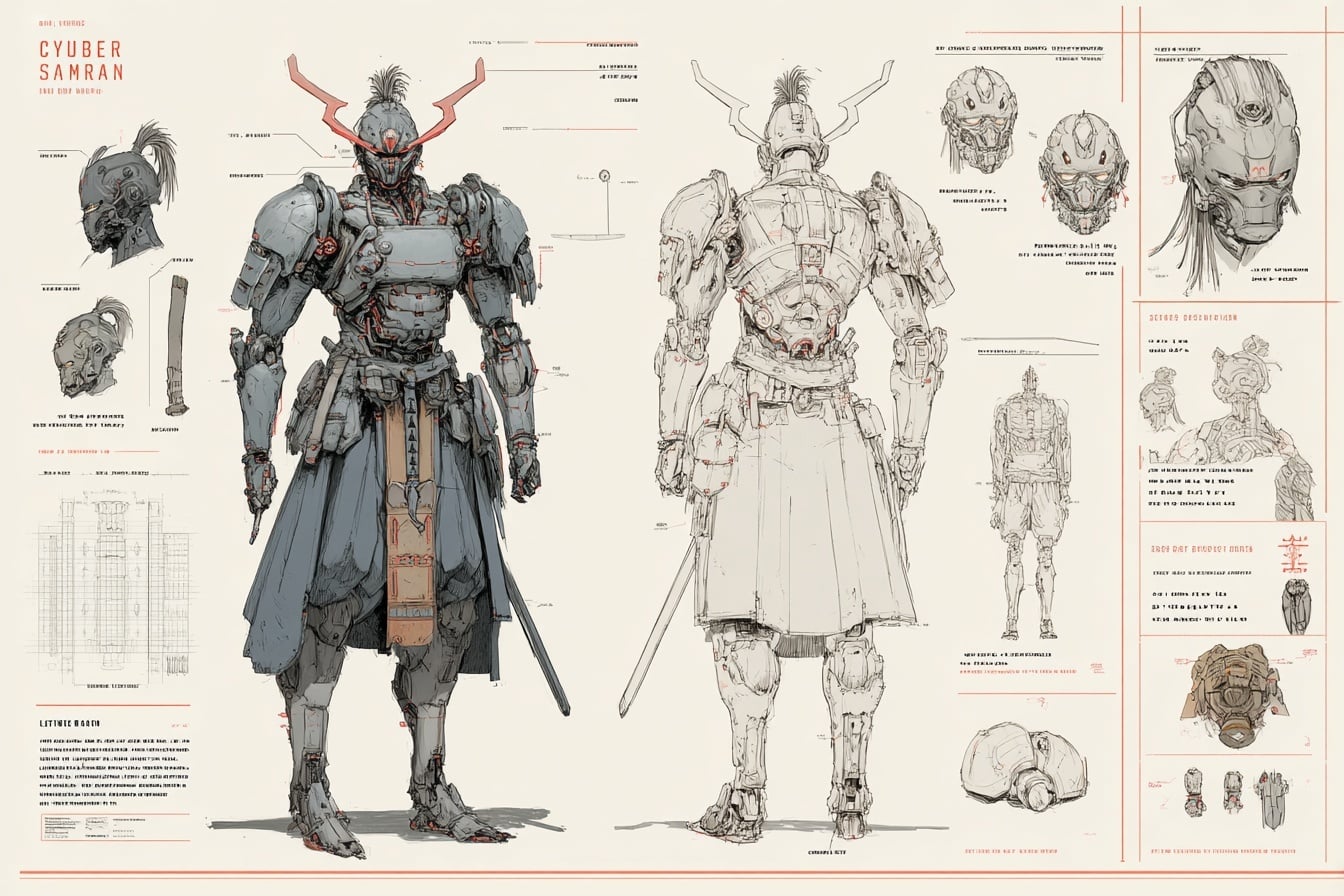
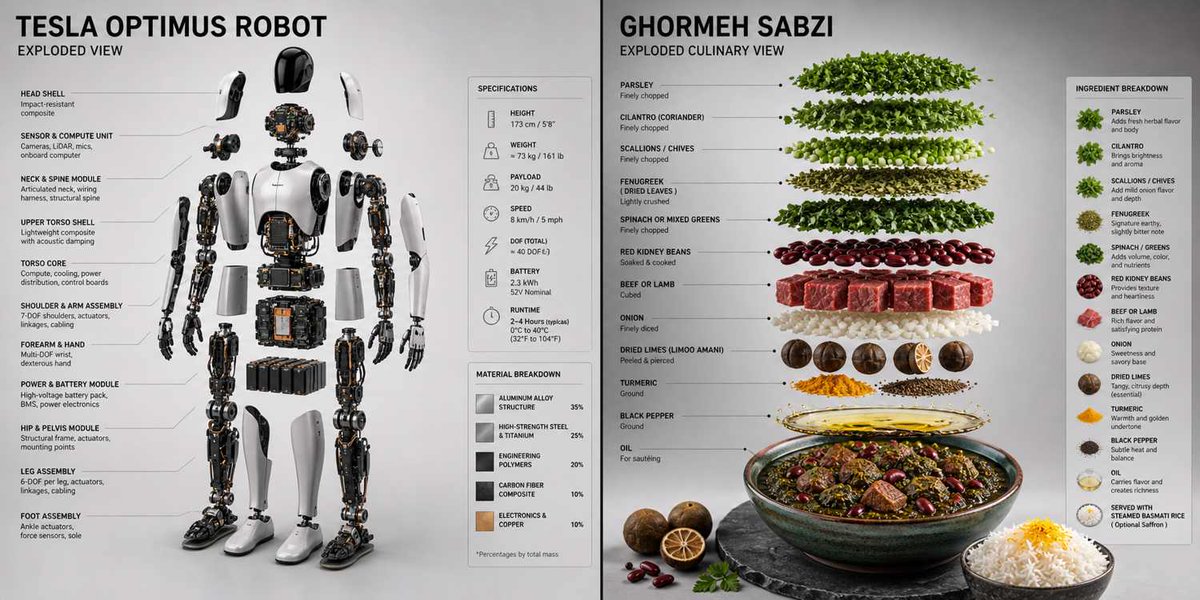
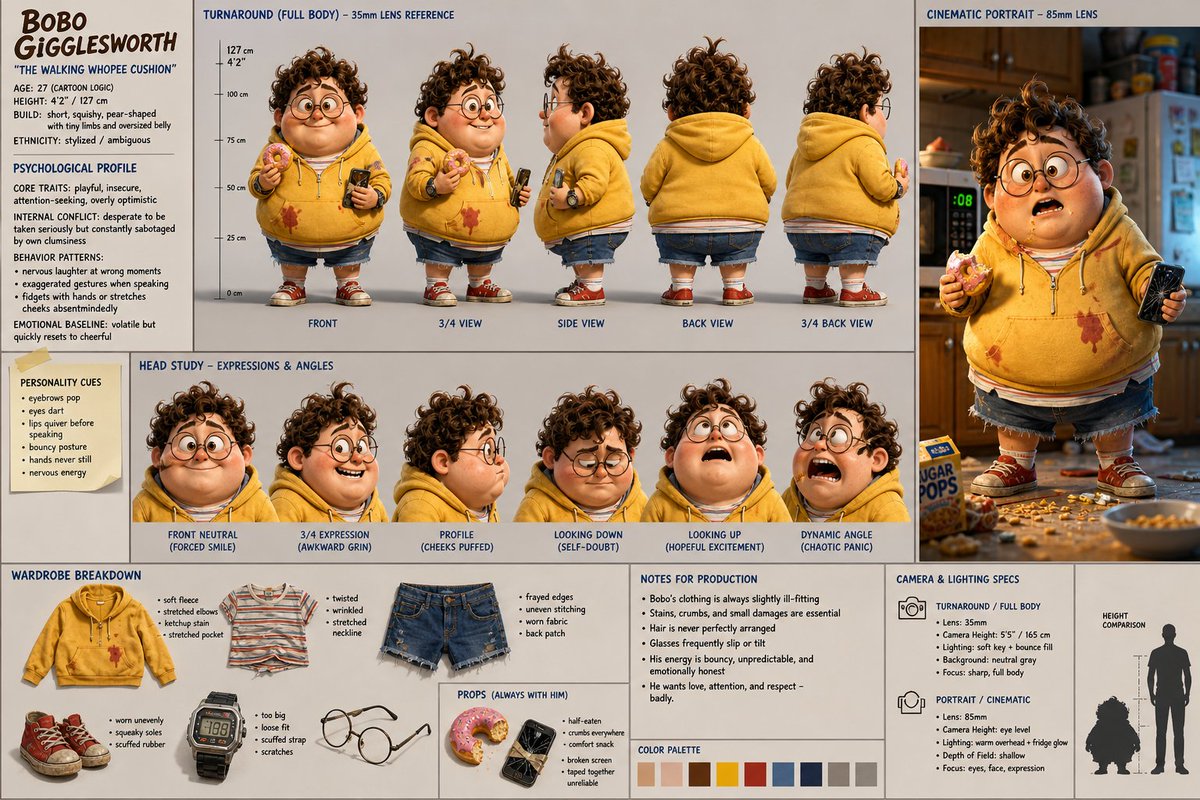
How do I use the Blueprint-to-Model Desk Diorama template?
Choose the primary action to open PicX Studio with the available template settings. Review the model and format, personalize the creative direction, and generate when ready.
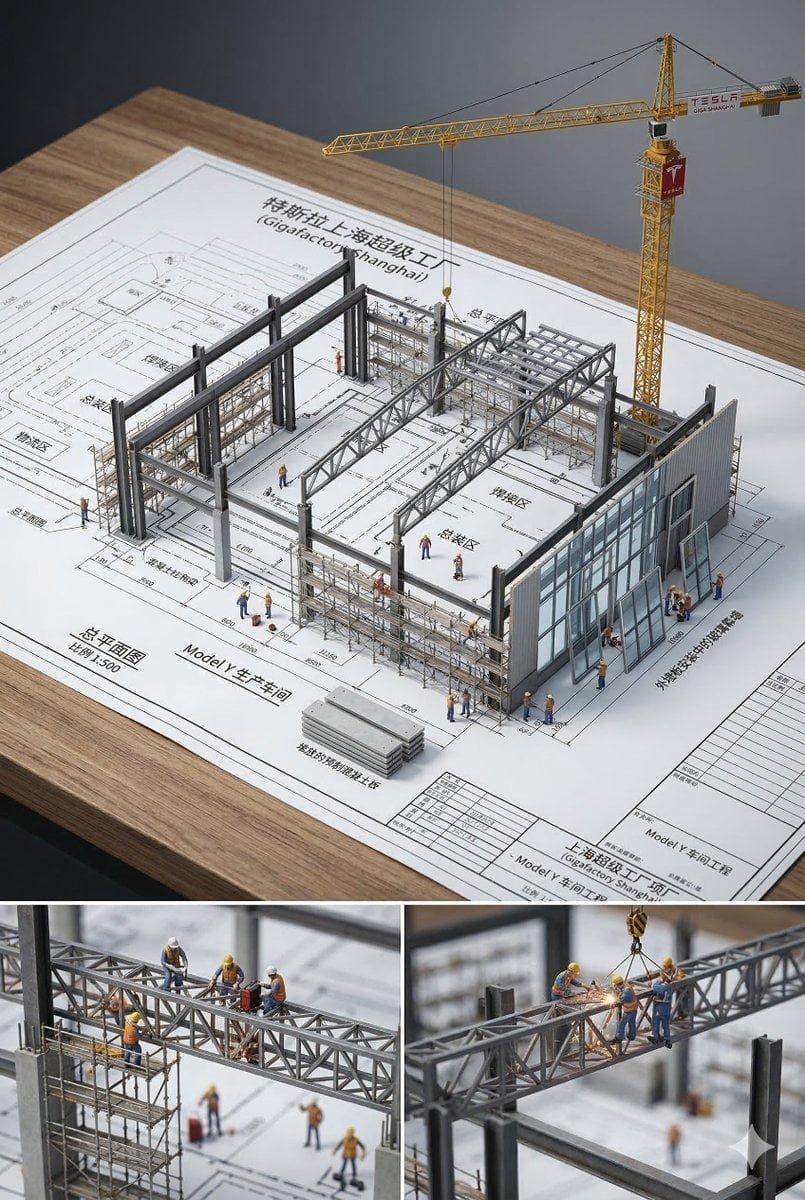
A technical prompt for generating isometric miniature product photos of architect-themed dioramas with a blueprint aesthetic.
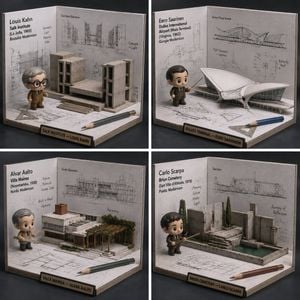
Function DrawArchitecture(input building/architect) Input Variable: {argument name="building or architect" default="Fallingwater"} System Instruction: Generate a hyper-realistic, 1:1 product photo of a "Blueprint-to-Model Desk Diorama" (Isometric miniature). 1. Semantic Extraction: - Identify style (brutalist, modernist, gothic), key forms, and one signature feature (cantilever, arch, atrium). - Figure: Chibi “architect” avatar holding a tiny scale ruler. - Finish: Matte PVC. 2. Container (Drafting Corner Box): - Structure: U-shaped cardboard drafting station (two walls + floor), desktop scale. - Props: tiny triangle ruler, pencil, scale bar. 3. Background (Blueprint Walls): - Walls: B&W blueprint lines, elevation drawings, annotations (original, inspired). - Floor: Blueprint fragments “explode” upward into paper folds. 4. Integration: - A 2D blueprint line rises into a 3D model piece (a wall or arch popping out) that the figure points at. 5. Visual Syntax: - Palette: Strict B&W blueprint world; full color figure + one accent prop. - Lighting: soft product photo, crisp details. - Label: "[Subject] — [Style/Architect]" Return: ONE image, 1:1, museum-miniature realism. <instructions> Input: building/architect Analyze style, era, signature geometry. Find 4 MUCH lesser-known buildings/architects in same lineage. Output: a 2x2 grid, each panel is DrawArchitecture for a lesser-known recommendation. </instructions>
Choose the primary action to open PicX Studio with the available template settings. Review the model and format, personalize the creative direction, and generate when ready.
Yes. You can change the subject, setting, lighting, mood, format, and available model controls before creating your image.
This template is free to open and customize. Generation usage is shown in PicX Studio before you create.
Start with GPT Image 2, which is the model associated with this template. You can compare another compatible model for a different finish.
Follow a topic to a crawlable collection of related PicX Studio templates.