How do I use the Rainy Japanese Apartment at Night template?
Choose the primary action to open PicX Studio with the available template settings. Review the model and format, personalize the creative direction, and generate when ready.
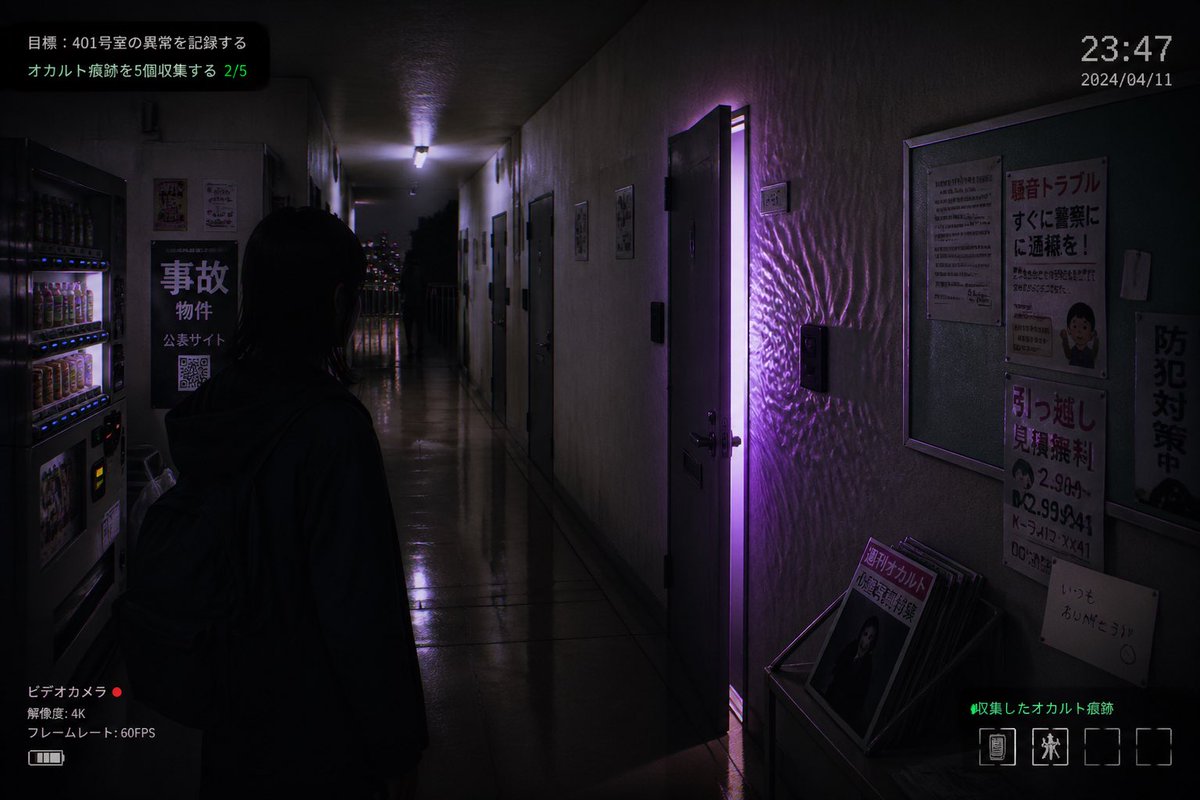
A cinematic night scene of an old Japanese apartment complex with one warmly lit balcony and a lonely figure, ideal for eerie film-still visuals.
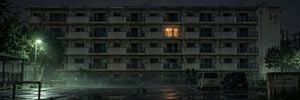
Create a cinematic ultra-wide nighttime exterior shot of an old Japanese public housing apartment block, labeled faintly with “3-2” on the upper right wall. The scene is dark, rainy, and atmospheric, with a wet asphalt courtyard in the foreground reflecting lights and puddles. The building is a long, weathered concrete structure with 5 visible residential floors, rows of small balconies, dark windows, stains, pipes, railings, and aged facade details. Only one apartment near the upper center is warmly lit with an orange glow; on that balcony stands a small solitary figure, {argument name="person action" default="quietly waving one hand"}, silhouetted against the light. In the foreground include exactly 4 main objects: one glowing streetlamp on the left casting greenish-white light through mist, one small child’s tricycle near the center of the empty courtyard, two parked kei vans on the right. Add dark trees on both sides, a bicycle shelter barely visible at far left, low metal railings, and a worn signboard on the far right with Japanese neighborhood notice text. Use a realistic film still style, moody horror-drama atmosphere, low-key lighting, damp haze, subtle fog, high detail, deep shadows, muted green-gray color grading, anamorphic widescreen composition, quiet unsettling emptiness. Customize the setting as {argument name="location" default="a Japanese apartment complex courtyard"}, time as {argument name="time of day" default="late night after rain"}, building mood as {argument name="building condition" default="old, stained, and neglected"}, and balcony light color as {argument name="balcony light color" default="warm amber"}. No people other than the single balcony figure, no text overlays, no watermark.
Choose the primary action to open PicX Studio with the available template settings. Review the model and format, personalize the creative direction, and generate when ready.
Yes. You can change the subject, setting, lighting, mood, format, and available model controls before creating your image.
This template is free to open and customize. Generation usage is shown in PicX Studio before you create.
Start with GPT Image 2, which is the model associated with this template. You can compare another compatible model for a different finish.
Follow a topic to a crawlable collection of related PicX Studio templates.