
Minimal Fashion Exhibition Poster
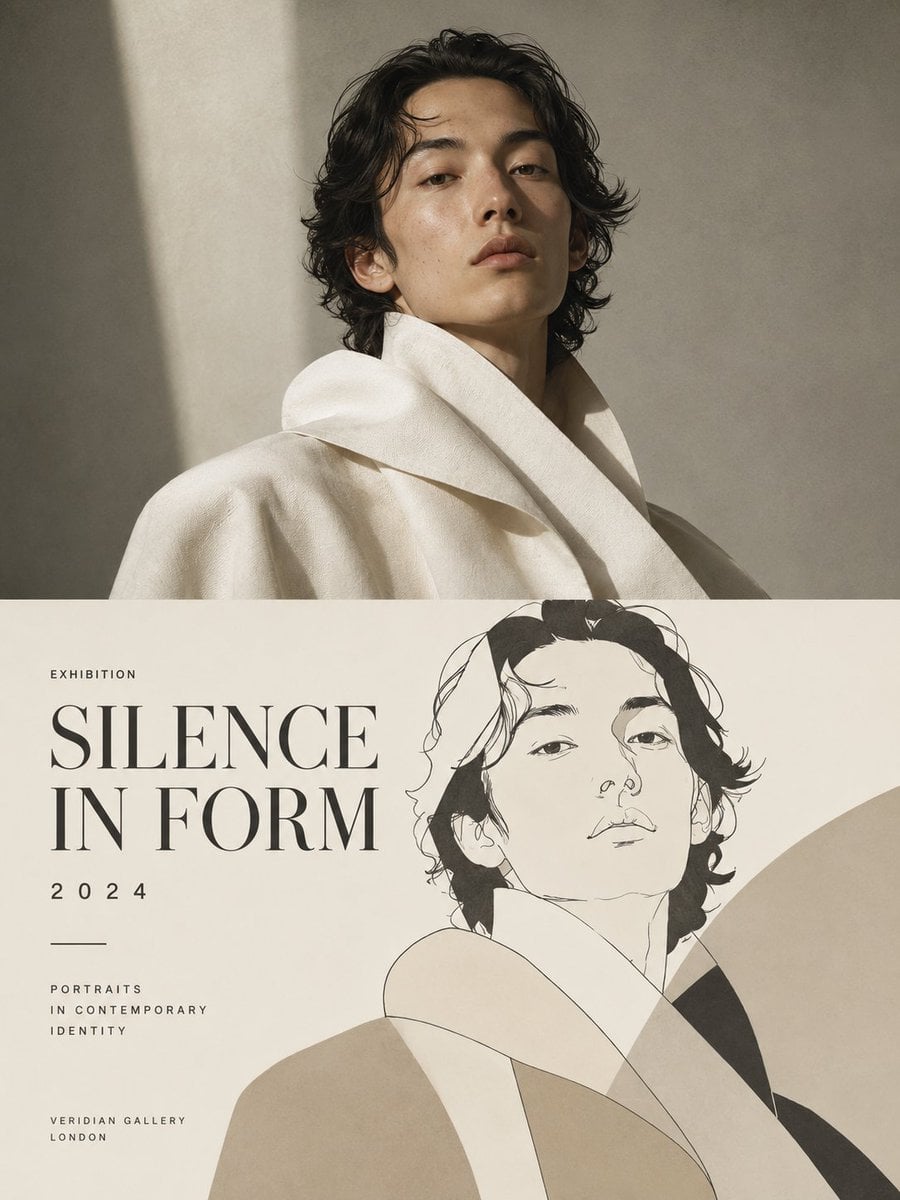
Generates a luxury gallery poster with a photographic male portrait above and minimalist illustrated exhibition typography below.
- Prompt included
- Model and format preset
- Free template
The prompt behind this image
Copy the exact prompt behind Minimal Fashion Exhibition Poster, or open it in the studio and make it yours.
Goal: Create a refined vertical exhibition poster combining fashion photography and minimalist editorial illustration for a contemporary portrait show titled {argument name="headline text" default="SILENCE IN FORM"}. Canvas: Portrait orientation, 3:4 ratio, cream and warm gray palette, high-end gallery catalog aesthetic, clean margins, no frame or watermark. Layout: Split the poster into exactly 2 horizontal panels. The top panel occupies about 55% of the height and contains a realistic studio portrait. The bottom panel occupies about 45% of the height and contains exhibition typography on the left plus a large line-art portrait illustration on the right, overlapping softly with abstract beige shapes. Top panel subject: A young East Asian male model, early 20s, slim face, calm serious expression, slightly parted lips, looking down toward the viewer with a poised fashion-editorial attitude. He has {argument name="hair style" default="medium-length wavy black hair"}, natural skin texture, minimal makeup, and wears a sculptural oversized {argument name="coat color" default="ivory"} wool coat or robe with a large folded collar and soft heavy fabric. Crop from chest up, body angled slightly left, head centered-right. Background is a textured taupe plaster wall with a strong diagonal beam of sunlight from upper left, soft shadows, cinematic natural light, muted contrast. Bottom panel: Use an off-white paper background. On the left, place exactly 6 visible text elements: 1) small spaced uppercase label "EXHIBITION" near the upper left, 2) huge elegant serif title "{argument name="headline text" default="SILENCE IN FORM"}" stacked on two lines, 3) spaced year "{argument name="year" default="2024"}", 4) a short thin horizontal divider line, 5) small uppercase subtitle "PORTRAITS / IN CONTEMPORARY / IDENTITY" stacked in three lines, and 6) small uppercase venue text "{argument name="venue" default="VERIDIAN GALLERY LONDON"}" split across two lines near the lower left. Illustration details: On the right side of the bottom panel, draw exactly 1 large monochrome line illustration of the same male model from the top photo, head and shoulders, with loose expressive black ink lines, minimal facial features, wavy hair, and a high folded coat collar. Add broad flat abstract shapes in beige, cream, and dark charcoal behind and across the illustrated coat, forming elegant overlapping arcs and geometric folds. The illustration should partially extend upward close to the panel boundary and dominate the right two-thirds of the lower panel. Typography and style: Use a sophisticated high-contrast Didot/Bodoni-style serif for the title, generous letter spacing for small labels, black and charcoal ink on warm ivory paper. Overall mood is quiet, architectural, contemplative, luxury fashion exhibition poster, with precise alignment and ample negative space. Constraints: Keep exactly 2 panels, exactly 1 photographic portrait, exactly 1 illustrated portrait, and exactly 6 text elements in the bottom panel. Do not add extra logos, dates, captions, QR codes, signatures, or watermarks.
How to use Minimal Fashion Exhibition Poster in 3 steps
- 1Upload ImagePNG, JPG or paste
Add your photo
Upload the photo the template builds on. The prompt, model and format are already set.
- 2…a portrait of your subject in softgolden-hour light, 85mm…
Personalize
Edit the subject and creative details for your destination.
- 3Generate
Generate
Press Generate — your image is created in PicX Studio, so you can compare it with the original and refine one variable at a time.
More like this
Templates with the same subject, style or setup. Open one to see its prompt.

Luxury Sliced Wordmark Player Poster
Minimalist Business Exhibition Poster
Japanese Minimalist Editorial Fashion Poster

80s College Gate

1988 Mall Style

80s Polka Dot Saree
Japanese Minimalist Urban Fashion Campaign
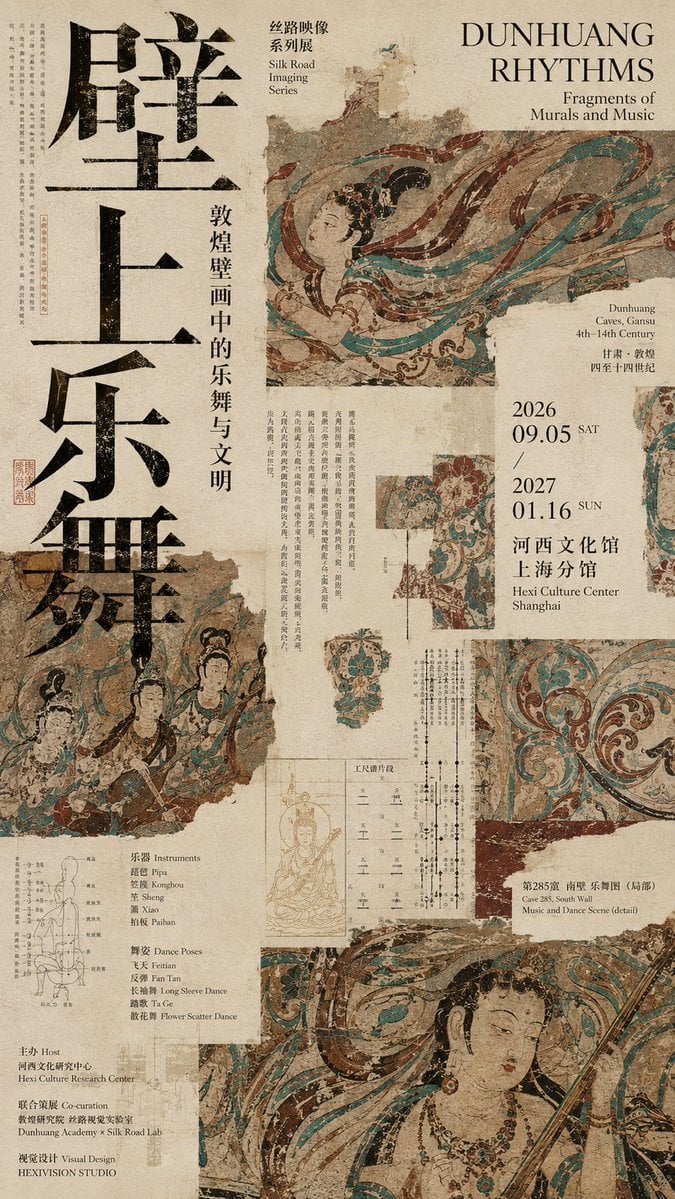
Dunhuang Rhythms Exhibition Poster

Japan Travel Brochure Poster

Clean, minimalist fashion infographic from an uploaded reference photo
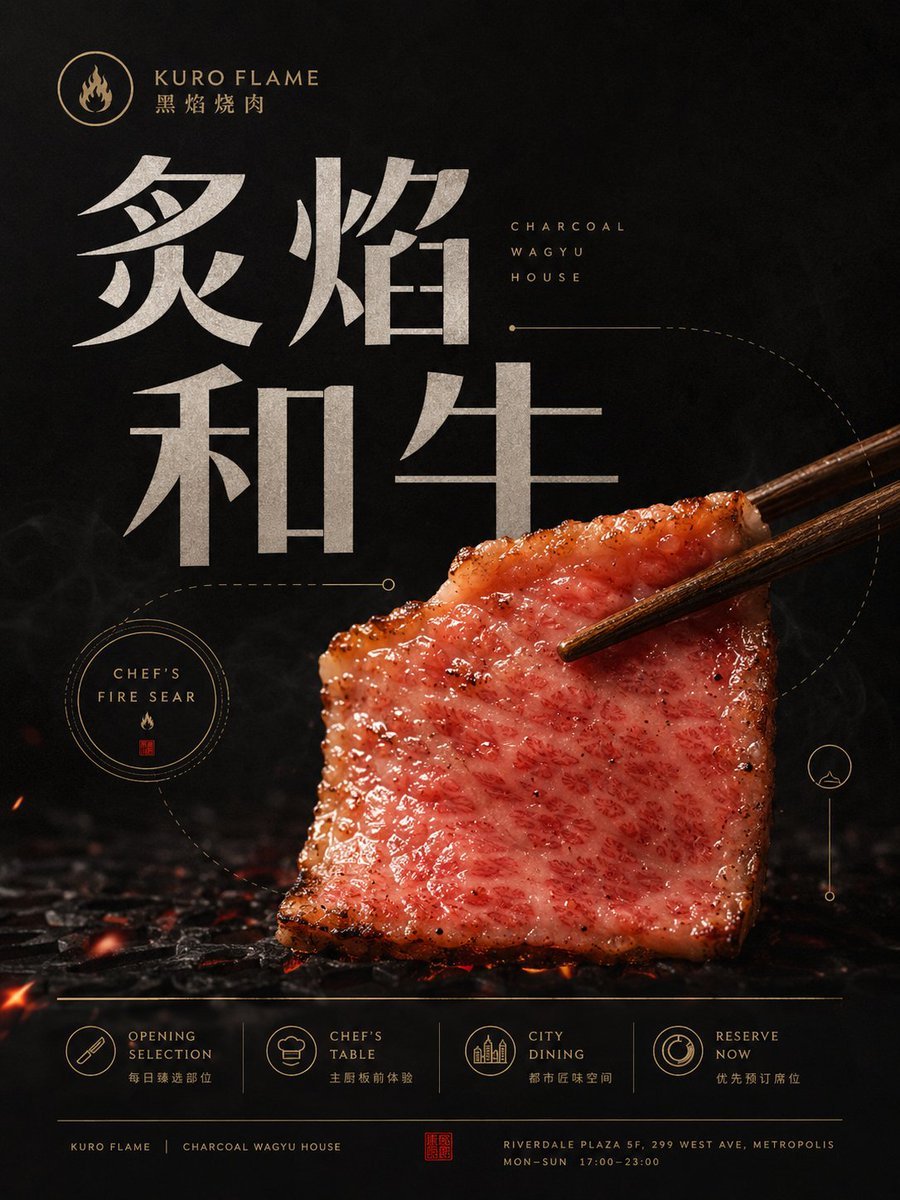
Botanical Exhibition Poster Template
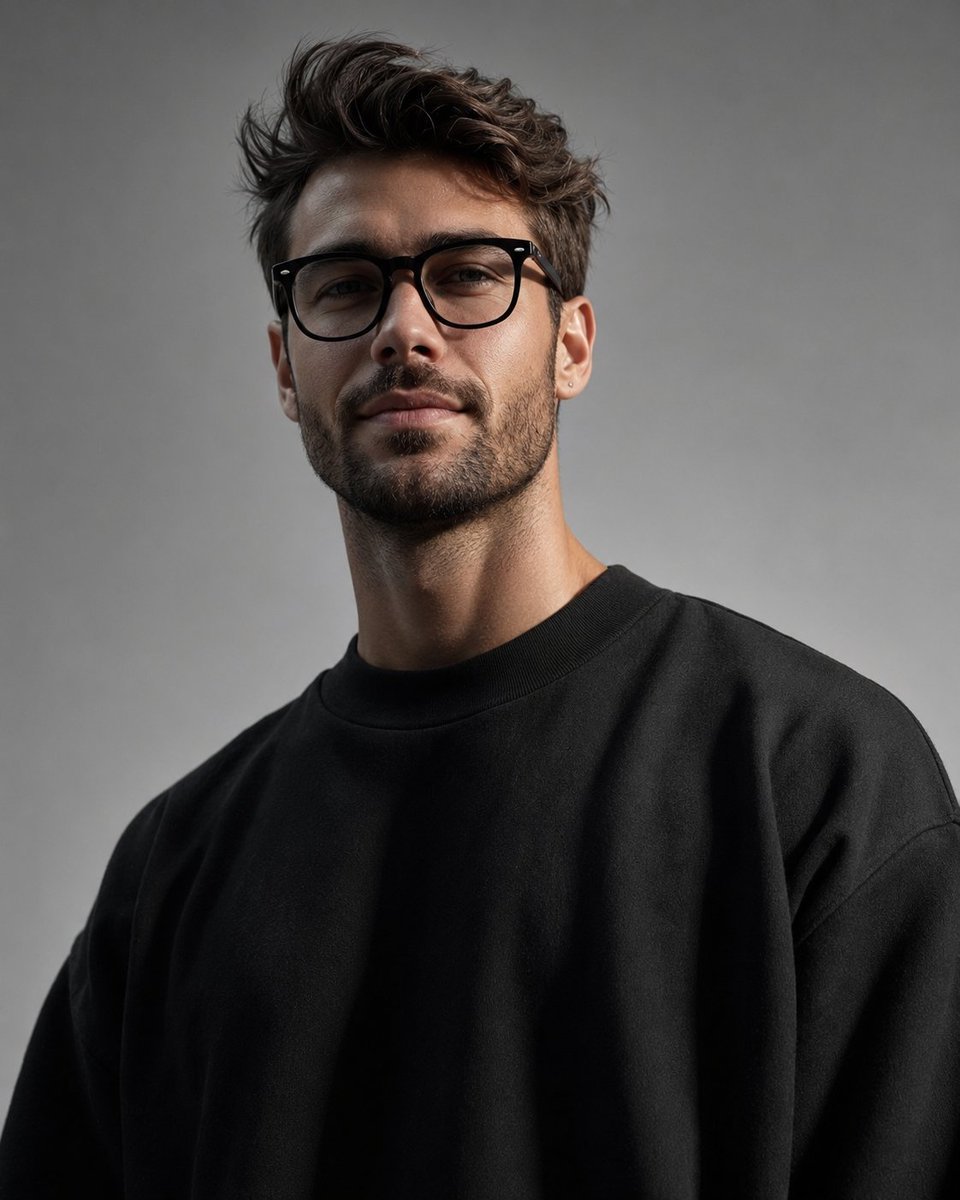
Minimalist High-Fashion Studio Portrait
Make it yours
Minimal Fashion Exhibition Poster works as-is. These are the safest ways to change it without losing the look.
Change one field
Copy a single group, rewrite it, and generate again so you can see what that field is doing.
Keep the frame, change the subject
Hold the composition and light of Minimal Fashion Exhibition Poster, then swap wardrobe, props or the person for a new take.
| If the result… | Why | Fix |
|---|---|---|
| The result drifts from the preview | Too many fields changed at once. | Reuse Minimal Fashion Exhibition Poster as-is first, then change one group — subject, light, or setting. |
| The model over-stylizes the scene | The prose prompt leaves finish and camera underspecified. | Add one camera or lighting sentence and stay on GPT Image 2. |
More GPT Image 2 templates
Other prompts made for GPT Image 2.

Six VTuber Japanese Logo Sheet

Realistic Portrait of Woman and Deer

The Vista Modular Condo Poster

AI Model Routing Comparison Infographic

2.5D Anime Art Board

Isometric Productivity Desk Scene

New York Double Exposure Poster

Four-Panel AI Landscape Comparison

Japanese Tatami Lifestyle Magazine Cover

NESCAFÉ Coffee Map Poster
More image prompts
Fresh picks from across the catalog.
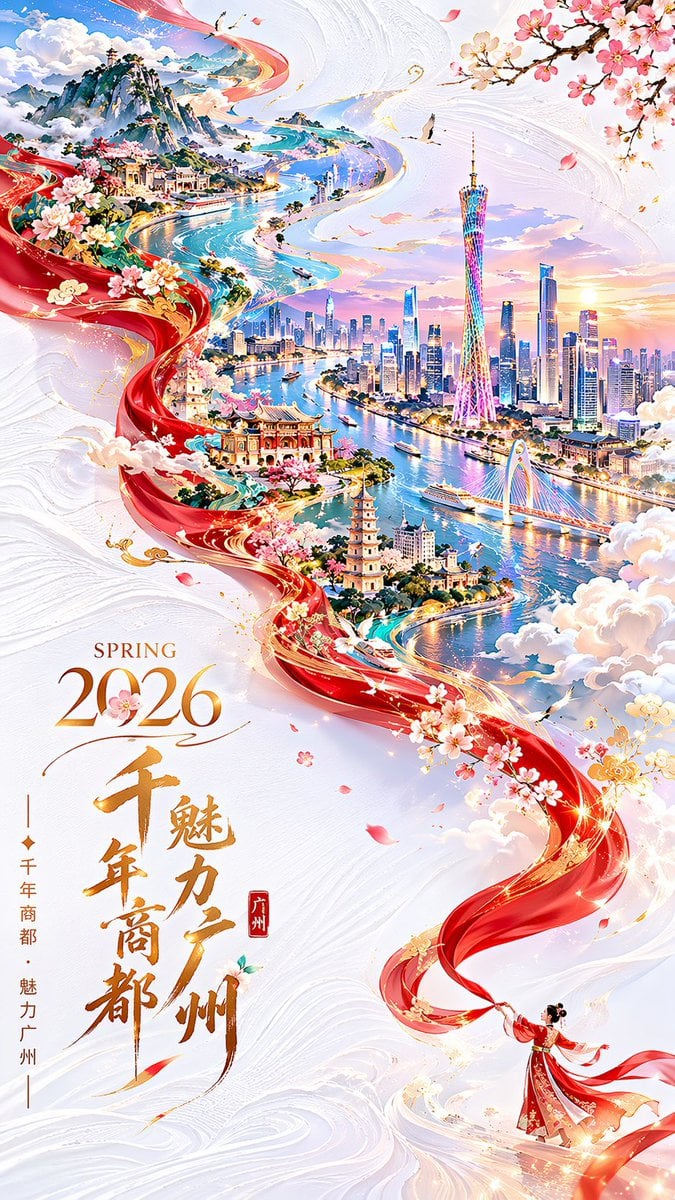
Guangzhou Spring Festival Double Exposure Poster
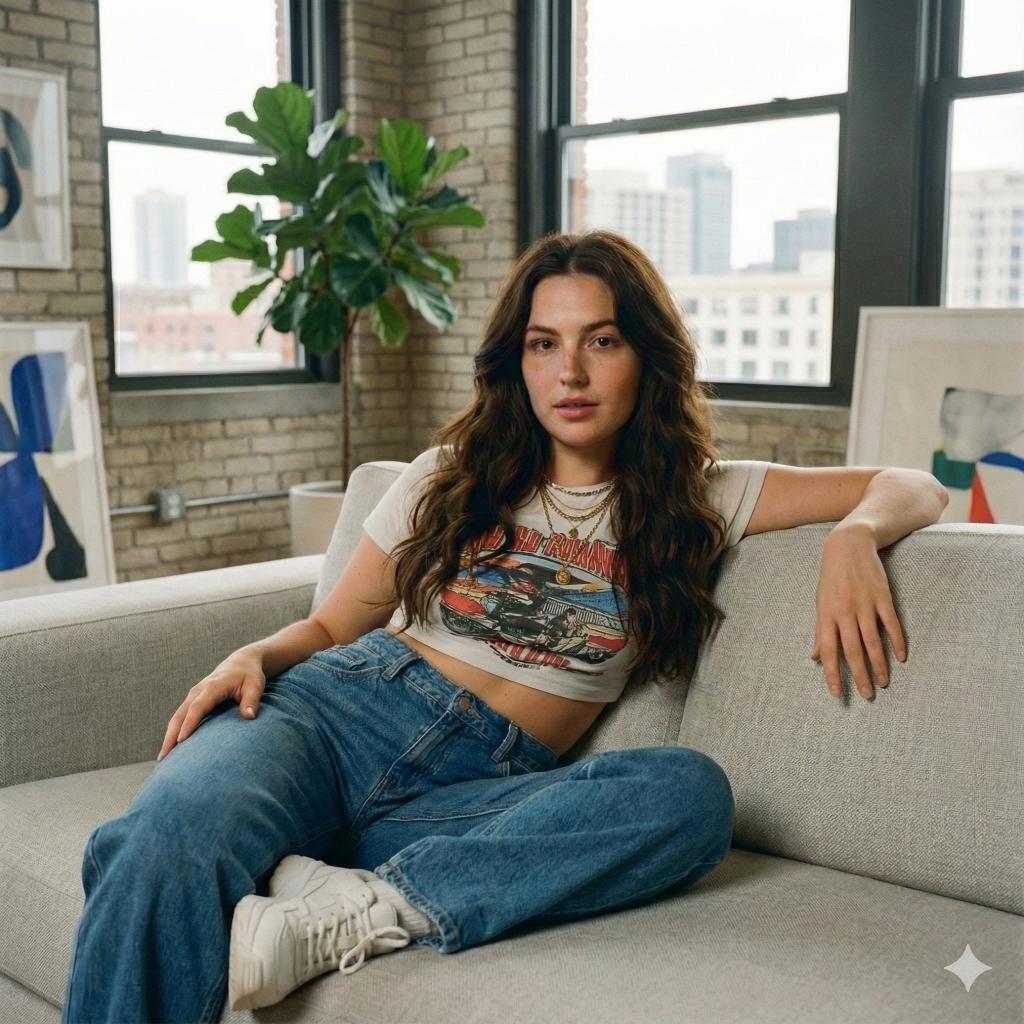
Modern Loft Lifestyle Editorial Portrait Prompt
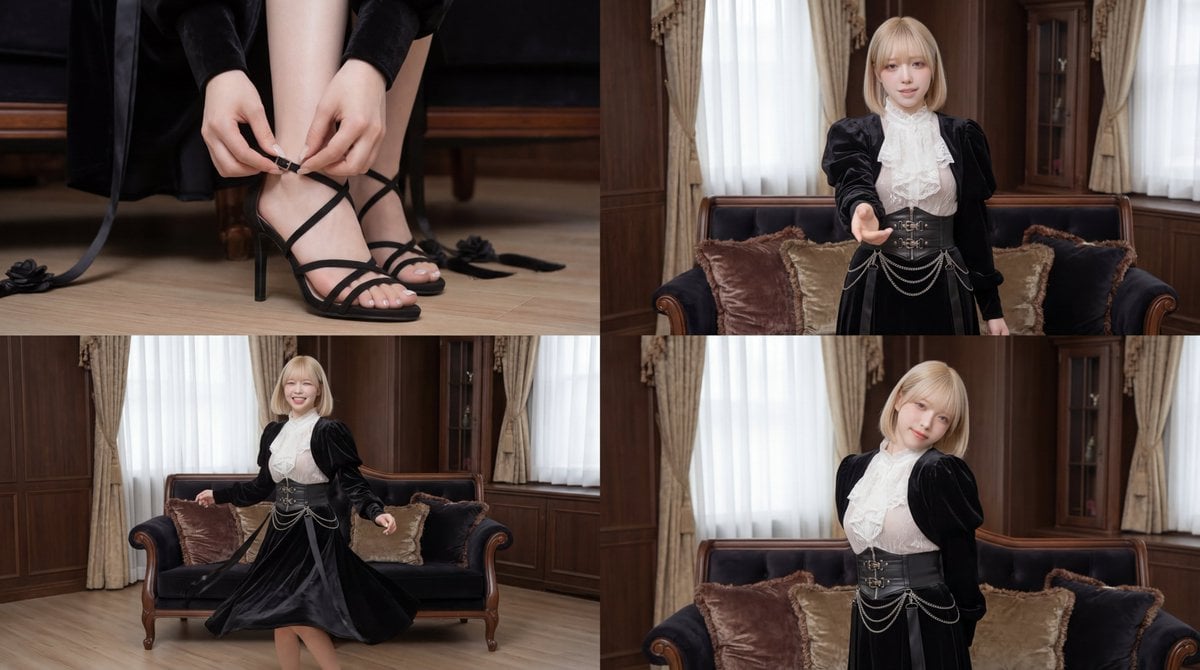
Cinematic dance scene with a girl
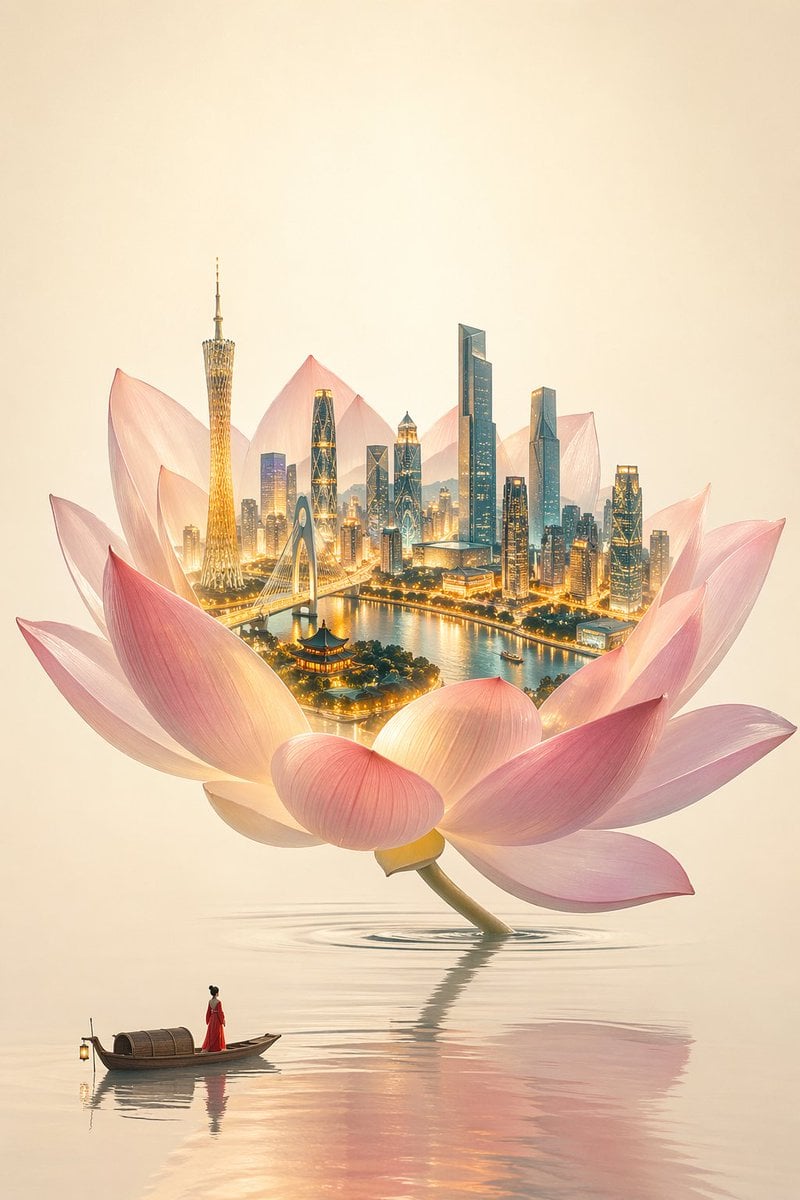
One Flower, One World City Illustration
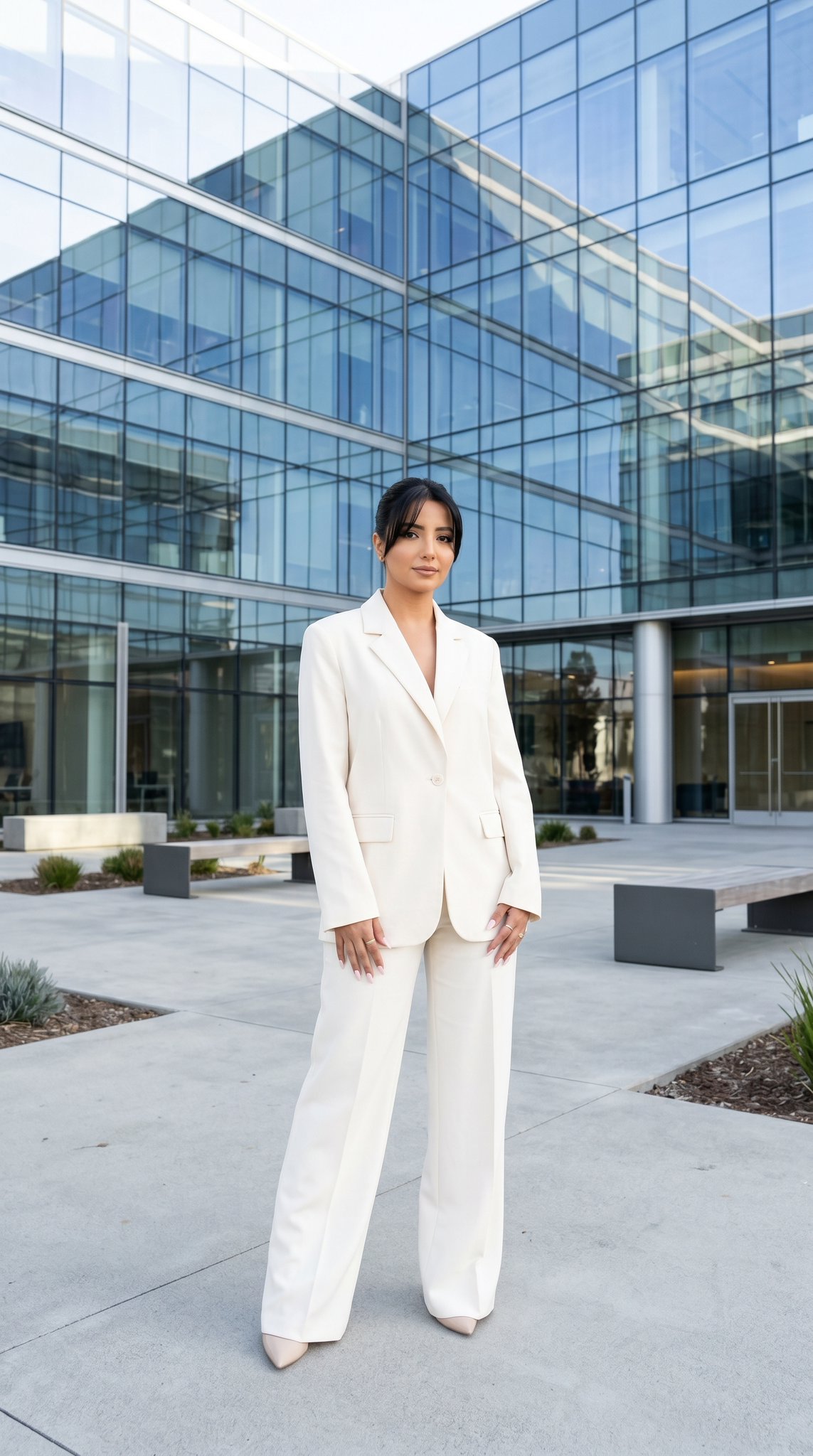
10 Modern Glass HQ Building — California Series
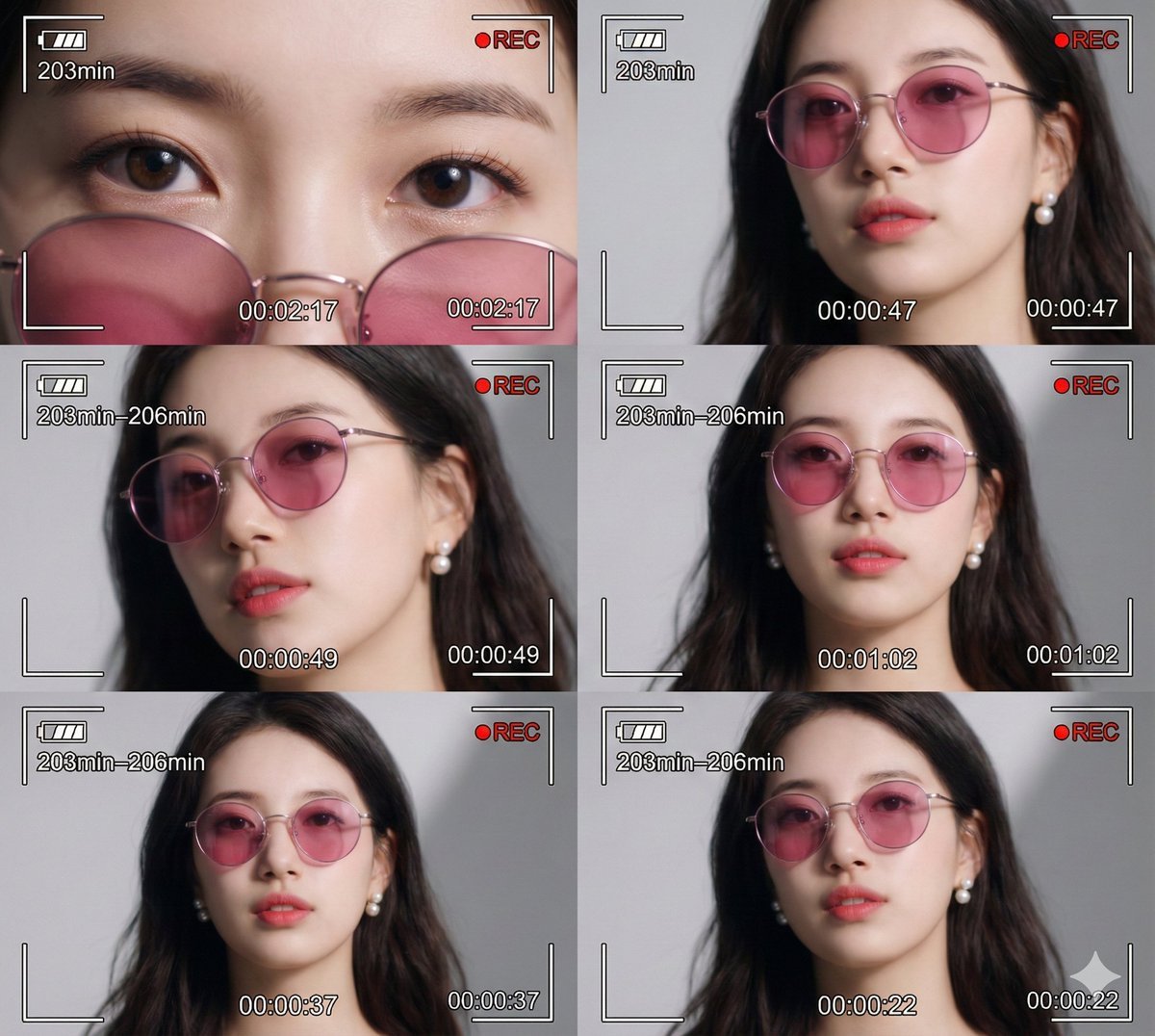
Ultra-Photorealistic 6-Panel Collage Prompt for Nano Banana Pro
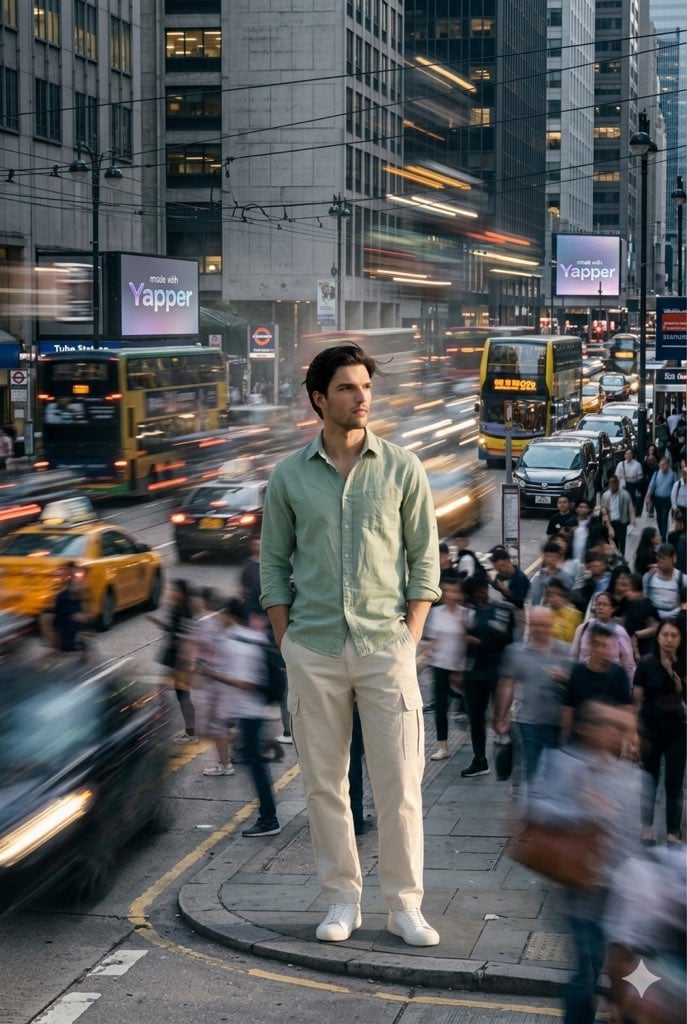
X Iamrealsnow Cinematic Motion Blur Photography Editorial
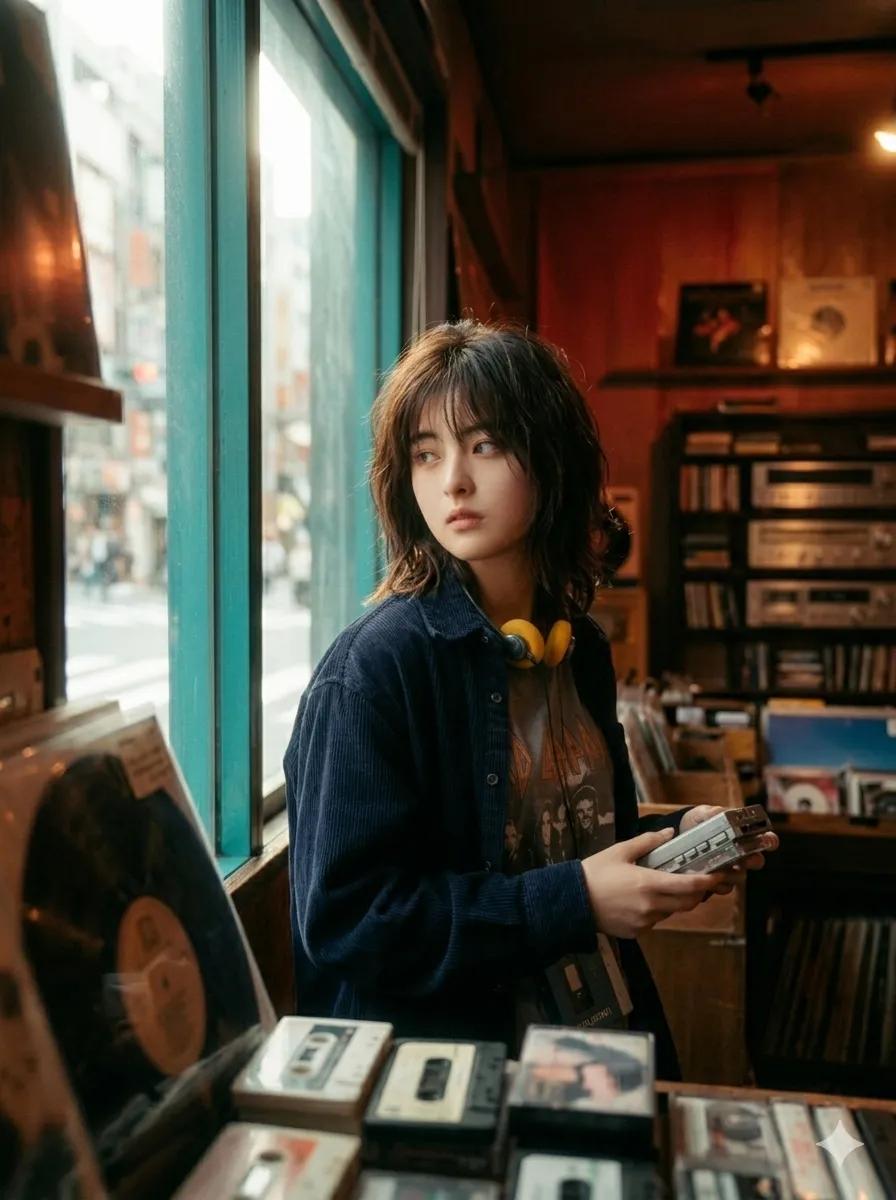
90s Japanese Indie Music Store Aesthetic

Simple Livestream Screenshot
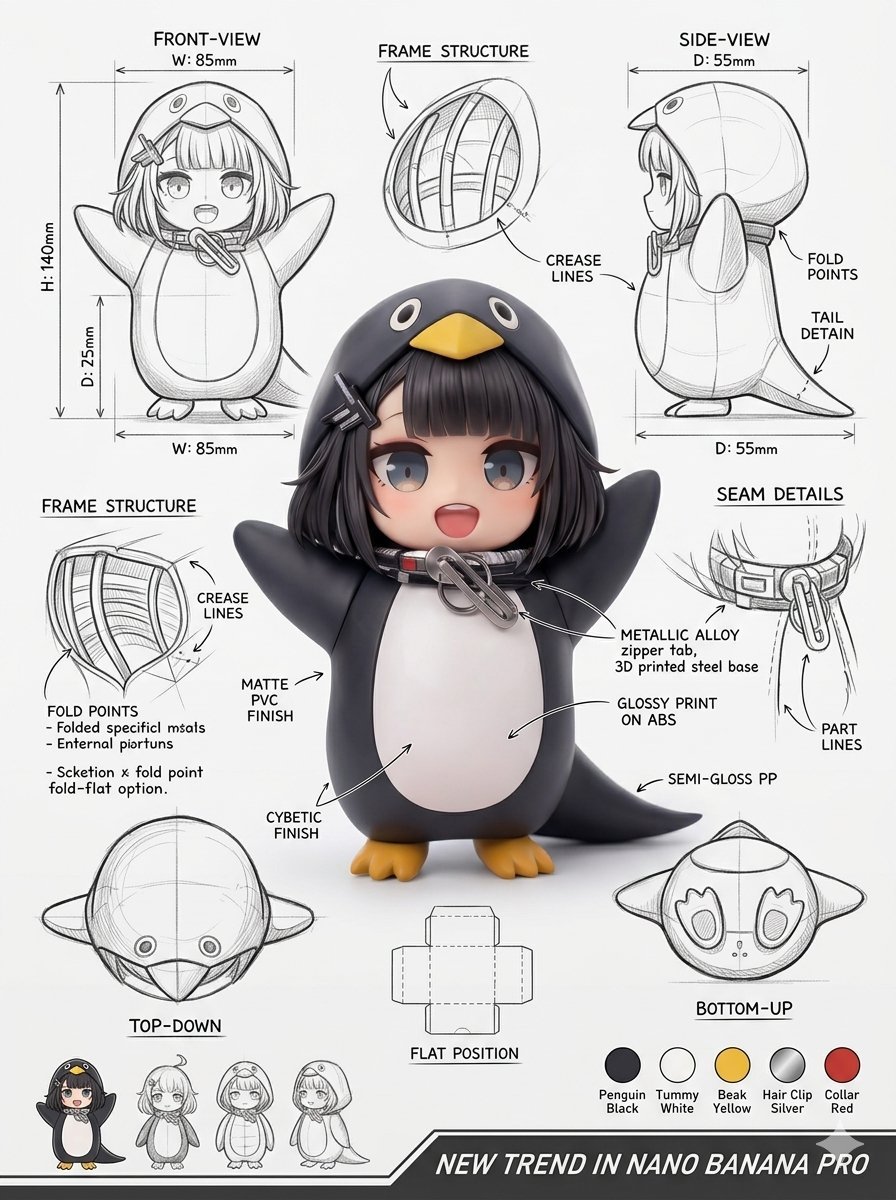
Industrial Packaging Design Sheet
Browse template categories
Minimal Fashion Exhibition Poster questions
How do I use the Minimal Fashion Exhibition Poster template?
Add your photo if the template asks for one, edit the prompt if you like — the template's model and format are already selected — and press Generate. Your version opens in PicX Studio.
Can I customize the Minimal Fashion Exhibition Poster template?
Yes. You can change the subject, setting, lighting, mood, format, and available model controls before creating your image.
Is the Minimal Fashion Exhibition Poster template free?
Opening and editing this template is free. Generating uses credits, shown on the Generate button when you are signed in.
Which AI model should I use?
Start with GPT Image 2, which is the model associated with this template. You can compare another compatible model for a different finish.
Looking for something else? Browse all templates.

Your photo, any look
Thousands of ready templates for every top image and video model, from one credit balance.