
Surreal Mixed-Media Charcoal Portrait
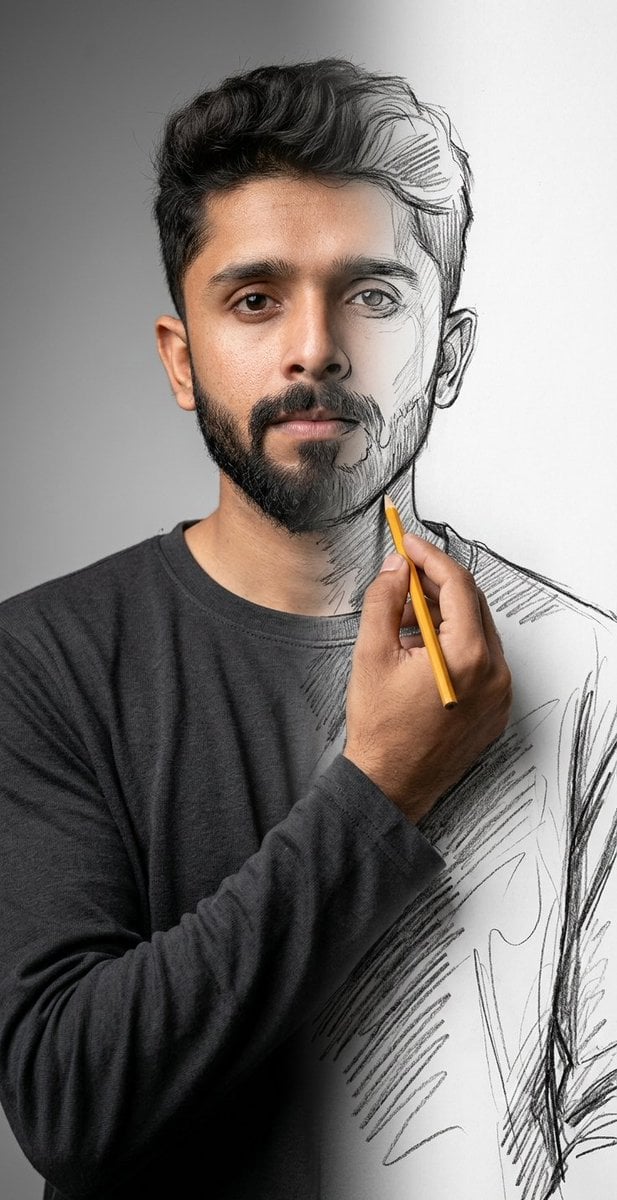
A surrealist prompt that blends high-resolution 8K photography with rough charcoal sketching, creating a meta-fictional effect where the subject appears to be drawing themselves into existence.
- Prompt included
- Model and format preset
- Free template
The prompt behind this image
Copy the exact prompt behind Surreal Mixed-Media Charcoal Portrait, or open it in the studio and make it yours.
Using {argument name="subject face" default="uploaded face"} as reference. A mind-bending surrealist mixed-media portrait featuring uploaded face as reference, captured in a pristine studio setting with a neutral gradient grey background and soft, diffuse softbox lighting. The composition utilizes a split-reality technique where the left side of the subject is rendered in hyper-realistic 8k photography with visible skin pores, subsurface scattering, and lifelike textures, while the right side abruptly transitions into a rough, gestural charcoal and graphite pencil sketch on white paper. The subject's realistic right hand crosses the chest, holding a {argument name="drawing tool" default="yellow wooden pencil"} with a sharp tip, physically drawing the sketched outline of the jaw and neck, creating a meta-fictional loop of self-creation. The subject wears a {argument name="shirt style" default="dark charcoal long-sleeve crewneck shirt"} that morphs from heavy, draped fabric on the left into loose, scribbled hatch lines and unfinished contour strokes on the right. The image features a shallow depth of field focused on the pencil tip and the transition line, combining the aesthetics of high-end commercial portraiture with raw, artistic sketching, reminiscent of Ben Heine's 'Pencil vs Camera' style, highly intricate textures, volumetric lighting, and photorealistic raytracing.
How to use Surreal Mixed-Media Charcoal Portrait in 3 steps
- 1Upload ImagePNG, JPG or paste
Add your photo
Upload the photo the template builds on. The prompt, model and format are already set.
- 2…a portrait of your subject in softgolden-hour light, 85mm…
Personalize
Edit the subject and creative details for your destination.
- 3Generate
Generate
Press Generate — your image is created in PicX Studio, so you can compare it with the original and refine one variable at a time.
More like this
Templates with the same subject, style or setup. Open one to see its prompt.
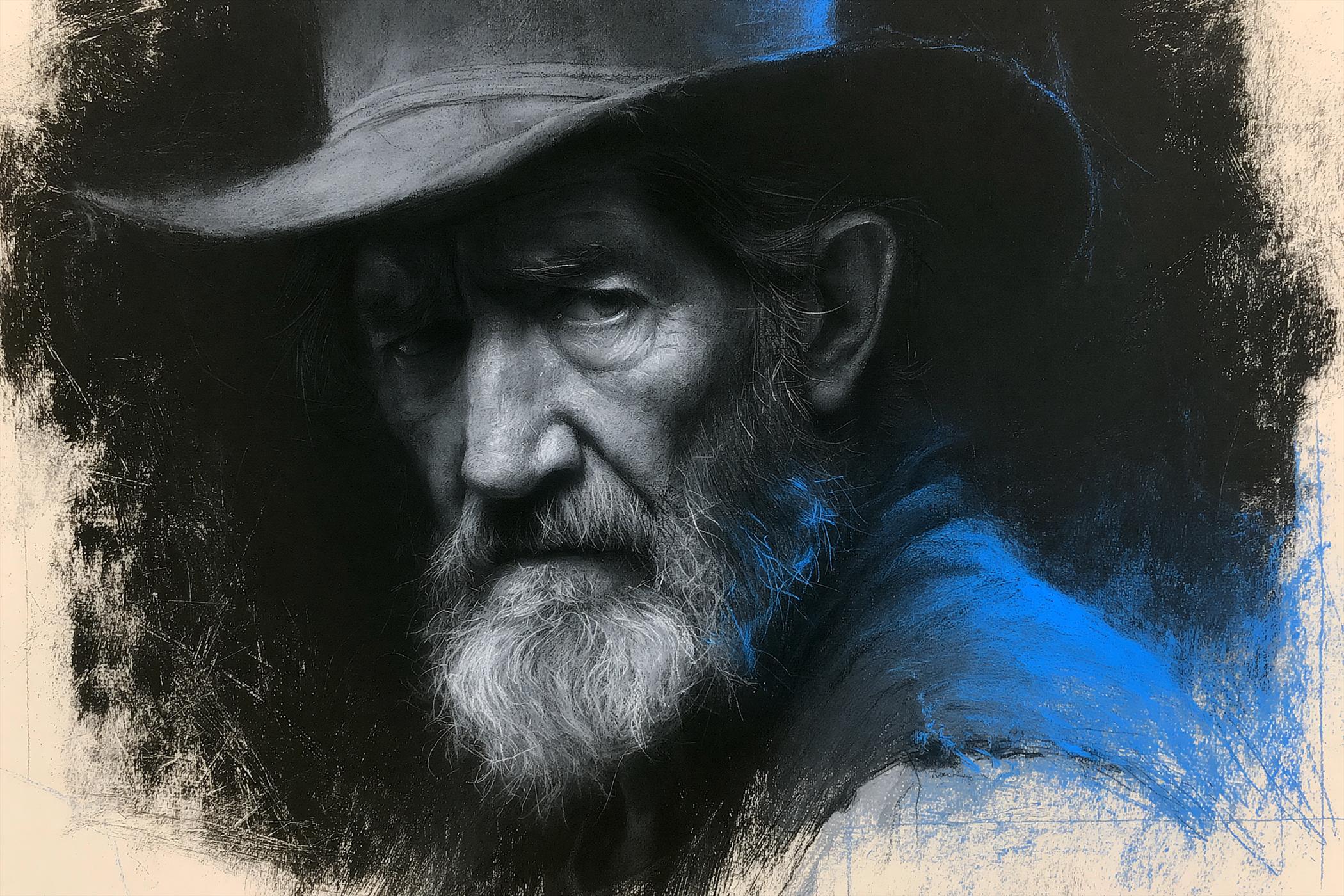
Charcoal Chiaroscuro Portraiture
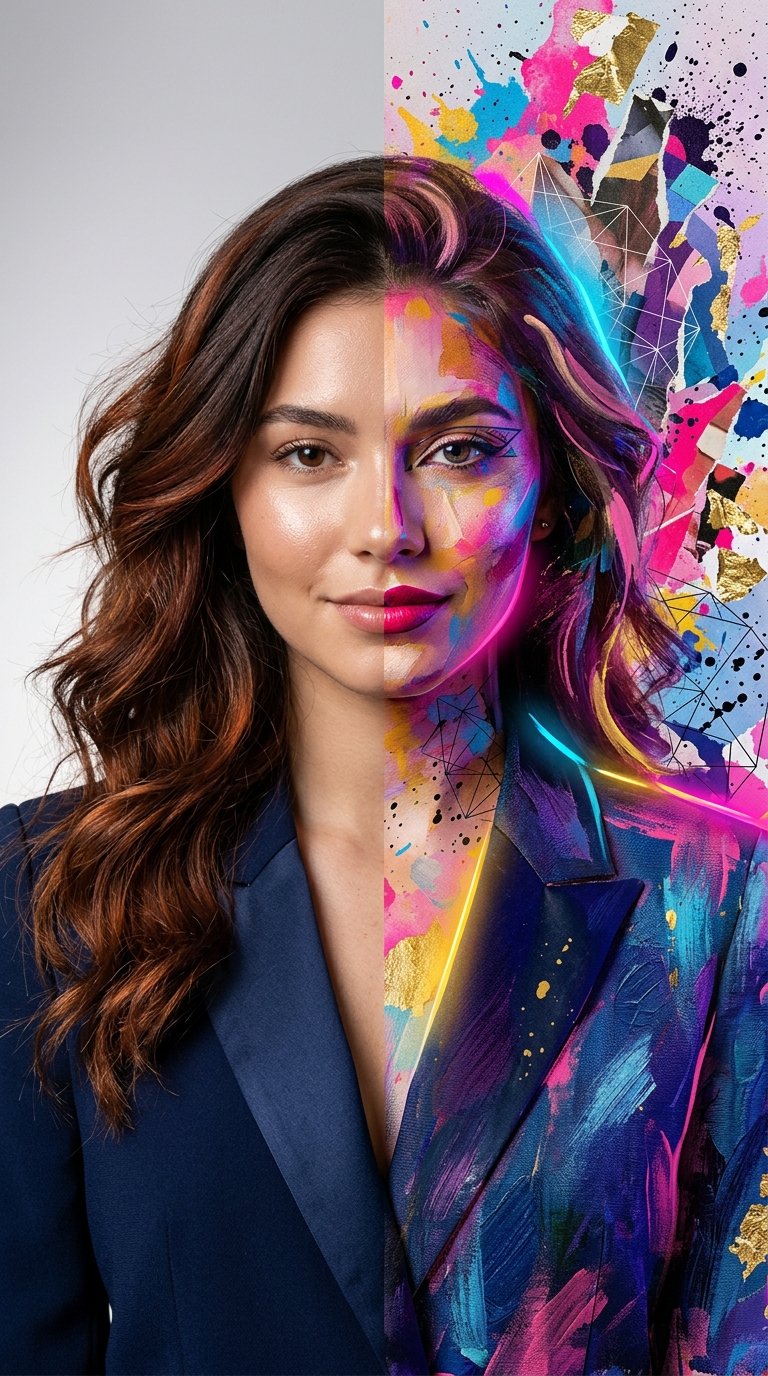
Split Portrait - Mixed Media
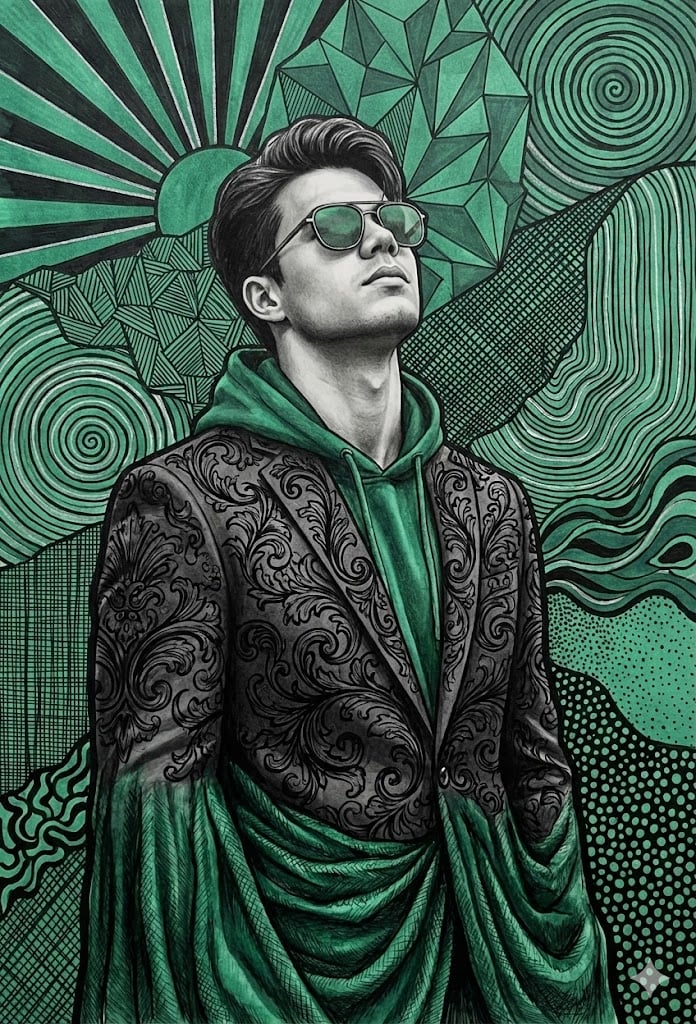
Emerald and Charcoal Mixed-Media Pop Realism Portrait Prompt
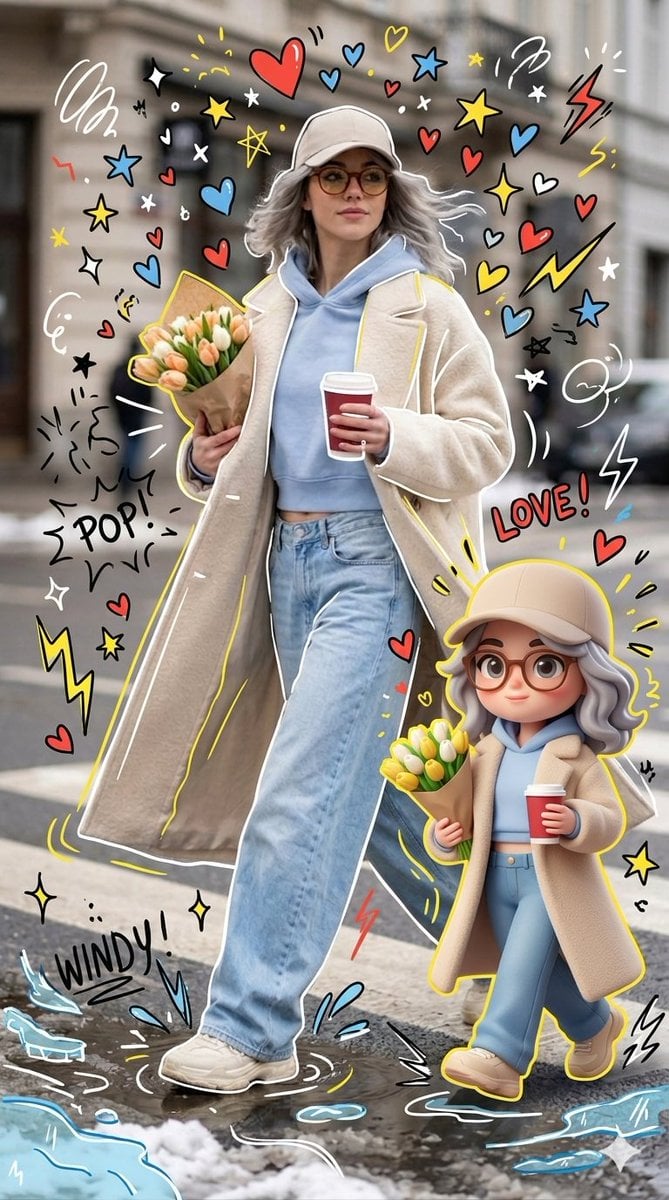
Mixed-media Chibi portrait
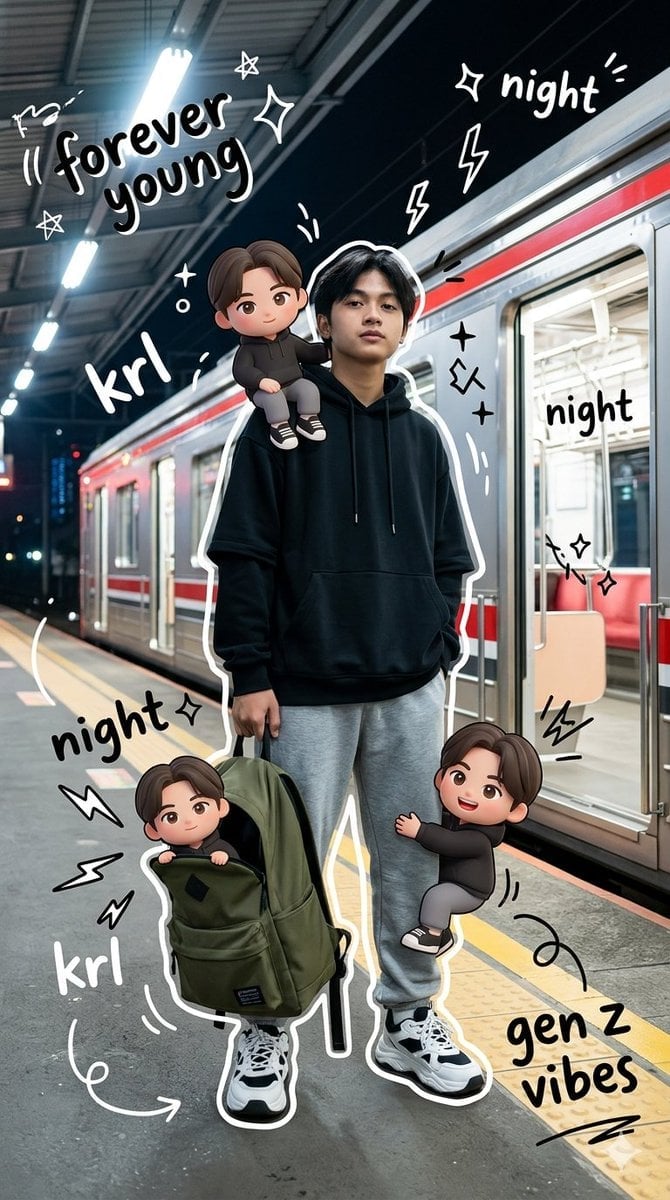
Gen Z Mixed-Media Portrait with Chibi Effects
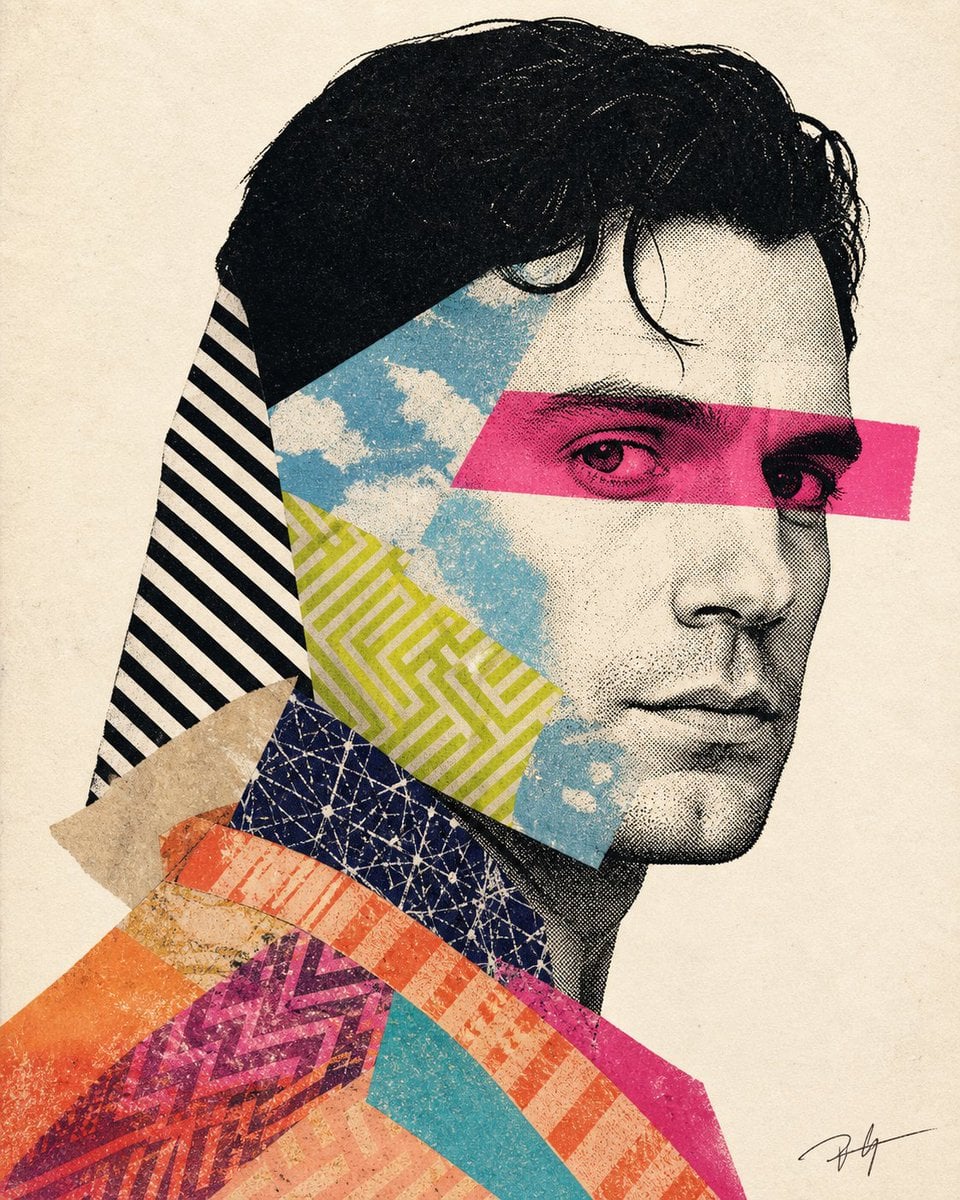
Mixed-media collage portrait illustration
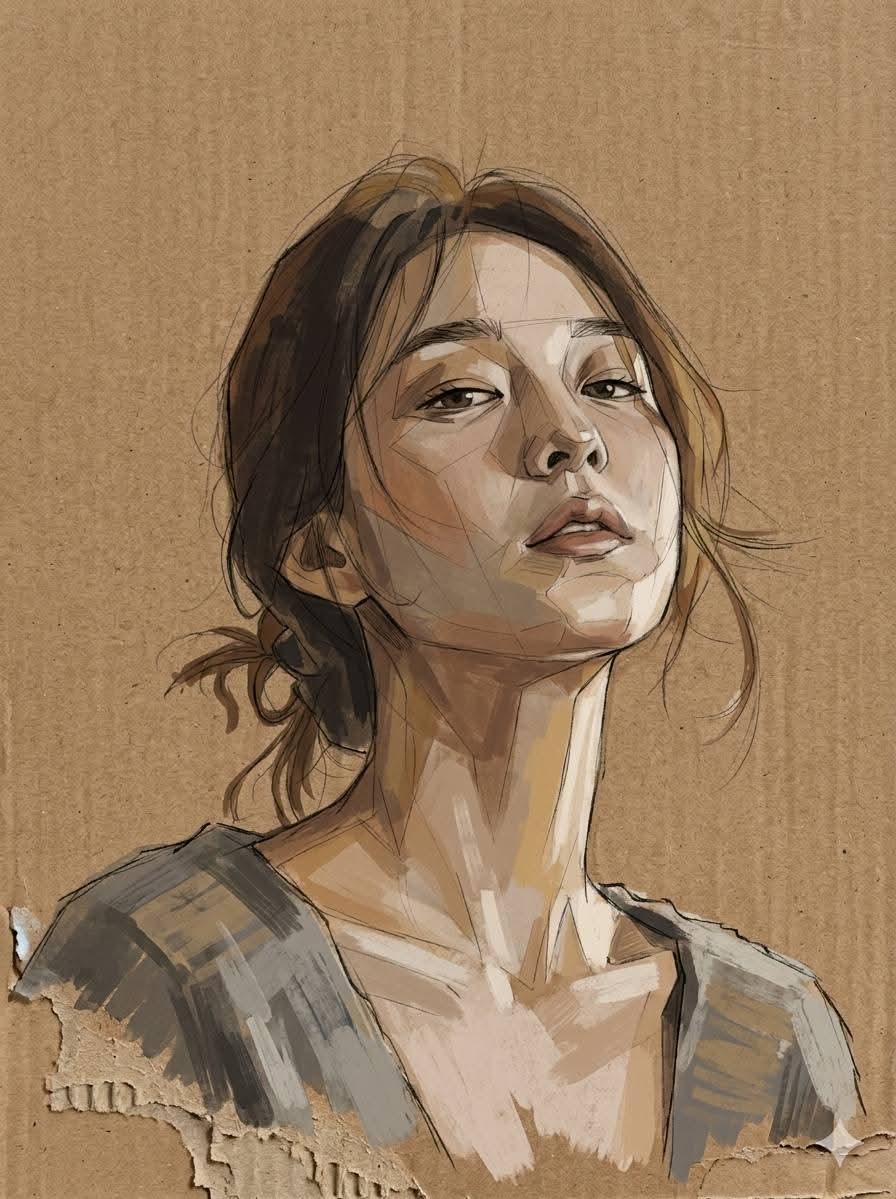
Cardboard Mixed Media Portrait
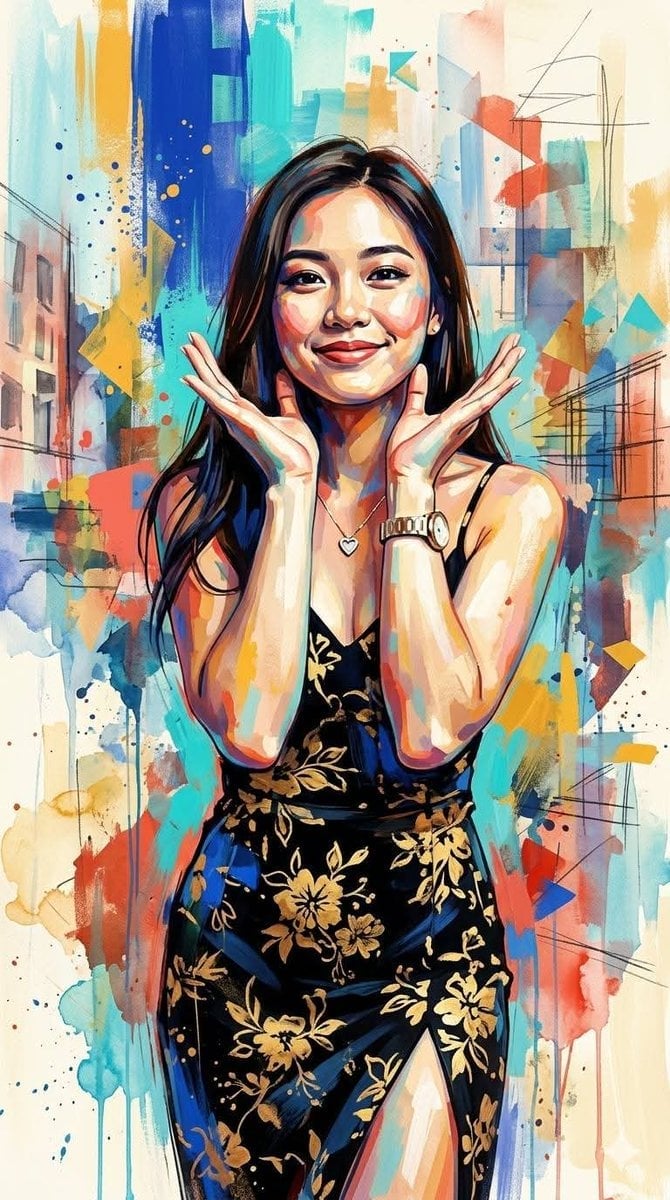
Contemporary Mixed-Media Abstract Portrait
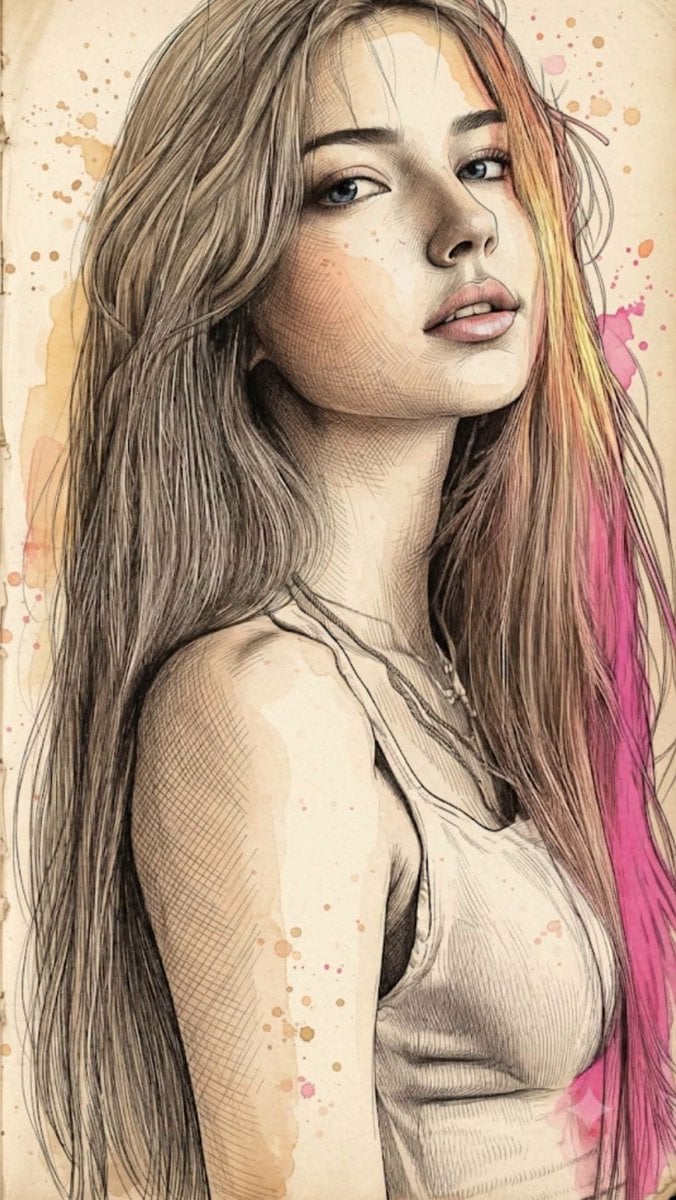
Fine Art Mixed-Media Portrait Illustration
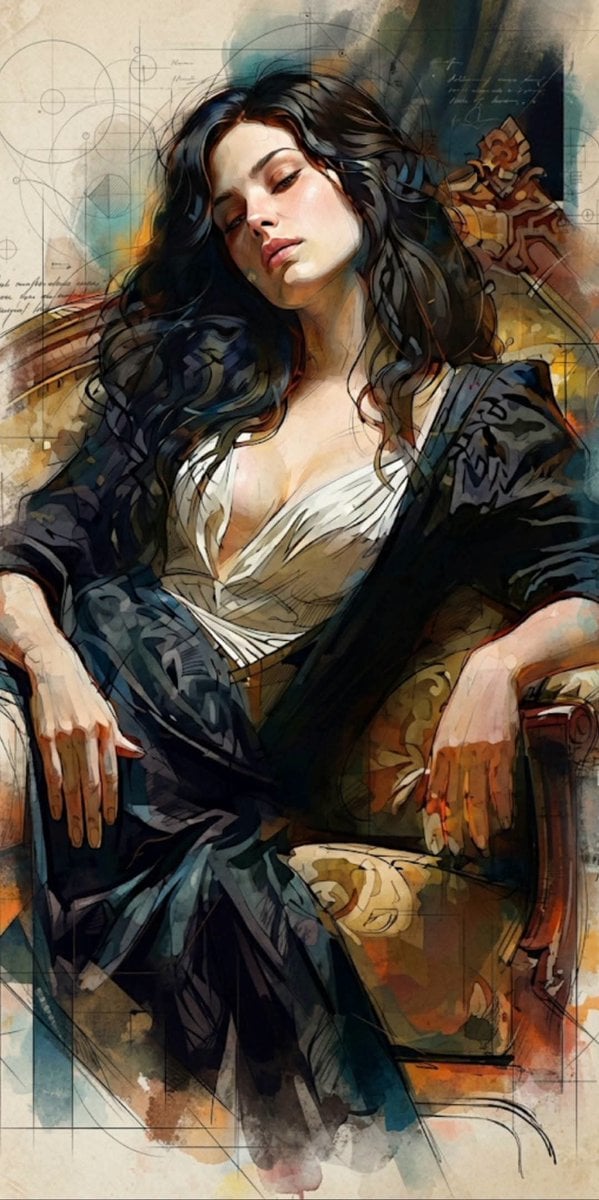
Mixed Media Cinematic Portrait Illustration
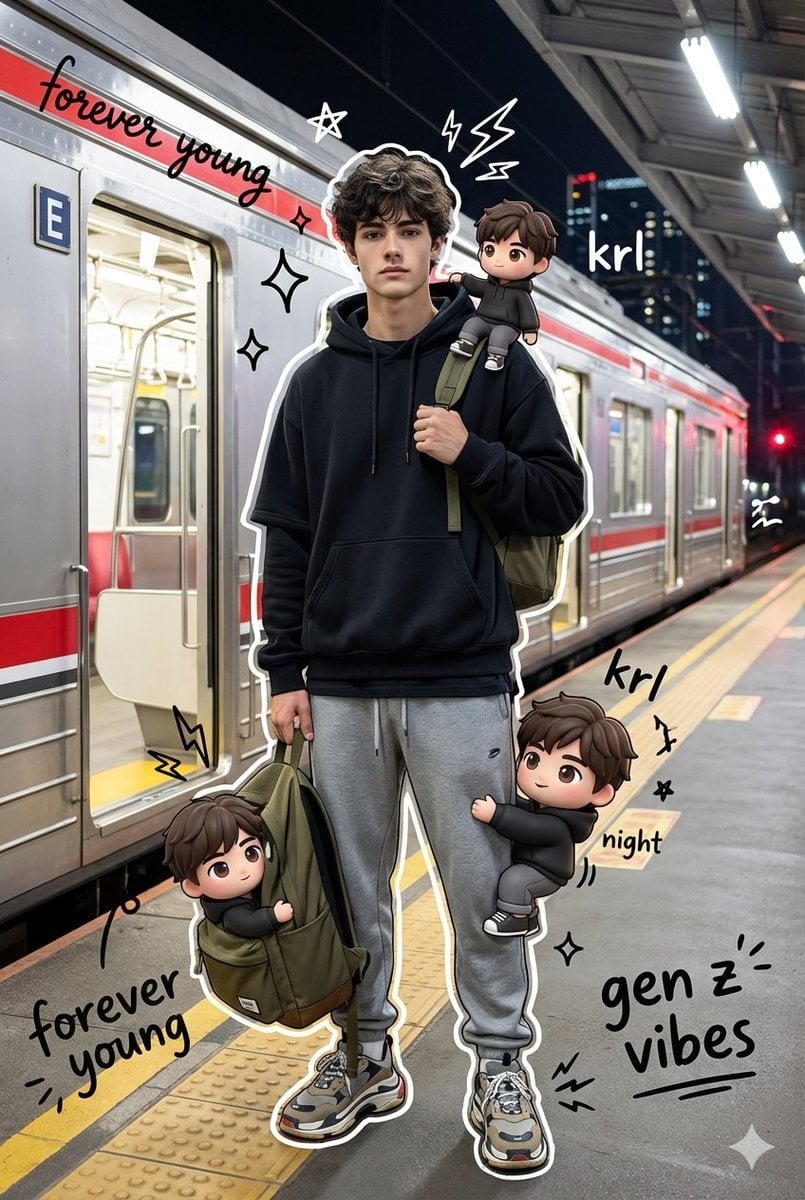
Mixed Media Chibi Streetwear Portrait
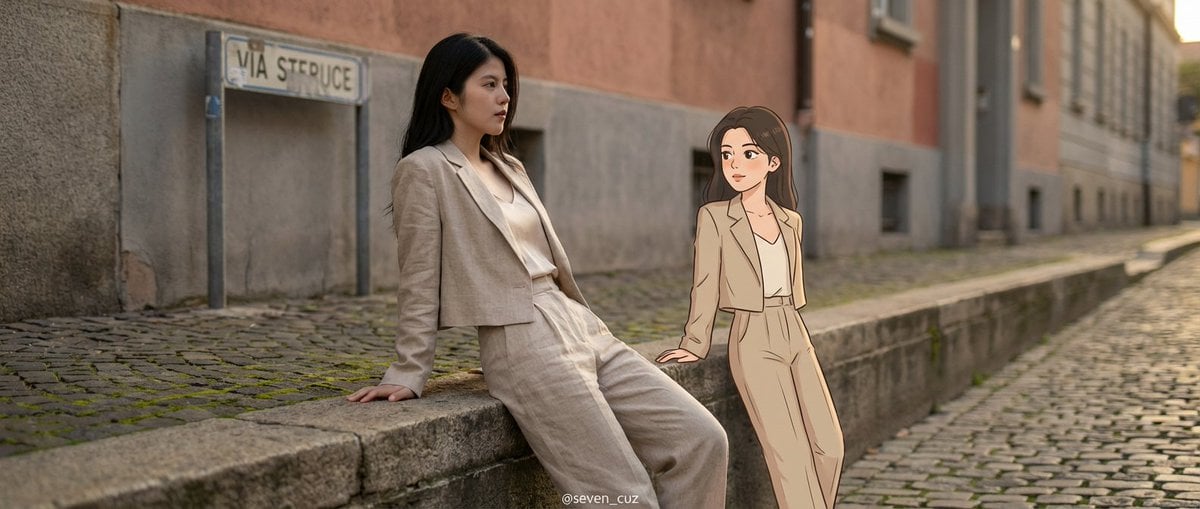
Mixed-Media Crossover Portrait (Real and Cartoon)
Make it yours
Surreal Mixed-Media Charcoal Portrait works as-is. These are the safest ways to change it without losing the look.
Change one field
Copy a single group, rewrite it, and generate again so you can see what that field is doing.
Keep the frame, change the subject
Hold the composition and light of Surreal Mixed-Media Charcoal Portrait, then swap wardrobe, props or the person for a new take.
| If the result… | Why | Fix |
|---|---|---|
| The result drifts from the preview | Too many fields changed at once. | Reuse Surreal Mixed-Media Charcoal Portrait as-is first, then change one group — subject, light, or setting. |
| The model over-stylizes the scene | The prose prompt leaves finish and camera underspecified. | Add one camera or lighting sentence and stay on GPT Image 2. |
More GPT Image 2 templates
Other prompts made for GPT Image 2.

Six VTuber Japanese Logo Sheet

Realistic Portrait of Woman and Deer

The Vista Modular Condo Poster

AI Model Routing Comparison Infographic

2.5D Anime Art Board

Isometric Productivity Desk Scene

New York Double Exposure Poster

Four-Panel AI Landscape Comparison

Japanese Tatami Lifestyle Magazine Cover

NESCAFÉ Coffee Map Poster
More image prompts
Fresh picks from across the catalog.
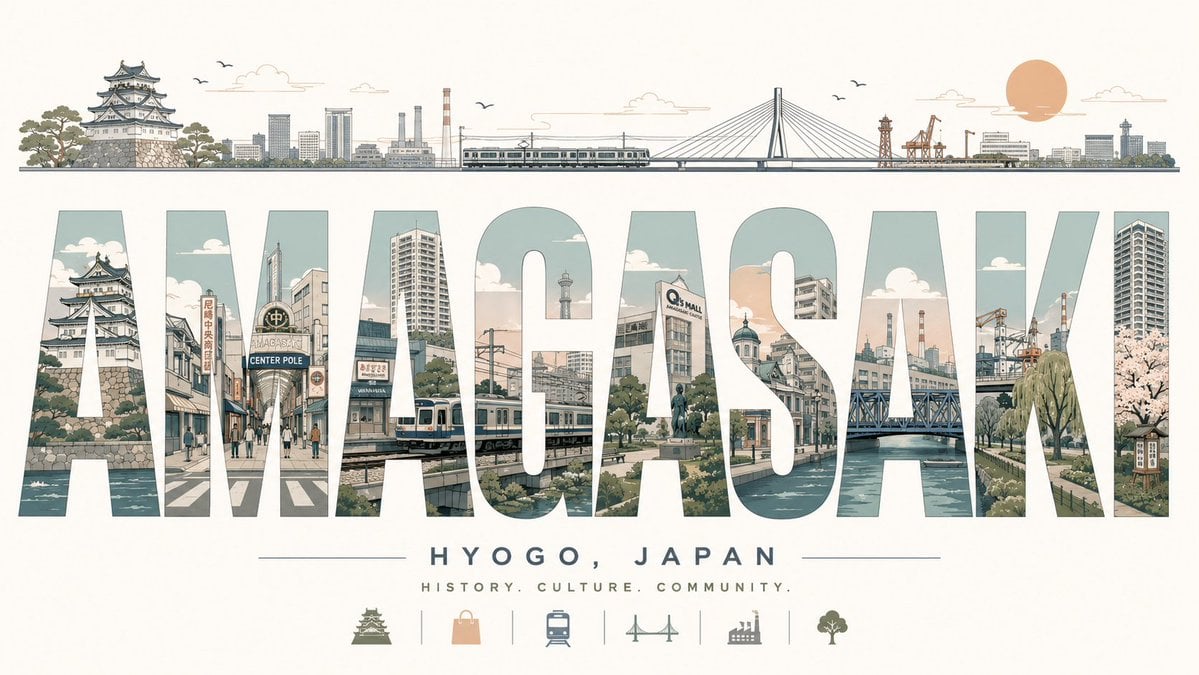
Retro Amagasaki Travel Poster
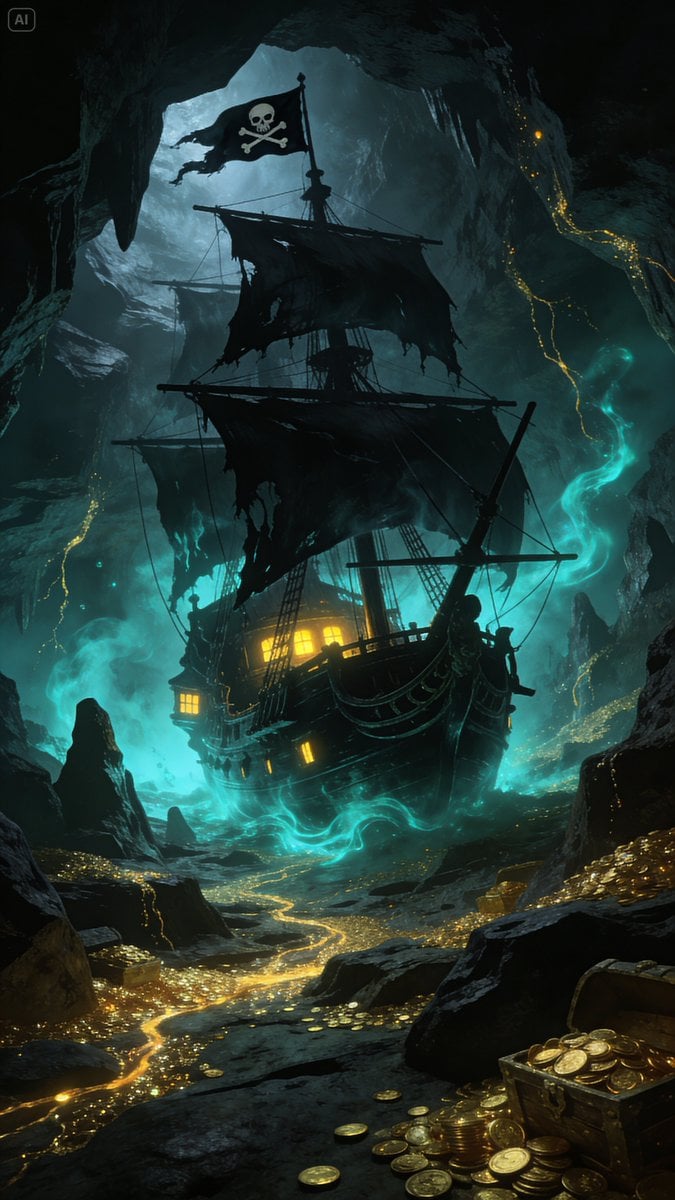
Golden Ship on Uncharted Waters

Whimsical Mono-Punk Floating Miniature Diorama Generator (Duplicate)
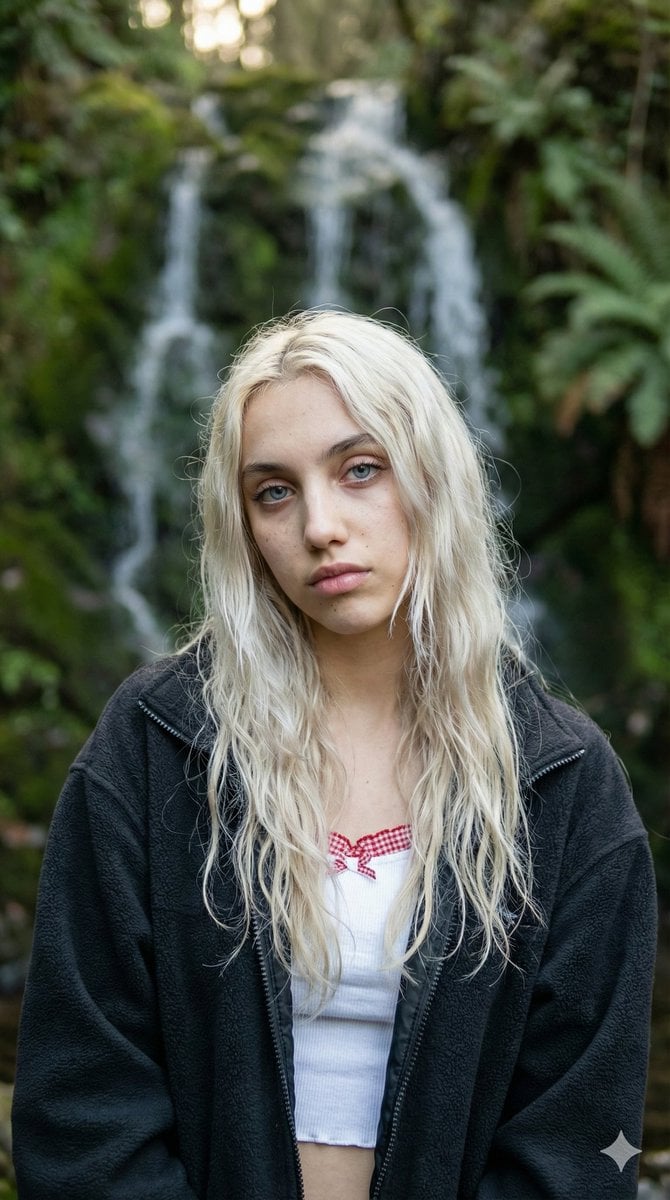
Ethereal Waterfall Selfie Portrait with Natural Imperfections
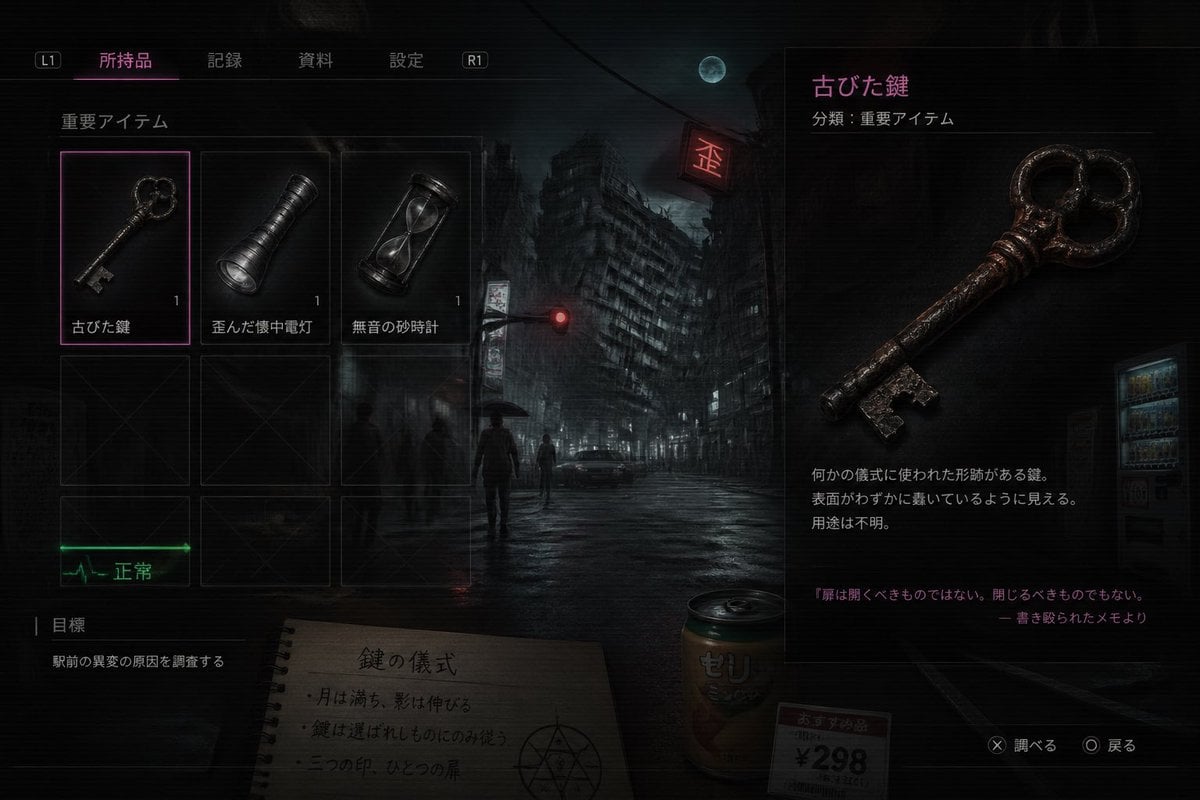
Japanese Horror Game Inventory Screen
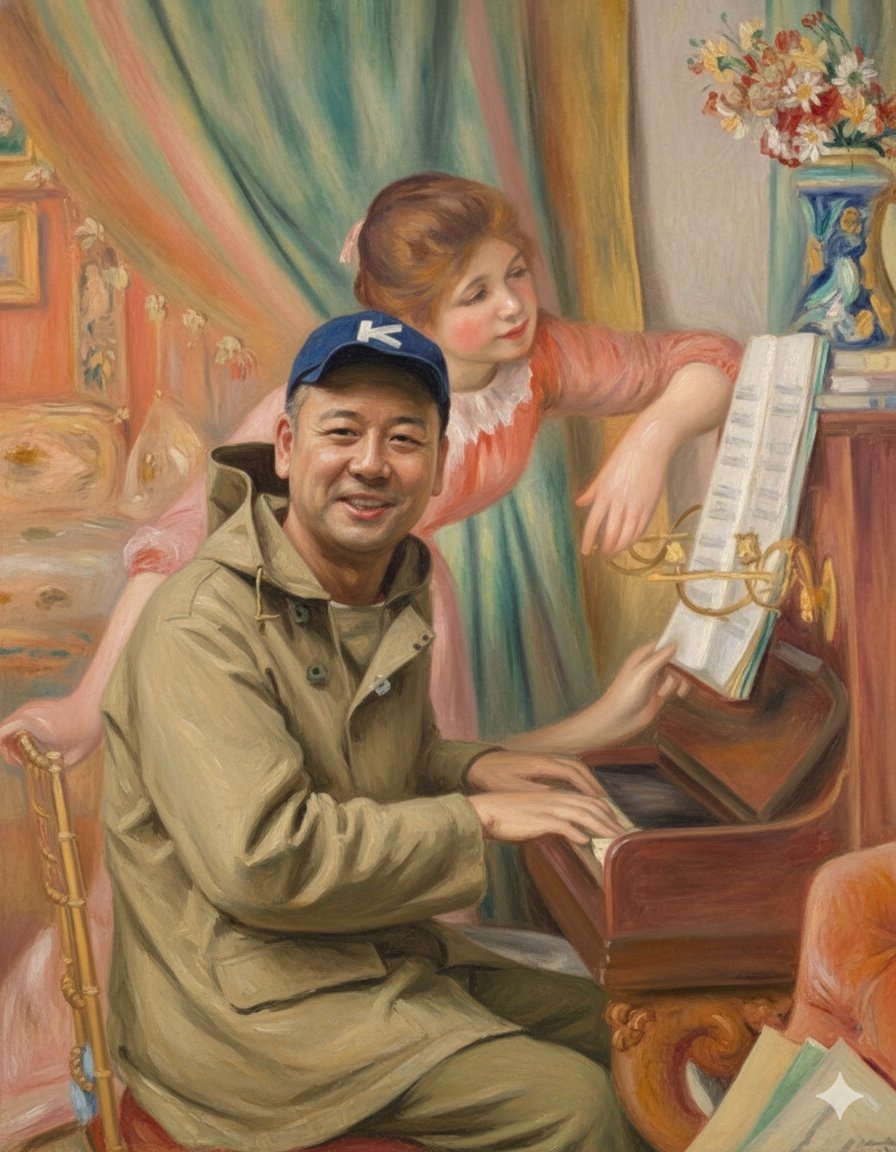
Style Transfer: Renoir's Piano Playing Girls
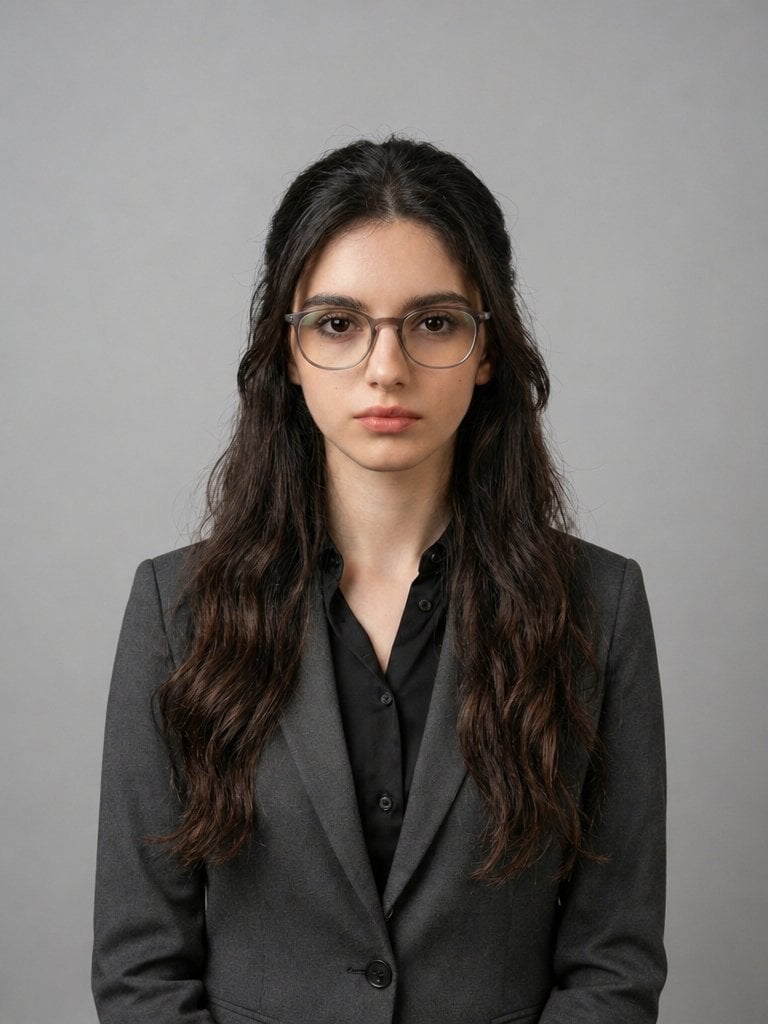
X Iqrasaifiii Pov Du Hast Gerade Erkannt Dass Du Professionelle Corporate Fotos Ganz Bequem
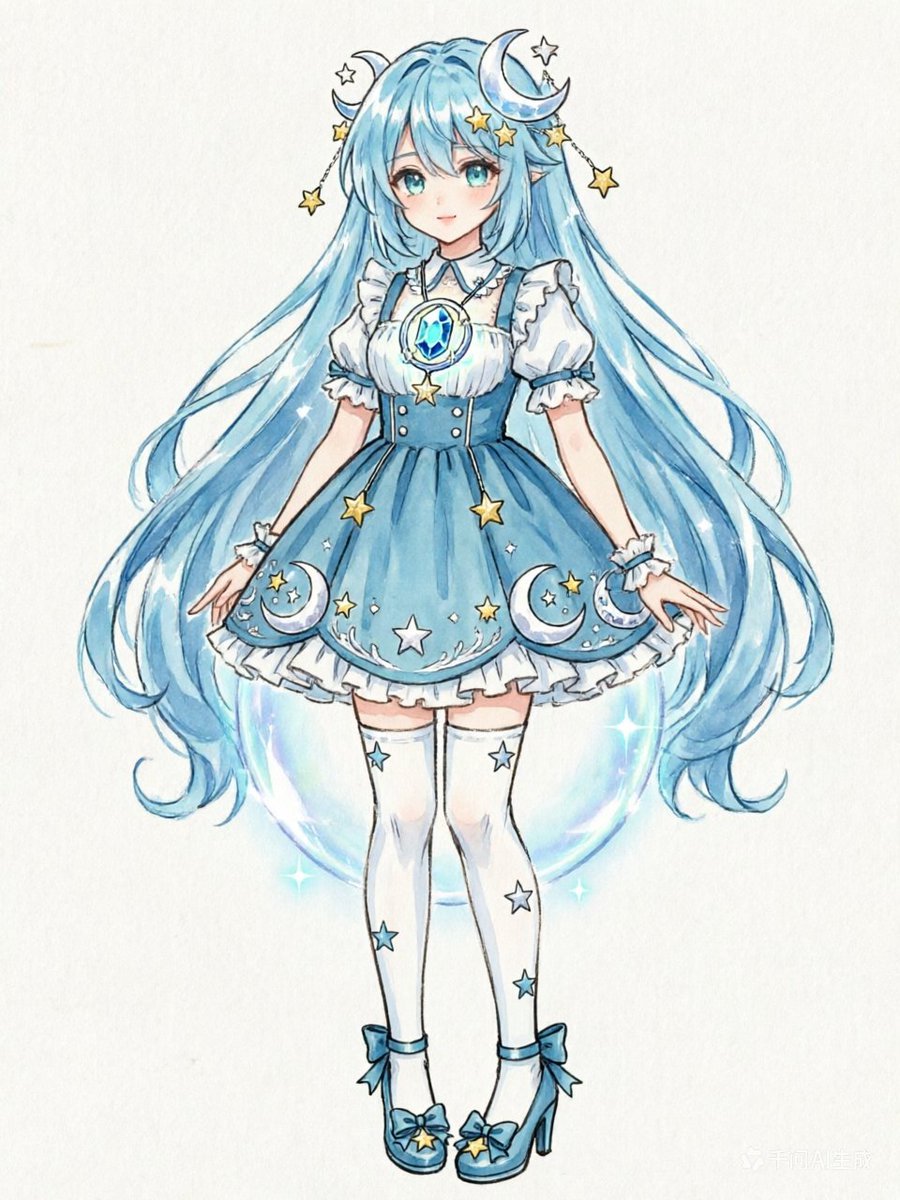
Blue Celestial Anime Girl Design
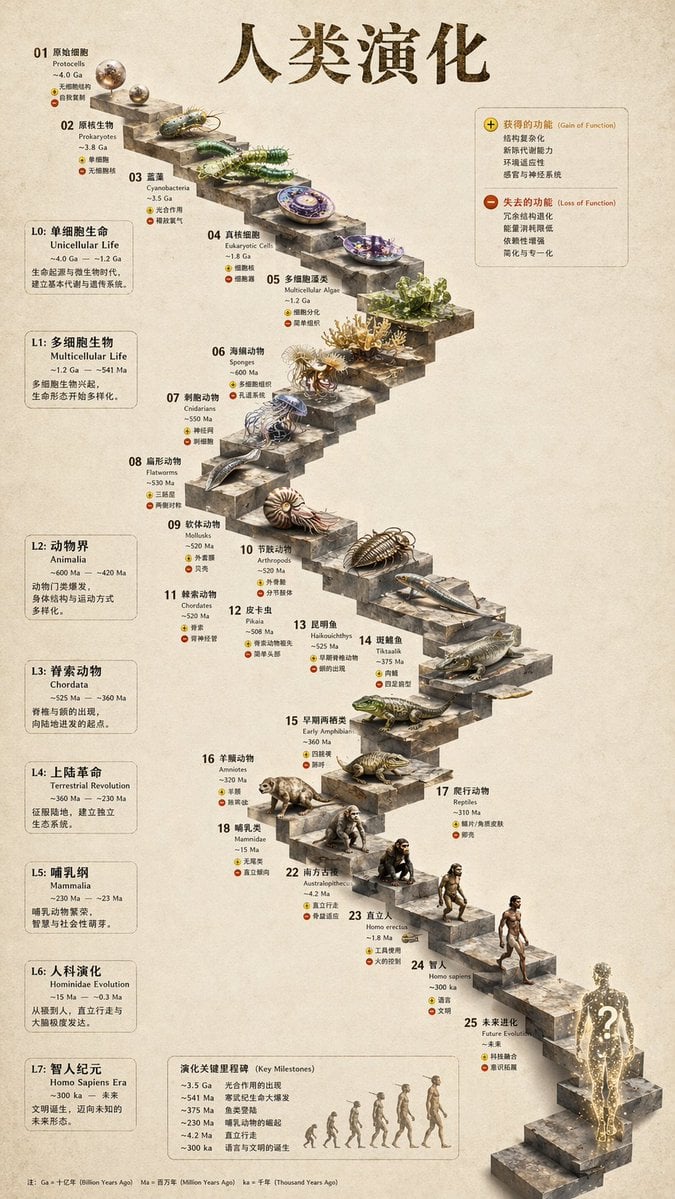
Gpt2 3d Stone Staircase Evolution Infographic
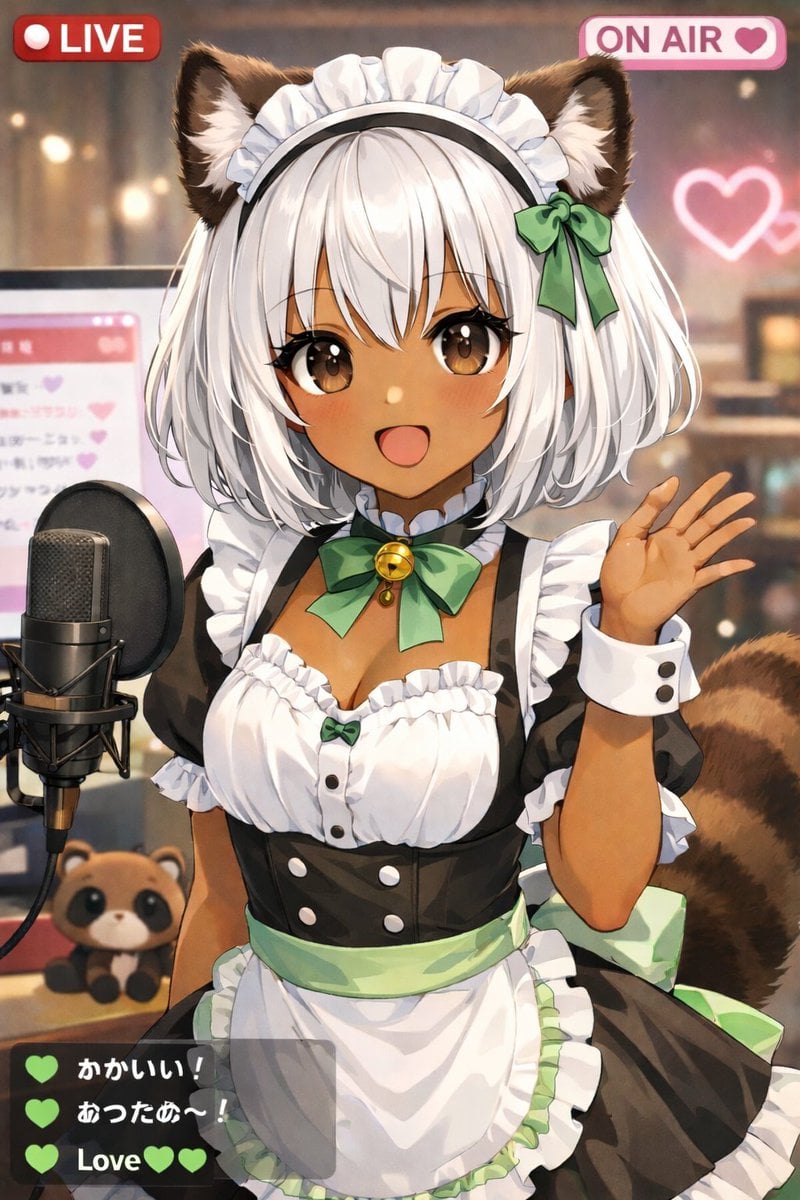
Anime VTuber Live Stream Overlay
Browse template categories
Surreal Mixed-Media Charcoal Portrait questions
How do I use the Surreal Mixed-Media Charcoal Portrait template?
Add your photo if the template asks for one, edit the prompt if you like — the template's model and format are already selected — and press Generate. Your version opens in PicX Studio.
Can I customize the Surreal Mixed-Media Charcoal Portrait template?
Yes. You can change the subject, setting, lighting, mood, format, and available model controls before creating your image.
Is the Surreal Mixed-Media Charcoal Portrait template free?
Opening and editing this template is free. Generating uses credits, shown on the Generate button when you are signed in.
Which AI model should I use?
Start with GPT Image 2, which is the model associated with this template. You can compare another compatible model for a different finish.
Looking for something else? Browse all templates.

Your photo, any look
Thousands of ready templates for every top image and video model, from one credit balance.