
Giant Moon Night Silhouette
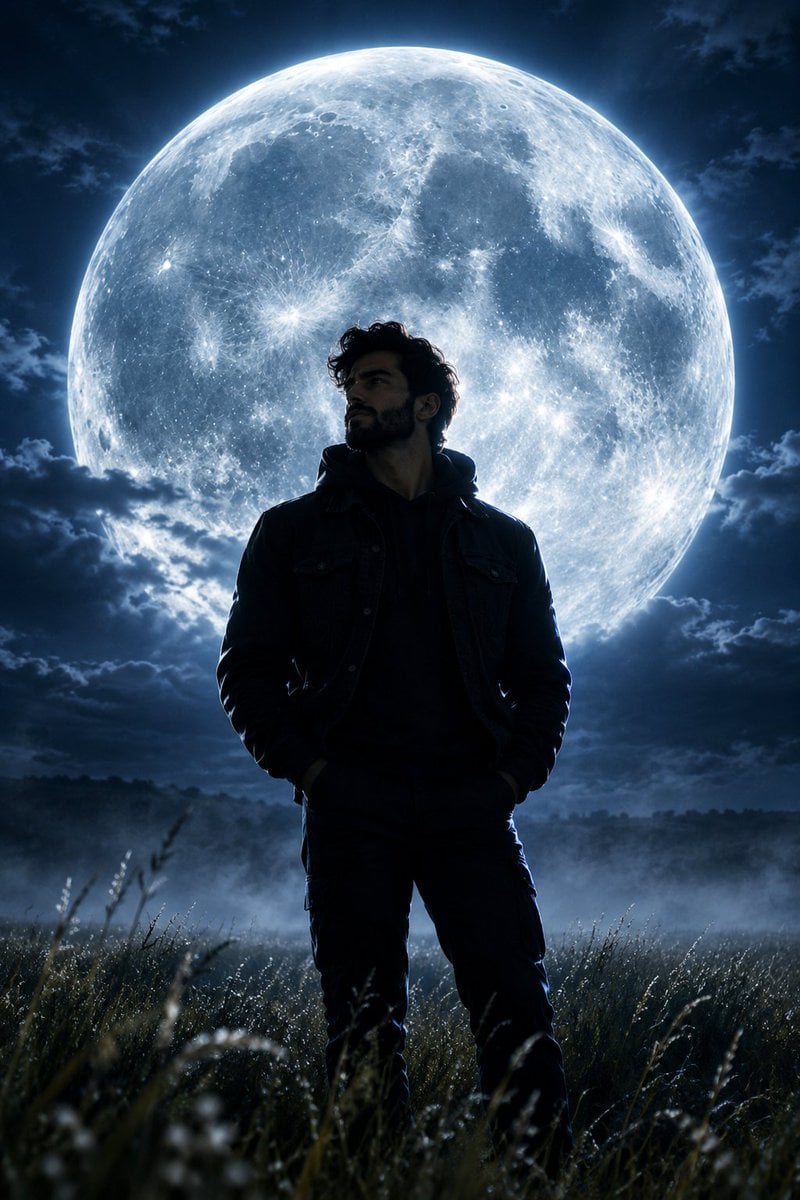
A dramatic cinematic prompt featuring a young man silhouetted against an impossibly large full moon in an open field at night.
- Prompt included
- Model and format preset
- Free template
The prompt behind this image
Copy the exact prompt behind Giant Moon Night Silhouette, or open it in the studio and make it yours.
Ultra-realistic cinematic editorial photograph of a {argument name="subject" default="strikingly handsome young man in his early 20s"} standing alone in a {argument name="location" default="vast open field at night"}, shown mostly in dramatic silhouette. He has thick, naturally wavy jet-black hair, a strong masculine jawline, prominent cheekbones, and a confident upright posture. Behind him hangs an {argument name="moon" default="enormous, breathtaking full moon"}, impossibly large and dominating the entire sky, with highly detailed lunar craters and a soft atmospheric glow. The moonlight creates a brilliant silver-blue rim light around his hair, shoulders, and body, while his face remains mostly shadowed. Tall grass gently surrounds him, subtle mist drifting across the field, deep dark-blue night sky, faint clouds illuminated by moonlight, atmospheric depth, dreamy yet powerful mood, epic scale, mysterious solitude, cinematic composition, realistic natural textures, volumetric moonlight, high dynamic range, photorealistic, ultra-detailed, 8K, professional photography, 85mm lens, shallow atmospheric depth, no other people, no buildings, no text, no watermark.
How to use Giant Moon Night Silhouette in 3 steps
- 1
Open
The prompt is already in the box next to the preview, with the template's model and format selected.
- 2…a portrait of your subject in softgolden-hour light, 85mm…
Personalize
Edit the subject and creative details for your destination.
- 3Generate
Generate
Press Generate — your image is created in PicX Studio, so you can compare it with the original and refine one variable at a time.
More like this
Templates with the same subject, style or setup. Open one to see its prompt.
Knight Facing Cathedral Giant
Subway Platform Quiet Introspective Portrait
Subway Platform Quiet Introspective Portrait
Spider-Man Night Swing New York Cinematic
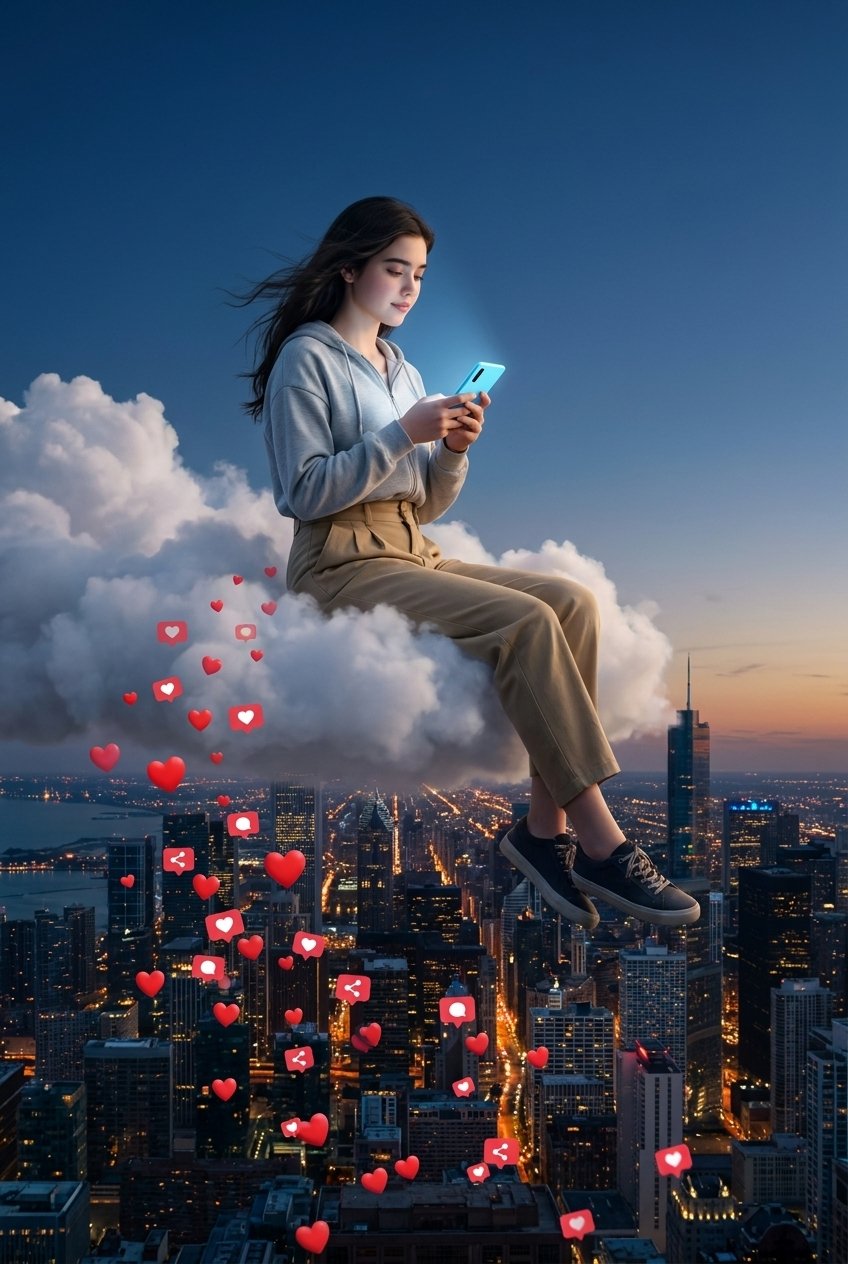
Floating Woman Above Cityscape with Notifications
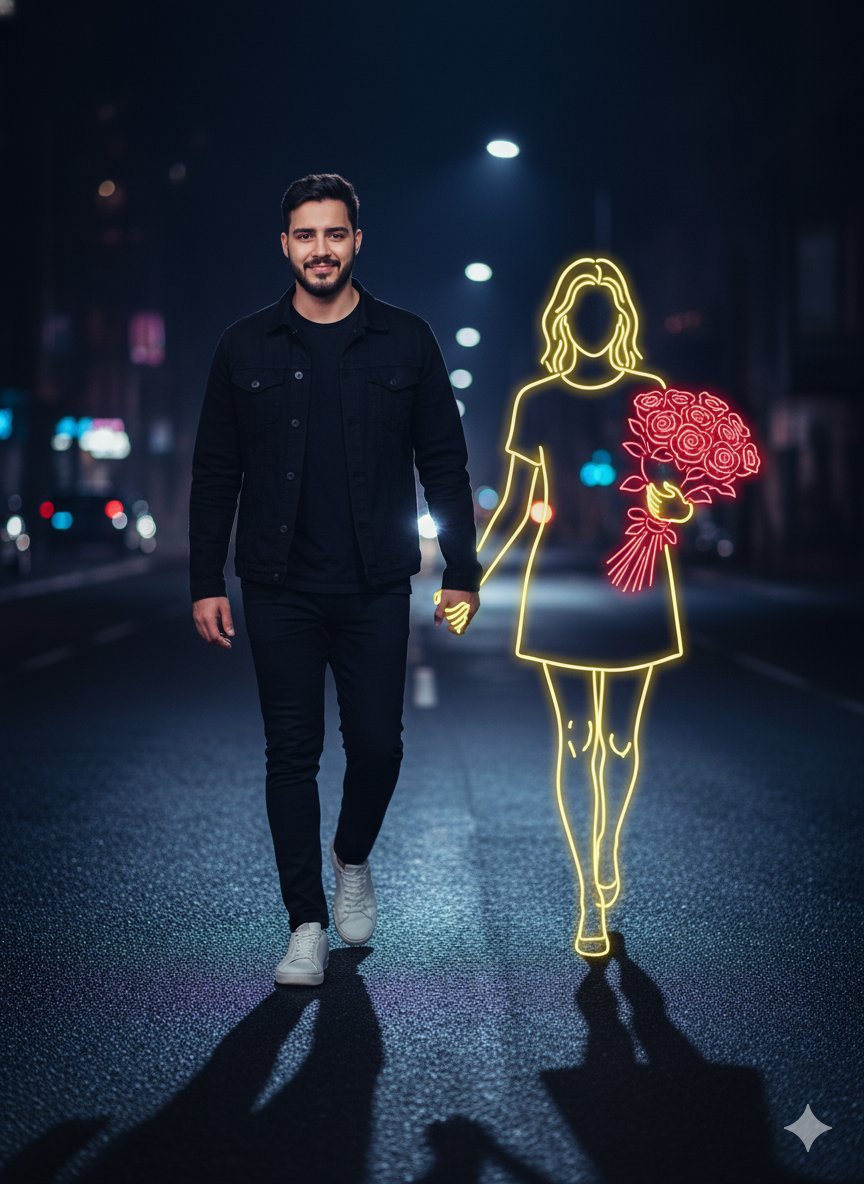
Cinematic Night Portrait with Neon Silhouette
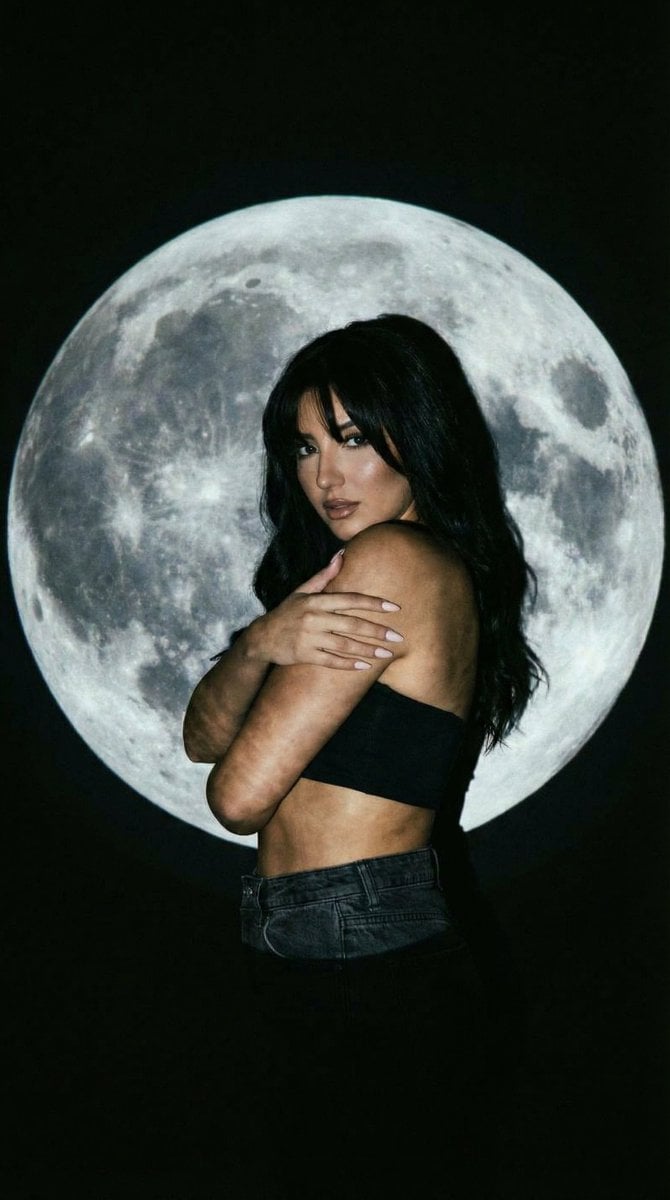
Low-Key Portrait with Moon Projection Silhouette
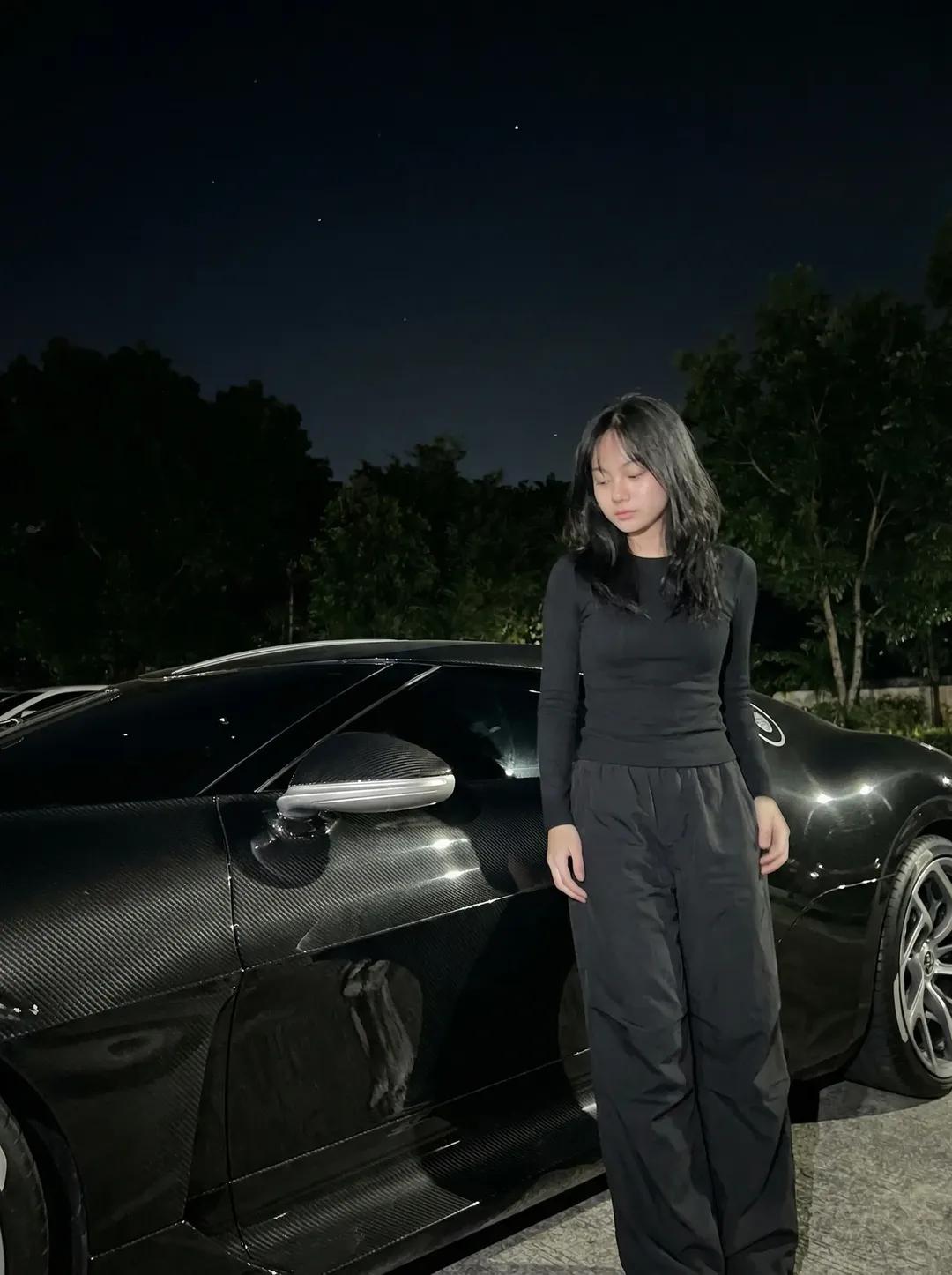
Night Sports Car Portrait — Cinematic Moody
Nano Banana - Cozy Cafe Night
Nano Banana - Dancing Carefree Paris
Nano Banana - Paris Night Party Dancing
Nano Banana - Bathtub Eiffel Night
Make it yours
Giant Moon Night Silhouette works as-is. These are the safest ways to change it without losing the look.
Change one field
Copy a single group, rewrite it, and generate again so you can see what that field is doing.
Keep the frame, change the subject
Hold the composition and light of Giant Moon Night Silhouette, then swap wardrobe, props or the person for a new take.
| If the result… | Why | Fix |
|---|---|---|
| The result drifts from the preview | Too many fields changed at once. | Reuse Giant Moon Night Silhouette as-is first, then change one group — subject, light, or setting. |
| The model over-stylizes the scene | The prose prompt leaves finish and camera underspecified. | Add one camera or lighting sentence and stay on GPT Image 2. |
More GPT Image 2 templates
Other prompts made for GPT Image 2.

Six VTuber Japanese Logo Sheet

Realistic Portrait of Woman and Deer

The Vista Modular Condo Poster

AI Model Routing Comparison Infographic

2.5D Anime Art Board

Isometric Productivity Desk Scene

New York Double Exposure Poster

Four-Panel AI Landscape Comparison

Japanese Tatami Lifestyle Magazine Cover

NESCAFÉ Coffee Map Poster
More image prompts
Fresh picks from across the catalog.
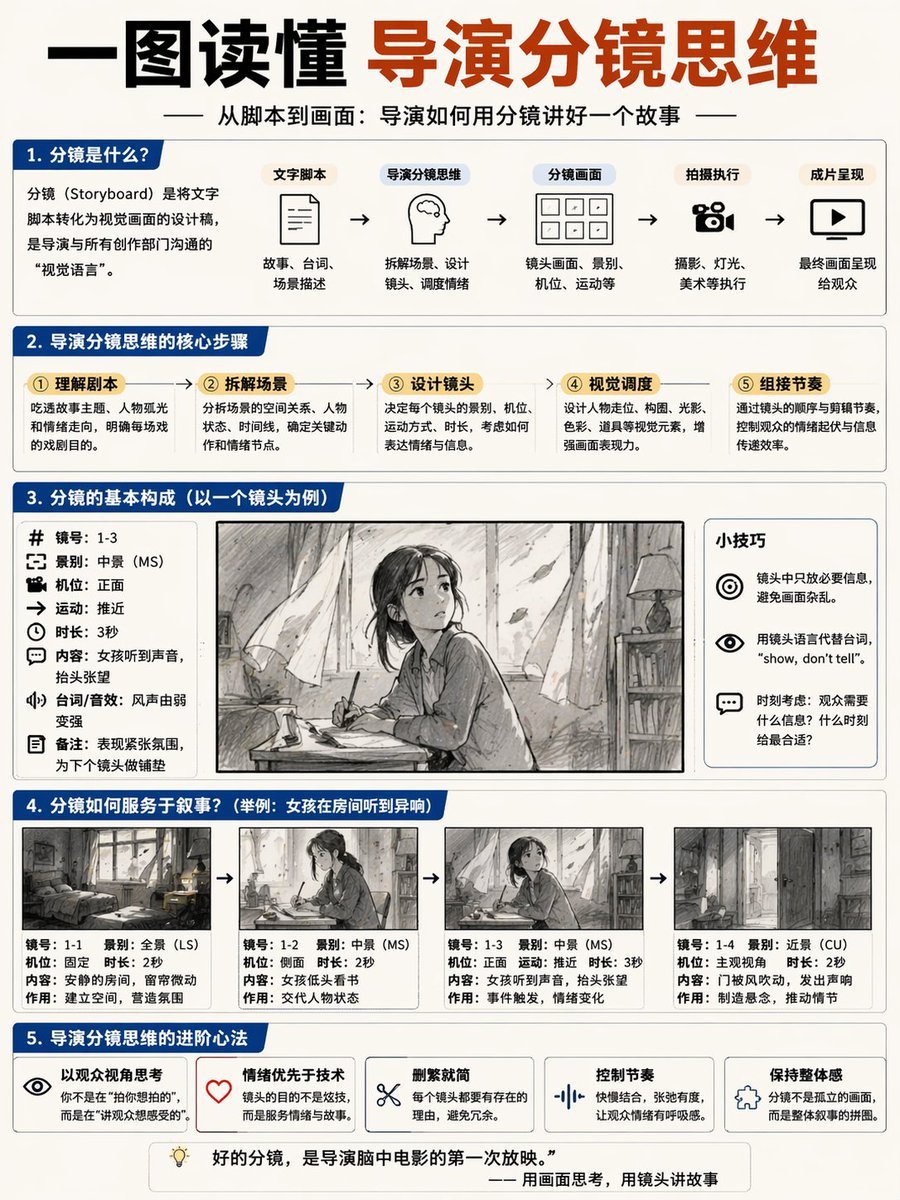
Storyboard Director Infographic
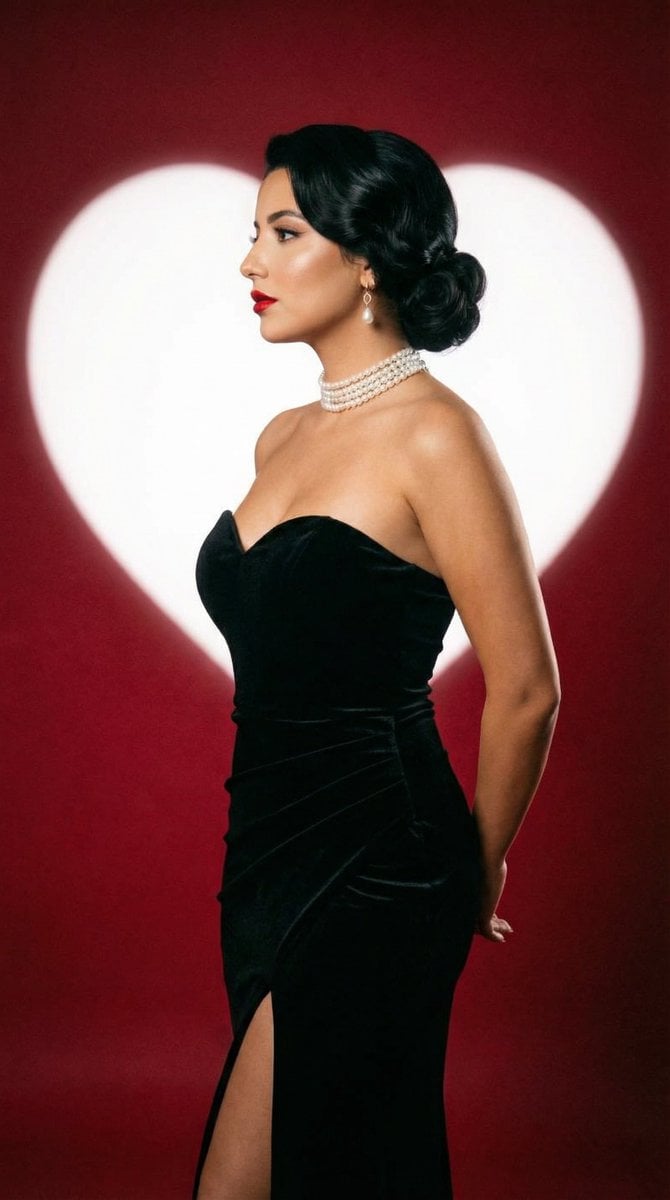
Classic Hollywood Studio Portrait with Heart Backdrop
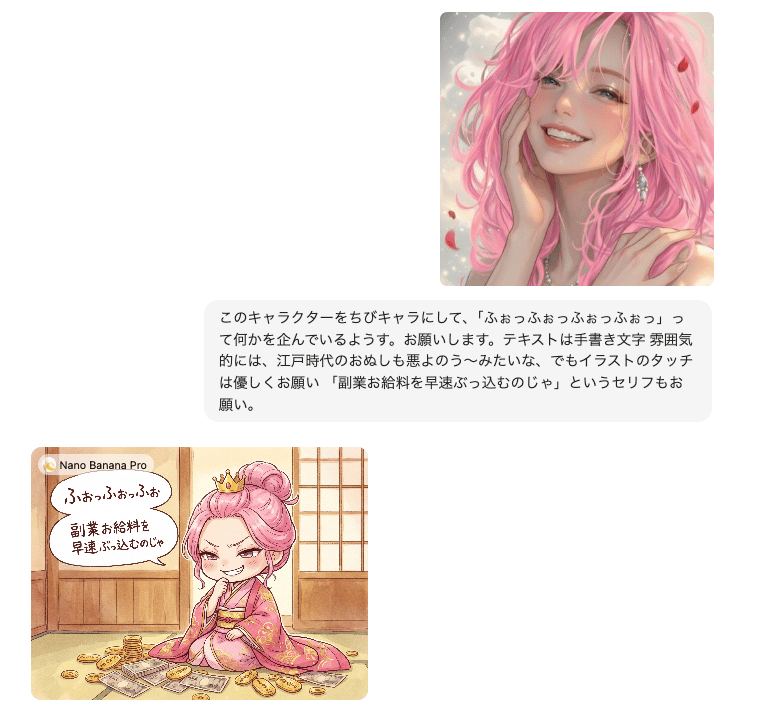
Instruction for Image Generation Based on Uploaded Material
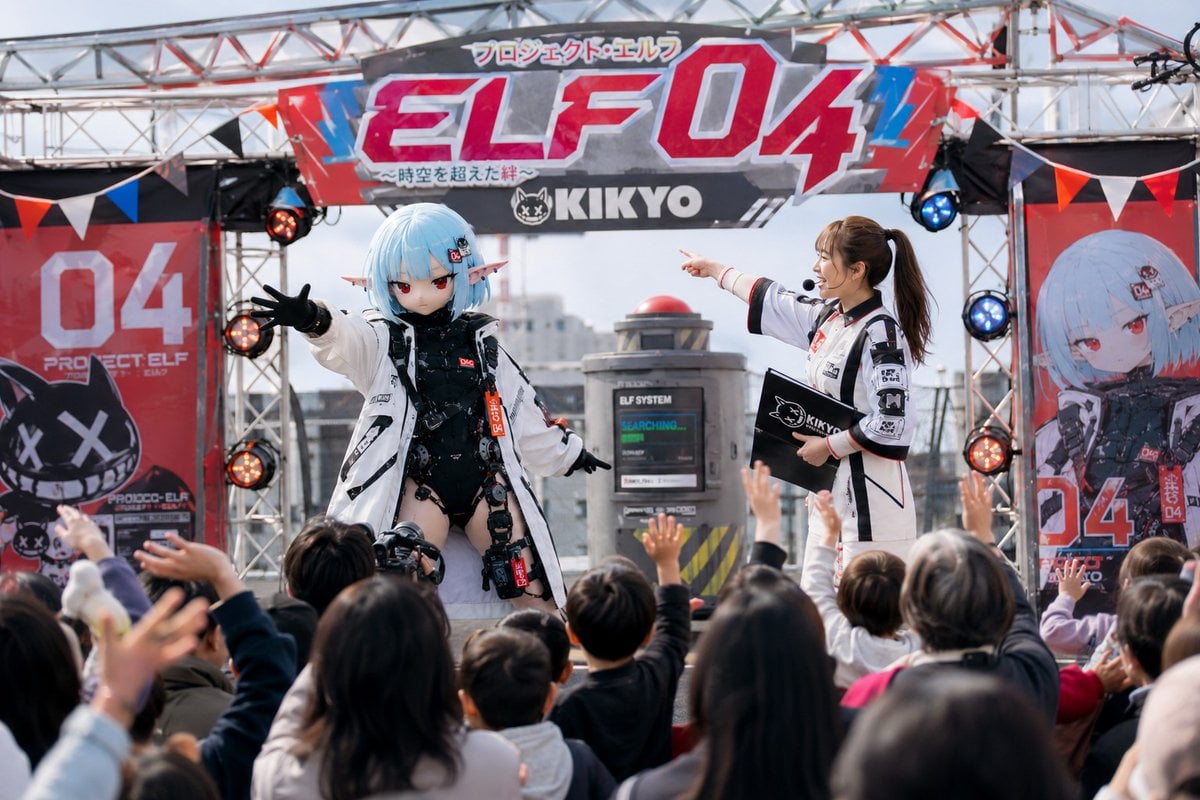
Realistic Japanese Character Show Photography
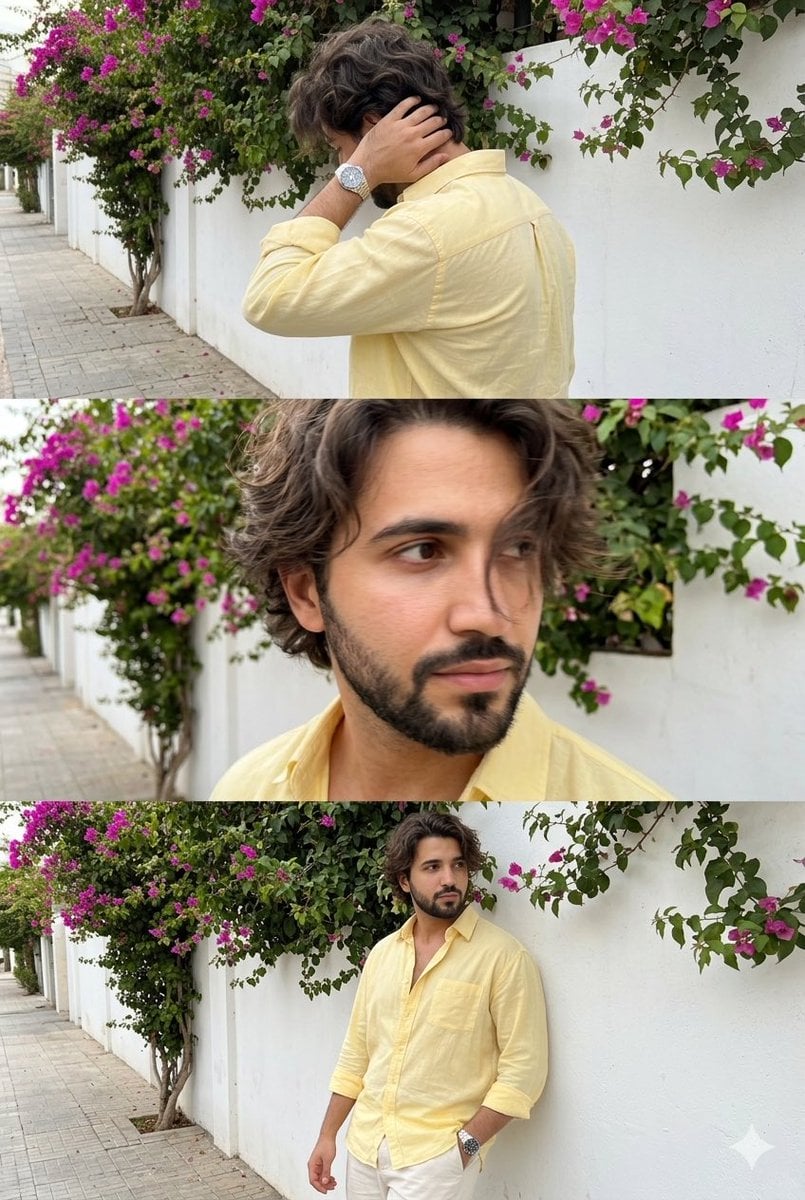
Consistent Identity Burst Photo Simulation
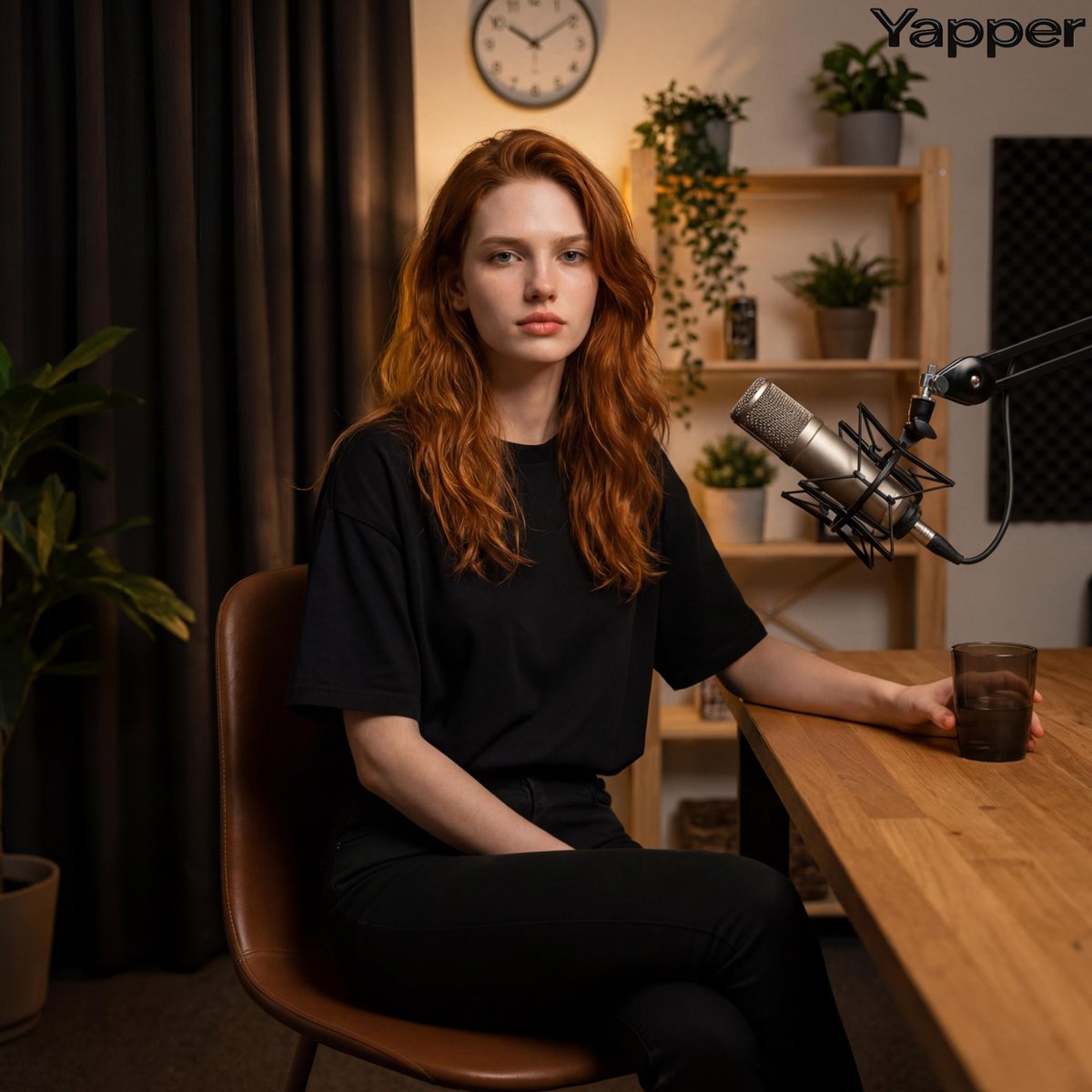
Photorealistic Portrait in a Warm Recording Studio
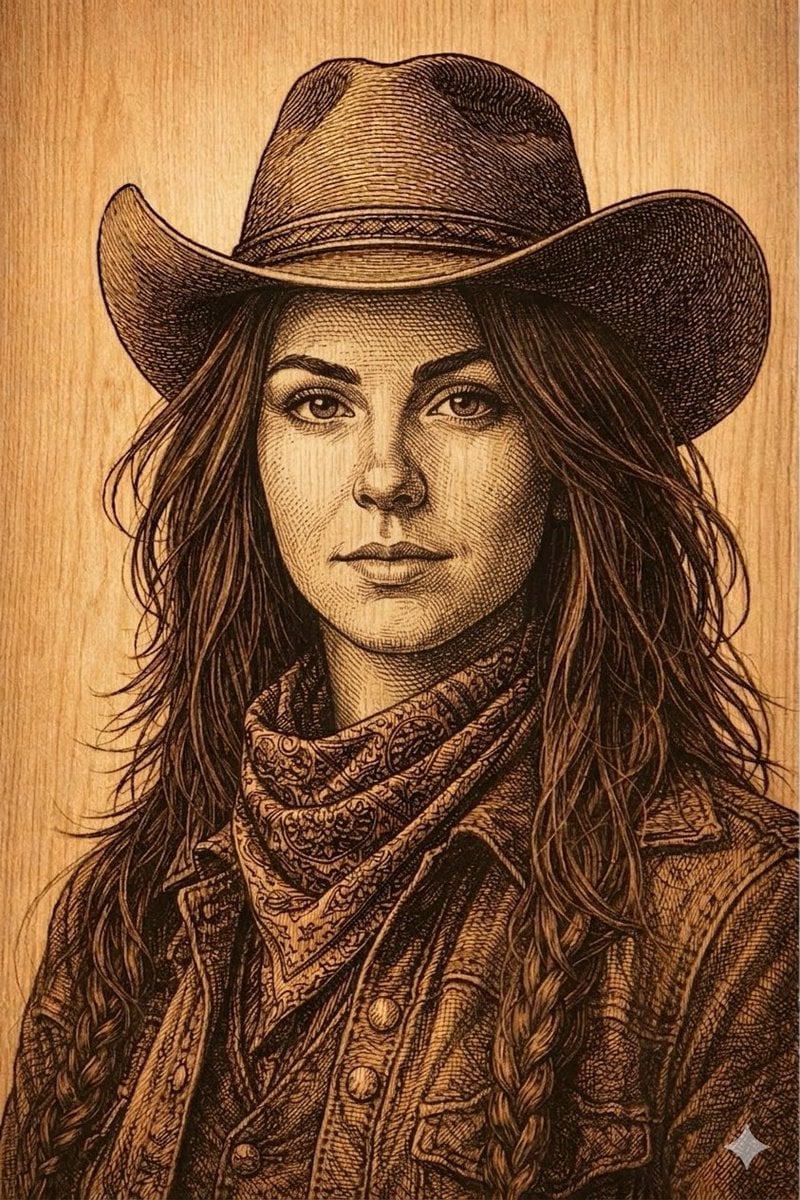
Western Outlaw Woodburning Pyrography Prompt

Cute Blonde Girl Mirror Selfie in Argyle Vest
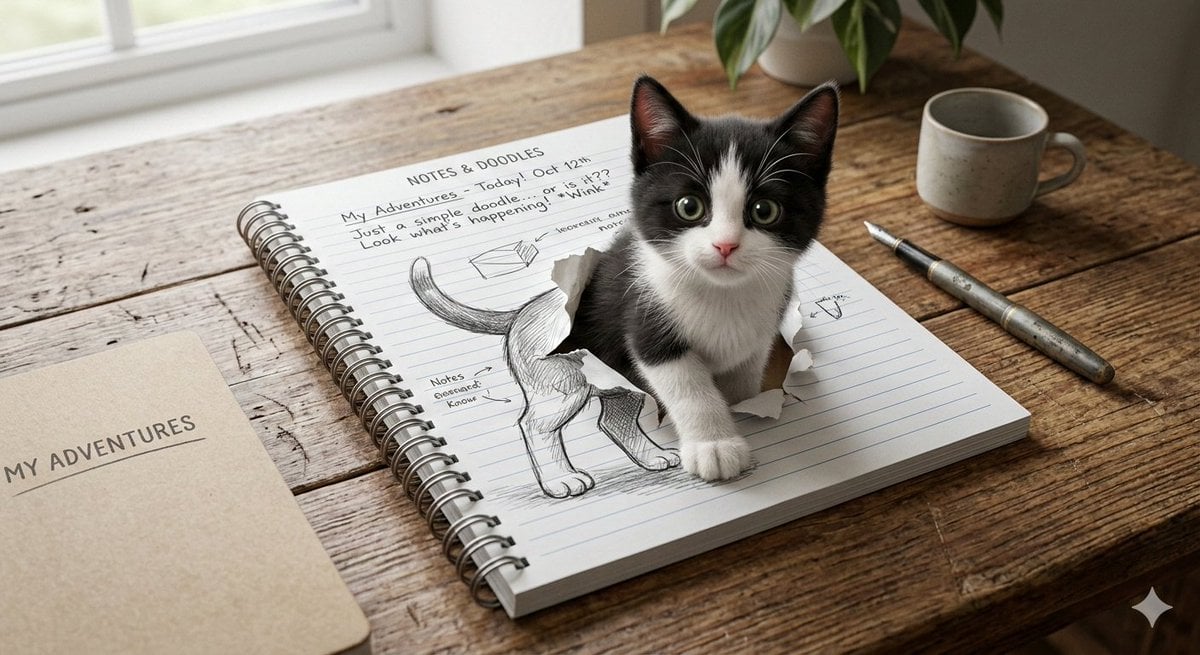
3D Illusion Kitten Art Prompt
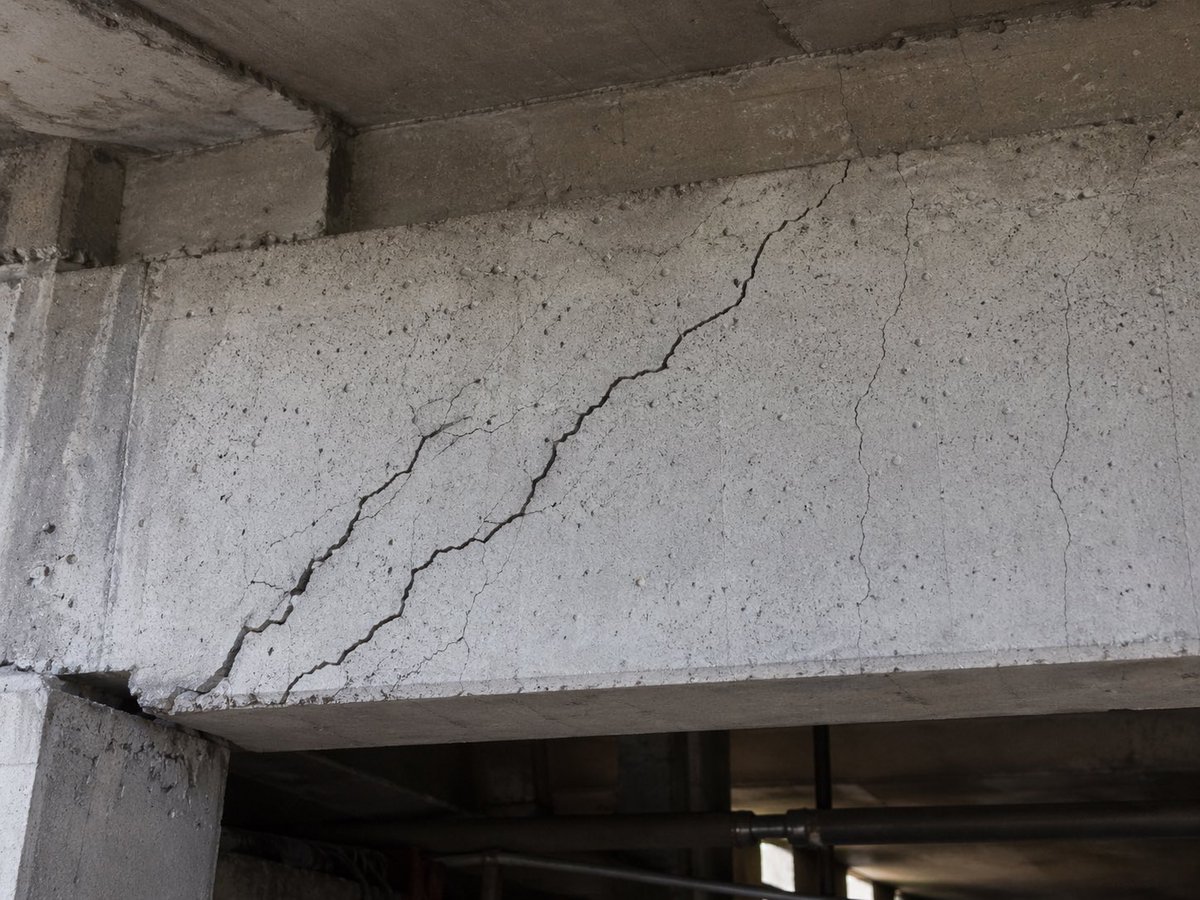
Realistic Cracked Concrete Beam
Browse template categories
Giant Moon Night Silhouette questions
How do I use the Giant Moon Night Silhouette template?
Add your photo if the template asks for one, edit the prompt if you like — the template's model and format are already selected — and press Generate. Your version opens in PicX Studio.
Can I customize the Giant Moon Night Silhouette template?
Yes. You can change the subject, setting, lighting, mood, format, and available model controls before creating your image.
Is the Giant Moon Night Silhouette template free?
Opening and editing this template is free. Generating uses credits, shown on the Generate button when you are signed in.
Which AI model should I use?
Start with GPT Image 2, which is the model associated with this template. You can compare another compatible model for a different finish.
Looking for something else? Browse all templates.

Your photo, any look
Thousands of ready templates for every top image and video model, from one credit balance.