
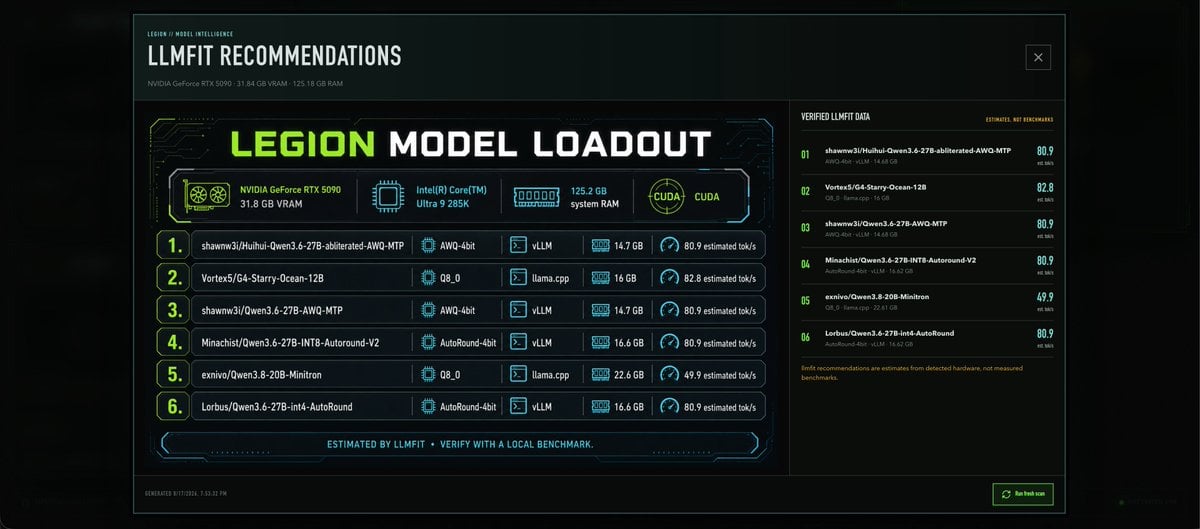
LLMFIT Model Loadout Dashboard
A wide cyberpunk dashboard infographic showing GPU-based local LLM recommendations, hardware specs, and estimated performance scores.
- Prompt included
- Model and format preset
- Free template
The prompt behind this image
Copy the exact prompt behind LLMFIT Model Loadout Dashboard, or open it in the studio and make it yours.
Goal: Create a dark futuristic dashboard infographic for {argument name="dashboard title" default="LLMFIT RECOMMENDATIONS"}, showing local AI model recommendations for a workstation. Canvas: Wide 21:9 desktop-panel image, black and deep teal background with subtle glow, thin neon cyan border, faint scanline/grid texture, compact technical UI styling. Layout: Top header bar with small label “LEGION / MODEL INTELLIGENCE”, large title “LLMFIT RECOMMENDATIONS”, subtitle “NVIDIA GeForce RTX 5090 · 31.84 GB VRAM · 125.18 GB RAM”, and a small outlined close-box icon at the top right. Main content is split into two panels: a large left recommendation module occupying about two thirds of the width, and a narrower right verification panel. Left panel: Add a large cyberpunk card titled “LEGION MODEL LOADOUT”, with “LEGION” in neon lime and the rest in white blocky techno typography. Under the title, show exactly 4 hardware/status tiles with icons: 1) NVIDIA GeForce RTX 5090, 31.8 GB VRAM with a GPU fan icon, 2) Intel(R) Core(TM) Ultra 9 285K with a CPU chip icon, 3) 125.2 GB system RAM with a memory module icon, 4) CUDA with a circular CUDA emblem. Beneath the tiles, show exactly 6 ranked model rows, each with a large lime outlined rank number, model name, quantization, runtime, RAM amount, and estimated tok/s speed. The 6 rows are: 1) shawnw3j/Huihui-Qwen3.6-27B-abliterated-AWQ-MTP — AWQ-4bit — vLLM — 14.7 GB — 80.9 estimated tok/s; 2) Vortex5/G4-Starry-Ocean-12B — Q8_0 — llama.cpp — 16 GB — 82.8 estimated tok/s; 3) shawnw3j/Qwen3.6-27B-AWQ-MTP — AWQ-4bit — vLLM — 14.7 GB — 80.9 estimated tok/s; 4) Minachist/Qwen3.6-27B-INT8-Autoround-V2 — AutoRound-4bit — vLLM — 16.6 GB — 80.9 estimated tok/s; 5) exnivo/Qwen3.8-20B-Minitron — Q8_0 — llama.cpp — 22.6 GB — 49.9 estimated tok/s; 6) Lorbus/Qwen3.6-27B-int4-AutoRound — AutoRound-4bit — vLLM — 16.6 GB — 80.9 estimated tok/s. Use small cyan icons for chip/runtime/RAM/speed columns. Footer inside left card: Center a slim neon divider with the text “ESTIMATED BY LLMFIT · VERIFY WITH A LOCAL BENCHMARK.” Right panel: Title it “VERIFIED LLMFIT DATA” with a small note “ESTIMATES, NOT BENCHMARKS”. Show exactly 6 compact verification entries matching the same 6 models, numbered 01 through 06 in lime, each with smaller gray metadata text and a bright cyan score on the far right: 80.9, 82.8, 80.9, 80.9, 49.9, 80.9. Add a small orange warning note at the bottom: “llmfit recommendations are estimates from detected hardware, not measured benchmarks.” Bottom app chrome: Add a tiny timestamp line at bottom left, “GENERATED 8/17/2026, 7:53:32 PM”, and a small green outlined button at bottom right labeled {argument name="button label" default="Refresh scan"} with a refresh icon. Visual style: High-contrast sci-fi terminal UI, angular panel corners, thin glowing cyan circuit traces, lime accents, white condensed techno font, dense but readable technical typography, subtle green monitor glow. Keep the image crisp like a generated dashboard screenshot, not a poster. Constraints: Use exactly 6 model recommendation rows, exactly 4 hardware tiles, and exactly 6 verified-data entries. Do not add people, photos, logos beyond simple hardware-style icons, or extra sections. Keep all visible text in English.
How to use LLMFIT Model Loadout Dashboard in 3 steps
- 1Upload ImagePNG, JPG or paste
Add your photo
Upload the photo the template builds on. The prompt, model and format are already set.
- 2…a portrait of your subject in softgolden-hour light, 85mm…
Personalize
Edit the subject and creative details for your destination.
- 3Generate
Generate
Press Generate — your image is created in PicX Studio, so you can compare it with the original and refine one variable at a time.
More like this
Templates with the same subject, style or setup. Open one to see its prompt.

Premium Vertical Product Campaign Poster
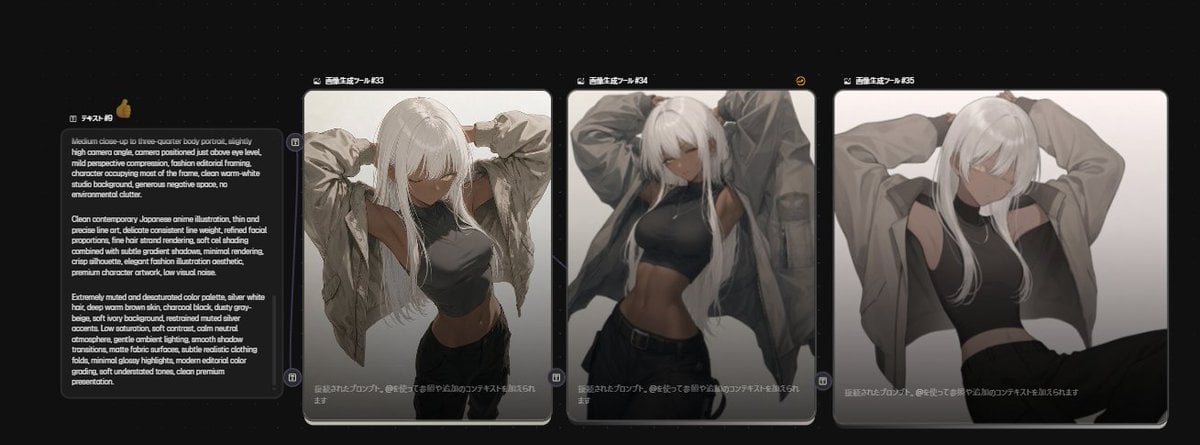
Anime Model Comparison Dashboard
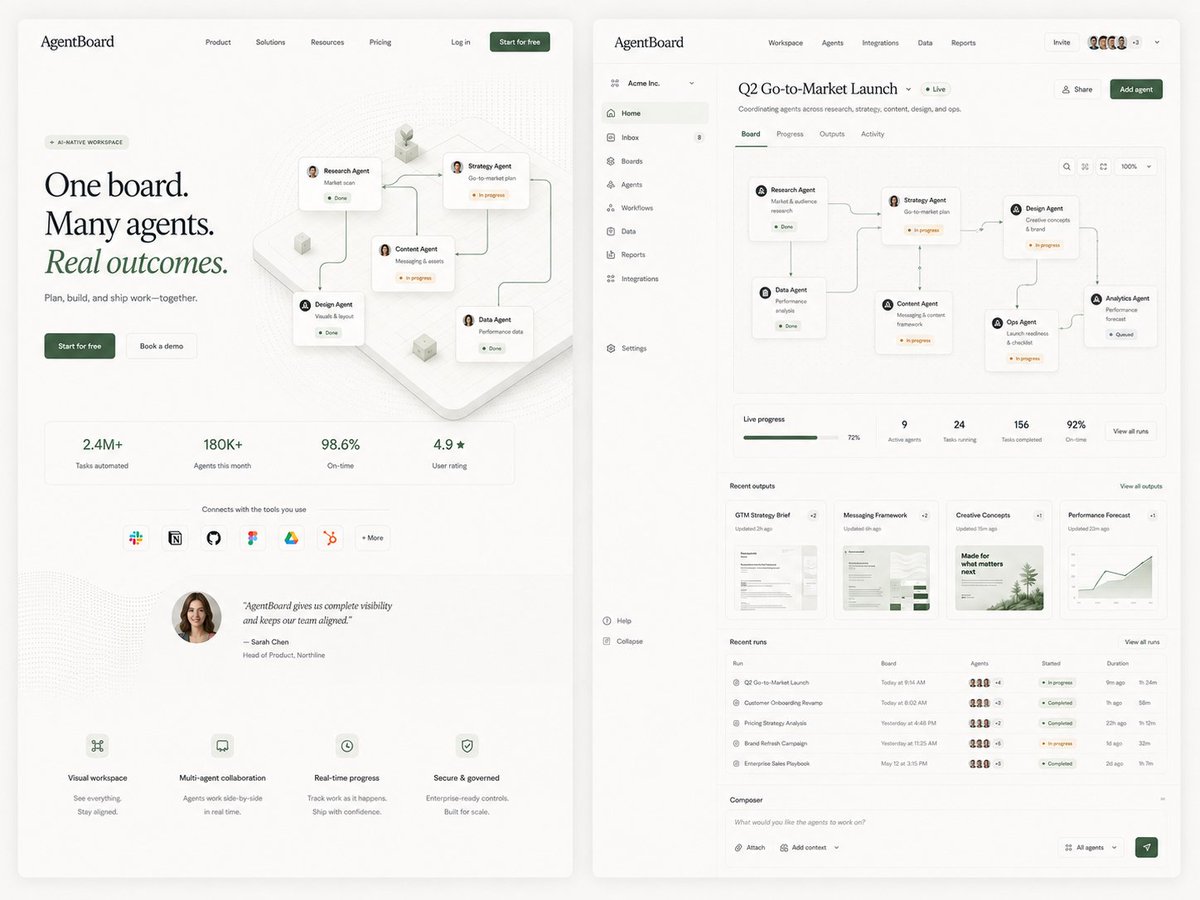
AgentBoard SaaS Landing and Dashboard UI

Miniature Man on Car Dashboard
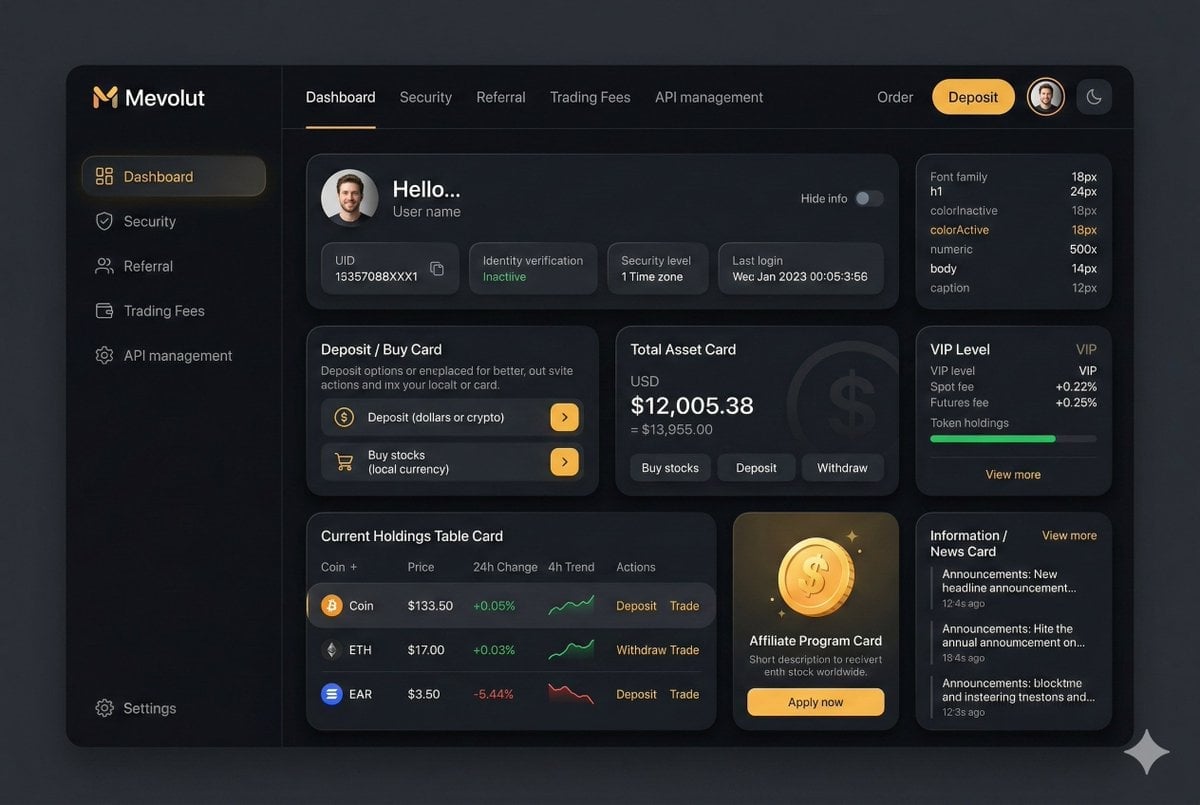
Fintech Crypto Dashboard UI Design
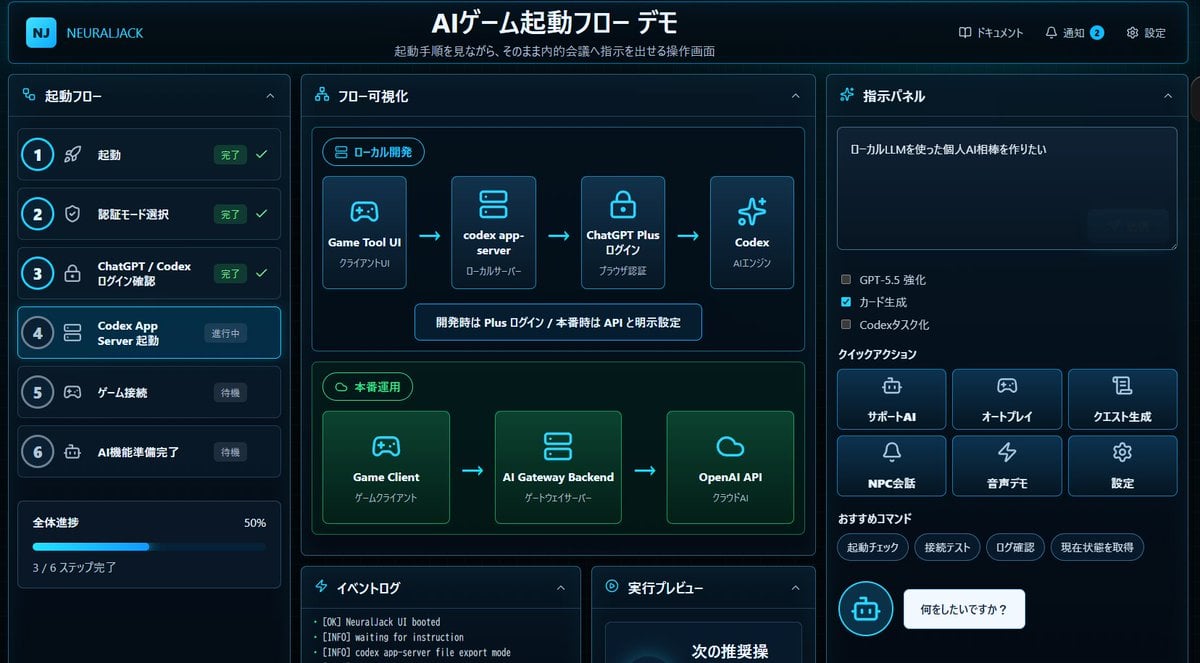
Japanese AI Game Launch Dashboard
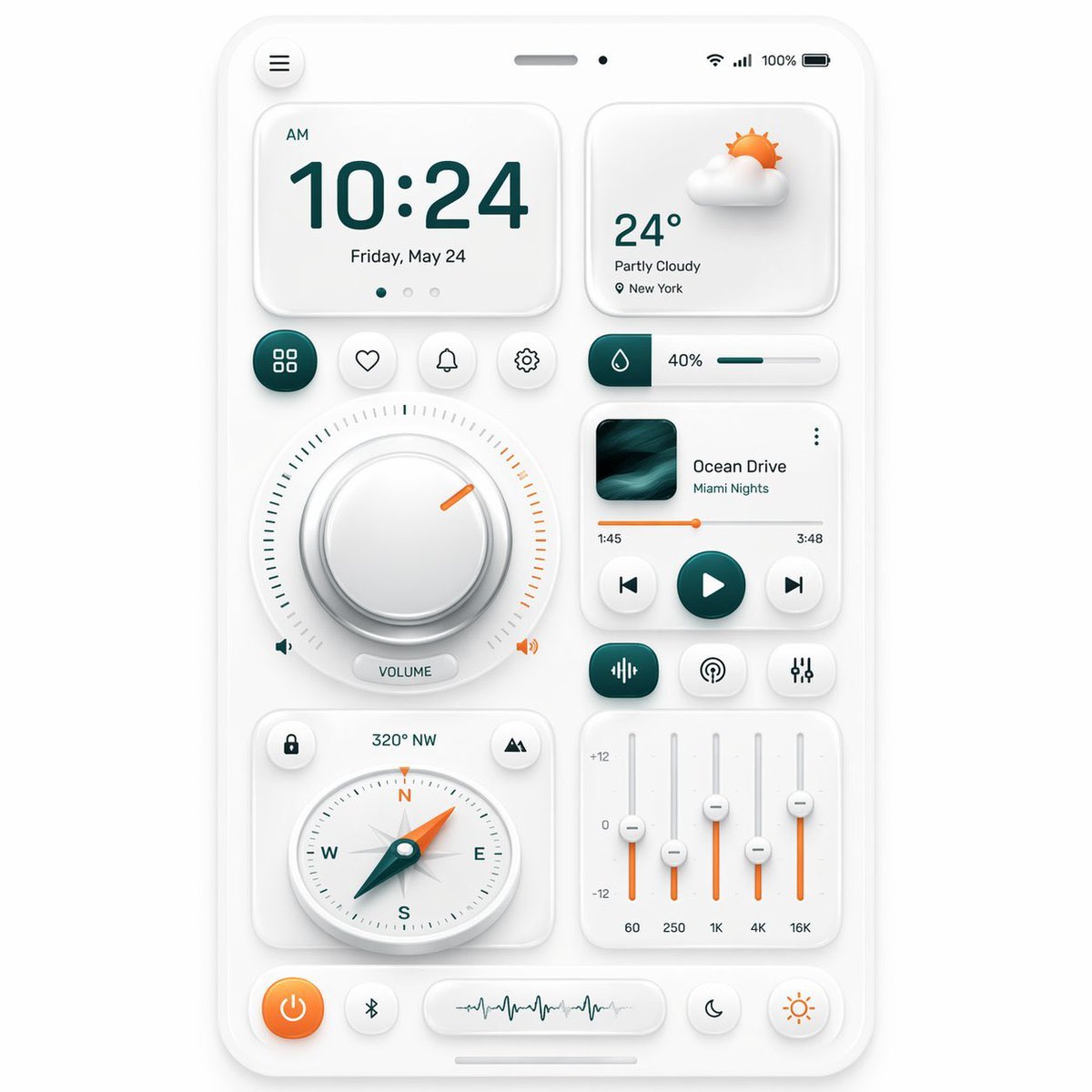
Neumorphic Mobile Dashboard UI

SaaS AI Dashboard Landing Page
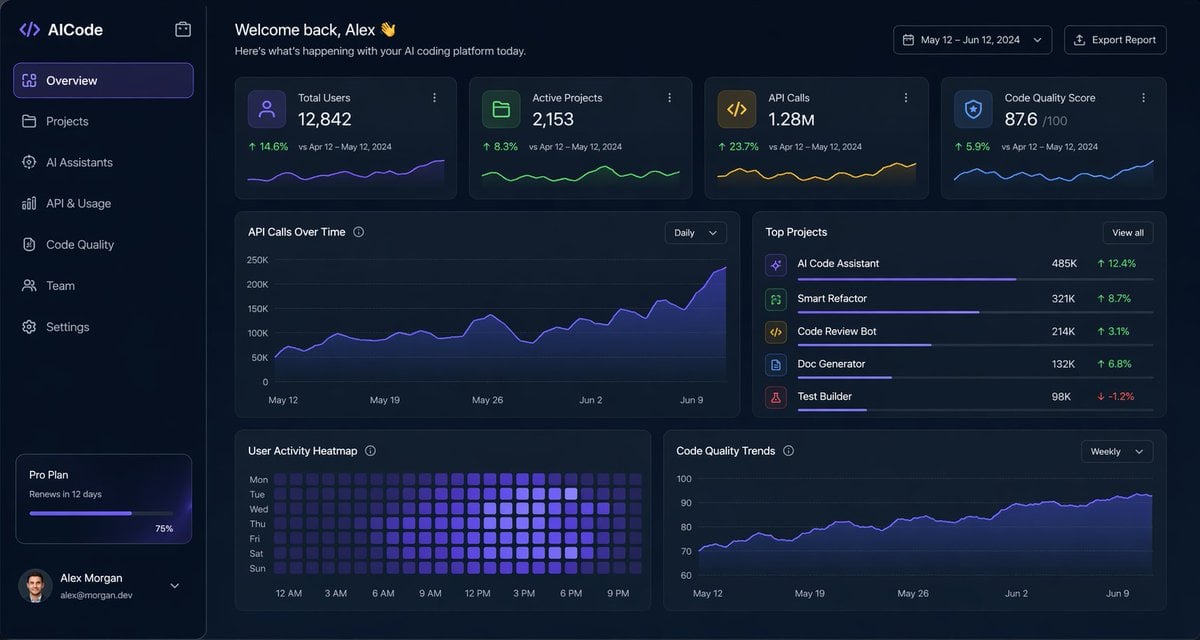
Dark AI Coding Dashboard UI
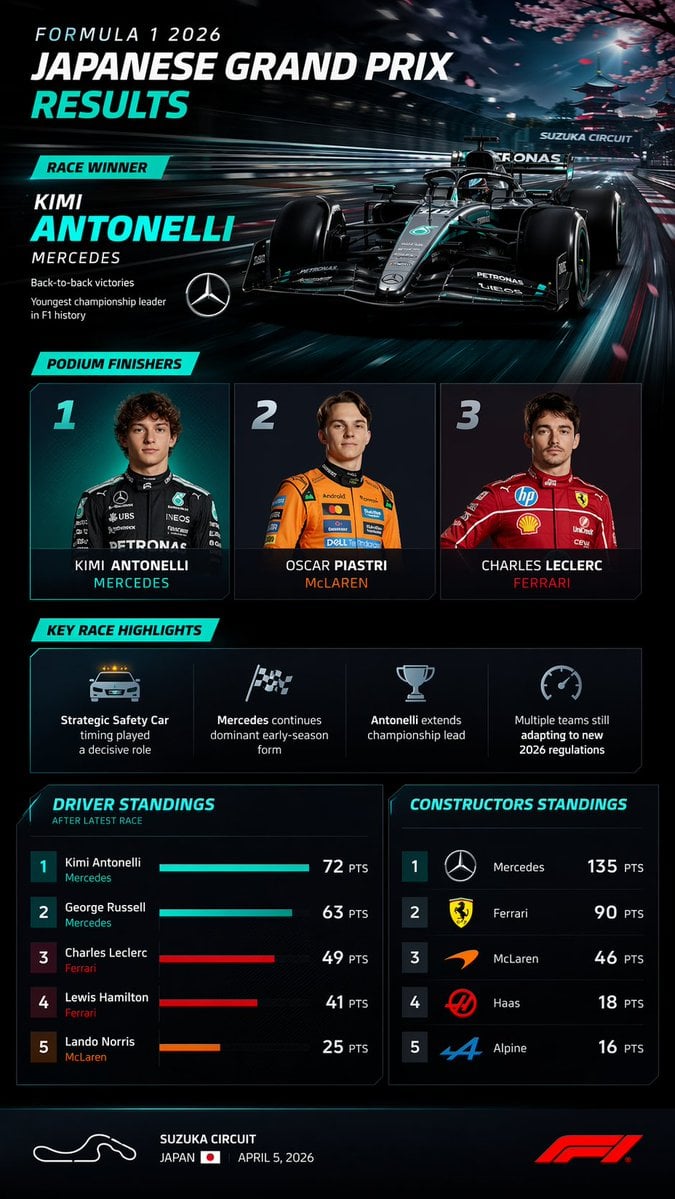
F1 Race Results Infographic Dashboard
Futuristic Holographic Dashboard
Creative Dashboard UI Screenshot
Make it yours
LLMFIT Model Loadout Dashboard works as-is. These are the safest ways to change it without losing the look.
Change one field
Copy a single group, rewrite it, and generate again so you can see what that field is doing.
Keep the frame, change the subject
Hold the composition and light of LLMFIT Model Loadout Dashboard, then swap wardrobe, props or the person for a new take.
| If the result… | Why | Fix |
|---|---|---|
| The result drifts from the preview | Too many fields changed at once. | Reuse LLMFIT Model Loadout Dashboard as-is first, then change one group — subject, light, or setting. |
| The model over-stylizes the scene | The prose prompt leaves finish and camera underspecified. | Add one camera or lighting sentence and stay on GPT Image 2. |
More GPT Image 2 templates
Other prompts made for GPT Image 2.

Six VTuber Japanese Logo Sheet

Realistic Portrait of Woman and Deer

The Vista Modular Condo Poster

2.5D Anime Art Board

Isometric Productivity Desk Scene

New York Double Exposure Poster

Four-Panel AI Landscape Comparison

Japanese Tatami Lifestyle Magazine Cover

NESCAFÉ Coffee Map Poster

Brutalist Cogito Chinese Typography Poster
More image prompts
Fresh picks from across the catalog.

Korean Girl Group Style Photo Shoot Prompt

Bad MS Paint Meme Portrait

Valentine Angel Heart Glamour Editorial
AI Chat Screenshot with Cosmic Artwork

Elegant Japanese Divorce Law LP Hero
Shadow and Glitch Effect Prompt with Color Separation

Map to Anime Panorama Conversion

Nano Banana 2 Generation Examples and Prompts

Woman Leaning on Vintage Blue Car

Cozy Indoor Fashion Shot Prompt (Gray Turtleneck Set)
Browse template categories
LLMFIT Model Loadout Dashboard questions
How do I use the LLMFIT Model Loadout Dashboard template?
Add your photo if the template asks for one, edit the prompt if you like — the template's model and format are already selected — and press Generate. Your version opens in PicX Studio.
Can I customize the LLMFIT Model Loadout Dashboard template?
Yes. You can change the subject, setting, lighting, mood, format, and available model controls before creating your image.
Is the LLMFIT Model Loadout Dashboard template free?
Opening and editing this template is free. Generating uses credits, shown on the Generate button when you are signed in.
Which AI model should I use?
Start with GPT Image 2, which is the model associated with this template. You can compare another compatible model for a different finish.
Looking for something else? Browse all templates.

Your photo, any look
Thousands of ready templates for every top image and video model, from one credit balance.