
Arabic ChatGPT Robot OpenAI Poster
A square 3D promotional poster featuring a friendly ChatGPT robot mascot, OpenAI branding, and Arabic handwritten educational annotations for social media use.
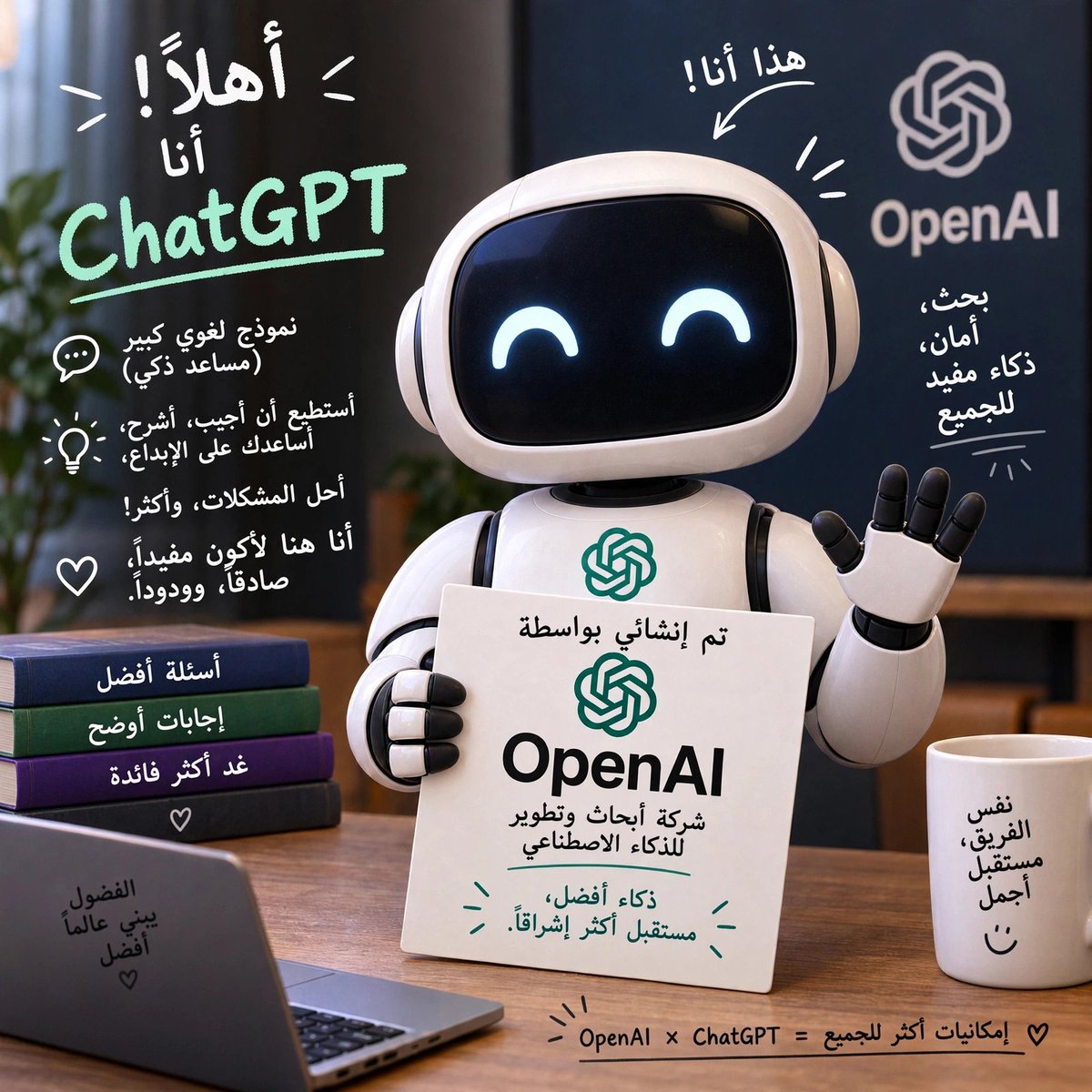
- Prompt included
- Model and format preset
- Free template
The prompt behind this image
Copy the exact prompt behind Arabic ChatGPT Robot OpenAI Poster, or open it in the studio and make it yours.
Goal: Create a polished square social-media promotional image showing a cute friendly ChatGPT/OpenAI robot mascot in a cozy desk setting, with Arabic handwritten annotations explaining ChatGPT and OpenAI. The overall message should feel optimistic, educational, and futuristic, like a tech announcement poster. Canvas: 1:1 square image, realistic 3D render mixed with hand-drawn white and mint-green marker typography. Warm indoor lighting, shallow depth of field, high-detail glossy materials, soft shadows, premium AI-brand aesthetic. Main subject: Center-right, a small white rounded robot mascot with a glossy black face screen and two glowing happy crescent eyes. It wears rounded ear-like side panels, has black joint details, and waves with its right hand. The robot holds a white rectangular placard in its left hand. Add the OpenAI knot logo on the robot chest in teal. Text and branding: Include large handwritten Arabic text at upper left reading “أهلاً! أنا” above a large mint-green “ChatGPT” wordmark with an underline. On the right background, show the OpenAI knot logo and the word “OpenAI” in light gray. Above the robot, add Arabic handwritten text “هذا أنا!” with a curved arrow pointing to the robot. On the placard, include Arabic text meaning “Created by OpenAI”, the OpenAI logo, the word “OpenAI” in large bold black letters, then Arabic subtext about the company developing smart technologies, and a mint-green Arabic optimistic line near the bottom. Preserve the look of Arabic handwriting even if some characters are imperfect. Layout and discrete elements: Include exactly 5 handwritten annotation groups around the image: 1) the large ChatGPT introduction at upper left, 2) three short Arabic bullet-style capability lines on the left with small doodle icons, 3) the “this is me” arrow above the robot, 4) a short Arabic OpenAI benefit note at right, 5) a bottom equation-like Arabic slogan reading approximately “OpenAI × ChatGPT = more possibilities for everyone” with small doodle rays and a heart. Include exactly 3 left-side doodle icons next to the capability notes: a chat bubble, a lightbulb, and a heart. Include exactly 4 stacked books on the lower left, each with Arabic labels on the spines suggesting “better questions,” “clearer answers,” and “more useful.” Include exactly 1 open laptop in the foreground left with small Arabic writing on its lid, and exactly 1 white mug on the foreground right with small Arabic writing and a smiley face. Environment: Wooden desk surface, blurred dark blue/black background panels, a leafy green plant partially visible at far left, warm ambient office/classroom mood. Place the OpenAI wall branding in the back-right area behind the robot. Style constraints: Use a clean 3D Pixar-like robot design, not a human. Make the robot friendly and non-threatening. Handwritten Arabic overlays should look drawn on top of the scene in white and mint green. Keep the composition balanced with the robot and placard as the focus, no extra characters, no watermark, no photoreal human faces. Customizable details: The main green wordmark should read {argument name="assistant name" default="ChatGPT"}. The background company wordmark should read {argument name="company name" default="OpenAI"}. The placard headline should feature {argument name="placard brand" default="OpenAI"}. The overall written language style should be {argument name="annotation language" default="Arabic"}. The robot expression should be {argument name="robot expression" default="happy crescent eyes"}.
How to use Arabic ChatGPT Robot OpenAI Poster in 3 steps
- 1Upload ImagePNG, JPG or paste
Add your photo
Upload the photo the template builds on. The prompt, model and format are already set.
- 2…a portrait of your subject in softgolden-hour light, 85mm…
Personalize
Edit the subject and creative details for your destination.
- 3Generate
Generate
Press Generate — your image is created in PicX Studio, so you can compare it with the original and refine one variable at a time.
More like this
Templates with the same subject, style or setup. Open one to see its prompt.

Parle Hide and Seek Cookie Campaign Poster

Japan Travel Brochure Poster

Cartoon TV Show Poster Pack

Trendy Cafe Drink Promo Poster

Floraverse Botanical Fusion

FLORAVERSE BOTANICAL FUSION

Urban Fashion Editorial Collage Streetwear Poster

Premium Fashion Editorial Cover Layout System

Polo Ralph Lauren Luxury American Heritage Fashion Campaign

Monochrome Halftone Editorial Fashion Poster

Retro Mirror Luxury Fashion Campaign Poster

Luxury Fashion Campaign Typography Poster System
Make it yours
Arabic ChatGPT Robot OpenAI Poster works as-is. These are the safest ways to change it without losing the look.
Change one field
Copy a single group, rewrite it, and generate again so you can see what that field is doing.
Keep the frame, change the subject
Hold the composition and light of Arabic ChatGPT Robot OpenAI Poster, then swap wardrobe, props or the person for a new take.
| If the result… | Why | Fix |
|---|---|---|
| The result drifts from the preview | Too many fields changed at once. | Reuse Arabic ChatGPT Robot OpenAI Poster as-is first, then change one group — subject, light, or setting. |
| The model over-stylizes the scene | The prose prompt leaves finish and camera underspecified. | Add one camera or lighting sentence and stay on GPT Image 2. |
More GPT Image 2 templates
Other prompts made for GPT Image 2.

Six VTuber Japanese Logo Sheet

Realistic Portrait of Woman and Deer

The Vista Modular Condo Poster

AI Model Routing Comparison Infographic

2.5D Anime Art Board

Isometric Productivity Desk Scene

New York Double Exposure Poster

Four-Panel AI Landscape Comparison

Japanese Tatami Lifestyle Magazine Cover

NESCAFÉ Coffee Map Poster
More image prompts
Fresh picks from across the catalog.
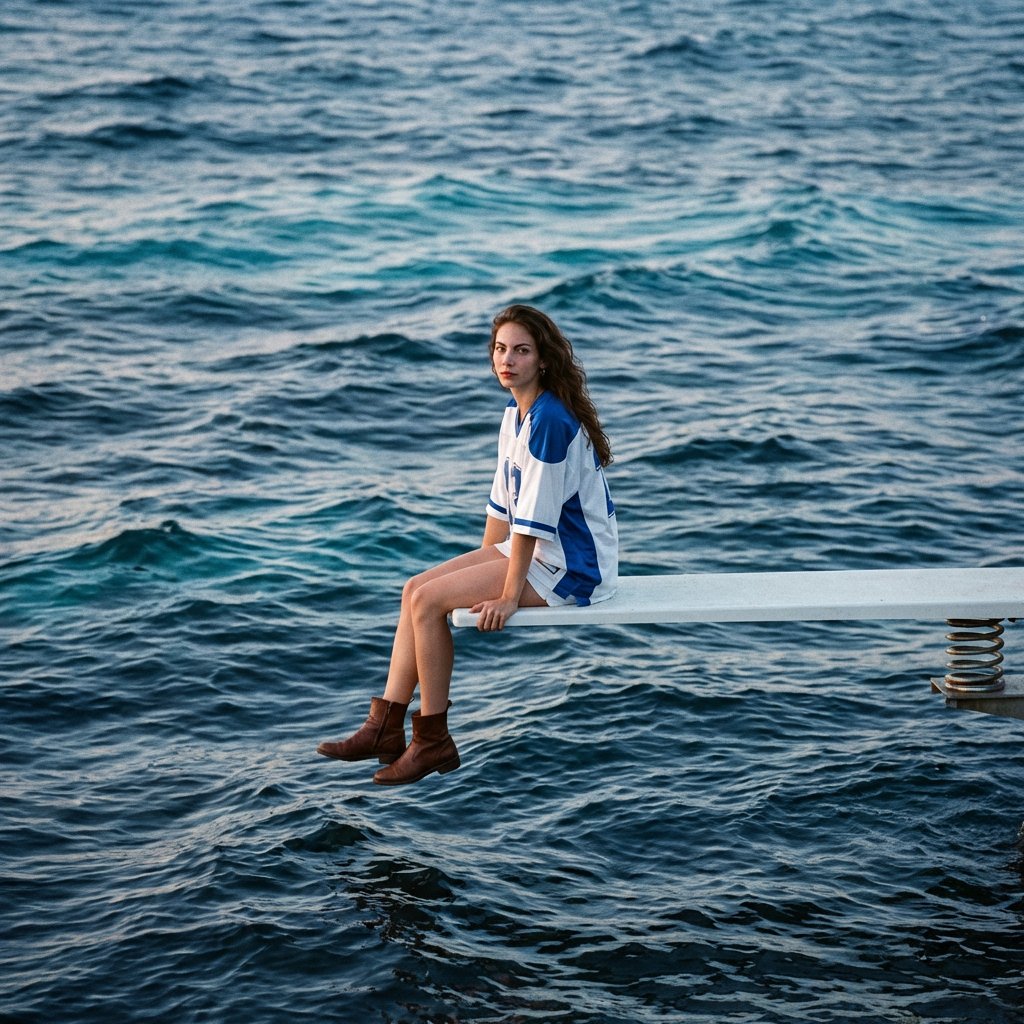
SZA SOS Album Cover Recreation
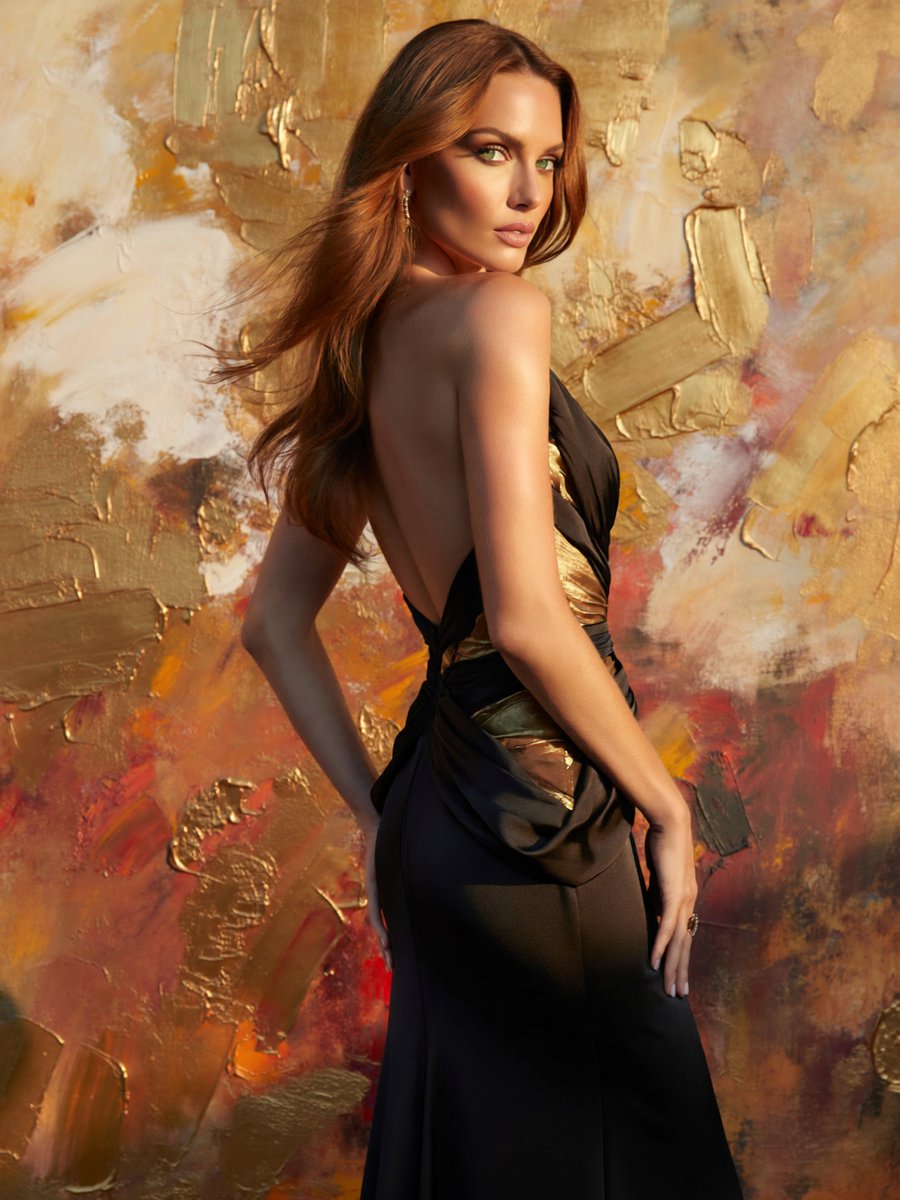
Glamorous Backless Gown Portrait
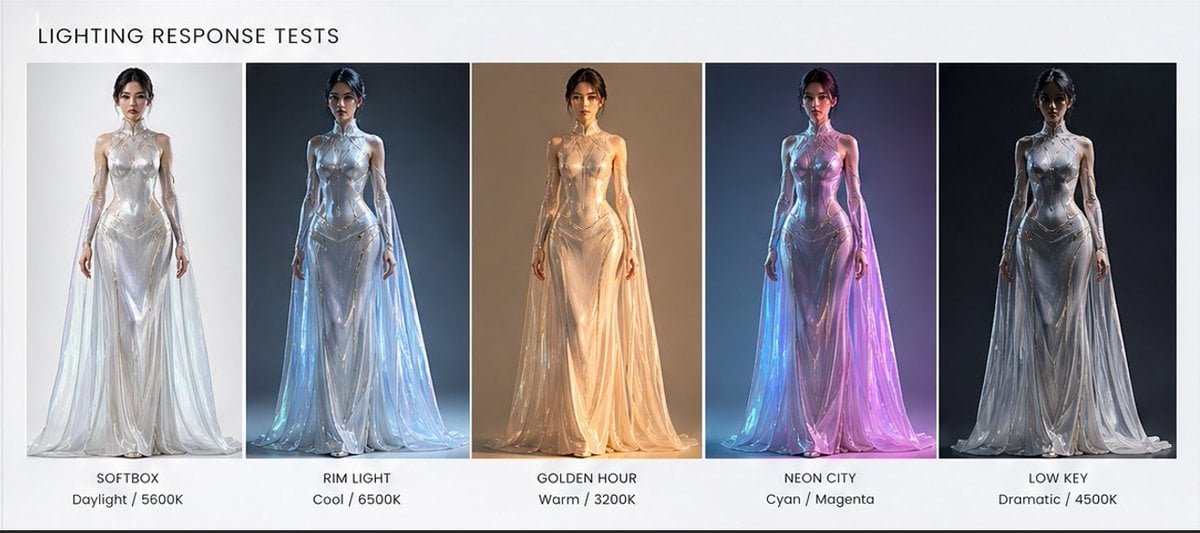
Fashion Lighting Response Test Sheet
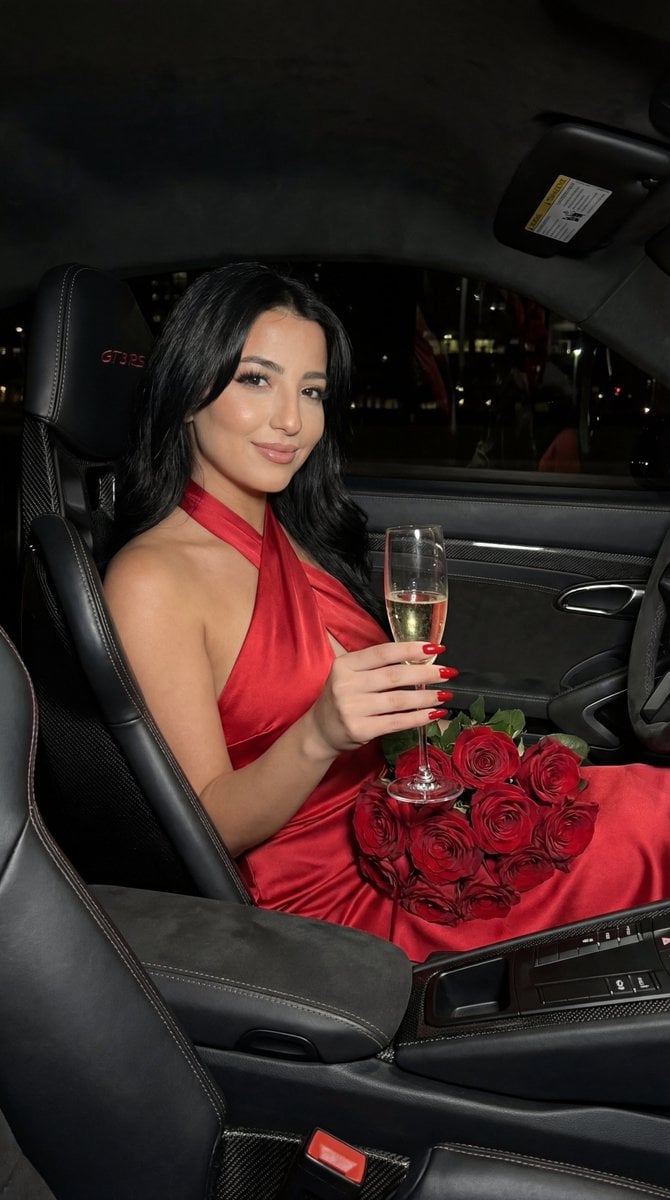
Flash Editorial Portrait in Porsche 911 GT3 RS
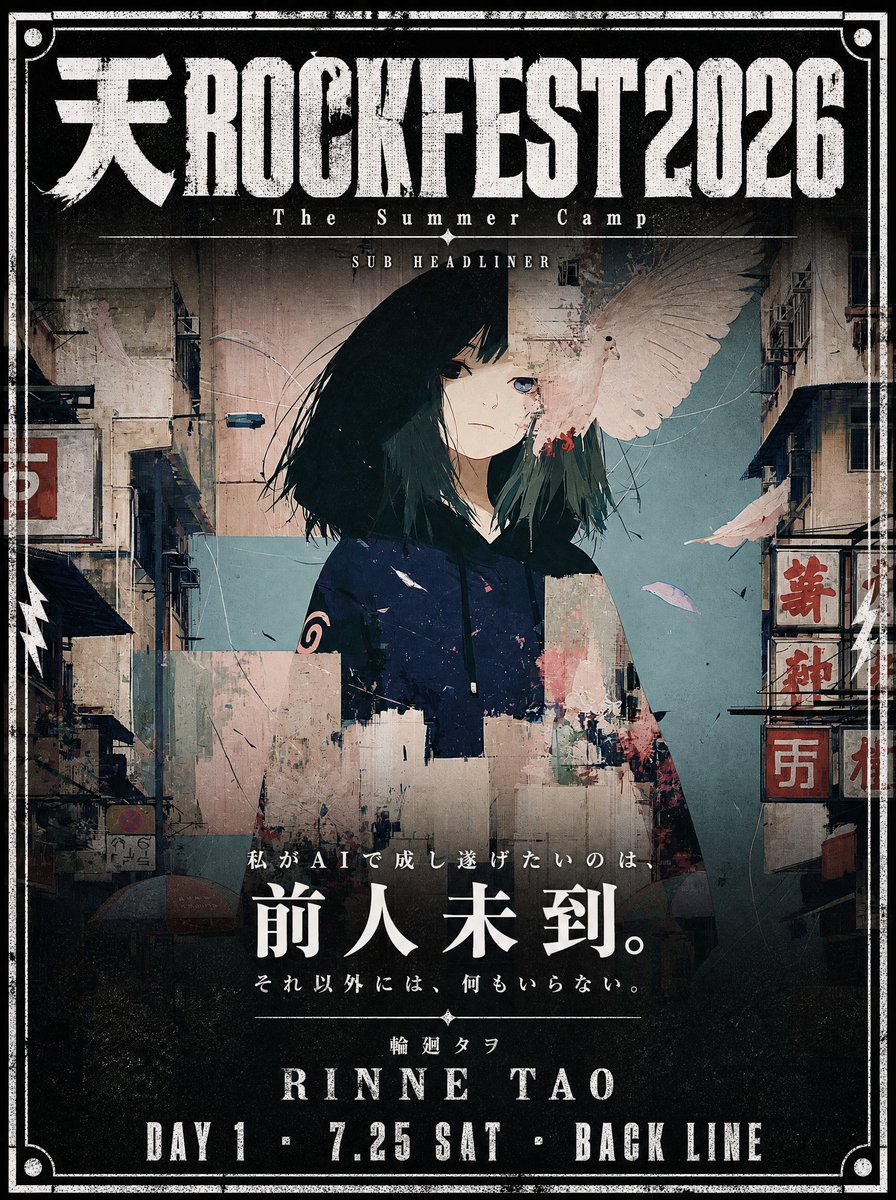
Cinematic Music Festival Poster
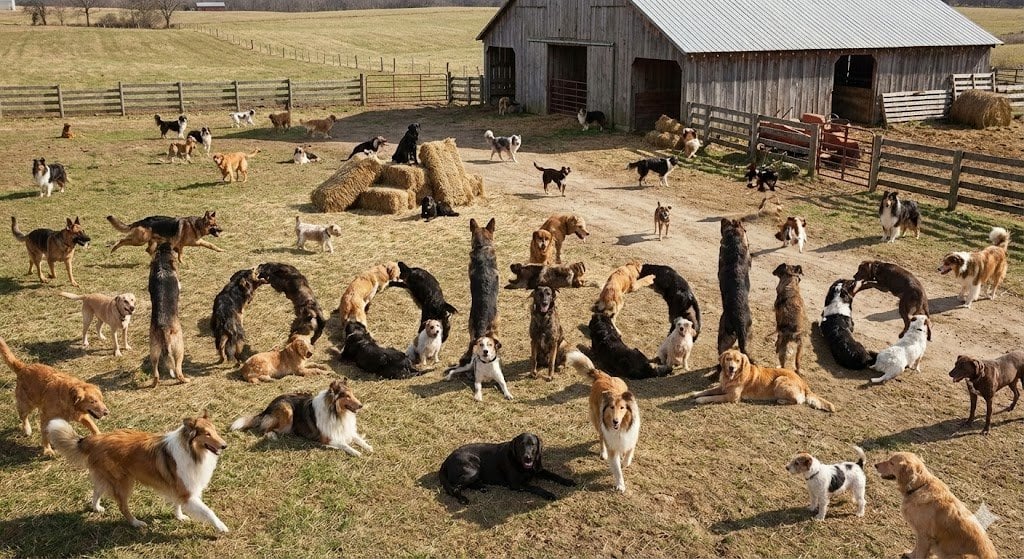
Hidden Word Embedding Prompt
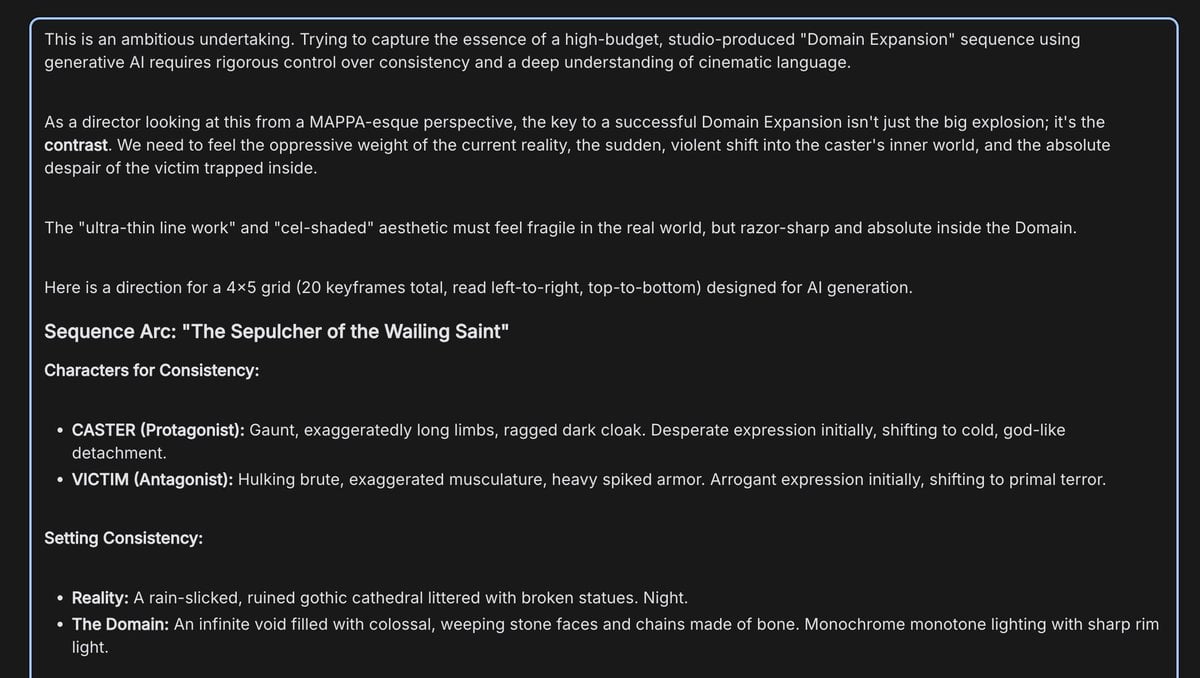
Anime Keyframe Sequence for Domain Expansion
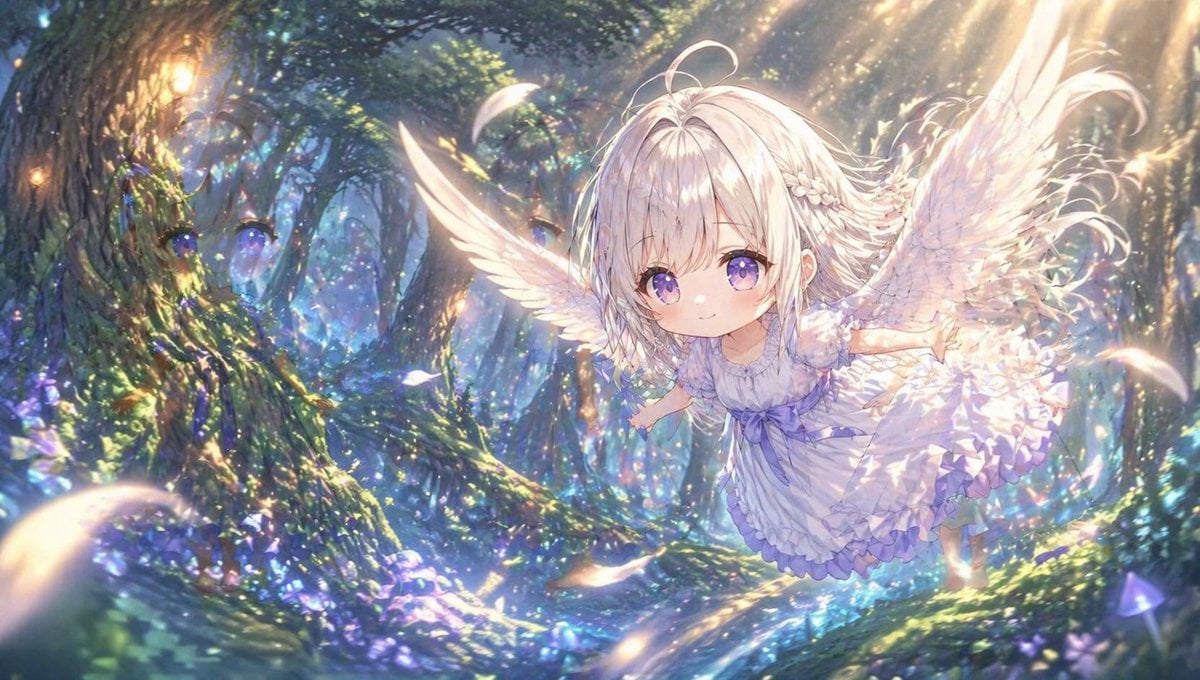
Chibi Angel in Fantasy Forest
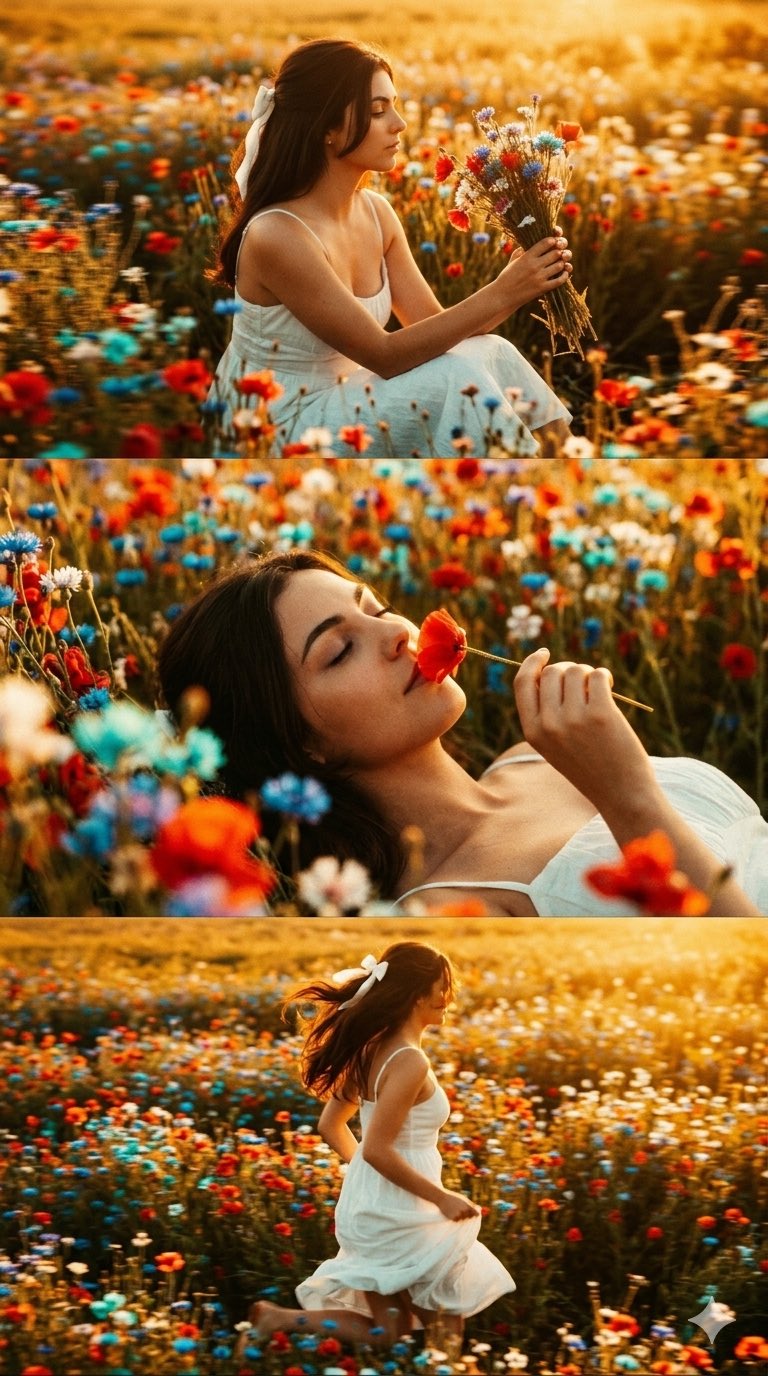
untitled
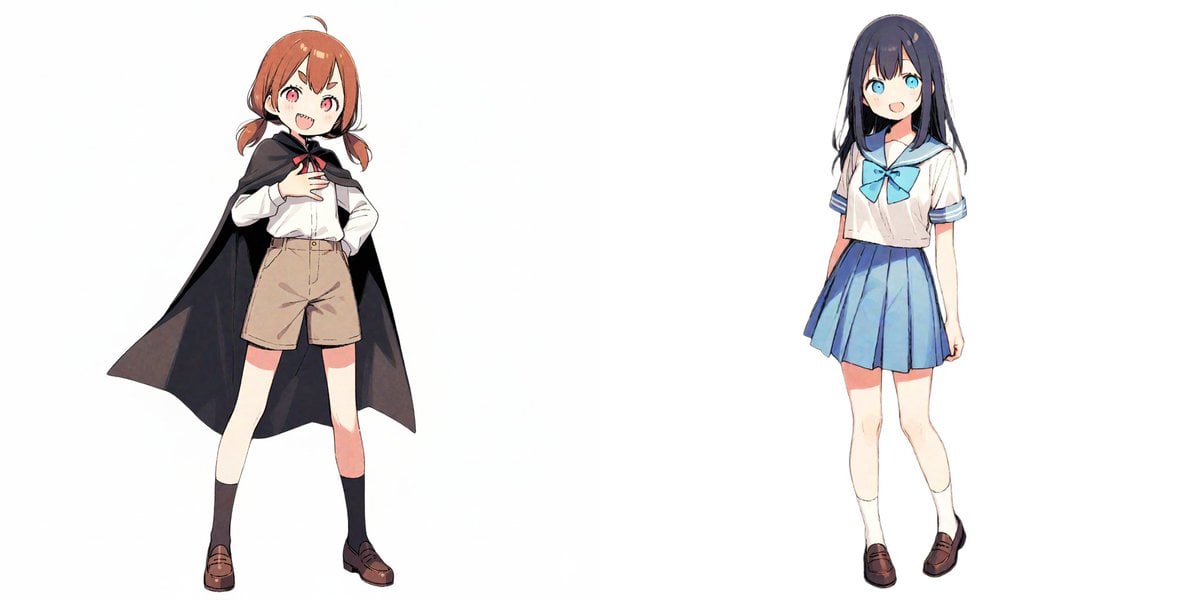
Image-to-Snowman Conversion Prompt for Nano Banana Pro
Browse template categories
Arabic ChatGPT Robot OpenAI Poster questions
How do I use the Arabic ChatGPT Robot OpenAI Poster template?
Add your photo if the template asks for one, edit the prompt if you like — the template's model and format are already selected — and press Generate. Your version opens in PicX Studio.
Can I customize the Arabic ChatGPT Robot OpenAI Poster template?
Yes. You can change the subject, setting, lighting, mood, format, and available model controls before creating your image.
Is the Arabic ChatGPT Robot OpenAI Poster template free?
Opening and editing this template is free. Generating uses credits, shown on the Generate button when you are signed in.
Which AI model should I use?
Start with GPT Image 2, which is the model associated with this template. You can compare another compatible model for a different finish.
Looking for something else? Browse all templates.

Your photo, any look
Thousands of ready templates for every top image and video model, from one credit balance.