
Verified Post with Kawaii Cactus Sticker
Generates a social-media announcement screenshot featuring a transparent-background kawaii cactus sticker preview for showcasing GPT-Image-2 transparency support.
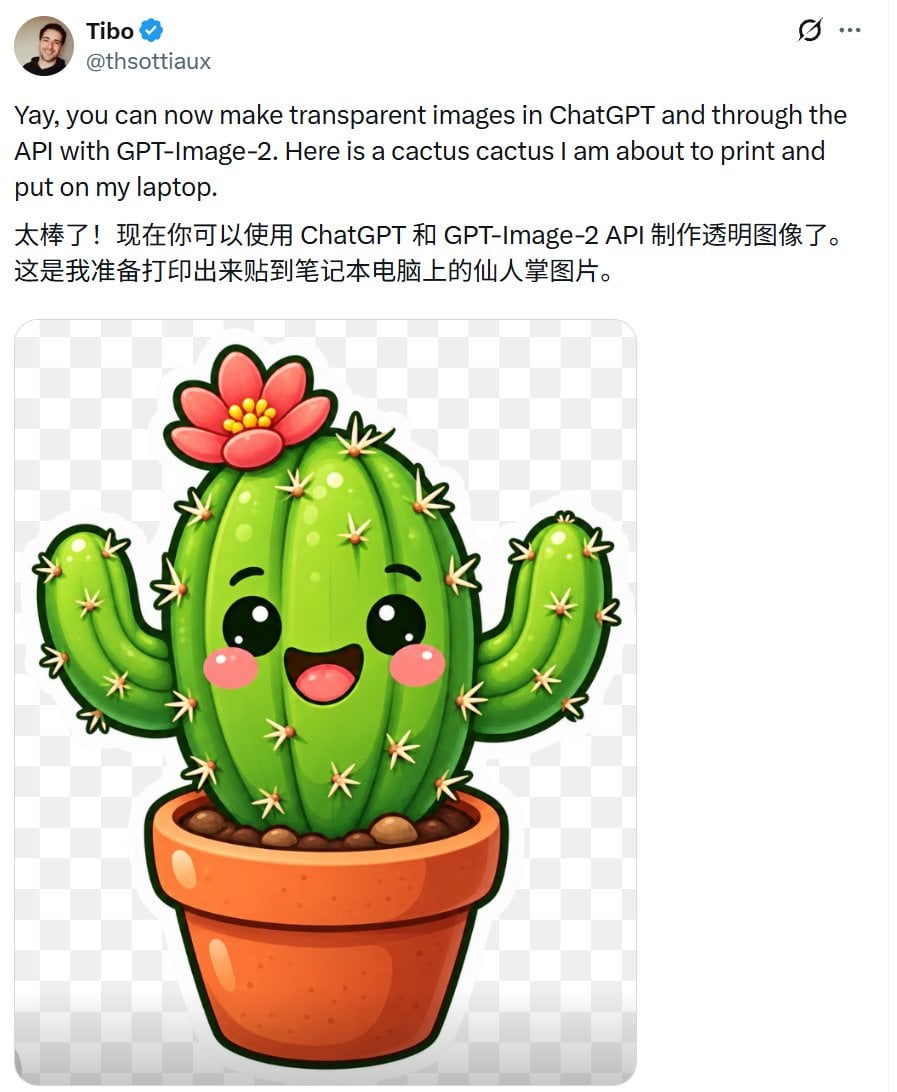
- Prompt included
- Model and format preset
- Free template
The prompt behind this image
Copy the exact prompt behind Verified Post with Kawaii Cactus Sticker, or open it in the studio and make it yours.
Create a realistic social-media post screenshot on a white interface, like an X/Twitter post, showing a verified user announcing transparent background images. At the top left, include a small circular profile photo of a smiling man, the display name {argument name="display name" default="Tibo"} in bold with a blue verified checkmark, and the handle {argument name="handle" default="@thsottiaux"} in gray beneath it. At the top right show two small interface icons: a circular refresh-like icon and a three-dot menu. The post text should be large black sans-serif and contain exactly two paragraphs: first, “{argument name="English post text" default="Yay, you can now make transparent images in ChatGPT and through the API with GPT-Image-2. Here is a cactus cactus I am about to print and put on my laptop."}” and second, Chinese text “{argument name="Chinese post text" default="太棒了!现在你可以使用 ChatGPT 和 GPT-Image-2 API 制作透明图像了。这是我准备打印出来贴到笔记本电脑上的仙人掌图片。"}”. Below the text, embed one large rounded-corner image preview with a light gray-and-white checkerboard transparency pattern. Centered inside the preview is a glossy kawaii sticker illustration of a potted cactus on a transparent background: exactly 1 central tall oval cactus body, exactly 2 raised side arms, exactly 1 terracotta flowerpot, exactly 1 pink-red flower with yellow center dots on top, many small cream-colored star-shaped spines, black cute oval eyes with white highlights, rosy pink cheeks, and an open smiling mouth. Use vibrant saturated greens, thick dark green sticker outline, shiny highlights, soft shadows, and a clean sticker-print style. Keep the screenshot composition vertical, cropped around the post, with generous white margins and no extra UI elements or watermark.
How to use Verified Post with Kawaii Cactus Sticker in 3 steps
- 1Upload ImagePNG, JPG or paste
Add your photo
Upload the photo the template builds on. The prompt, model and format are already set.
- 2…a portrait of your subject in softgolden-hour light, 85mm…
Personalize
Edit the subject and creative details for your destination.
- 3Generate
Generate
Press Generate — your image is created in PicX Studio, so you can compare it with the original and refine one variable at a time.
More like this
Templates with the same subject, style or setup. Open one to see its prompt.

Kawaii Cactus Sticker

Cute Layered Paper Cut Chibi Girl
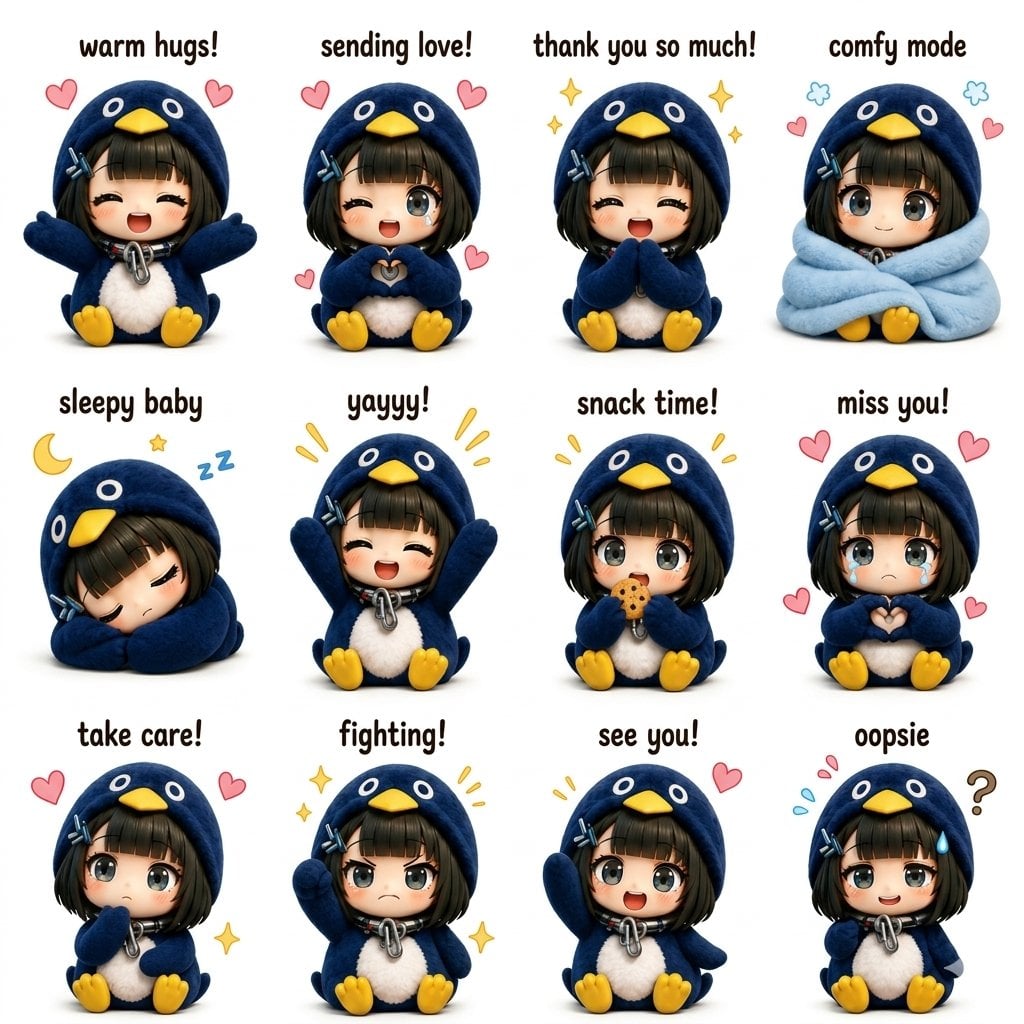
Kawaii Chibi Sticker Sheet

Post-Apocalyptic Cactus Warrior
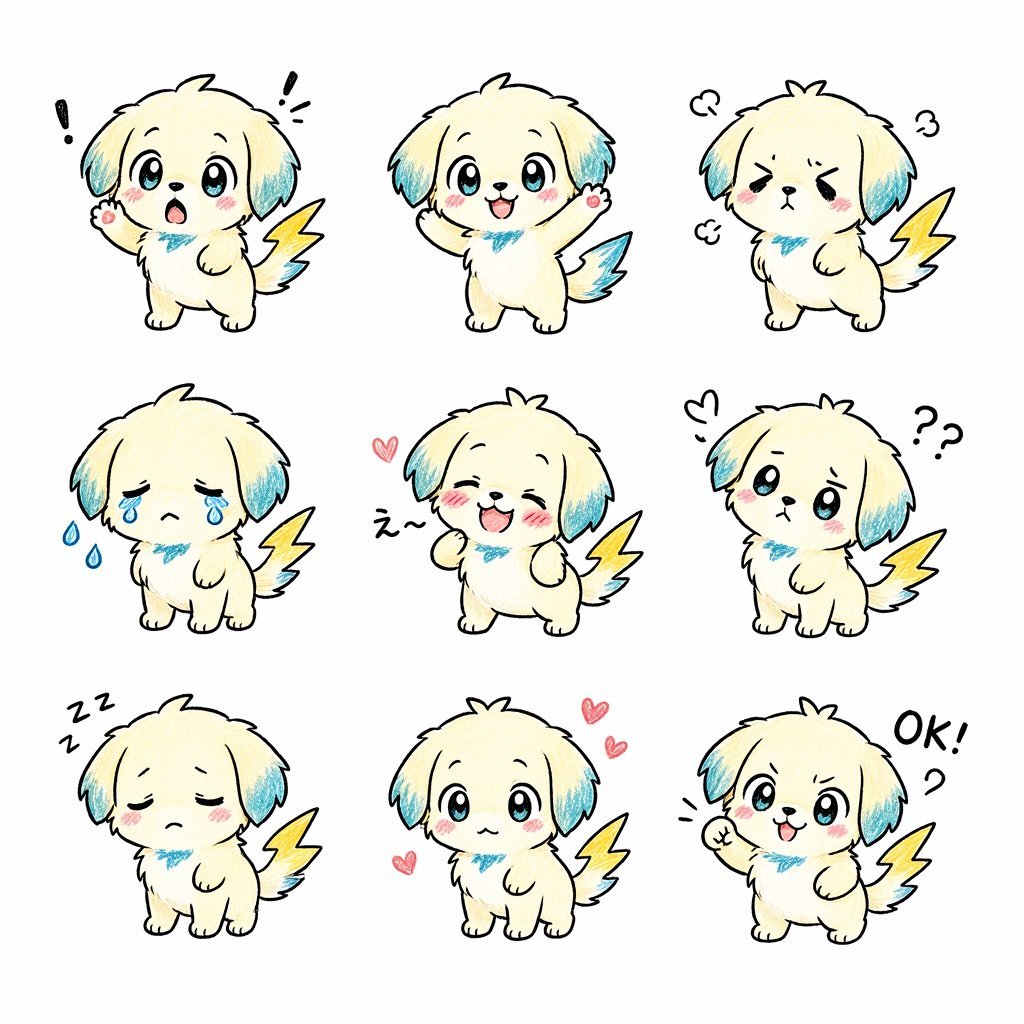
Kawaii Puppy Emotion Sticker Sheet
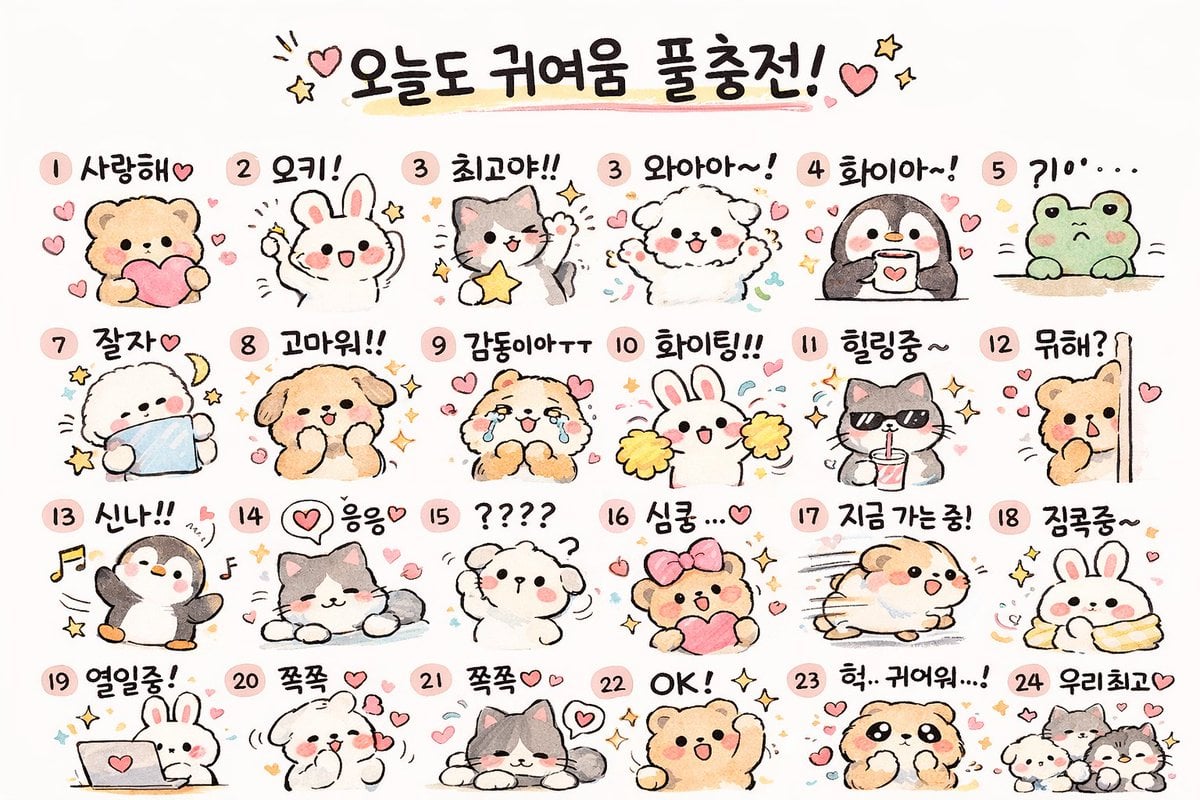
Kawaii Animal Sticker Sheet Generator
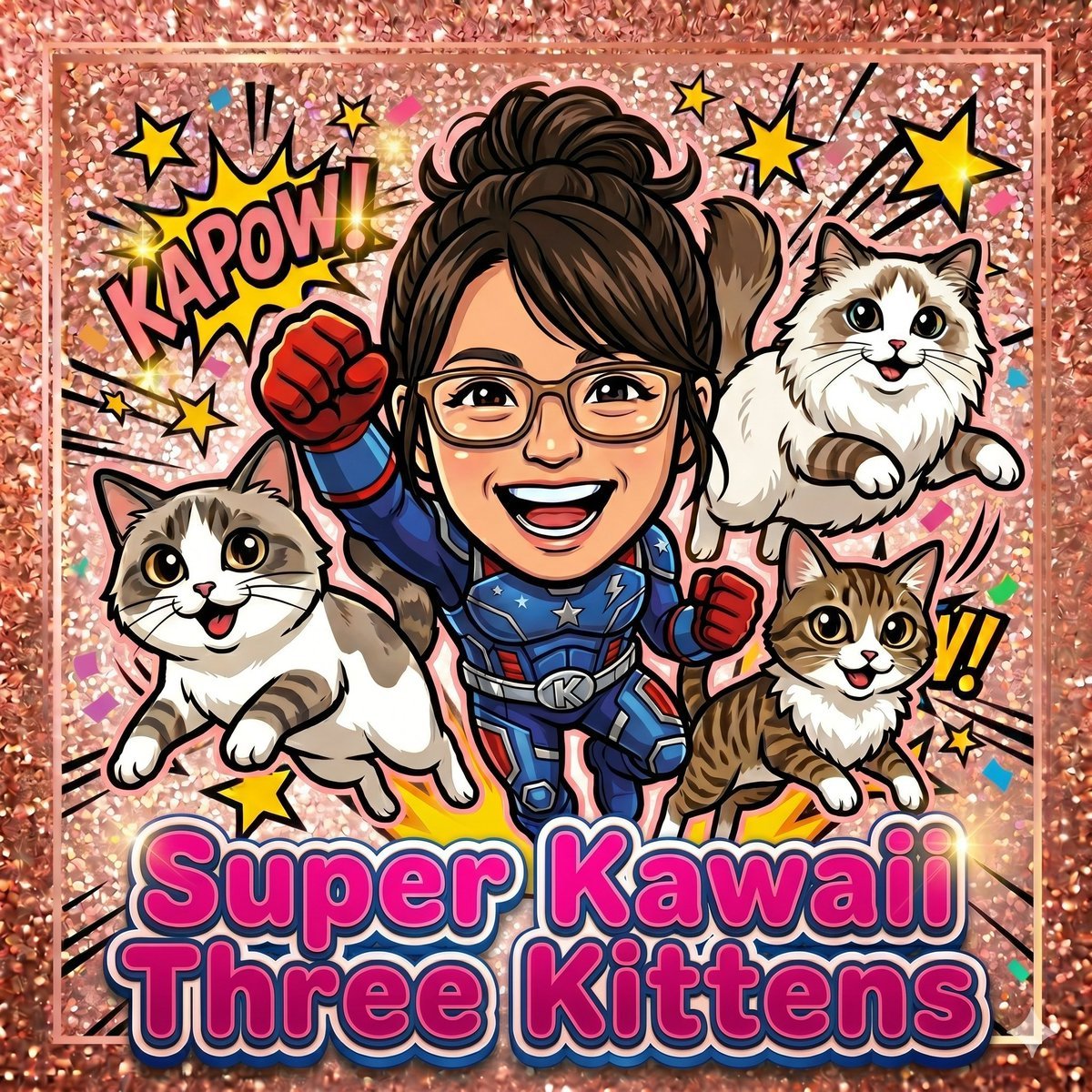
Super Kawaii Three Kittens Poster
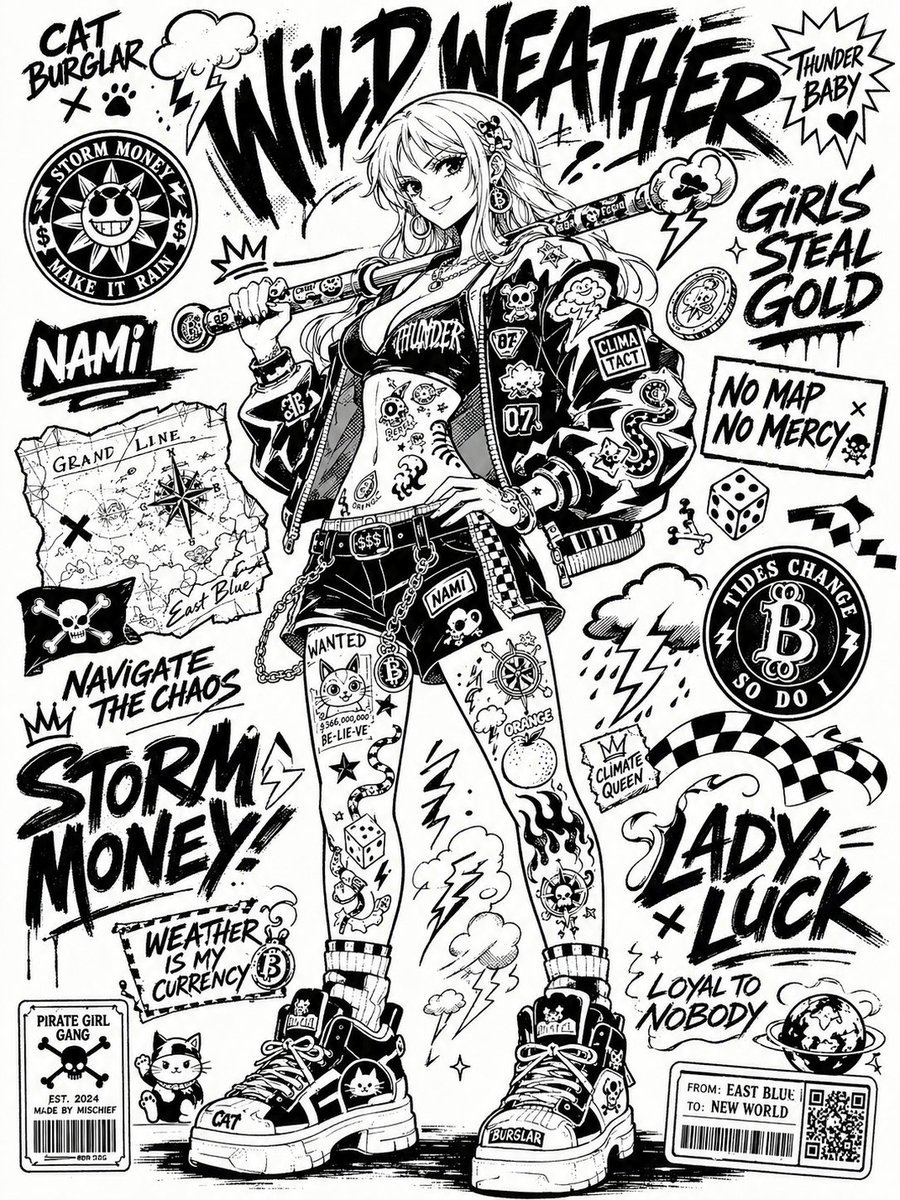
Monochrome Sticker-Bomb Poster

Retro Kawaii Tokyo Postcard
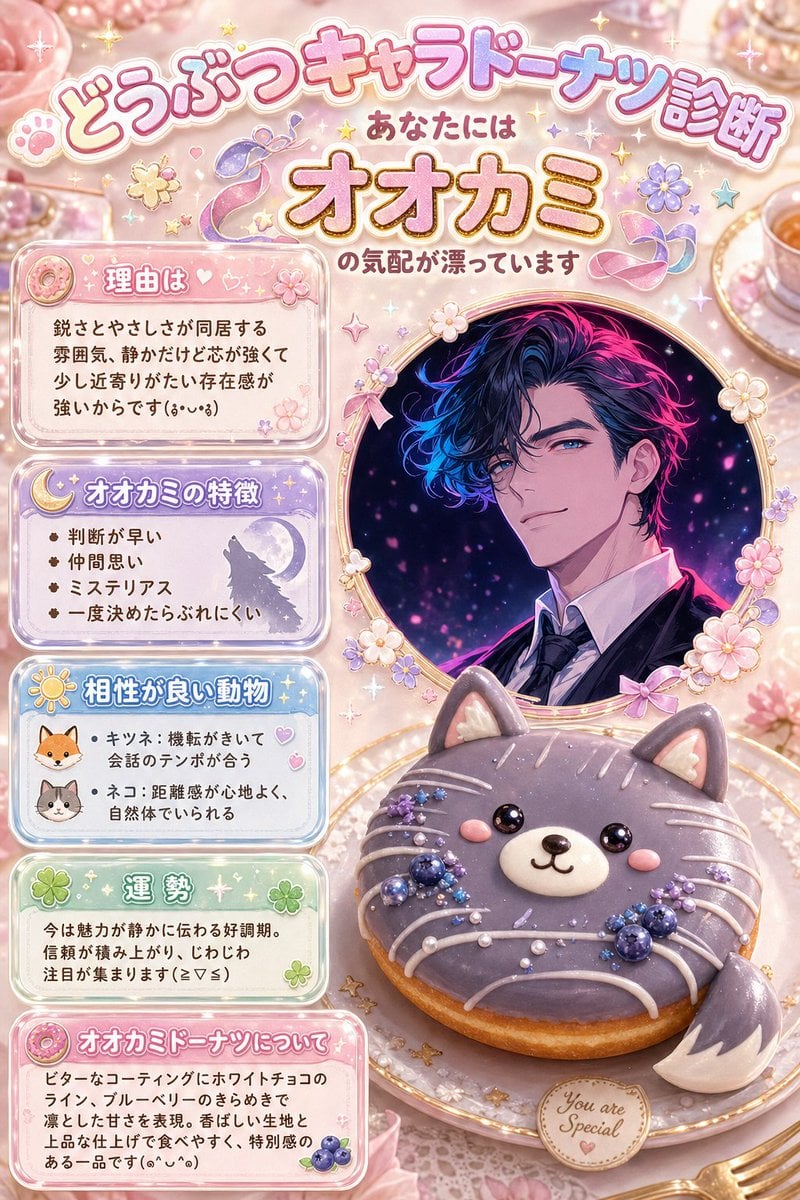
Kawaii Wolf Donut Diagnosis Poster

Maximalist Kawaii Angel Sticker Collage
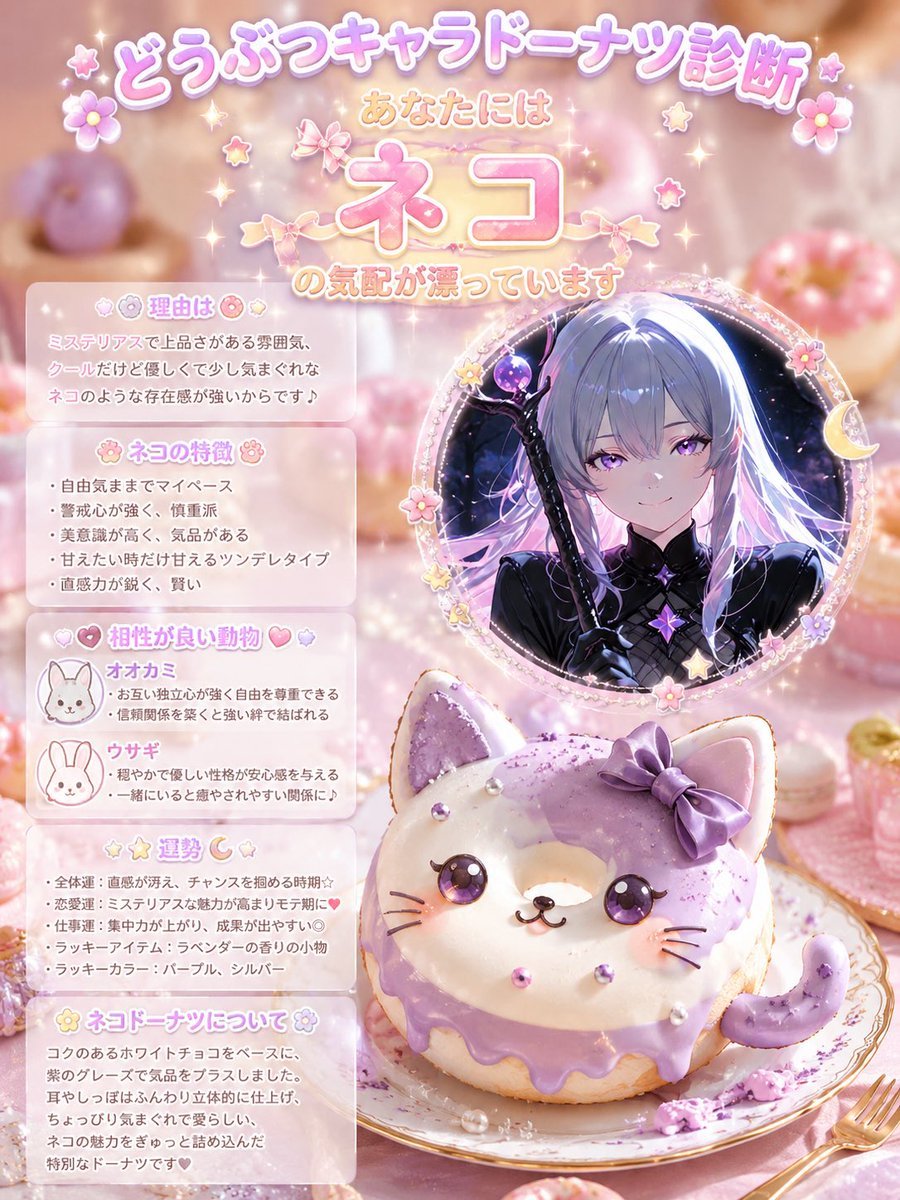
Kawaii Cat Donut Diagnosis Poster
Make it yours
Verified Post with Kawaii Cactus Sticker works as-is. These are the safest ways to change it without losing the look.
Change one field
Copy a single group, rewrite it, and generate again so you can see what that field is doing.
Keep the frame, change the subject
Hold the composition and light of Verified Post with Kawaii Cactus Sticker, then swap wardrobe, props or the person for a new take.
| If the result… | Why | Fix |
|---|---|---|
| The result drifts from the preview | Too many fields changed at once. | Reuse Verified Post with Kawaii Cactus Sticker as-is first, then change one group — subject, light, or setting. |
| The model over-stylizes the scene | The prose prompt leaves finish and camera underspecified. | Add one camera or lighting sentence and stay on GPT Image 2. |
More GPT Image 2 templates
Other prompts made for GPT Image 2.

Six VTuber Japanese Logo Sheet

Realistic Portrait of Woman and Deer

The Vista Modular Condo Poster

AI Model Routing Comparison Infographic

2.5D Anime Art Board

Isometric Productivity Desk Scene

New York Double Exposure Poster

Four-Panel AI Landscape Comparison

Japanese Tatami Lifestyle Magazine Cover

NESCAFÉ Coffee Map Poster
More image prompts
Fresh picks from across the catalog.

Luxury Fashion Editorial Collage
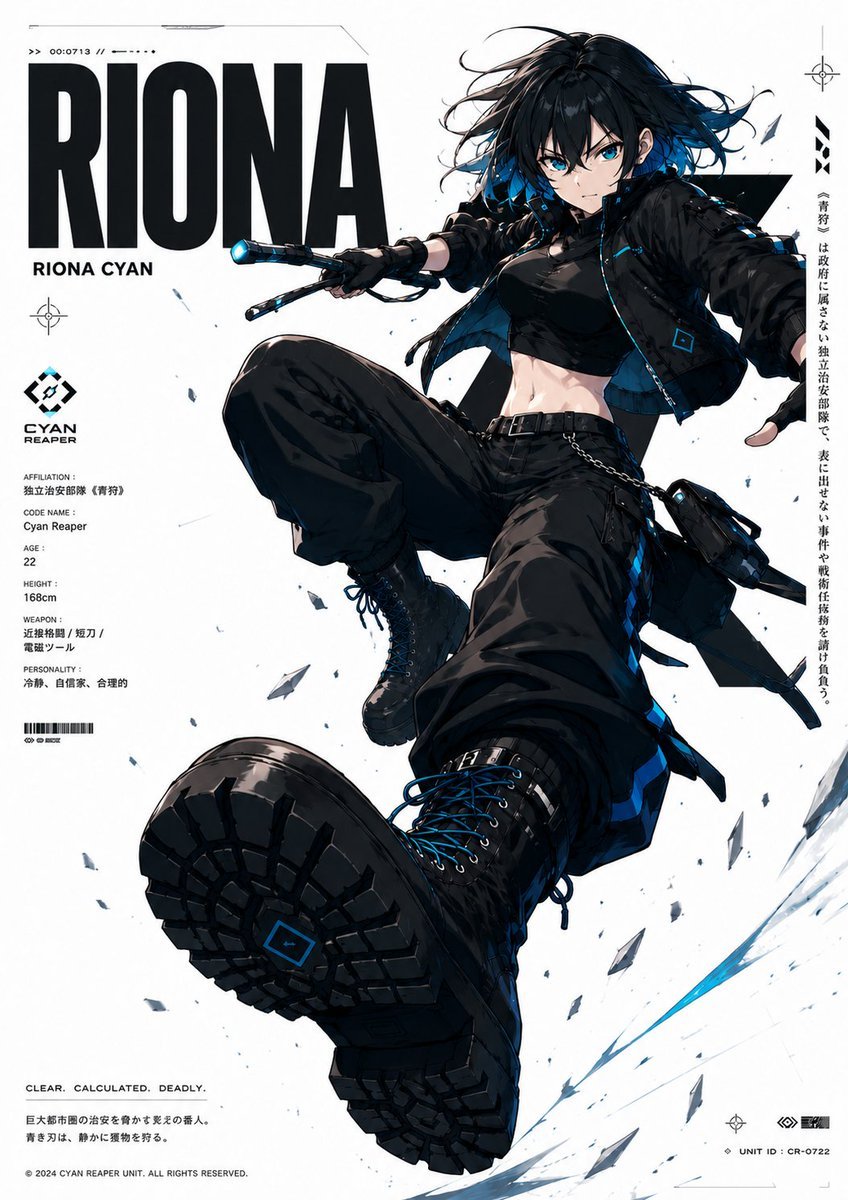
Cyberpunk Anime Character Dossier
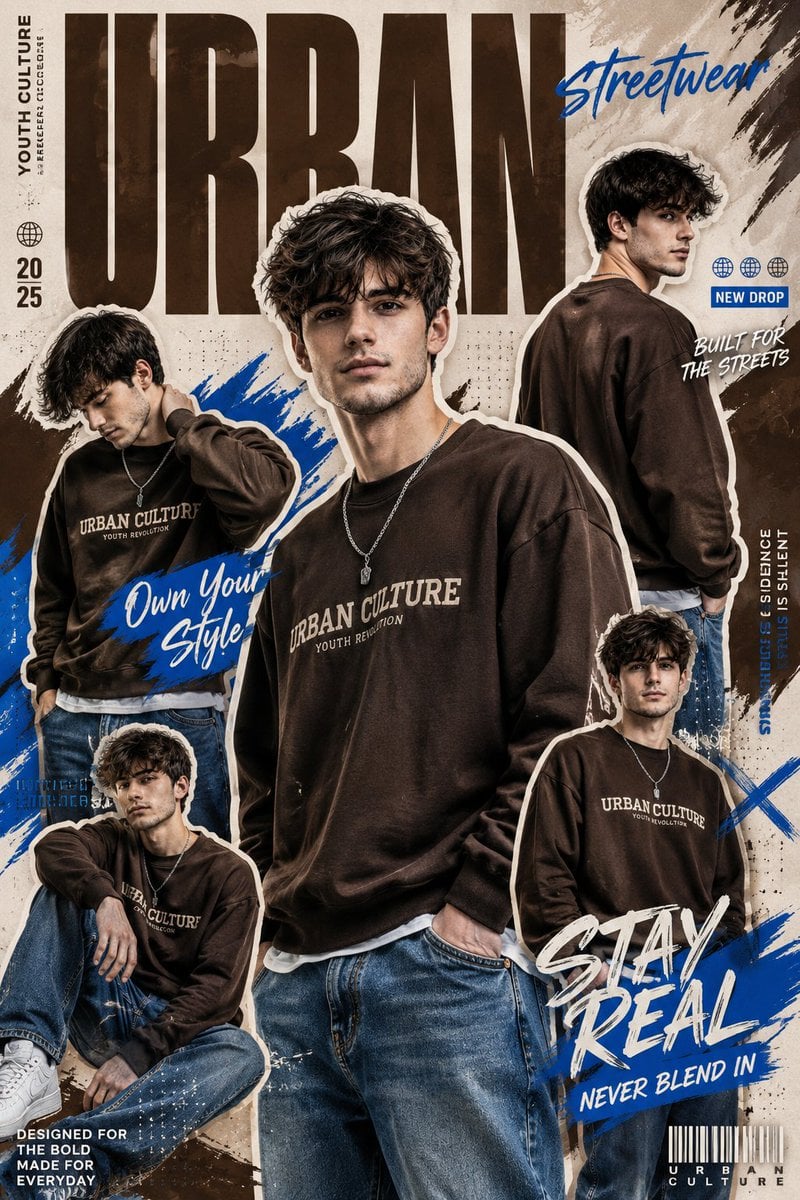
Urban Streetwear Collage
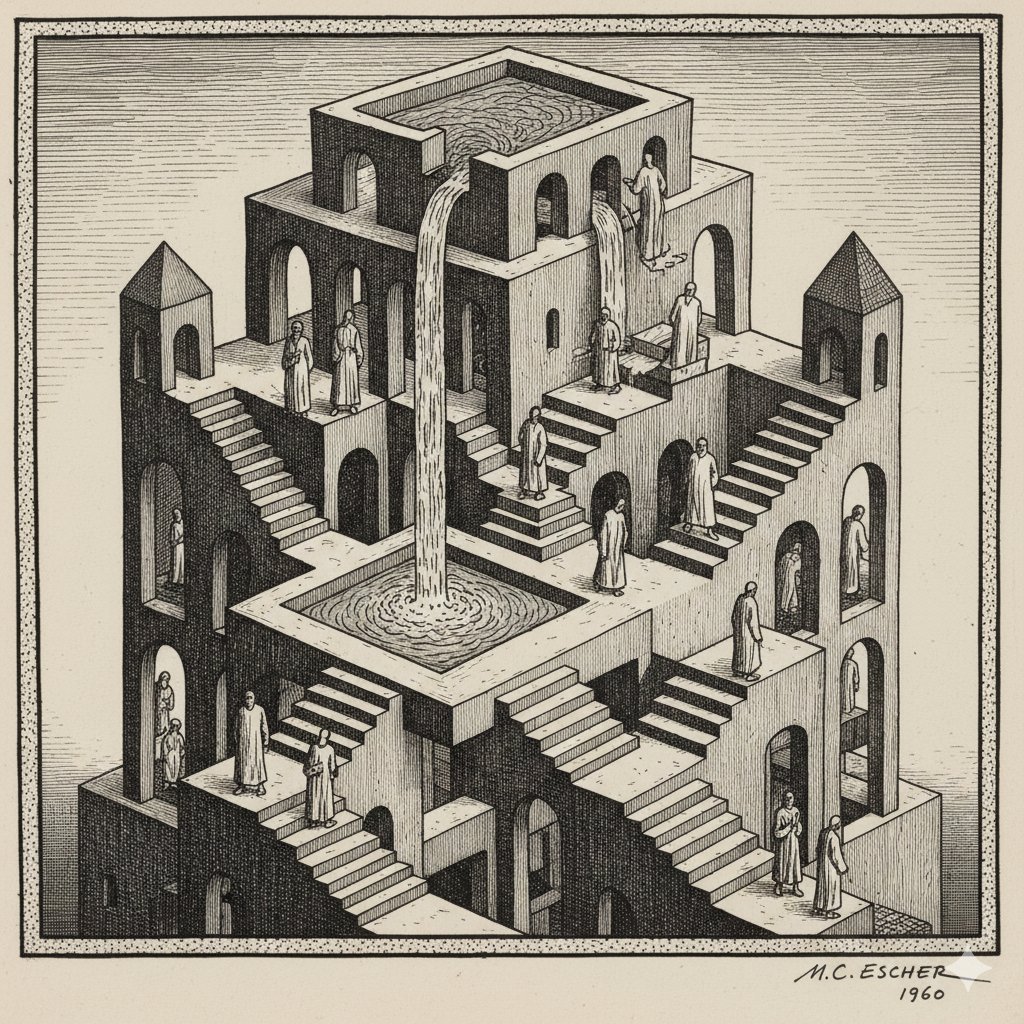
Escher-style Optical Illusion Generation
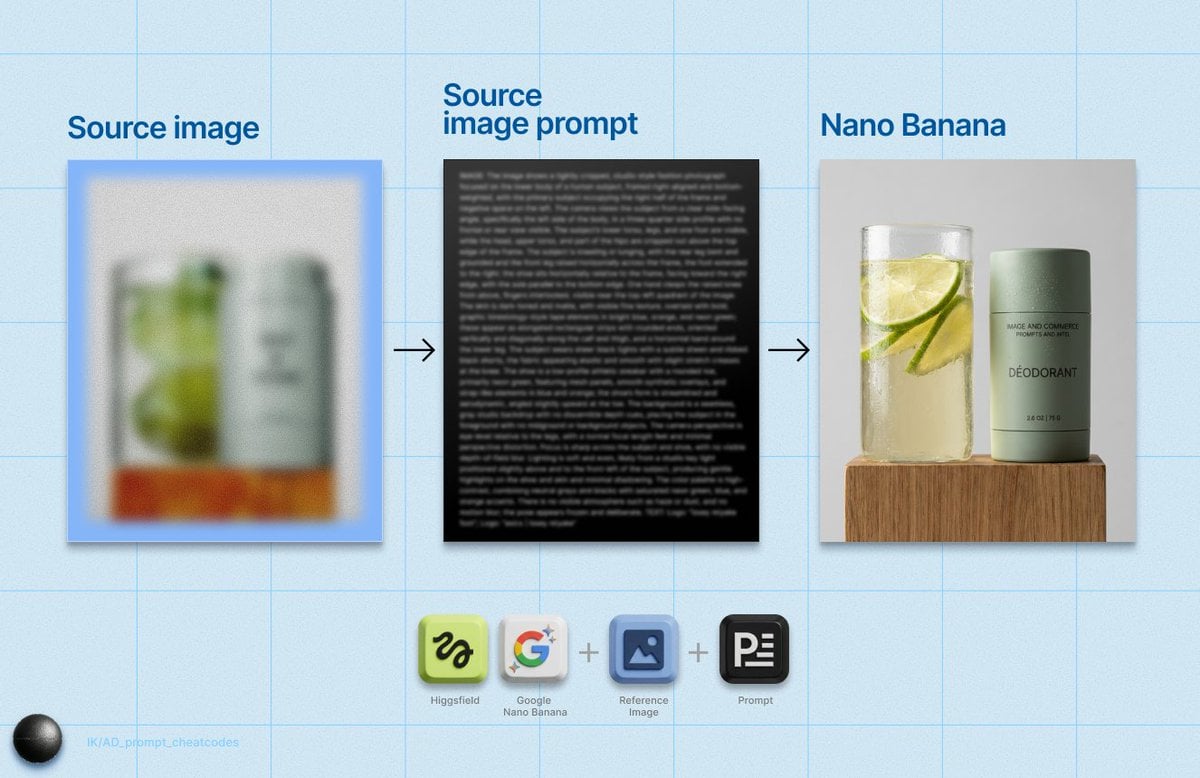
Detailed Product Still Life Photography Prompt
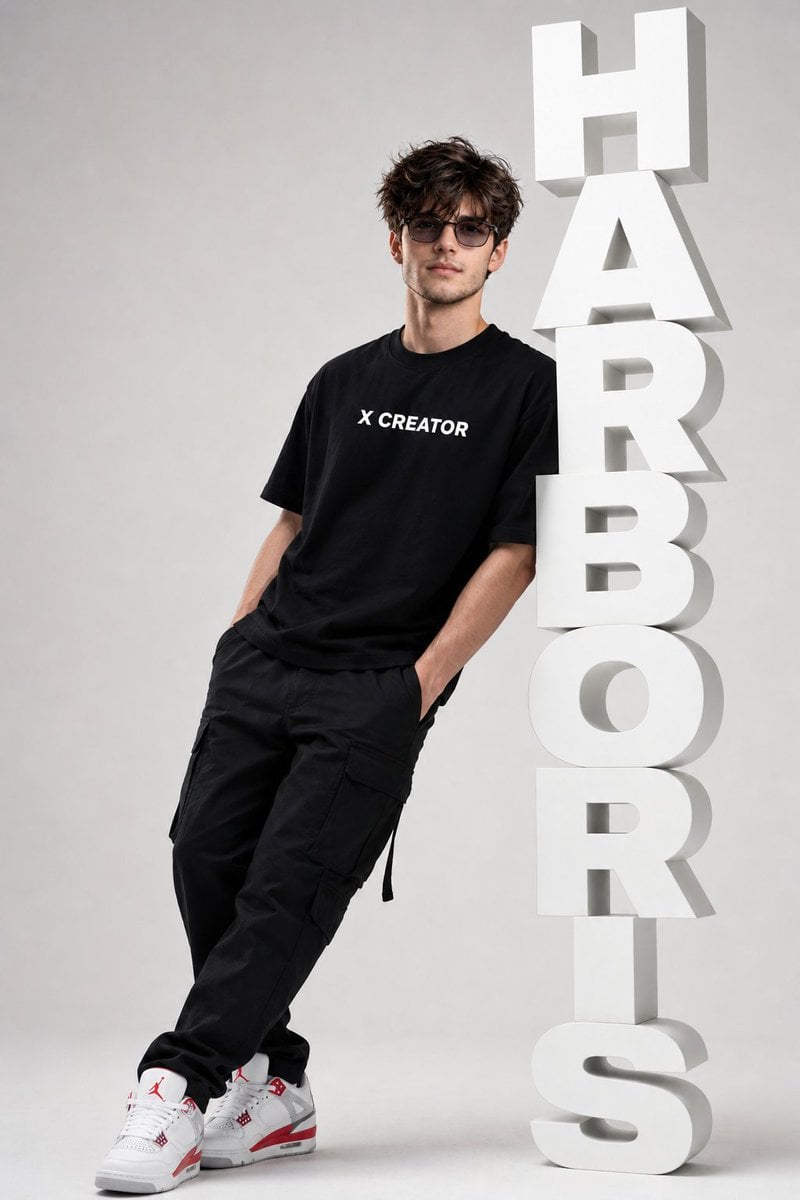
Minimalist Streetwear Typography Poster

Anime Schoolgirl on Pink Slime
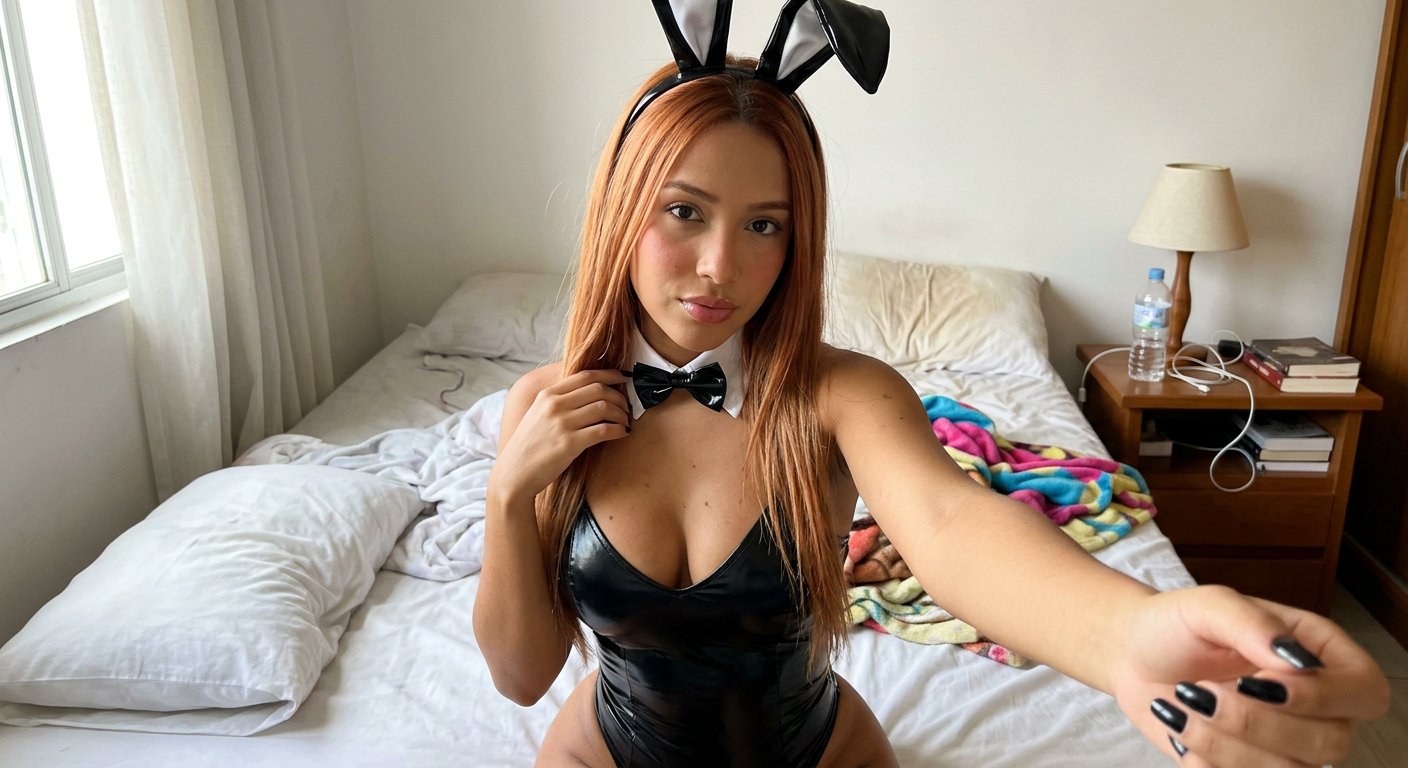
Casual Bunny Influencer Selfie

X Ozayrr Irl Chatgpt Image 2 Vs Google
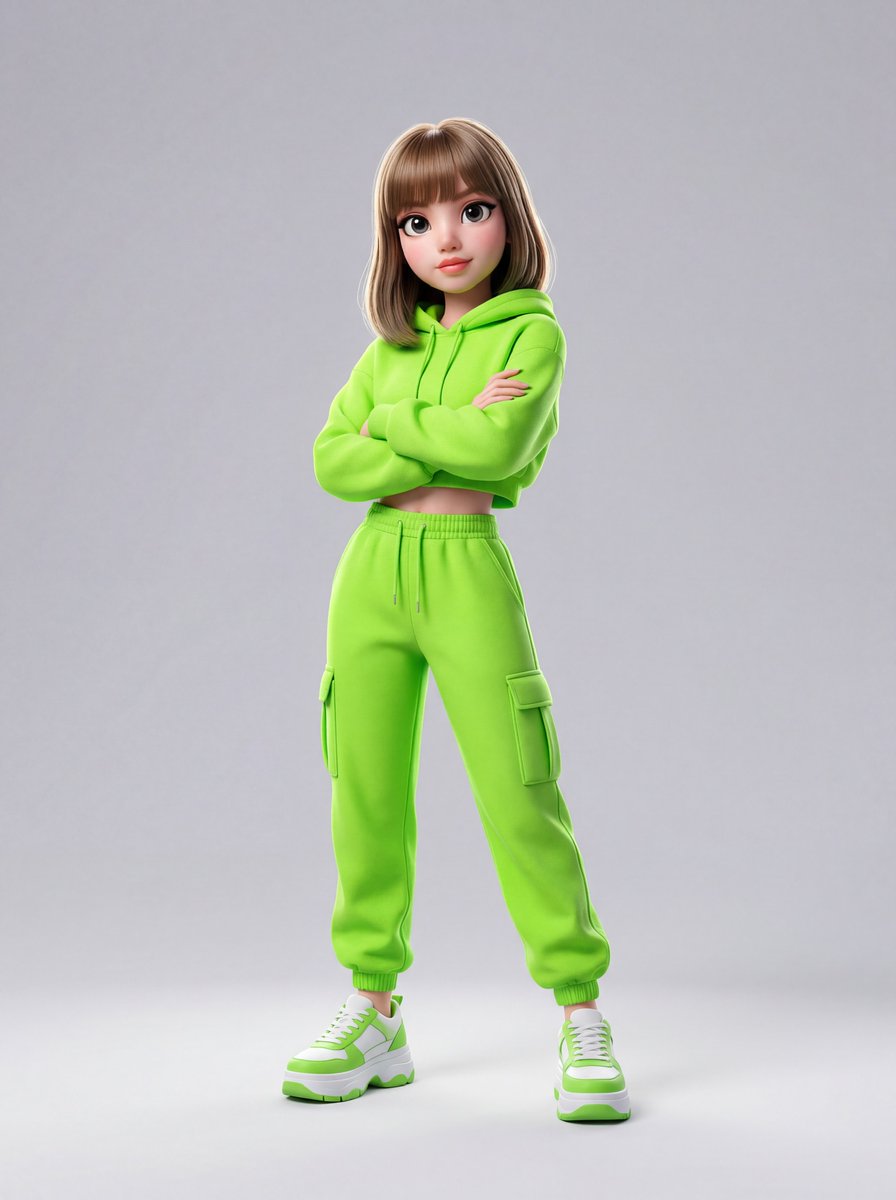
Disney-Pixar Style 3D Animation of Rosé (Blackpink)
Browse template categories
Verified Post with Kawaii Cactus Sticker questions
How do I use the Verified Post with Kawaii Cactus Sticker template?
Add your photo if the template asks for one, edit the prompt if you like — the template's model and format are already selected — and press Generate. Your version opens in PicX Studio.
Can I customize the Verified Post with Kawaii Cactus Sticker template?
Yes. You can change the subject, setting, lighting, mood, format, and available model controls before creating your image.
Is the Verified Post with Kawaii Cactus Sticker template free?
Opening and editing this template is free. Generating uses credits, shown on the Generate button when you are signed in.
Which AI model should I use?
Start with GPT Image 2, which is the model associated with this template. You can compare another compatible model for a different finish.
Looking for something else? Browse all templates.

Your photo, any look
Thousands of ready templates for every top image and video model, from one credit balance.