
SCP Detainee Manga Introduction
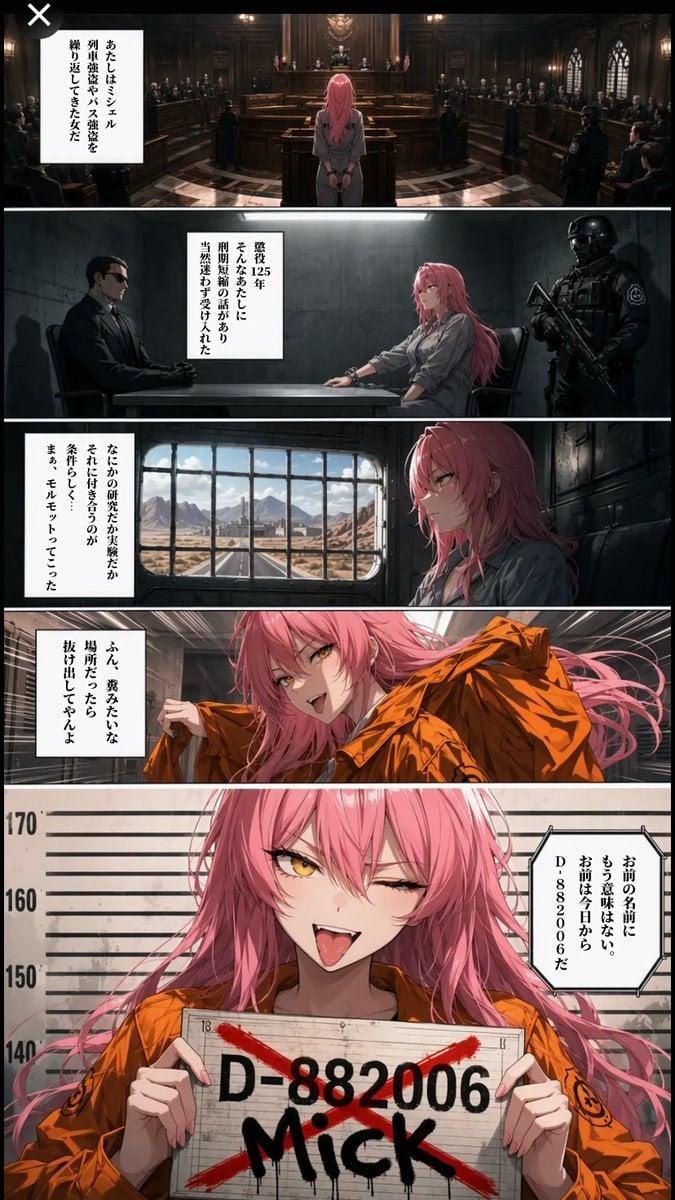
Creates a five-panel vertical anime manga page introducing a rebellious pink-haired SCP-style detainee through courtroom, interrogation, transport, and mugshot scenes.
- Prompt included
- Model and format preset
- Free template
The prompt behind this image
Copy the exact prompt behind SCP Detainee Manga Introduction, or open it in the studio and make it yours.
Goal: Create a dark cinematic vertical manga page introducing an SCP-style detainee character, {argument name="character name" default="Michelle"}, with a serious institutional trial-to-prison sequence that ends in a rebellious mugshot. Canvas: Tall vertical comic page, smartphone aspect ratio about 9:16, full bleed, no outer white margin. Use five horizontal widescreen panels stacked from top to bottom, separated by clean white gutters. Overall mood is high-detail anime realism with dramatic lighting, dark browns, grays, and prison orange accents. Main character: A young adult woman with long messy {argument name="hair color" default="pink"} hair, golden-yellow eyes, pale skin, slim build, and a defiant expression. She wears a gray prison/institution jumpsuit in the early panels and an orange prison jacket in the later panels. Her personality should read as dangerous, sarcastic, charming, and unafraid. Panel count and layout: Use exactly 5 panels. 1. Top panel: A wide shot from behind the woman standing alone at the center of an imposing dark wooden courtroom or council chamber. Judges sit elevated at the far end, officials and suited observers line both sides, and warm lamps illuminate carved wood and gothic windows. Add a white vertical narration box on the left with Japanese text: 「あたしはミシェル 列車強盗という容疑を 繰り返してきた女だ」. Add a small black circular close icon with a white X at the extreme top-left corner, as if captured from a social media image viewer. 2. Second panel: A gray concrete interrogation room. The woman sits at a metal table in profile facing a stern man in a black suit and sunglasses; a heavily armed tactical guard in black armor stands behind her holding a rifle. Add a white vertical narration box near the center-left with Japanese text: 「懲役125年 そんなあたしに 刑務所の話があり 当然迷わず受け入れた」. 3. Third panel: The woman sits by a barred train or prisoner transport window, looking out at a barren desert landscape with distant mountains and a small facility under a bright sky. She is shown in close side view, thoughtful and slightly bored. Add a white vertical narration box on the left with Japanese text: 「なにかの研究だか実験だか それに付き合うのが 条件らしく まぁ、モルモットってこった」. 4. Fourth panel: Dynamic medium close-up inside a transport or holding area. The woman grins widely, pulling on or lifting an orange prison jacket, hair flowing dramatically. Her expression is mischievous and cocky. Add a white vertical speech/narration box on the left with Japanese text: 「ふん、寛みたいな 場所だってんなら 抜け出してやんよ」. 5. Bottom panel: Large dramatic mugshot close-up filling the lower third of the page. The woman wears the orange prison jacket, winks one eye, sticks out her tongue, and holds a mugshot board toward the viewer. Behind her is a height chart marked roughly 140, 150, 160, 170. The board must display large black ID text {argument name="mugshot ID" default="D-882006"} and huge graffiti-style name {argument name="graffiti name" default="MICK"}, crossed with a red X spray-painted diagonally. Add a white hexagonal speech box on the right with Japanese text: 「お前の名前に もう意味はない。 お前は今日から D-882006だ」. Visual style: Highly polished GPT-image-2 anime manga illustration, cinematic composition, realistic lighting and materials, crisp linework, detailed backgrounds, dramatic shadows, subtle film grain, strong depth of field. Use dark courtroom and prison tones contrasted with vivid pink hair and saturated orange jacket. Japanese manga text boxes should be vertical, black text on white boxes, clean and legible. Constraints: Keep exactly five horizontal panels. Do not add extra characters beyond courtroom officials, interrogator, tactical guard, and the main woman. Preserve the listed Japanese text exactly inside the boxes. No watermark, no artist signature, no extra captions outside the panels.
How to use SCP Detainee Manga Introduction in 3 steps
- 1Upload ImagePNG, JPG or paste
Add your photo
Upload the photo the template builds on. The prompt, model and format are already set.
- 2…a portrait of your subject in softgolden-hour light, 85mm…
Personalize
Edit the subject and creative details for your destination.
- 3Generate
Generate
Press Generate — your image is created in PicX Studio, so you can compare it with the original and refine one variable at a time.
More like this
Templates with the same subject, style or setup. Open one to see its prompt.
HSP3 Manga Introduction Comic

Friendly ChatGPT Robot Introduction

Friendly ChatGPT Robot Introduction

ChatGPT Robot Introduction Poster
Anime Fighter Introduction Card
Skills Introduction PPT Slide
ChatGPT Prompt for Self-Introduction Text Generation
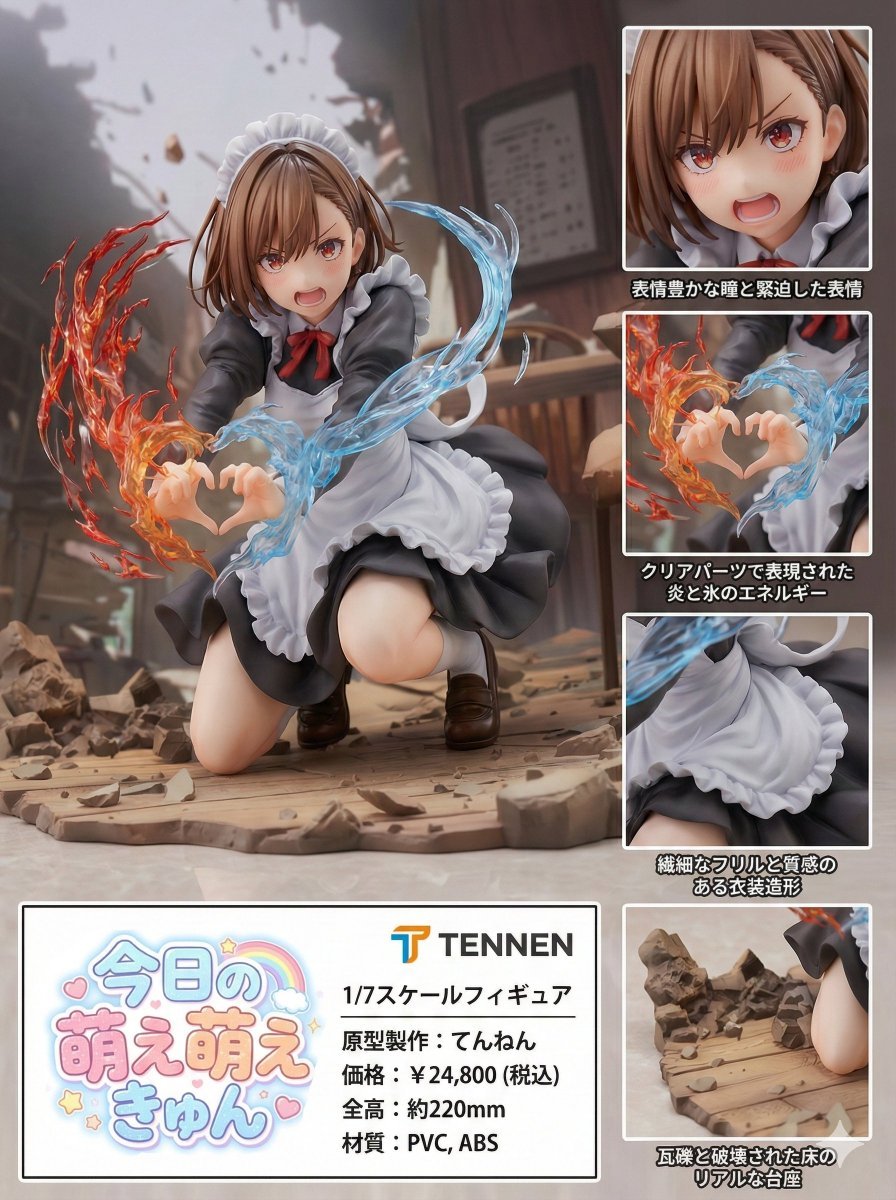
Photorealistic PVC Figure Product Introduction Layout
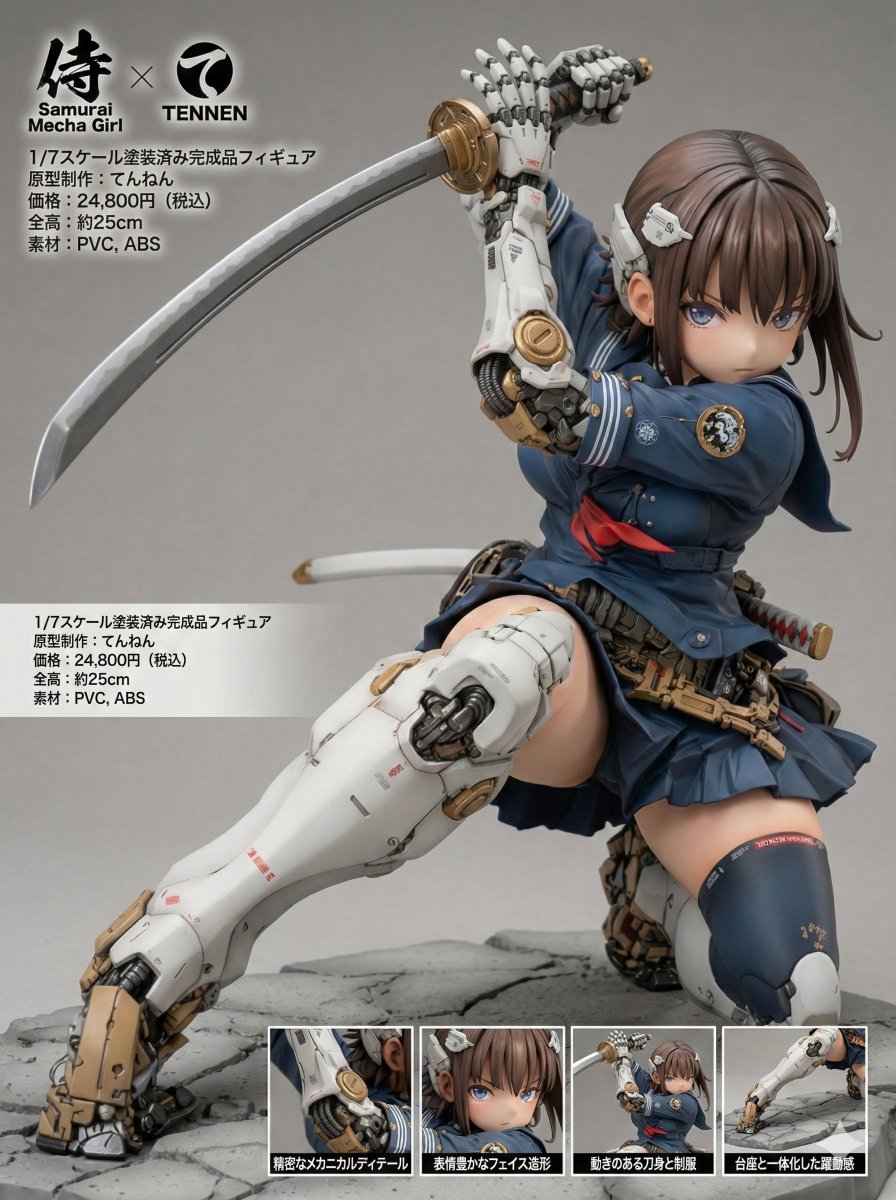
Multi-Language Figure Product Introduction Layout Prompt for Nano Banana Pro
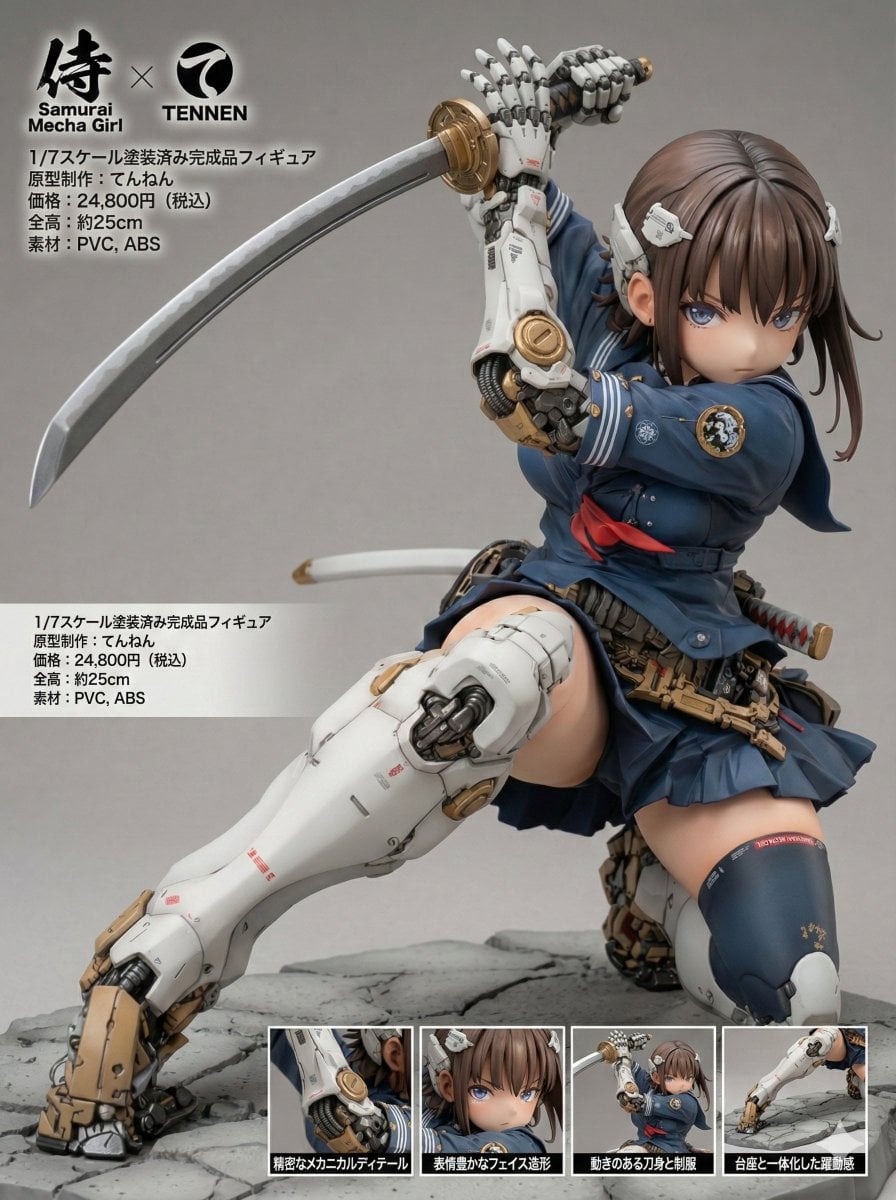
Multilingual Figure Product Introduction Layout Prompt for Nano Banana Pro
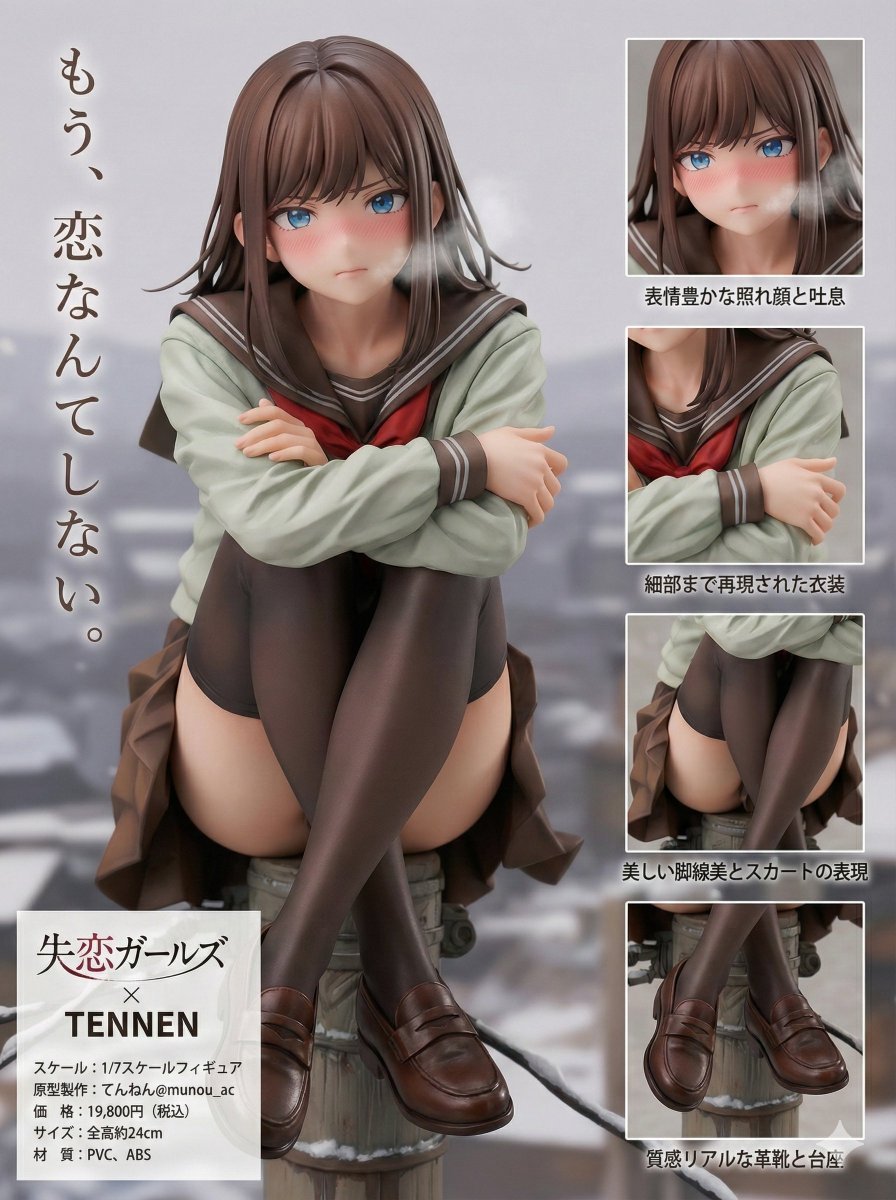
Figure Product Introduction Layout Prompt (Multilingual)
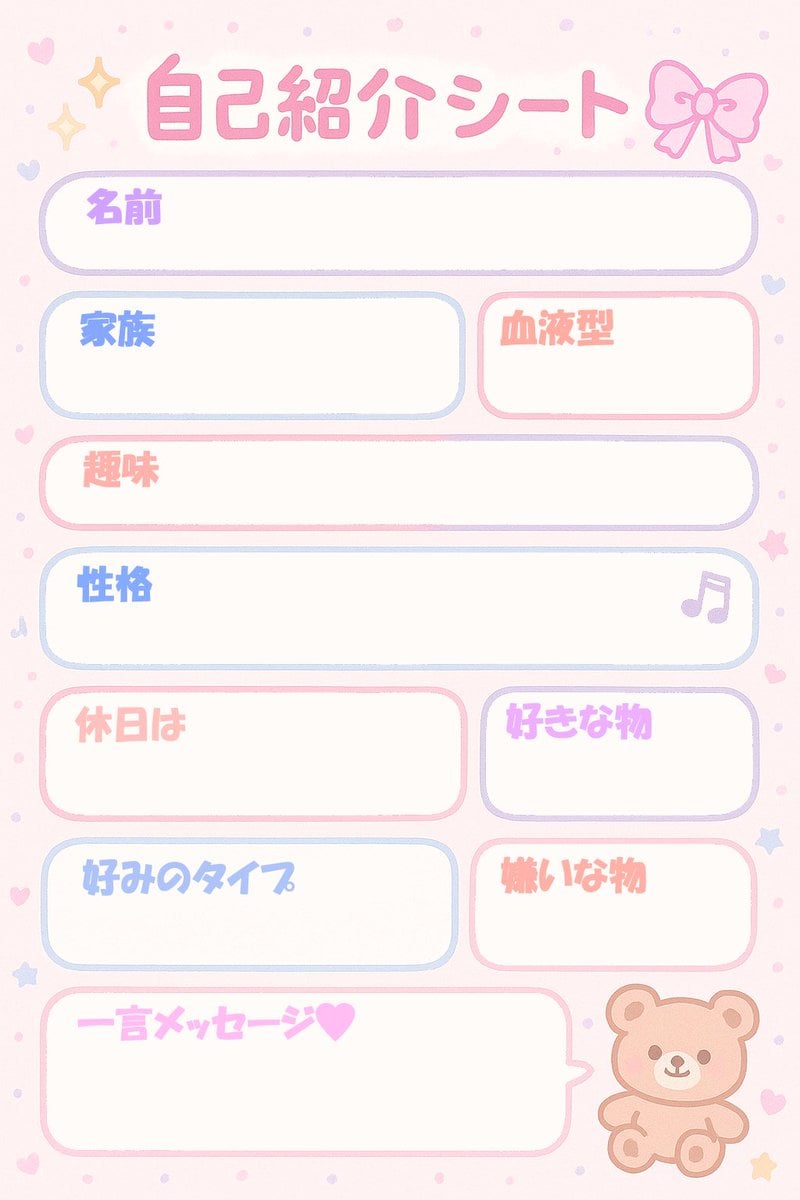
Self-Introduction Sheet Generation Prompt for Nano Banana Pro
Make it yours
SCP Detainee Manga Introduction works as-is. These are the safest ways to change it without losing the look.
Change one field
Copy a single group, rewrite it, and generate again so you can see what that field is doing.
Keep the frame, change the subject
Hold the composition and light of SCP Detainee Manga Introduction, then swap wardrobe, props or the person for a new take.
| If the result… | Why | Fix |
|---|---|---|
| The result drifts from the preview | Too many fields changed at once. | Reuse SCP Detainee Manga Introduction as-is first, then change one group — subject, light, or setting. |
| The model over-stylizes the scene | The prose prompt leaves finish and camera underspecified. | Add one camera or lighting sentence and stay on GPT Image 2. |
More GPT Image 2 templates
Other prompts made for GPT Image 2.

Six VTuber Japanese Logo Sheet

Realistic Portrait of Woman and Deer

The Vista Modular Condo Poster

AI Model Routing Comparison Infographic

2.5D Anime Art Board

Isometric Productivity Desk Scene

New York Double Exposure Poster

Four-Panel AI Landscape Comparison

Japanese Tatami Lifestyle Magazine Cover

NESCAFÉ Coffee Map Poster
More image prompts
Fresh picks from across the catalog.
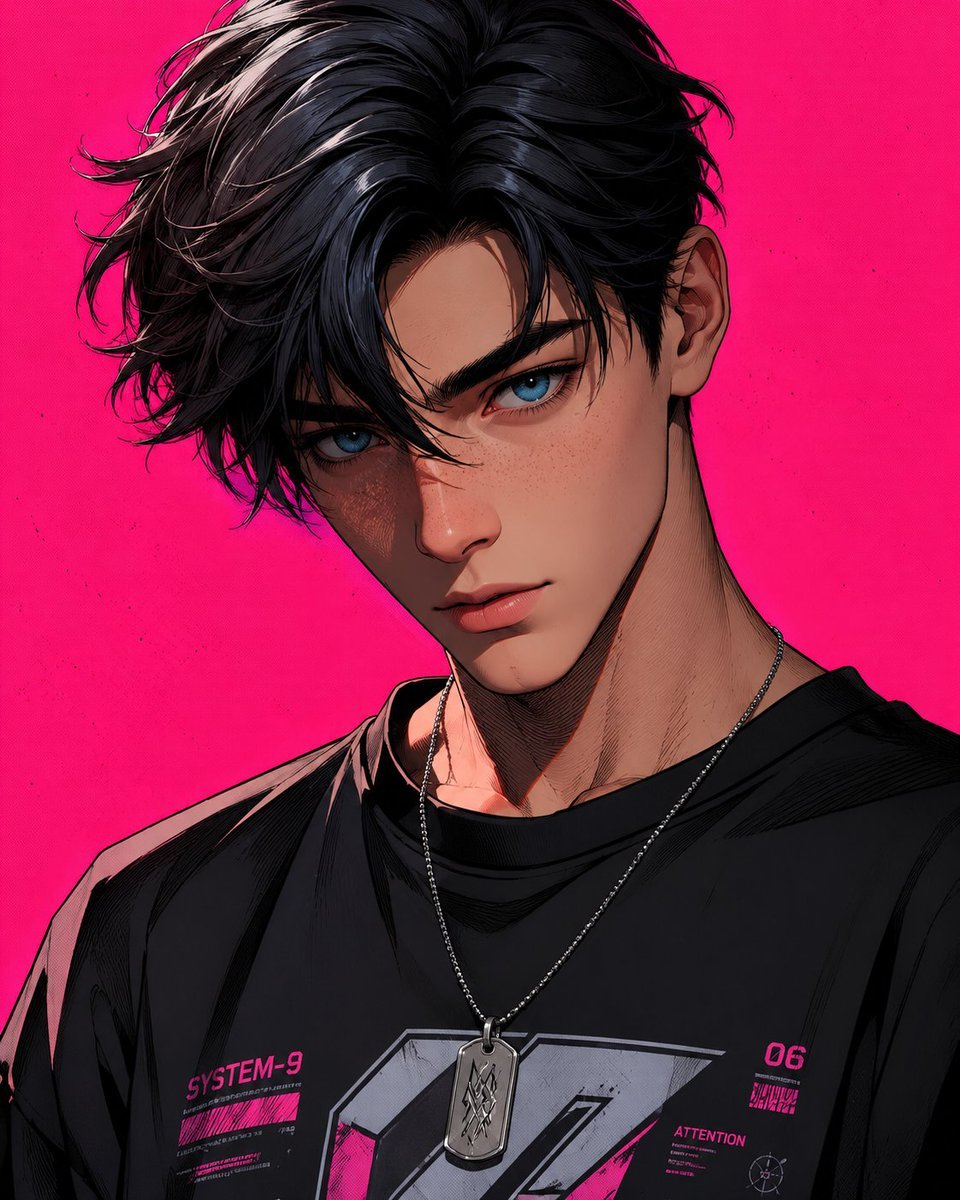
Stylized 3D Cartoon Male Portrait

Split-Screen Athleisure Couch Ad
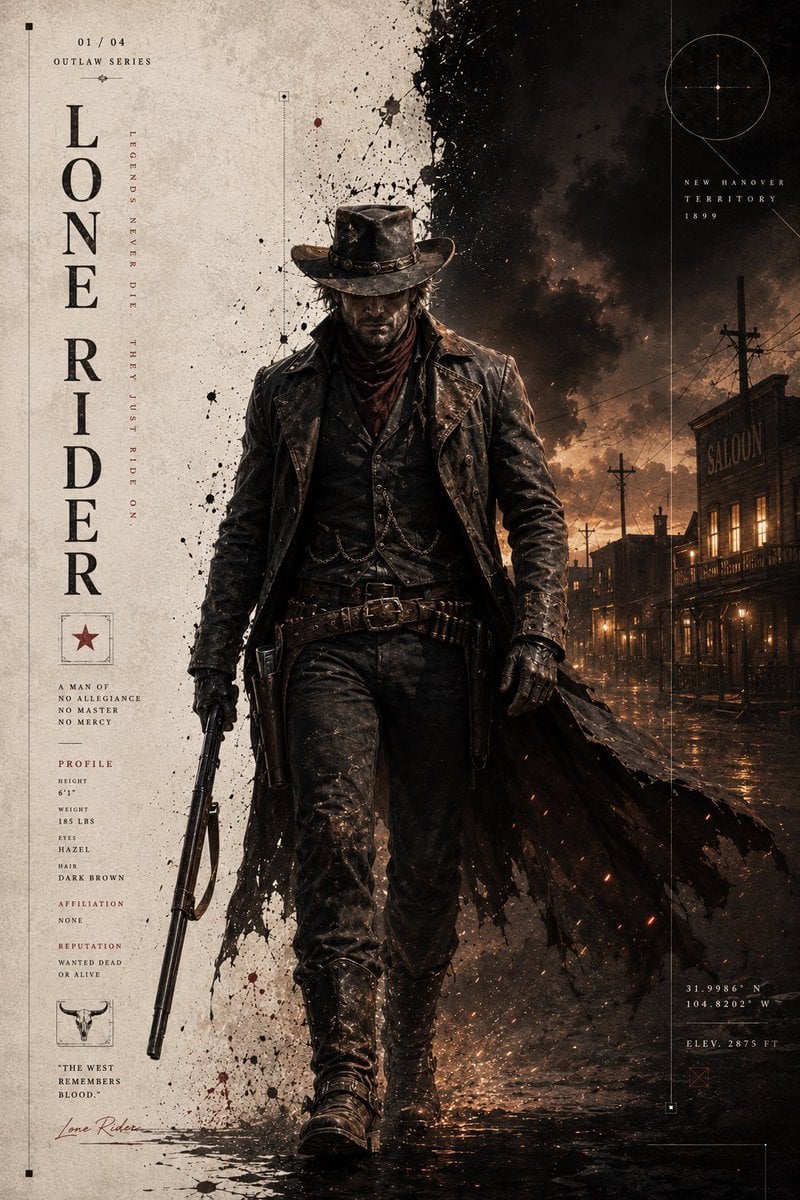
Dark Western Outlaw Poster
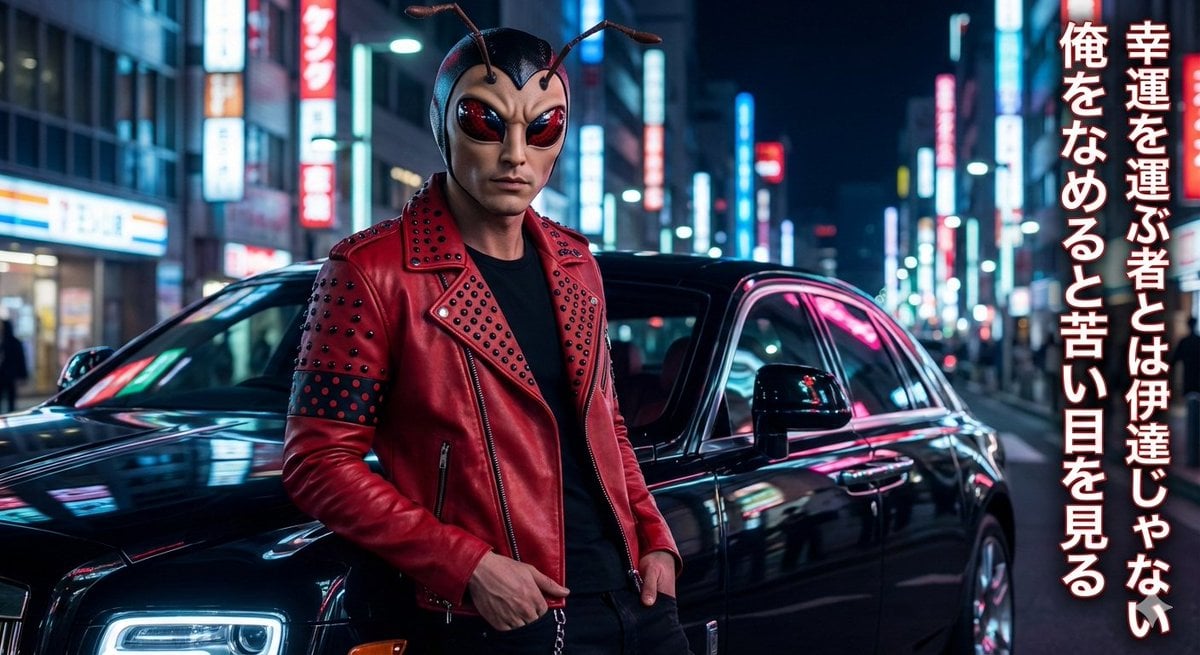
Mushi Tanka (Insect Haiku) Gravure Photo
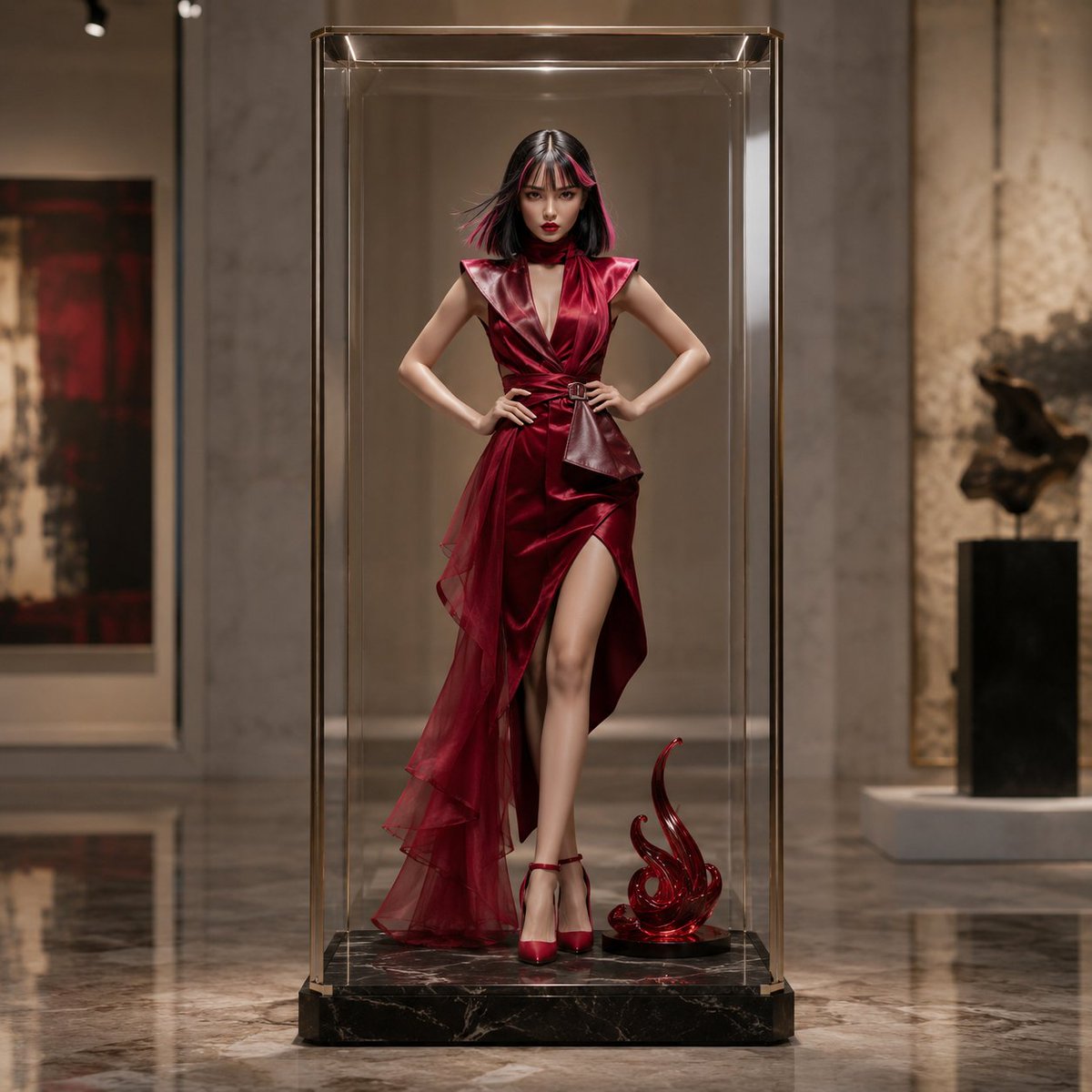
Luxury Art Figure Museum Display
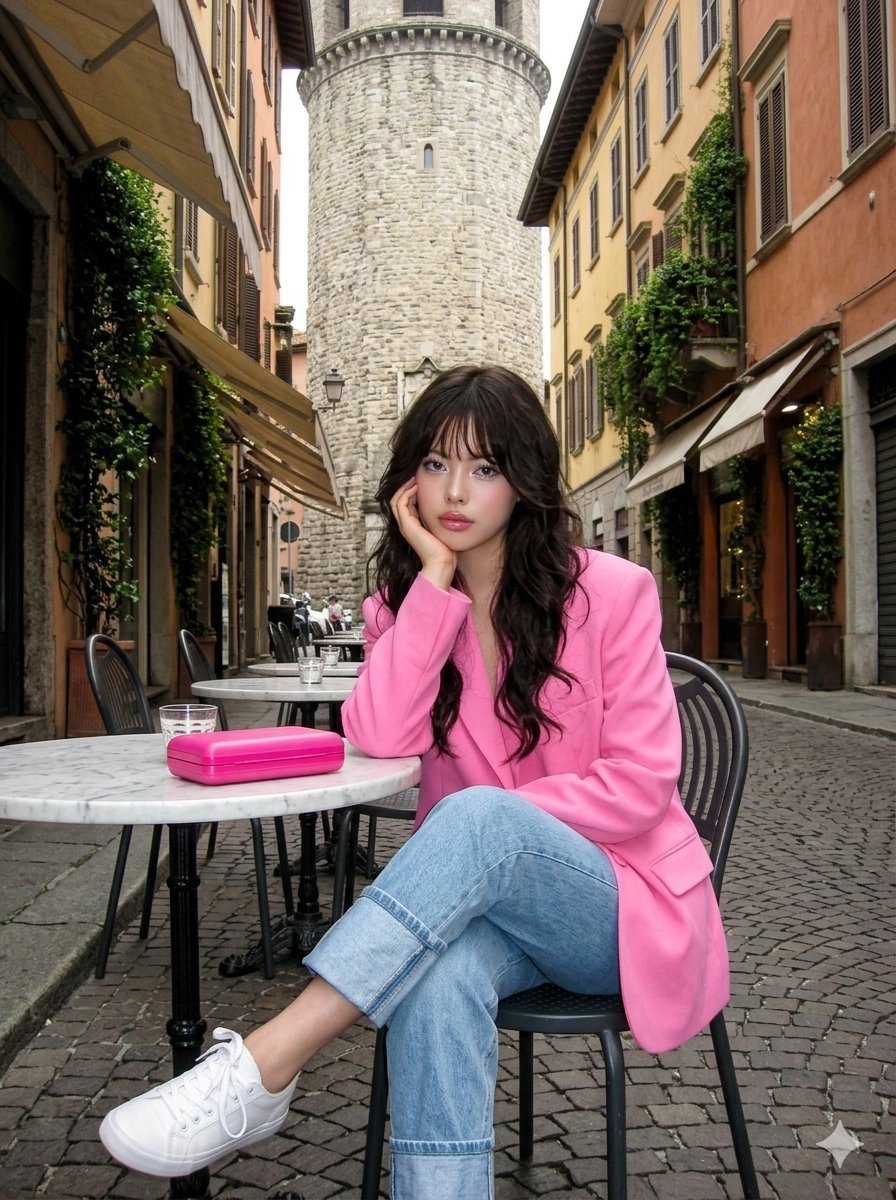
Early 2000s Digital Photo of Subject in Pink Blazer

Professional Dark-Background LinkedIn Portrait
Cinematic Studio Portrait with Precise Facial Matching
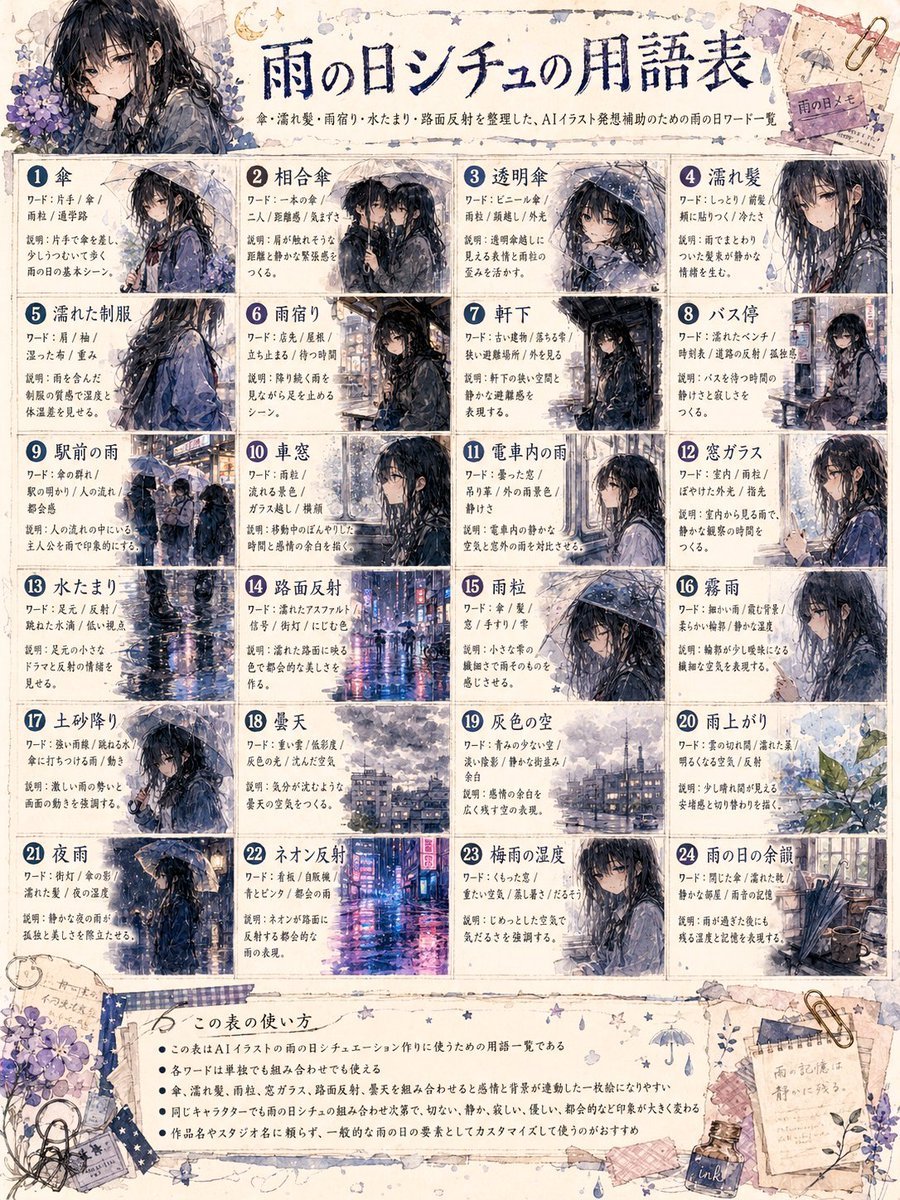
Rainy Day Anime Vocabulary Sheet
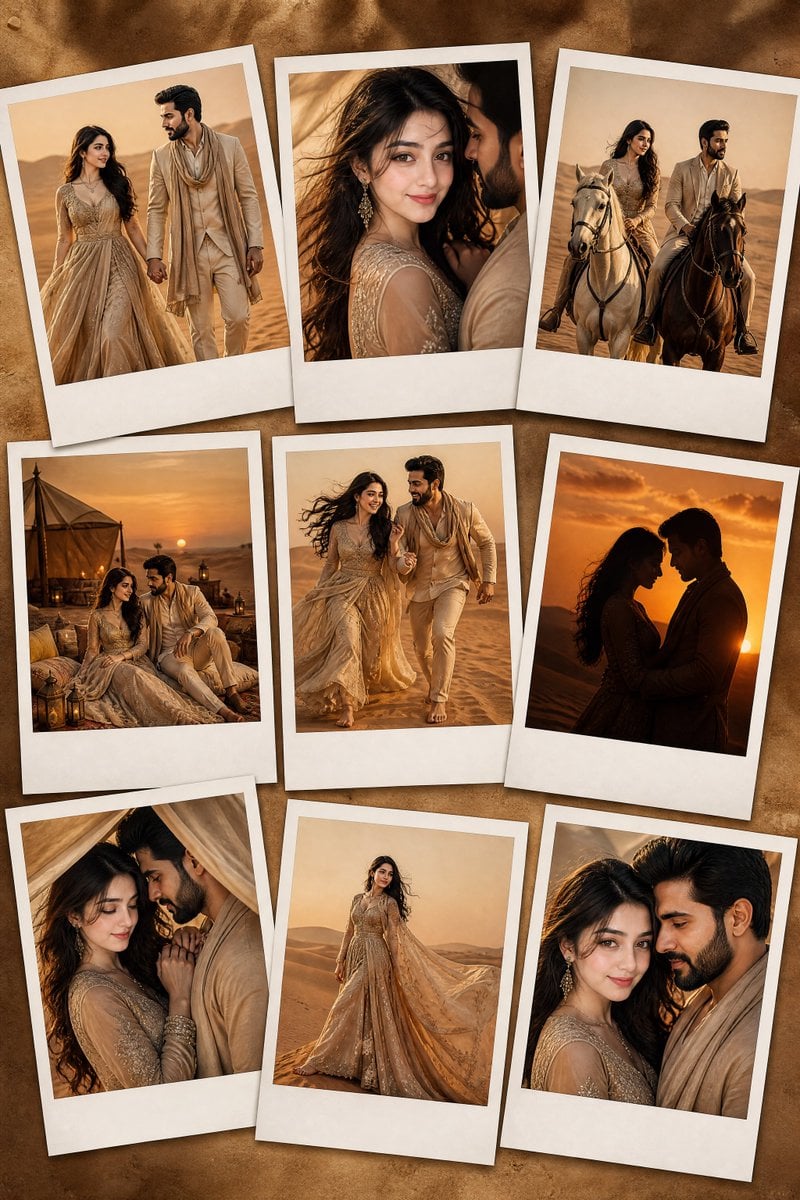
Desert Fashion Editorial Portrait
Browse template categories
SCP Detainee Manga Introduction questions
How do I use the SCP Detainee Manga Introduction template?
Add your photo if the template asks for one, edit the prompt if you like — the template's model and format are already selected — and press Generate. Your version opens in PicX Studio.
Can I customize the SCP Detainee Manga Introduction template?
Yes. You can change the subject, setting, lighting, mood, format, and available model controls before creating your image.
Is the SCP Detainee Manga Introduction template free?
Opening and editing this template is free. Generating uses credits, shown on the Generate button when you are signed in.
Which AI model should I use?
Start with GPT Image 2, which is the model associated with this template. You can compare another compatible model for a different finish.
Looking for something else? Browse all templates.

Your photo, any look
Thousands of ready templates for every top image and video model, from one credit balance.