
Angela Amazon Forest Warrior
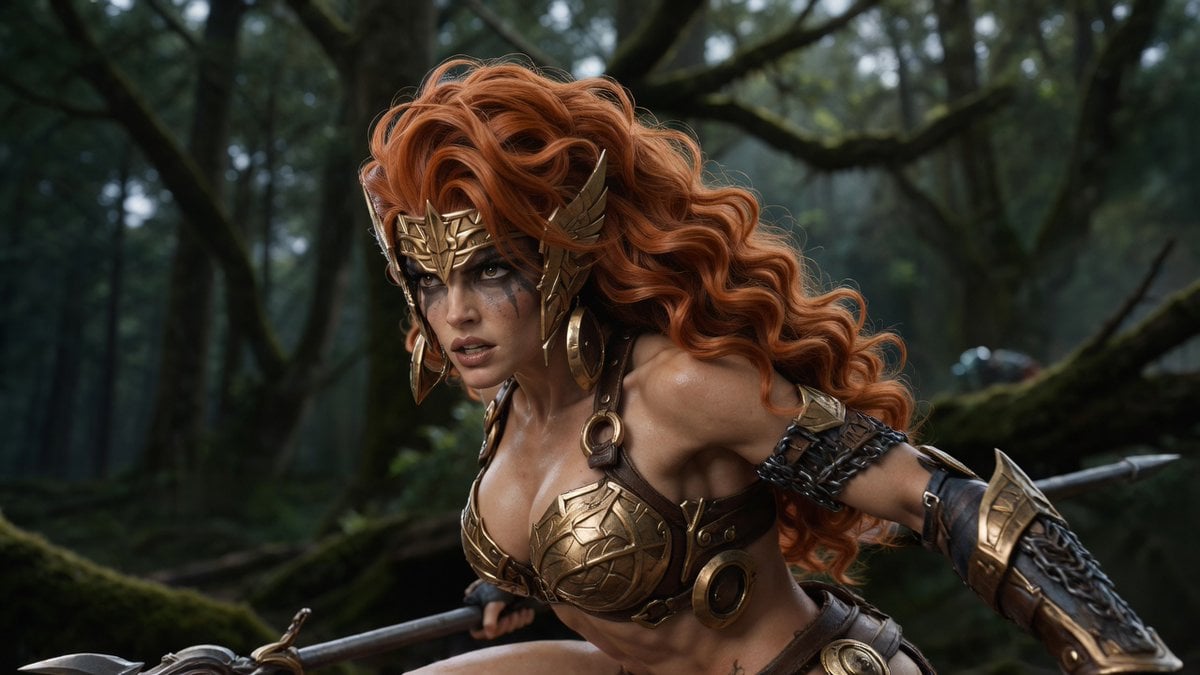
A cinematic photorealistic fantasy scene of a bronze-armored Amazon warrior crouching with a spear in a misty ancient forest.
- Prompt included
- Model and format preset
- Free template
The prompt behind this image
Copy the exact prompt behind Angela Amazon Forest Warrior, or open it in the studio and make it yours.
Create a cinematic dark-fantasy action still of {argument name="character name" default="Angela the Amazon"}, a fierce Amazon warrior woman crouching in a mossy ancient forest as if stalking an enemy. She has long, voluminous, wind-swept {argument name="hair color" default="copper-red"} curly hair, intense eyes, subtle battle-smudged makeup, and an athletic muscular build with dramatic heroic proportions. She wears ornate bronze-gold fantasy armor: a winged engraved crown/helmet with cheek guards, large hoop earrings, sculpted metal breastplate cups over dark leather straps, circular metal rings and studs, chain wraps around one upper arm, heavy engraved bracers, and a leather belt with round bronze plates. Her pose is low and forward-leaning, one arm extended back and the other gripping a long spear or polearm crossing the lower foreground, with the spear tip visible at the left edge. Set the scene in a dim, misty, old-growth woodland with twisted tree trunks, thick branches, moss-covered fallen logs, and soft green-gray atmospheric haze. Use shallow depth of field with a sharply detailed warrior and blurred background, realistic skin texture, wet highlights on armor and skin, dramatic side lighting, muted forest greens contrasted with warm bronze metal and fiery hair. Composition should be a horizontal cinematic frame, medium close-up from the waist up, character slightly left of center facing toward the left, dynamic tension, photorealistic high-budget fantasy movie look, no text, no watermark.
How to use Angela Amazon Forest Warrior in 3 steps
- 1Upload ImagePNG, JPG or paste
Add your photo
Upload the photo the template builds on. The prompt, model and format are already set.
- 2…a portrait of your subject in softgolden-hour light, 85mm…
Personalize
Edit the subject and creative details for your destination.
- 3Generate
Generate
Press Generate — your image is created in PicX Studio, so you can compare it with the original and refine one variable at a time.
More like this
Templates with the same subject, style or setup. Open one to see its prompt.

Layered Paper Cut Forest Diorama
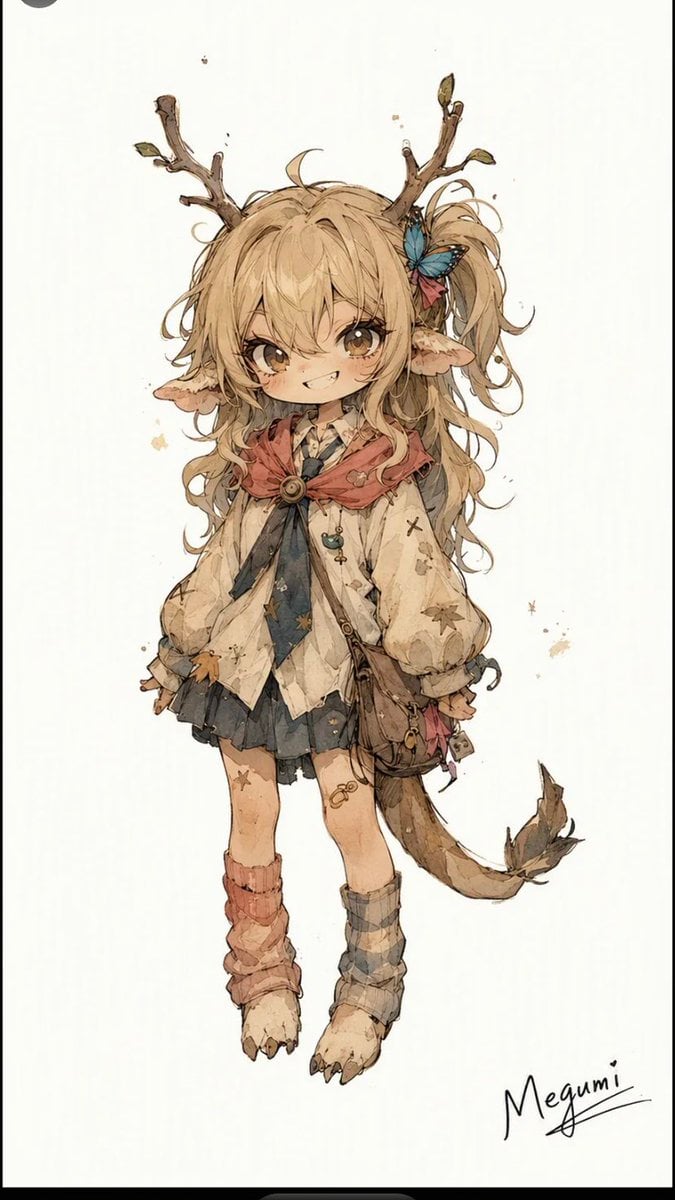
Mischievous Forest Faun Girl
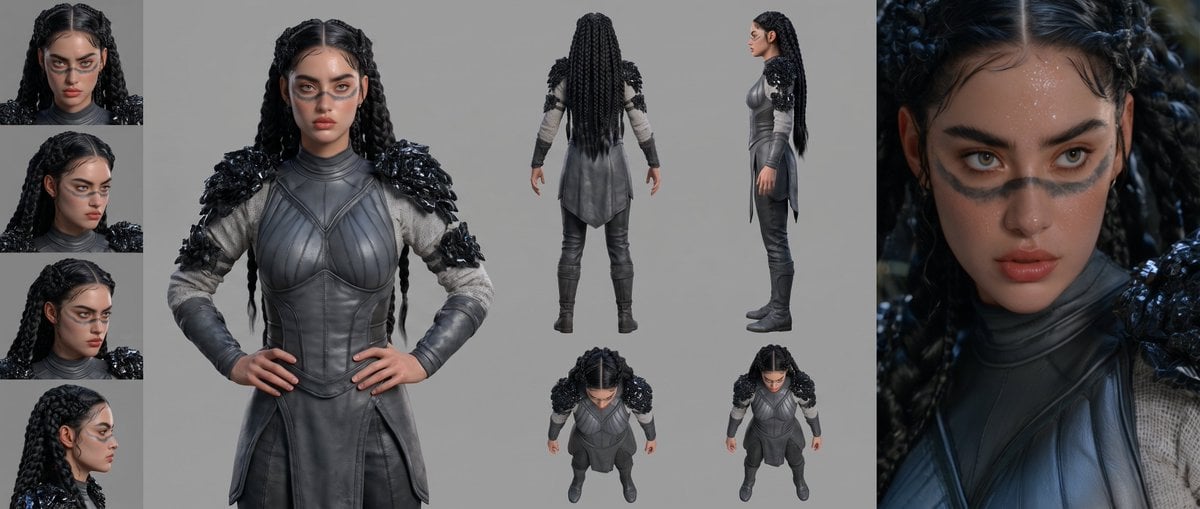
Mesoamerican Warrior Character Sheet

Tribal Fantasy Warrior with Guardian Owl
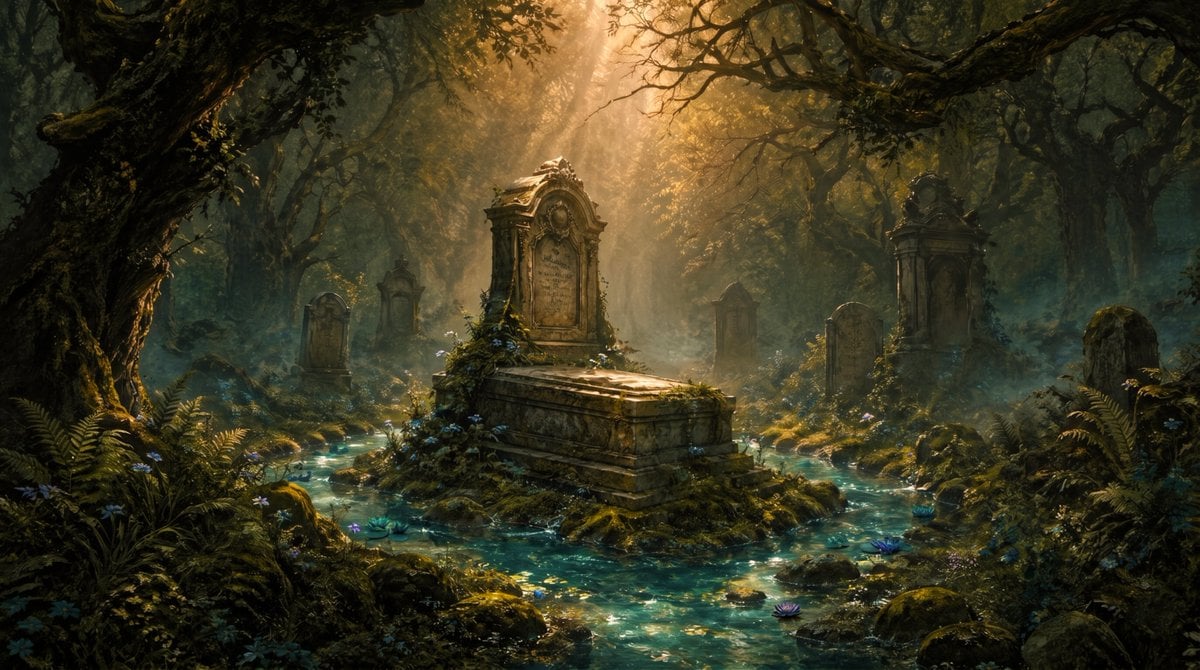
Enchanted Forest Grave Spring
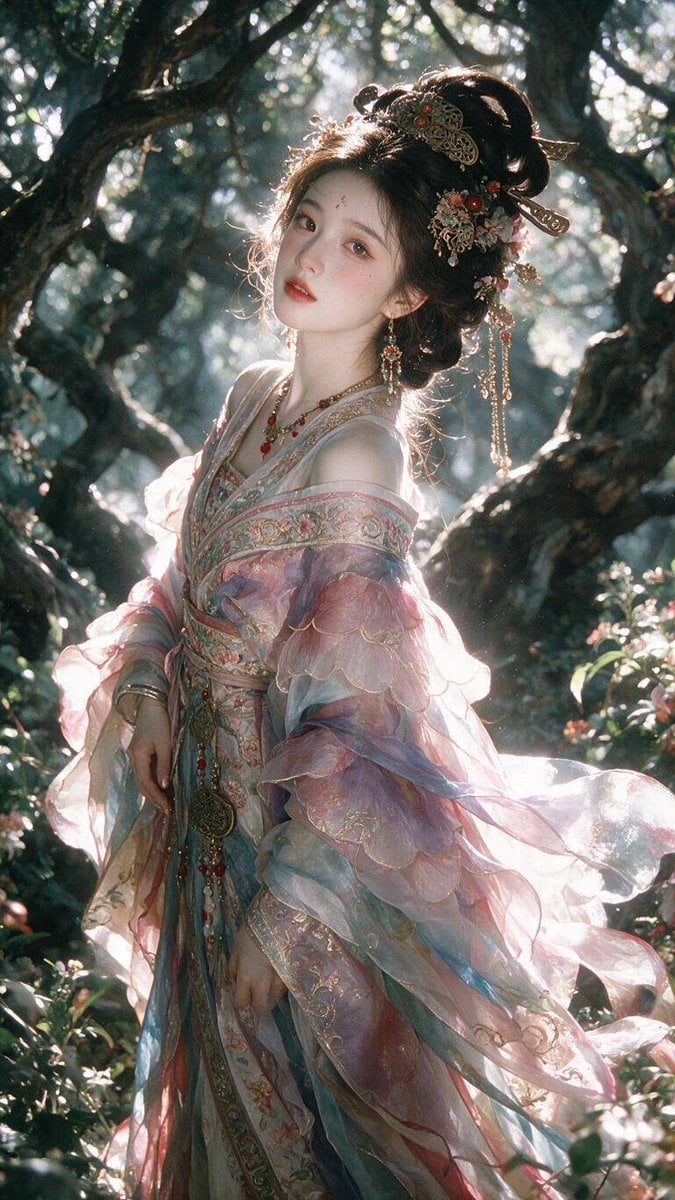
Enchanted Hanfu Forest Goddess

Gothic Mecha Sword Warrior
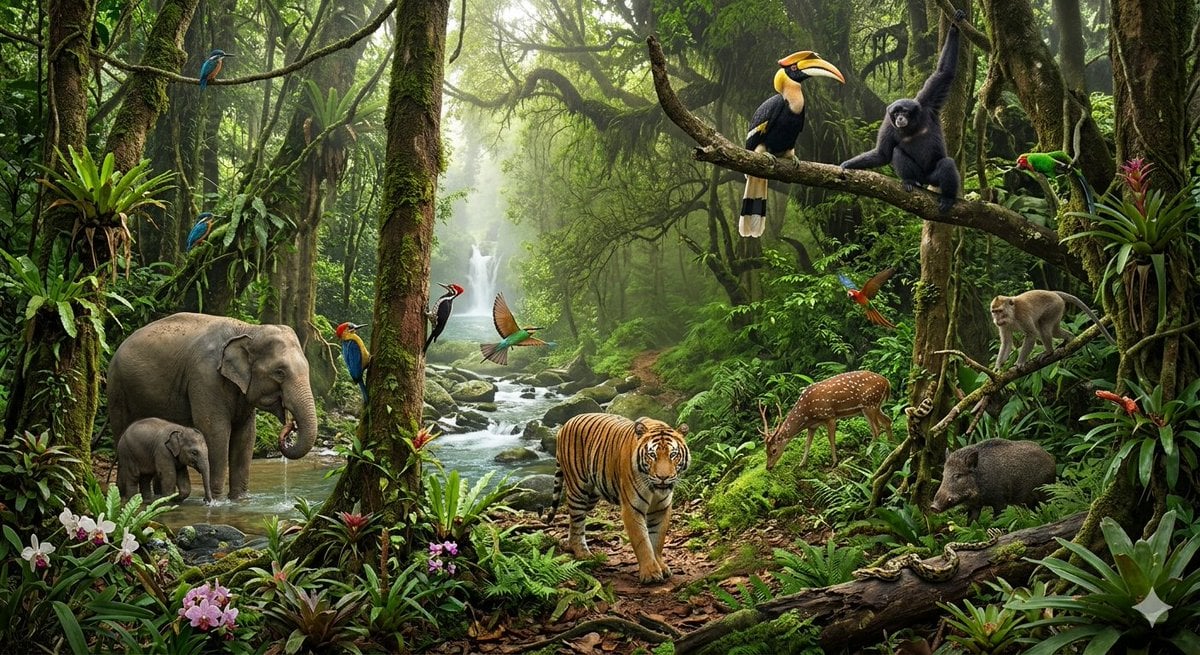
Tropical Rainforest Wildlife Ecosystem
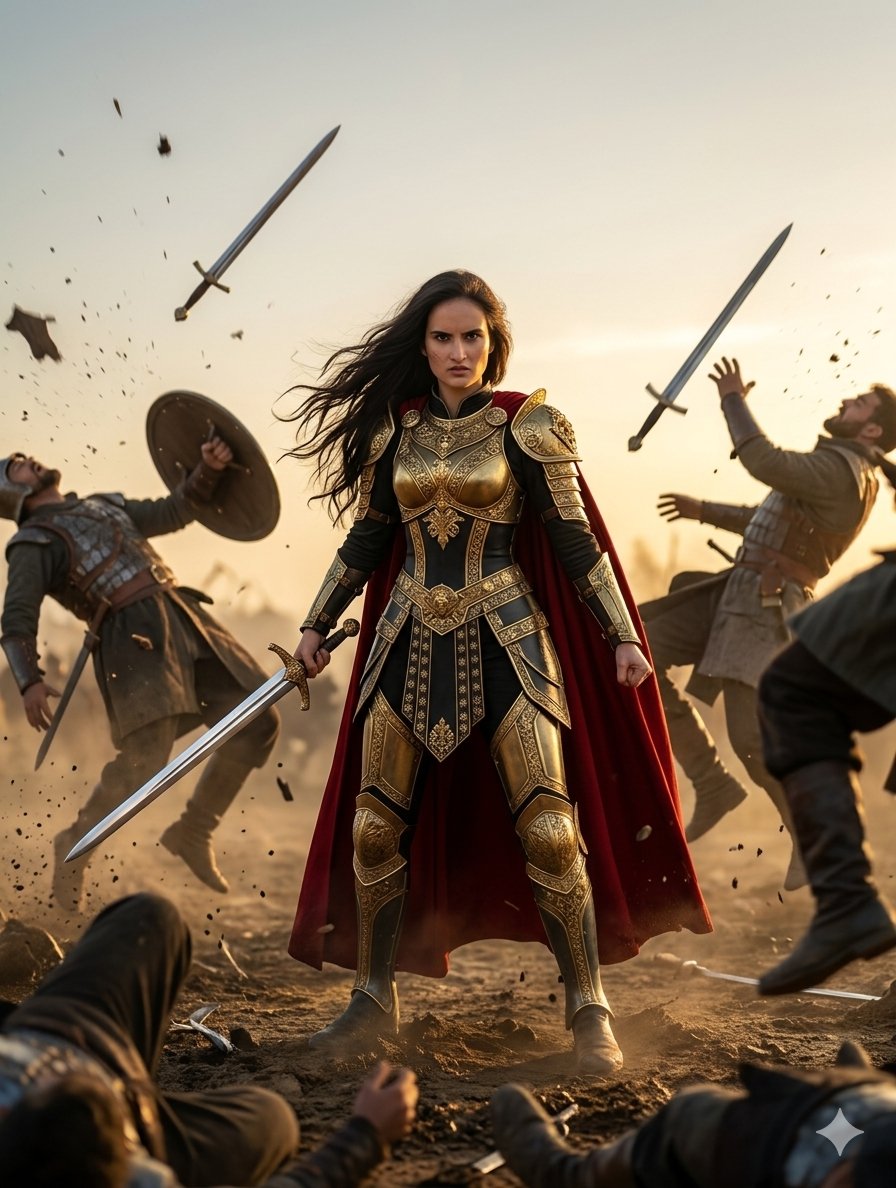
Heroic Fantasy Warrior Portrait
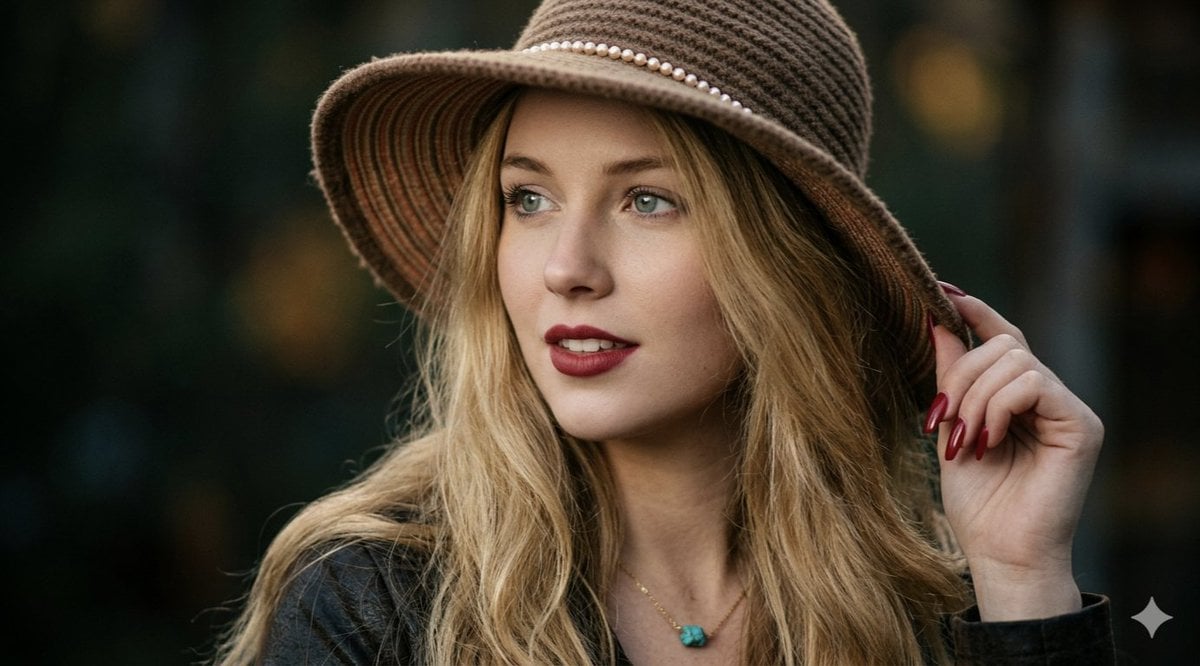
Ethereal Forest Twilight Portrait

Anime Crossover Warriors Illustration
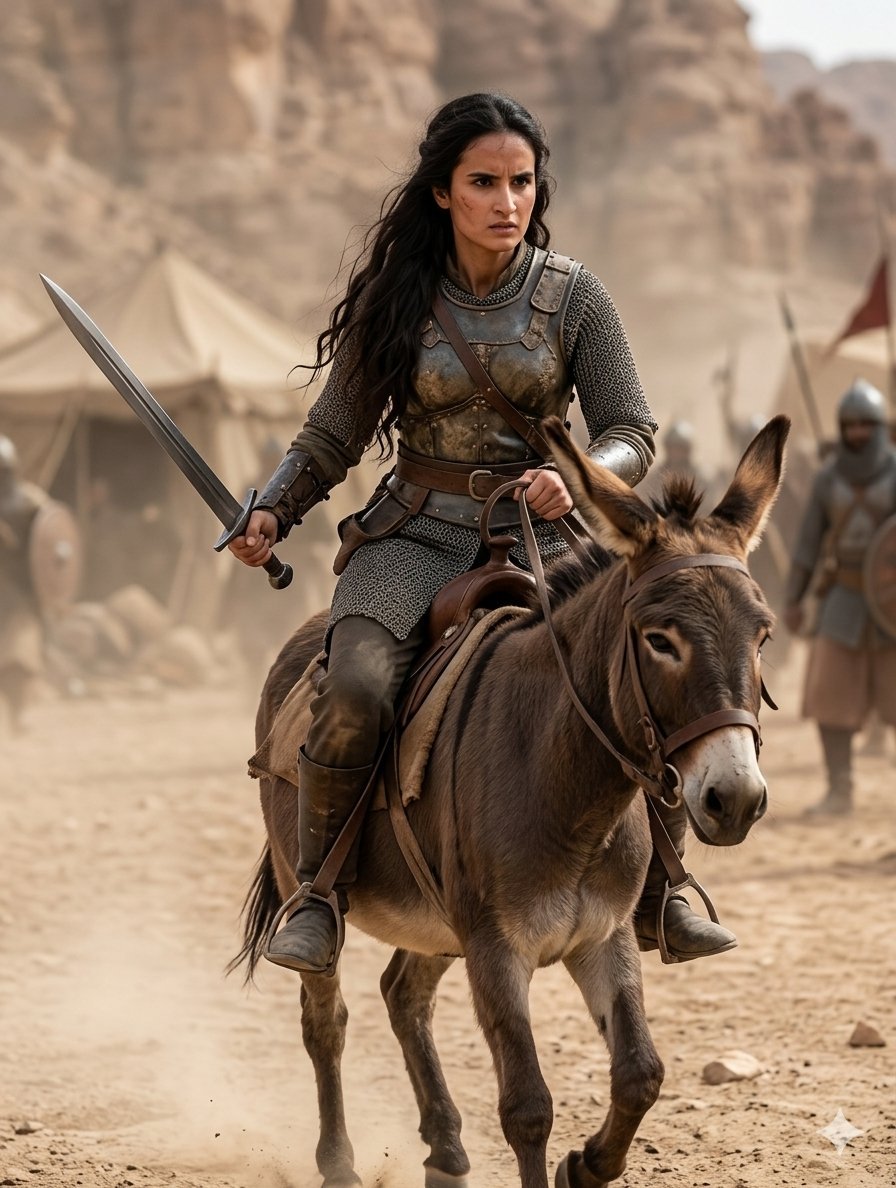
Medieval Desert Battlefield Warrior
Make it yours
Angela Amazon Forest Warrior works as-is. These are the safest ways to change it without losing the look.
Change one field
Copy a single group, rewrite it, and generate again so you can see what that field is doing.
Keep the frame, change the subject
Hold the composition and light of Angela Amazon Forest Warrior, then swap wardrobe, props or the person for a new take.
| If the result… | Why | Fix |
|---|---|---|
| The result drifts from the preview | Too many fields changed at once. | Reuse Angela Amazon Forest Warrior as-is first, then change one group — subject, light, or setting. |
| The model over-stylizes the scene | The prose prompt leaves finish and camera underspecified. | Add one camera or lighting sentence and stay on GPT Image 2. |
More GPT Image 2 templates
Other prompts made for GPT Image 2.

Six VTuber Japanese Logo Sheet

Realistic Portrait of Woman and Deer

The Vista Modular Condo Poster

AI Model Routing Comparison Infographic

2.5D Anime Art Board

Isometric Productivity Desk Scene

New York Double Exposure Poster

Four-Panel AI Landscape Comparison

Japanese Tatami Lifestyle Magazine Cover

NESCAFÉ Coffee Map Poster
More image prompts
Fresh picks from across the catalog.
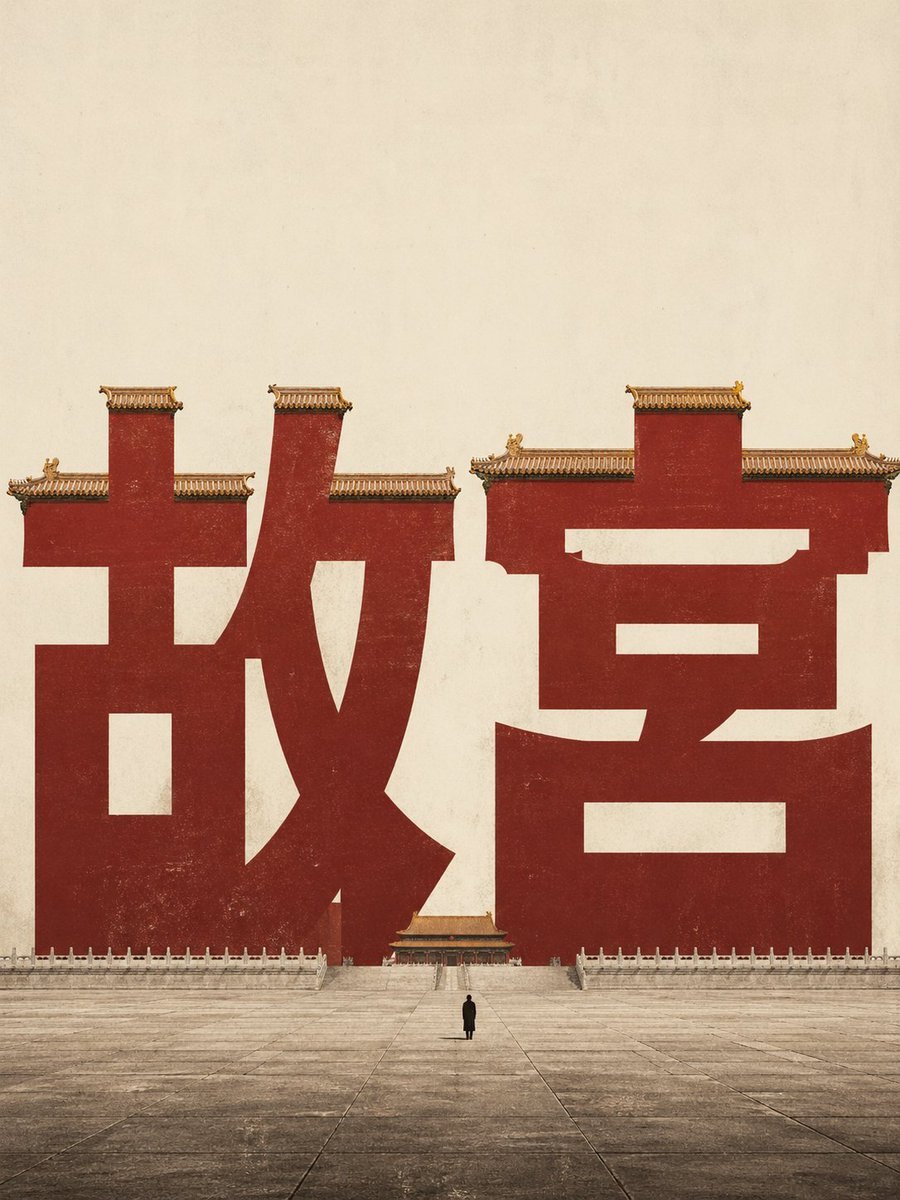
Forbidden City Typography Poster
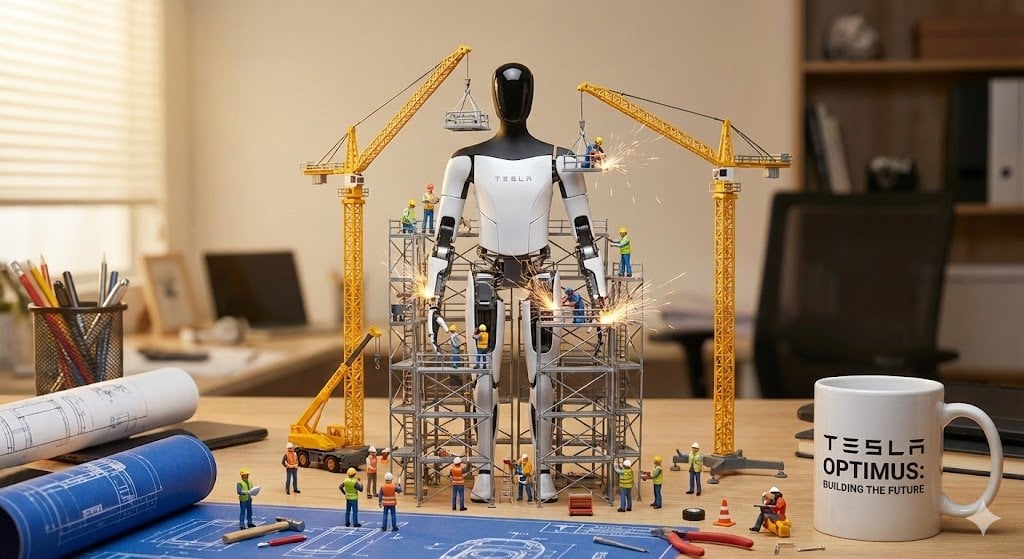
Miniature Construction Site Ad for a Product
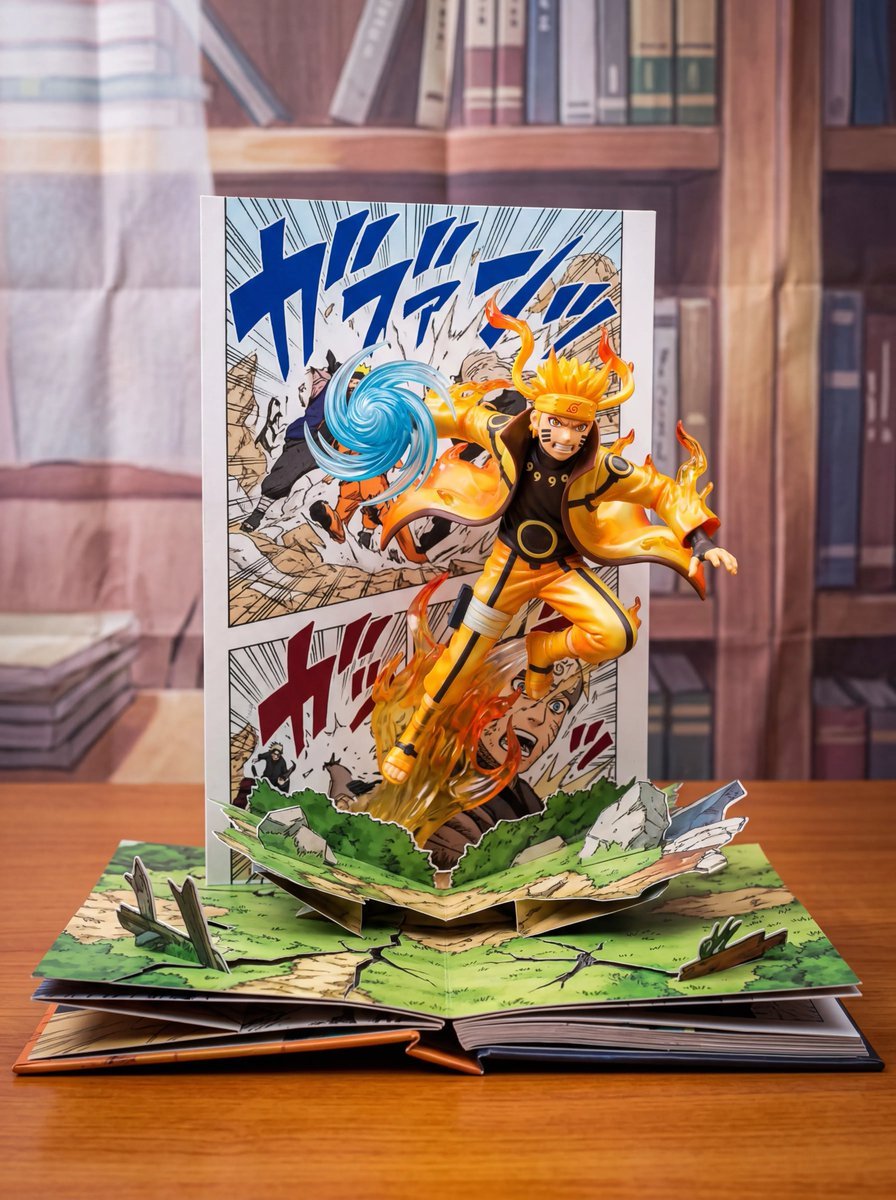
Uzumaki Naruto Pop-Up Book Prompt

Luxury Soda Commercial Video Prompt
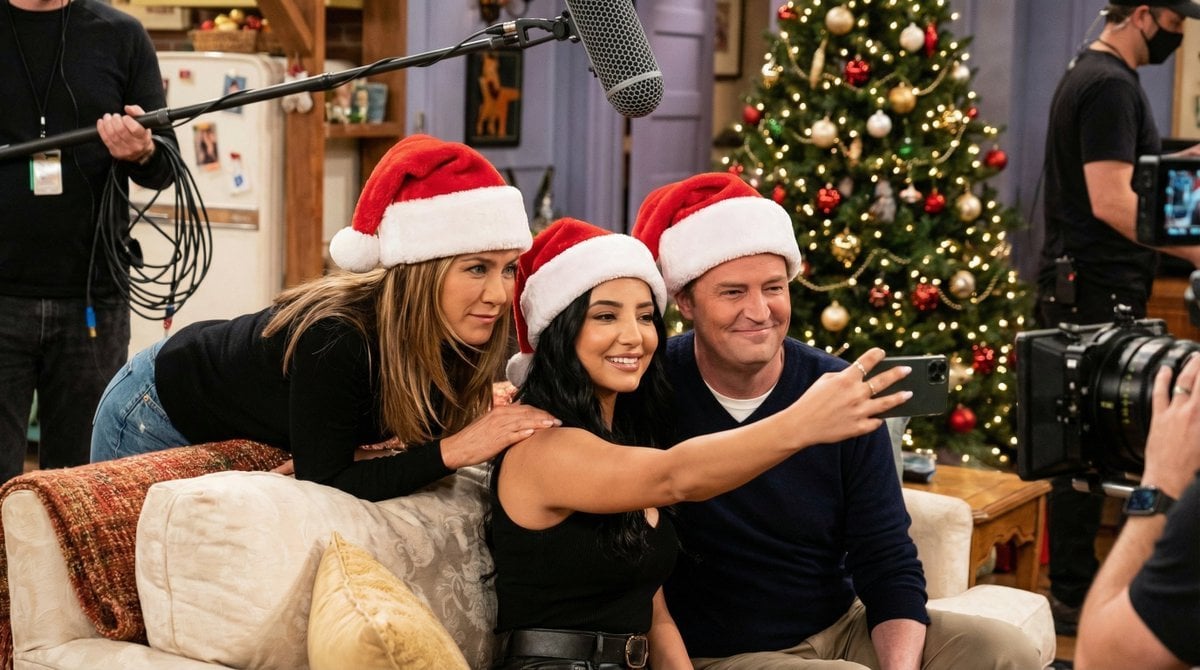
Ultra-Photoreal BTS Sitcom Selfie with Identity Lock
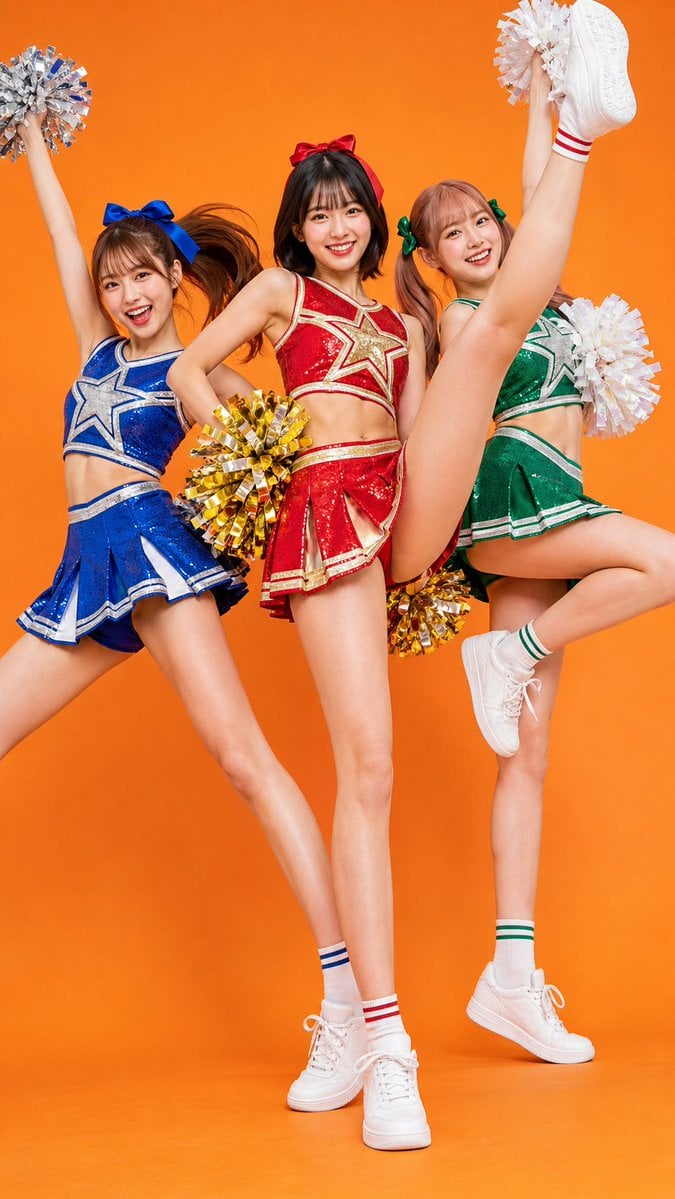
Three Colorful Cheerleaders Studio Pose
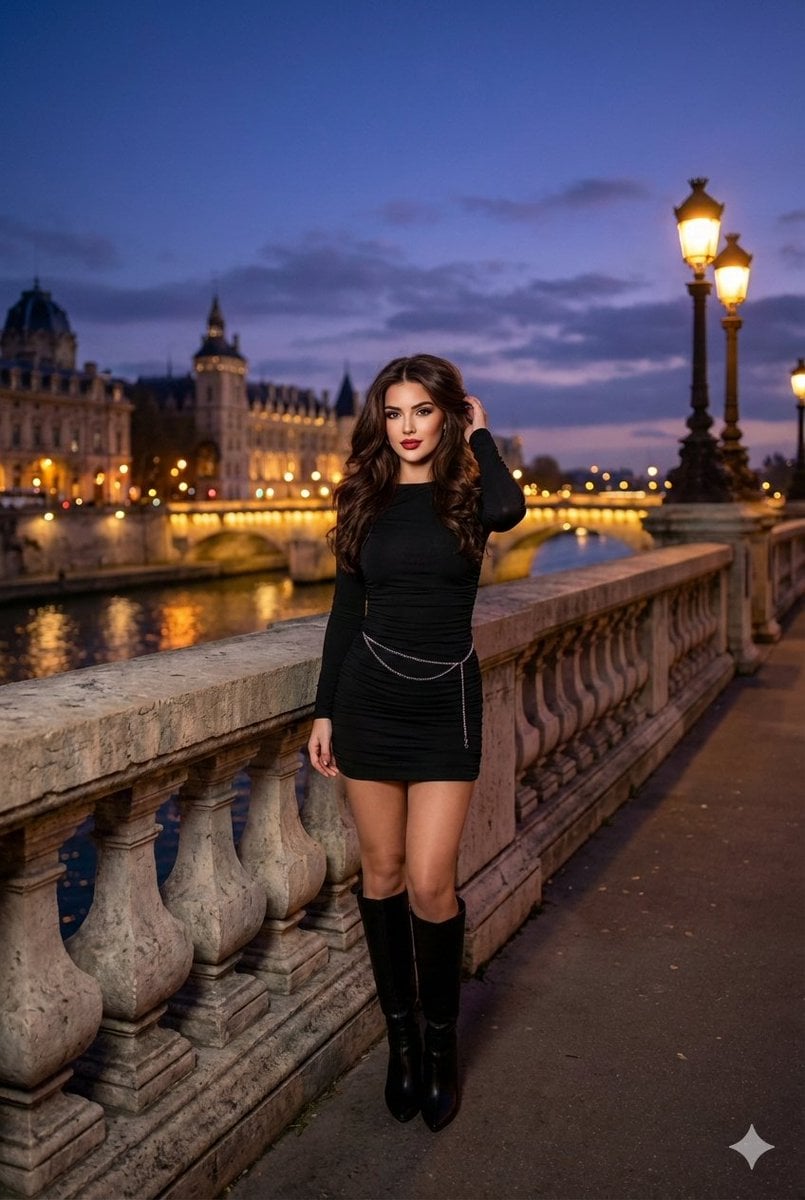
Evening cityscape bridge fashion portrait

Elegant SIGHT Beauty Magazine Cover
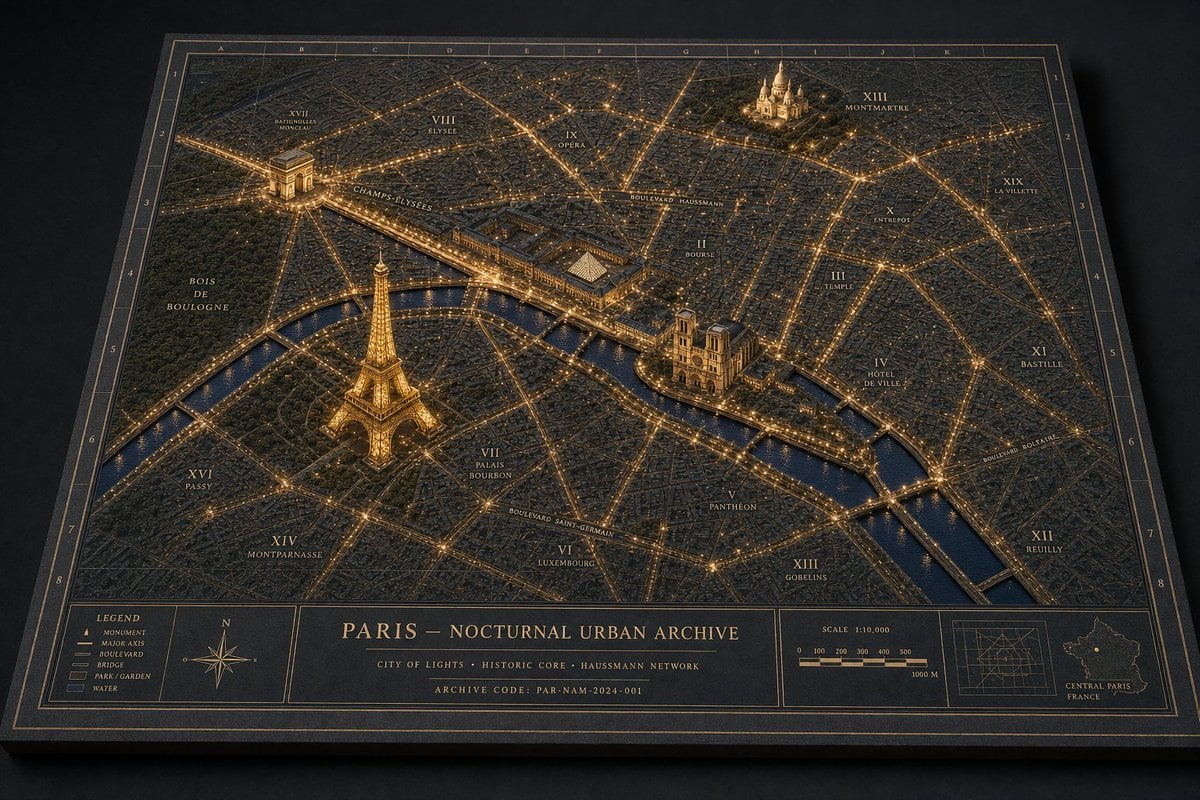
Paris Nocturnal Urban Archive Map
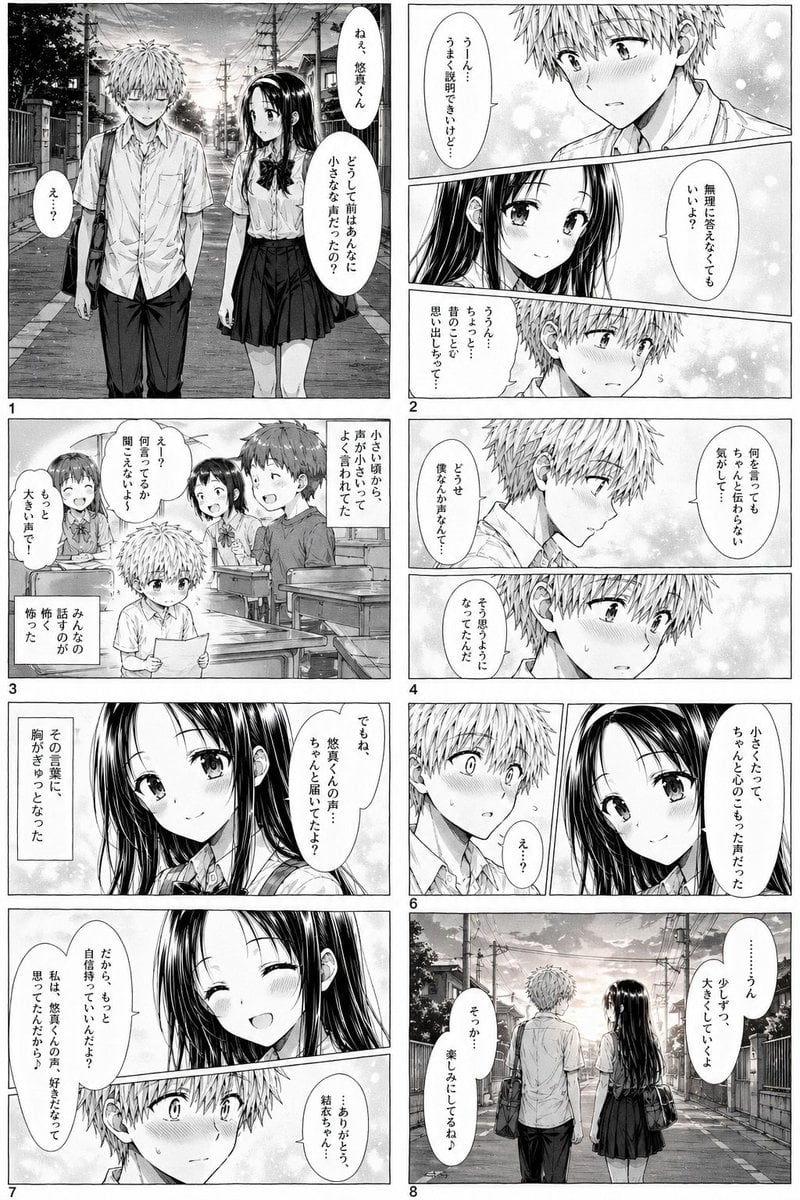
Romantic School Manga Page
Browse template categories
Angela Amazon Forest Warrior questions
How do I use the Angela Amazon Forest Warrior template?
Add your photo if the template asks for one, edit the prompt if you like — the template's model and format are already selected — and press Generate. Your version opens in PicX Studio.
Can I customize the Angela Amazon Forest Warrior template?
Yes. You can change the subject, setting, lighting, mood, format, and available model controls before creating your image.
Is the Angela Amazon Forest Warrior template free?
Opening and editing this template is free. Generating uses credits, shown on the Generate button when you are signed in.
Which AI model should I use?
Start with GPT Image 2, which is the model associated with this template. You can compare another compatible model for a different finish.
Looking for something else? Browse all templates.

Your photo, any look
Thousands of ready templates for every top image and video model, from one credit balance.