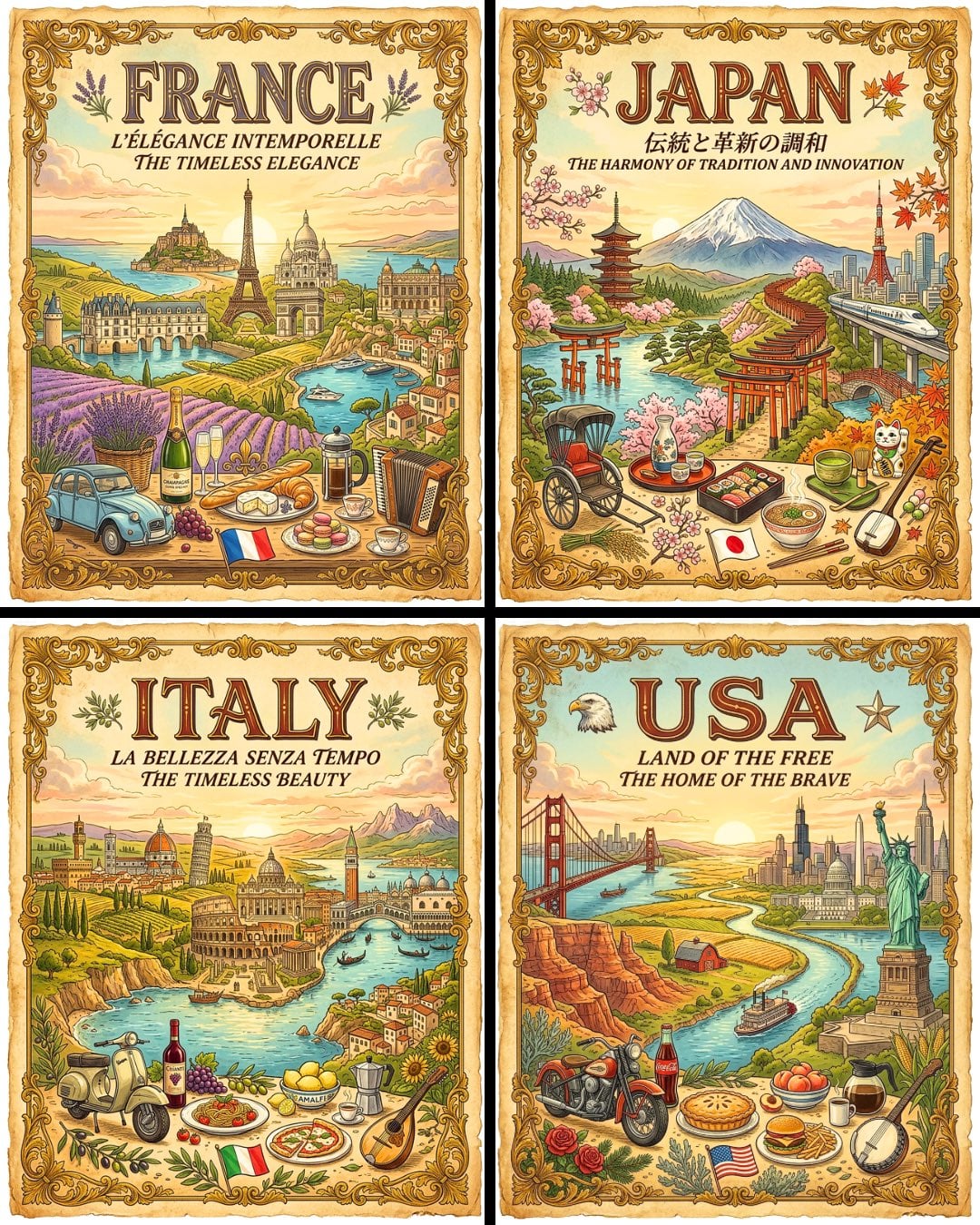
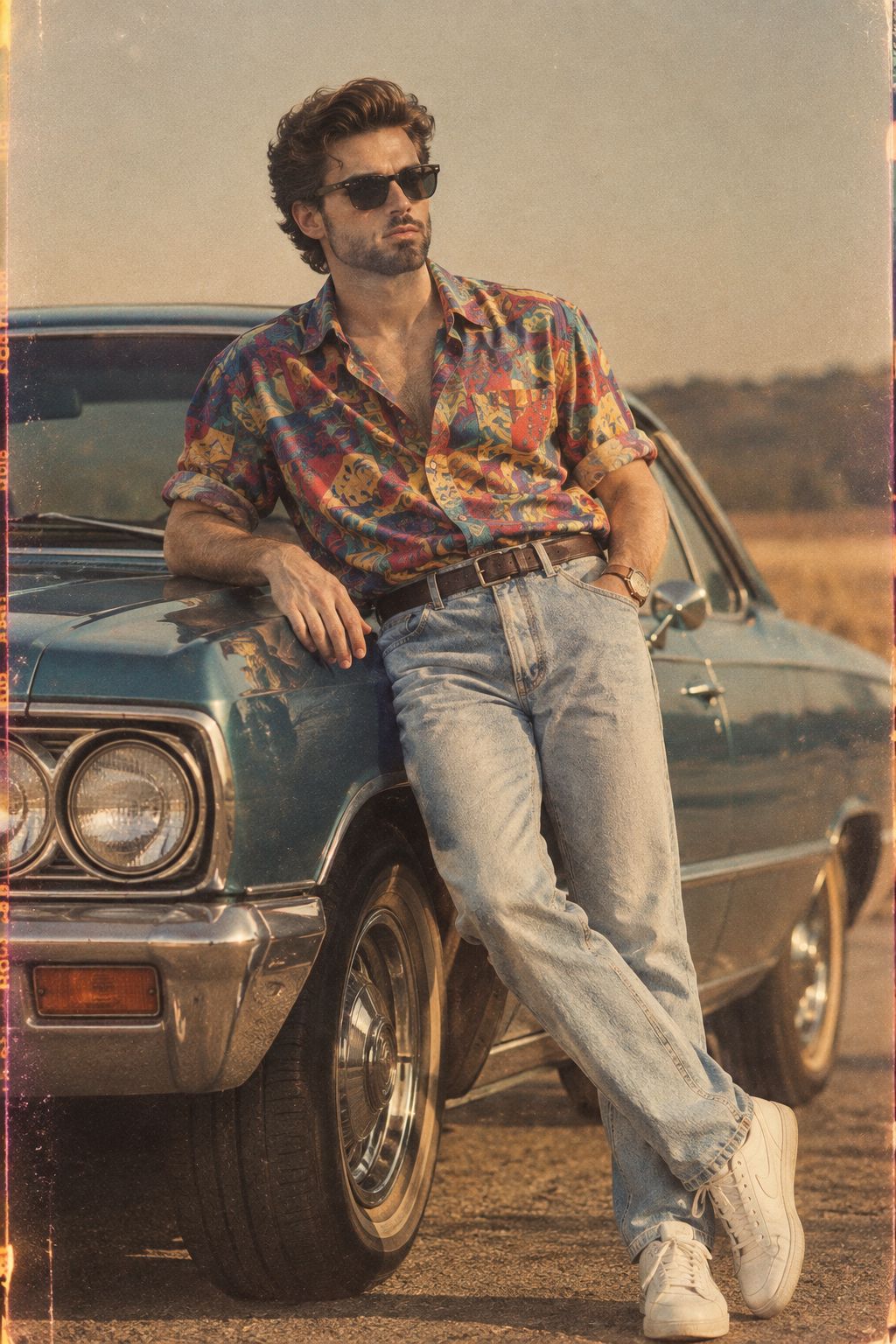
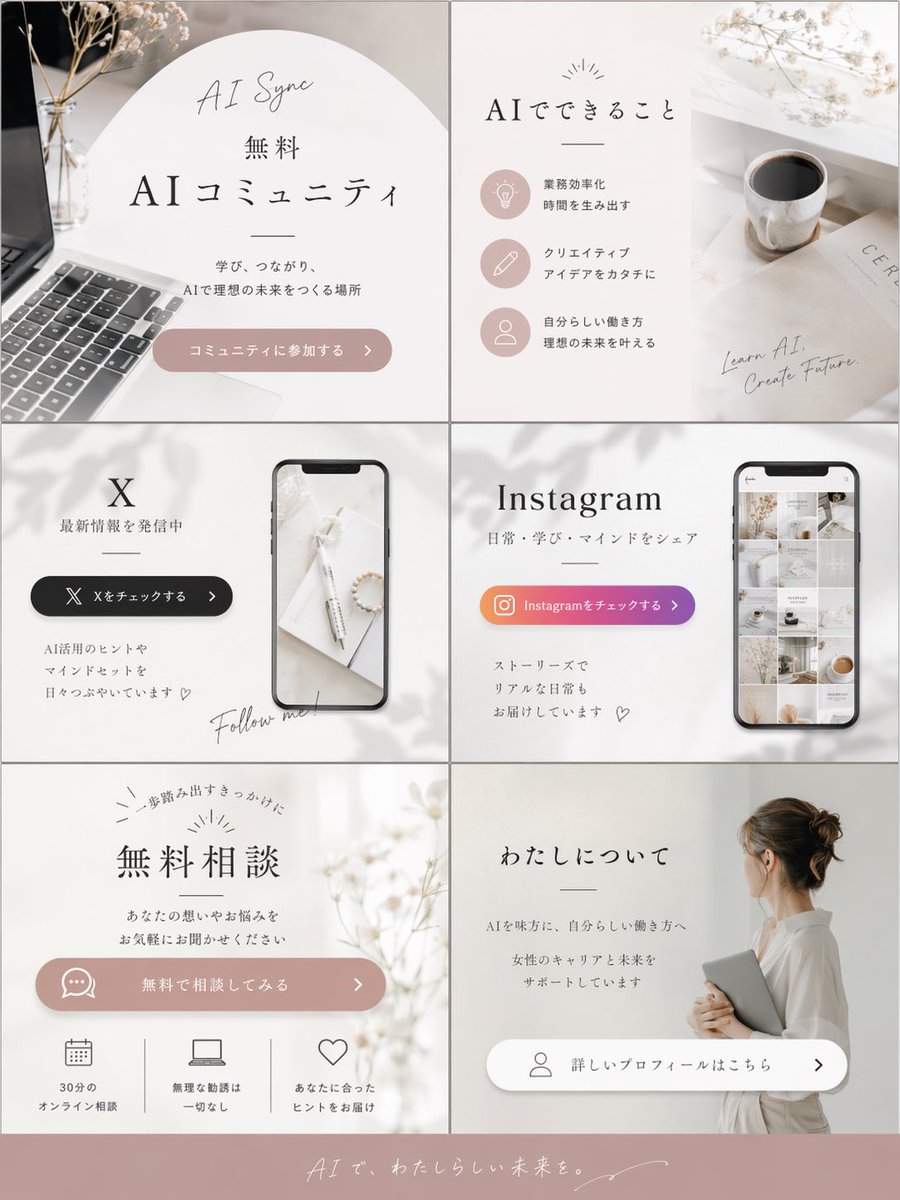
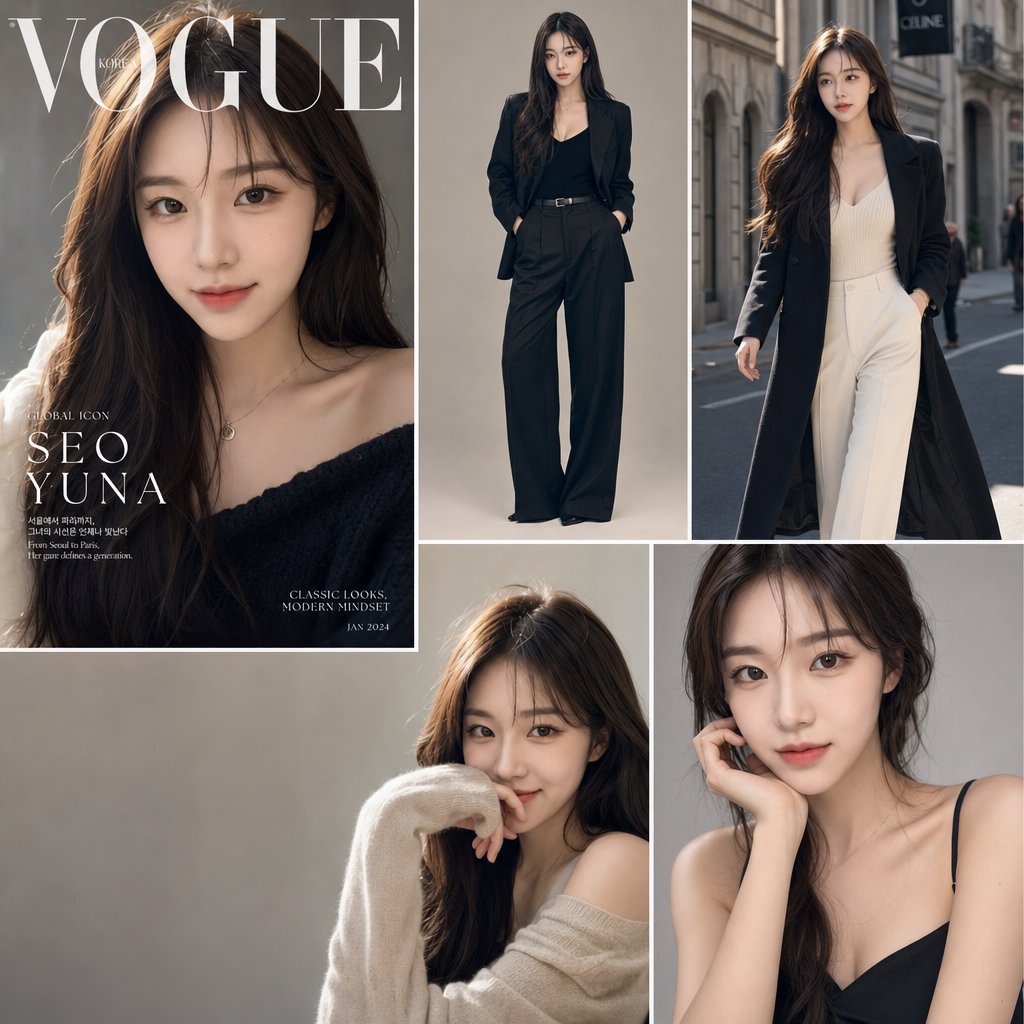
How do I use the Vintage Doodle Scrapbook Poster template?
Choose the primary action to open PicX Studio with the available template settings. Review the model and format, personalize the creative direction, and generate when ready.
Creates a square nostalgic scrapbook-style doodle poster from a reference photo, ideal for turning iconic scenes into premium editorial wall art.
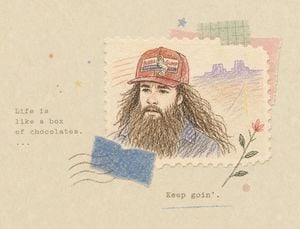
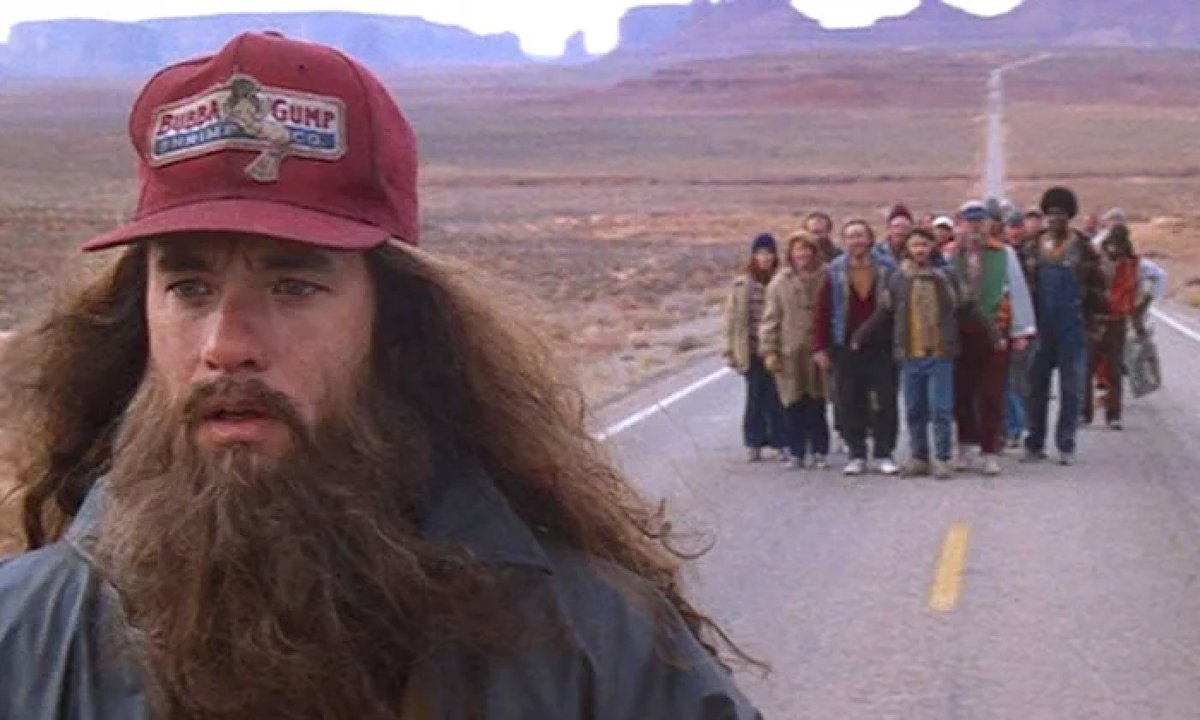
Using the provided reference image, transform the movie still into a high-end square doodle poster / scrapbook illustration. Preserve the key recognizable subject and emotional idea from the reference, but reinterpret it as a hand-drawn colored-pencil sketch on a perforated vintage postage-stamp paper piece. Goal: Create a nostalgic, premium editorial poster that captures the reference’s theme of continuing forward on a long road. Composition: Place the sketched portrait from the reference on a torn, cream postage-stamp rectangle positioned slightly right of center. Simplify the background from the reference into a small doodled desert highway and distant rock formations behind the portrait. Do not keep the group of followers as realistic people; reduce the scene to the main subject and symbolic road imagery. Added scrapbook elements: Add exactly 4 tape/collage pieces around the stamp: 1 blue torn tape strip overlapping the lower-left of the stamp, 1 green grid-pattern tape near the top-right, 1 pale red torn tape behind the upper-right edge, and 1 small red striped paper/tape accent near the upper-left of the stamp. Add small doodle accents: tiny stars, dots, curved postal cancellation lines, a simple flower stem with red blossom on the lower right, and a short blue underline near the bottom. Text: Add typewriter-style quote text on the left reading {argument name="quote text" default="Life is\nlike a box\nof chocolates.\n..."}. Add a second typewriter-style line near the lower center reading {argument name="bottom caption" default="Keep goin’."}. Style: Warm aged paper background, soft beige palette, muted red/blue/green pencil colors, rough hand-sketched outlines, visible paper grain, subtle ink imperfections, elegant negative space, whimsical but refined. Constraints: Make the final canvas square, poster-like, clean and premium. Keep text legible. Avoid photorealism, glossy effects, modern UI elements, or extra characters.
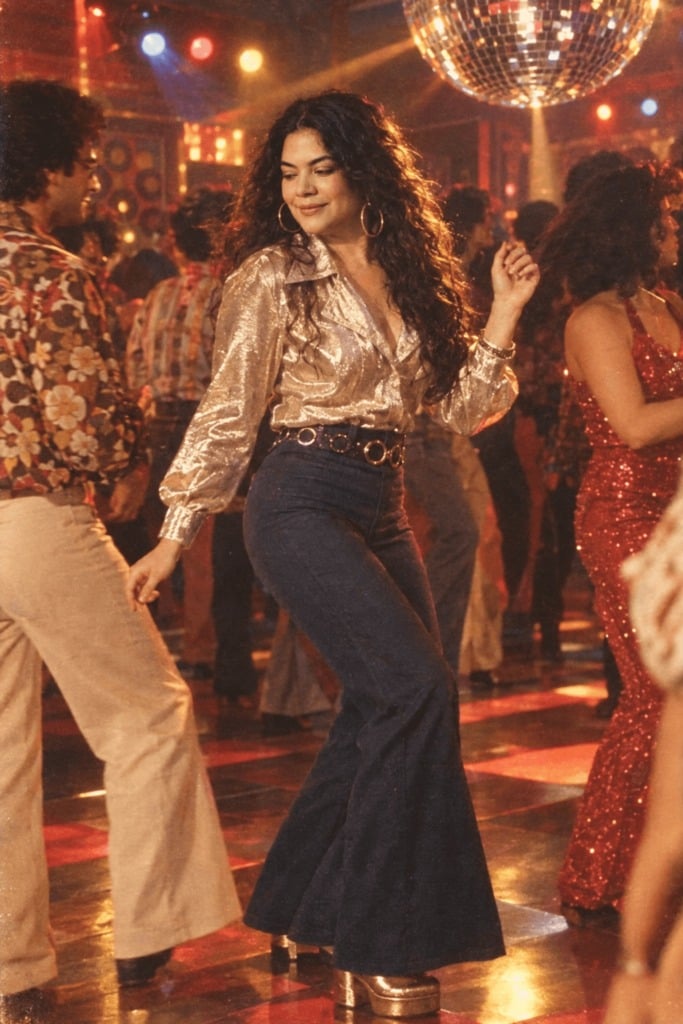
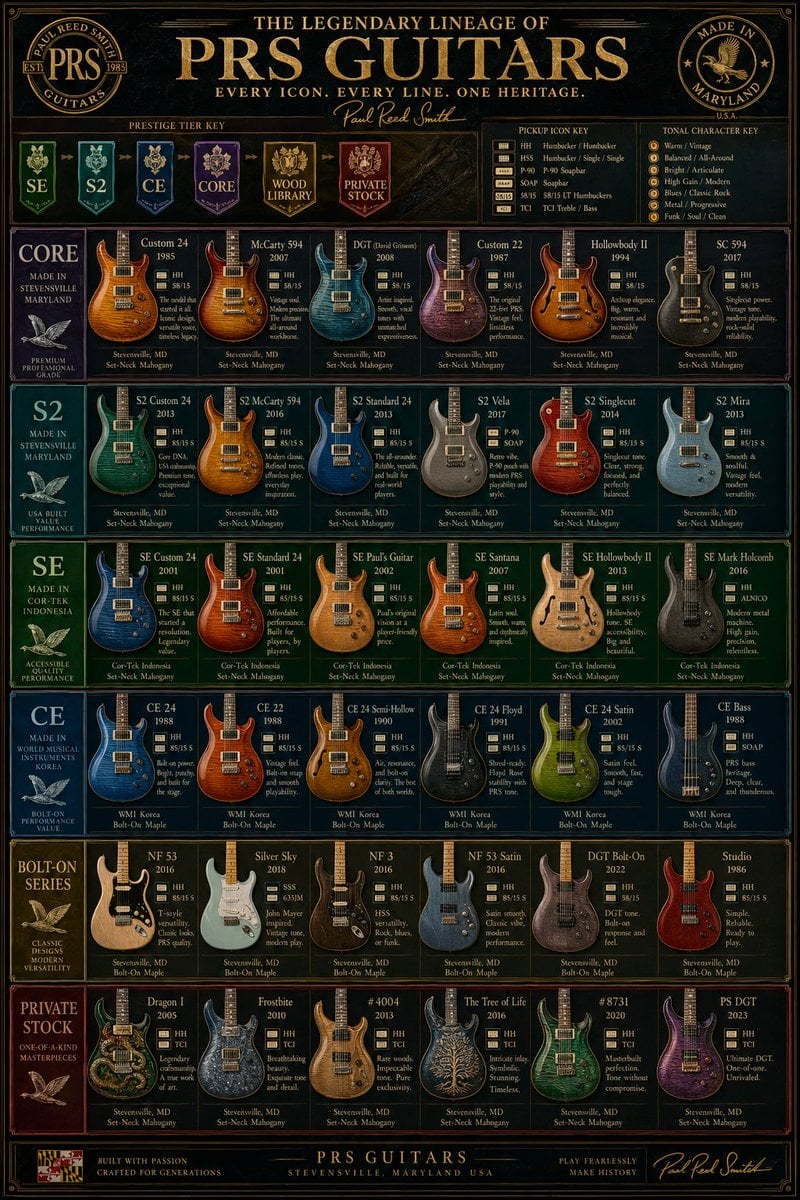
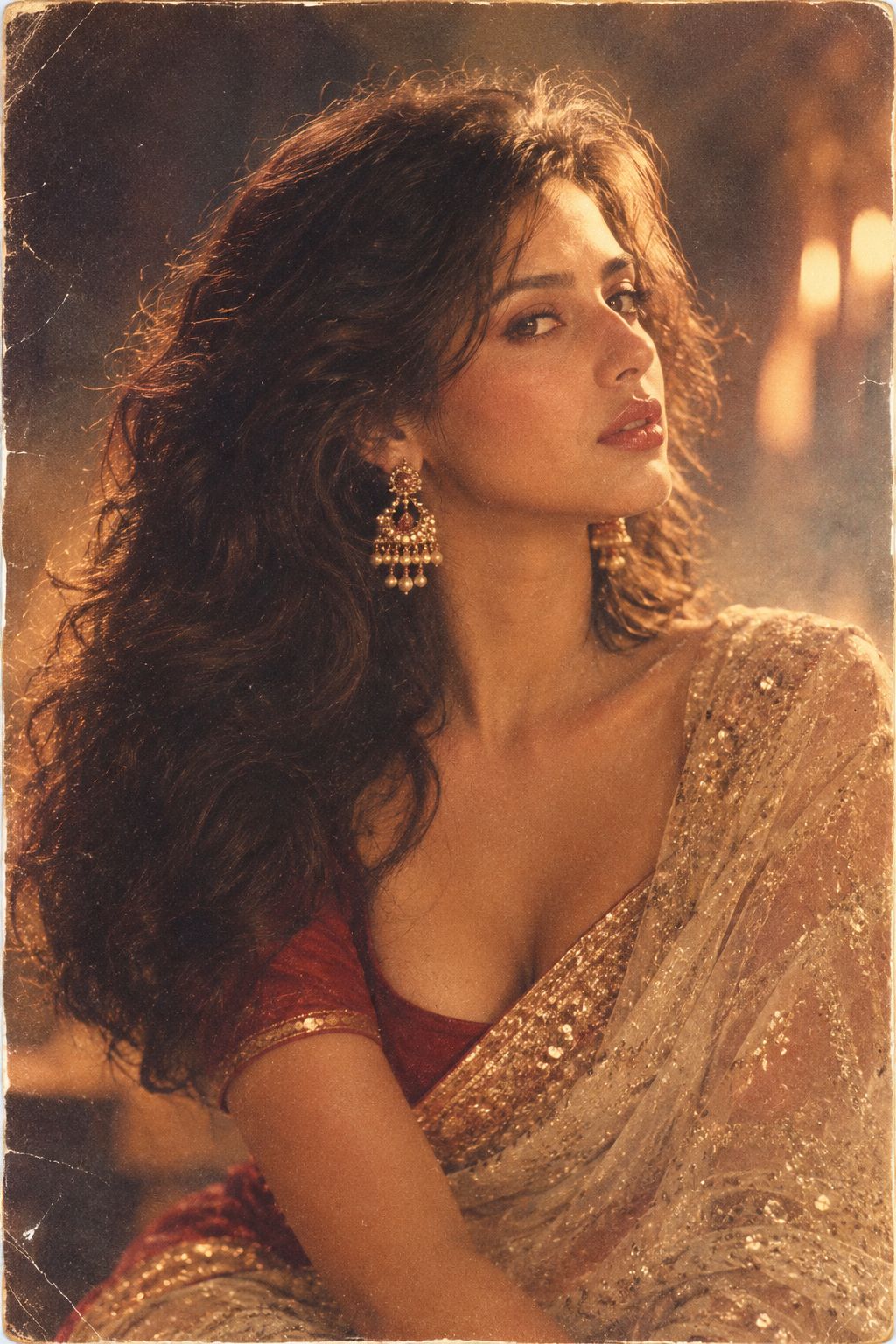
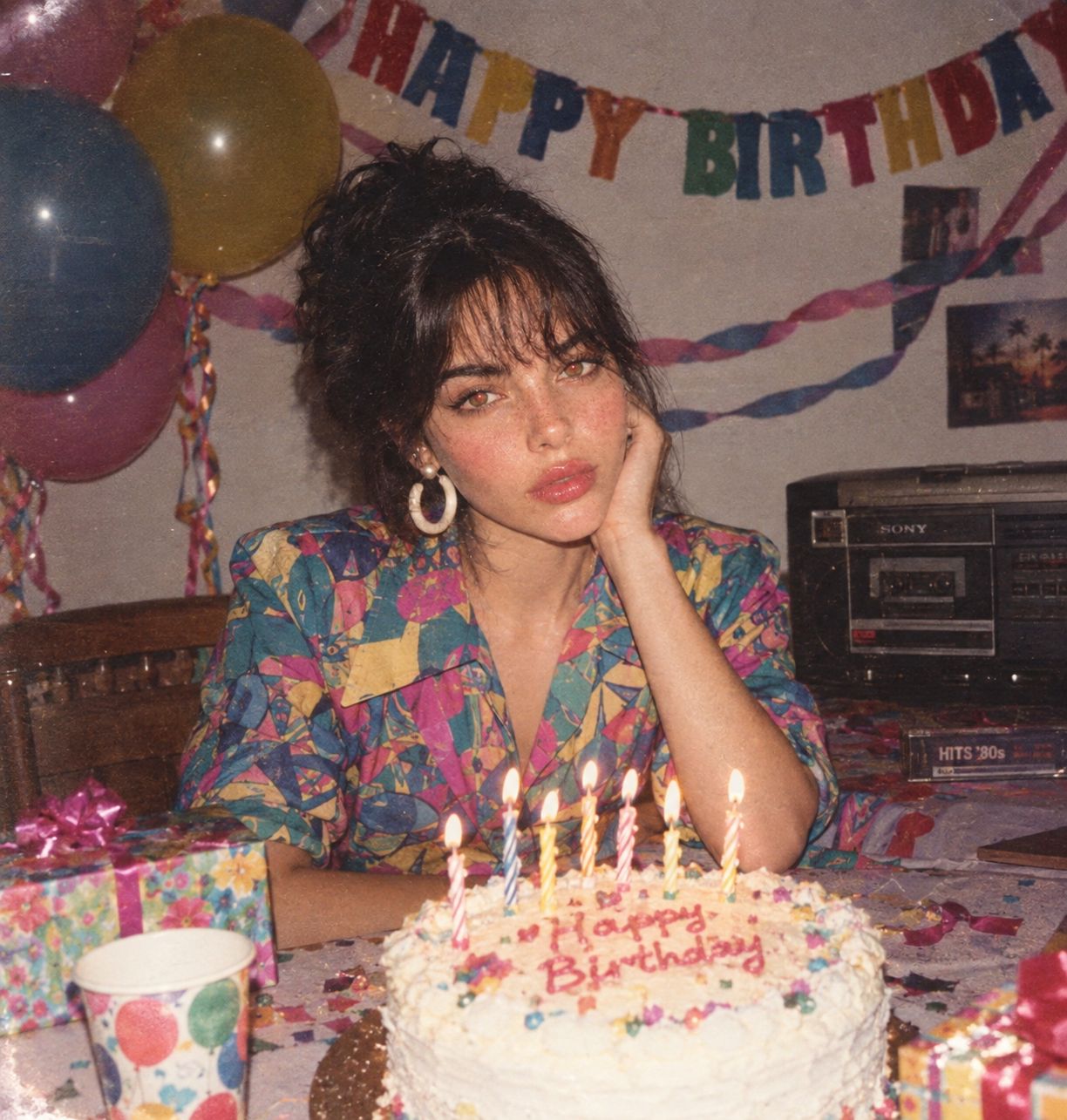
Vintage Doodle Scrapbook Poster needs input media to work. Open it in the studio and these load alongside the prompt — pick whichever ones your chosen model can take.
Choose the primary action to open PicX Studio with the available template settings. Review the model and format, personalize the creative direction, and generate when ready.
Yes. You can change the subject, setting, lighting, mood, format, and available model controls before creating your image.
This template is free to open and customize. Generation usage is shown in PicX Studio before you create.
Start with GPT Image 2, which is the model associated with this template. You can compare another compatible model for a different finish.
Follow a topic to a crawlable collection of related PicX Studio templates.