
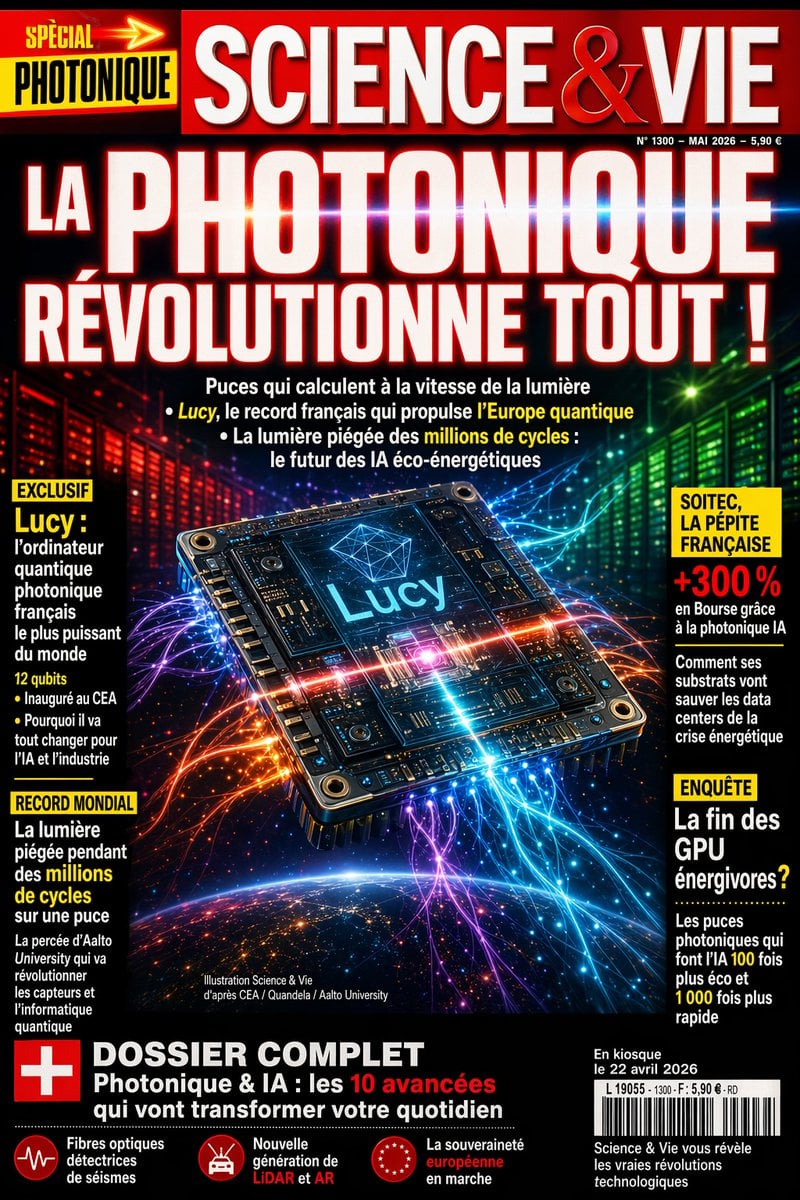
Futuristic Photonics Magazine Cover
This prompt generates a dramatic French-style science magazine cover centered on a glowing photonic chip, ideal for editorial mockups, tech news covers, and speculative science publication designs.
- Prompt included
- Model and format preset
- Free template
The prompt behind this image
Copy the exact prompt behind Futuristic Photonics Magazine Cover, or open it in the studio and make it yours.
A hyper-detailed French popular science magazine cover in the style of a bold mainstream newsstand publication, full-page vertical layout, dramatic glossy print design, black background with intense neon lighting and saturated red, blue, purple, green, and orange highlights. At the very top, a wide red masthead bar with the magazine title {argument name="magazine title" default="SCIENCE & VIE"} in huge white serif capital letters with subtle beveling and metallic shine; small issue details on the upper right in tiny white text. On the upper left, a bright yellow and black special tag reading {argument name="special tag" default="SPÉCIAL PHOTONIQUE"} with a red arrow motif. The main headline dominates most of the upper half in gigantic white block capitals with a red glow and slight 3D shadow: {argument name="main headline" default="LA PHOTONIQUE RÉVOLUTIONNE TOUT !"}. Beneath it, 3 short cover lines in smaller white text with selected words highlighted in yellow, discussing ultrafast light-speed chips, a French record computer called Lucy, and light trapped for millions of cycles for energy-efficient AI. Centerpiece image: a futuristic square photonic processor chip floating in space at a slight perspective tilt, extremely detailed circuitry, metallic screws at the corners, glowing traces, and a bright cyan-blue core display labeled {argument name="chip name" default="Lucy"}; the chip emits intersecting beams and flowing fiber-optic light trails in electric blue, magenta, orange, and violet that radiate outward across the page. Background behind the chip shows 2 luminous server-wall corridors, red on the left and green on the right, fading into darkness, suggesting a high-tech datacenter. At the bottom, the curved horizon of Earth from space with a soft blue atmospheric glow and scattered city lights. Add 4 side callout boxes total: 2 stacked on the left and 2 stacked on the right, each with yellow headers and white body text, using a magazine cover typography hierarchy. Left box 1 header: "EXCLUSIF", featuring Lucy as the most powerful French photonic quantum computer in the world, with several short bullet lines and a yellow emphasis on "12 qubits". Left box 2 header: "RECORD MONDIAL", about light trapped for millions of cycles in a chip, with yellow emphasis on "millions de cycles". Right box 1 header area in yellow, with a bold red percentage "+300 %" and text about the French gem Soitec rising thanks to photonic AI and saving datacenters during the energy crisis. Right box 2 header: "ENQUÊTE", about the end of power-hungry GPUs, with yellow-highlighted numeric claims such as 100 times cheaper and 1,000 times faster. Near the lower center, tiny white image-credit text. A thick black bottom banner spans the page with a red square containing a white plus symbol on the left, and a large dossier teaser in white and red text: {argument name="bottom feature text" default="DOSSIER COMPLET Photonique & IA : les 10 avancées qui vont transformer votre quotidien"}. Along the very bottom, add 3 small circular red icon blurbs with short white captions about seismic optical fibers, a new generation of LiDAR and AR, and European sovereignty in progress. Lower right corner includes a white barcode box and a short block of white text about the issue being on sale. Overall look: sensational, prestigious, futuristic, glossy, information-dense, sharp editorial typography, dramatic science-news cover, cinematic lighting, high contrast, photorealistic 3D chip illustration mixed with premium magazine graphic design.
How to use Futuristic Photonics Magazine Cover in 3 steps
- 1Upload ImagePNG, JPG or paste
Add your photo
Upload the photo the template builds on. The prompt, model and format are already set.
- 2…a portrait of your subject in softgolden-hour light, 85mm…
Personalize
Edit the subject and creative details for your destination.
- 3Generate
Generate
Press Generate — your image is created in PicX Studio, so you can compare it with the original and refine one variable at a time.
More like this
Templates with the same subject, style or setup. Open one to see its prompt.

Off Duty Fashion Magazine Cover

Japanese Tatami Lifestyle Magazine Cover

Ethereal Bloom Magazine Cover

Tropical Macaw Magazine Cover

Anime Mahjong Magazine Cover

Neon Anime Fireworks Magazine Cover

High-Fashion Magazine Cover Portrait

Open Magazine Luxury Fashion Editorial Layout

Monochrome Halftone Editorial Fashion Poster

Korean Model Floating Magazine Pages Campaign

Blue Hour Editorial Fashion Portrait

Futuristic Chrome Helmet Fashion Portrait
Make it yours
Futuristic Photonics Magazine Cover works as-is. These are the safest ways to change it without losing the look.
Change one field
Copy a single group, rewrite it, and generate again so you can see what that field is doing.
Keep the frame, change the subject
Hold the composition and light of Futuristic Photonics Magazine Cover, then swap wardrobe, props or the person for a new take.
| If the result… | Why | Fix |
|---|---|---|
| The result drifts from the preview | Too many fields changed at once. | Reuse Futuristic Photonics Magazine Cover as-is first, then change one group — subject, light, or setting. |
| The model over-stylizes the scene | The prose prompt leaves finish and camera underspecified. | Add one camera or lighting sentence and stay on GPT Image 2. |
More GPT Image 2 templates
Other prompts made for GPT Image 2.

Six VTuber Japanese Logo Sheet

Realistic Portrait of Woman and Deer

The Vista Modular Condo Poster

AI Model Routing Comparison Infographic

2.5D Anime Art Board

Isometric Productivity Desk Scene

New York Double Exposure Poster

Four-Panel AI Landscape Comparison

NESCAFÉ Coffee Map Poster

Brutalist Cogito Chinese Typography Poster
More image prompts
Fresh picks from across the catalog.
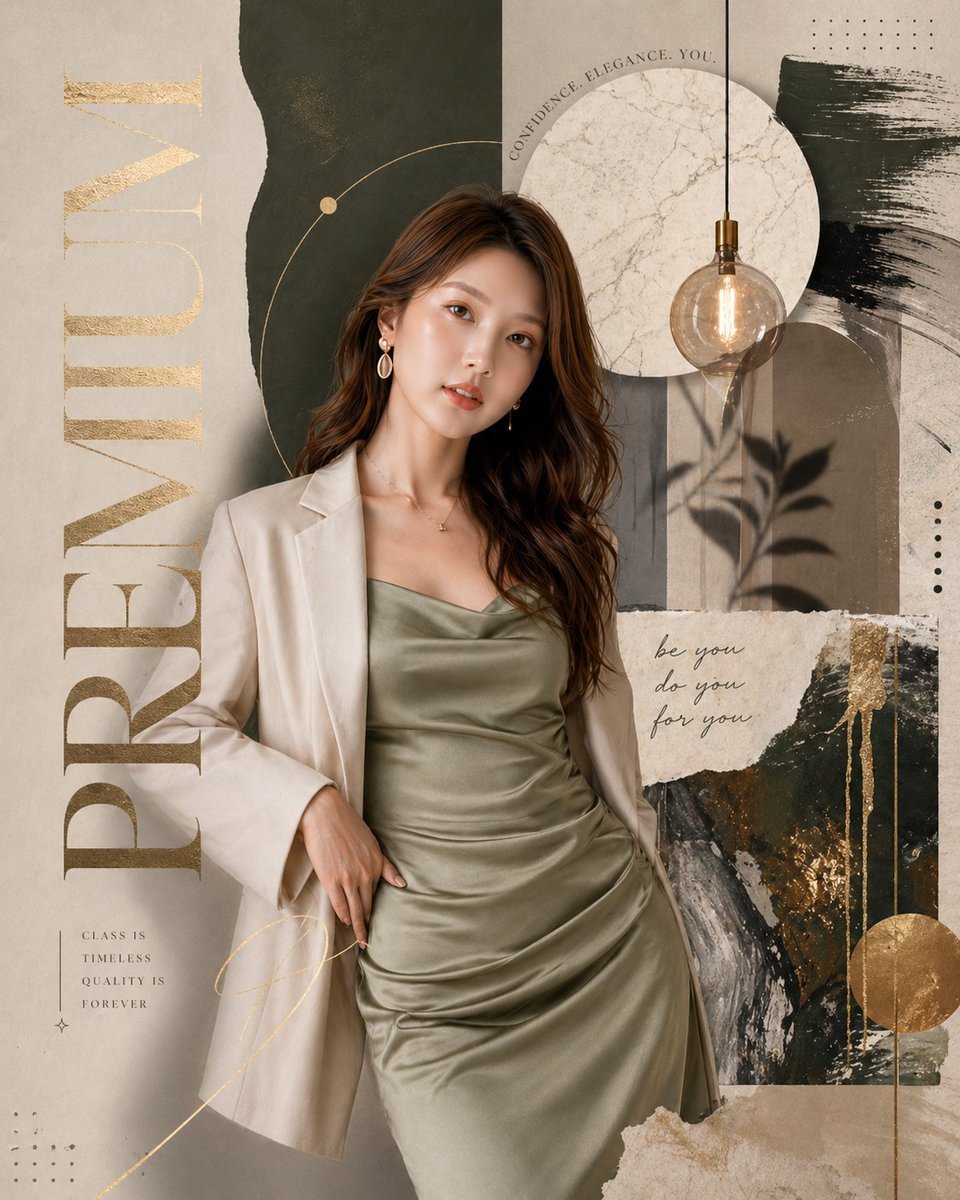
Luxury Fashion Editorial Magazine Poster

Cyberpunk Samurai and Ninja Art
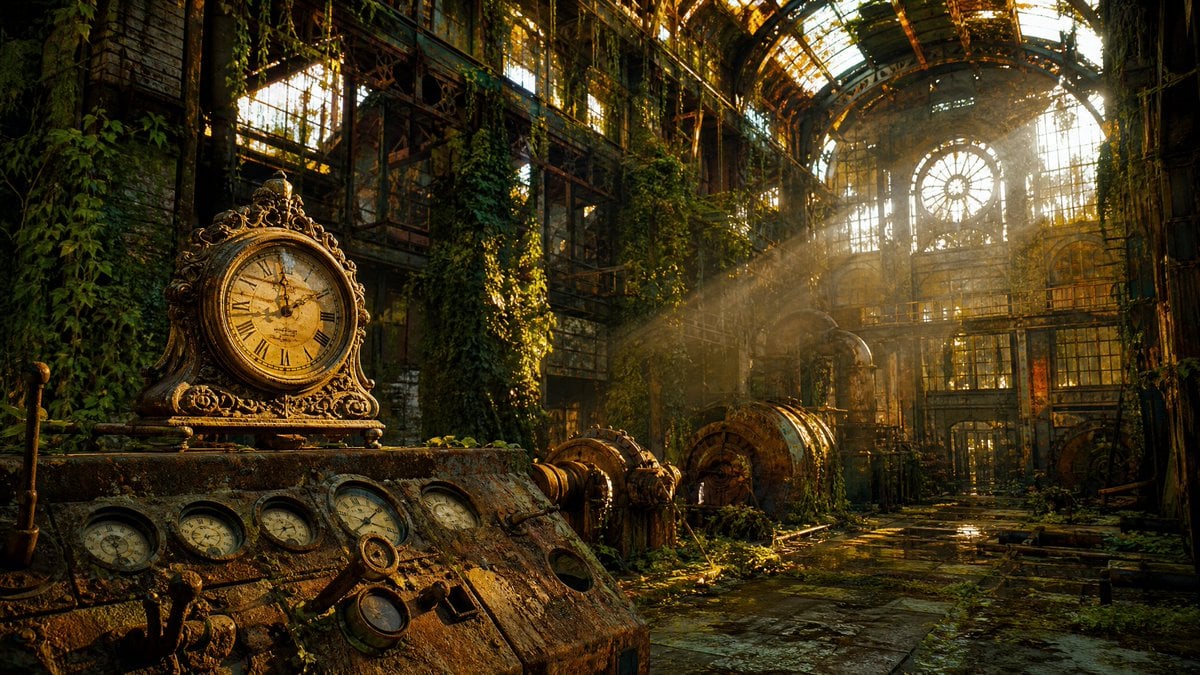
Rusted Decadent Clockwork Ruin
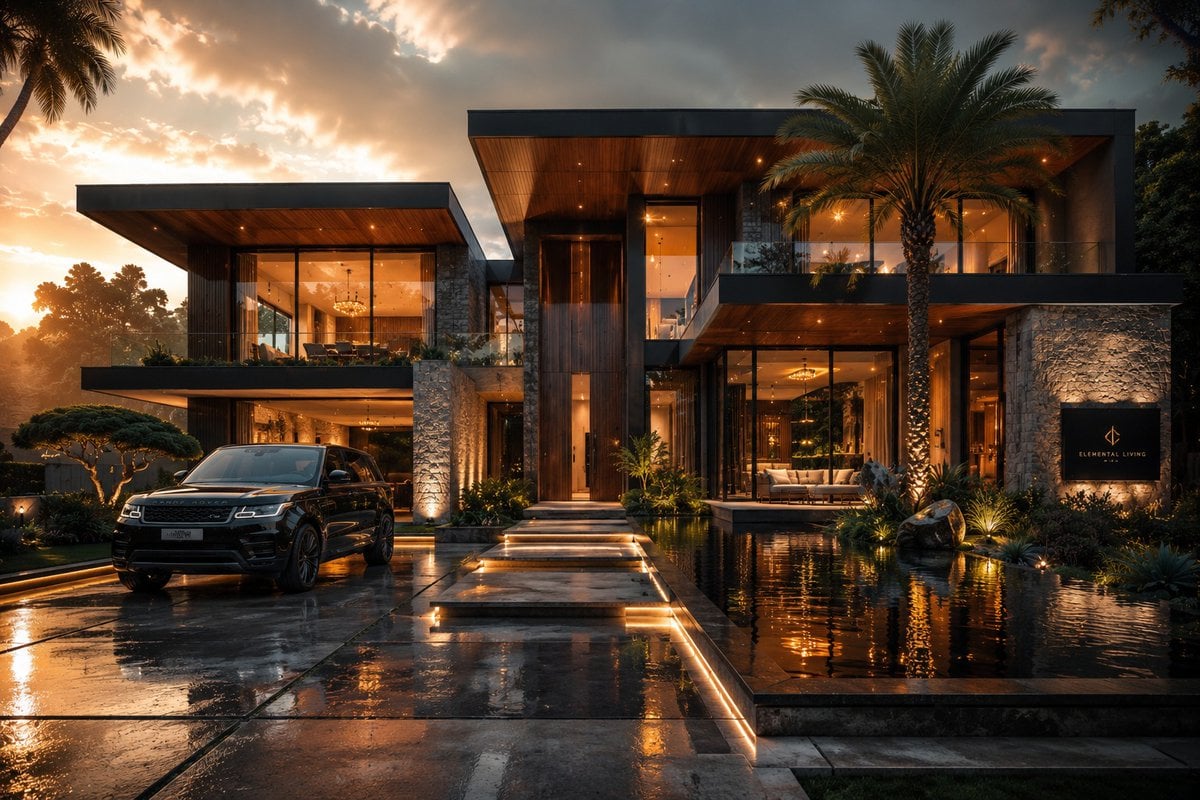
Cinematic Architectural House Exterior
Y2K Flash Photography Portrait Prompt (Face Locked)
Anonymous Night Bus Portrait
Cinematic film stills transformation prompt
Editorial Fashion Photography
Shadow Sync Anime Key Visual

1970s Aesthetic Fashion Portrait with Coffee Cup
Browse template categories
Futuristic Photonics Magazine Cover questions
How do I use the Futuristic Photonics Magazine Cover template?
Add your photo if the template asks for one, edit the prompt if you like — the template's model and format are already selected — and press Generate. Your version opens in PicX Studio.
Can I customize the Futuristic Photonics Magazine Cover template?
Yes. You can change the subject, setting, lighting, mood, format, and available model controls before creating your image.
Is the Futuristic Photonics Magazine Cover template free?
Opening and editing this template is free. Generating uses credits, shown on the Generate button when you are signed in.
Which AI model should I use?
Start with GPT Image 2, which is the model associated with this template. You can compare another compatible model for a different finish.
Looking for something else? Browse all templates.

Your photo, any look
Thousands of ready templates for every top image and video model, from one credit balance.