How do I use the Alabaster Miniature City Sculpture template?
Choose the primary action to open PicX Studio with the available template settings. Review the model and format, personalize the creative direction, and generate when ready.
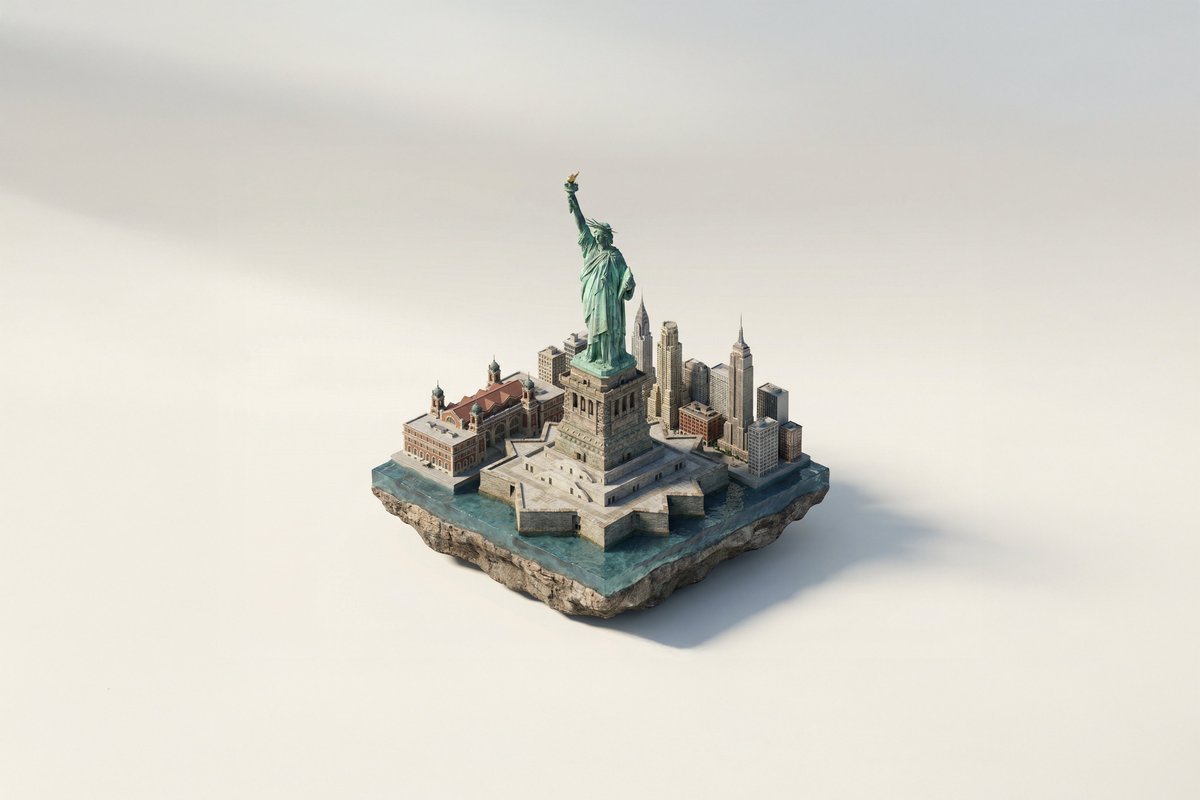
Generates a cinematic macro image of a fantastical Baroque miniature city carved inside a single curved alabaster stone ribbon.
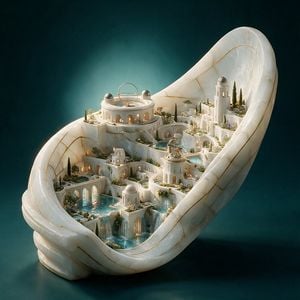
Create a highly detailed fantasy architectural product shot of an entire miniature city carved inside one continuous curved ribbon of {argument name="stone material" default="translucent white alabaster marble"}, shaped like a large open shell or looping stone band standing upright on a dark teal studio surface. The city should look like a luxurious Baroque Mediterranean micro-kingdom grown from the same stone: smooth white terraces, arched arcades, tiny stairways, bridges, colonnades, balconies, glowing warm windows, and delicate gold-vein inlays running through the stone like kintsugi. Include exactly 5 main landmark elements: 1 large circular domed observatory palace on the upper left with a brass armillary ring on its roof, 1 tall lighthouse-like tower on the upper right, 1 smaller round tower with a brass astrolabe on the center-right terrace, 1 small domed pavilion near the lower center, and 1 long arched aqueduct/gallery along the lower left. Add turquoise water features integrated through the city: 3 visible pools and 3 cascading waterfalls flowing between terraces. Add miniature cypress trees, tiny gardens, flowering shrubs, moss, and planters throughout the terraces, but keep the architecture dominant. Use {argument name="metal accent" default="thin polished brass"} for the astronomical instruments, fine seams, and delicate decorative lines. Lighting should be cinematic and museum-like, with warm golden light glowing from the windows and cool teal ambient light behind the sculpture; the background is a smooth dark {argument name="background color" default="deep teal"} gradient with soft haze. Render as an ultra-detailed macro photograph of a collectible architectural sculpture, three-quarter view from slightly above, crisp ornate details, translucent stone subsurface glow, polished wet reflections on the pools, shallow depth of field, no people, no text, no watermark.
Choose the primary action to open PicX Studio with the available template settings. Review the model and format, personalize the creative direction, and generate when ready.
Yes. You can change the subject, setting, lighting, mood, format, and available model controls before creating your image.
This template is free to open and customize. Generation usage is shown in PicX Studio before you create.
Start with GPT Image 2, which is the model associated with this template. You can compare another compatible model for a different finish.
Follow a topic to a crawlable collection of related PicX Studio templates.