How do I use the Avant-Garde Bauhaus Fashion Portrait template?
Choose the primary action to open PicX Studio with the available template settings. Review the model and format, personalize the creative direction, and generate when ready.
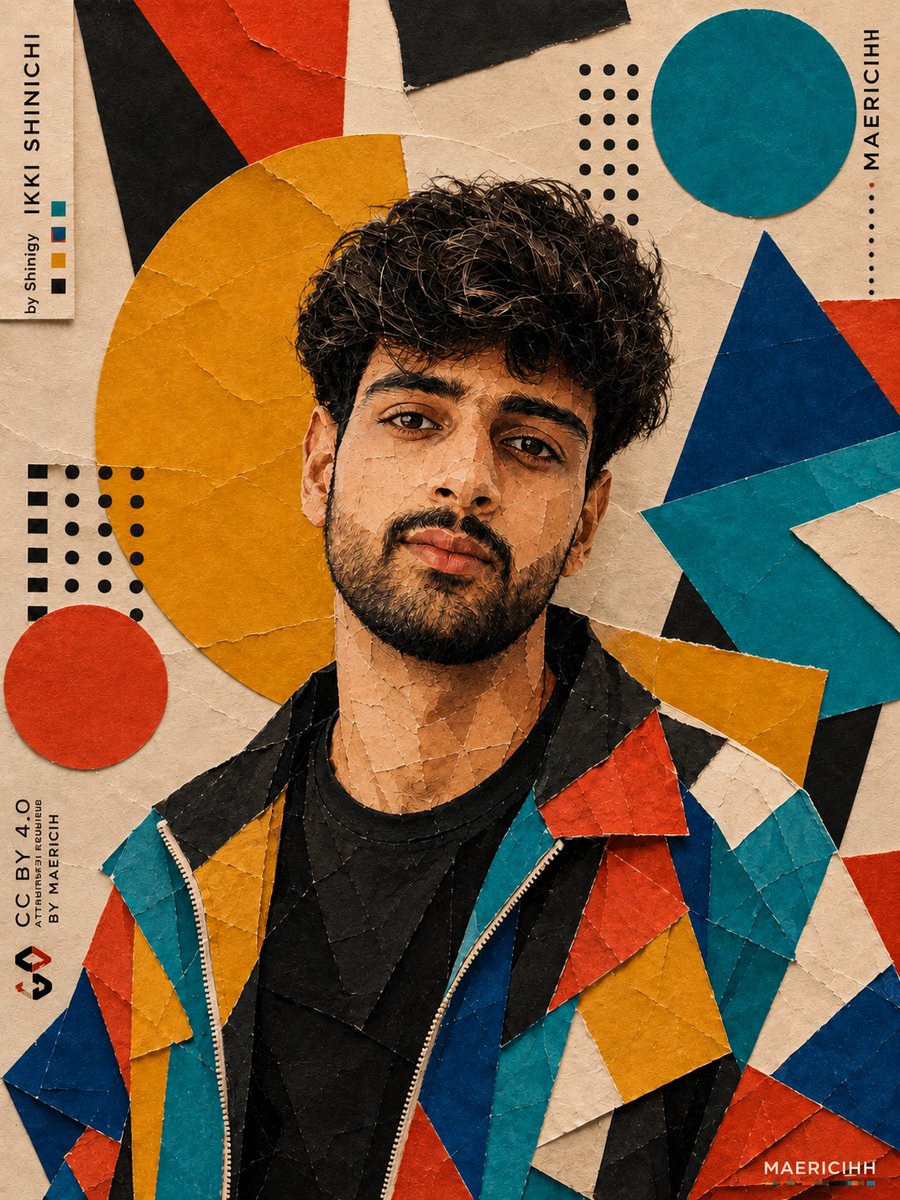
A surreal fashion portrait prompt blending Bauhaus and De Stijl art styles with futuristic editorial aesthetics.
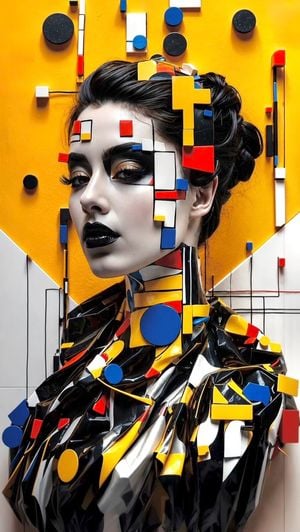
A surreal avant-garde fashion portrait of a porcelain-pale woman with glossy black lips, dramatic smoky eye makeup, and sculptural dark hair, posed in a three-quarter close-up against a {argument name="background color" default="mustard-yellow"} geometric wall. Her face, neck, and black latex-like outfit are adorned with raised abstract blocks, circles, rectangles, and thin lines in {argument name="accent colors" default="primary colors: red, blue, yellow, white, and black"}. The composition blends {argument name="art styles" default="Bauhaus, De Stijl"}, and futuristic editorial fashion, with sharp graphic shapes, high-gloss materials, clean asymmetry, and a gallery-installation feel. Elegant but strange, hyper-polished, cinematic studio lighting, crisp shadows, tactile textures, fashion magazine cover energy, vertical portrait framing.
Choose the primary action to open PicX Studio with the available template settings. Review the model and format, personalize the creative direction, and generate when ready.
Yes. You can change the subject, setting, lighting, mood, format, and available model controls before creating your image.
This template is free to open and customize. Generation usage is shown in PicX Studio before you create.
Start with GPT Image 2, which is the model associated with this template. You can compare another compatible model for a different finish.
Follow a topic to a crawlable collection of related PicX Studio templates.