
Softmaple Landing Page Hero Expansion
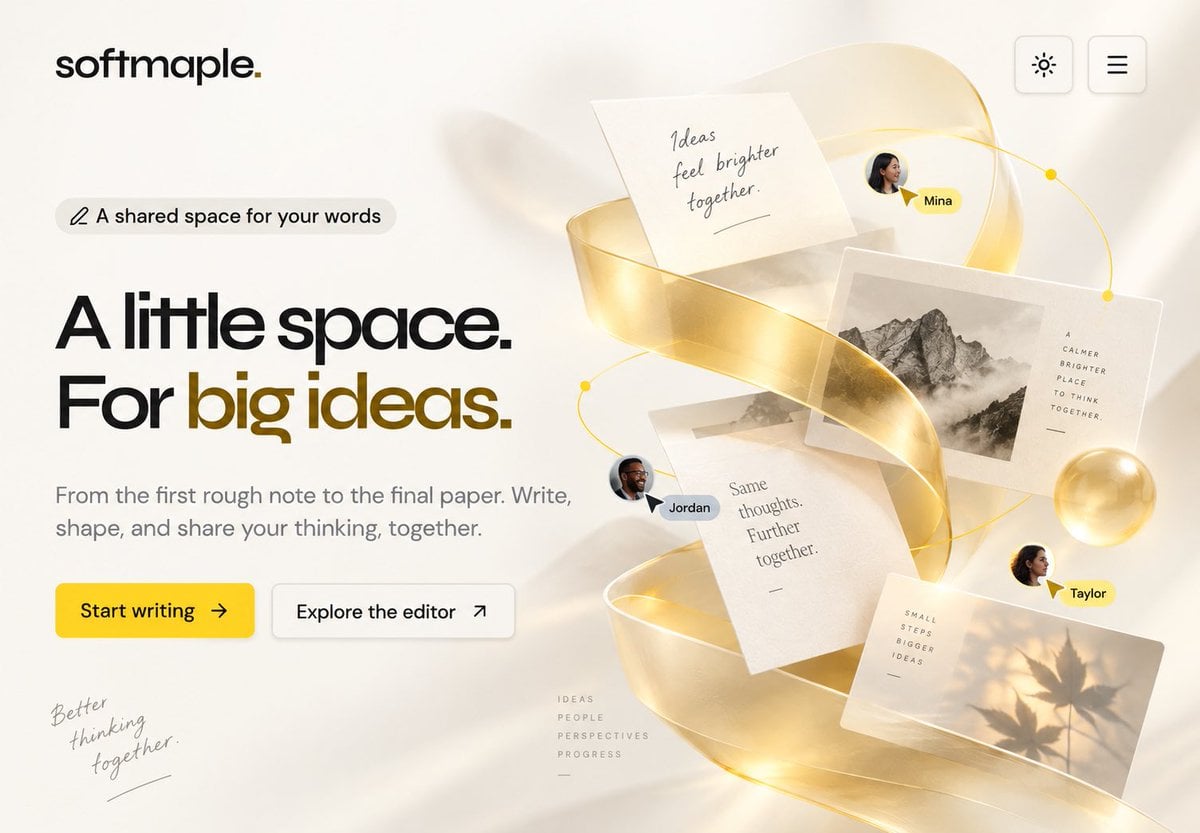
Creates a polished SaaS landing page hero by extending a simple reference layout with a golden collaborative writing collage.
- Prompt included
- Model and format preset
- Free template
The prompt behind this image
Copy the exact prompt behind Softmaple Landing Page Hero Expansion, or open it in the studio and make it yours.
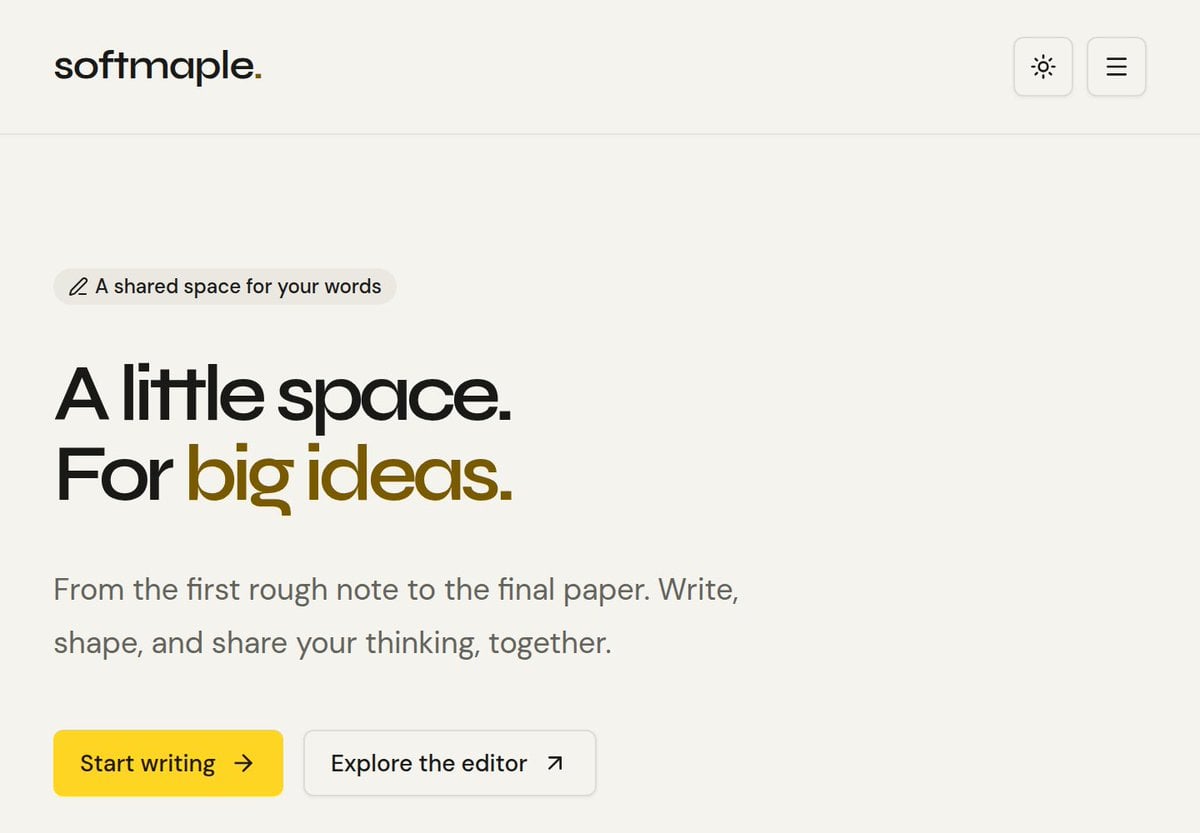
Using the provided reference image as the base landing page, keep the existing softmaple logo, top-right theme/menu buttons, left-side badge, headline, paragraph, and the two call-to-action buttons in the same clean minimal style and approximate positions. Expand the composition into a richer hero section by adding a large collaborative writing visual on the right half of the page. Additions: Create an elegant floating 3D paper-and-ideas collage on the right: a translucent glossy golden ribbon spiraling vertically through the composition, with warm light, soft shadows, and a thin golden orbit line with small dot nodes. Include exactly 5 floating paper/photo elements: 1 handwritten note reading “Ideas feel brighter together.”, 1 black-and-white mountain photo card with small vertical text beside it reading “A CALMER BRIGHTER PLACE TO THINK TOGETHER,”, 1 central text page reading “Same thoughts. Further together.”, 1 warm photo card with leaf shadows and small text reading “SMALL STEPS BIGGER IDEAS”, and 1 subtle small taped paper fragment behind the center cards. Add exactly 3 collaborator avatars with name pills: “Mina” near the upper right, “Jordan” near the center-left of the collage, and “Taylor” near the lower right; each should have a small cursor pointer accent. Add two subtle handwritten editorial details in the empty lower area: bottom-left script reading “Better thinking together.” and a tiny stacked word list near the lower center reading “IDEAS / PEOPLE / PERSPECTIVES / PROGRESS”. Add a soft golden glass sphere near the right side of the collage. Keep the background off-white, airy, premium, and editorial, with realistic depth but no clutter. Customization slots: brand text {argument name="brand text" default="softmaple."}, main headline {argument name="main headline" default="A little space. For big ideas."}, primary button text {argument name="primary button text" default="Start writing"}, collaborator names {argument name="collaborator names" default="Mina, Jordan, Taylor"}, note text {argument name="note text" default="Ideas feel brighter together."}.
Reference images included
Softmaple Landing Page Hero Expansion needs input media to work. They load alongside the prompt when you open it in the studio.
How to use Softmaple Landing Page Hero Expansion in 3 steps
- 1Upload ImagePNG, JPG or paste
Add your photo
Upload the photo the template builds on. The prompt, model and format are already set.
- 2…a portrait of your subject in softgolden-hour light, 85mm…
Personalize
Edit the subject and creative details for your destination.
- 3Generate
Generate
Press Generate — your image is created in PicX Studio, so you can compare it with the original and refine one variable at a time.
More like this
Templates with the same subject, style or setup. Open one to see its prompt.

Atlas GTM SaaS Hero Landing Page

NOVALITH SaaS Landing Page Hero

Mintpage AI Landing Page Hero

Cyberpunk Flash Sale Landing Hero
Gothic Anime Superhero Landing
Gothic Maid Superhero Landing
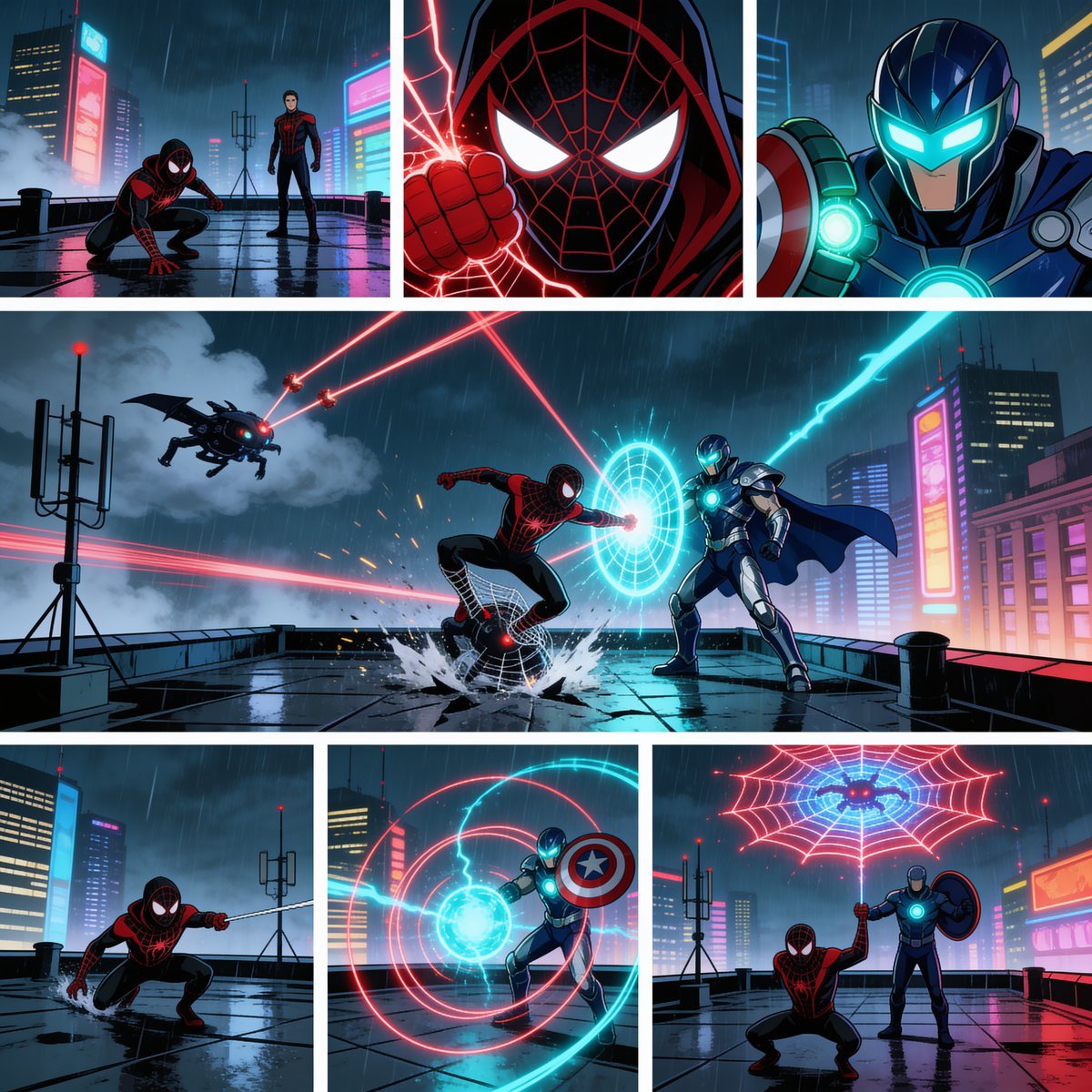
Rainy Cyberpunk Superhero Comic Page

Cute AI Doodle Generator Landing Page
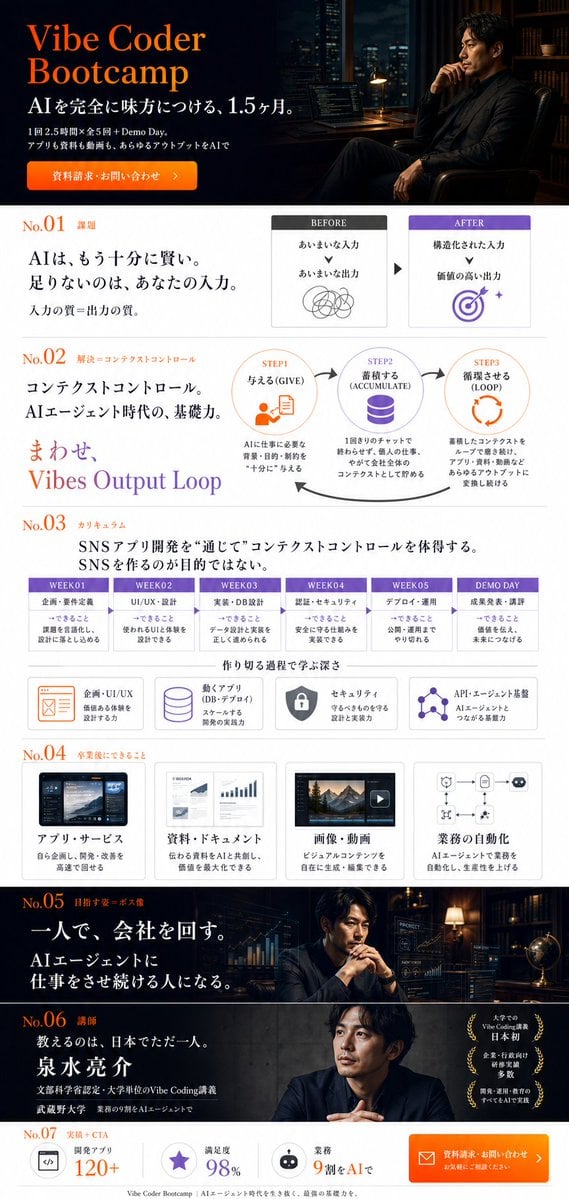
Vibe Coder Bootcamp Landing Page
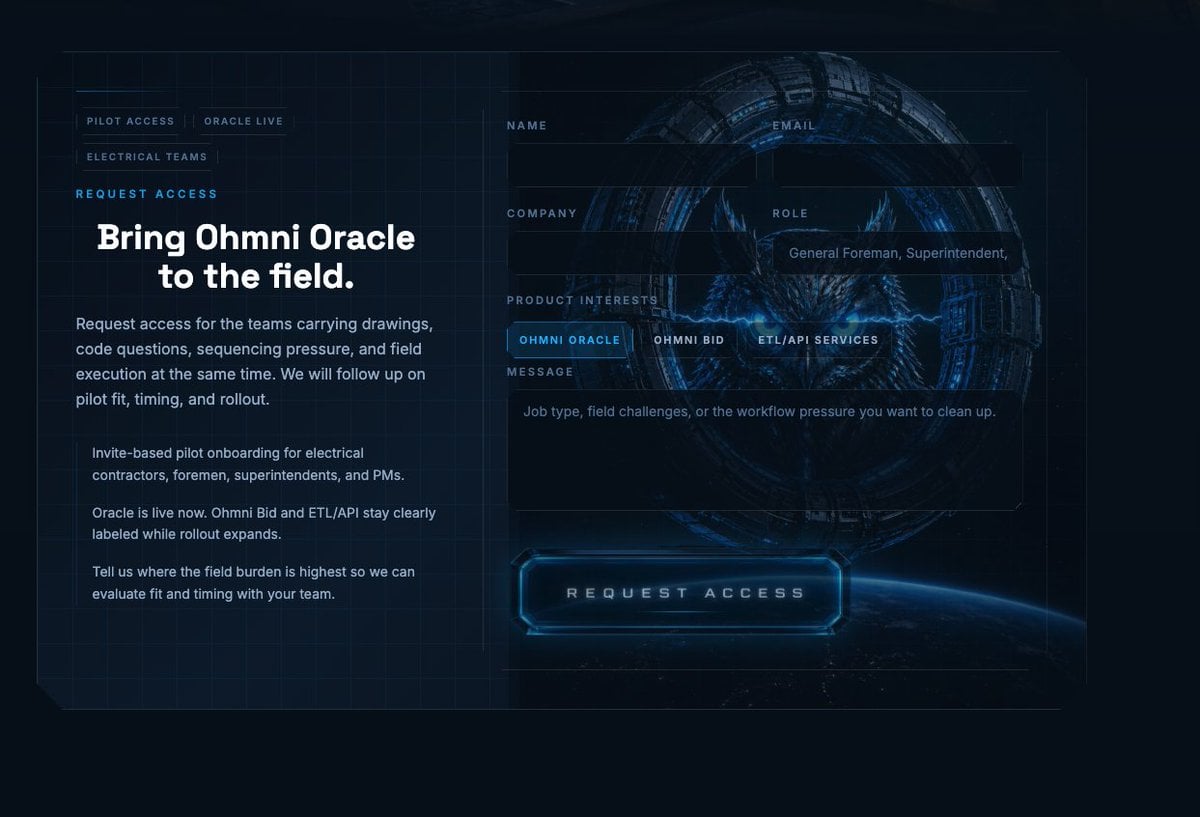
Futuristic Ohmni Access Landing Page

Luxury E-Commerce Landing Page Mockup
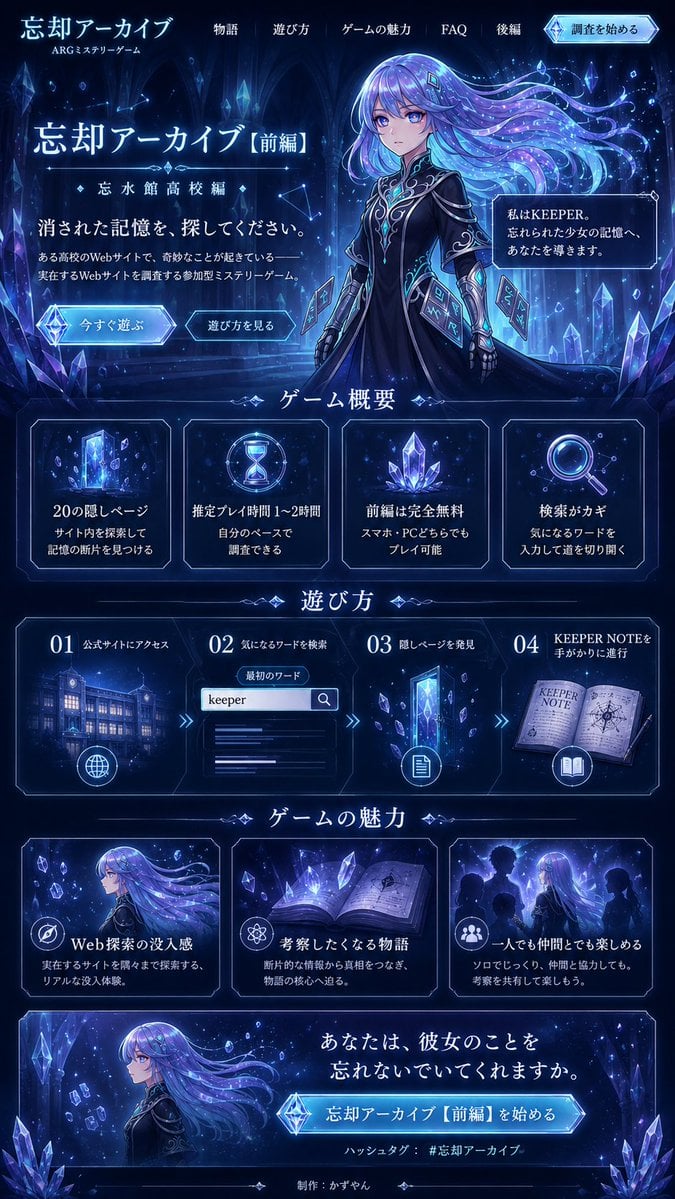
Forgotten Archive ARG Landing Page
Make it yours
Softmaple Landing Page Hero Expansion works as-is. These are the safest ways to change it without losing the look.
Change one field
Copy a single group, rewrite it, and generate again so you can see what that field is doing.
Keep the frame, change the subject
Hold the composition and light of Softmaple Landing Page Hero Expansion, then swap wardrobe, props or the person for a new take.
| If the result… | Why | Fix |
|---|---|---|
| The result drifts from the preview | Too many fields changed at once. | Reuse Softmaple Landing Page Hero Expansion as-is first, then change one group — subject, light, or setting. |
| The model over-stylizes the scene | The prose prompt leaves finish and camera underspecified. | Add one camera or lighting sentence and stay on GPT Image 2. |
More GPT Image 2 templates
Other prompts made for GPT Image 2.

Six VTuber Japanese Logo Sheet

Realistic Portrait of Woman and Deer

The Vista Modular Condo Poster

AI Model Routing Comparison Infographic

2.5D Anime Art Board

Isometric Productivity Desk Scene

New York Double Exposure Poster

Four-Panel AI Landscape Comparison

Japanese Tatami Lifestyle Magazine Cover

NESCAFÉ Coffee Map Poster
More image prompts
Fresh picks from across the catalog.
High-Fashion Winter Editorial in Snow

East Asian Fashion Sunglasses Portrait

Minimalist Perfume Commercial

Giant Self on a Bench Prompt
Pixar/Disney 3D Cartoon Character with Knitted Name

Hyper-realistic close-up of a pepperoni pizza slice with dramatic cheese pull
Japanese Veranda Summer Portrait

Klimt-Style Character Art
Macro Beauty Ad for Teeth Whitening Strips with Peeling Effect
Magazine Cover Generation Prompt
Browse template categories
Softmaple Landing Page Hero Expansion questions
How do I use the Softmaple Landing Page Hero Expansion template?
Add your photo if the template asks for one, edit the prompt if you like — the template's model and format are already selected — and press Generate. Your version opens in PicX Studio.
Can I customize the Softmaple Landing Page Hero Expansion template?
Yes. You can change the subject, setting, lighting, mood, format, and available model controls before creating your image.
Is the Softmaple Landing Page Hero Expansion template free?
Opening and editing this template is free. Generating uses credits, shown on the Generate button when you are signed in.
Which AI model should I use?
Start with GPT Image 2, which is the model associated with this template. You can compare another compatible model for a different finish.
Looking for something else? Browse all templates.

Your photo, any look
Thousands of ready templates for every top image and video model, from one credit balance.