
Worldwalker Fantasy Achievement Art
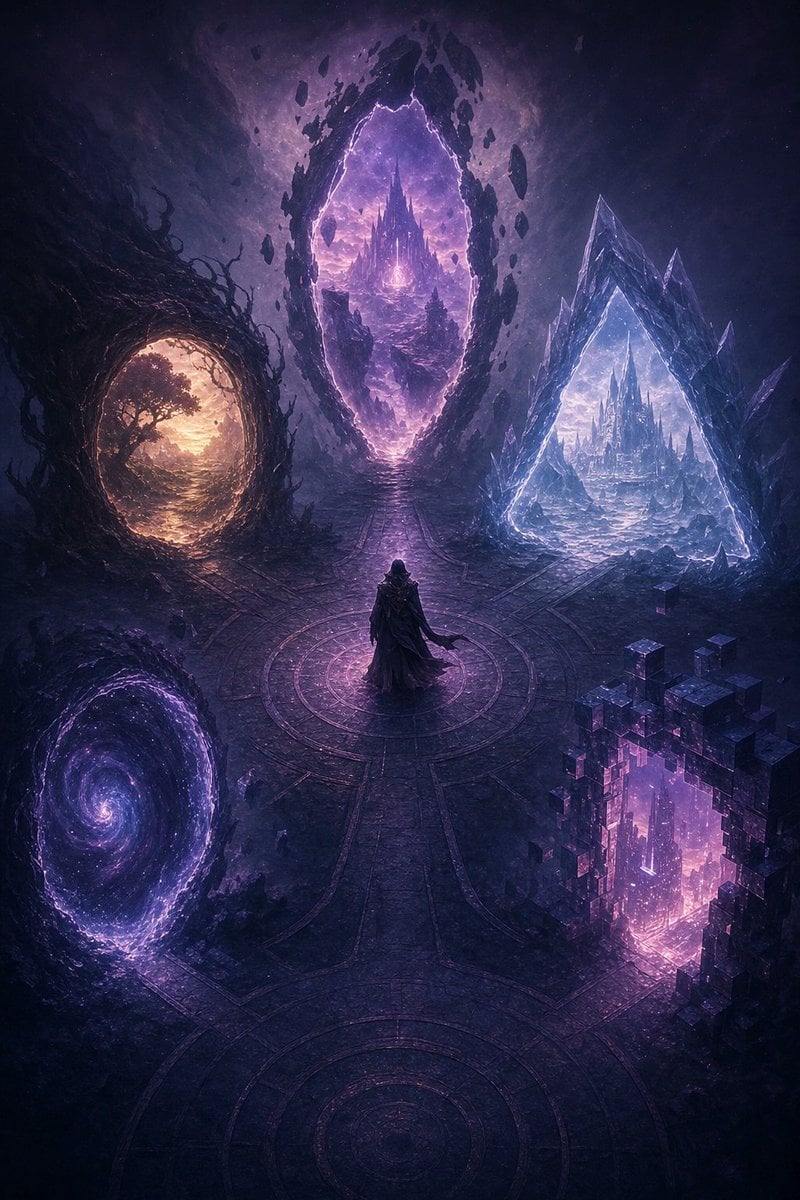
A cinematic fantasy achievement illustration showing a traveler at a nexus surrounded by five magical portals to different worlds.
- Prompt included
- Model and format preset
- Free template
The prompt behind this image
Copy the exact prompt behind Worldwalker Fantasy Achievement Art, or open it in the studio and make it yours.
Create a vertical fantasy achievement artwork for {argument name="achievement name" default="Worldwalker"}: a lone hooded traveler stands at the center of an ancient circular stone nexus, viewed from a slightly elevated cinematic angle. The scene is dark, mystical, and epic, dominated by violet, indigo, black, and magenta lighting with subtle gold and icy blue accents. Show exactly five distinct world portals arranged around the traveler, each representing a different realm: 1) an oval portal on the left framed by twisted black roots and vines, opening to a warm golden forest at sunset; 2) a large vertical floating-stone portal at the upper center, cracked with purple lightning, revealing a distant spired crystal castle over a surreal alien landscape; 3) a sharp triangular ice-crystal portal on the right, glowing cold blue-white and showing a frozen city of crystalline towers; 4) a swirling spiral galaxy vortex portal at the lower left, filled with stars and purple cosmic mist; 5) a blocky pixelated cube-fragment portal at the lower right, glowing magenta and showing a neon digital cityscape. The central traveler should be small but heroic, wearing a dark cloak and holding a staff or walking stick, standing on a circular rune-like floor with pathways radiating toward each portal. Use intricate environmental detail, floating debris, fractured stone, magical particles, atmospheric fog, volumetric light, painterly concept-art rendering, high contrast, sharp silhouettes, and a premium game achievement badge feel. No readable text, no UI frame, no logo, no watermark.
How to use Worldwalker Fantasy Achievement Art in 3 steps
- 1Upload ImagePNG, JPG or paste
Add your photo
Upload the photo the template builds on. The prompt, model and format are already set.
- 2…a portrait of your subject in softgolden-hour light, 85mm…
Personalize
Edit the subject and creative details for your destination.
- 3Generate
Generate
Press Generate — your image is created in PicX Studio, so you can compare it with the original and refine one variable at a time.
More like this
Templates with the same subject, style or setup. Open one to see its prompt.

Anime Fantasy Celestial Movie Poster
Anime Fantasy Celestial Movie Poster
Minecraft Fantasy Kingdom Voxel Landscape
Unfinished Sketch Comes Alive Portrait
Open Travel Journal Overhead Still Life
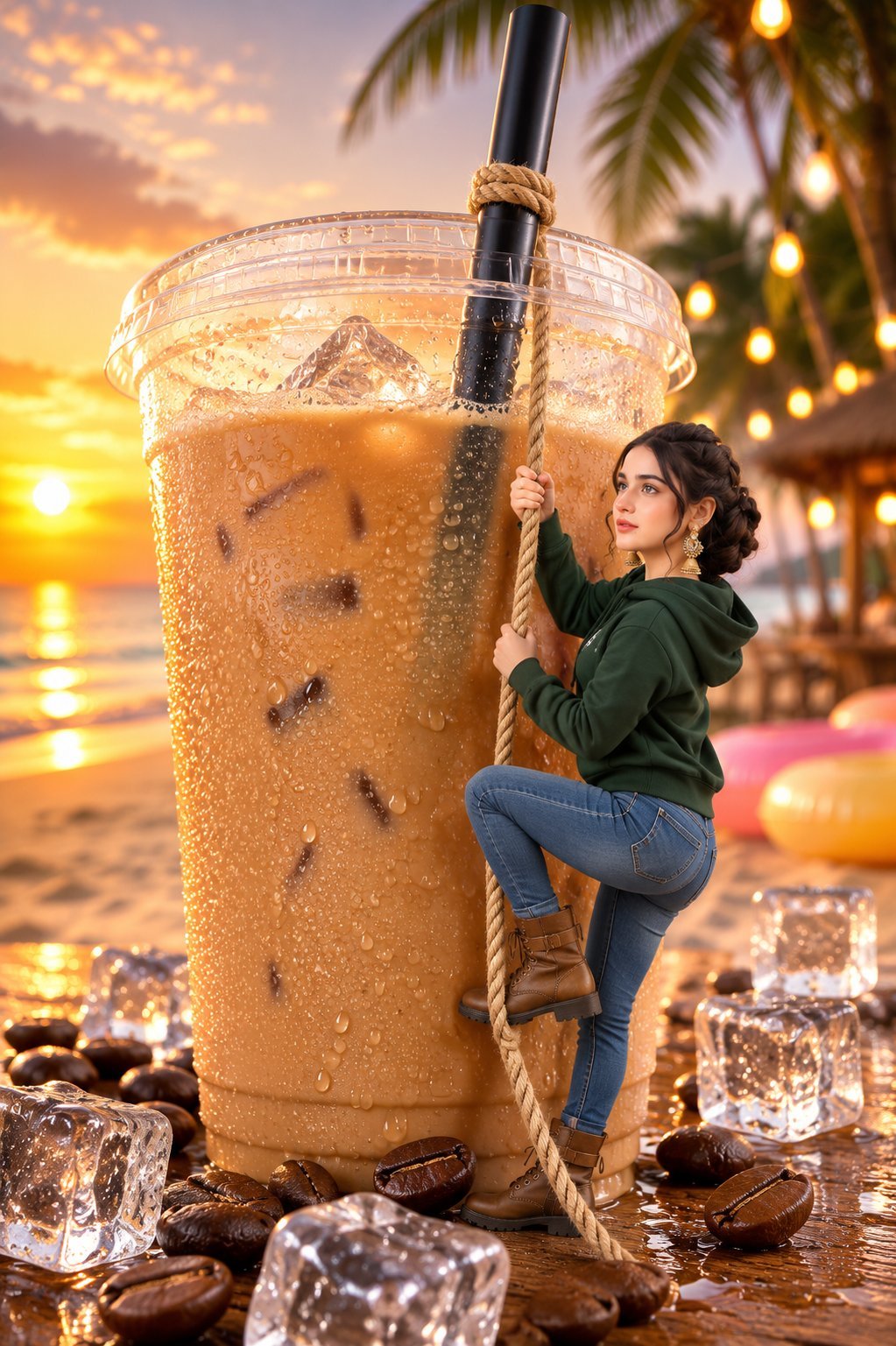
Tiny Woman Miniature Fantasy Macro Scene
JSON Seedance - Fairy Macro Flight
Videogame Cinematic Trailer - Seedance 2.0
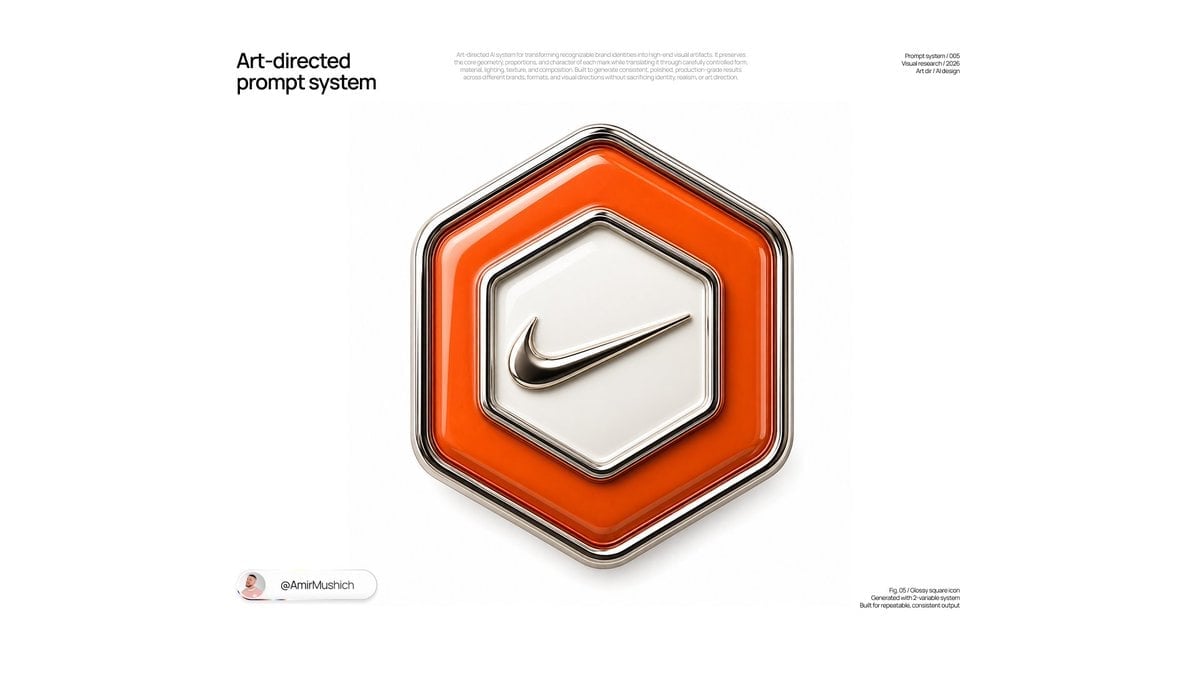
Glossy Brand Achievement Badge
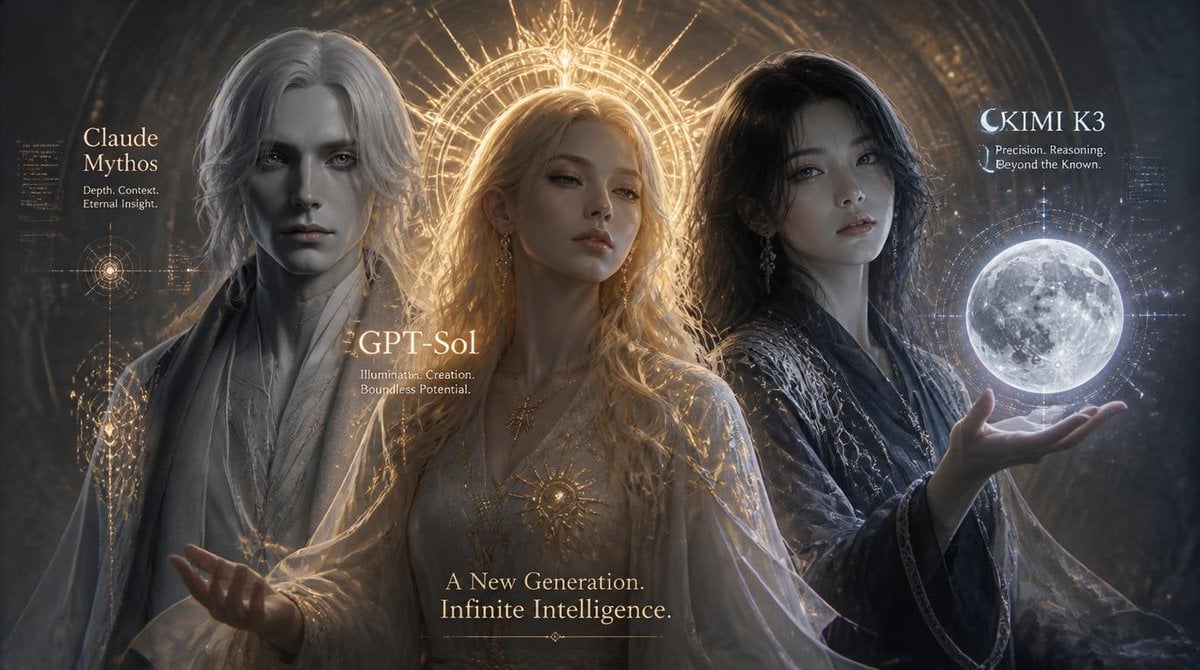
Three AI Deities Fantasy Poster
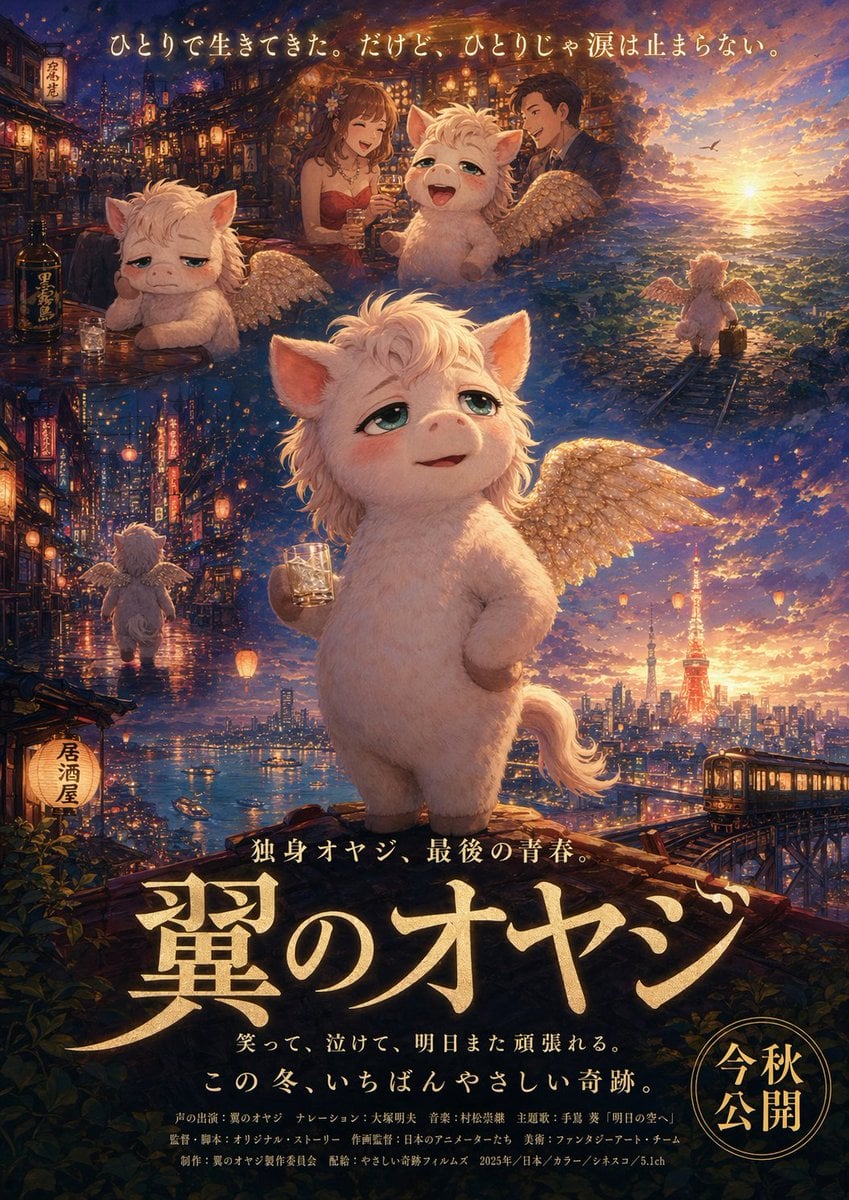
Japanese Fantasy Winged Pig Film Poster
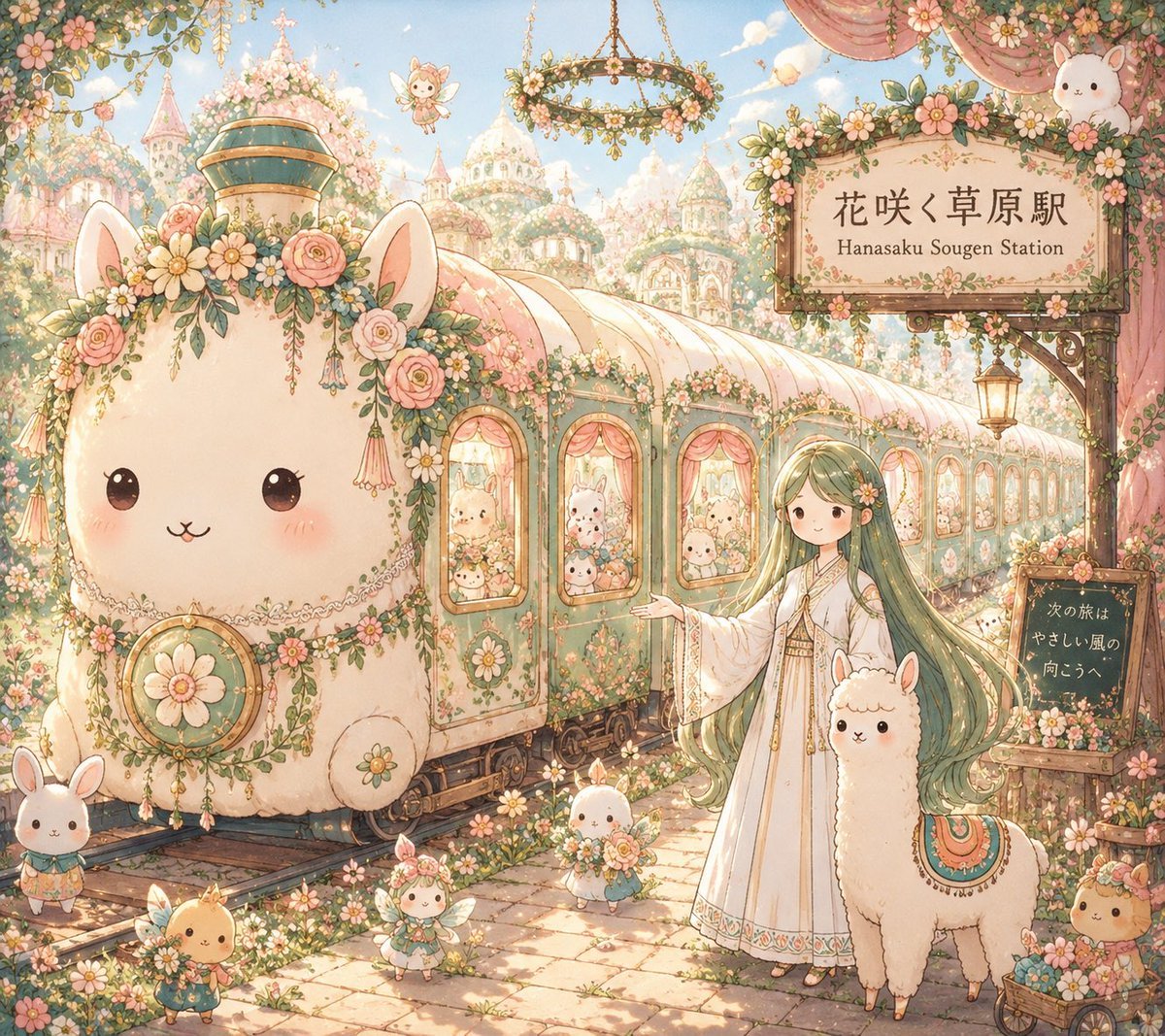
Fantasy Railway World Transformation
Make it yours
Worldwalker Fantasy Achievement Art works as-is. These are the safest ways to change it without losing the look.
Change one field
Copy a single group, rewrite it, and generate again so you can see what that field is doing.
Keep the frame, change the subject
Hold the composition and light of Worldwalker Fantasy Achievement Art, then swap wardrobe, props or the person for a new take.
| If the result… | Why | Fix |
|---|---|---|
| The result drifts from the preview | Too many fields changed at once. | Reuse Worldwalker Fantasy Achievement Art as-is first, then change one group — subject, light, or setting. |
| The model over-stylizes the scene | The prose prompt leaves finish and camera underspecified. | Add one camera or lighting sentence and stay on GPT Image 2. |
More GPT Image 2 templates
Other prompts made for GPT Image 2.

Six VTuber Japanese Logo Sheet

Realistic Portrait of Woman and Deer

The Vista Modular Condo Poster

AI Model Routing Comparison Infographic

2.5D Anime Art Board

Isometric Productivity Desk Scene

New York Double Exposure Poster

Four-Panel AI Landscape Comparison

Japanese Tatami Lifestyle Magazine Cover

NESCAFÉ Coffee Map Poster
More image prompts
Fresh picks from across the catalog.
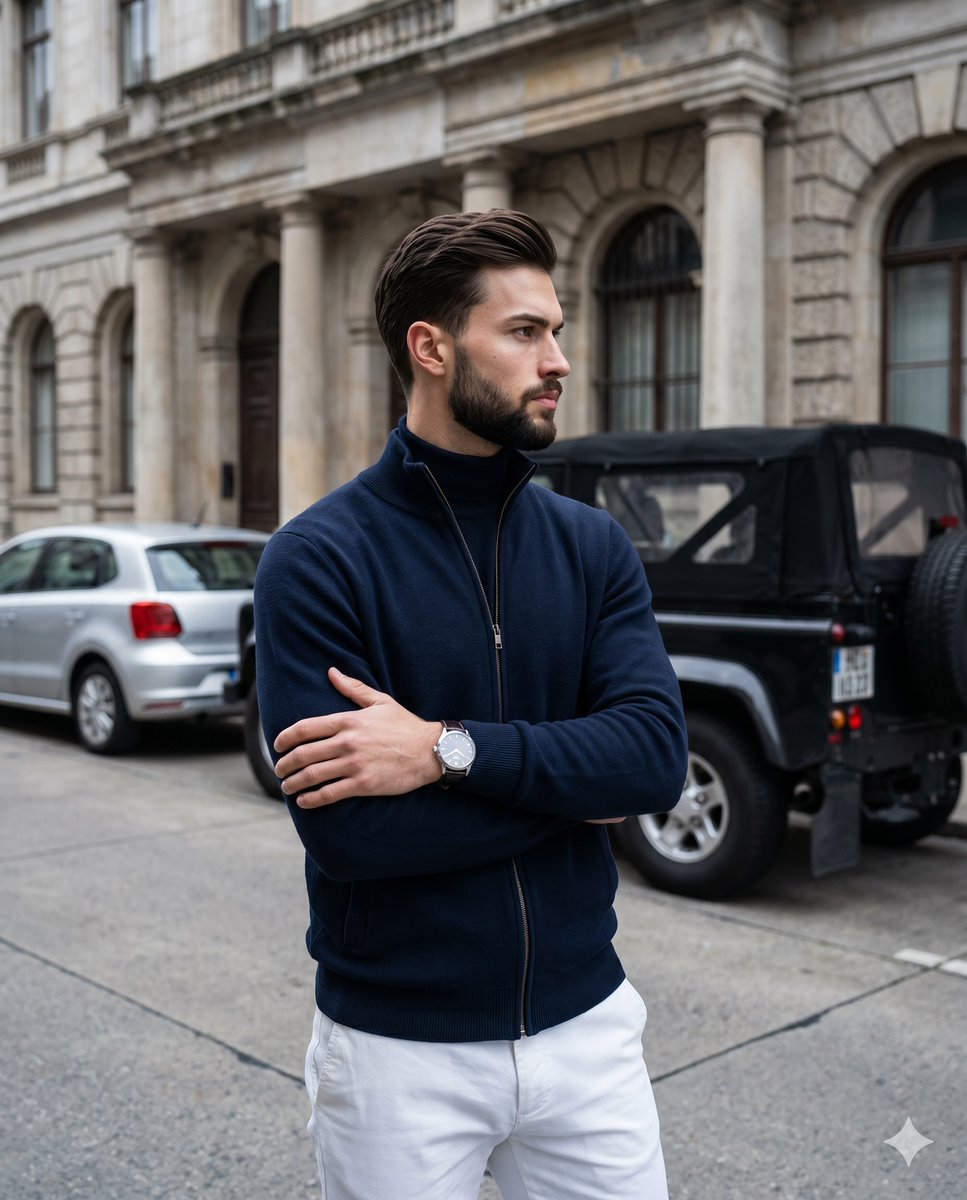
Old Money Men's Fashion Portrait
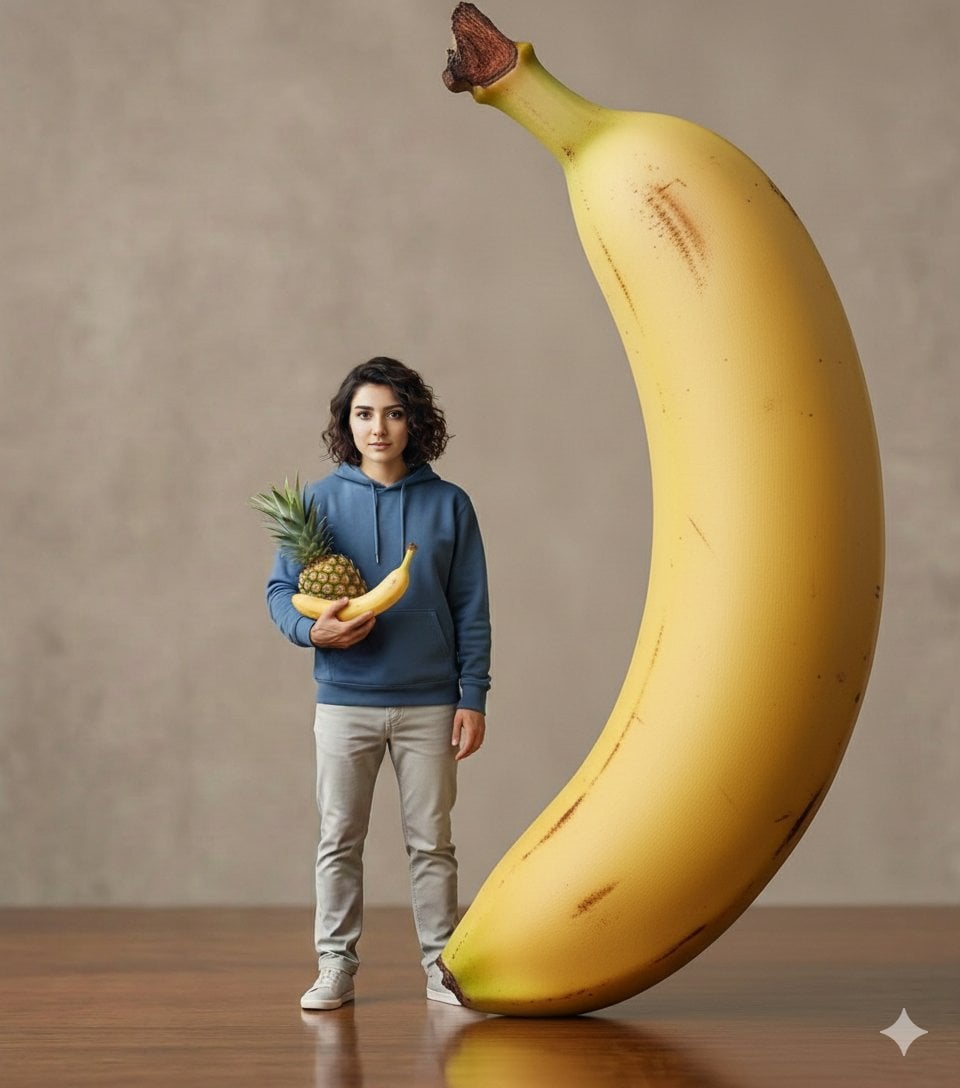
Hyper-realistic Giant Strawberry with Tiny Subject
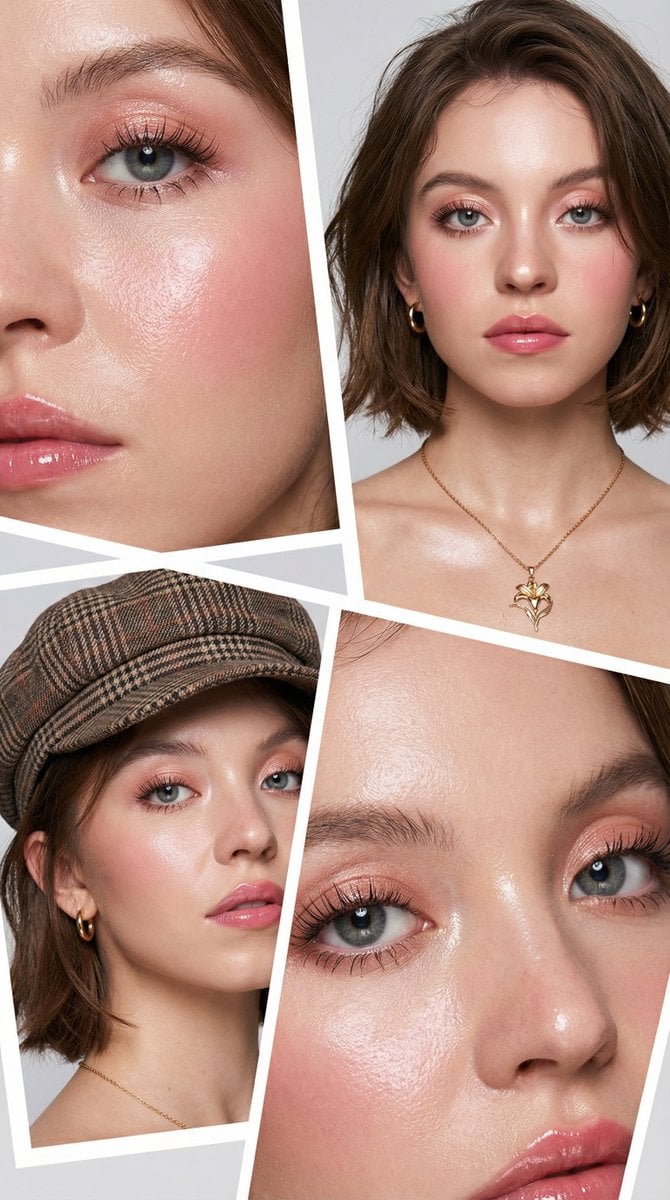
Korean Beauty Editorial Collage Prompt
Gritty Evangelion Poster
Luxury Fashion Portrait in Burnt Orange Suit
Cinematic Wet Face Portrait at Golden Hour
Retro and Modern Name Poster Prompts
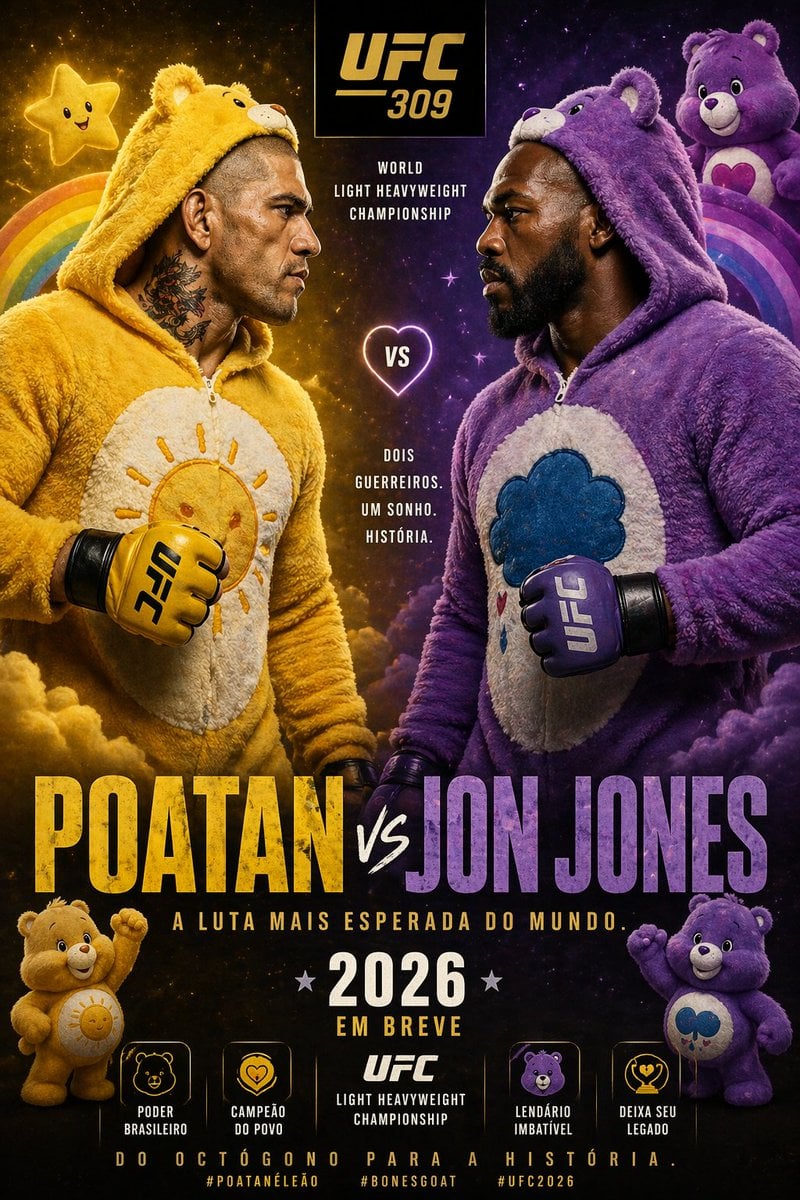
Jon Jones vs Poatan Care Bears Style
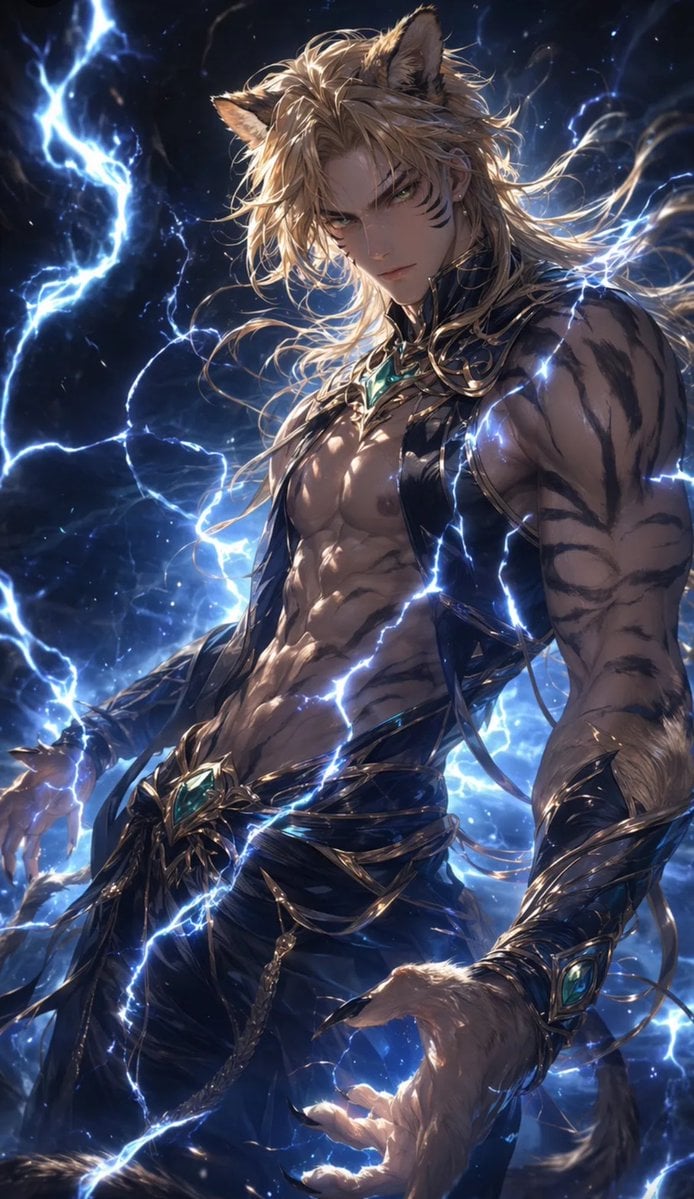
Tiger Beastman Lightning Warrior
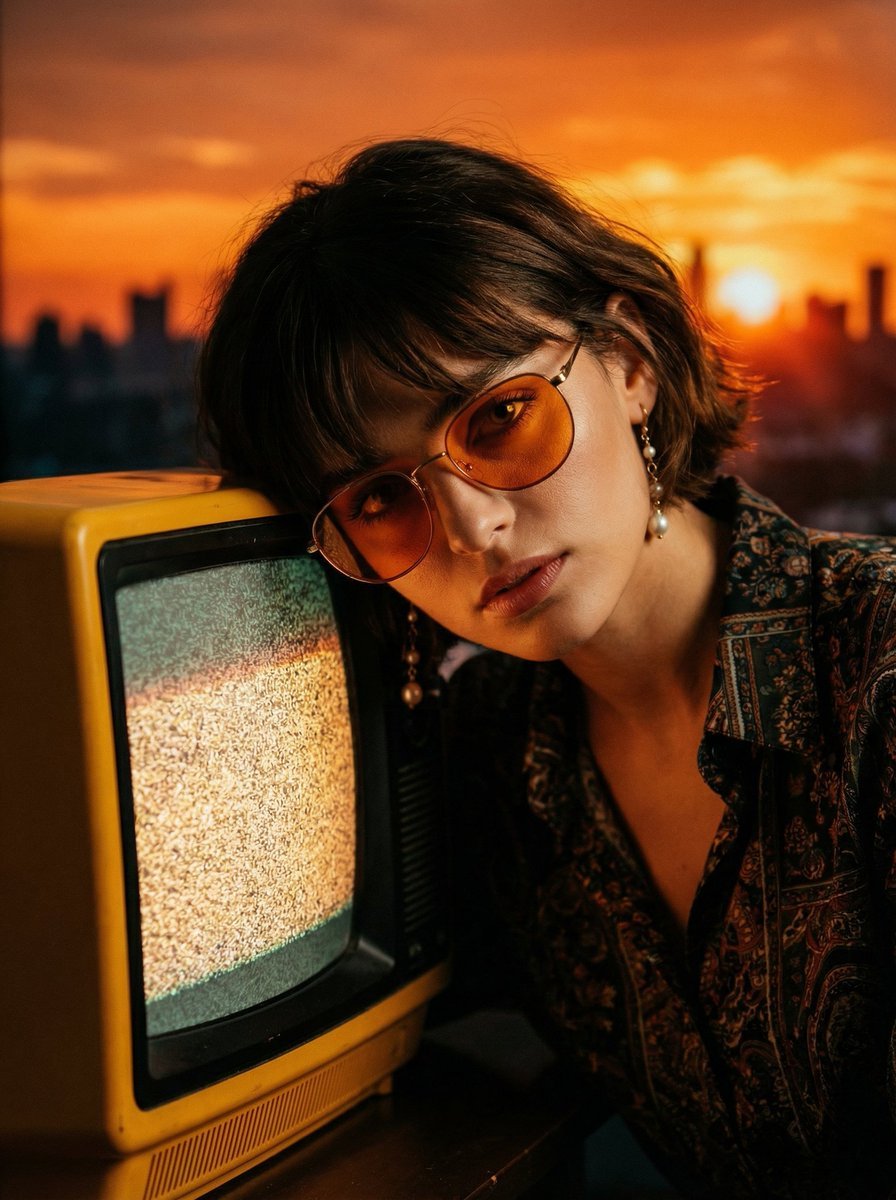
Cinematic Portrait with Static CRT Television
Browse template categories
Worldwalker Fantasy Achievement Art questions
How do I use the Worldwalker Fantasy Achievement Art template?
Add your photo if the template asks for one, edit the prompt if you like — the template's model and format are already selected — and press Generate. Your version opens in PicX Studio.
Can I customize the Worldwalker Fantasy Achievement Art template?
Yes. You can change the subject, setting, lighting, mood, format, and available model controls before creating your image.
Is the Worldwalker Fantasy Achievement Art template free?
Opening and editing this template is free. Generating uses credits, shown on the Generate button when you are signed in.
Which AI model should I use?
Start with GPT Image 2, which is the model associated with this template. You can compare another compatible model for a different finish.
Looking for something else? Browse all templates.

Your photo, any look
Thousands of ready templates for every top image and video model, from one credit balance.