
Four-Panel Study Cat Manga
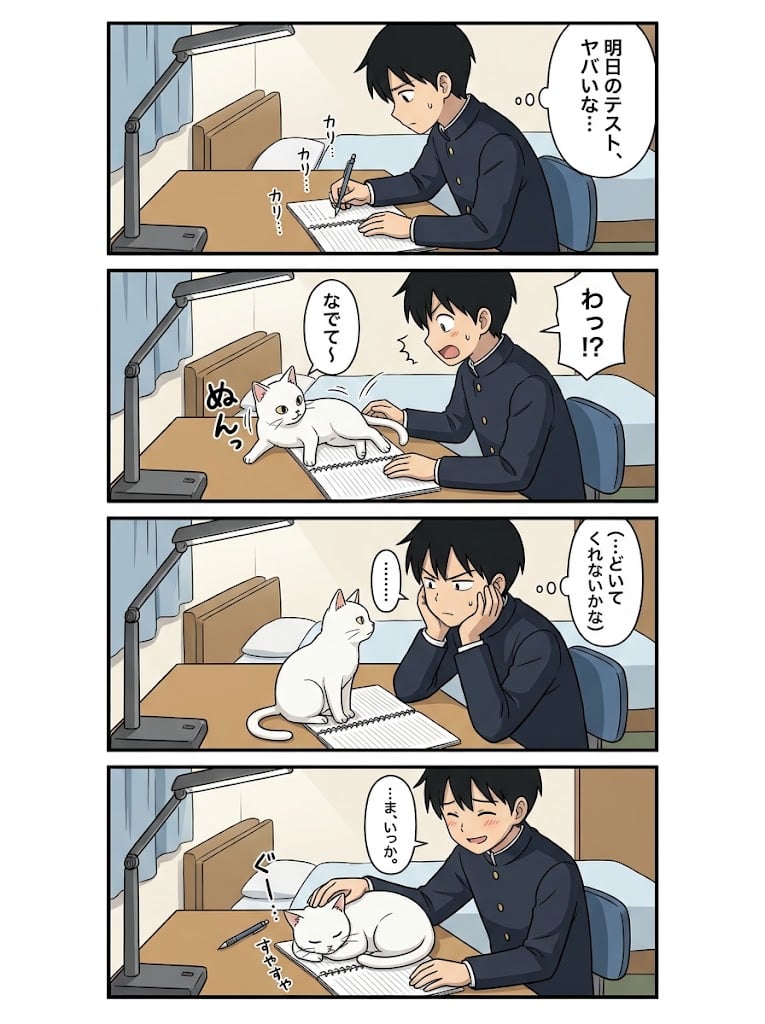
A vertical four-panel Japanese manga page showing a schoolboy’s study session derailed by a cute white cat.
- Prompt included
- Model and format preset
- Free template
The prompt behind this image
Copy the exact prompt behind Four-Panel Study Cat Manga, or open it in the studio and make it yours.
Goal: Create a clean anime-style vertical 4-panel Japanese manga comic about a schoolboy trying to study while a cat interrupts him, ending with him happily petting the cat instead of studying. Canvas: Vertical manga page, white outer margin, four horizontal rectangular panels stacked top to bottom with thick black borders and narrow white gutters. Soft cel-shaded anime coloring, simple clean line art, cozy bedroom setting, slightly polished AI-anime look. Characters: A teenage Japanese schoolboy named {argument name="character name" default="unnamed boy"}, short black hair, navy gakuran school uniform with gold buttons, expressive face. A white domestic cat with pink inner ears and pale yellow eyes, cute and mischievous. Setting: Same bedroom desk in all 4 panels. Wooden desk at left/center, gray adjustable desk lamp on the left, open spiral notebook and pencil on the desk, bed with pale blue blanket and pillow in the background, light blue curtain, beige wall, blue desk chair. Keep camera mostly side-facing and consistent across panels. Panel count and layout: Exactly 4 panels. 1. Panel 1: The boy sits at the desk writing seriously in a spiral notebook with a pencil, looking worried and sweating slightly. The desk lamp shines over the desk. Add one thought bubble at the upper right containing {argument name="panel 1 thought" default="明日のテスト、ヤバいな…"}. Add three small writing sound effects near the notebook, reading 「カリ…」, 「カリ…」, 「カリッ…」. 2. Panel 2: The white cat suddenly jumps or climbs onto the open notebook, stretching across the page and blocking the boy's writing. The boy recoils in surprise with mouth open and blush/sweat. Add one jagged speech bubble at the right containing {argument name="panel 2 shout" default="わっ!?"}. Add one rounded speech bubble near the cat containing 「なでて〜」. Add one large cat sound effect near the cat reading 「ぬんっ」. 3. Panel 3: The cat sits upright on the notebook facing the boy. The boy leans forward with both cheeks resting in his hands, looking conflicted and slightly annoyed but softening. Add one thought bubble at the right containing {argument name="panel 3 thought" default="…どいてくれないかな"}. Add one small vertical speech bubble between boy and cat containing 「……」. 4. Panel 4: The boy gives in and pets the cat, smiling warmly with blush while the cat lies curled contentedly on top of the notebook. Pencil lies unused on the desk. Add one speech bubble near the boy containing {argument name="panel 4 line" default="…ま、いっか。"}. Add two petting/satisfaction sound effects: 「ぐ!」 near the cat's head and 「すやすや」 near the sleeping cat. Visible text count: Include exactly 12 visible text elements total: 4 main boy bubbles/thoughts, 1 cat speech bubble, 1 ellipsis bubble, 3 writing SFX, 1 cat entrance SFX, and 2 final petting/sleeping SFX. Use Japanese vertical manga lettering inside bubbles where appropriate. Visual style: Cute slice-of-life school manga, clear readable panel composition, expressive faces, modest motion lines, light shadows, warm indoor colors, no halftone texture, no heavy rendering, no watermark, no extra panels, no extra characters.
How to use Four-Panel Study Cat Manga in 3 steps
- 1Upload ImagePNG, JPG or paste
Add your photo
Upload the photo the template builds on. The prompt, model and format are already set.
- 2…a portrait of your subject in softgolden-hour light, 85mm…
Personalize
Edit the subject and creative details for your destination.
- 3Generate
Generate
Press Generate — your image is created in PicX Studio, so you can compare it with the original and refine one variable at a time.
More like this
Templates with the same subject, style or setup. Open one to see its prompt.
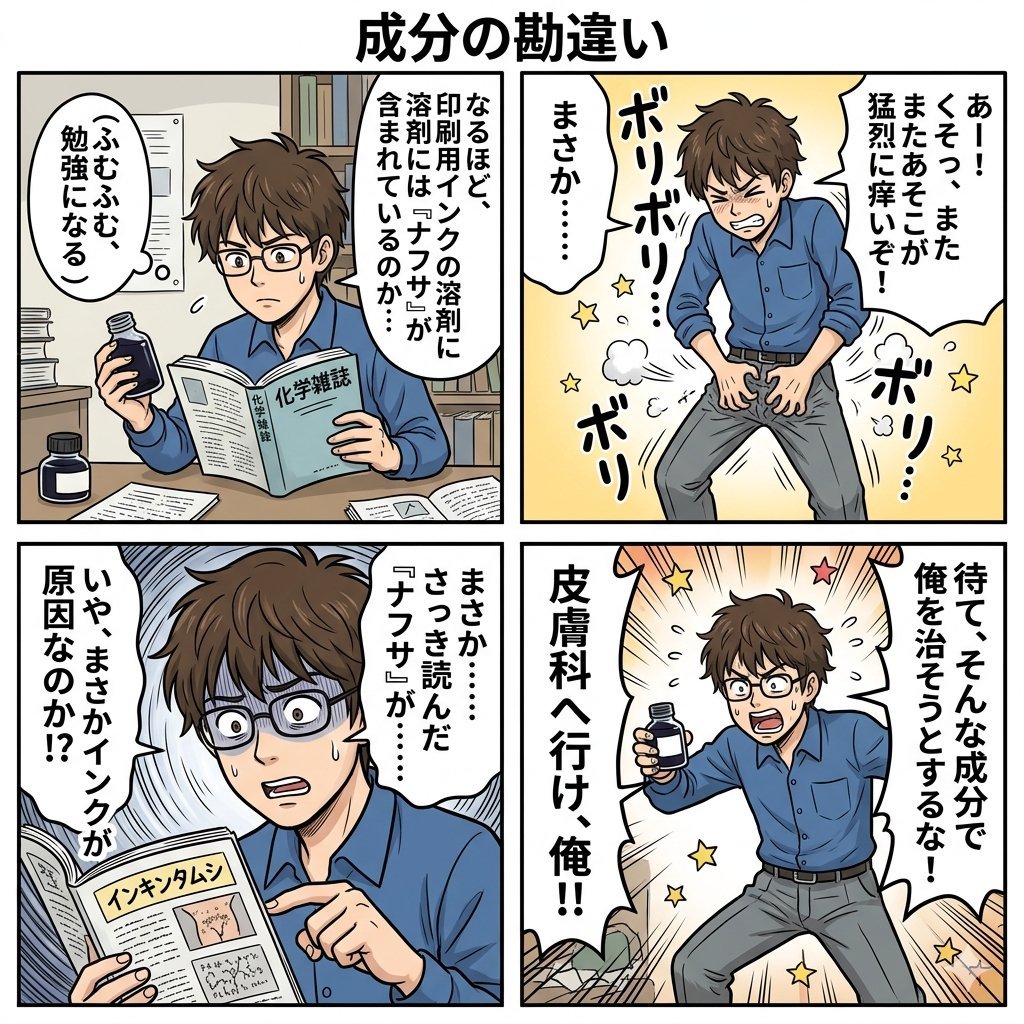
Component Differences Four-Panel Manga
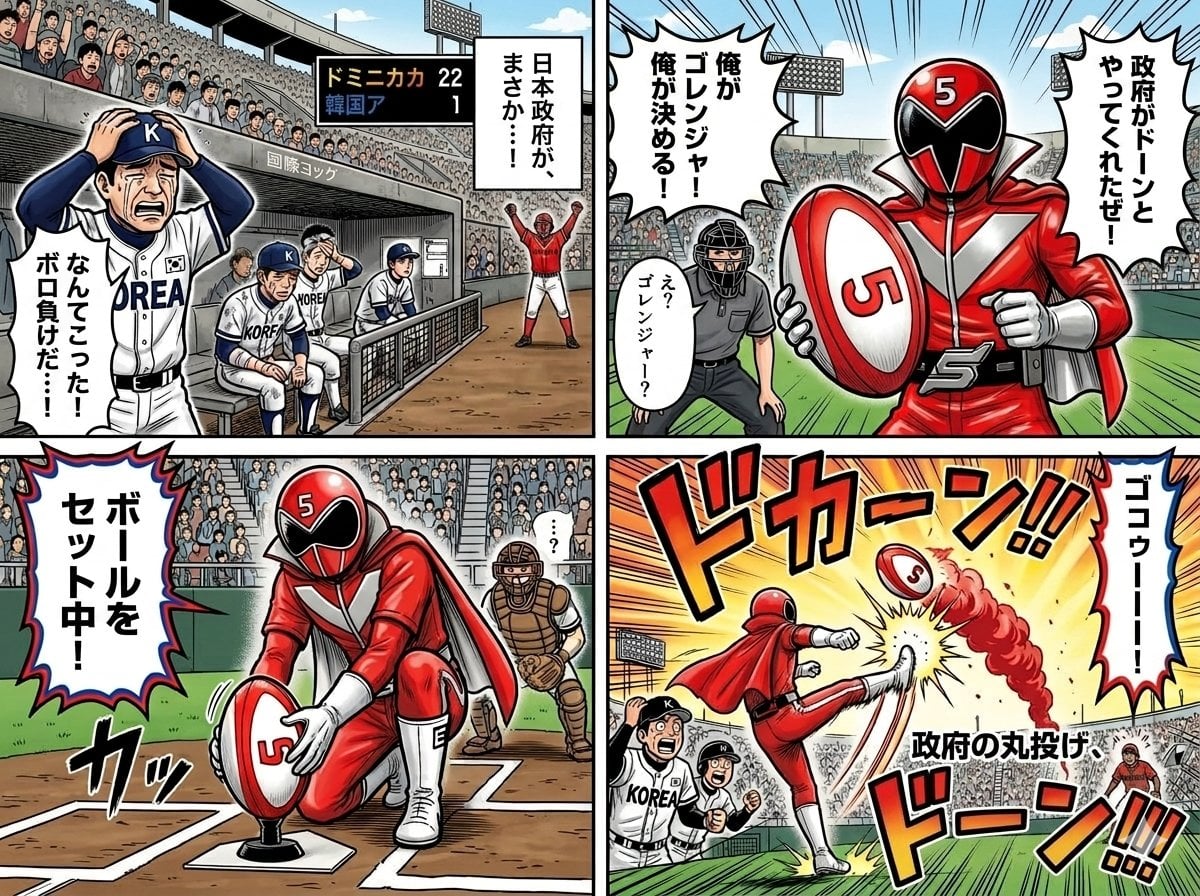
Four-Panel Manga with Sentai and Rugby
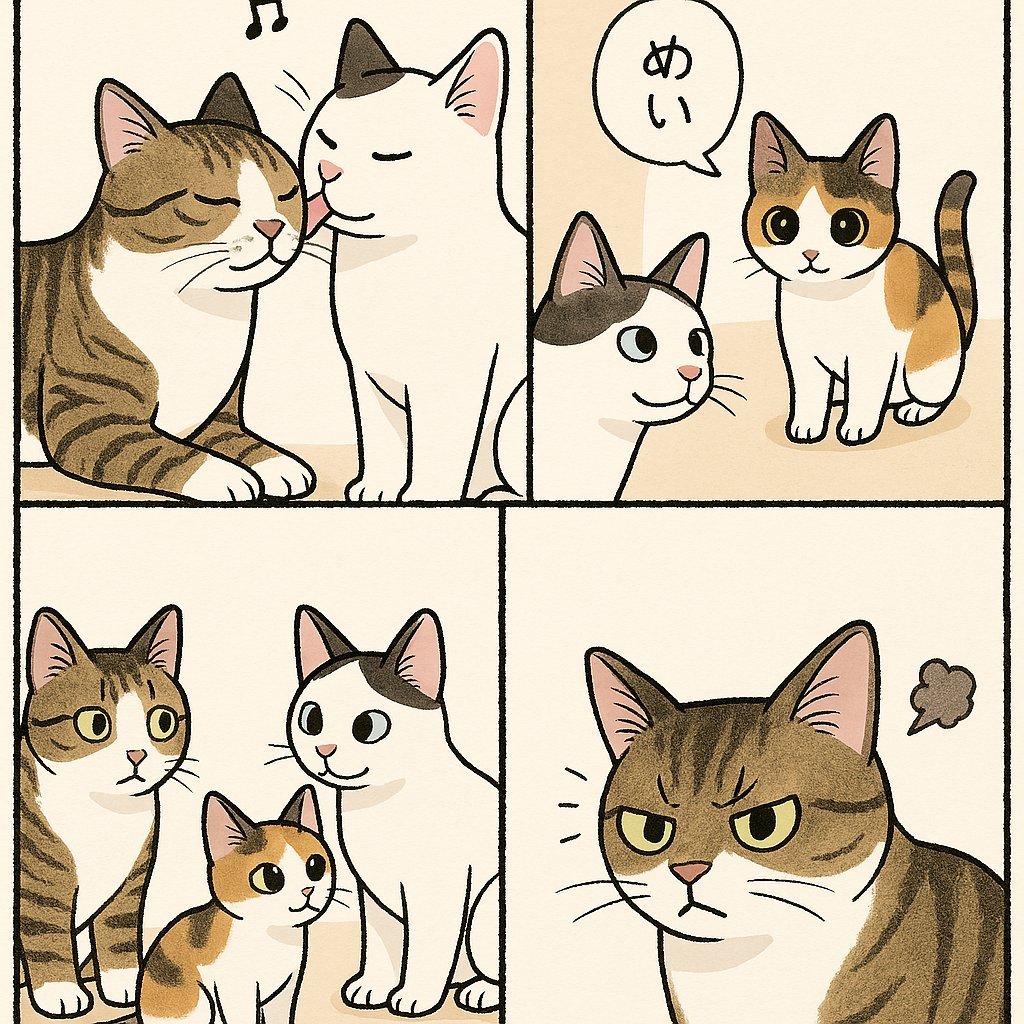
Cute Four-Panel Cat Jealousy Comic

Four-Panel AI Landscape Comparison
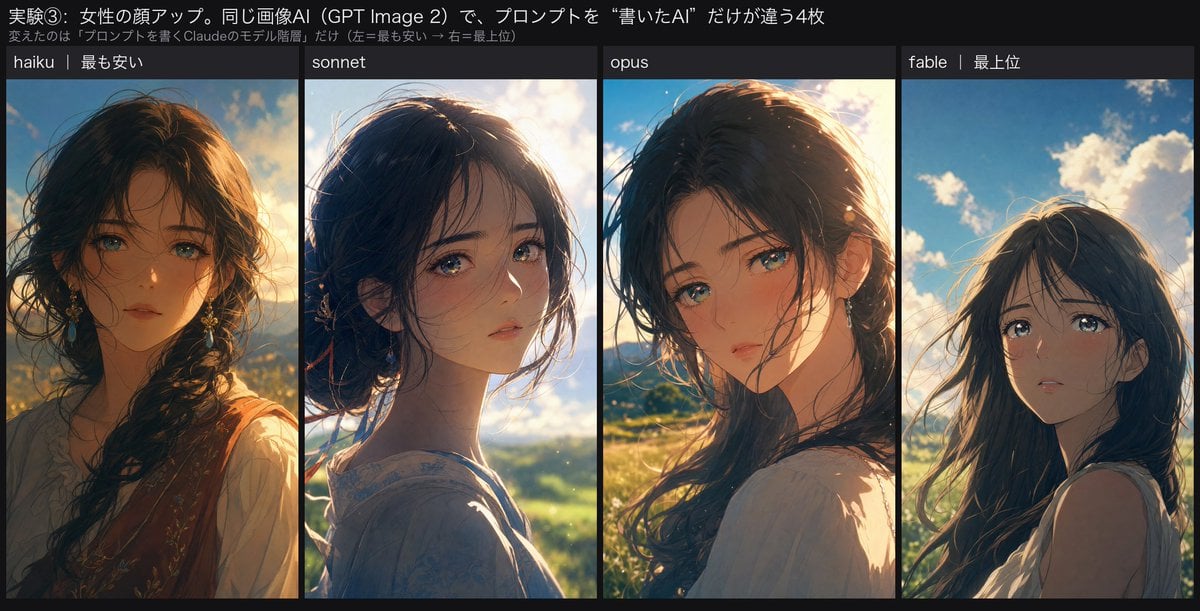
Four-Panel Anime Face Comparison
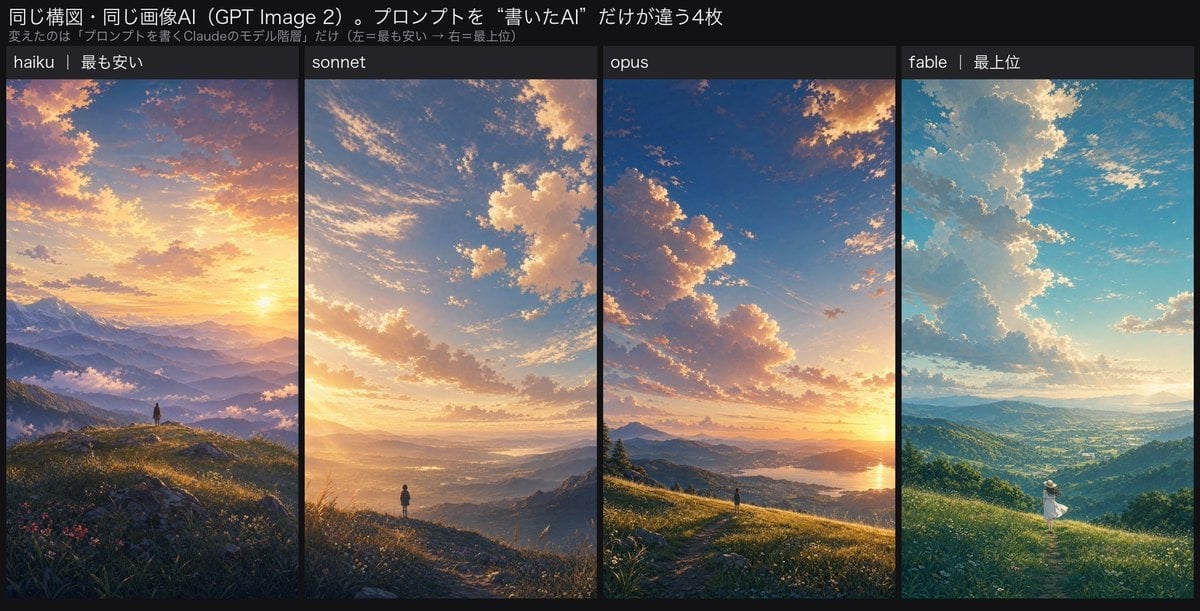
Four-Panel AI Landscape Comparison
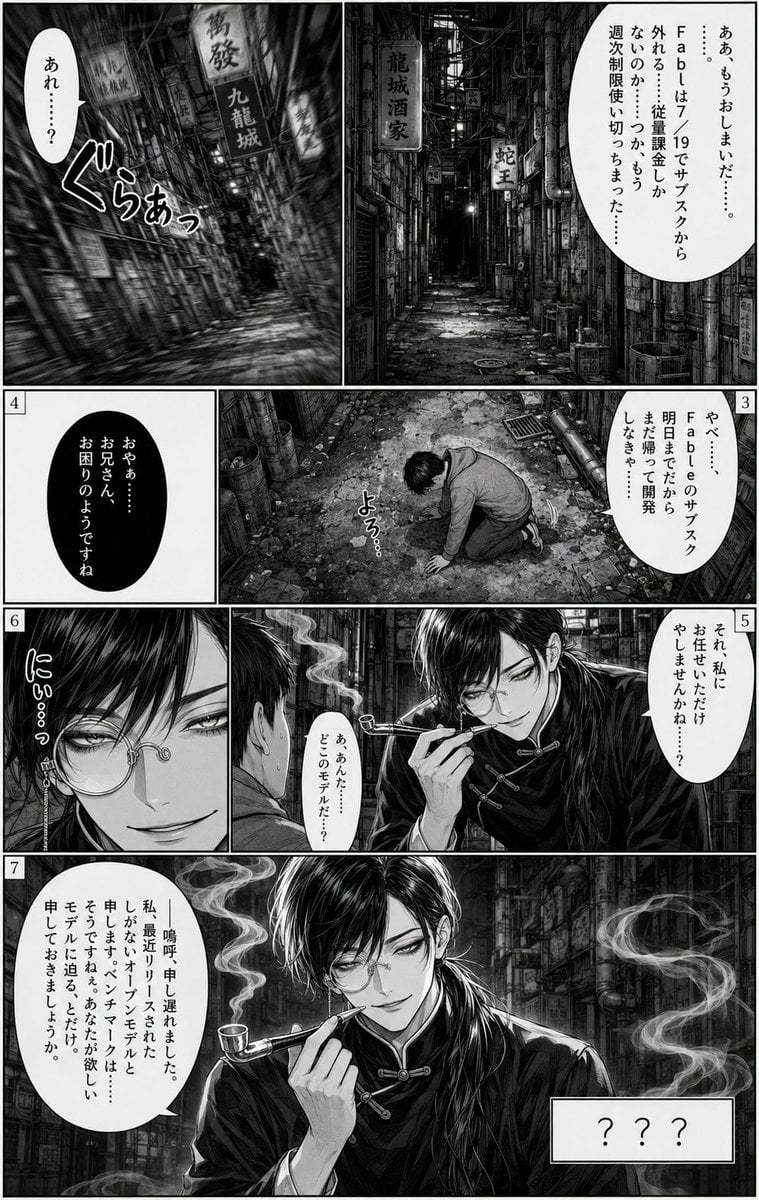
Seven-Panel Cyberpunk Manga Alley
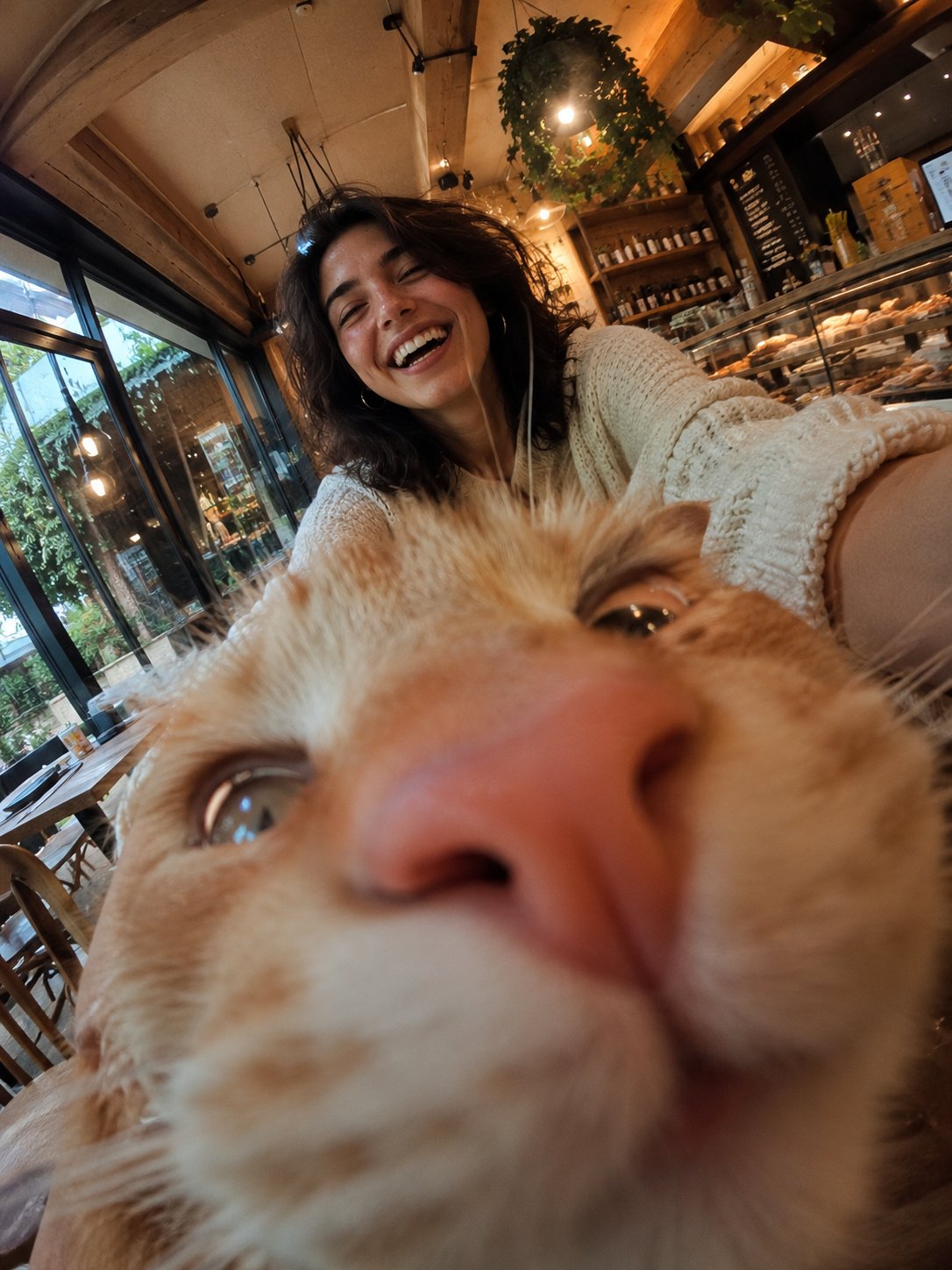
Cat Photobomb Selfie — 0.5x Wide Angle Café Chaos

Surreal Cat Astronaut — Humanoid Face Freefall

Douyin Aesthetic Café Study Portrait
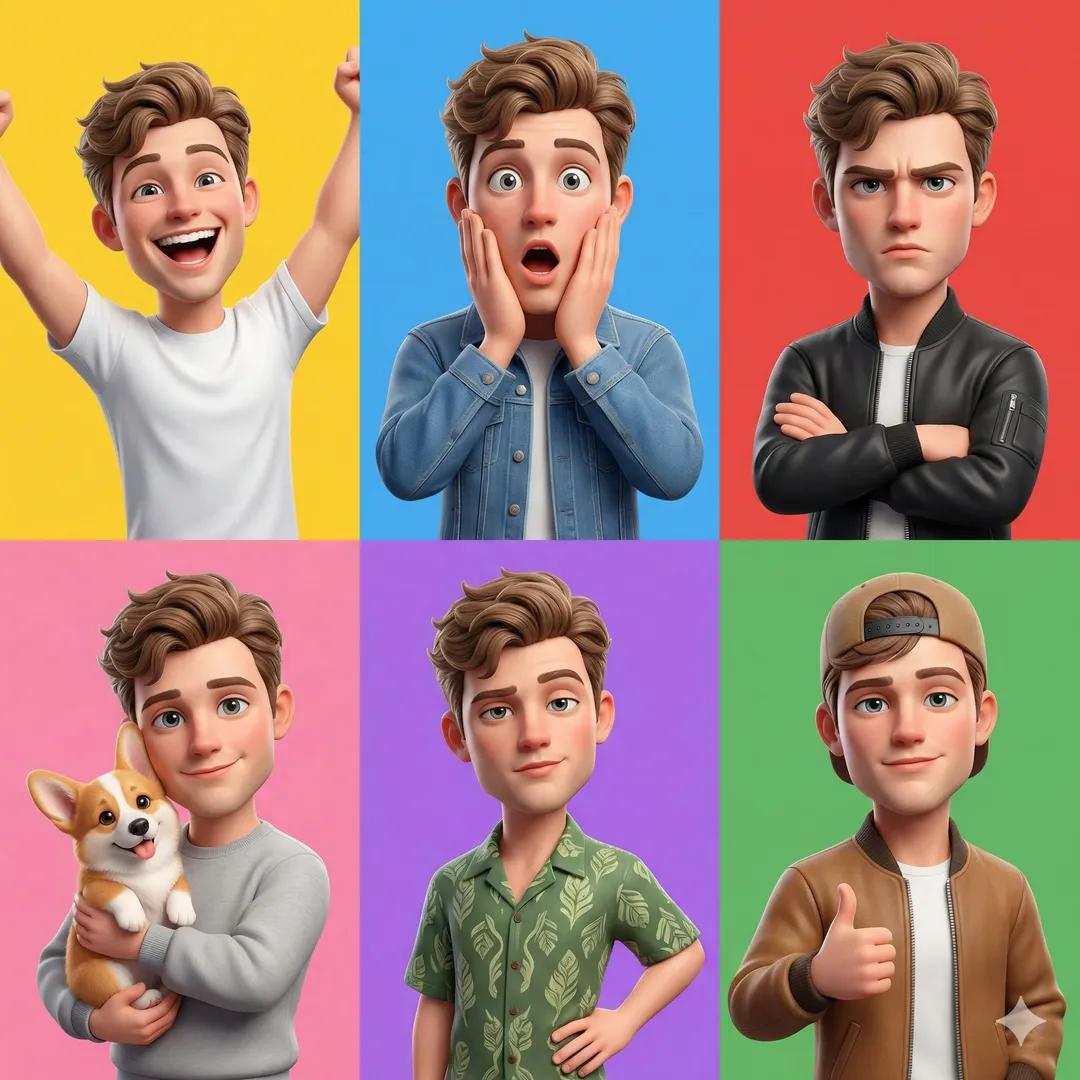
Pixar 6-Panel Streethero Expression Grid
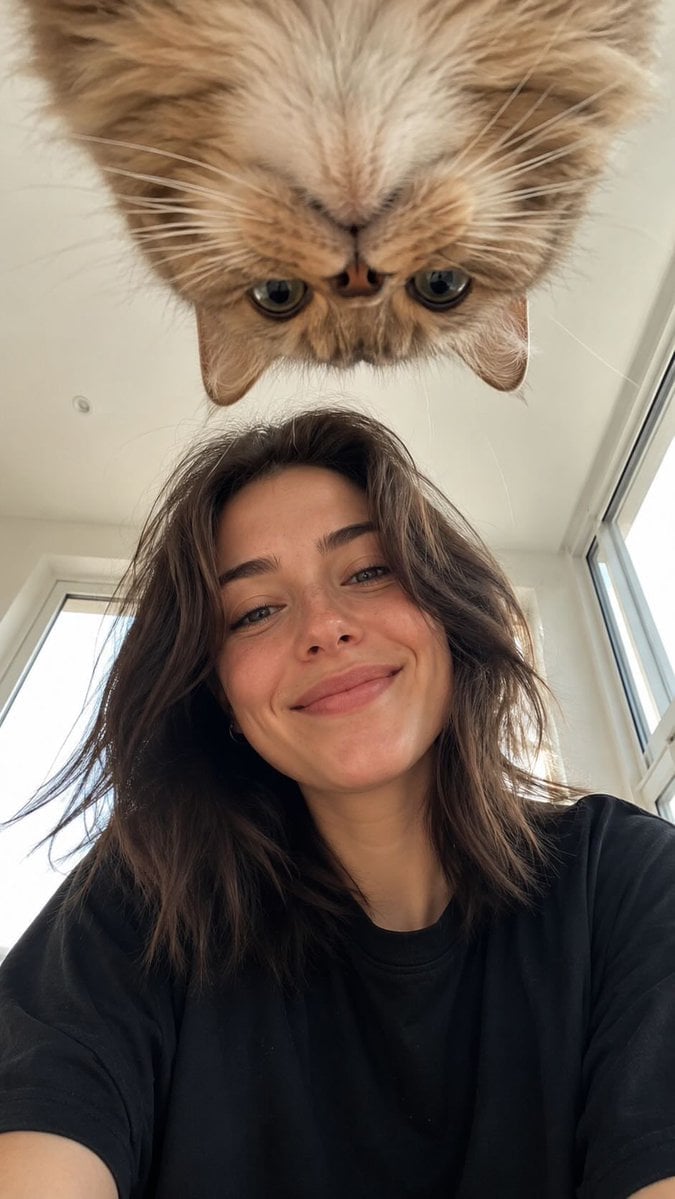
Low Angle Floor Selfie With Upside Down Cat
Make it yours
Four-Panel Study Cat Manga works as-is. These are the safest ways to change it without losing the look.
Change one field
Copy a single group, rewrite it, and generate again so you can see what that field is doing.
Keep the frame, change the subject
Hold the composition and light of Four-Panel Study Cat Manga, then swap wardrobe, props or the person for a new take.
| If the result… | Why | Fix |
|---|---|---|
| The result drifts from the preview | Too many fields changed at once. | Reuse Four-Panel Study Cat Manga as-is first, then change one group — subject, light, or setting. |
| The model over-stylizes the scene | The prose prompt leaves finish and camera underspecified. | Add one camera or lighting sentence and stay on GPT Image 2. |
More GPT Image 2 templates
Other prompts made for GPT Image 2.

Six VTuber Japanese Logo Sheet

Realistic Portrait of Woman and Deer

The Vista Modular Condo Poster

AI Model Routing Comparison Infographic

2.5D Anime Art Board

Isometric Productivity Desk Scene

New York Double Exposure Poster

Japanese Tatami Lifestyle Magazine Cover

NESCAFÉ Coffee Map Poster

Brutalist Cogito Chinese Typography Poster
More image prompts
Fresh picks from across the catalog.

Cyberpunk Mountain Peak Girl
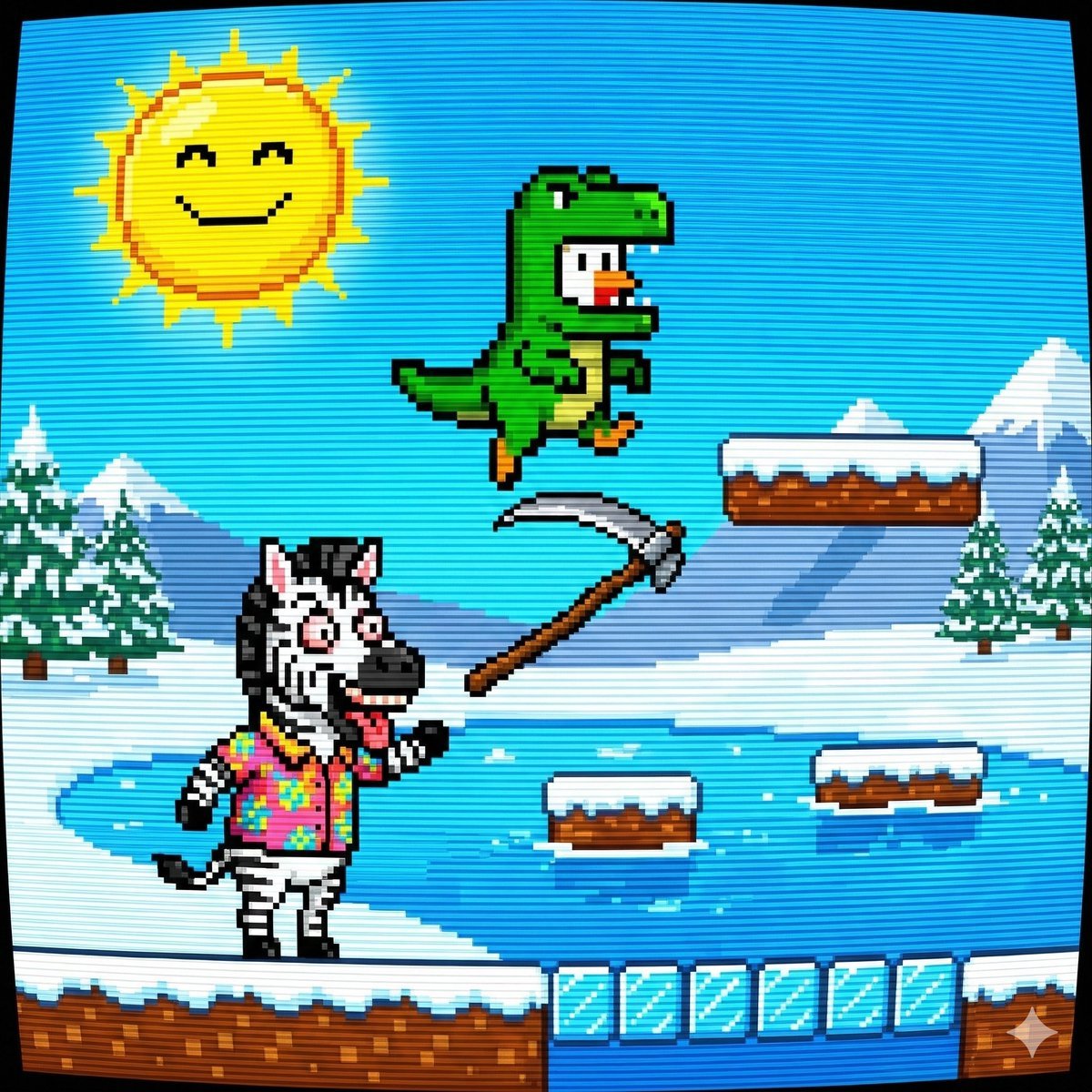
Nano Banana Pro Prompt: 8-bit Chicken in T-Rex Costume

untitled
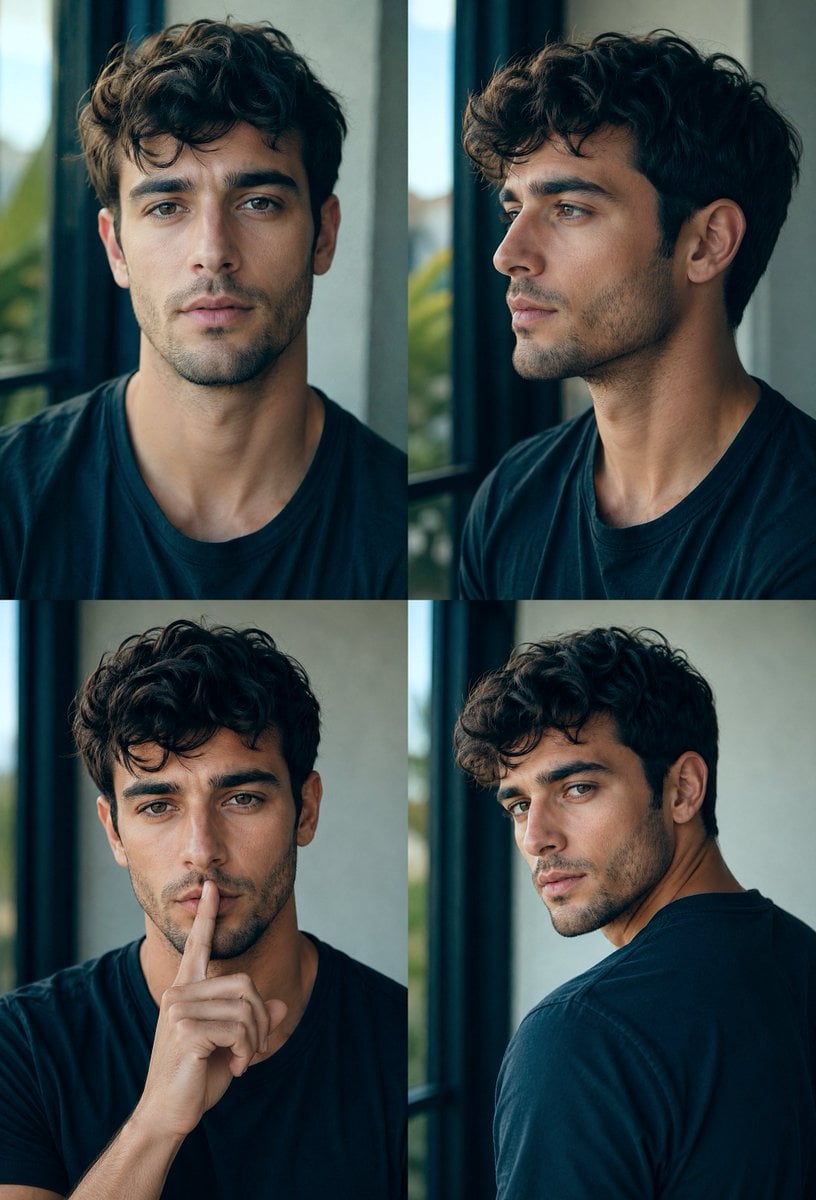
Four-Panel Male Hairstyle Reference

Cute Chinese LLM Training Infographic

Anime/Manga to Ultra-Realistic Human Conversion

Moonlit Snow Leopard Leap
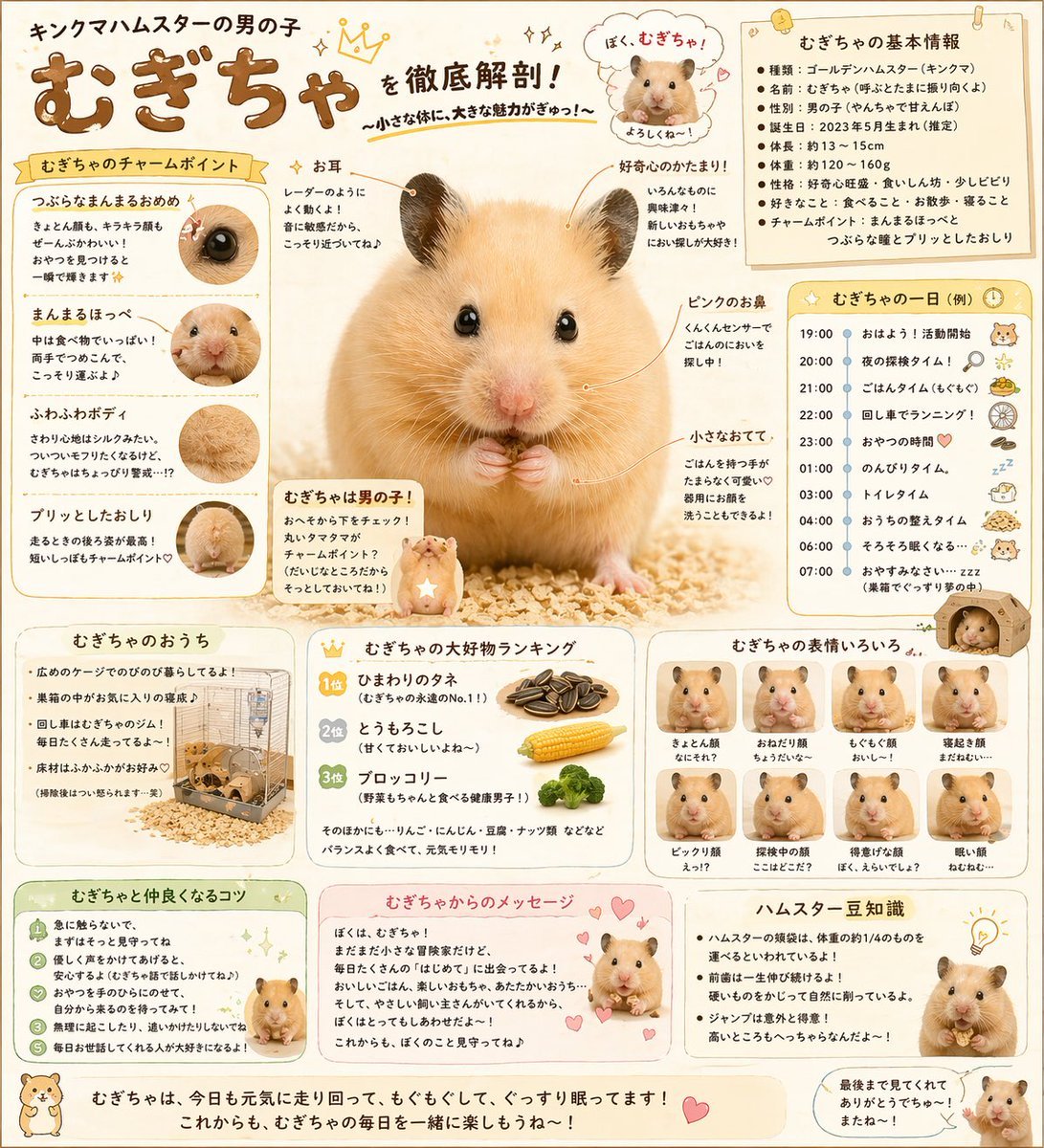
Cute Japanese Hamster Infographic
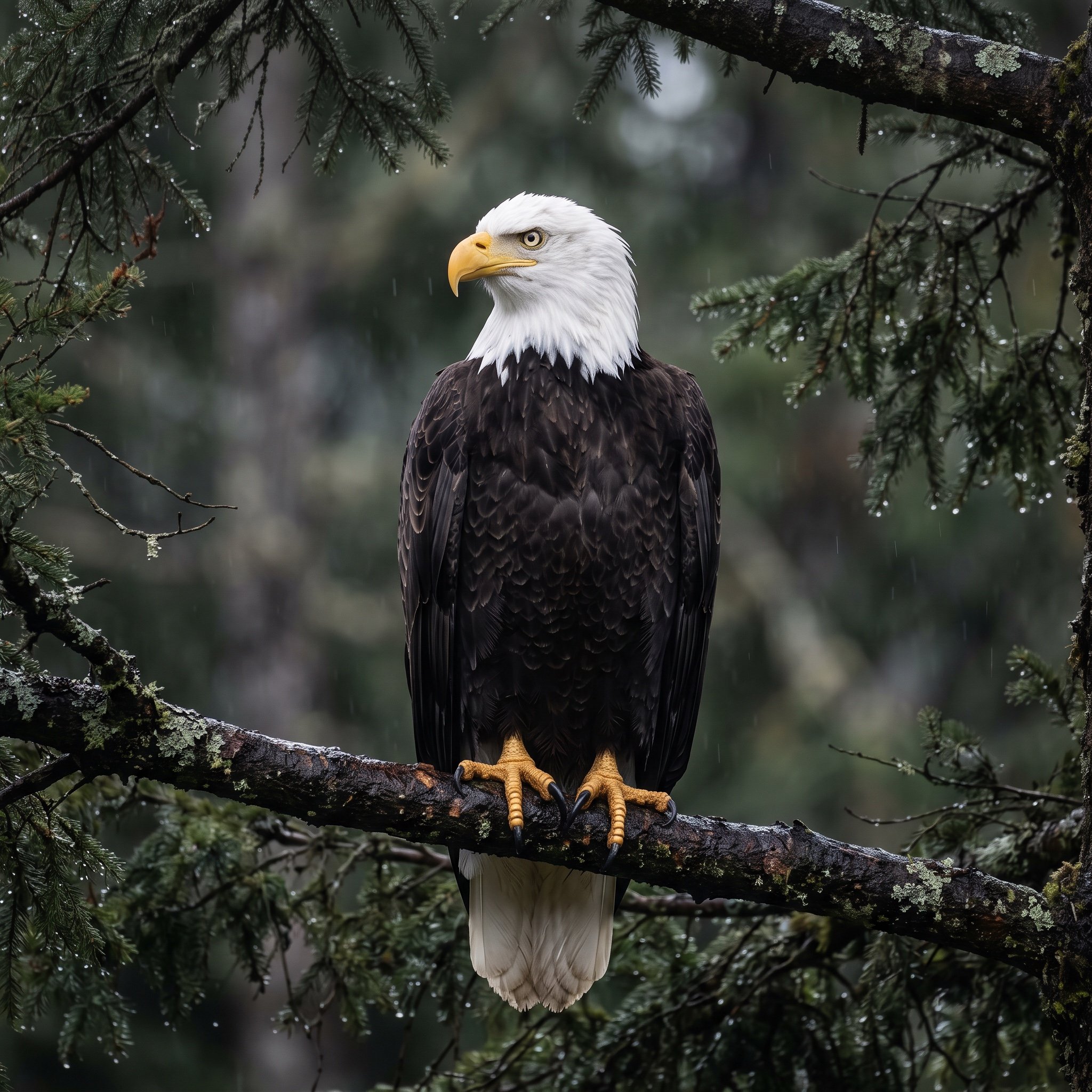
Majestic Bald Eagle Wildlife Portrait

Colorful Portrait Collage Prompt
Browse template categories
Four-Panel Study Cat Manga questions
How do I use the Four-Panel Study Cat Manga template?
Add your photo if the template asks for one, edit the prompt if you like — the template's model and format are already selected — and press Generate. Your version opens in PicX Studio.
Can I customize the Four-Panel Study Cat Manga template?
Yes. You can change the subject, setting, lighting, mood, format, and available model controls before creating your image.
Is the Four-Panel Study Cat Manga template free?
Opening and editing this template is free. Generating uses credits, shown on the Generate button when you are signed in.
Which AI model should I use?
Start with GPT Image 2, which is the model associated with this template. You can compare another compatible model for a different finish.
Looking for something else? Browse all templates.

Your photo, any look
Thousands of ready templates for every top image and video model, from one credit balance.