
Asakusa Washi Art Postcard
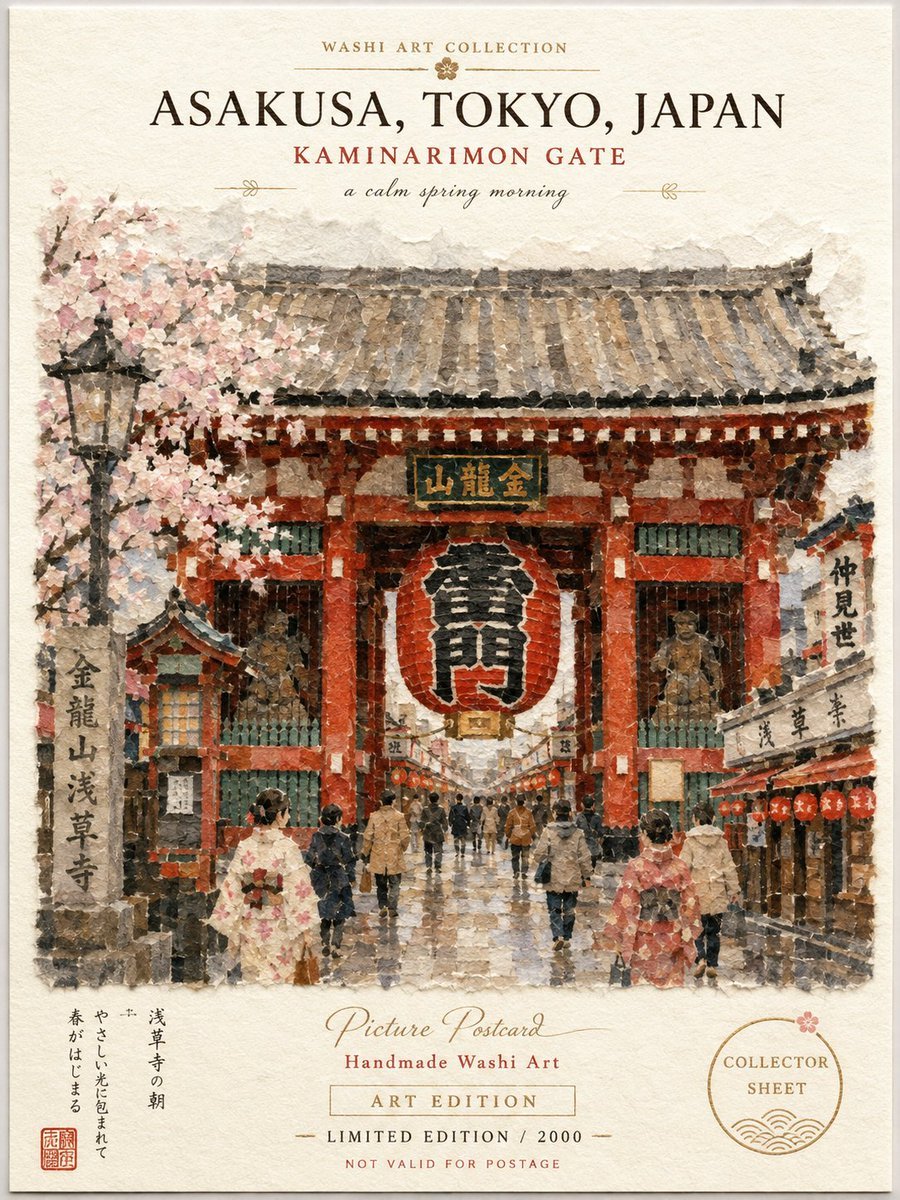
Generates a vintage handmade washi-style travel postcard featuring Tokyo’s Kaminarimon Gate in spring.
- Prompt included
- Model and format preset
- Free template
The prompt behind this image
Copy the exact prompt behind Asakusa Washi Art Postcard, or open it in the studio and make it yours.
Goal: Create a vintage Japanese washi art postcard poster of {argument name="location" default="Asakusa, Tokyo, Japan"}, showing the Kaminarimon Gate on a calm spring morning. Canvas: Vertical portrait postcard, 3:4 ratio, cream handmade washi paper background with deckled-looking watercolor edges, subtle fibers, light stains, and a soft printed-paper texture. Leave generous cream margins at the top and bottom like a collectible art sheet. Main illustration: Center a painterly washi-collage watercolor view of Kaminarimon Gate in Asakusa. Show exactly 1 large red temple gate with a weathered gray tiled roof, red pillars, green lattice panels, and a huge central red-and-white paper lantern with bold black kanji. Add exactly 1 gold-and-green sign plaque above the lantern. Include exactly 2 guardian statue alcoves, one on each side of the gate. The street is wet and reflective, suggesting early morning after rain. Add exactly 1 blooming pink cherry blossom tree on the left, exactly 1 black street lantern in front of the blossoms, exactly 1 stone monument pillar on the lower left with vertical Japanese calligraphy, and exactly 2 rows of small market shops flanking the walkway. Place exactly 2 foreground women in kimono, one cream floral kimono at lower left and one pink kimono at lower right, plus exactly 14 additional small pedestrians walking through the gate and along the approach. Use soft muted reds, dusty pinks, warm browns, slate grays, dark ink accents, and gold details. Top typography: At the top, set small uppercase text “WASHI ART COLLECTION” with thin decorative horizontal rules and a tiny flower ornament. Beneath it, large elegant serif title text “{argument name="main title" default="ASAKUSA, TOKYO, JAPAN"}”. Below that, smaller red uppercase text “{argument name="landmark subtitle" default="KAMINARIMON GATE"}”. Under the subtitle, add cursive italic text “{argument name="mood line" default="a calm spring morning"}” with delicate gold divider flourishes on both sides. Bottom typography and stamps: In the lower margin, add a short vertical Japanese poem block on the left and a small red square seal stamp below it. Center the bottom text as: cursive “Picture Postcard”, red serif “Handmade Washi Art”, boxed letterspaced “ART EDITION”, then “LIMITED EDITION / 2000”, and tiny red “NOT VALID FOR POSTAGE”. On the lower right, add exactly 1 circular collector stamp containing “COLLECTOR SHEET”, a small flower, and wave-line ornamentation. Style: Traditional Japanese watercolor, washi paper collage, handmade travel postcard, soft ink bleed, textured brush marks, slightly faded archival print, elegant museum-shop souvenir design. Keep all text crisp enough to read while retaining a hand-printed vintage feel. No modern cars, no neon signs, no photorealism, no watermark.
How to use Asakusa Washi Art Postcard in 3 steps
- 1Upload ImagePNG, JPG or paste
Add your photo
Upload the photo the template builds on. The prompt, model and format are already set.
- 2…a portrait of your subject in softgolden-hour light, 85mm…
Personalize
Edit the subject and creative details for your destination.
- 3Generate
Generate
Press Generate — your image is created in PicX Studio, so you can compare it with the original and refine one variable at a time.
More like this
Templates with the same subject, style or setup. Open one to see its prompt.
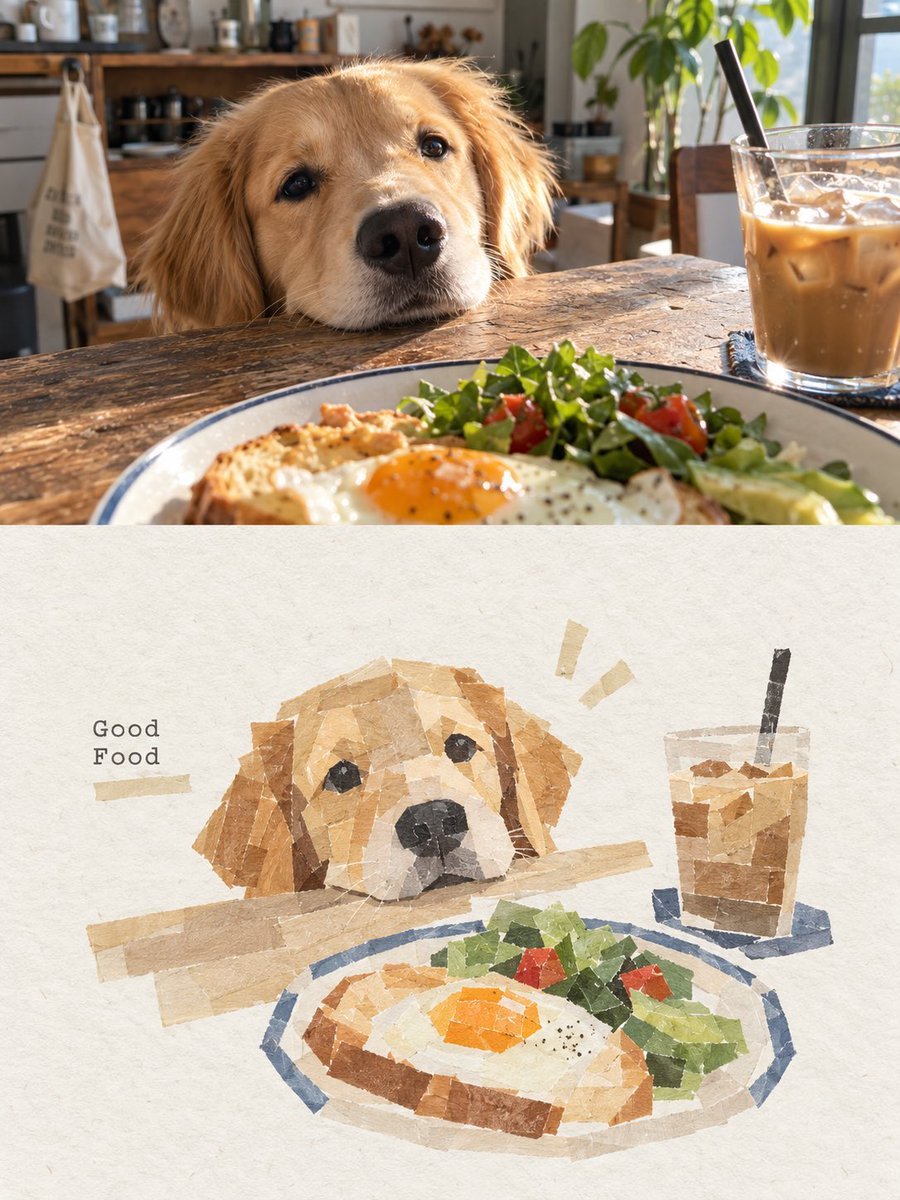
Dog Café Washi Tape Collage
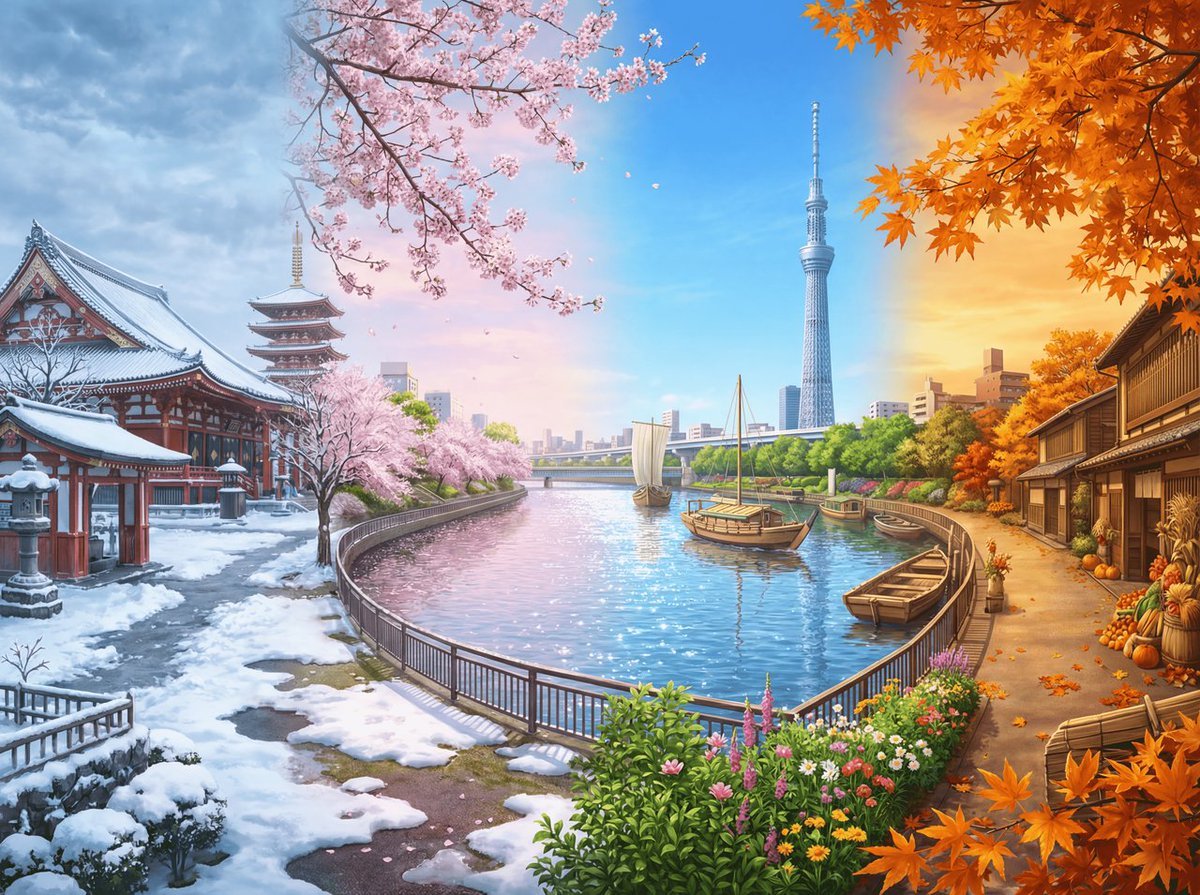
Four Seasons Panorama of Asakusa and Skytree
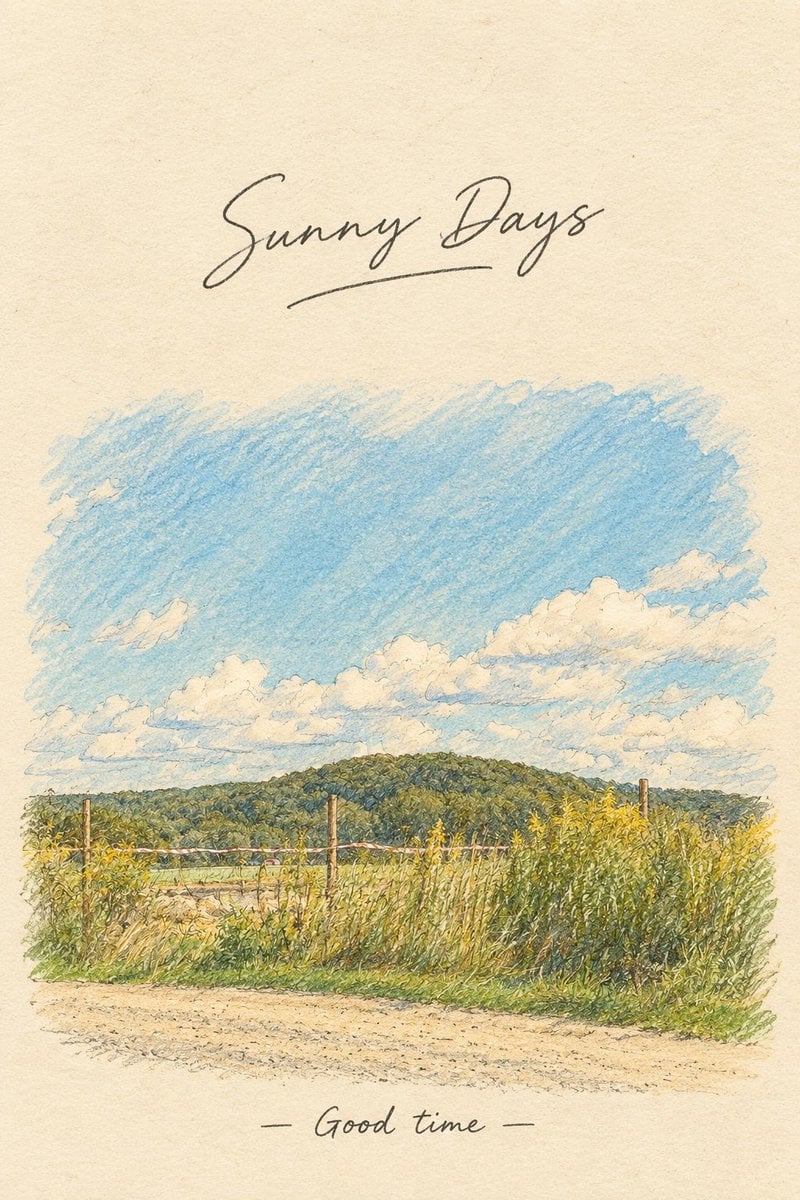
Vintage Countryside Postcard
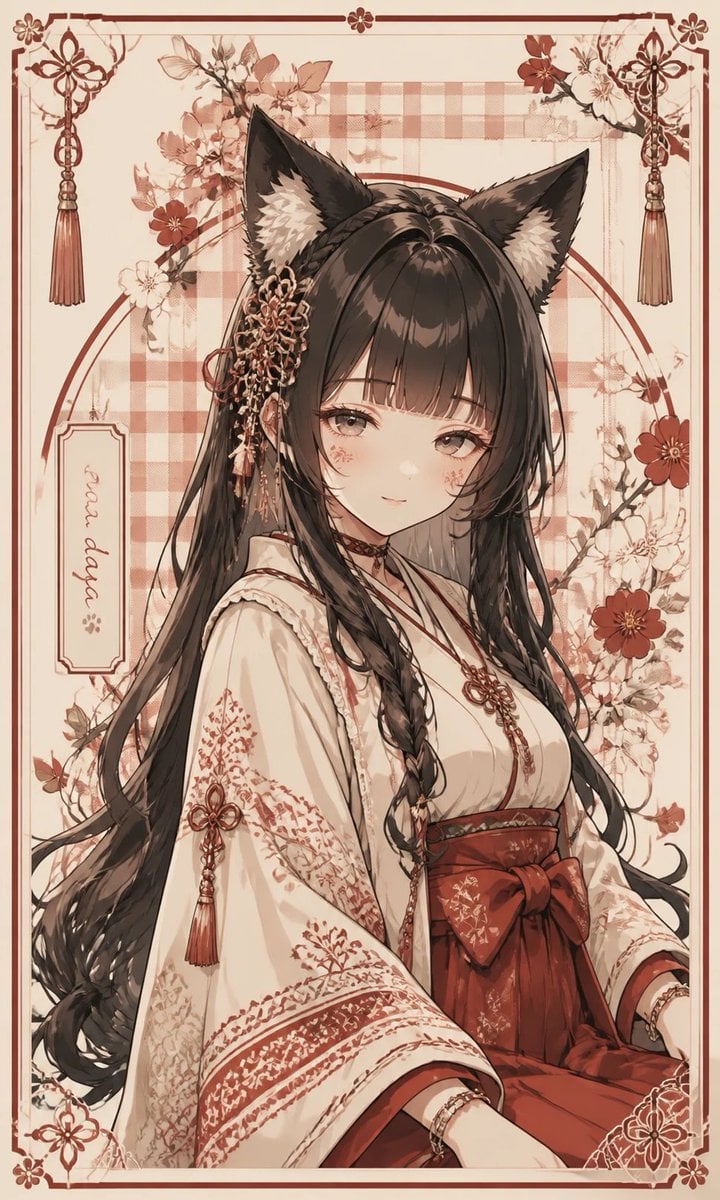
Fox Shrine Maiden Postcard
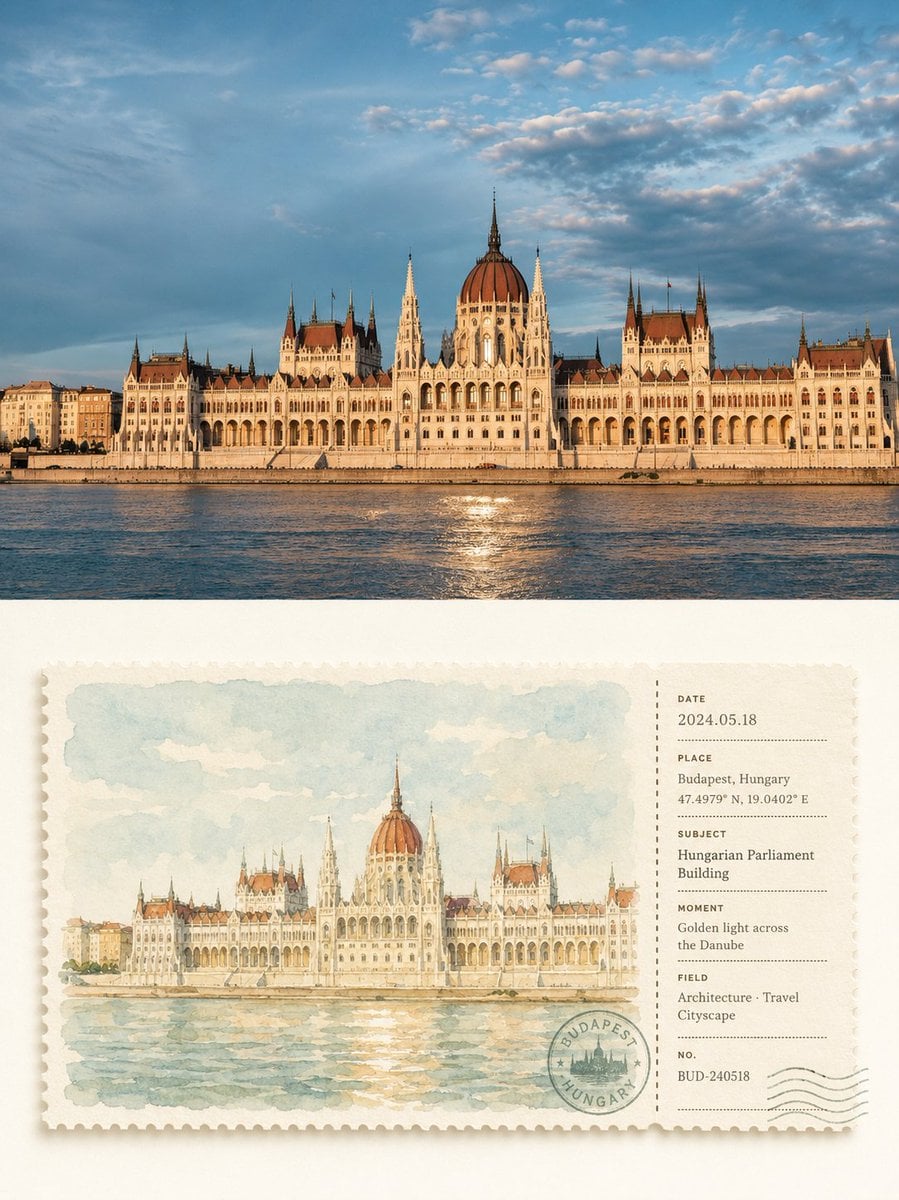
Watercolor Postcard Ticket Style Poster

Miniature Travel Diorama Postcard
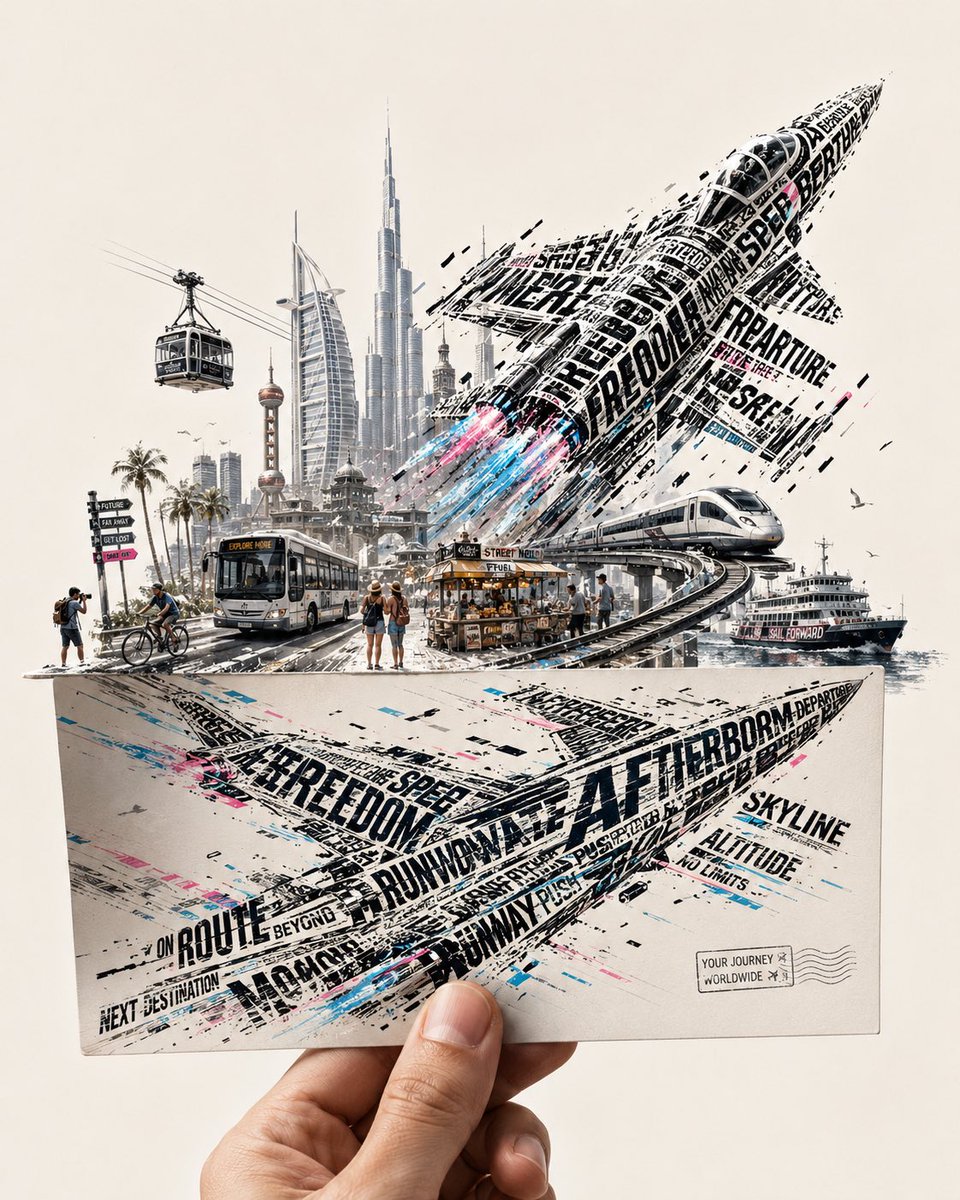
Futuristic Vehicle Postcard Layout
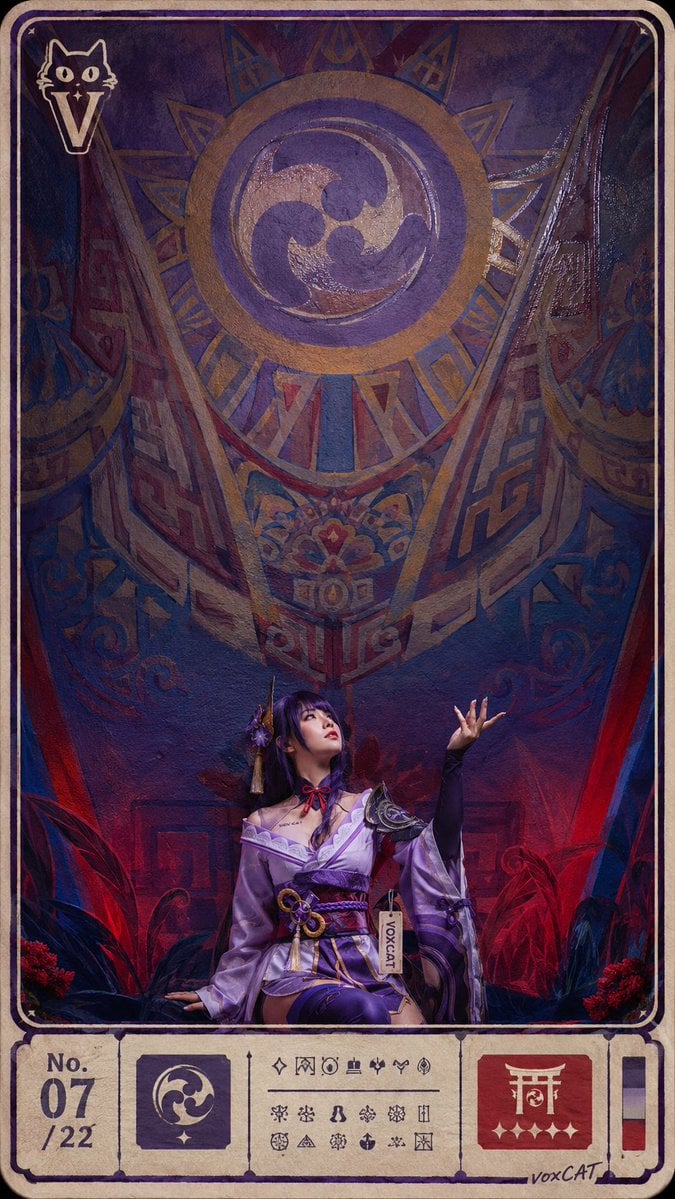
Ritual Postcard Portrait Composition
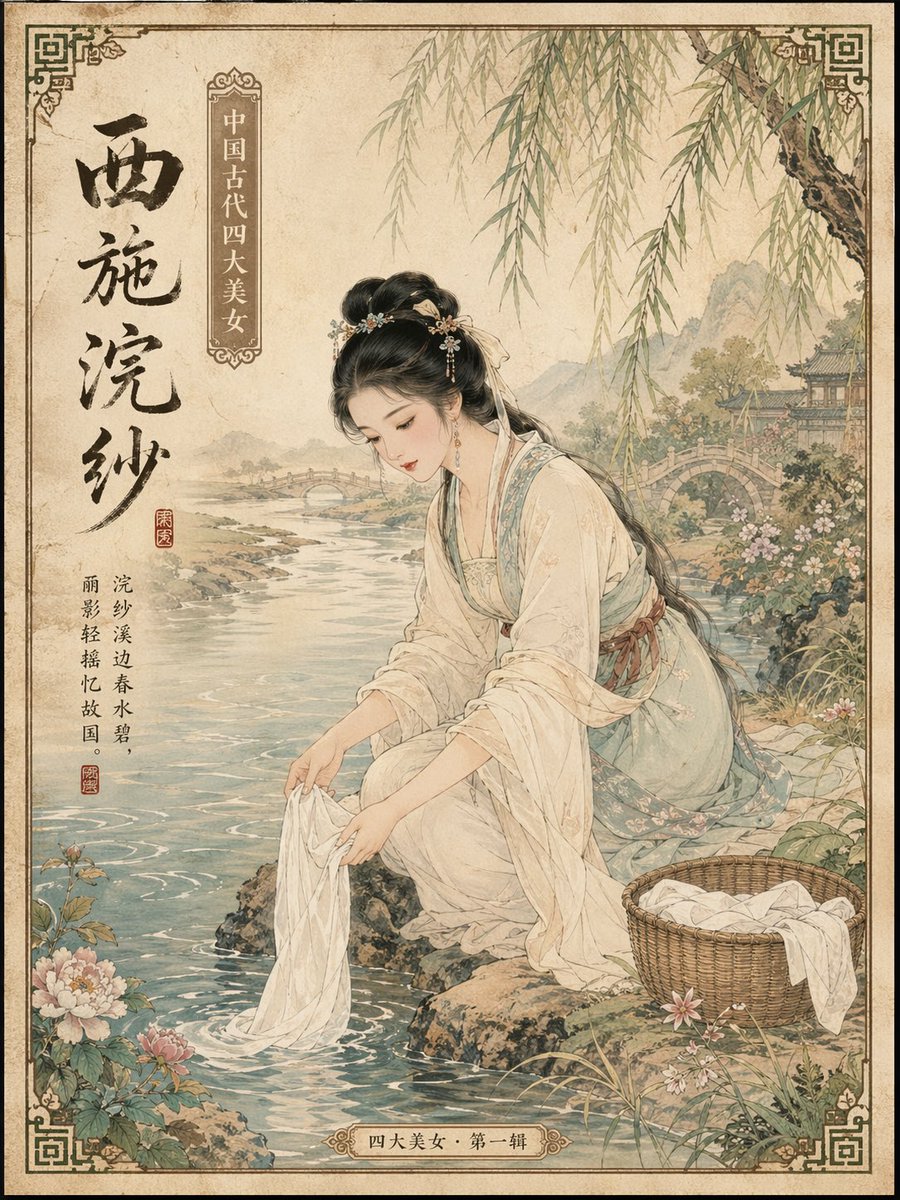
Ancient Chinese Beauties Postcard Prompt
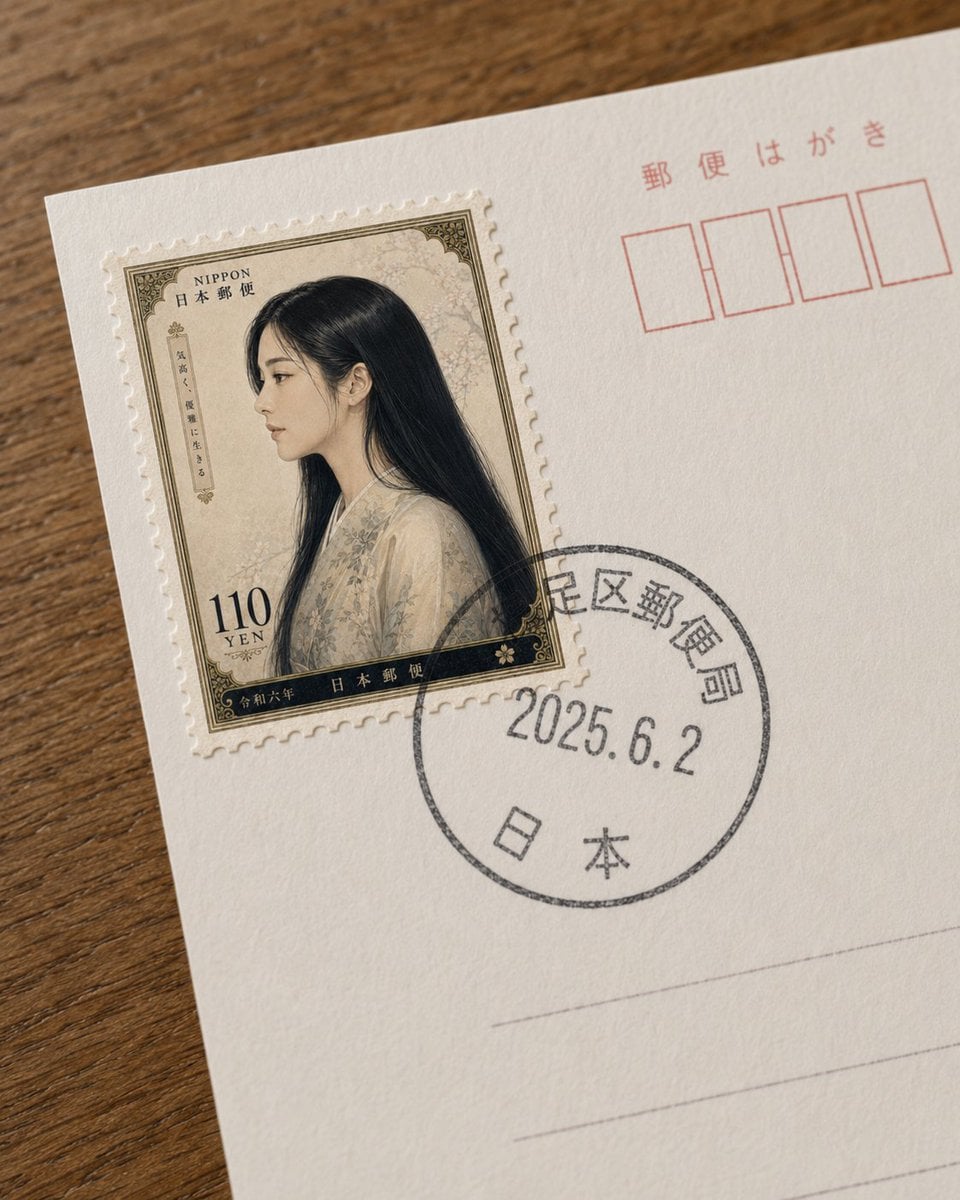
Fictional Japanese Stamp on Postcard
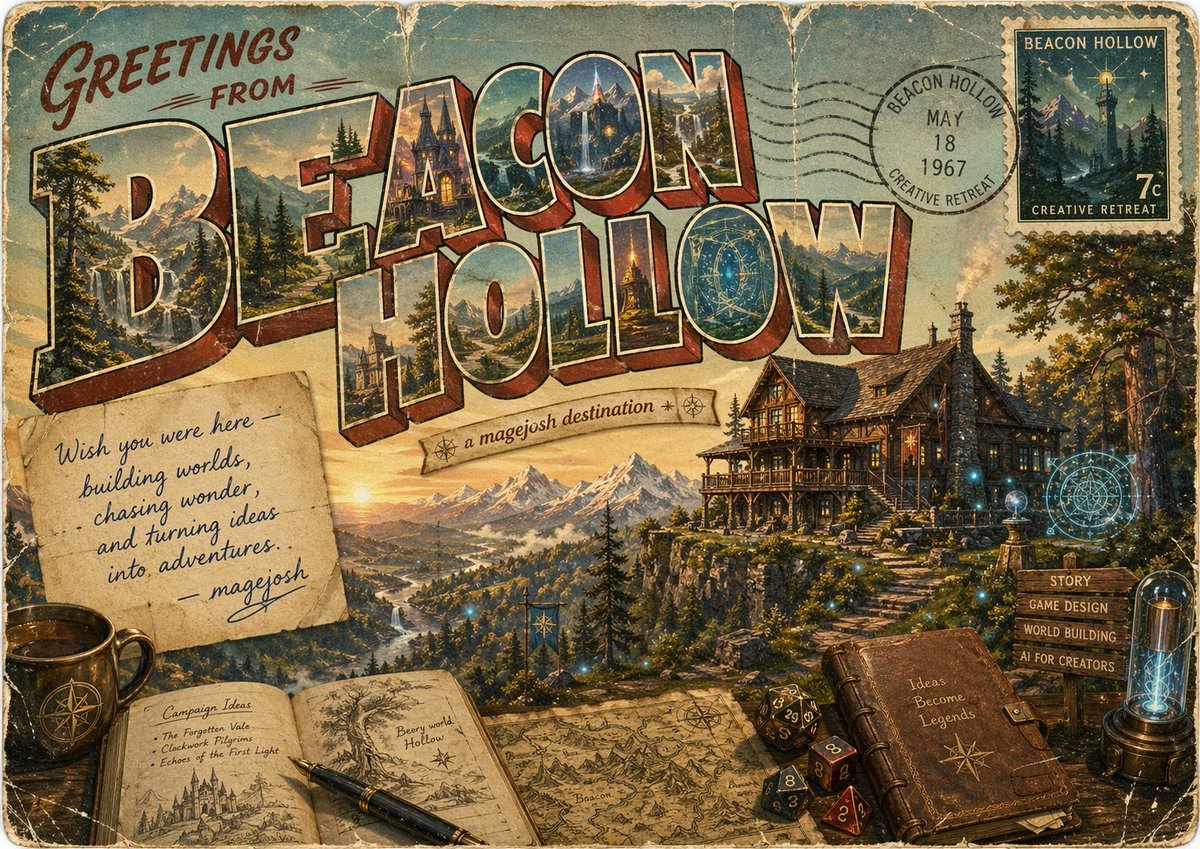
Vintage Fantasy Postcard of Beacon Hollow
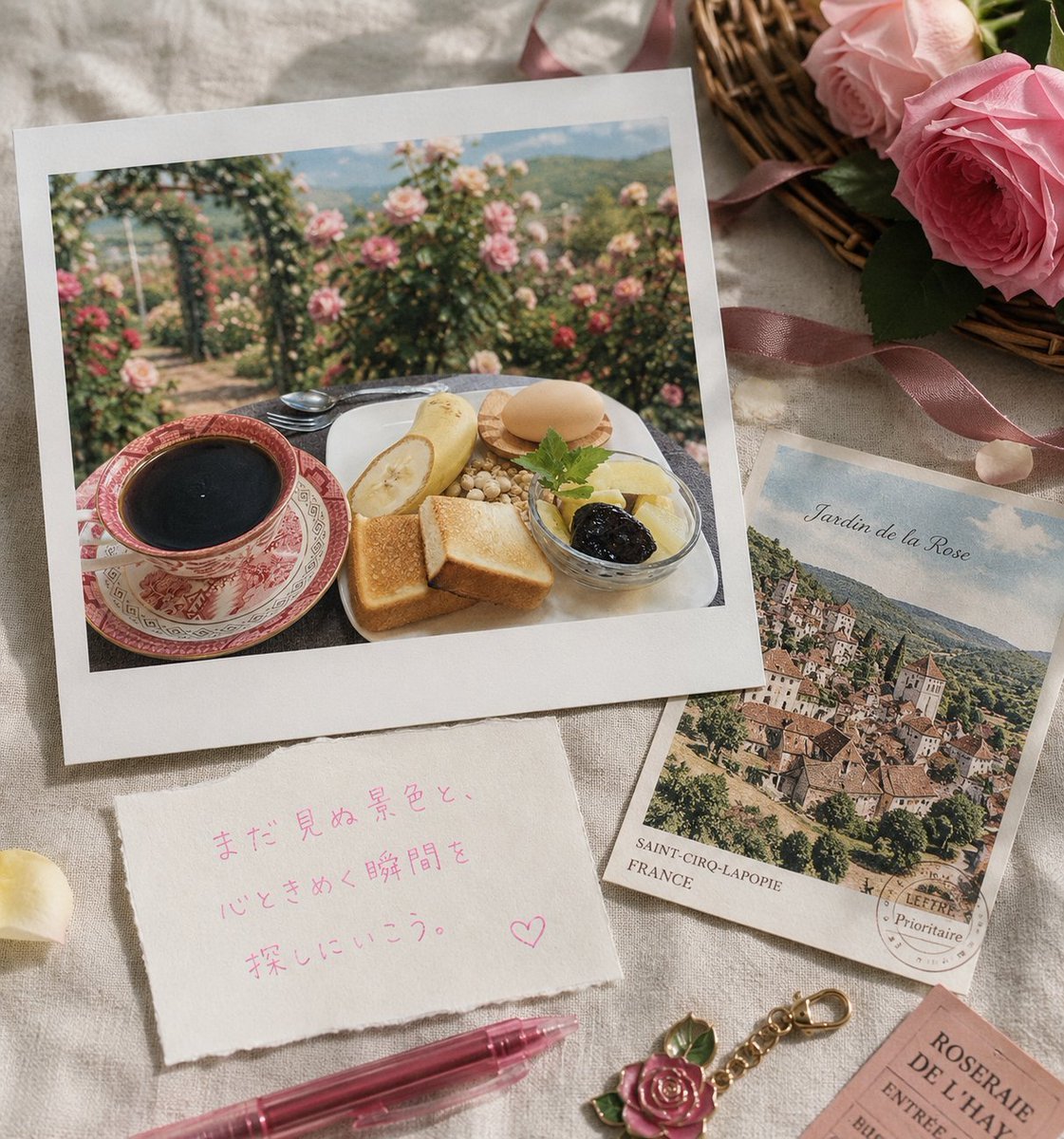
Rose Garden Travel Postcard Flat Lay
Make it yours
Asakusa Washi Art Postcard works as-is. These are the safest ways to change it without losing the look.
Change one field
Copy a single group, rewrite it, and generate again so you can see what that field is doing.
Keep the frame, change the subject
Hold the composition and light of Asakusa Washi Art Postcard, then swap wardrobe, props or the person for a new take.
| If the result… | Why | Fix |
|---|---|---|
| The result drifts from the preview | Too many fields changed at once. | Reuse Asakusa Washi Art Postcard as-is first, then change one group — subject, light, or setting. |
| The model over-stylizes the scene | The prose prompt leaves finish and camera underspecified. | Add one camera or lighting sentence and stay on GPT Image 2. |
More GPT Image 2 templates
Other prompts made for GPT Image 2.

Six VTuber Japanese Logo Sheet

Realistic Portrait of Woman and Deer

The Vista Modular Condo Poster

AI Model Routing Comparison Infographic

2.5D Anime Art Board

Isometric Productivity Desk Scene

New York Double Exposure Poster

Four-Panel AI Landscape Comparison

Japanese Tatami Lifestyle Magazine Cover

NESCAFÉ Coffee Map Poster
More image prompts
Fresh picks from across the catalog.

Photorealistic Parisian Café Editorial Portrait
Style Transfer from Midjourney to Nanobanana
Gourmet Hotdog Mid-Air Drop Cinematic Shot

Moody Black Outfit Street Style
Hyper-Chaotic Japanese Digicam Snapshot

Photorealistic Night Selfie on a Ferris Wheel
Authentic Japanese Residence Card

Ultra-realistic Portrait of a Blonde Woman in Crochet Outfit

Intimate Low-Light Bedroom Portrait with Vintage Film Aesthetic
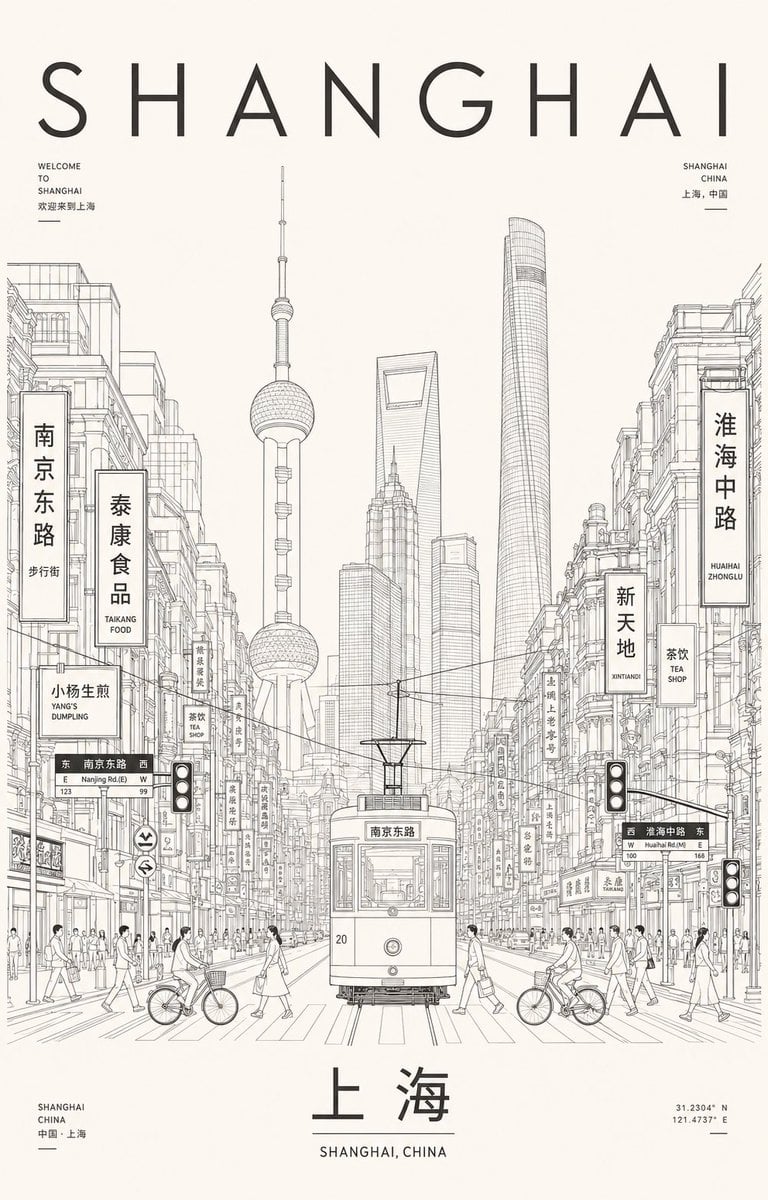
Minimalist Shanghai Line Art Poster
Browse template categories
Asakusa Washi Art Postcard questions
How do I use the Asakusa Washi Art Postcard template?
Add your photo if the template asks for one, edit the prompt if you like — the template's model and format are already selected — and press Generate. Your version opens in PicX Studio.
Can I customize the Asakusa Washi Art Postcard template?
Yes. You can change the subject, setting, lighting, mood, format, and available model controls before creating your image.
Is the Asakusa Washi Art Postcard template free?
Opening and editing this template is free. Generating uses credits, shown on the Generate button when you are signed in.
Which AI model should I use?
Start with GPT Image 2, which is the model associated with this template. You can compare another compatible model for a different finish.
Looking for something else? Browse all templates.

Your photo, any look
Thousands of ready templates for every top image and video model, from one credit balance.