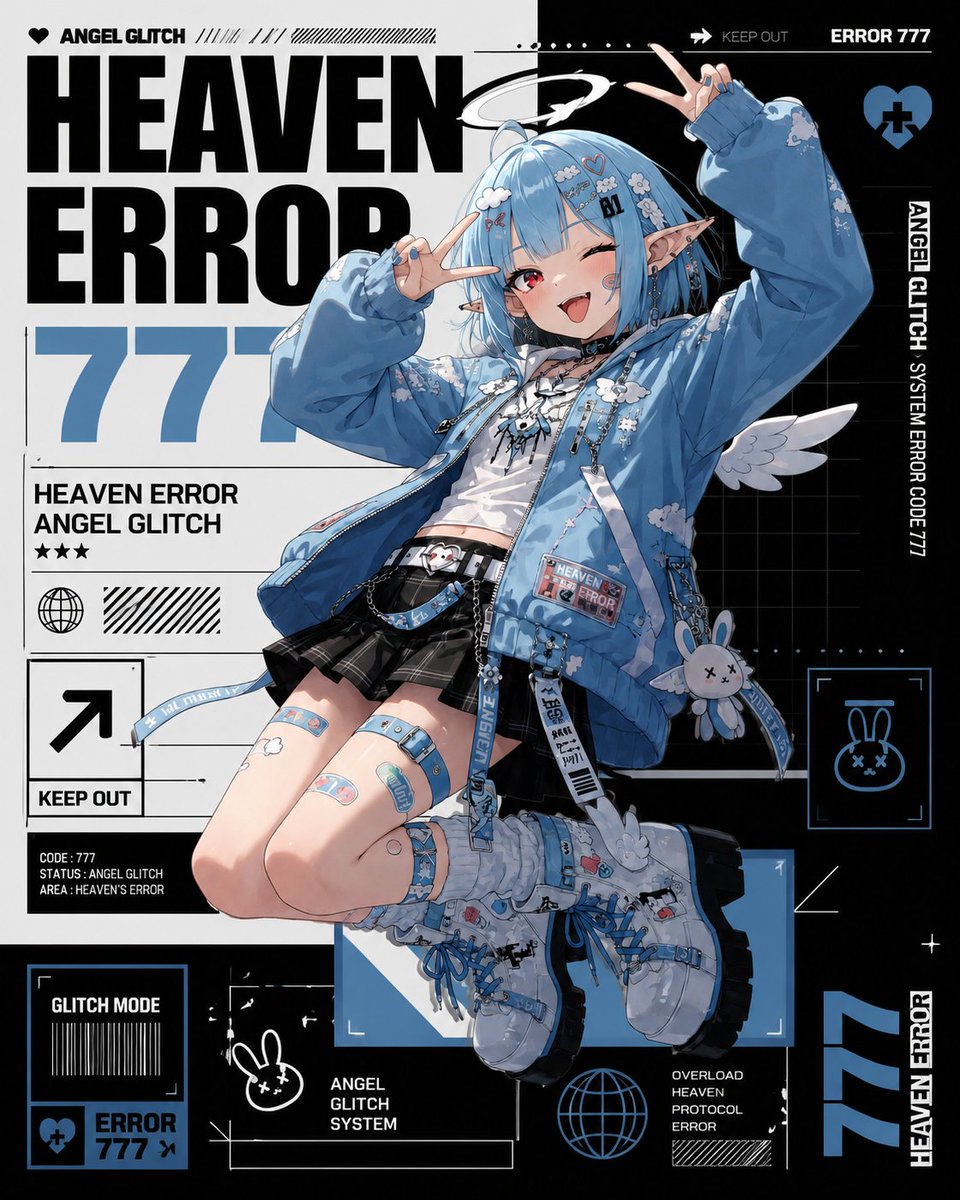
Heaven Error Angel Glitch Poster
information-dense anime streetwear character poster · high-detail Japanese anime illustration mixed with bold graphic-design typography, cyber sticker layout, black white and powder blue palette, crisp vector UI elements, glossy magazine poster finish · cute mischievous angel glitch girl · full-body floating dynamic pose, knees bent, one boot forward, both hands making peace signs near her face, winking with tongue out · {argument name="hair color" default="short light blue bob with straight bangs"} · one red eye open and one eye winking · long pointed elf ears, small white halo tilted above the head, small white angel wings, playful smile, tiny cyber face markings and hair clips · 6 · oversized sky-blue bomber jacket covered in white cloud motifs, patches, zipper pulls, and dangling straps, cropped white graphic top with black lace-up details, black pleated mini skirt with belts and chains, blue utility belt and pouch with small labels, chunky white and blue lace-up platform boots with mechanical streetwear details, blue garter straps, bandage-style leg patches, and hanging rabbit charm accessory · square poster, centered character overlapping a dense editorial background · split white and black cyber grid composition with thick blocks, thin technical lines, halftone stripes, barcode motifs, arrows, frames, dots, stars, and UI boxes · {argument name="headline text" default="HEAVEN ERROR"} · {argument name="error number" default="777"} · giant bold condensed black headline on the left and top, huge pale blue number behind the character · 13 · ANGEL GLITCH, HEAVEN ERROR, 777, HEAVEN ERROR ANGEL GLITCH, KEEP OUT, CODE : 777 STATUS : ANGEL GLITCH AREA : HEAVEN'S ERROR, GLITCH MODE, ERROR 777, ANGEL GLITCH SYSTEM, OVERLOAD HEAVEN PROTOCOL ERROR, ERROR 777, ANGEL GLITCH SYSTEM ERROR CODE 777, HEAVEN ERROR · 7 · black heart icon near ANGEL GLITCH at top left, large arrow icon inside a square with KEEP OUT, globe icon in a circle on the left information panel, blue heart with a black cross at top right, blue framed rabbit-face icon at mid right, small blue heart-and-cross error badge in bottom left panel, blue wireframe globe icon near bottom center · 10 · top left brand strip with heart and ANGEL GLITCH, top right black warning bar with KEEP OUT and ERROR 777, left data block under the huge number with title and stars, left square arrow KEEP OUT sign, bottom left GLITCH MODE barcode box, bottom left ERROR 777 badge, right vertical ANGEL GLITCH SYSTEM ERROR CODE 777 strip, middle-right rabbit icon scan frame, bottom center ANGEL GLITCH SYSTEM label and empty technical rectangle, bottom-right overload protocol error label and stripe block · {argument name="primary accent color" default="powder blue"} · black and white · tiny red eye and small sticker details · Use sharp clean line art, highly polished anime shading, detailed fabric folds, glossy highlights, readable bold typography, layered print-poster composition, no photorealism, no blurry text, no extra characters.






![118-google-nano-banana-pro-skincare-product- — A professional skincare shot of a [product container] with [cap/lid], labeled [brand, product, descriptor, volume](/_next/image?url=https%3A%2F%2Fcdn.picxstudio.com%2Fuploads%2Fpost118_img0_332898b8-29ea-42a9-87ab-9ed746a3f944.jpg&w=828&q=100)




![69-untitled — FORMAT: 15s / 145 BPM / 14 SHOTS
SUBJECT: @[image1]
WARDROBE: Clean modern outfit
ENVIRONMENT: Street / indoor transitions
MOOD: Discovery → contr](/_next/image?url=https%3A%2F%2Fcdn.picxstudio.com%2Fuploads%2Fpost69_img0_d45faecf-38c3-4bcb-81a4-f6eb1cf42bb2.jpg&w=828&q=100)













![Naive doodle-style subject illustration — A doodle-style {argument name="subject" default="[subject]"}, naive lines, humorous shape exaggeration](https://pbs.twimg.com/media/G6Wl2YxbsAARB2b.jpg)


















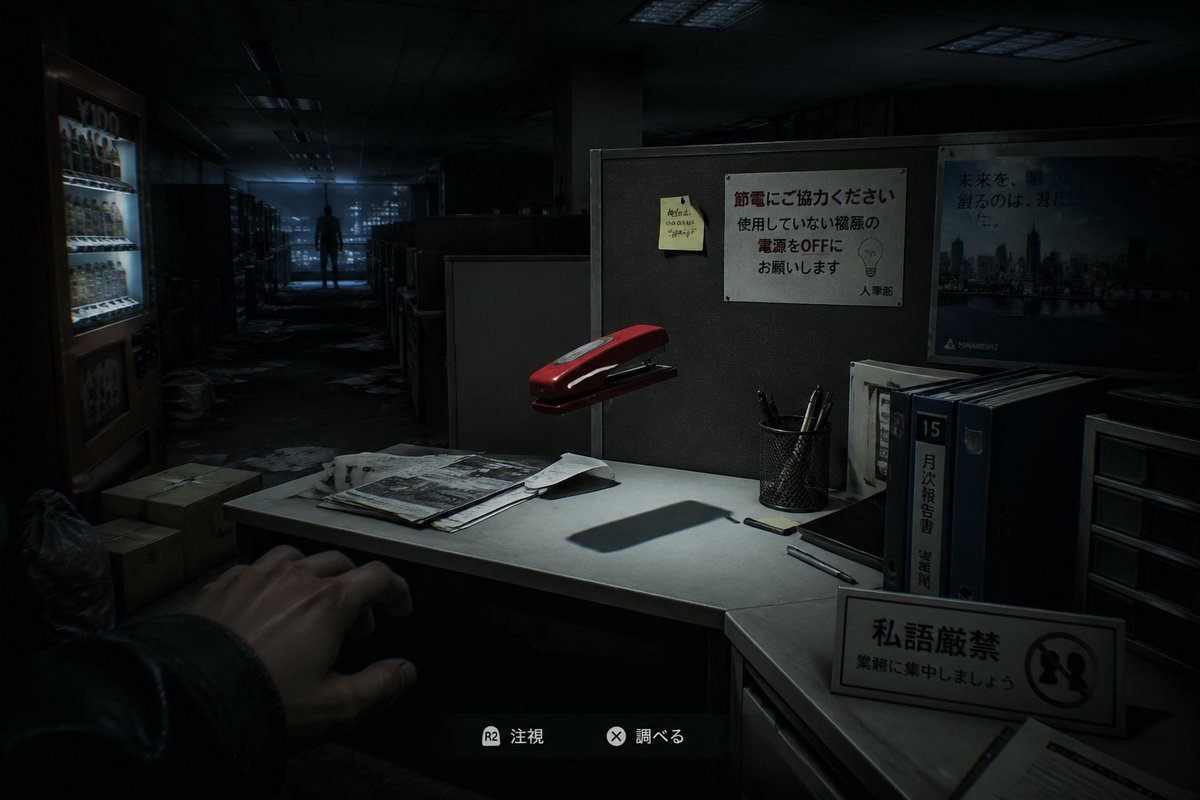
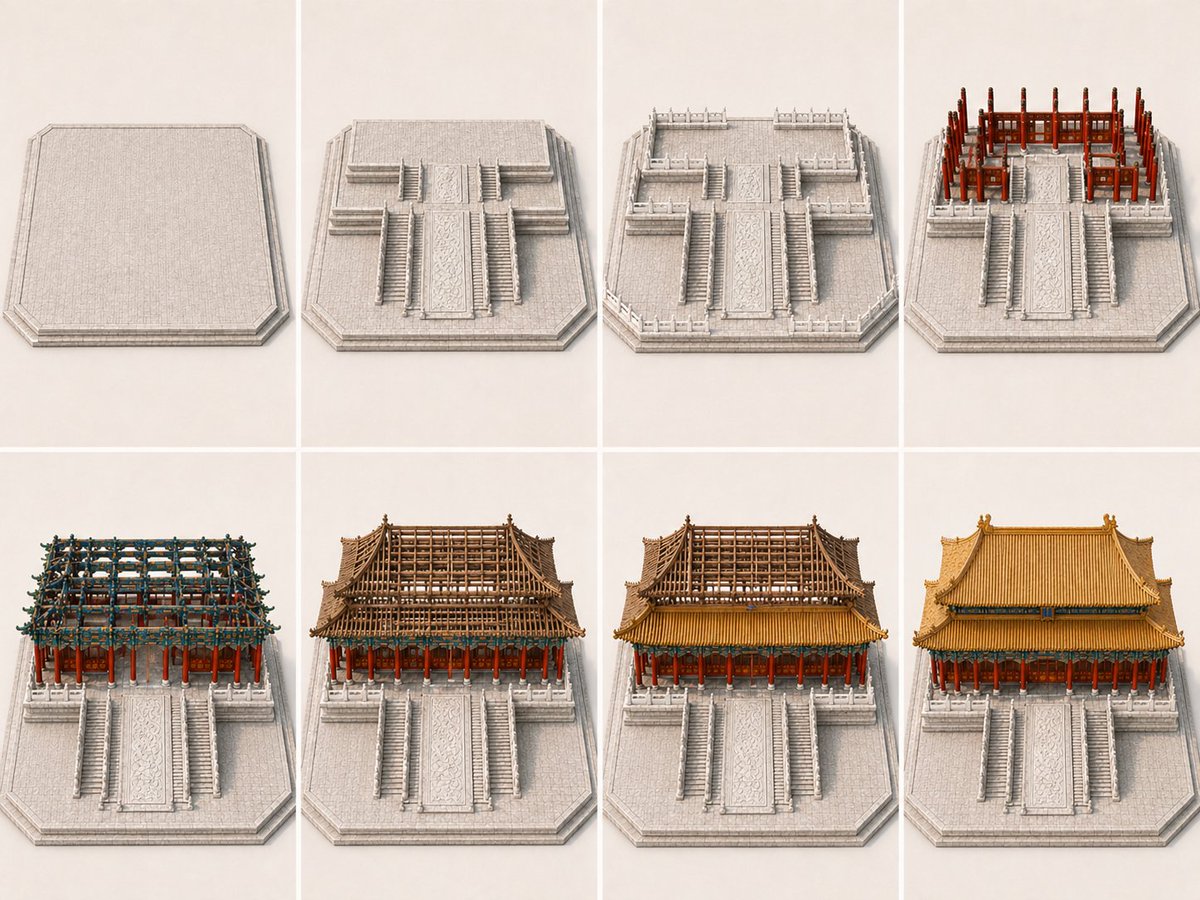







![Weekly Outfit Design Prompt — 严格参考图中人物
画面中出现同一个女性的7个形象,对应一周的七天
明确为同一个人,
但允许她们拥有符合主题或者场景的不同的姿态、表情、动作与穿着。
主题 / 场景:
[{argument name="主题 / 场景" default=""}]
请 AI 根据该](https://pbs.twimg.com/media/G8rTTETW4AAK3QI.jpg)