How do I use the Elegant Wuxia Noblewoman Portrait template?
Choose the primary action to open PicX Studio with the available template settings. Review the model and format, personalize the creative direction, and generate when ready.
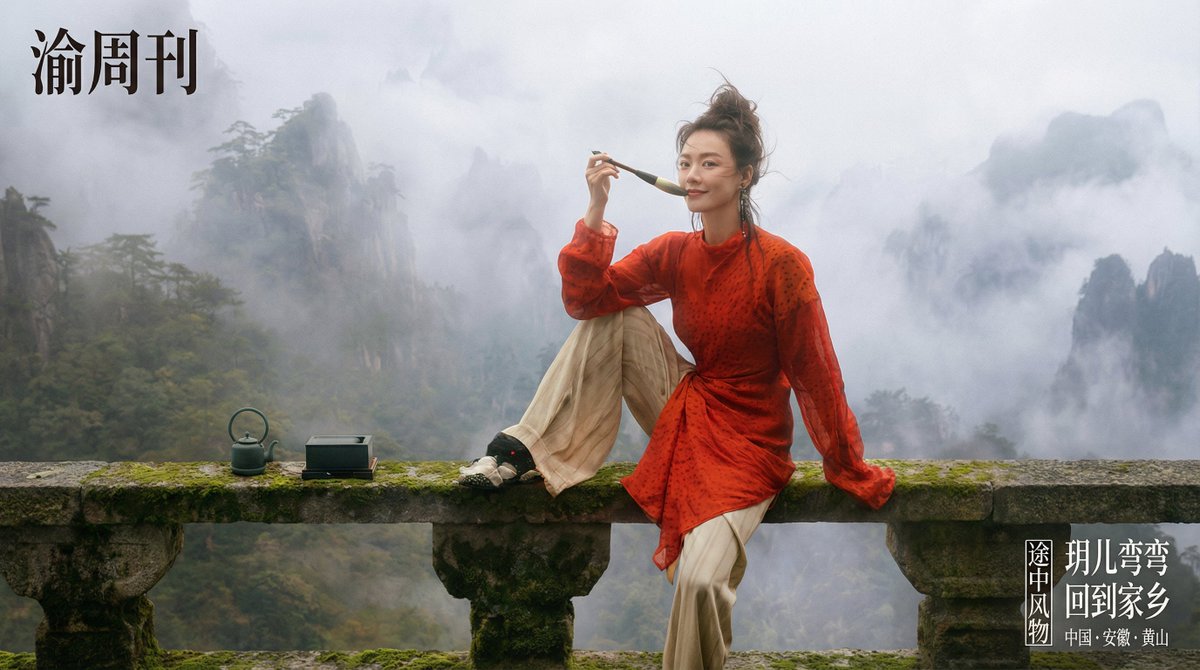
Generates a cinematic semi-realistic fantasy portrait of a richly dressed ancient Chinese-inspired noblewoman with an obscured face for stylized character illustration use. Change the subject, setting, or lighting one variable at a time.
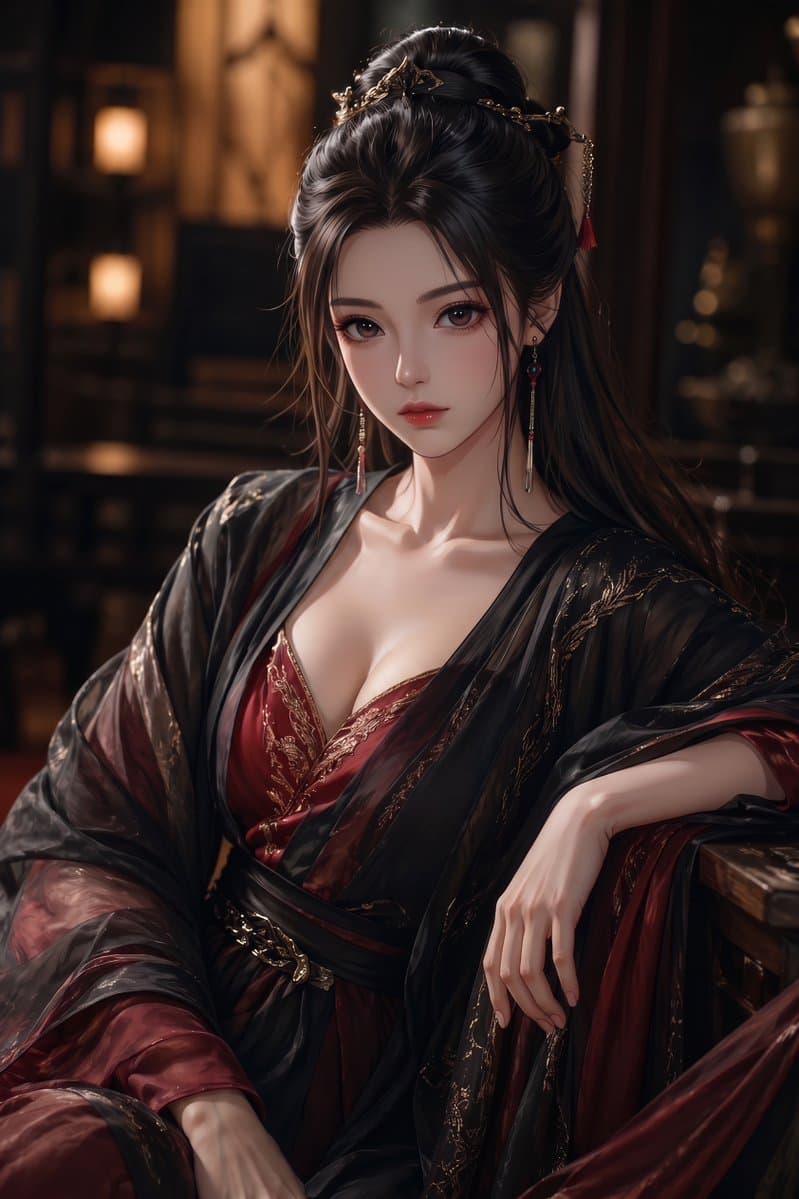
Create a vertical semi-realistic digital illustration of {argument name="character type" default="an elegant adult East Asian fantasy noblewoman"} seated indoors in a dim, luxurious ancient Chinese-inspired study or palace room. She wears a deep {argument name="main robe color" default="burgundy red"} low-cut silk dress with ornate gold embroidery, layered under a sheer glossy black outer robe with flowing translucent sleeves and black sash, giving a refined wuxia/xianxia courtesan or noble consort aesthetic. Her long {argument name="hair color" default="black"} hair is styled half-up with elaborate gold hairpins, delicate chains, small red tassels, and long dangling earrings. Compose her from mid-thigh to head in a relaxed seated pose, one arm resting on a wooden armrest and the other hand draped gracefully over her lap, with soft skin highlights, detailed fabric folds, and polished hands. The face should be completely obscured by a centered opaque {argument name="face cover color" default="muted brown"} square censor block, while the hair, ears, neck, collarbones, and clothing remain visible. Use warm cinematic lantern lighting, shallow depth of field, dark wooden furniture, blurred shelves and glowing lamps in the background, rich shadows, high-detail painterly realism, glossy silk texture, gold accents, sensual but elegant mood, portrait orientation, 2:3 aspect ratio.
Choose the primary action to open PicX Studio with the available template settings. Review the model and format, personalize the creative direction, and generate when ready.
Yes. You can change the subject, setting, lighting, mood, format, and available model controls before creating your image.
This template is free to open and customize. Generation usage is shown in PicX Studio before you create.
Start with GPT Image 2, which is the model associated with this template. You can compare another compatible model for a different finish.
© 2026 PicX Studio. All rights reserved.

Follow a topic to a crawlable collection of related PicX Studio templates.
43,474 public templates available. Verified via the PicX Studio public templates API; refreshed hourly.









![69-untitled — FORMAT: 15s / 145 BPM / 14 SHOTS
SUBJECT: @[image1]
WARDROBE: Clean modern outfit
ENVIRONMENT: Street / indoor transitions
MOOD: Discovery → contr](/_next/image?url=https%3A%2F%2Fcdn.picxstudio.com%2Fuploads%2Fpost69_img0_d45faecf-38c3-4bcb-81a4-f6eb1cf42bb2.jpg&w=828&q=100)









![118-google-nano-banana-pro-skincare-product- — A professional skincare shot of a [product container] with [cap/lid], labeled [brand, product, descriptor, volume](/_next/image?url=https%3A%2F%2Fcdn.picxstudio.com%2Fuploads%2Fpost118_img0_332898b8-29ea-42a9-87ab-9ed746a3f944.jpg&w=828&q=100)





![Minimalist Flat Vector Travel Poster — Premium minimalist flat-vector travel poster for {argument name="city name" default="[CITY_NAME]"}, 3:4 vertical format.](https://cms-assets.youmind.com/media/1787917359711_3ug846_HQX205cbMAA6F6S-300x400.jpg)