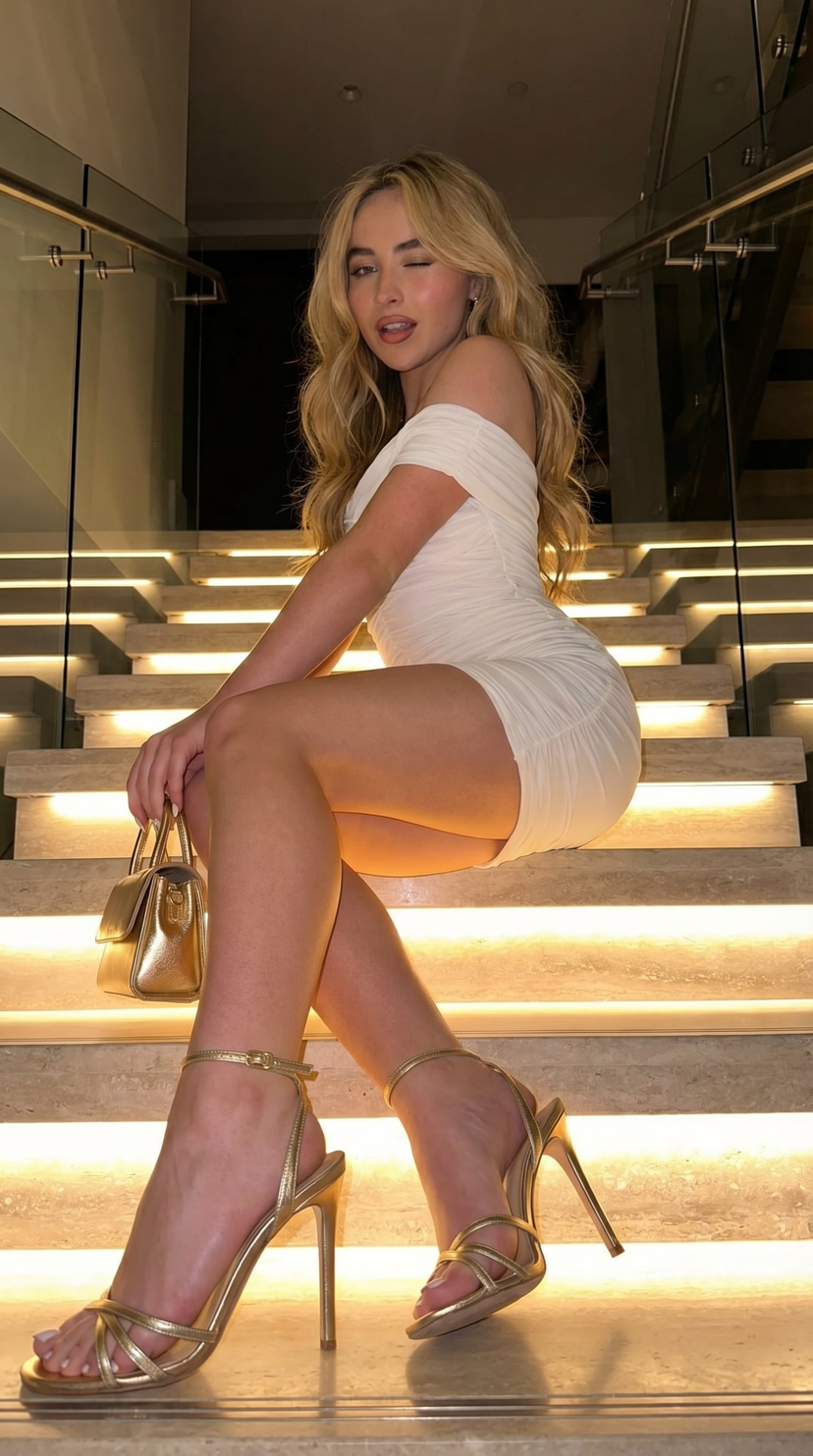
How do I use the High-contrast candid portrait with wink prompt template?
Choose the primary action to open PicX Studio with the available template settings. Review the model and format, personalize the creative direction, and generate when ready.
A structured JSON prompt for generating a photorealistic, candid portrait of Ana de Armas with a playful, winking expression. Change the subject, setting, or lighting one variable at a time.

{ "image": { "general": { "style": "photorealistic", "mood": "candid, playful", "lighting": { "type": "natural", "intensity": "harsh", "effect": { "high_contrast": true, "highlights": { "intensity": "strong", "focus": "on the subject and couch" }, "shadows": { "intensity": "deep", "focus": "on the subject, couch" } } }, "image_ratio": "3:4" }, "scene": { "location": { "type": "indoor", "style": "modern living room", "elements": { "sofa": { "type": "plush", "color": "white", "texture": "soft, luxurious" }, "lighting_source": { "type": "sunlight", "direction": "streaming from a large window", "effect": "bright and direct" }, "room_features": [ "minimalistic decor", "large windows", "open space with natural light" ] } } }, "subject": { "identity": { "name": "Ana de Armas", "age_range": "mid-20s to early 30s", "characteristics": [ "Latin descent", "light skin", "youthful appearance" ] }, "physical_appearance": { "hair": { "color": "brown", "texture": "wavy", "length": "long", "style": "high pigtails", "details": "loose strands around the face" }, "eyes": { "expression": "playful", "focus": "winking at the camera" }, "facial_expression": { "emotion": "playful", "details": "slight smile with a wink" }, "body_type": { "build": "slender", "focus": "natural curves" } }, "outfit": { "top": { "type": "corset-style", "color": "black", "details": "fitted design accentuating the figure" }, "bottom": { "type": "mini dress", "fit": "tight", "material": "stretch fabric" }, "style": "elegant yet casual" }, "pose": { "body_position": "seated", "position_details": { "sitting": "on a white plush sofa", "legs": "crossed at the knees", "arm_position": "one arm resting on the sofa, the other holding a strand of hair" }, "facial_focus": "winking and playful expression", "gesture": "subtle motion, holding hair with one hand, the other hand resting casually on the sofa" } }, "visual_effects": { "lighting_effects": { "shadows": { "depth": "deep", "focus": "on the figure and sofa, creating a dramatic effect" }
Choose the primary action to open PicX Studio with the available template settings. Review the model and format, personalize the creative direction, and generate when ready.
Yes. You can change the subject, setting, lighting, mood, format, and available model controls before creating your image.
This template is free to open and customize. Generation usage is shown in PicX Studio before you create.
Start with Nano Banana 2, which is the model associated with this template. You can compare another compatible model for a different finish.
© 2026 PicX Studio. All rights reserved.

Follow a topic to a crawlable collection of related PicX Studio templates.
43,474 public templates available. Verified via the PicX Studio public templates API; refreshed hourly.




![118-google-nano-banana-pro-skincare-product- — A professional skincare shot of a [product container] with [cap/lid], labeled [brand, product, descriptor, volume](/_next/image?url=https%3A%2F%2Fcdn.picxstudio.com%2Fuploads%2Fpost118_img0_332898b8-29ea-42a9-87ab-9ed746a3f944.jpg&w=828&q=100)











![69-untitled — FORMAT: 15s / 145 BPM / 14 SHOTS
SUBJECT: @[image1]
WARDROBE: Clean modern outfit
ENVIRONMENT: Street / indoor transitions
MOOD: Discovery → contr](/_next/image?url=https%3A%2F%2Fcdn.picxstudio.com%2Fuploads%2Fpost69_img0_d45faecf-38c3-4bcb-81a4-f6eb1cf42bb2.jpg&w=828&q=100)





![Naive doodle-style subject illustration — A doodle-style {argument name="subject" default="[subject]"}, naive lines, humorous shape exaggeration](https://pbs.twimg.com/media/G6Wl2YxbsAARB2b.jpg)











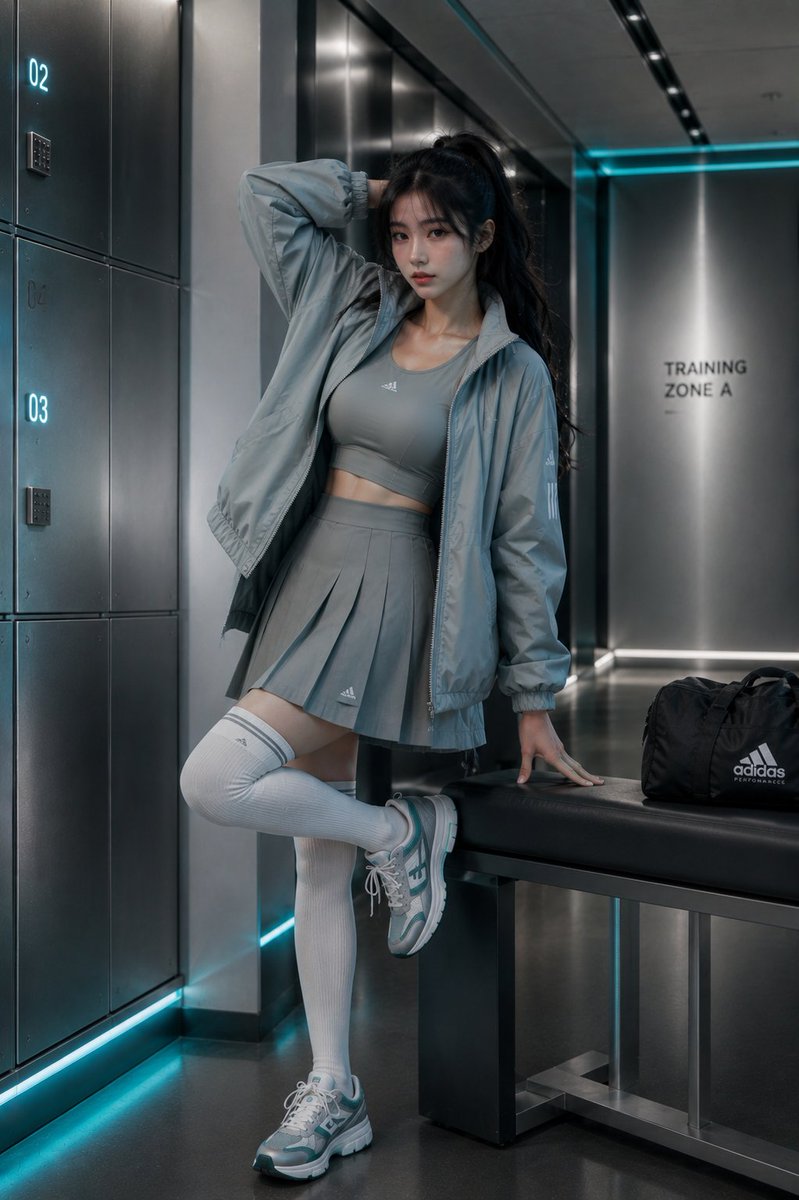







![Dramatic Neon Portrait with Wet Hair and Color Contrast — A mesmerizing, high-resolution studio portrait of a woman [image uploaded, no face alterations] with…](https://pbs.twimg.com/media/G7nHnBBbsAACWFz.jpg)