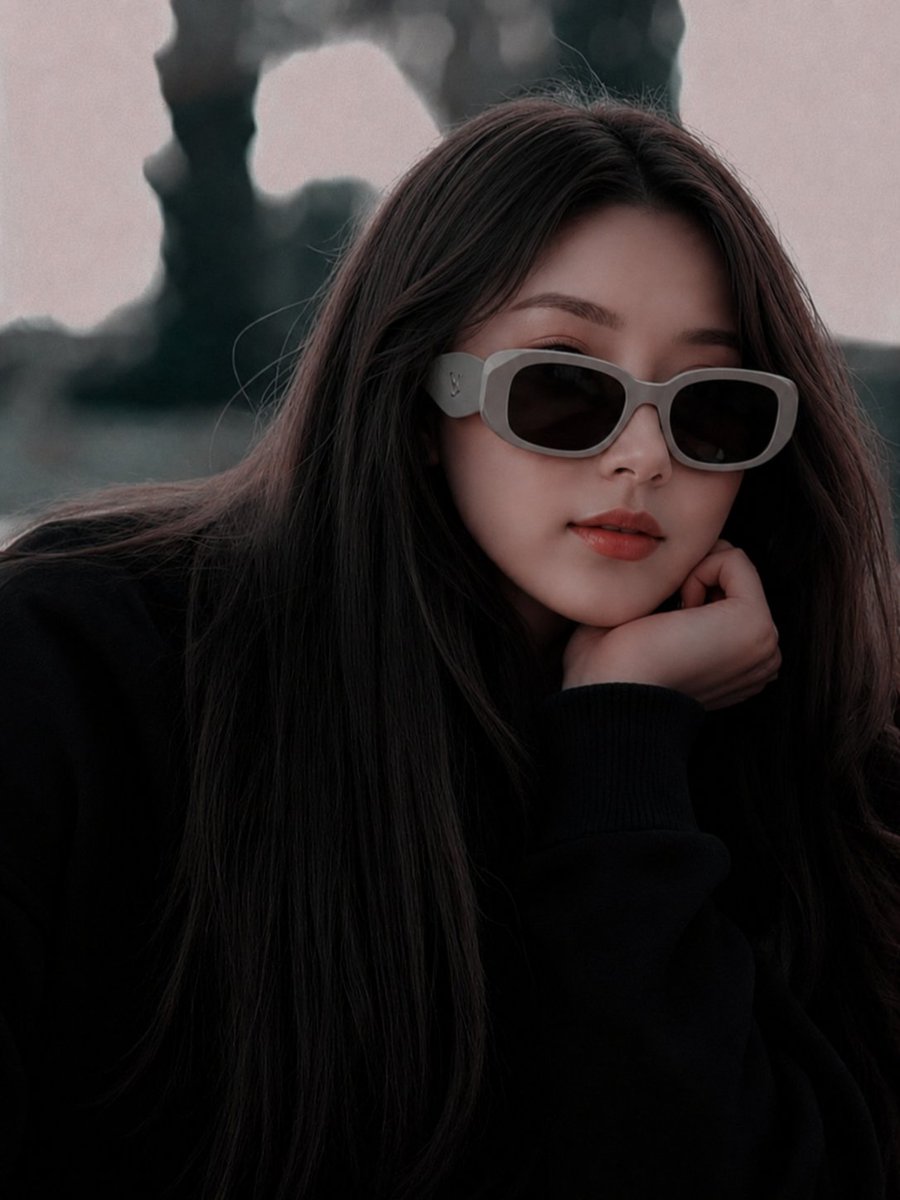
Misty Floral Stand Spirit Poster
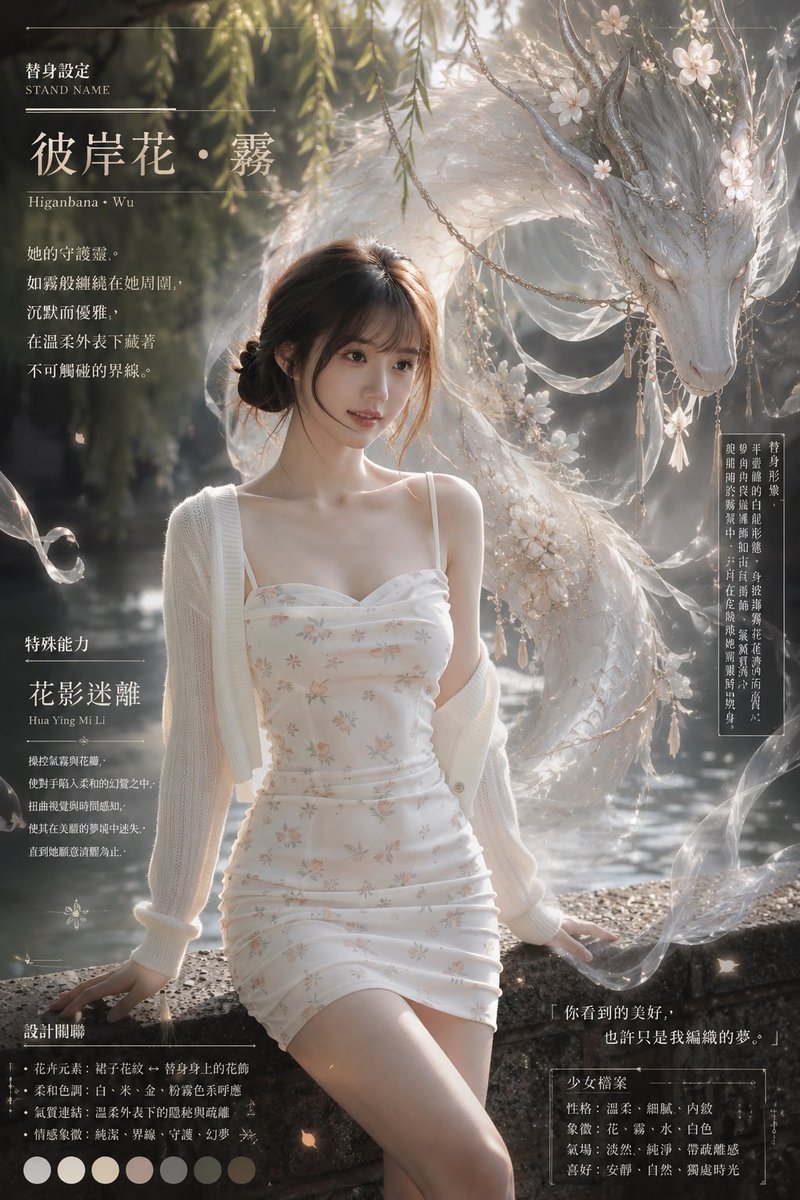
Goal: Create an atmospheric vertical “stand guardian spirit” character setting poster based on a gentle, misty feminine aura, combining a realistic fashion portrait with an ethereal mythical companion. The central concept is {argument name="stand name" default="彼岸花・霧"} with the romanized subtitle “Higanbana · Wu,” presented like a delicate fantasy character profile sheet.
Canvas: Vertical 2:3 poster, cinematic editorial composition, soft gray-green palette, dreamy backlit mist, shallow depth of field, high-detail photorealism mixed with fantasy illustration. Background is a quiet riverside or pond garden with dark water, willow branches hanging from above, floating petals, haze, and glowing dust motes.
Main subject: A young woman sits on a stone embankment in the lower center, elegant and calm, face intentionally obscured by a plain soft brown rectangular censor block. She has dark brown hair in a loose low bun with wispy strands. Outfit includes exactly 3 visible pieces: a white spaghetti-strap ruched mini dress with tiny pale floral print, an oversized off-white knitted cardigan slipped off the shoulders, and delicate thin shoulder straps. Pose is relaxed and graceful, one hand resting on the stone edge, legs angled forward, soft sunlight outlining her shoulders and hair.
Guardian spirit: Behind and to the upper right of the woman, create one large translucent white dragon/deer-like floral spirit, long and serpentine with an elegant skull-like face, closed or lowered eyes, tall branch-like horns, feathered or veil-like fins, and flowing gauze ribbons. It should look protective, silent, and otherworldly rather than aggressive. Decorate it with exactly 5 main ornament types: white blossoms, pearl chains, dangling tassels, sheer silk veils, and fine silver branches. The spirit curves around the woman like mist, framing her without covering the text.
Layout and typography: Design the poster as an information-dense character sheet with refined Chinese/Japanese editorial typography, thin white divider lines, small vertical annotation boxes, and elegant serif lettering. Use off-white text with subtle glow and high legibility. Include exactly 5 text zones: 1) top-left title block, 2) mid-left description block, 3) lower-left special ability block, 4) bottom-left design keywords and color palette, 5) right-side vertical lore panel plus bottom-right quote/profile card.
Text content: Top-left title block shows “替身設定” with small English “STAND NAME,” then the large title {argument name="stand name" default="彼岸花・霧"}, and the subtitle “Higanbana · Wu.” Mid-left description reads in Chinese poetic lines about her guardian spirit being like mist and silk, circling her silently, elegant and watchful. Lower-left section title is “特殊能力,” ability name {argument name="ability name" default="花影迷離"}, romanization “Hua Ying Mi Li,” followed by short Chinese ability notes describing petals, gentle illusions, blurred distance, and disappearing footprints. Bottom-left section title is “設計關聯,” followed by exactly 5 bullet points: floral elements, soft palette, mist connection, emotional symbolism, and guardian/dream motifs. Beneath it place exactly 7 circular color swatches: white, ivory, pale cream, muted blush, cool gray, sage gray-green, and deep taupe. Right side has a narrow vertical Chinese text panel describing the spirit’s form and temperament. Bottom-right includes the quote {argument name="quote" default="你看到的美好,也許只是我編織的夢。"} and a profile card titled “少女檔案” listing exactly 5 traits: personality, image, aura, temperament, and preference.
Visual style: Soft romantic dark-fantasy fashion editorial, ornate but restrained, like a luxury game character concept poster. Use luminous fog, translucent fabric, bokeh, film grain, fine paper texture, and subtle vignetting. The overall feeling should be tender, melancholic, mysterious, and protective.
Constraints: Keep the woman’s face covered by a simple rectangle; do not show a recognizable face. Do not add extra characters. Maintain exactly one guardian spirit, exactly 7 color swatches, exactly 5 bullet points in the design section, exactly 5 profile traits, and exactly 5 text zones. Avoid logos, watermarks, modern UI icons, or cluttered unreadable text.















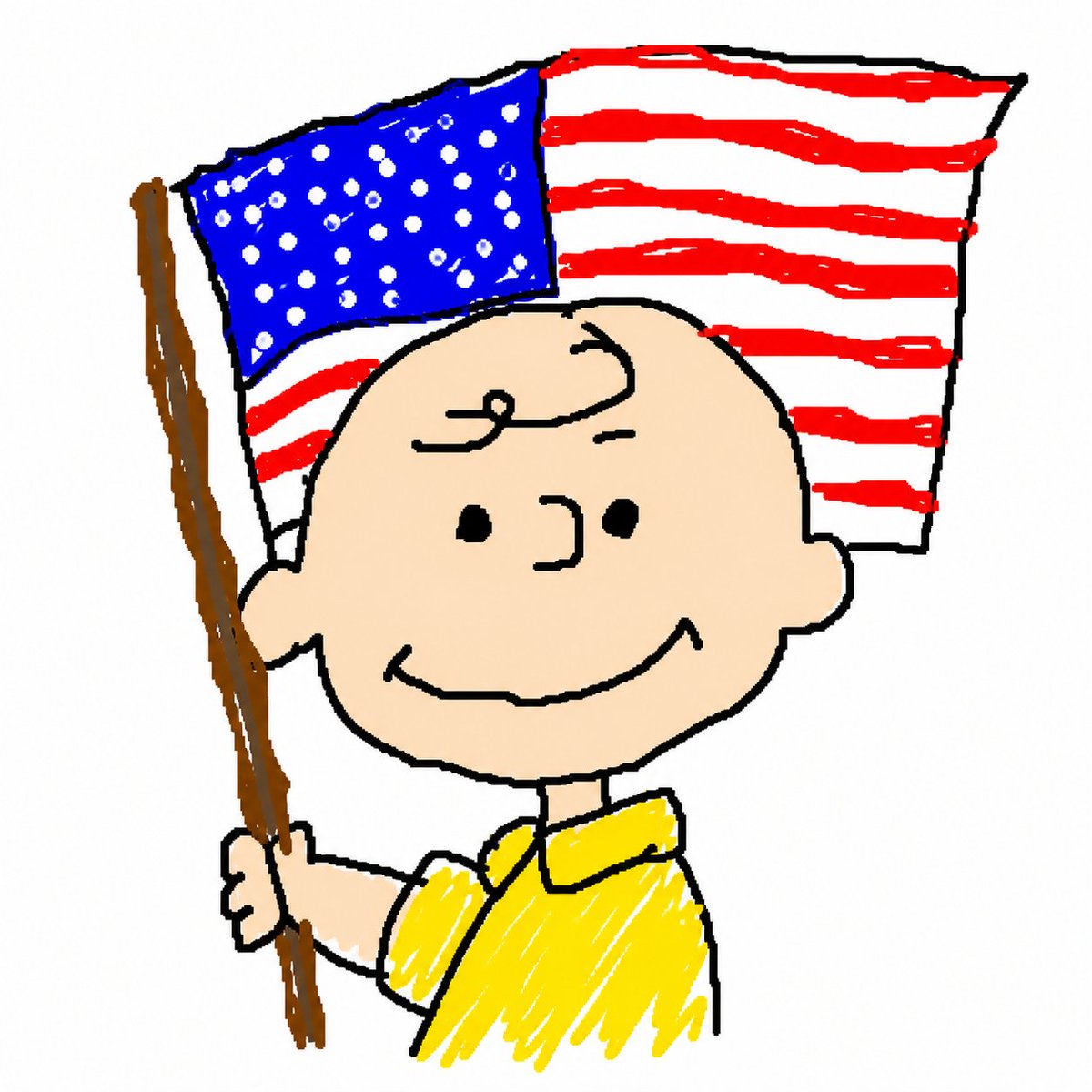
![Naive doodle-style subject illustration — A doodle-style {argument name="subject" default="[subject]"}, naive lines, humorous shape exaggeration](https://pbs.twimg.com/media/G6Wl2YxbsAARB2b.jpg)