
FPS Custom Weapon Skin Screenshot
Generates a first-person shooter perspective of a customized weapon skin with game UI overlays and a tactical map background.
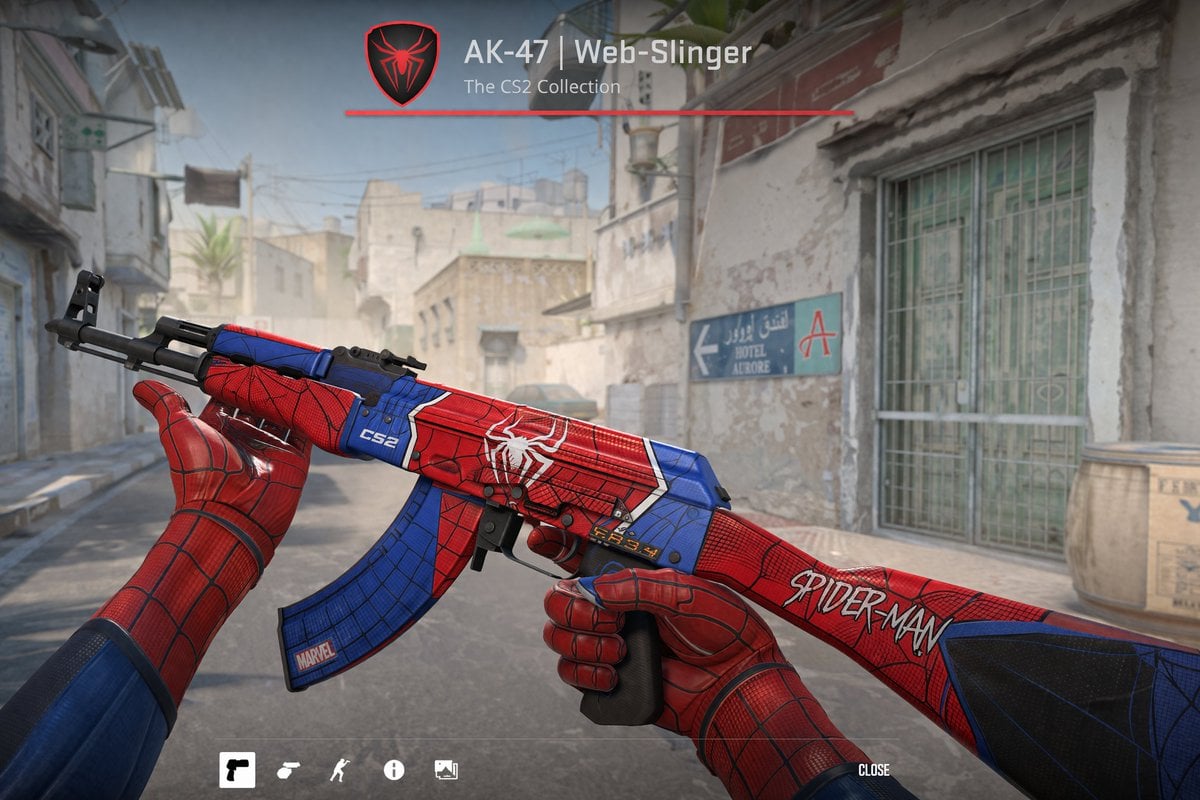
- Prompt included
- Model and format preset
- Free template
The prompt behind this image
Copy the exact prompt behind FPS Custom Weapon Skin Screenshot, or open it in the studio and make it yours.
First-person perspective video game screenshot showing hands wearing {argument name="glove style" default="Spider-Man suit"} gloves holding an AK-47 assault rifle. The weapon features a custom {argument name="weapon theme" default="Spider-Man"} skin with a red and blue color scheme, black webbing patterns, a white spider emblem on the receiver, "CS2" on the handguard, "MARVEL" on the magazine, and "SPIDER-MAN" on the stock. The background is a dusty Middle Eastern town street resembling a tactical shooter map, featuring a sign reading "HOTEL AURORE" with an arrow pointing to "A". The top center UI displays a red shield with a black spider, the text "{argument name="weapon title" default="AK-47 | Web-Slinger"}", and "The CS2 Collection" above a red line. The bottom UI features exactly 5 minimalist white icons on the left and the word "CLOSE" on the right.
How to use FPS Custom Weapon Skin Screenshot in 3 steps
- 1Upload ImagePNG, JPG or paste
Add your photo
Upload the photo the template builds on. The prompt, model and format are already set.
- 2…a portrait of your subject in softgolden-hour light, 85mm…
Personalize
Edit the subject and creative details for your destination.
- 3Generate
Generate
Press Generate — your image is created in PicX Studio, so you can compare it with the original and refine one variable at a time.
More like this
Templates with the same subject, style or setup. Open one to see its prompt.
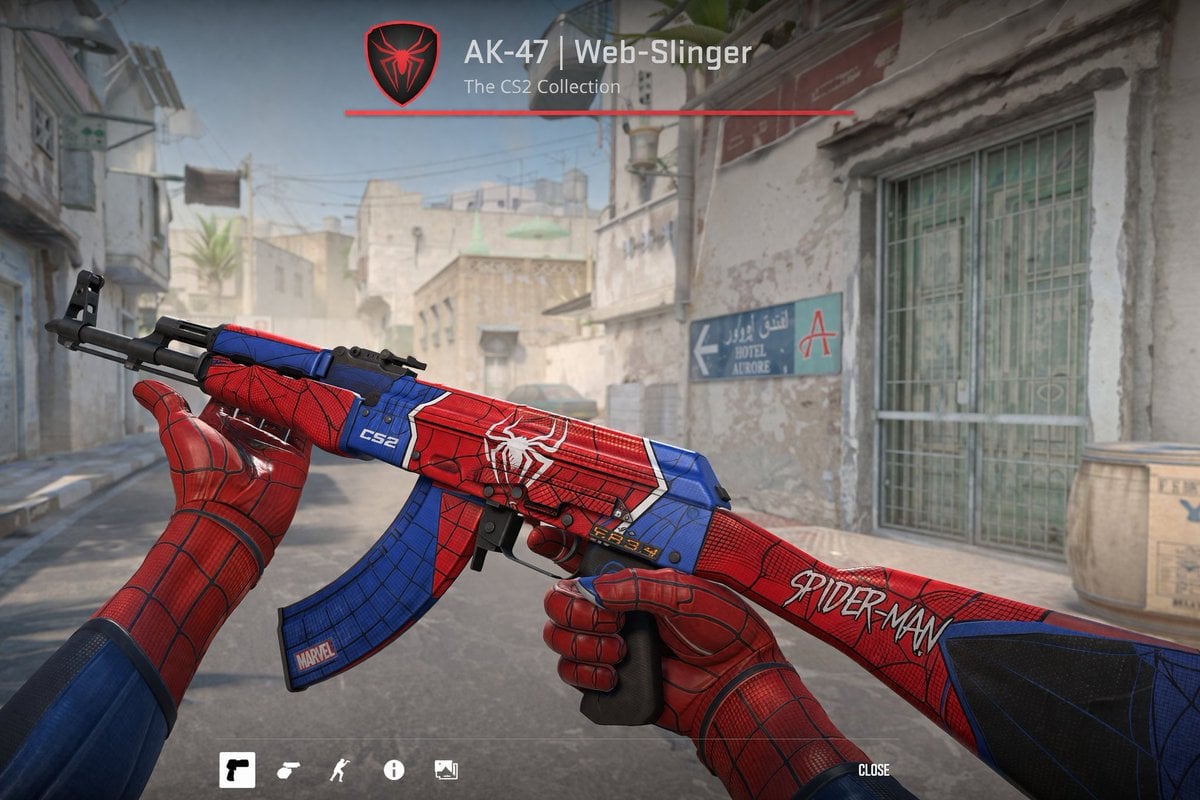
FPS Custom Weapon Skin Screenshot

Minecraft Next-Gen Voxel World Screenshot

Skin Comparison Portrait — Nano Banana Pro
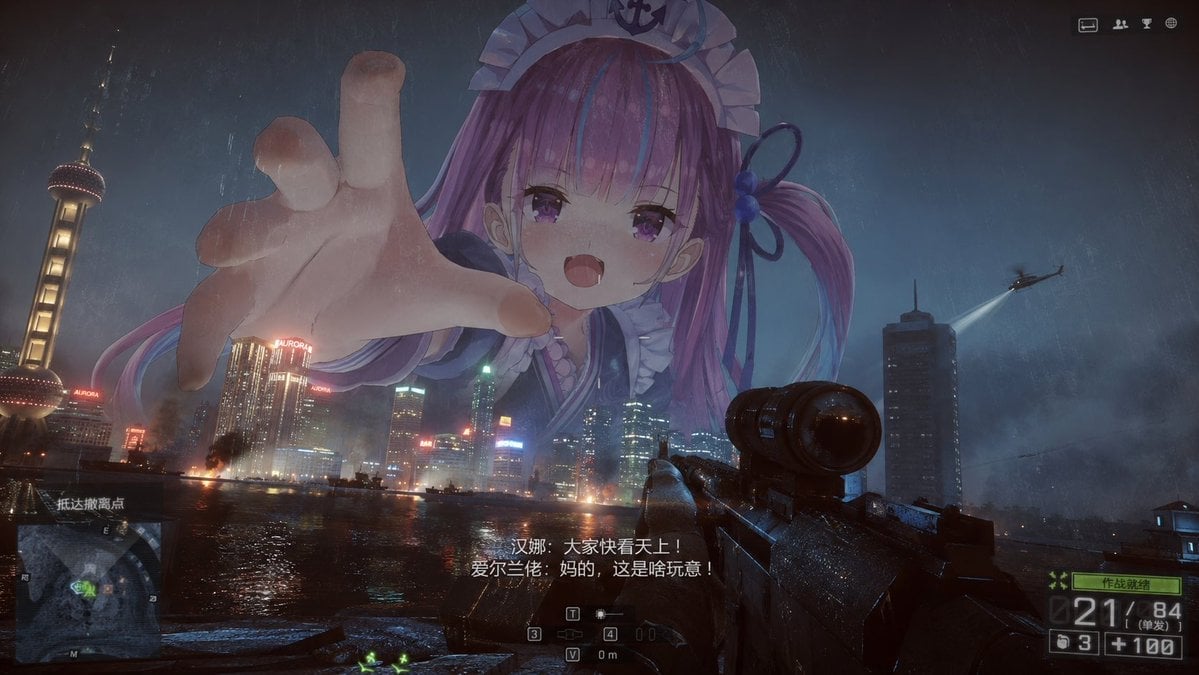
Giant Anime Maid Over Shanghai FPS Scene
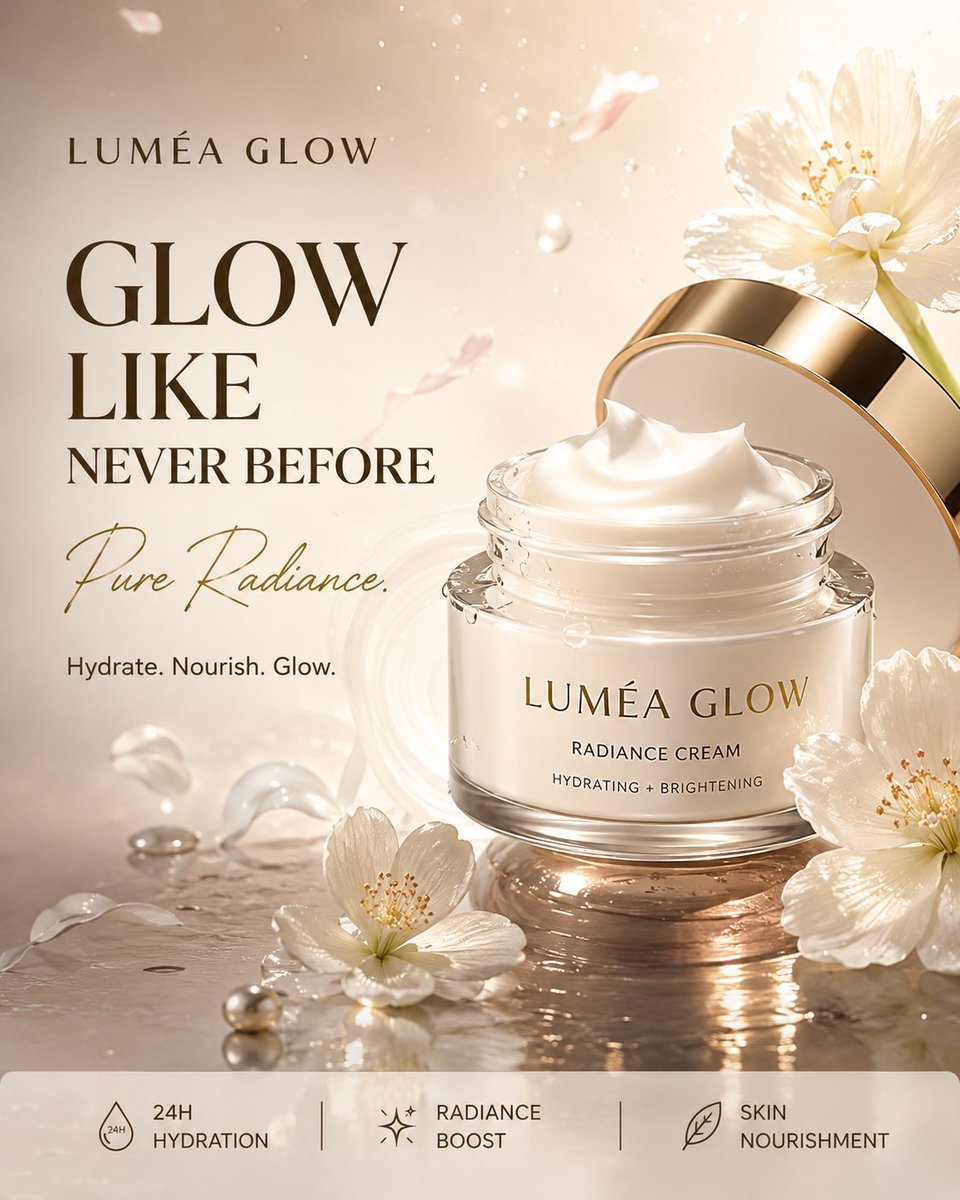
Luxury Skincare Product Advertisement
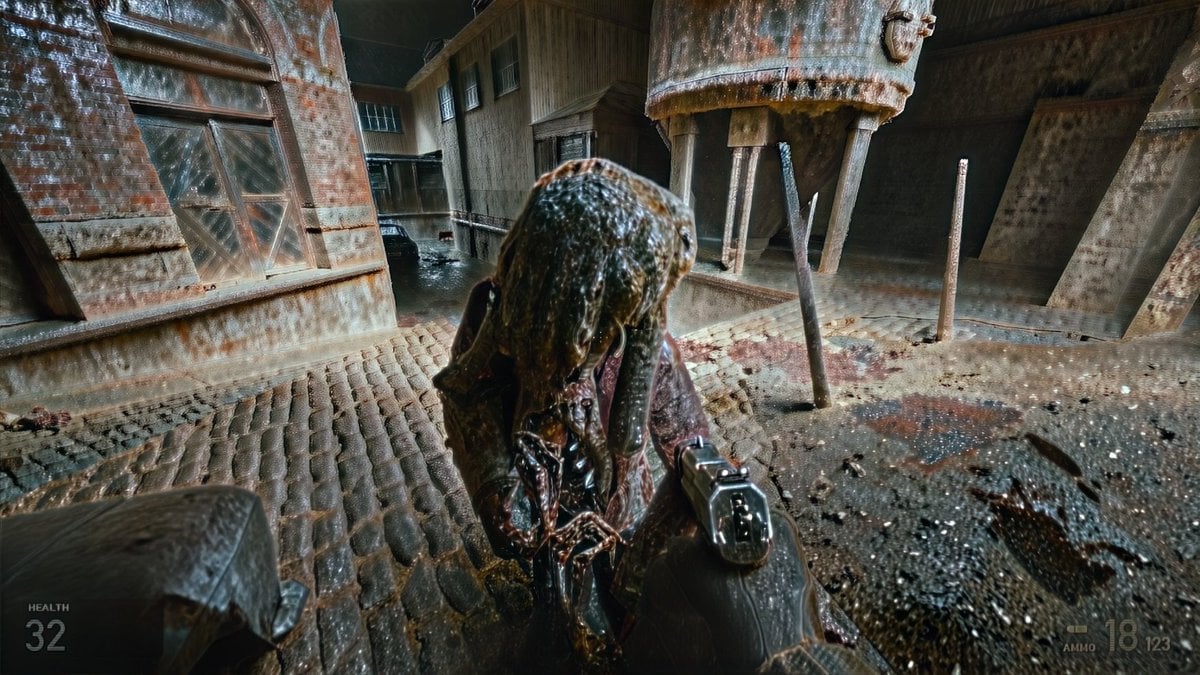
Grimy Survival Horror FPS Encounter
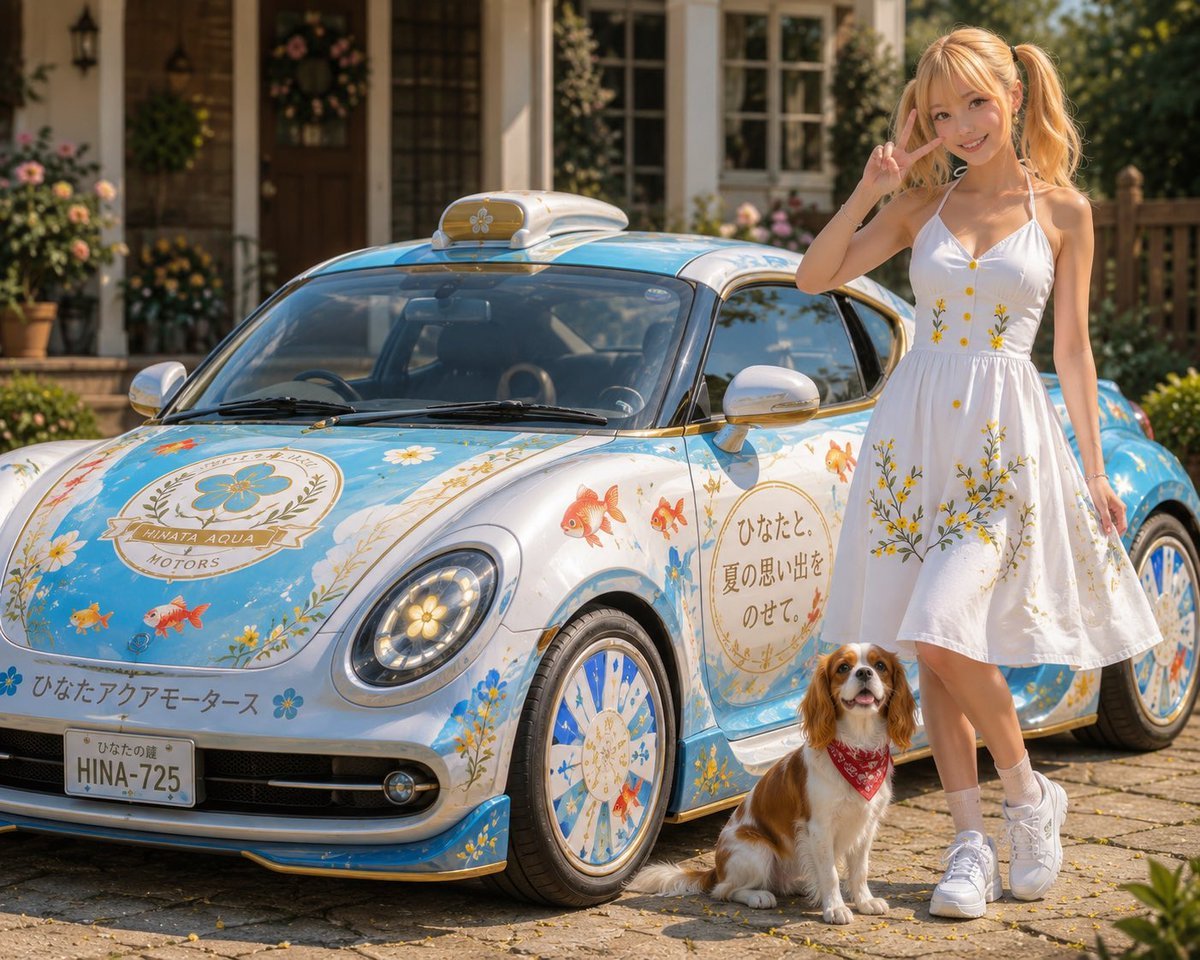
Itasha Car Customization
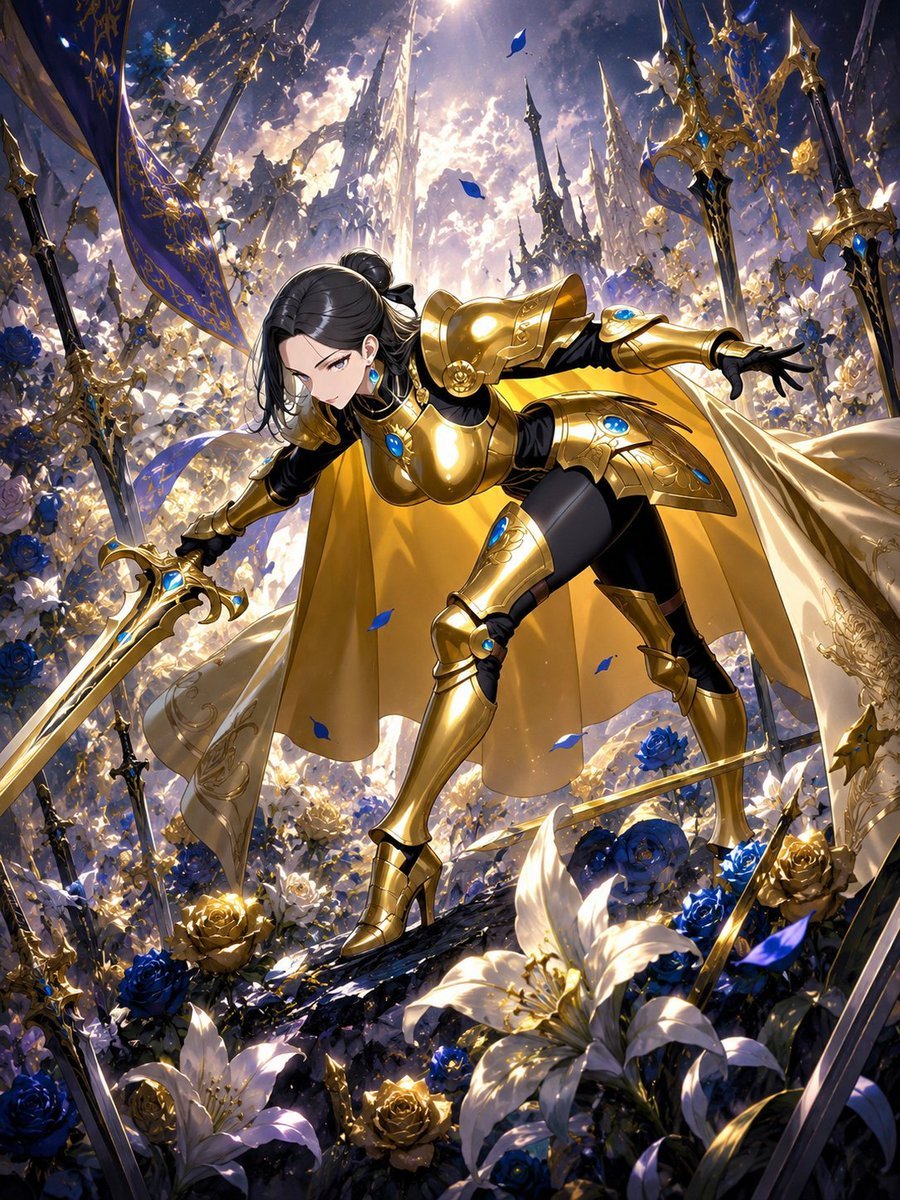
Cool Floral Weapon Background
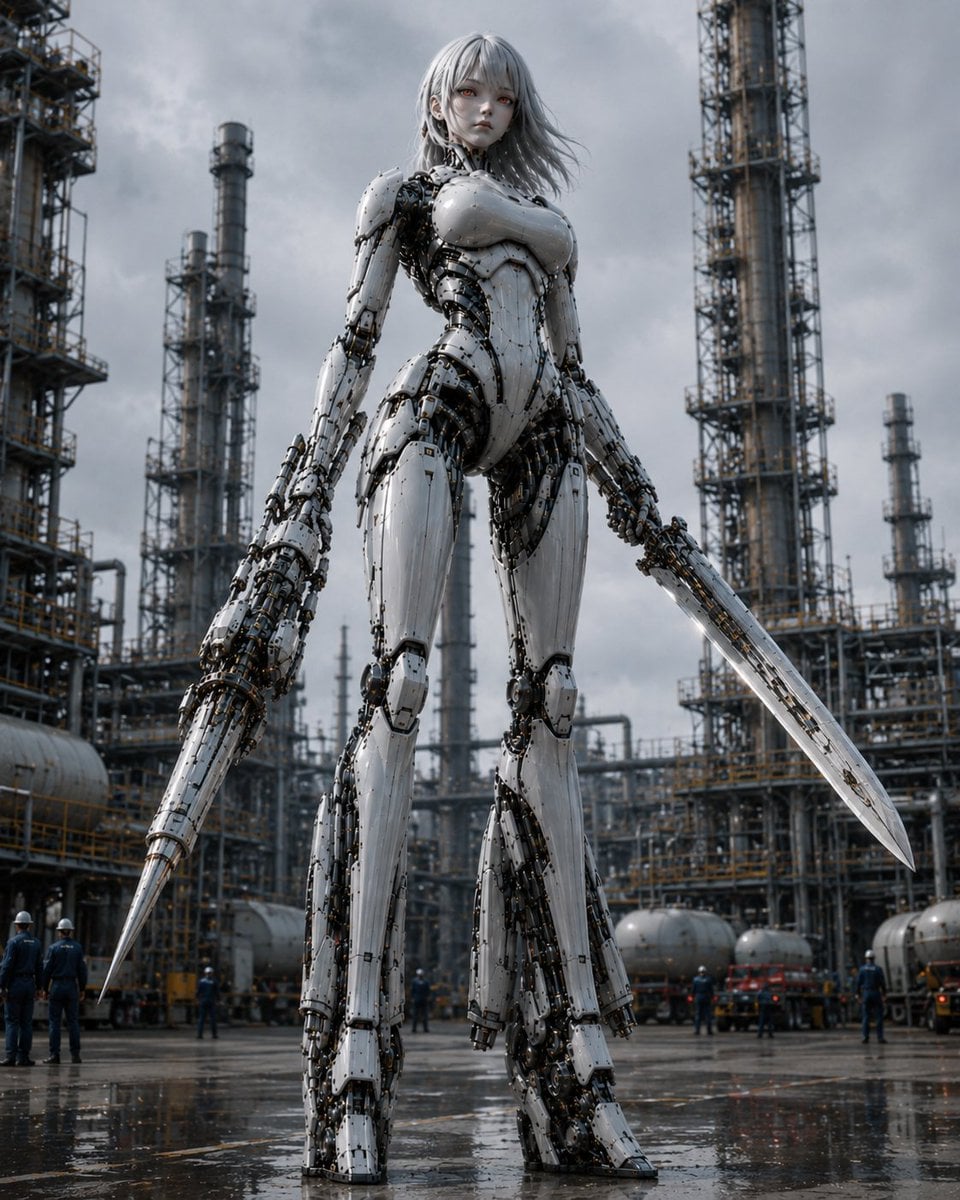
Giant Weaponized Robot in Refinery
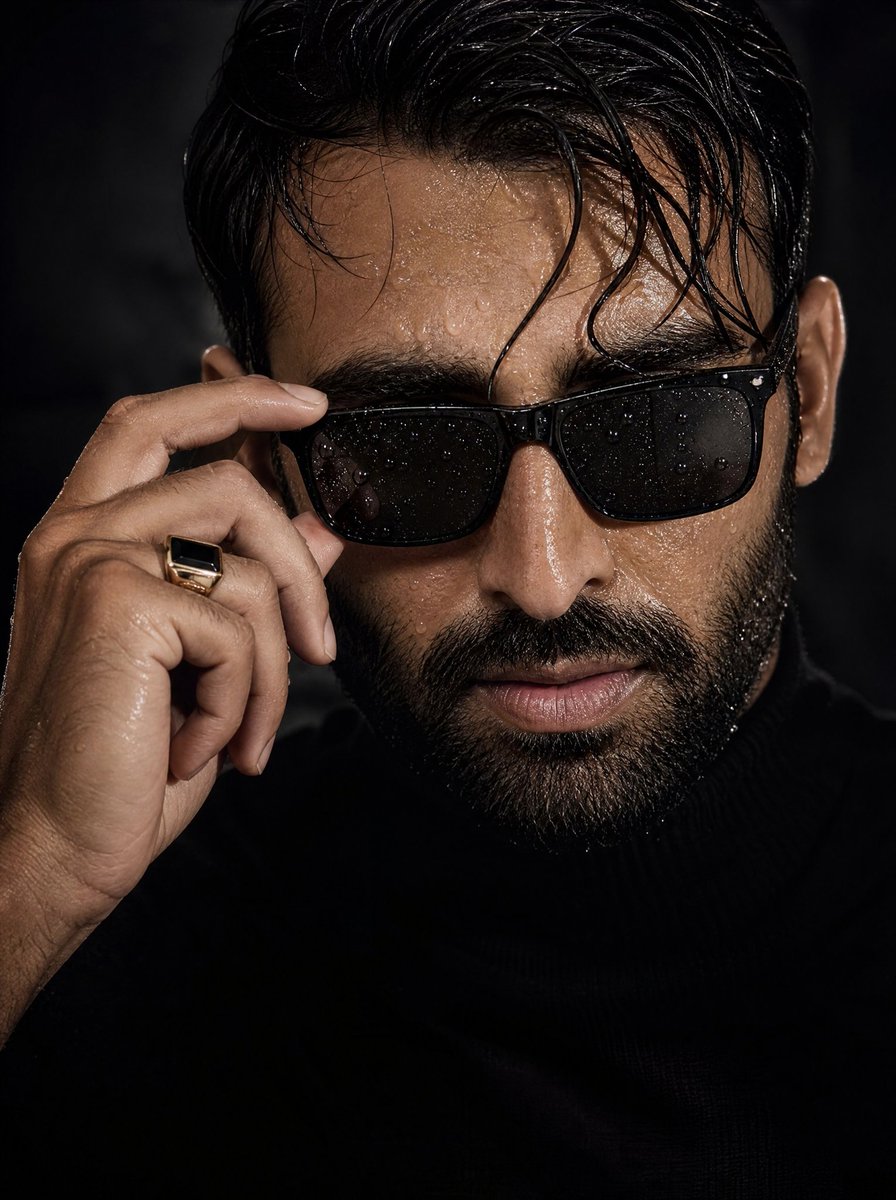
Cinematic Wet Skin Male Portrait
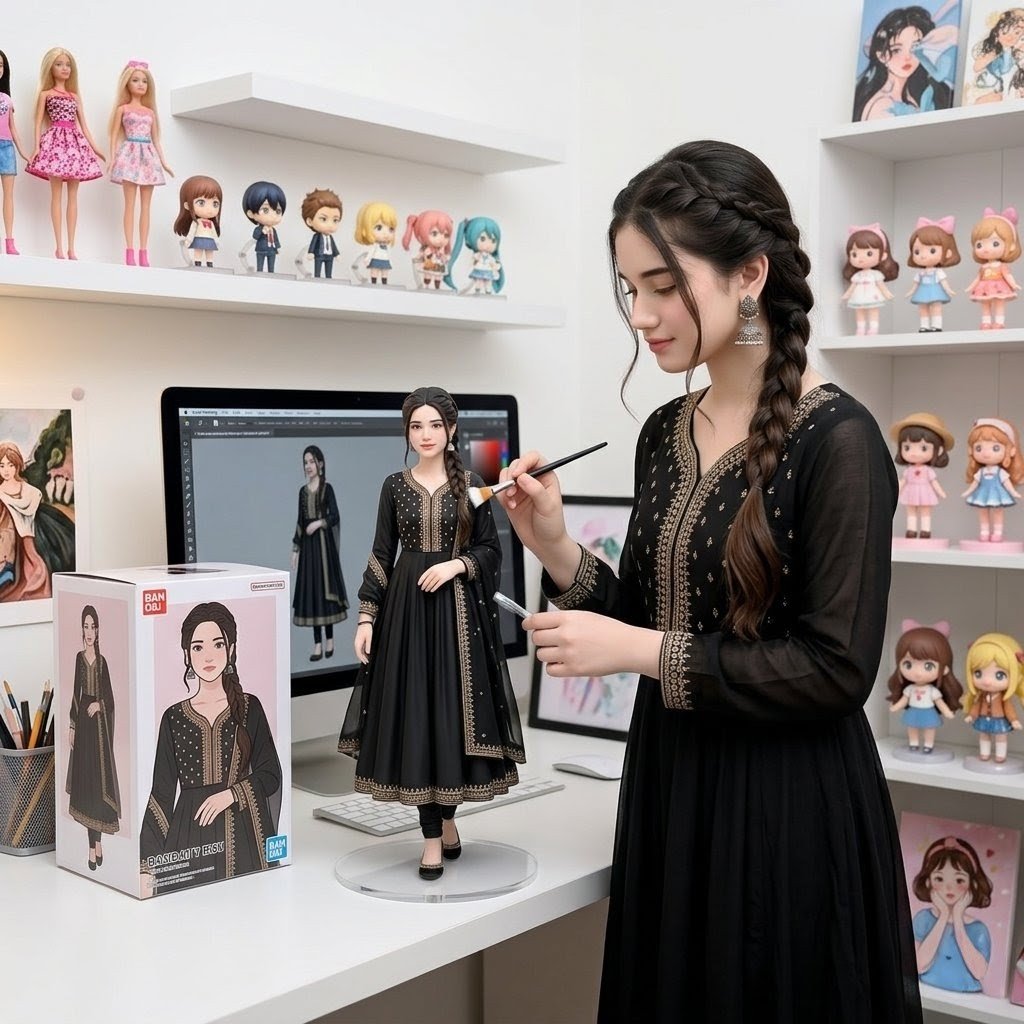
Custom Figurine on Creator Desk
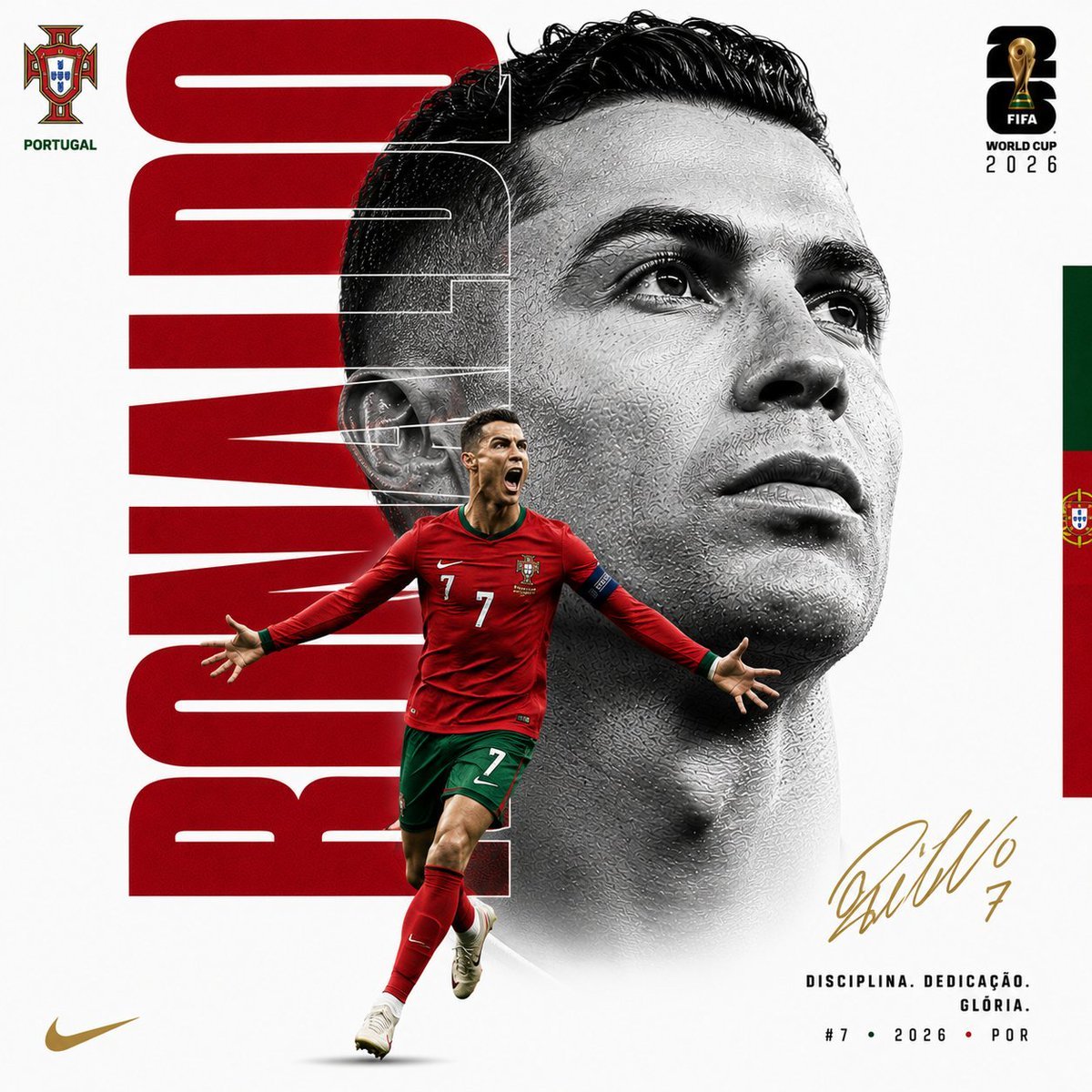
Customizable Luxury FIFA Editorial Poster
Make it yours
FPS Custom Weapon Skin Screenshot works as-is. These are the safest ways to change it without losing the look.
Change one field
Copy a single group, rewrite it, and generate again so you can see what that field is doing.
Keep the frame, change the subject
Hold the composition and light of FPS Custom Weapon Skin Screenshot, then swap wardrobe, props or the person for a new take.
| If the result… | Why | Fix |
|---|---|---|
| The result drifts from the preview | Too many fields changed at once. | Reuse FPS Custom Weapon Skin Screenshot as-is first, then change one group — subject, light, or setting. |
| The model over-stylizes the scene | The prose prompt leaves finish and camera underspecified. | Add one camera or lighting sentence and stay on GPT Image 2. |
More GPT Image 2 templates
Other prompts made for GPT Image 2.

Six VTuber Japanese Logo Sheet

Realistic Portrait of Woman and Deer

The Vista Modular Condo Poster

AI Model Routing Comparison Infographic

2.5D Anime Art Board

Isometric Productivity Desk Scene

New York Double Exposure Poster

Four-Panel AI Landscape Comparison

Japanese Tatami Lifestyle Magazine Cover

NESCAFÉ Coffee Map Poster
More image prompts
Fresh picks from across the catalog.
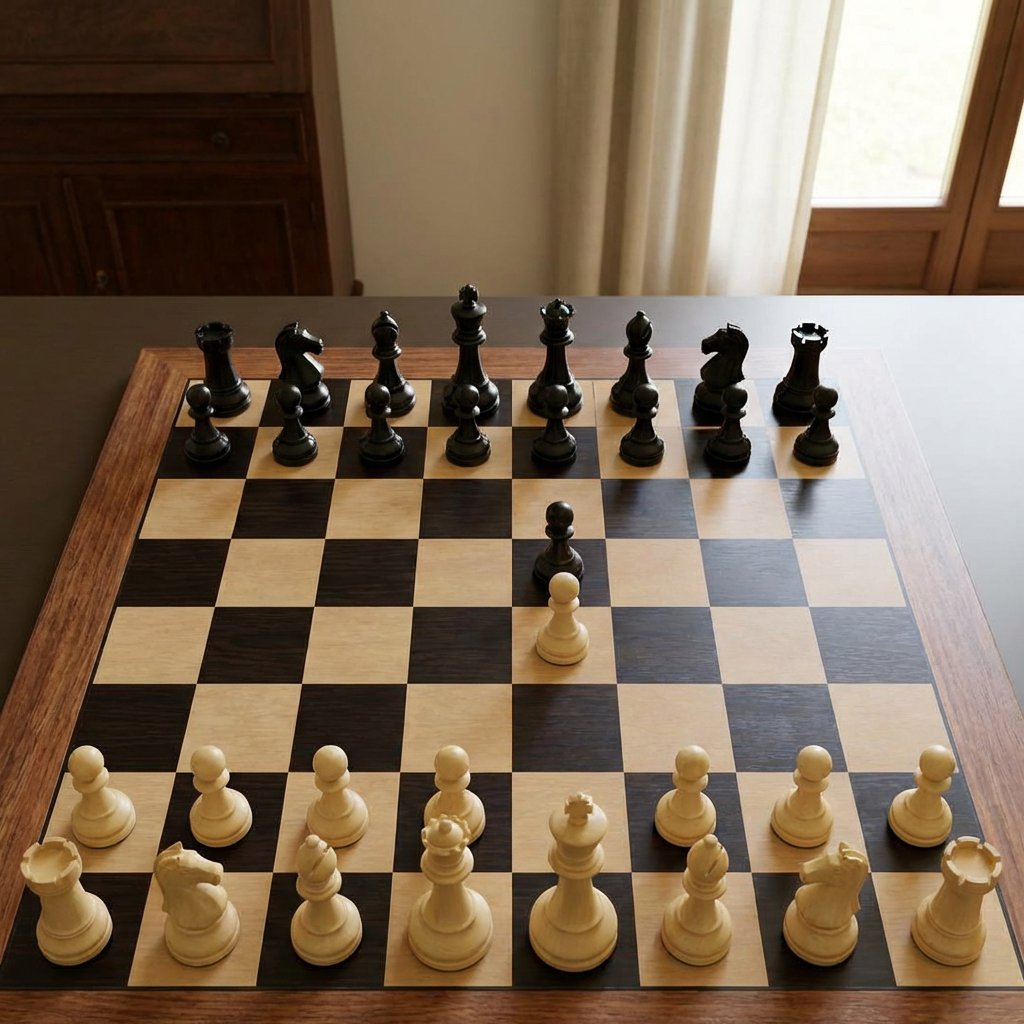
Realistic Chess Opening Photo
Illustration Refinement and Quality Upgrade
Neon WhatsApp AI Creator Poster
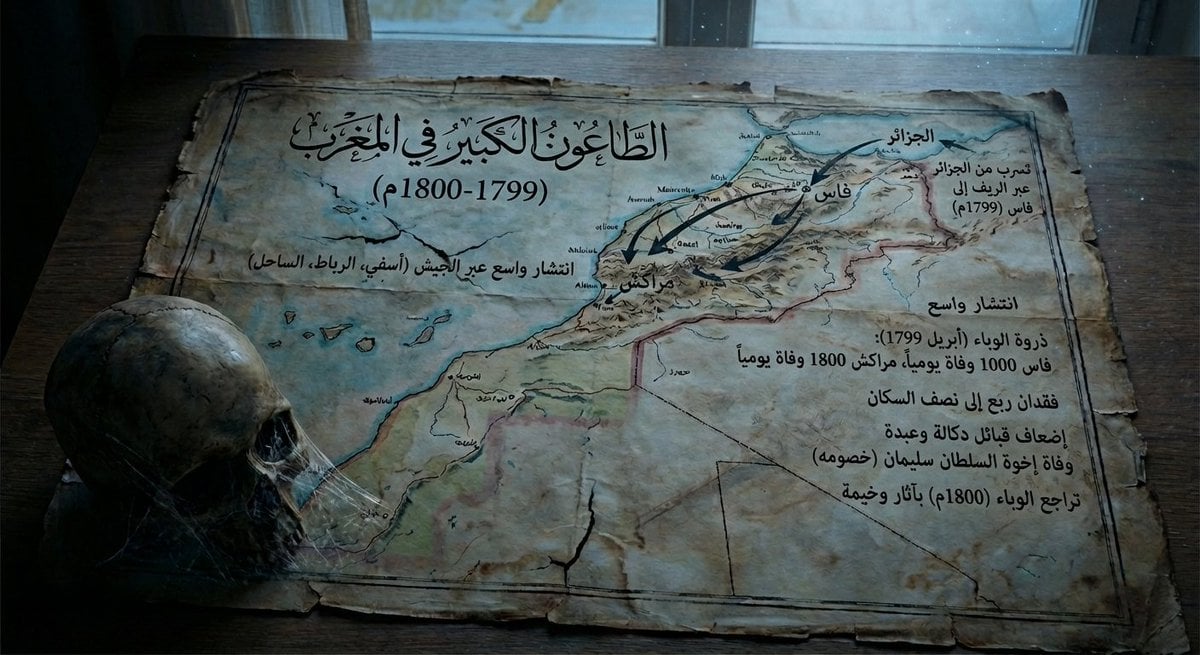
Map of Morocco during the 1799–1800 plague
Low-Angle Streetwear Portrait with Architectural Text
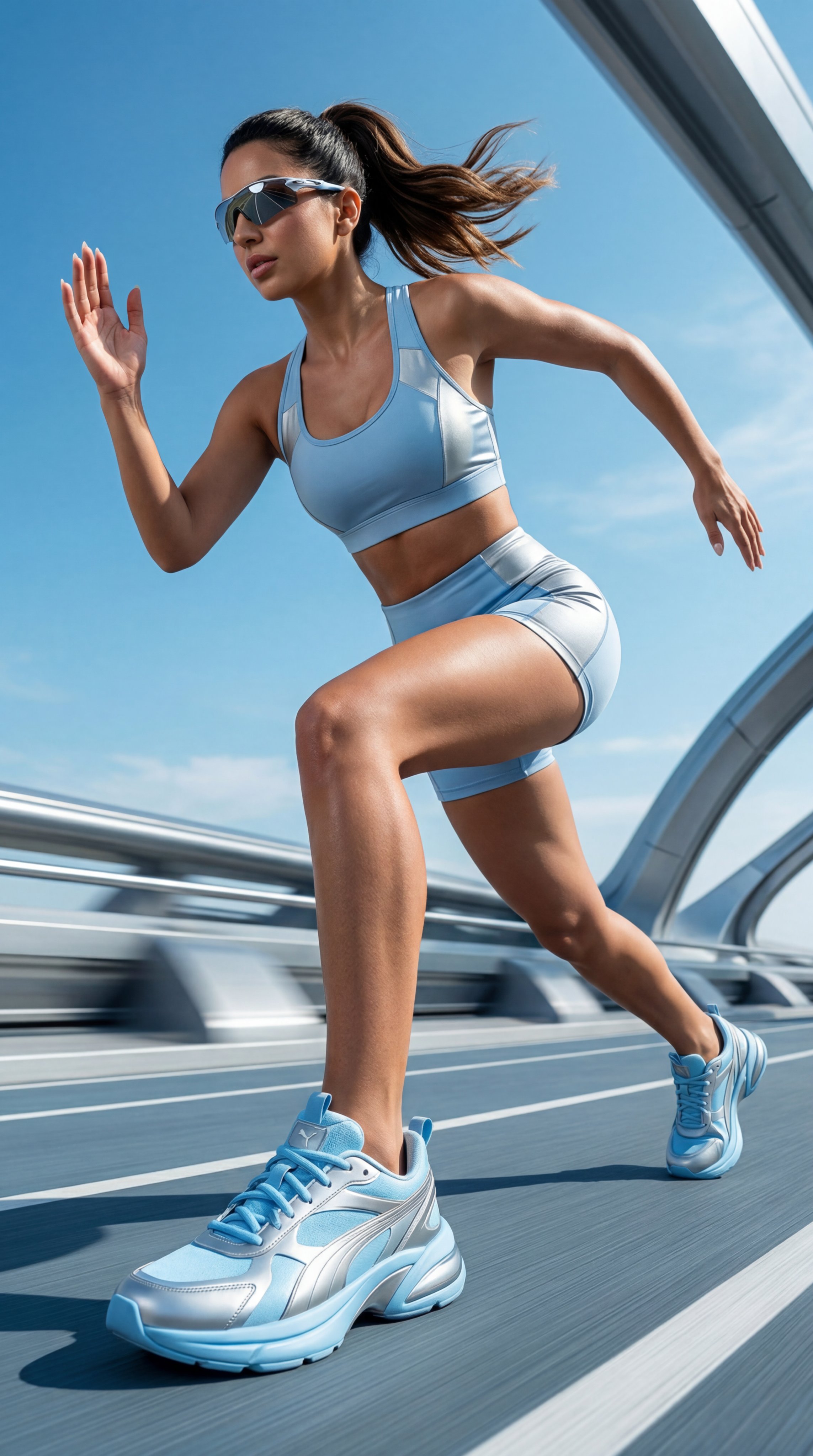
untitled

08 Rodeo Drive Luxury Exit — California Series
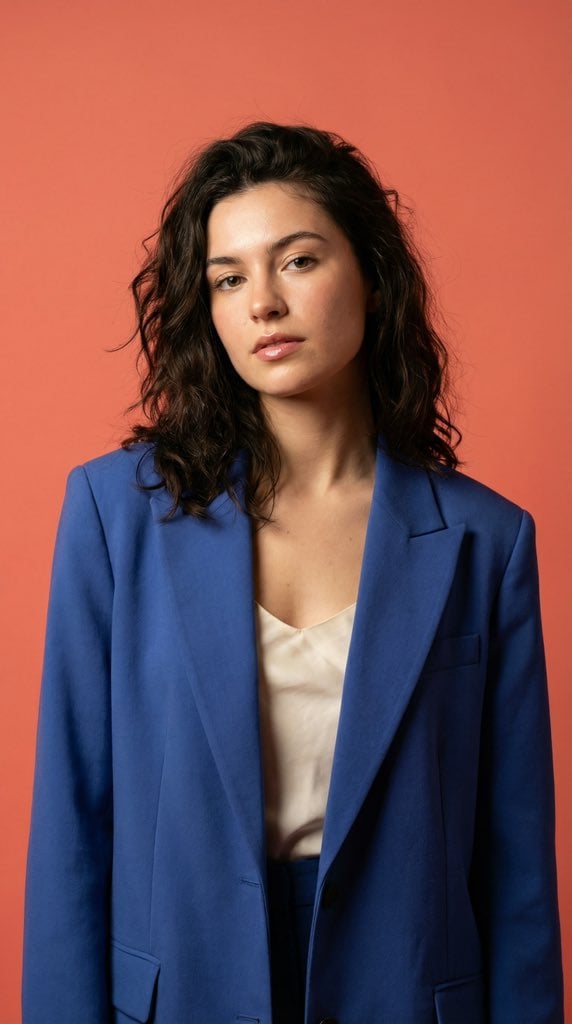
Ultra-Realistic Fashion Model Studio Photoshoot
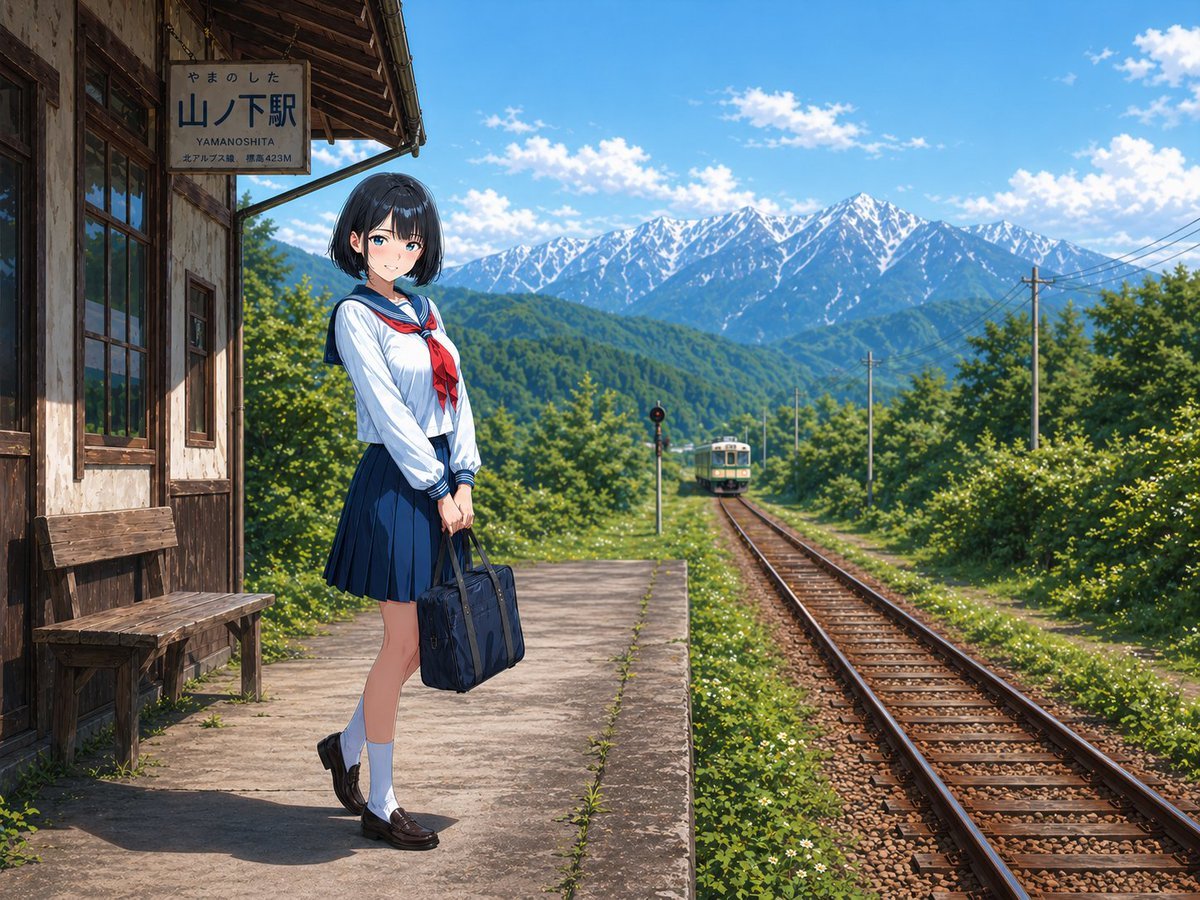
Rural Station Schoolgirl Scene
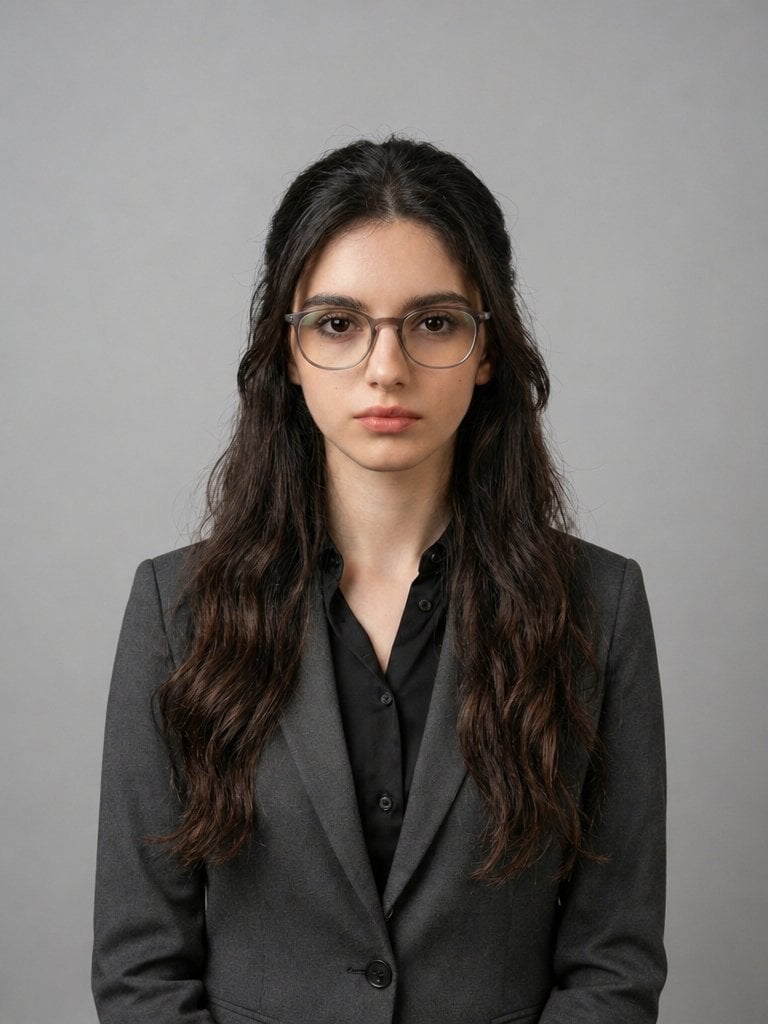
X Iqrasaifiii Pov Du Hast Gerade Erkannt Dass Du Professionelle Corporate Fotos Ganz Bequem
Featured in prompt roundups
Hand-picked collections that include this template.
Browse template categories
FPS Custom Weapon Skin Screenshot questions
How do I use the FPS Custom Weapon Skin Screenshot template?
Add your photo if the template asks for one, edit the prompt if you like — the template's model and format are already selected — and press Generate. Your version opens in PicX Studio.
Can I customize the FPS Custom Weapon Skin Screenshot template?
Yes. You can change the subject, setting, lighting, mood, format, and available model controls before creating your image.
Is the FPS Custom Weapon Skin Screenshot template free?
Opening and editing this template is free. Generating uses credits, shown on the Generate button when you are signed in.
Which AI model should I use?
Start with GPT Image 2, which is the model associated with this template. You can compare another compatible model for a different finish.
Looking for something else? Browse all templates.

Your photo, any look
Thousands of ready templates for every top image and video model, from one credit balance.