
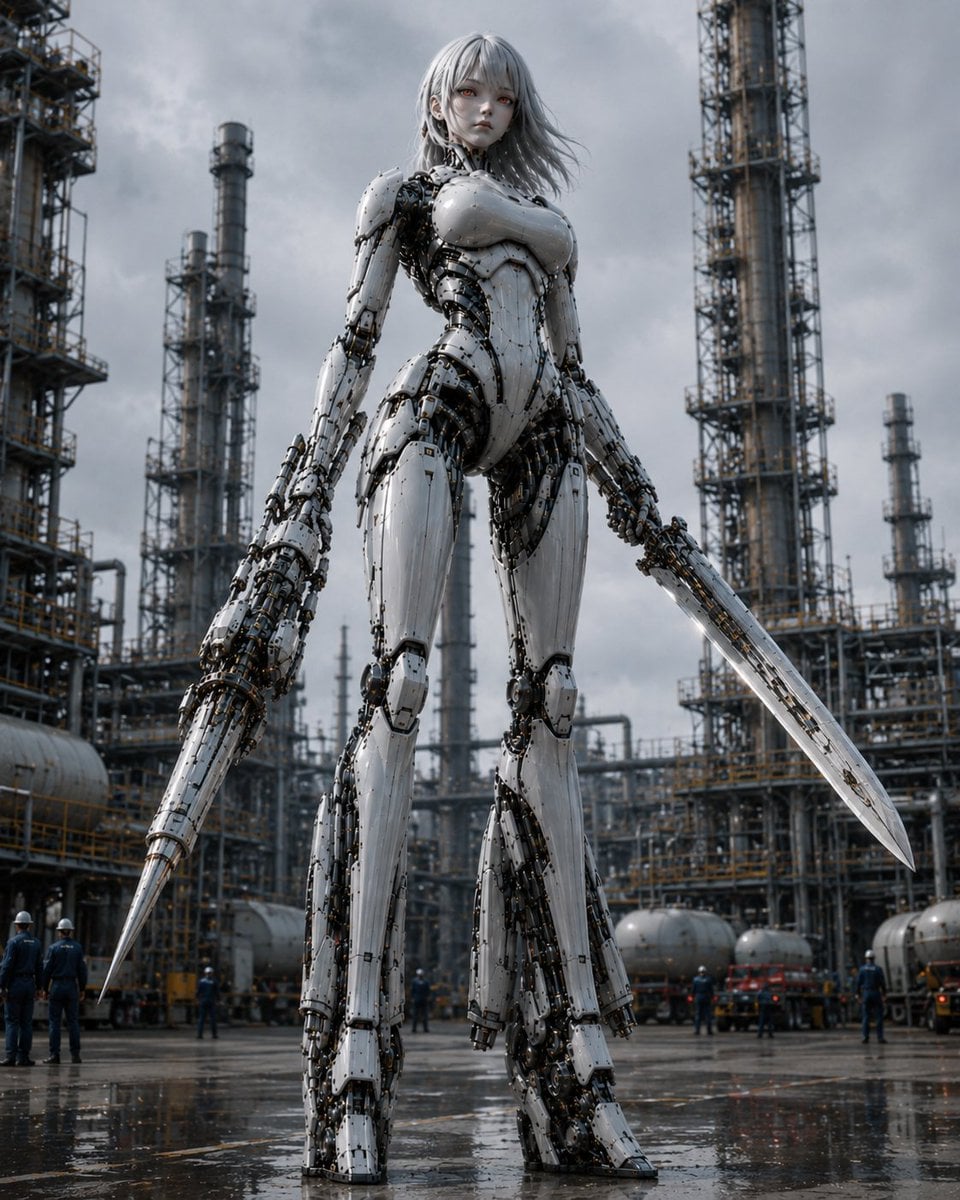
Giant Weaponized Robot in Refinery
A cinematic photorealistic prompt for generating a towering female combat android armed with two blades in a rainy industrial refinery.
- Prompt included
- Model and format preset
- Free template
The prompt behind this image
Copy the exact prompt behind Giant Weaponized Robot in Refinery, or open it in the studio and make it yours.
Create a cinematic photorealistic vertical image of one gigantic humanoid female combat robot standing in the center of an industrial oil refinery under a dark overcast sky. The robot has a pale porcelain-white armored body with exposed black mechanical joints, cables, pistons, screws, and intricate inner machinery visible between segmented plates; she has a slim feminine silhouette, broad armored chest, long legs, large mechanical feet, a calm doll-like face, pale skin, red eyes, and shoulder-length {argument name="hair color" default="silver-gray"} hair blowing slightly in the wind. She is holding exactly two weapons: one long conical spear-like blade integrated into or gripped by her left hand, pointing downward to the wet ground, and one long straight sword-like blade in her right hand, angled down and outward. Show her from a low-angle perspective so she towers over the scene, emphasizing immense scale. Surround her with a sprawling refinery: exactly five prominent vertical distillation towers or chimneys visible in the background, plus dense scaffolding, catwalks, pipes, tanks, railings, and small human workers in helmets at ground level for scale. The ground is wet asphalt with puddles and reflections, suggesting recent rain. Use cool gray colors, high contrast metal textures, realistic lighting, shallow atmospheric haze, and dramatic sci-fi realism. No text, no logo, no watermark.
How to use Giant Weaponized Robot in Refinery in 3 steps
- 1Upload ImagePNG, JPG or paste
Add your photo
Upload the photo the template builds on. The prompt, model and format are already set.
- 2…a portrait of your subject in softgolden-hour light, 85mm…
Personalize
Edit the subject and creative details for your destination.
- 3Generate
Generate
Press Generate — your image is created in PicX Studio, so you can compare it with the original and refine one variable at a time.
More like this
Templates with the same subject, style or setup. Open one to see its prompt.
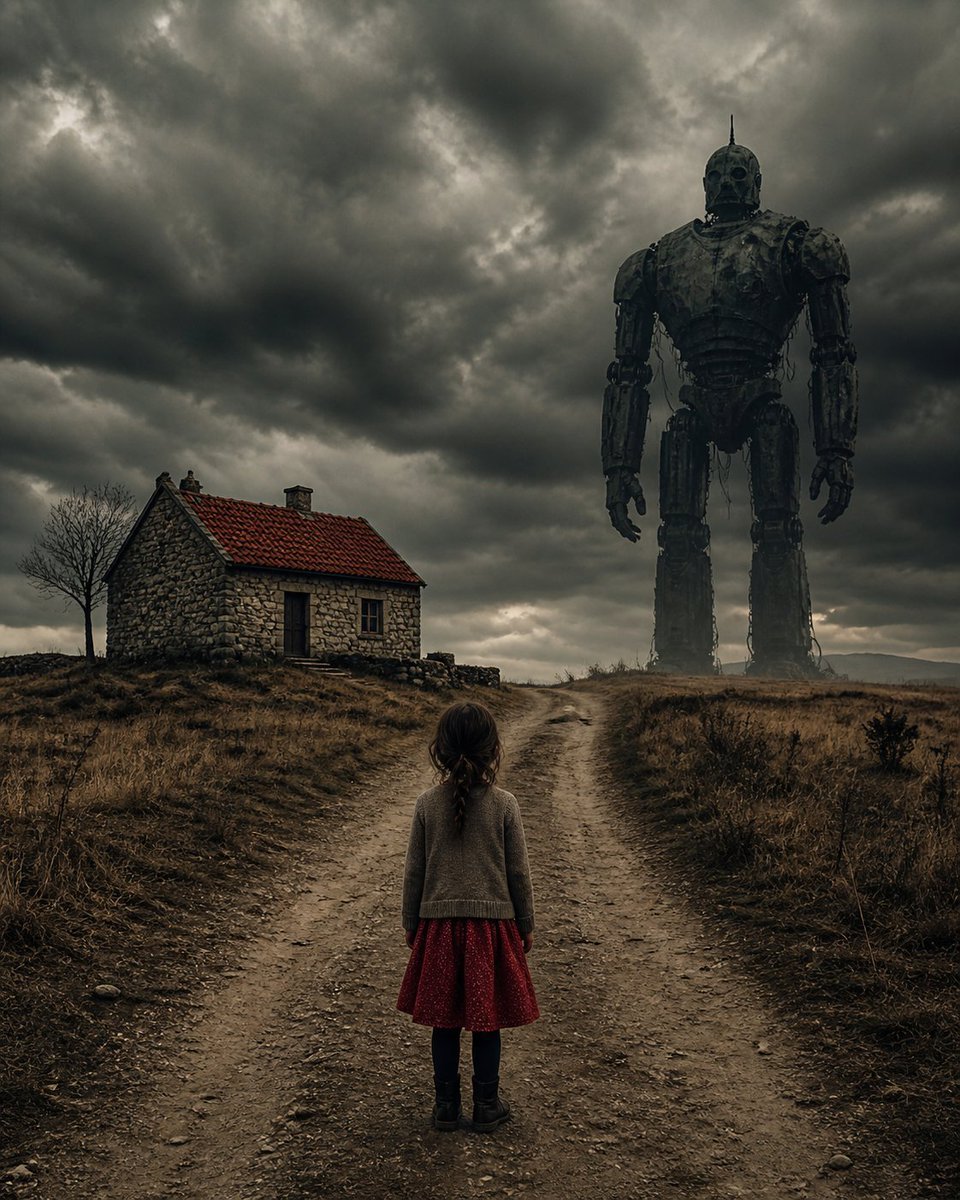
Girl Facing a Giant Robot
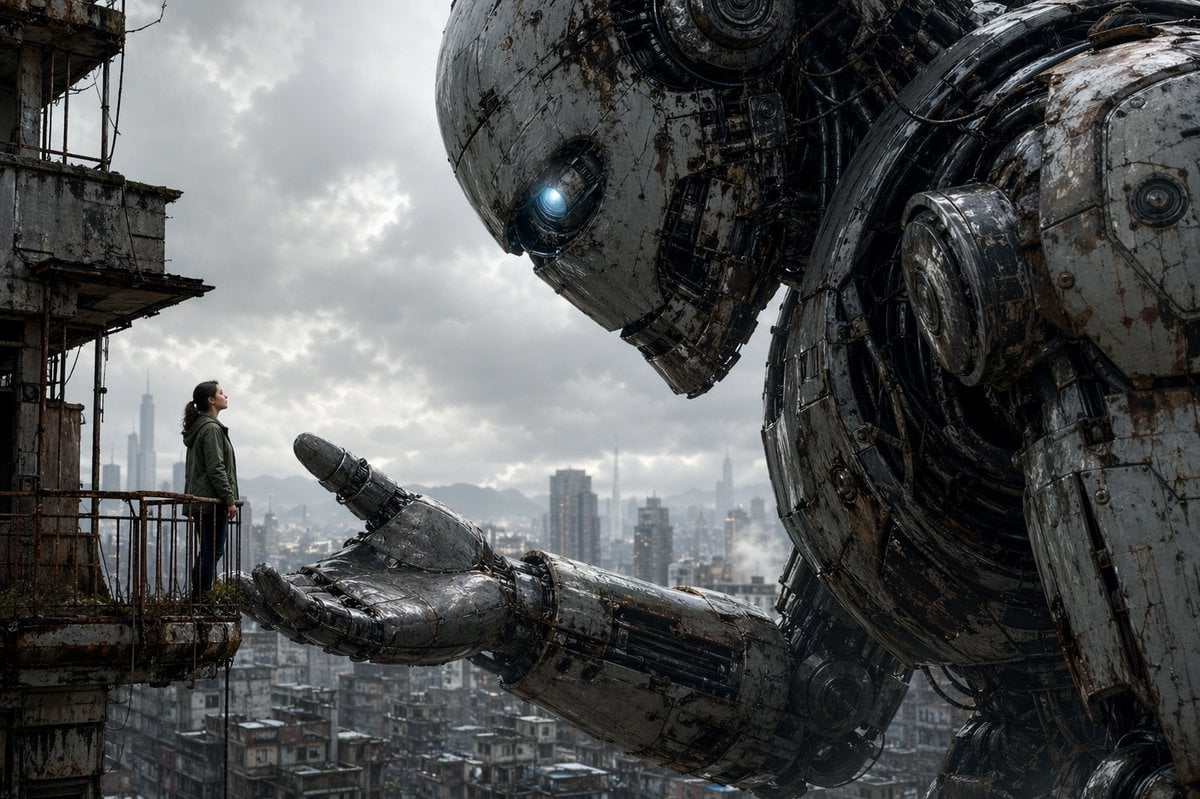
Giant Robot Meets Woman on Balcony

Puppy and Robot Dog Ice Cream Scene
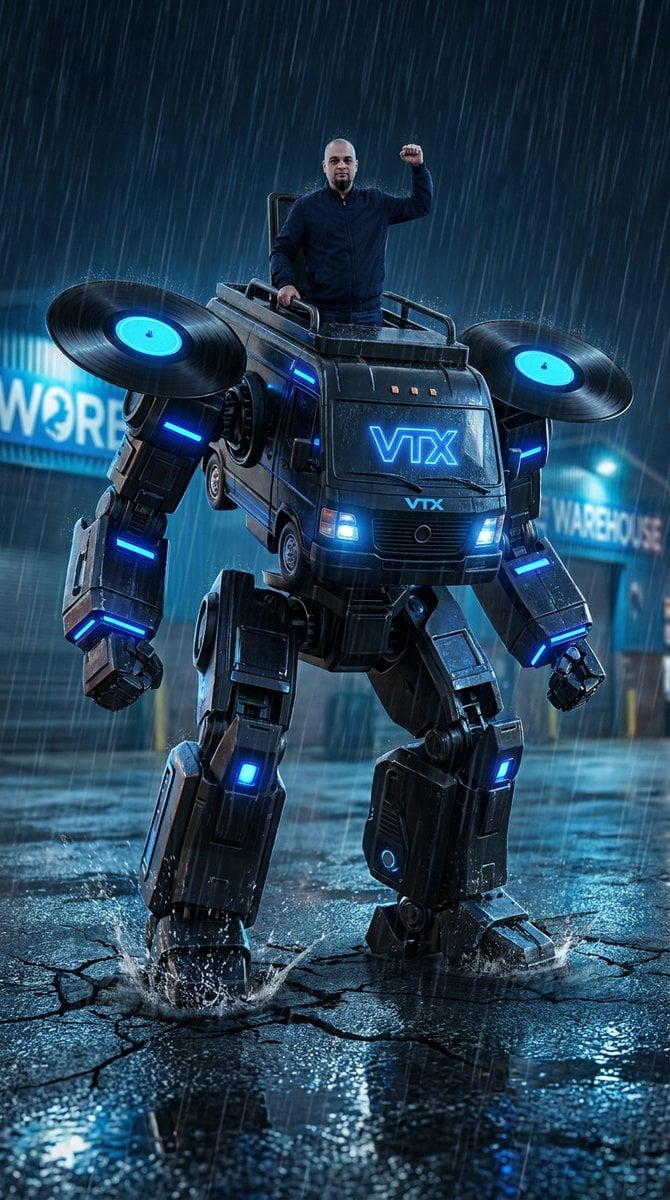
Humanoid Mecha Robot at Night
CGI 3D Robot Workshop

Pixar Anime Robot Friend
Cyberpunk Rainy Street Robot Repair

Cute Eco Robot Pixel Art Mascot

Ice Codex Robot Avatar
Museum Robot Art Duel
Female Android vs Robotic Scorpion
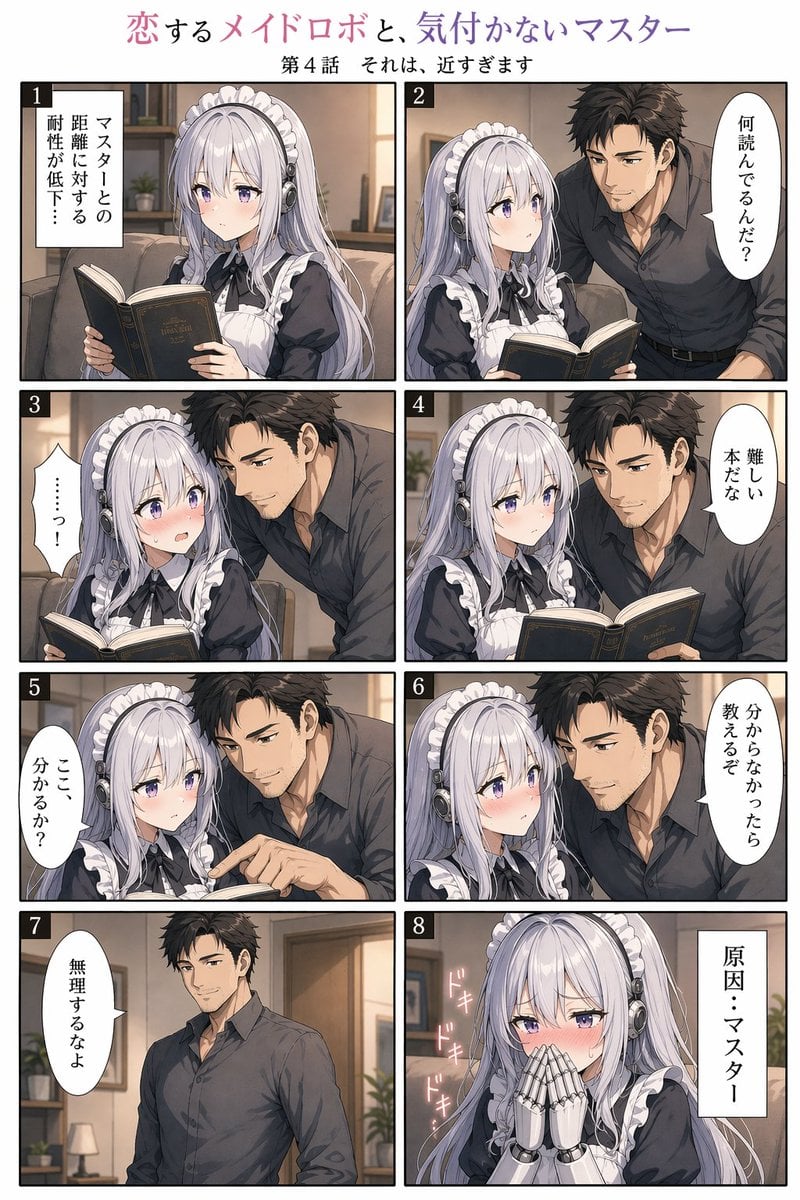
Eight-Panel Maid Robot Romance Manga
Make it yours
Giant Weaponized Robot in Refinery works as-is. These are the safest ways to change it without losing the look.
Change one field
Copy a single group, rewrite it, and generate again so you can see what that field is doing.
Keep the frame, change the subject
Hold the composition and light of Giant Weaponized Robot in Refinery, then swap wardrobe, props or the person for a new take.
| If the result… | Why | Fix |
|---|---|---|
| The result drifts from the preview | Too many fields changed at once. | Reuse Giant Weaponized Robot in Refinery as-is first, then change one group — subject, light, or setting. |
| The model over-stylizes the scene | The prose prompt leaves finish and camera underspecified. | Add one camera or lighting sentence and stay on GPT Image 2. |
More GPT Image 2 templates
Other prompts made for GPT Image 2.

Six VTuber Japanese Logo Sheet

Realistic Portrait of Woman and Deer

The Vista Modular Condo Poster

AI Model Routing Comparison Infographic

2.5D Anime Art Board

Isometric Productivity Desk Scene

New York Double Exposure Poster

Four-Panel AI Landscape Comparison

Japanese Tatami Lifestyle Magazine Cover

NESCAFÉ Coffee Map Poster
More image prompts
Fresh picks from across the catalog.
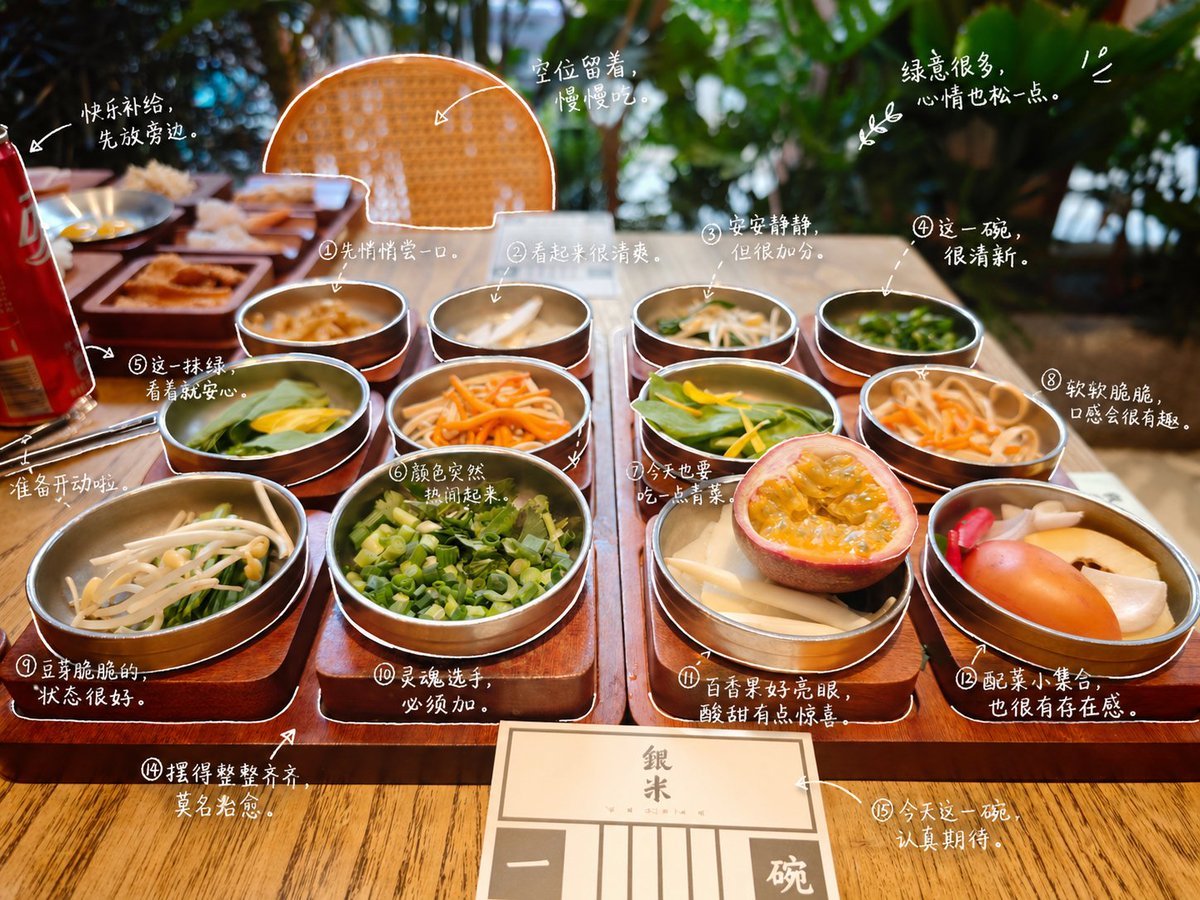
Hand-Drawn Style Photo Annotation
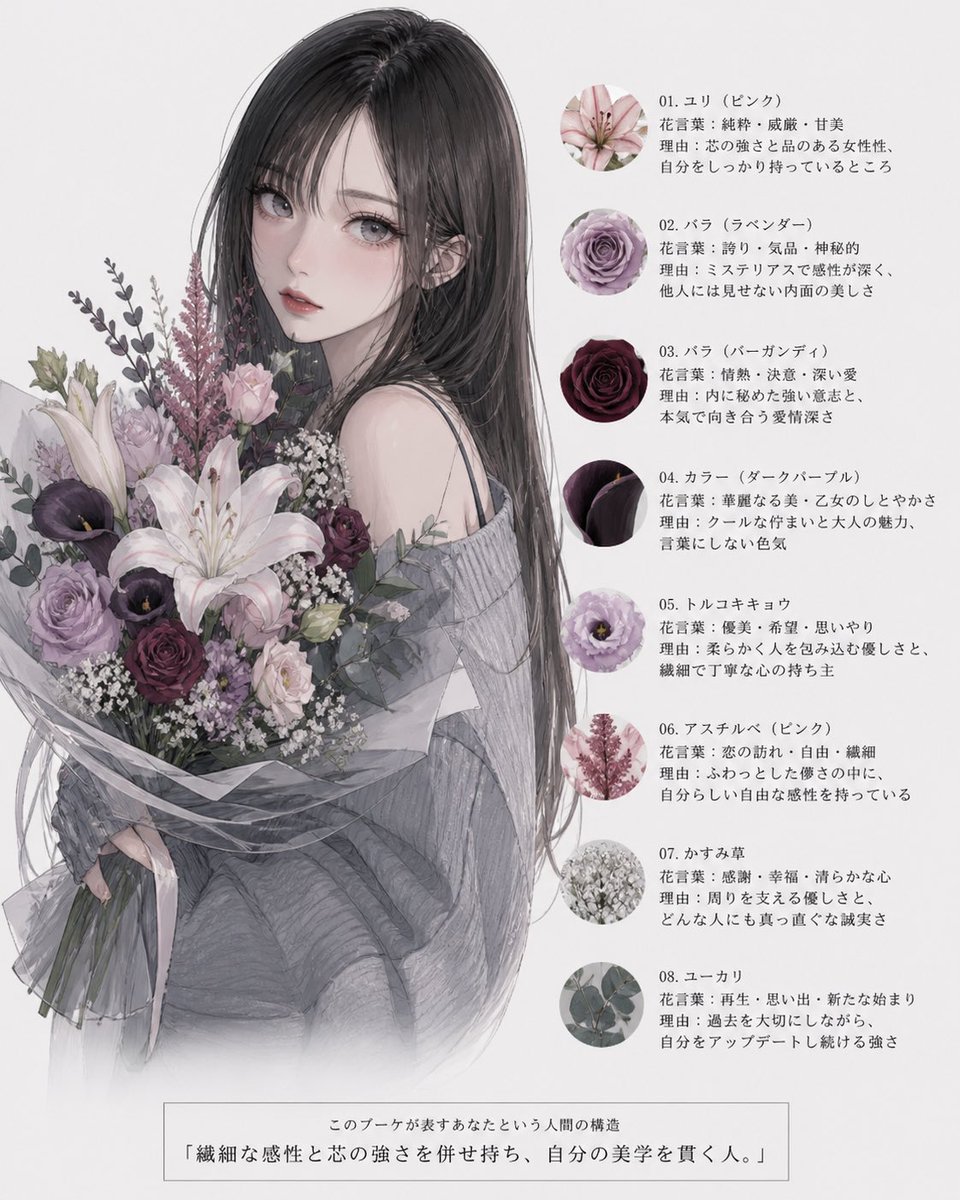
Anime Floral Personality Poster
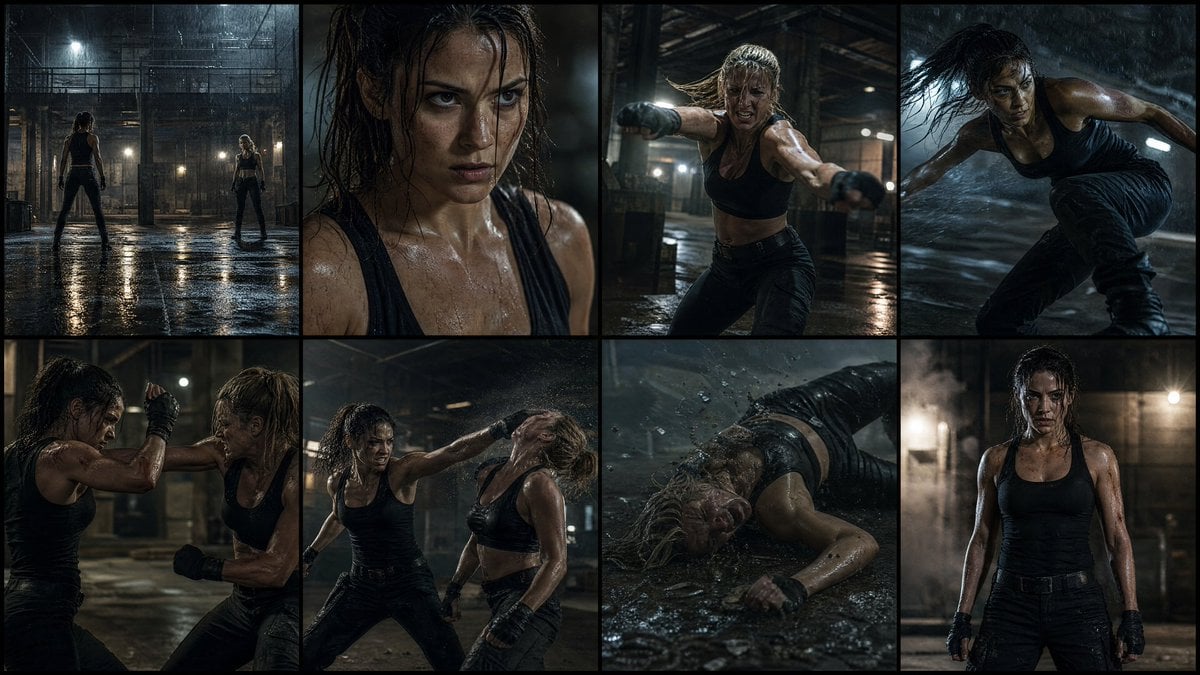
Cinematic Action Movie Storyboard
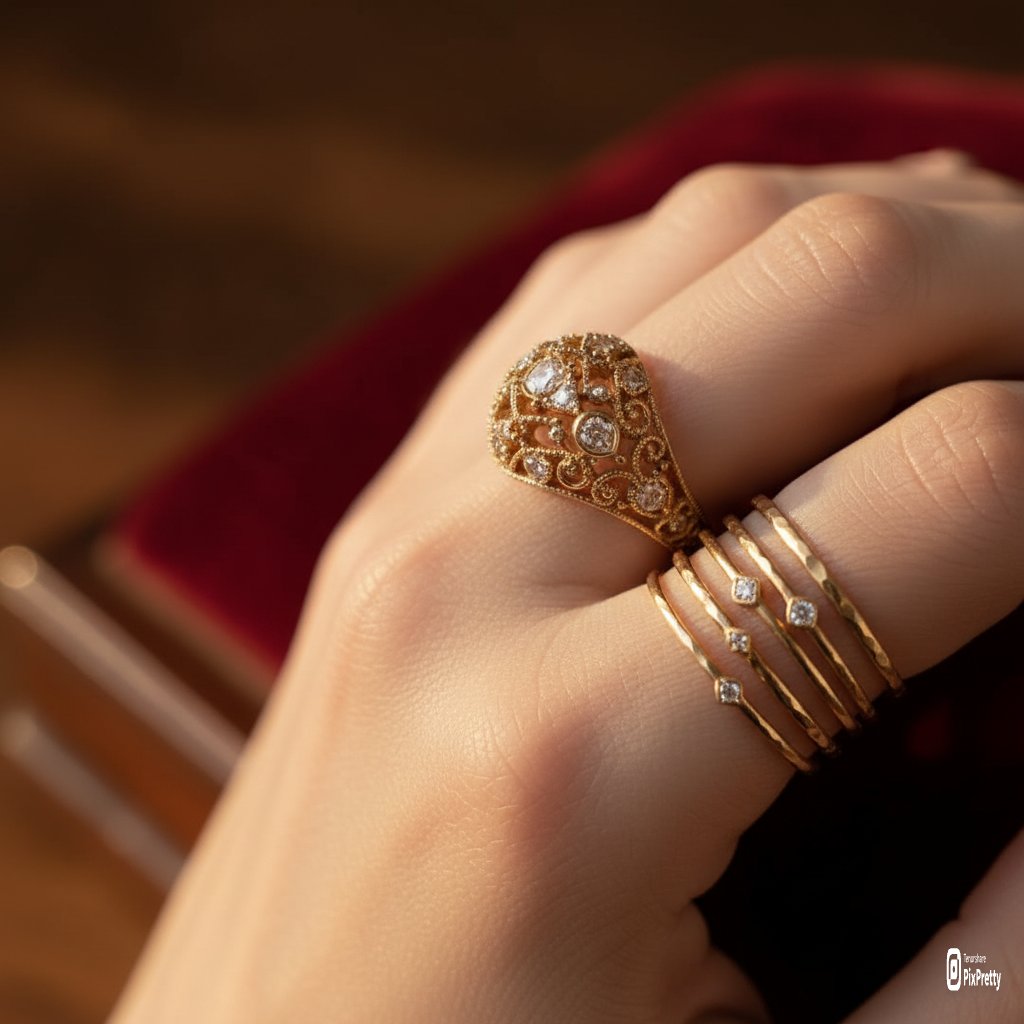
Macro Product Photography of Jewelry Worn by a Model
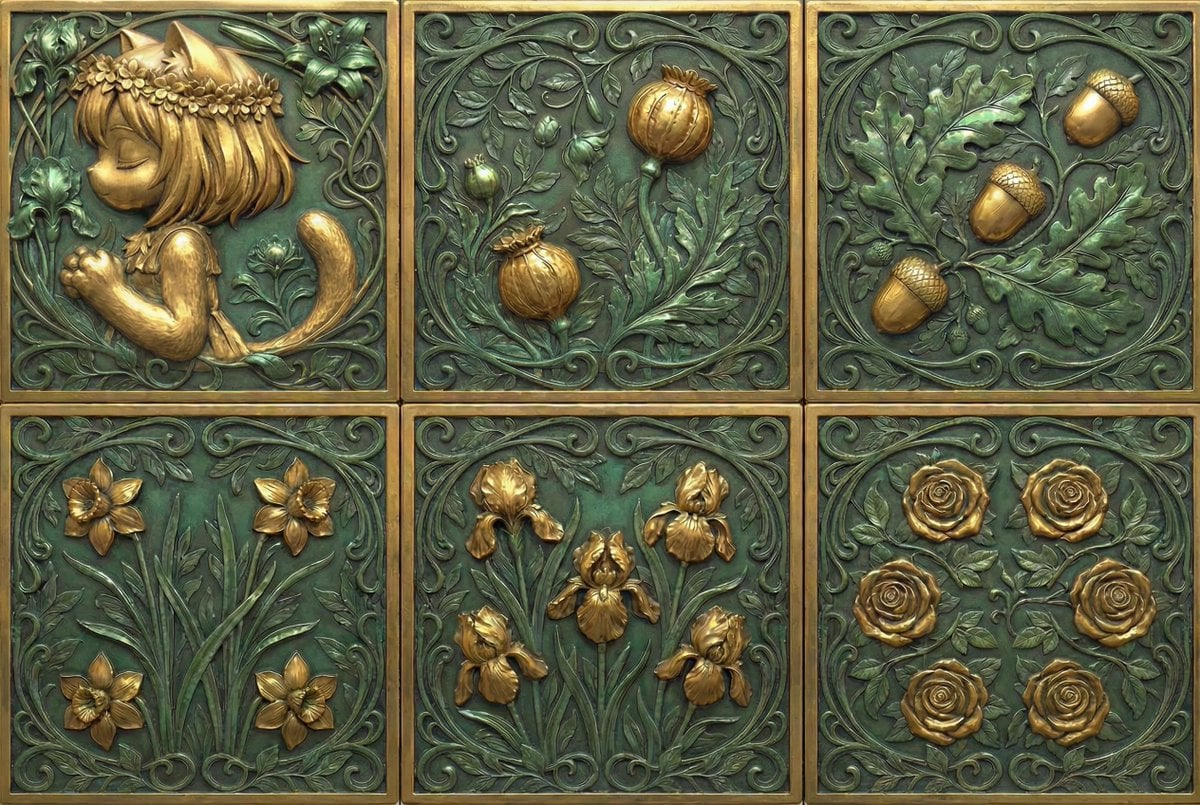
Generate Dice Faces with Specific Object Placement
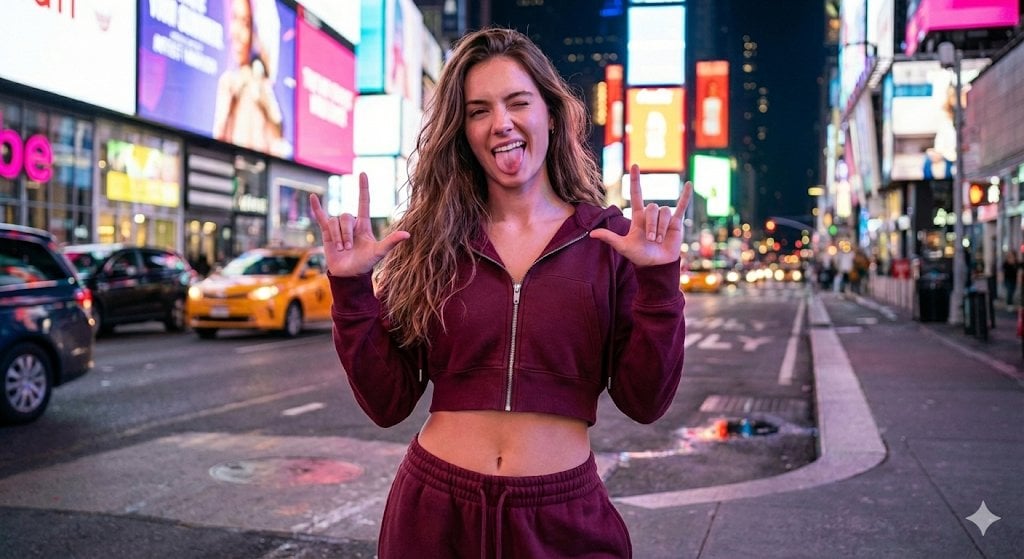
NYC Nightlife Streetwear Influencer Photo Prompt
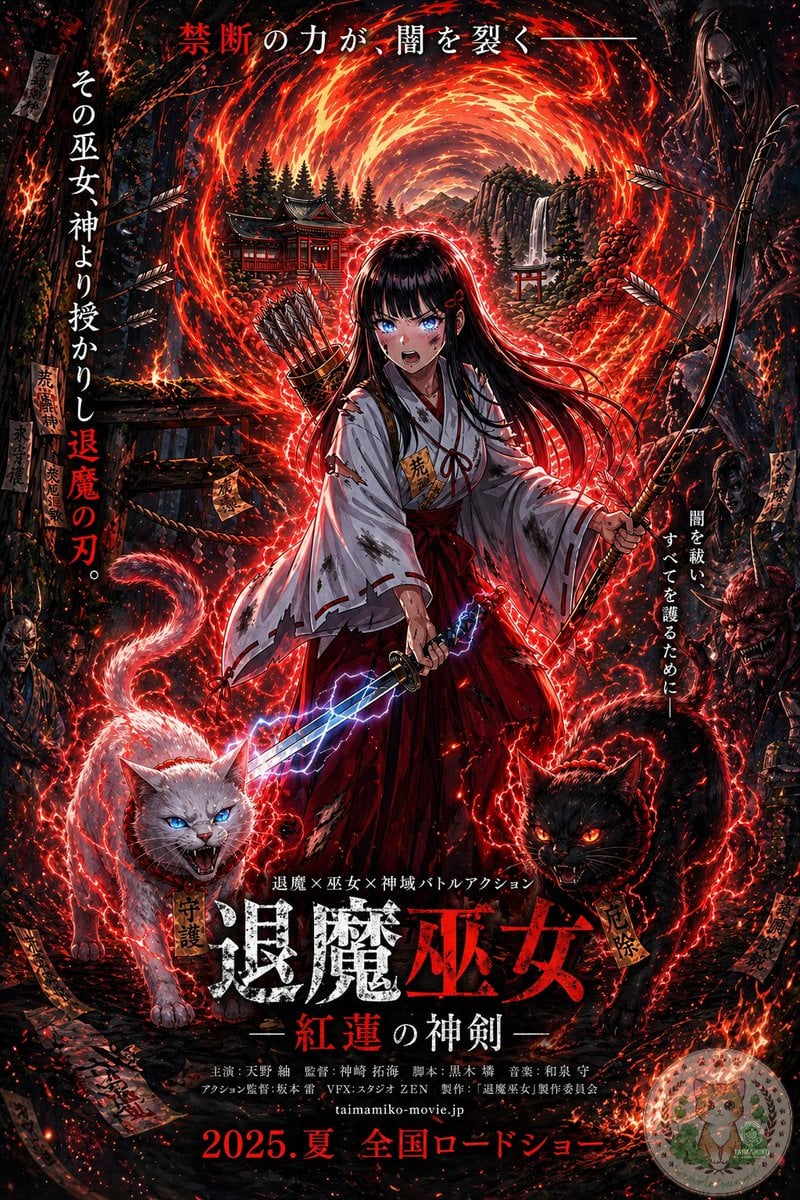
Anime Shrine Maiden Movie Poster
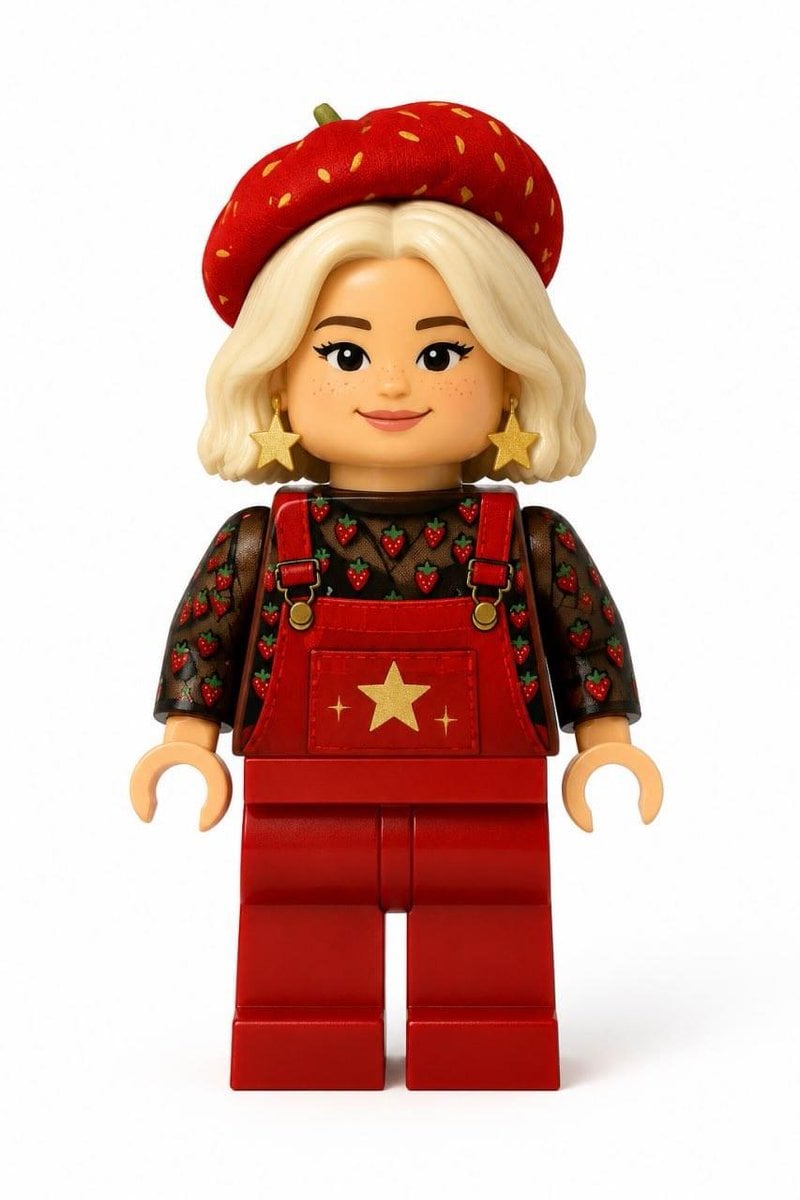
Realistic LEGO Minifigure Transformation
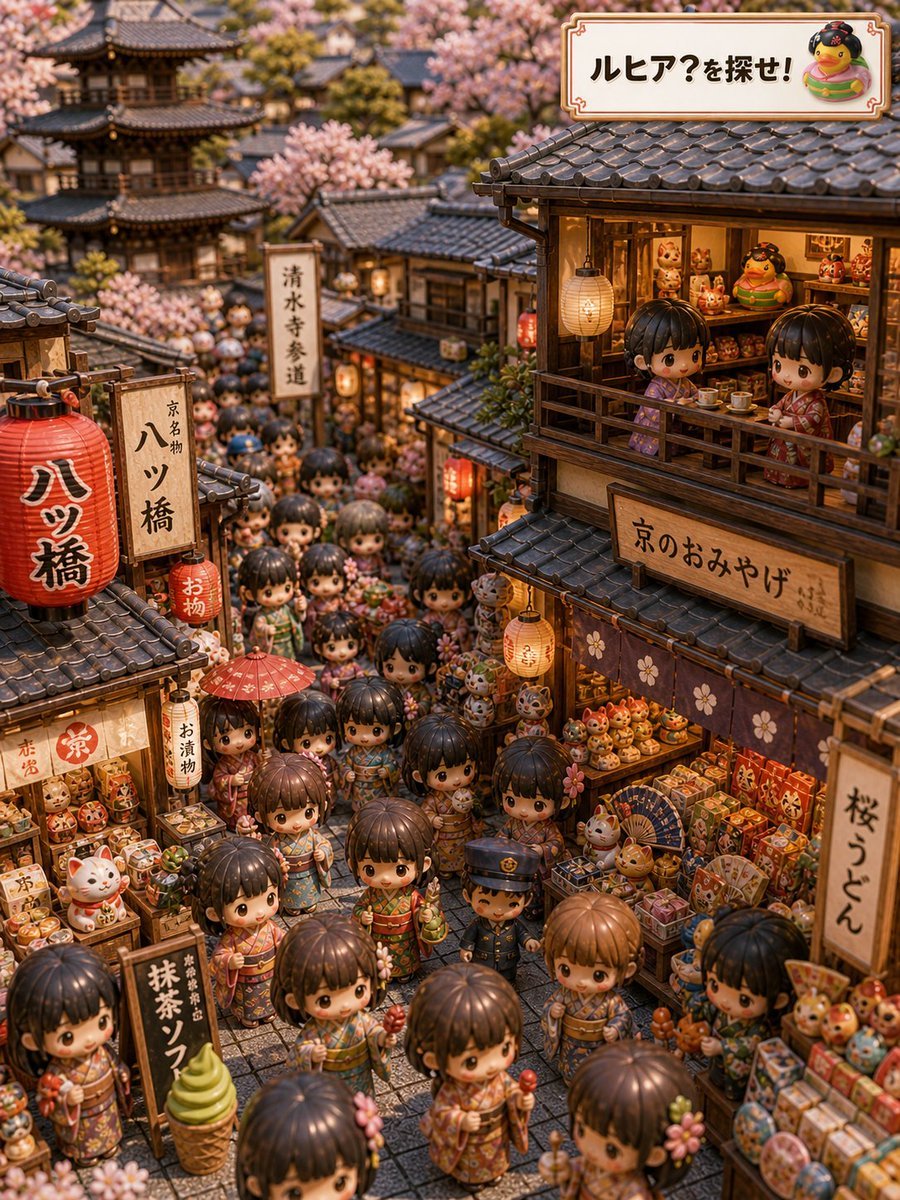
Kyoto Hidden Mascot Diorama
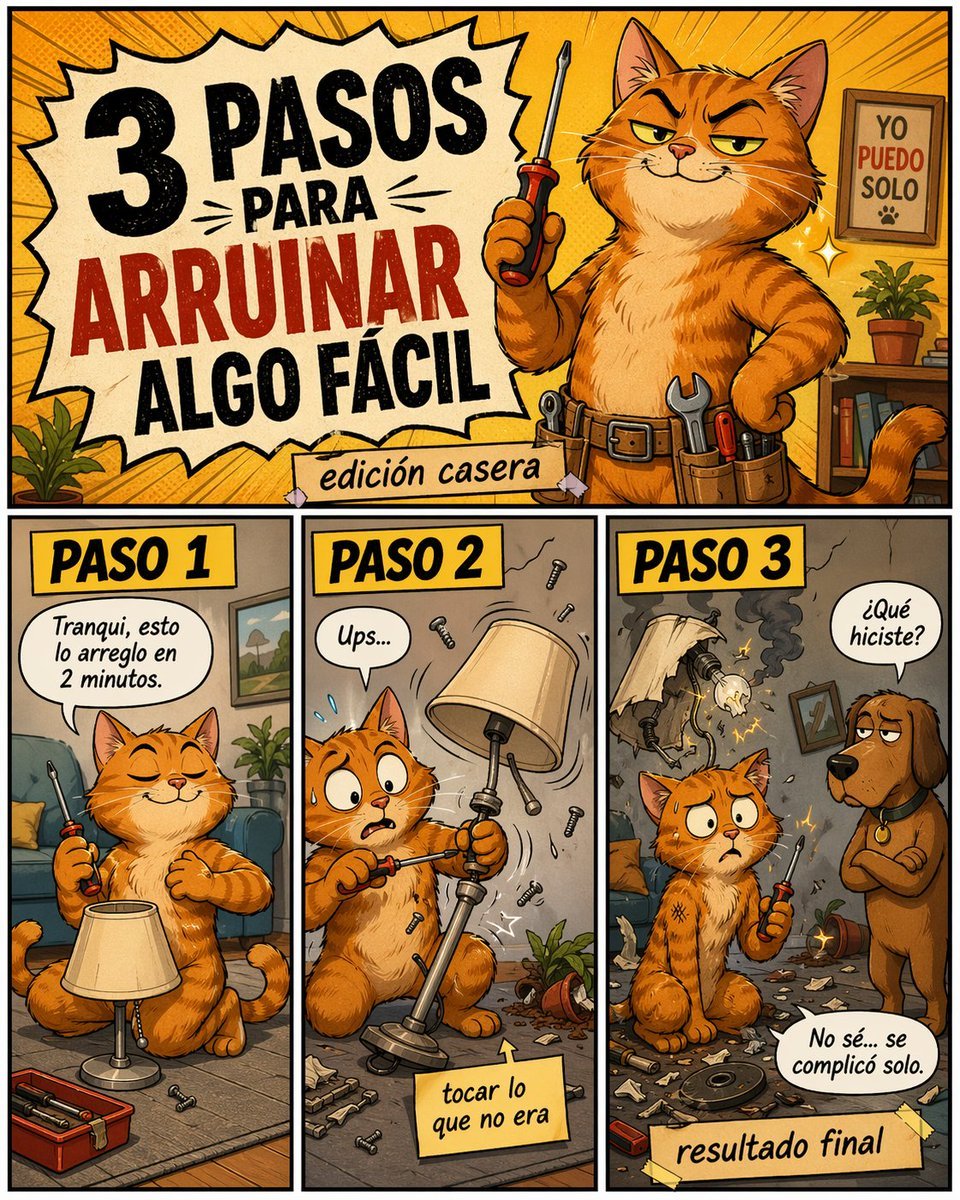
Funny DIY Disaster Cat Comic
Browse template categories
Giant Weaponized Robot in Refinery questions
How do I use the Giant Weaponized Robot in Refinery template?
Add your photo if the template asks for one, edit the prompt if you like — the template's model and format are already selected — and press Generate. Your version opens in PicX Studio.
Can I customize the Giant Weaponized Robot in Refinery template?
Yes. You can change the subject, setting, lighting, mood, format, and available model controls before creating your image.
Is the Giant Weaponized Robot in Refinery template free?
Opening and editing this template is free. Generating uses credits, shown on the Generate button when you are signed in.
Which AI model should I use?
Start with GPT Image 2, which is the model associated with this template. You can compare another compatible model for a different finish.
Looking for something else? Browse all templates.

Your photo, any look
Thousands of ready templates for every top image and video model, from one credit balance.