How do I use the 16-Panel Hip-Hop Motion Sheet template?
Choose the primary action to open PicX Studio with the available template settings. Review the model and format, personalize the creative direction, and generate when ready.
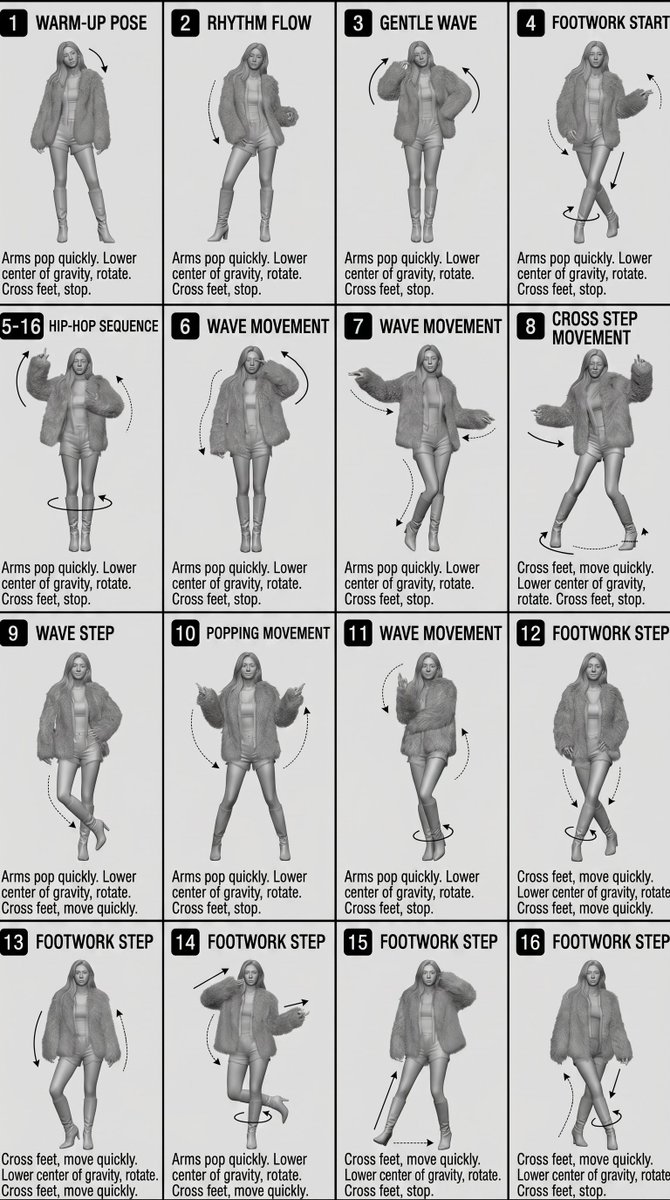
This prompt generates a grayscale 4x4 dance pose storyboard with labeled panels and motion arrows, useful as a reference sheet for animation or video motion guidance. (free to use) — Free AI image template on PicX Studio.
{"type":"16-panel dance motion sheet","purpose":"reference board for animation or motion generation","style":"clean monochrome instructional layout, grayscale 3D fashion figure render, editorial storyboard look","canvas":{"orientation":"portrait","aspect_ratio":"2:3","background":"light gray-white"},"subject":{"count":1,"description":"a single faceless female fashion mannequin in every panel, wearing a bulky faux-fur jacket, fitted crop top, short shorts, and high-heeled ankle boots","body_type":"slim long-legged model","rendering":"soft studio shading, clay-like grayscale 3D render without facial features, long straight hair"},"layout":{"grid":{"columns":4,"rows":4,"total_panels":16,"panel_borders":"thin black lines"},"sections":[{"title":"1 WARM-UP POSE","position":"row 1 col 1","count":1,"labels":["1 WARM-UP POSE"]},{"title":"2 RHYTHM FLOW","position":"row 1 col 2","count":1,"labels":["2 RHYTHM FLOW"]},{"title":"3 GENTLE WAVE","position":"row 1 col 3","count":1,"labels":["3 GENTLE WAVE"]},{"title":"4 FOOTWORK START","position":"row 1 col 4","count":1,"labels":["4 FOOTWORK START"]},{"title":"5-16 HIP-HOP SEQUENCE","position":"row 2 col 1","count":1,"labels":["5-16 HIP-HOP SEQUENCE"]},{"title":"6 WAVE MOVEMENT","position":"row 2 col 2","count":1,"labels":["6 WAVE MOVEMENT"]},{"title":"7 WAVE MOVEMENT","position":"row 2 col 3","count":1,"labels":["7 WAVE MOVEMENT"]},{"title":"8 CROSS STEP MOVEMENT","position":"row 2 col 4","count":1,"labels":["8 CROSS STEP MOVEMENT"]},{"title":"9 WAVE STEP","position":"row 3 col 1","count":1,"labels":["9 WAVE STEP"]},{"title":"10 POPPING MOVEMENT","position":"row 3 col 2","count":1,"labels":["10 POPPING MOVEMENT"]},{"title":"11 WAVE MOVEMENT","position":"row 3 col 3","count":1,"labels":["11 WAVE MOVEMENT"]},{"title":"12 FOOTWORK STEP","position":"row 3 col 4","count":1,"labels":["12 FOOTWORK STEP"]},{"title":"13 FOOTWORK STEP","position":"row 4 col 1","count":1,"labels":["13 FOOTWORK STEP"]},{"title":"14 FOOTWORK STEP","position":"row 4 col 2","count":1,"labels":["14 FOOTWORK STEP"]},{"title":"15 FOOTWORK STEP","position":"row 4 col 3","count":1,"labels":["15 FOOTWORK STEP"]},{"title":"16 FOOTWORK STEP","position":"row 4 col 4","count":1,"labels":["16 FOOTWORK STEP"]}],"text_style":{"panel_numbers":"white numerals inside black rounded rectangles at top left of each panel","titles":"bold condensed uppercase sans-serif in black","captions":"small black sans-serif instructional text at bottom of each panel"}},"motion_annotations":{"count":16,"style":"black curved arrows and dotted directional guides around limbs, torso, and feet in each panel","notes":"show arm pops, body sway, hip rotation, and cross-step foot paths"},"poses":[{"panel":1,"pose":"neutral warm-up stance, legs apart, one arm slightly lifted, subtle downward arrow near upper body"},{"panel":2,"pose":"rhythm sway with bent knee and one hand lifted, dotted arrow curving downward beside body"},{"panel":3,"pose":"gentle wave with both elbows raised outward and two curved arrows around upper body"},{"panel":4,"pose":"crossed-leg footwork start with one hand lifted, arrows around torso and legs showing step and twist"},{"panel":5,"pose":"front-facing stance with both arms bent upward, circular arrow around feet indicating rotation"},{"panel":6,"pose":"wave movement with head dipped, one hand near face, one arm low, opposing curved arrows"},{"panel":7,"pose":"asymmetrical wave with left arm extended horizontally and right hand low, one leg crossing inward"},{"panel":8,"pose":"wide cross-step movement, both arms spread, arrows marking lateral movement and foot direction"},{"panel":9,"pose":"wave step with hand on hip and crossed ankles, small dotted arrow near lower leg"},{"panel":10,"pose":"popping movement, both forearms lifted outward symmetrically, large curved arrows on both sides"},{"panel":11,"pose":"compact wave with one forearm crossing chest, one leg crossed over the other, small rotation arrow near feet"},{"panel":12,"pose":"footwork step with hands in jacket pockets and tightly crossed legs, arrows around ankles and feet"},{"panel":13,"pose":"relaxed footwork stance leaning slightly left, long side arrows beside arms"},{"panel":14,"pose":"dynamic footwork with one knee lifted backward, one hand near head and the other extended, circular foot arrow"},{"panel":15,"pose":"diagonal footwork stance with one hand near head and one leg pointed outward, arrows showing leg extension and lateral step"},{"panel":16,"pose":"final crossed-feet step with hands low, arrows around calves and feet indicating quick crossing and rotation"}],"captions":{"repeated_phrases_count":2,"phrases":["Arms pop quickly. Lower center of gravity, rotate. Cross feet, stop.","Cross feet, move quickly. Lower center of gravity, rotate. Cross feet, stop."]},"customization":{"dance_style":"{argument name=\"dance style\" default=\"hip-hop\"}","outfit":"{argument name=\"outfit\" default=\"oversized faux-fur jacket, crop top, shorts, heeled ankle boots\"}","figure_gender_presentation":"{argument name=\"figure style\" default=\"female fashion mannequin\"}","sheet_title":"{argument name=\"sheet title\" default=\"16-panel dance motion sheet\"}","render_style":"{argument name=\"render style\" default=\"grayscale 3D clay render\"}"}}
Use 16-Panel Hip-Hop Motion Sheet to plan an AI image around gpt-image-2 generation, themes such as en and gpt-image-2. Match the preview's composition first, then personalize the subject, setting, and mood for your own project.
Use the primary action to load the template settings in PicX Studio.
Adjust the subject and creative details for your destination.
Create the image, compare the result with the preview, and refine one variable at a time.
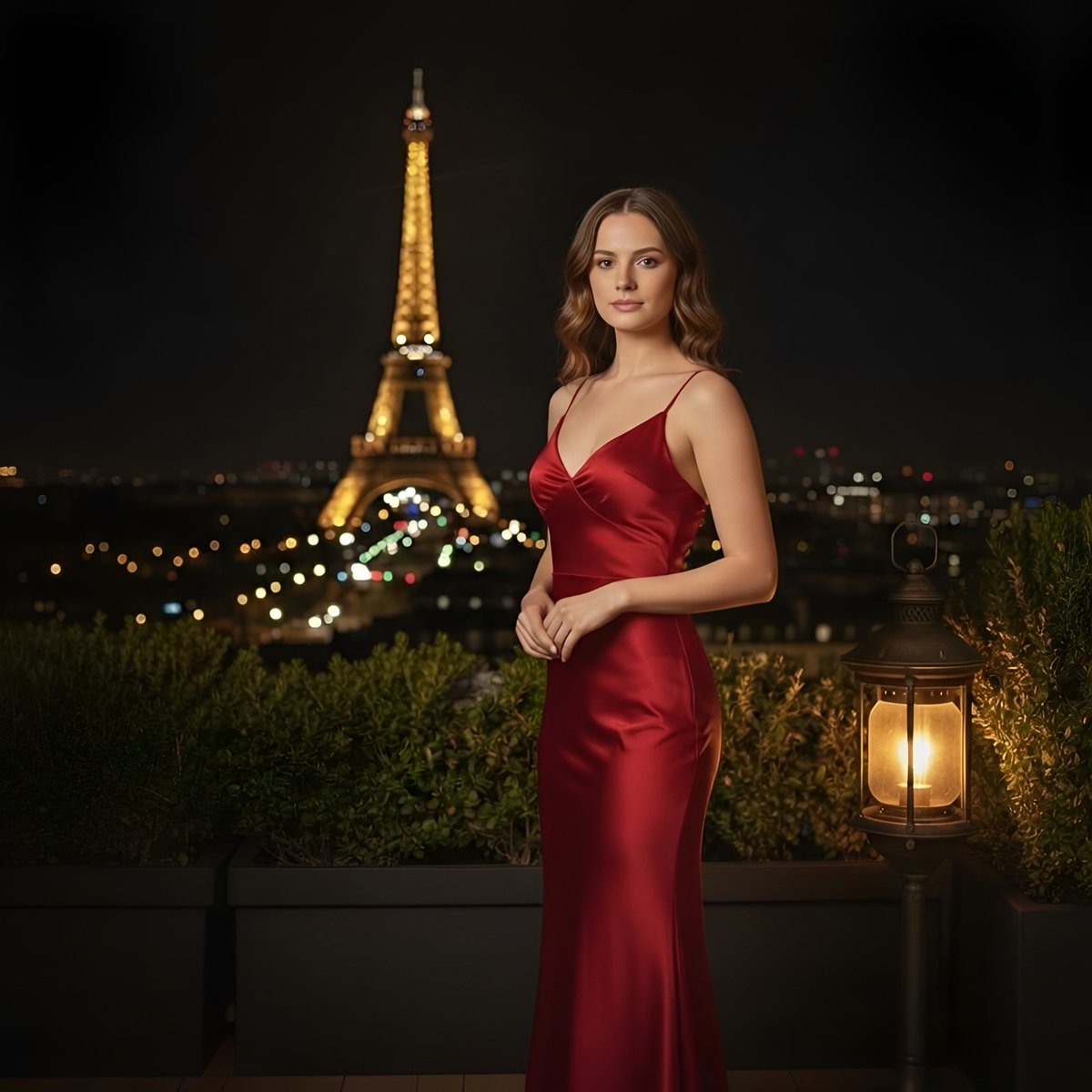
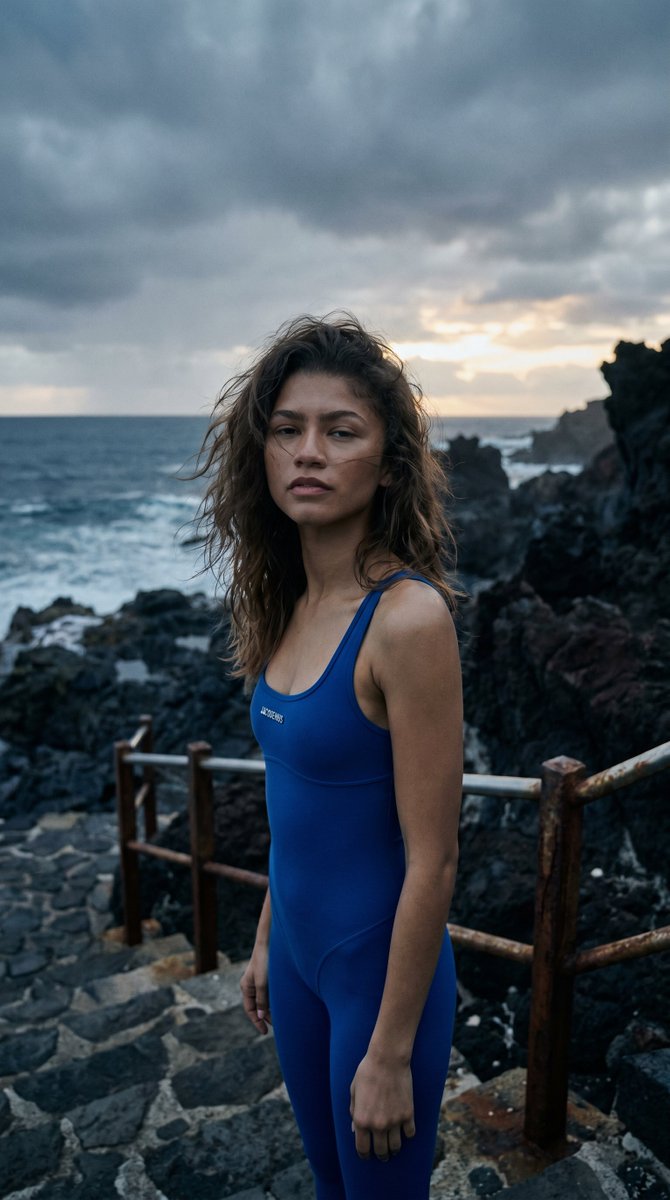
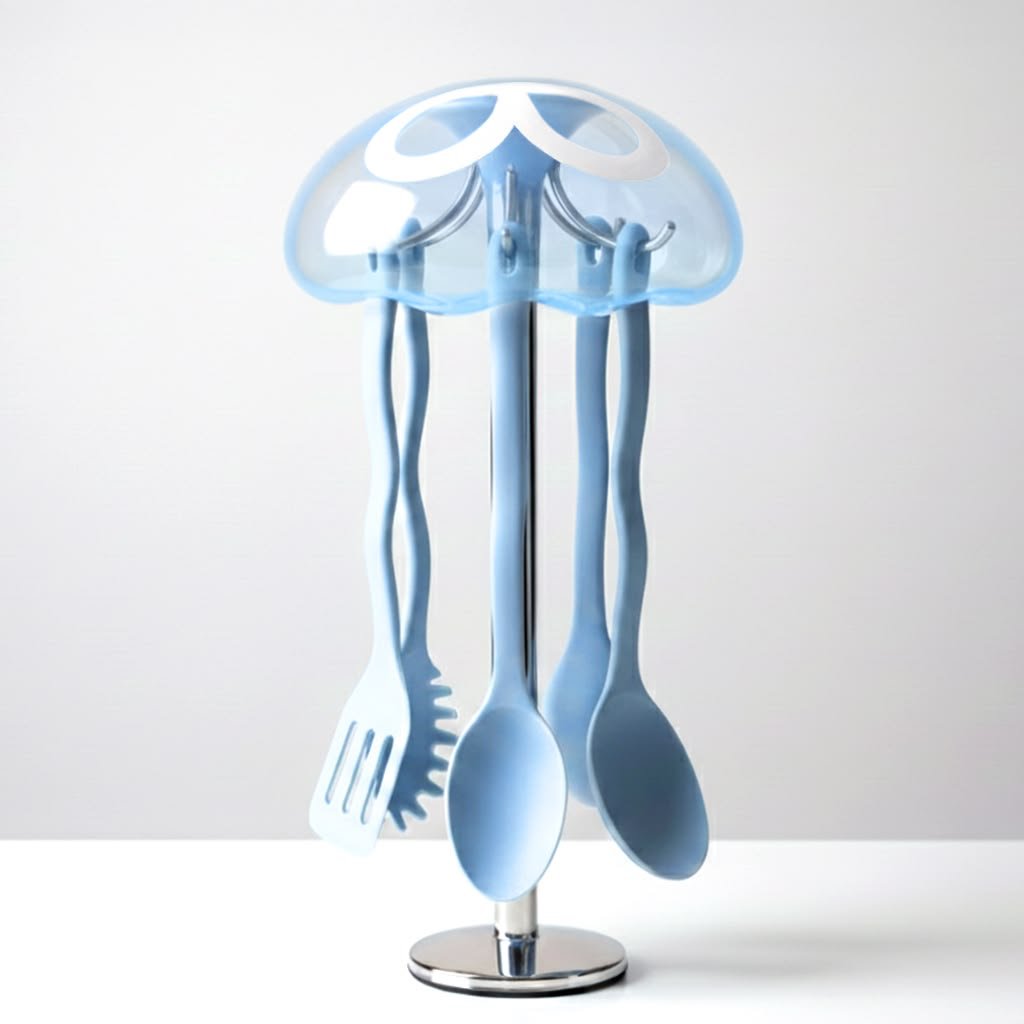
A continuous mix — similar concepts first, woven with same-model prompts and fresh picks from the catalog.
Choose the primary action to open PicX Studio with the available template settings. Review the model and format, personalize the creative direction, and generate when ready.
Yes. You can change the subject, setting, lighting, mood, format, and available model controls before creating your image.
This template is free to open and customize. Generation usage is shown in PicX Studio before you create.
Start with gpt-image-2, which is the model associated with this template. You can compare another compatible model for a different finish.
Follow a topic to a crawlable collection of related PicX Studio templates.
39,157 public templates available. Verified via the PicX Studio public templates API; refreshed hourly.
A continuous mix — similar concepts first, woven with same-model prompts and fresh picks from the catalog.