How do I use the Hong Kong Waterfront Night Portrait template?
Choose the primary action to open PicX Studio with the available template settings. Review the model and format, personalize the creative direction, and generate when ready.
A realistic full-body street portrait of a stylish woman on a Hong Kong harbor promenade at night, useful for travel and fashion photography generation. Change the subject, setting, or lighting one variable at a time.
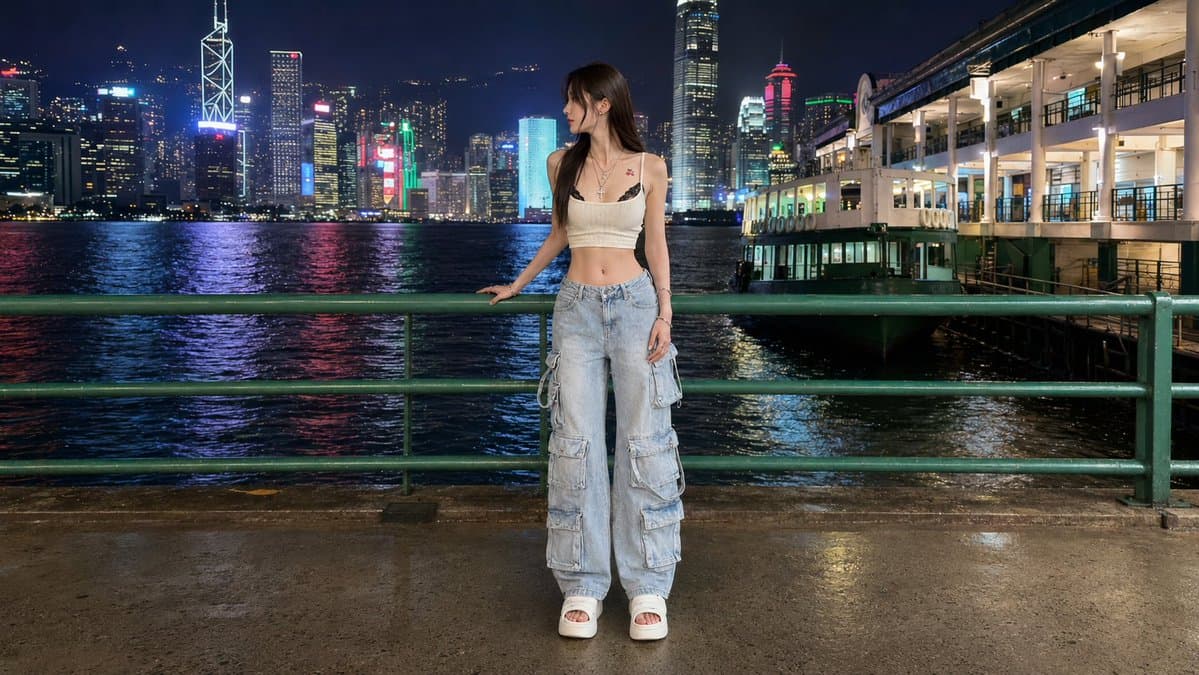
Create a realistic full-body nighttime travel portrait of {argument name="subject" default="a young East Asian woman"} standing on a waterfront promenade in Hong Kong, facing slightly left with her head turned toward the illuminated skyline. She is centered in the frame behind a green metal railing, one hand lightly resting on the rail and the other relaxed at her side. She wears {argument name="outfit" default="a cream cropped camisole, layered necklaces, very baggy light blue multi-pocket cargo jeans, and white platform slide sandals"}; include exactly 5 visible outfit/accessory elements: cream crop top, layered necklaces, baggy cargo jeans with multiple side pockets, white platform sandals, and small tattoos near the collarbone/upper chest. The background shows Victoria Harbour at night with dark rippling water, colorful neon reflections, dense skyscrapers, and recognizable Hong Kong-style towers, plus a brightly lit pier or ferry terminal building on the right. Use a wide horizontal 16:9 composition, eye-level camera, full-body framing with space above the skyline, wet pavement reflecting lights, crisp flash-lit subject against a detailed city nightscape, natural skin texture, realistic street photography look, high dynamic range, sharp focus, no text, no watermark.
Choose the primary action to open PicX Studio with the available template settings. Review the model and format, personalize the creative direction, and generate when ready.
Yes. You can change the subject, setting, lighting, mood, format, and available model controls before creating your image.
This template is free to open and customize. Generation usage is shown in PicX Studio before you create.
Start with GPT Image 2, which is the model associated with this template. You can compare another compatible model for a different finish.
© 2026 PicX Studio. All rights reserved.

Follow a topic to a crawlable collection of related PicX Studio templates.
43,474 public templates available. Verified via the PicX Studio public templates API; refreshed hourly.


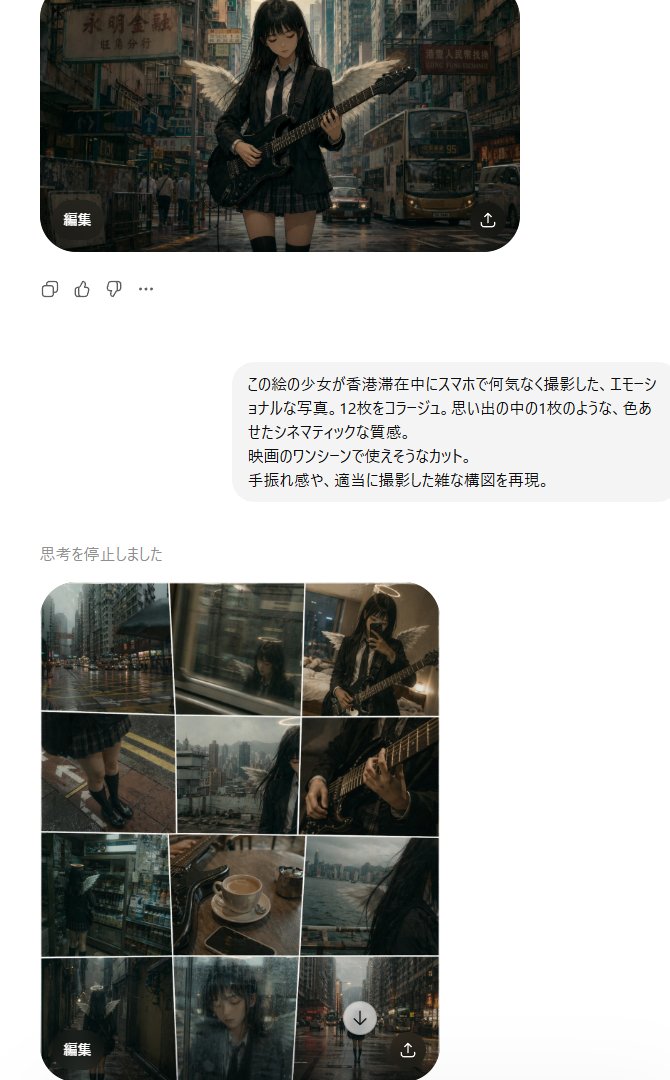
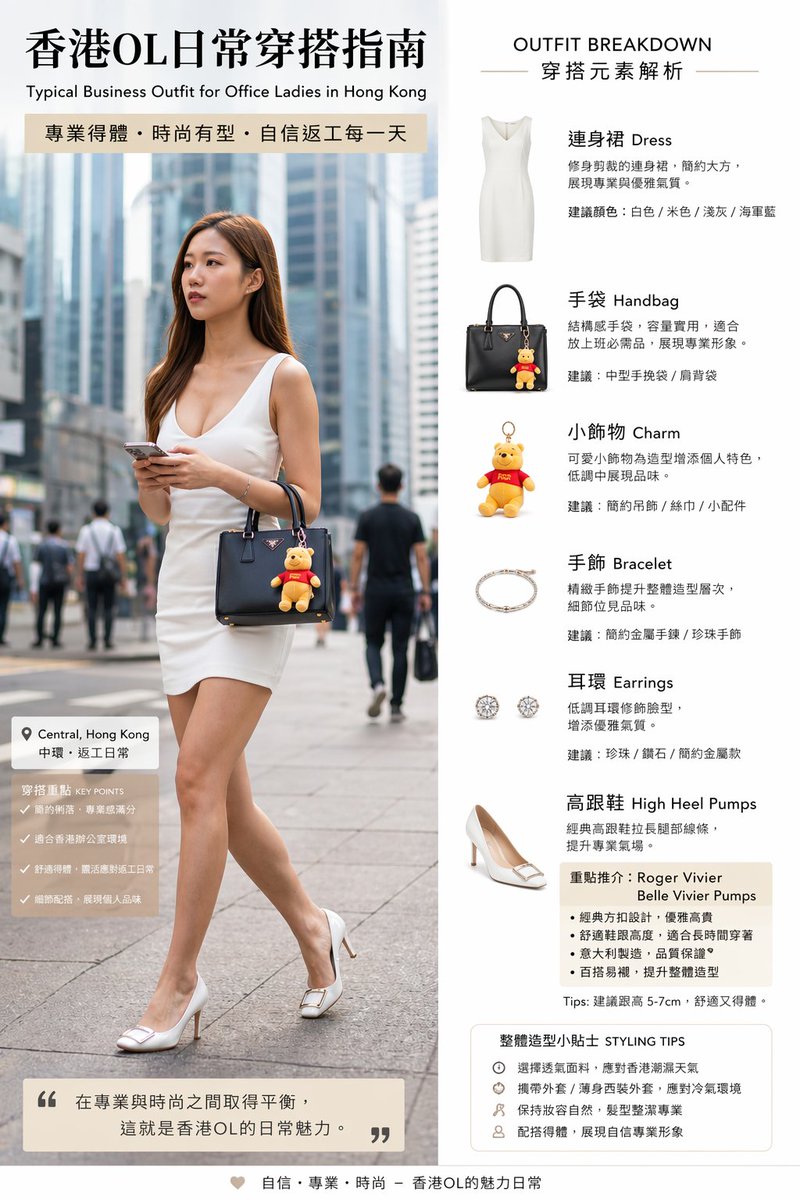
![Photorealistic Hong Kong Retro Portrait Prompt — Create a Photorealistic Hong Kong retro portrait with authentic 1990s film look.
Use image[0] as face reference](https://pbs.twimg.com/media/G77bHKzagAQpCjZ.jpg)


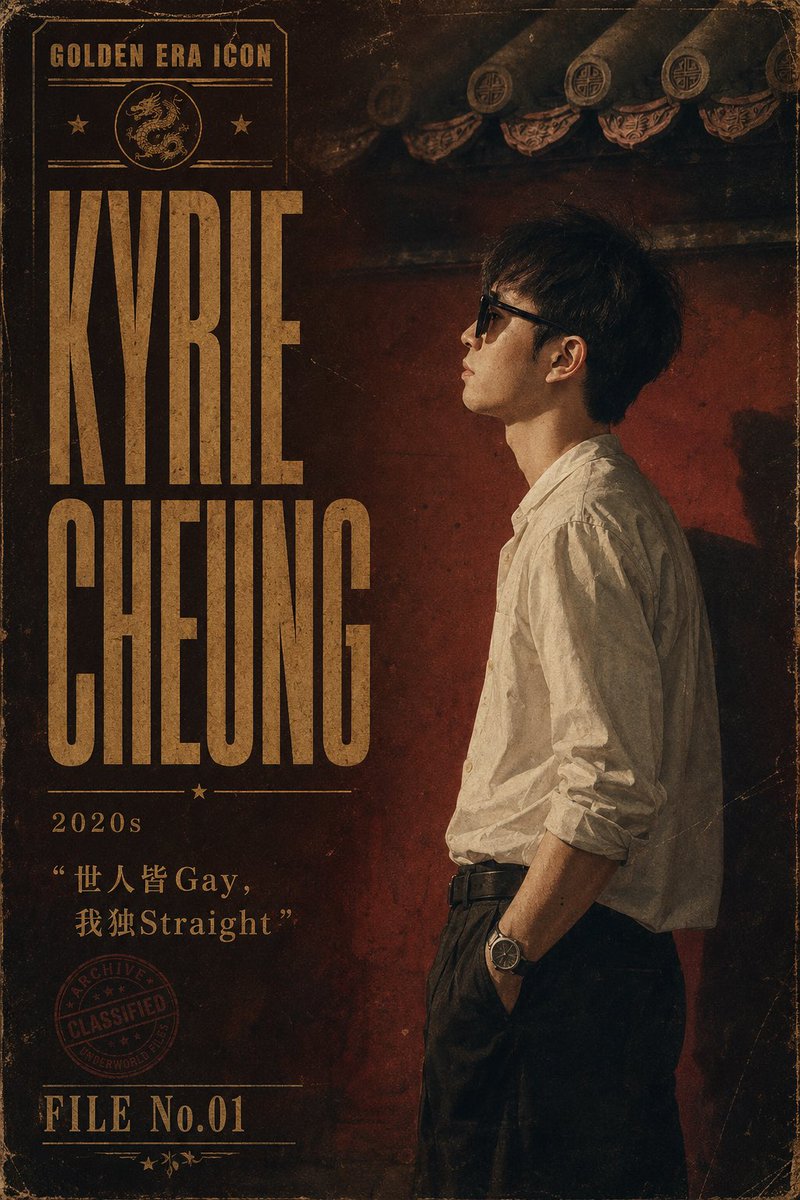
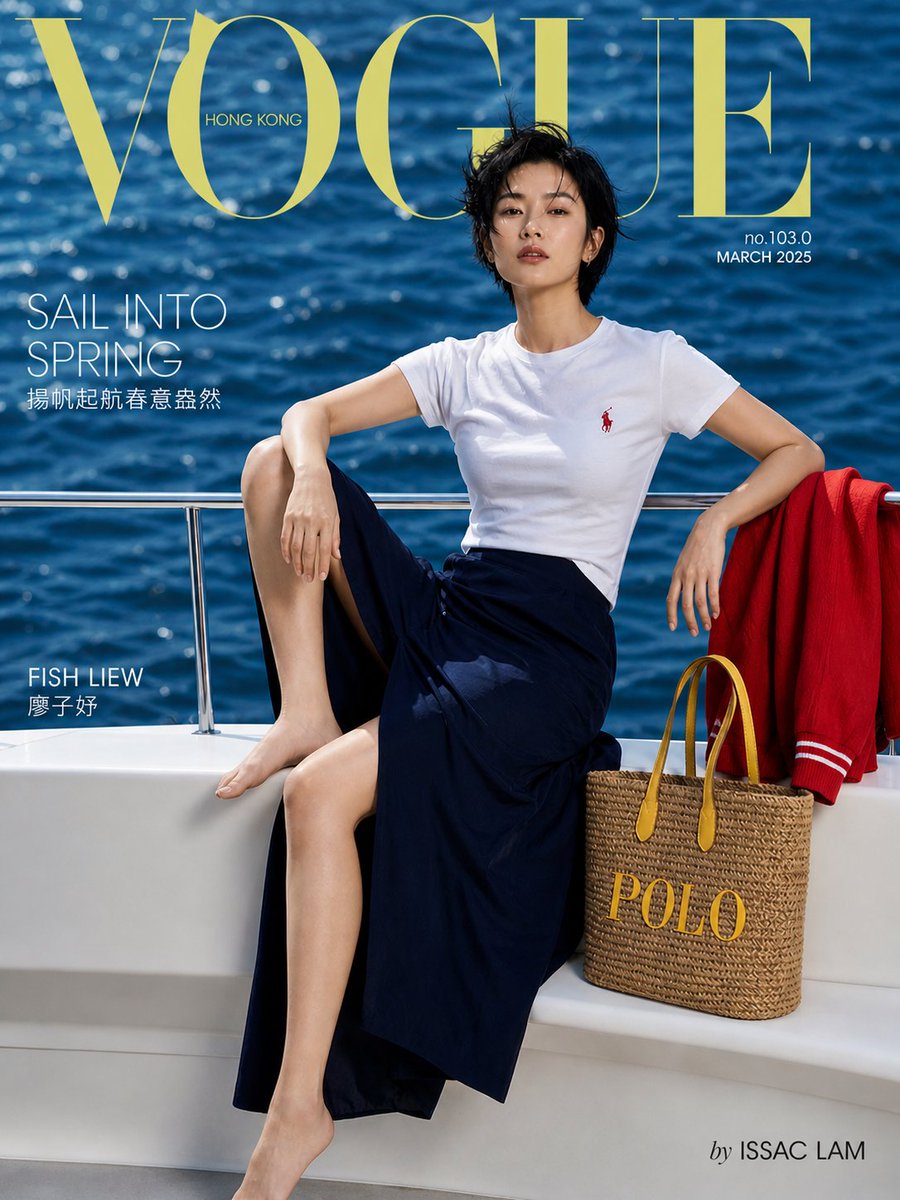



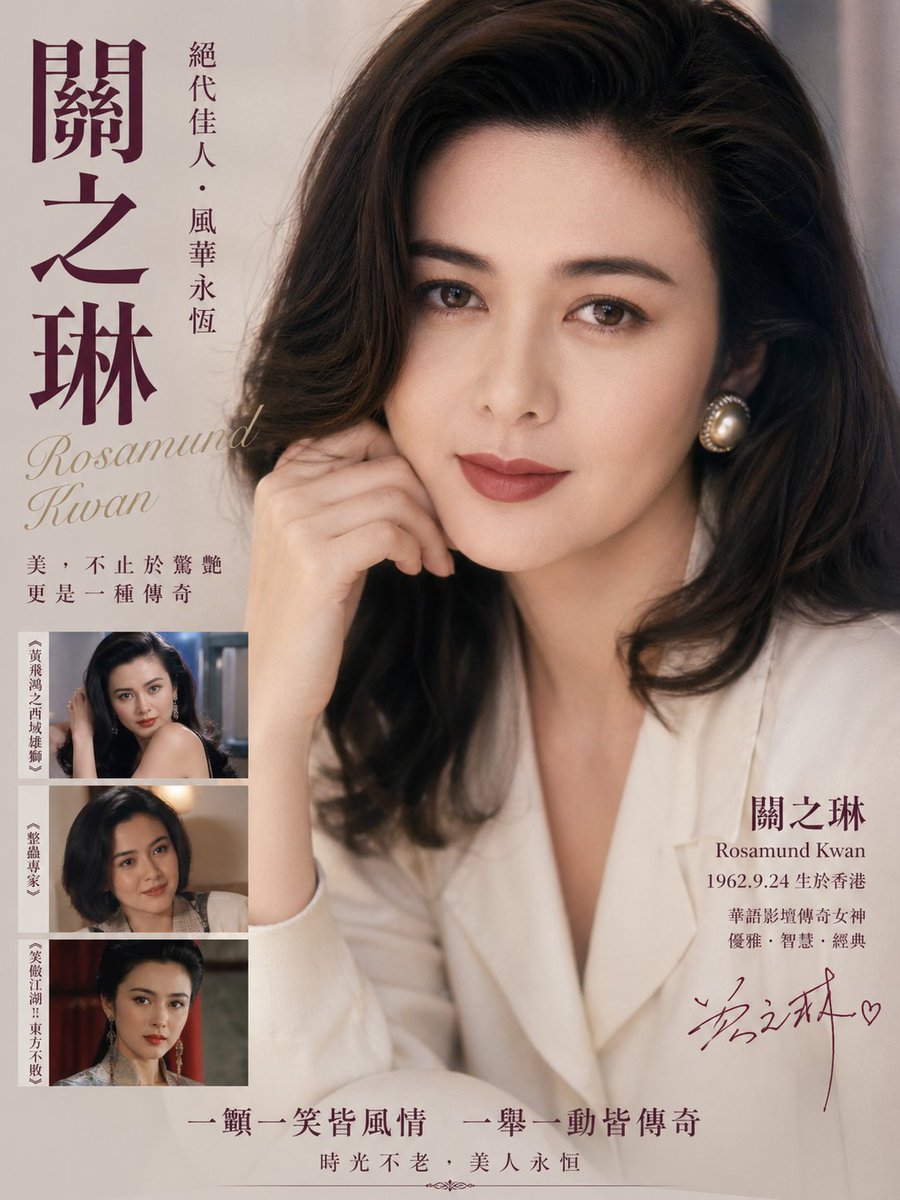

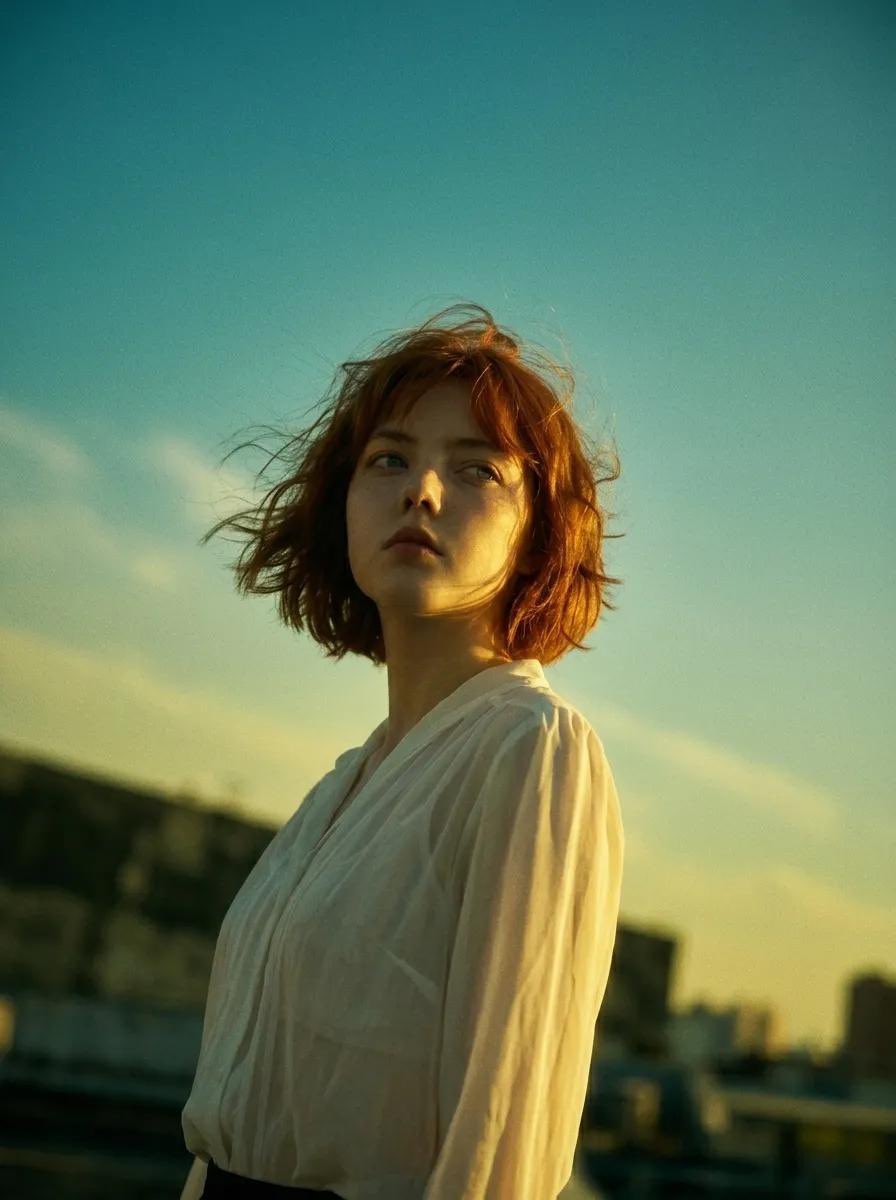
![90s Hong Kong Cinematic Retro Portrait — [인물] 이미지 1 [싸인] 우측하단에는 Meta가 운영하는 Threads 로고가 작게 위치하고, 그 위에 흰색 필기체로 "CHAse"라고 싸인처럼 작게 적혀 있다.
[인물의 포즈 및 표정]
포즈 및 구도: 신](https://cms-assets.youmind.com/media/1787645605019_wtfgyg_HObkG3ba4AEBGxJ-300x537.jpg)

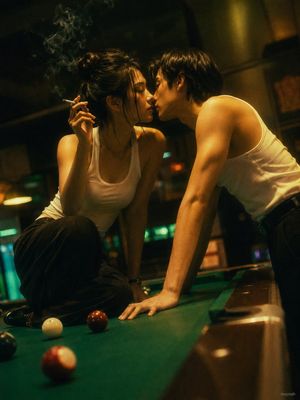


![69-untitled — FORMAT: 15s / 145 BPM / 14 SHOTS
SUBJECT: @[image1]
WARDROBE: Clean modern outfit
ENVIRONMENT: Street / indoor transitions
MOOD: Discovery → contr](/_next/image?url=https%3A%2F%2Fcdn.picxstudio.com%2Fuploads%2Fpost69_img0_d45faecf-38c3-4bcb-81a4-f6eb1cf42bb2.jpg&w=828&q=100)


![Minimalist Flat Vector Travel Poster — Premium minimalist flat-vector travel poster for {argument name="city name" default="[CITY_NAME]"}, 3:4 vertical format.](https://cms-assets.youmind.com/media/1787917359711_3ug846_HQX205cbMAA6F6S-300x400.jpg)