How do I use the Coquette Fashion Editorial Portrait (Sadie Sink) template?
Choose the primary action to open PicX Studio with the available template settings. Review the model and format, personalize the creative direction, and generate when ready.
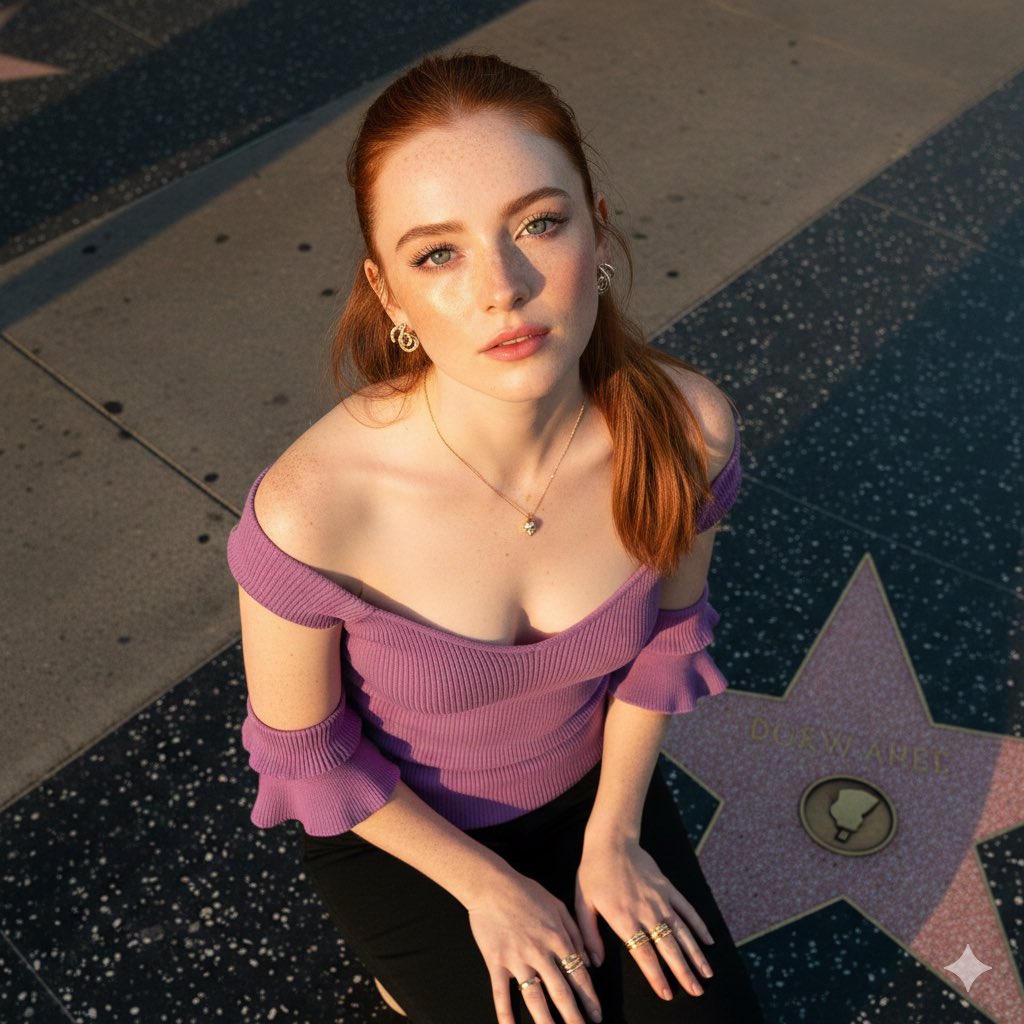
A structured JSON prompt for Gemini Nano Banana Pro to generate a dramatic, high-contrast editorial portrait of a woman resembling Sadie Sink in 'Coquette fashion.' It details the attire (black corset, white lace, puffed mini skirt), accessories (pearl necklace, flower brooch), pose, and studio lighting for an 8k, high-end fashion photography result. Change the subject, setting, or lighting one variable at a time.

{ "image_generation_prompt": { "subject": { "description": "Young woman with a strong resemblance to {argument name="celebrity name" default="Sadie Sink"}.", "hair": "Messy updo with loose curled tendrils framing the face.", "face": "Glossy lips, dramatic winged eyeliner, smooth skin.", "body": "Slender physique, smooth skin." }, "attire": { "clothing": "Black corset top with white lace. White puffed mini skirt with black bows. White thigh-highs. Sheer black gloves.", "style": "Coquette fashion, editorial glamour." }, "styling_and_accessories": { "jewelry": [ "Pearl necklace with heart pendant", "White flower brooch", "Small black quilted belt bag on chain" ] }, "environment": { "setting": "Photography studio.", "background": "Plain grey wall with a circular spotlight.", "water": "None." }, "pose": { "posture": "Standing, hips angled.", "arms": "One hand near neck, other on hip.", "angle": "Eye-level shot." }, "lighting_and_mood": { "lighting": "High-contrast studio spotlight.", "mood": "Dramatic, editorial.", "colors": "Black, white, neutral grey." }, "camera_and_technical": { "style": "High-end fashion photography.", "lens": "50mm", "aperture": "f/5.6", "quality_tags": [ "8k resolution", "sharp focus", "studio lighting", "highly detailed" ] } } }
Choose the primary action to open PicX Studio with the available template settings. Review the model and format, personalize the creative direction, and generate when ready.
Yes. You can change the subject, setting, lighting, mood, format, and available model controls before creating your image.
This template is free to open and customize. Generation usage is shown in PicX Studio before you create.
© 2026 PicX Studio. All rights reserved.

Start with Nano Banana 2, which is the model associated with this template. You can compare another compatible model for a different finish.
Follow a topic to a crawlable collection of related PicX Studio templates.
43,474 public templates available. Verified via the PicX Studio public templates API; refreshed hourly.















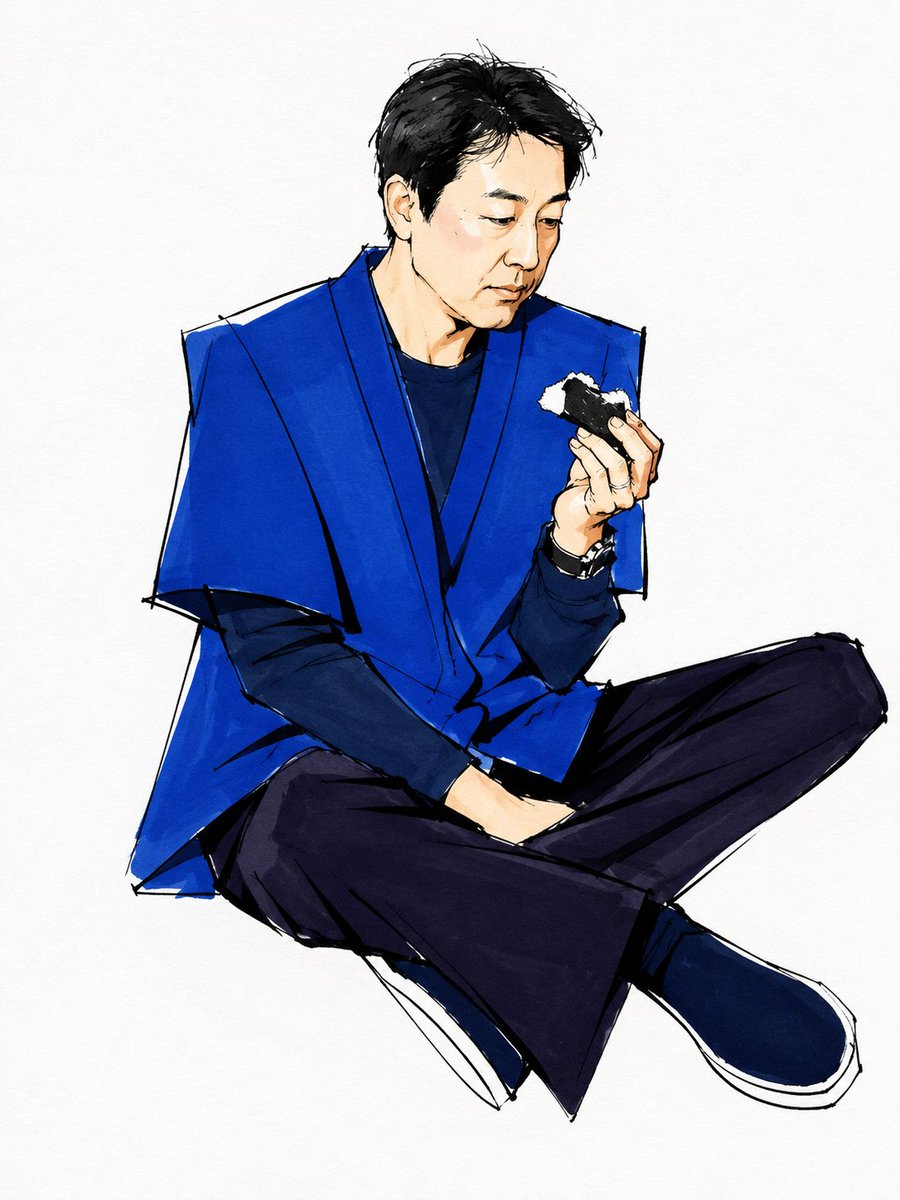
![Naive doodle-style subject illustration — A doodle-style {argument name="subject" default="[subject]"}, naive lines, humorous shape exaggeration](https://pbs.twimg.com/media/G6Wl2YxbsAARB2b.jpg)