Deep Sea Jellyfish Couture Board
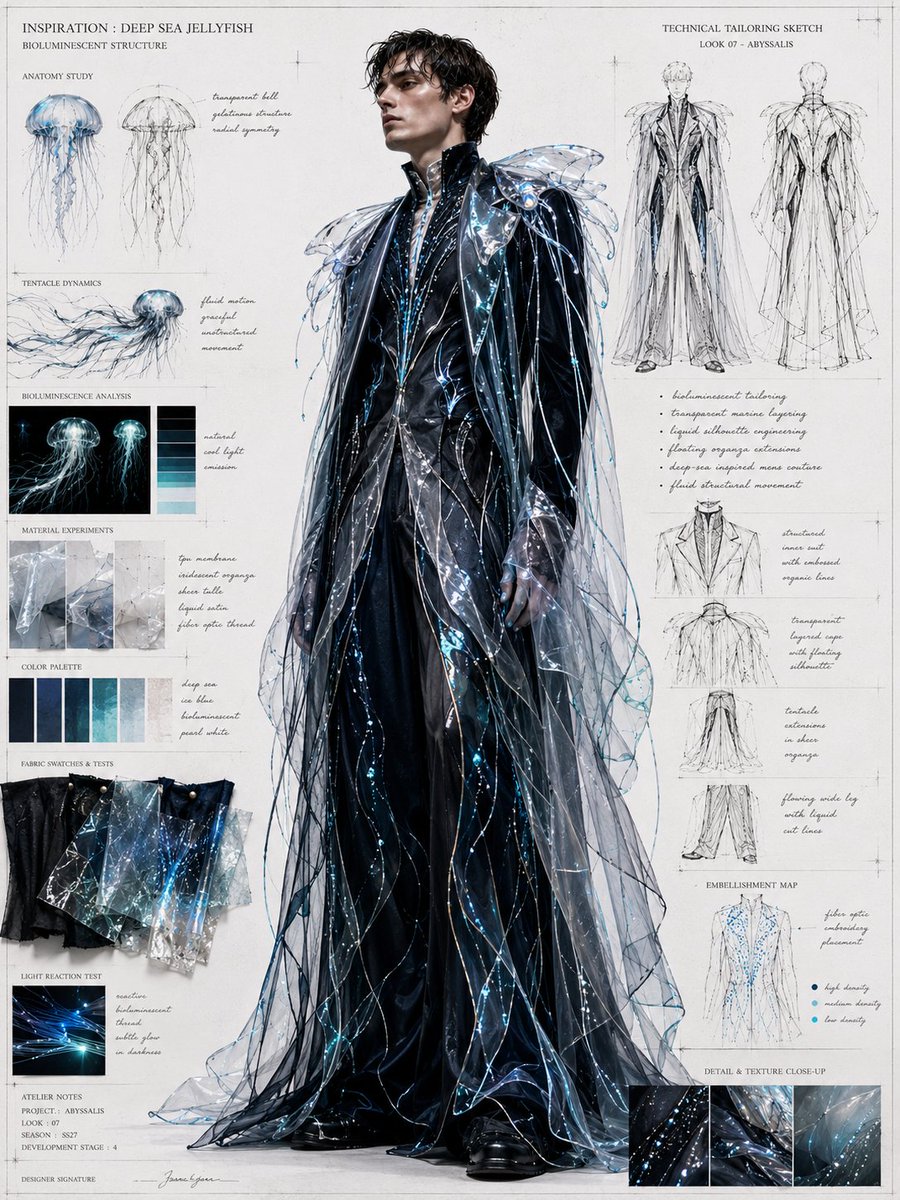
Goal: Create a high-fashion menswear concept board inspired by {argument name="inspiration source" default="deep sea jellyfish"}, combining a central couture runway look with fashion design research panels, technical tailoring sketches, material tests, color studies, and handwritten atelier annotations.
Canvas: Portrait-oriented editorial fashion board on warm off-white archival paper, approximately 4:5 ratio, with faint grid marks, thin drafting lines, crop marks, pin-registration marks, subtle paper grain, and a luxury atelier mood. Use black, deep navy, icy cyan, translucent blue, silver, and white.
Main subject: Place one full-body male model centered and slightly forward, wearing {argument name="collection look name" default="Look 07 - Abyssalis"}. The face should be softly blurred or obscured, while the outfit remains sharp. The garment is futuristic couture menswear: a glossy black structured long coat or suit base with a high stand collar, layered liquid-black tailoring, wide sculptural shoulders, transparent jellyfish-like cape panels, flowing organza veils, fine dangling filament strands, reflective wet-look surfaces, and scattered bioluminescent cyan-blue bead lights. The silhouette should feel like a deep-sea creature translated into formal tailoring, with long translucent tentacle ribbons trailing from shoulders, sleeves, and hem to the floor. Add black boots visible beneath the layered coat.
Left research column: Include exactly 8 stacked research sections with small labels and visual materials:
1. Header reading “INSPIRATION : DEEP SEA JELLYFISH” with subheading “BIOLUMINESCENT STRUCTURE.”
2. “ANATOMI STUDY” section with exactly 2 jellyfish anatomy sketches, one blue-toned and one monochrome line sketch, plus small handwritten notes about a transparent bell, gelatinous structure, and radial symmetry.
3. “TENTACLE DYNAMICS” section with exactly 1 side-view jellyfish drawing showing long streaming tentacles, annotated with fluid motion, graceful undulation, and movement.
4. “BIOLUMINESCENCE ANALYSIS” section with exactly 2 glowing jellyfish reference images and exactly 5 vertical color bars beside them, from black and deep navy through teal to pale icy blue.
5. “MATERIAL EXPERIMENTS” section with exactly 3 square translucent material samples, annotated as fine membrane, iridescent organza, sheer tulle, liquid satin, and fiber optic thread.
6. “COLOR PALETTE” section with exactly 7 rectangular swatches: black, midnight navy, dark blue, teal, cyan, pale blue, and nearly white translucent blue, annotated as deep sea, ice blue, bioluminescent, and pearl white.
7. “FABRIC SWATCHES & TESTS” section with exactly 5 overlapping physical swatches in black vinyl/satin and translucent blue organza, some with glowing blue thread or bead-like highlights.
8. “LIGHT REACTION TEST” section with exactly 1 small dark photo panel showing bright blue fiber-optic streaks, plus a note about reaction, bioluminescent thread, subtle glow, and in darkness. At the bottom include atelier notes reading “ATELIER NOTES,” “PROJECT : ABYSSALIS,” “LOOK : 07,” “SEASON : SS27,” and “DEVELOPMENT STAGE : 4,” followed by a designer signature line.
Right technical column: Include exactly 6 design-development sections:
1. Top heading “TECHNICAL TAILORING SKETCH” with subheading “LOOK 07 - ABYSSALIS,” showing exactly 2 tall technical fashion sketches, front and back views, of the same long translucent layered coat.
2. A bullet-note block with exactly 5 bullets: bioluminescent tailoring; transparent marine layering; liquid silhouette engineering; floating organza extension; deep-sea inspired main couture; fluid structural movement.
3. A construction-detail area with exactly 4 smaller line drawings: structured inner coat with enlarged organic hood; transparent layered cape with floating silhouette; tentacle extensions as sheer organza; flowing wide-leg pants with liquid cut lines.
4. “EMBELLISHMENT MAP” section with exactly 1 front torso sketch covered in blue dot placements and exactly 3 legend dots labeled high density, medium density, and low density; add a note for fiber optic embroidery placement.
5. “DETAIL & TEXTURE CLOSE-UP” section with exactly 3 rectangular close-up images showing black glossy fabric with blue glowing bead lines, transparent crinkled organza, and watery translucent blue membrane texture.
6. Sparse handwritten annotations around the sketches, using elegant thin cursive, while keeping the text secondary and not overcrowded.
Visual style: Photorealistic central model blended with delicate pencil fashion sketches, scientific specimen diagrams, luxury couture board presentation, translucent layering, iridescent highlights, cyan bioluminescent specks, black liquid satin, and fine technical drafting aesthetics. The board should feel like an elite fashion house concept sheet for futuristic couture menswear, directly inspired by deep-sea jellyfish anatomy.
Text constraints: Use the visible English headings and atelier labels as described. Keep typography small, refined, and editorial; mix uppercase serif labels with handwritten cursive notes. Do not add logos, watermarks, extra models, or unrelated sea creatures. The final image should read as one complete fashion concept board for {argument name="garment theme" default="bioluminescent jellyfish couture menswear"}.















![69-untitled — FORMAT: 15s / 145 BPM / 14 SHOTS
SUBJECT: @[image1]
WARDROBE: Clean modern outfit
ENVIRONMENT: Street / indoor transitions
MOOD: Discovery → contr](/_next/image?url=https%3A%2F%2Fcdn.picxstudio.com%2Fuploads%2Fpost69_img0_d45faecf-38c3-4bcb-81a4-f6eb1cf42bb2.jpg&w=828&q=100)

![118-google-nano-banana-pro-skincare-product- — A professional skincare shot of a [product container] with [cap/lid], labeled [brand, product, descriptor, volume](/_next/image?url=https%3A%2F%2Fcdn.picxstudio.com%2Fuploads%2Fpost118_img0_332898b8-29ea-42a9-87ab-9ed746a3f944.jpg&w=828&q=100)




![Minimalist Flat Vector Travel Poster — Premium minimalist flat-vector travel poster for {argument name="city name" default="[CITY_NAME]"}, 3:4 vertical format.](https://cms-assets.youmind.com/media/1787917359711_3ug846_HQX205cbMAA6F6S-300x400.jpg)






















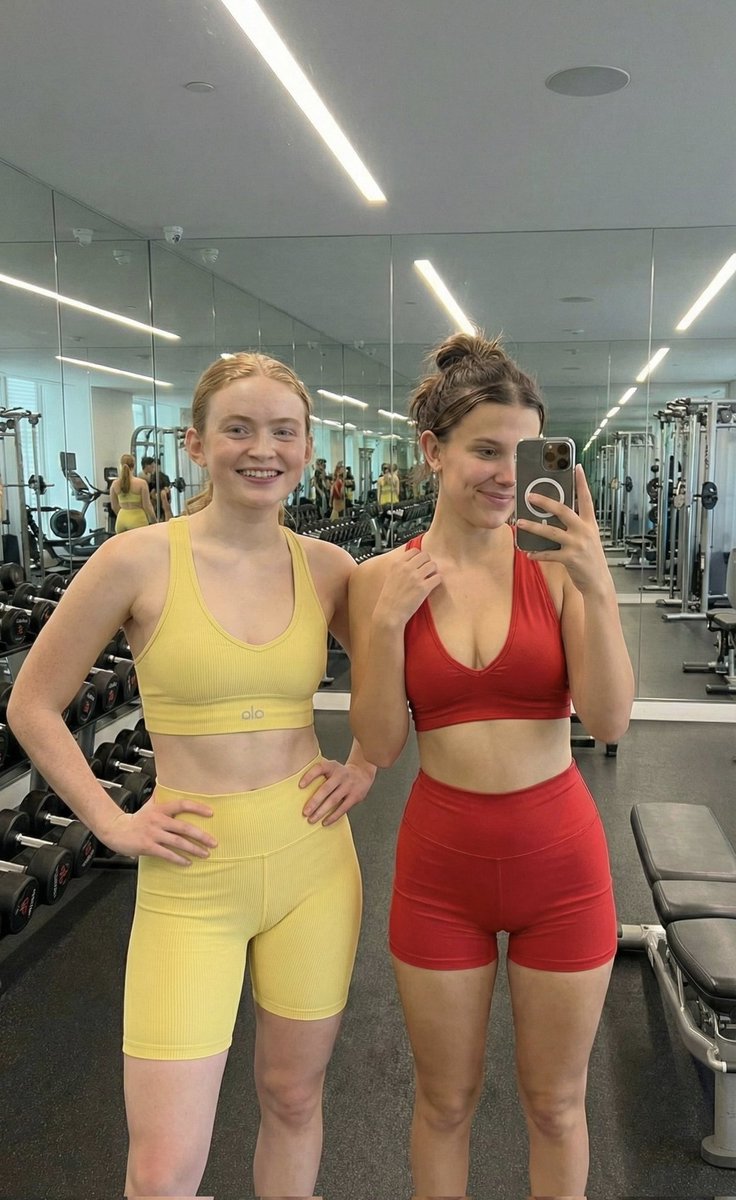
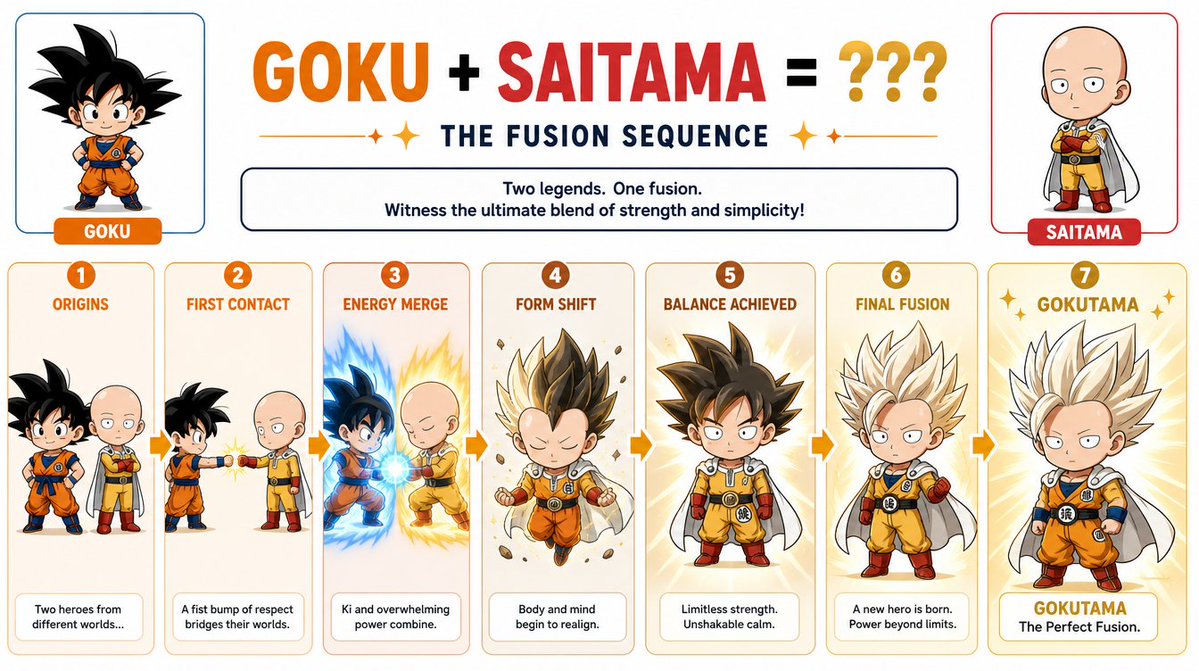
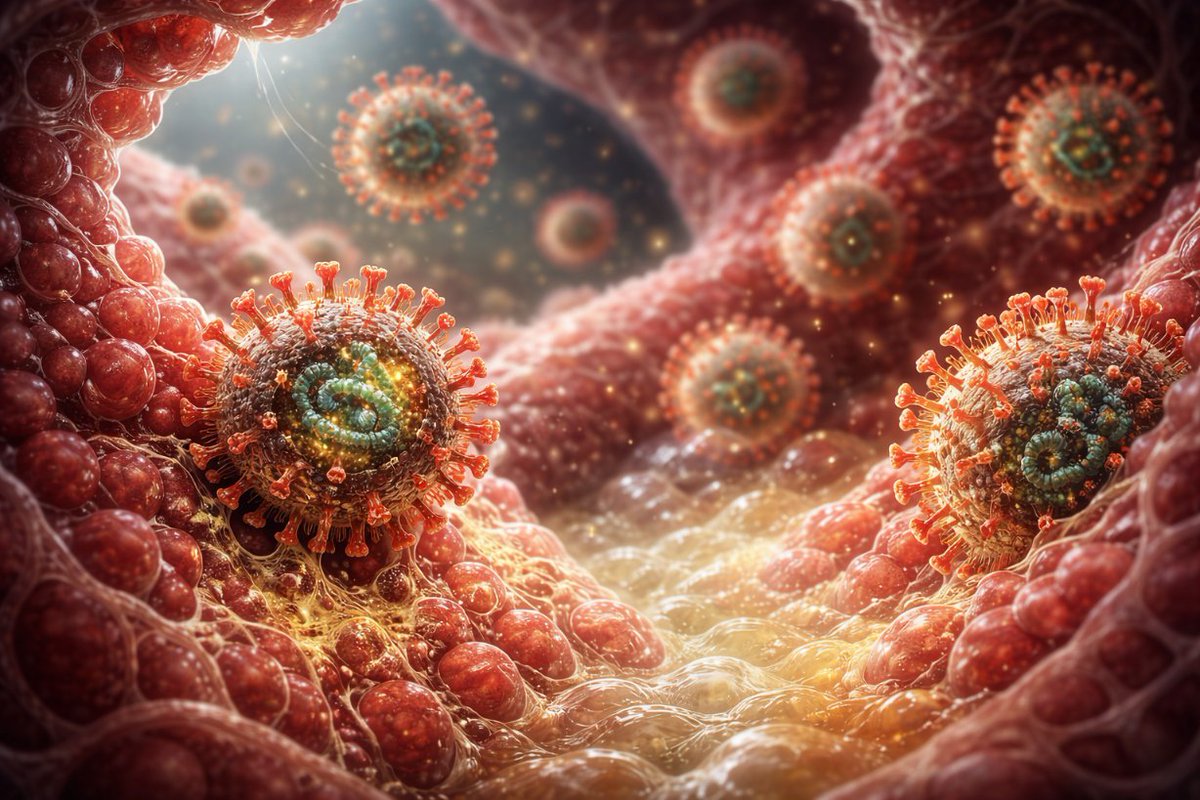
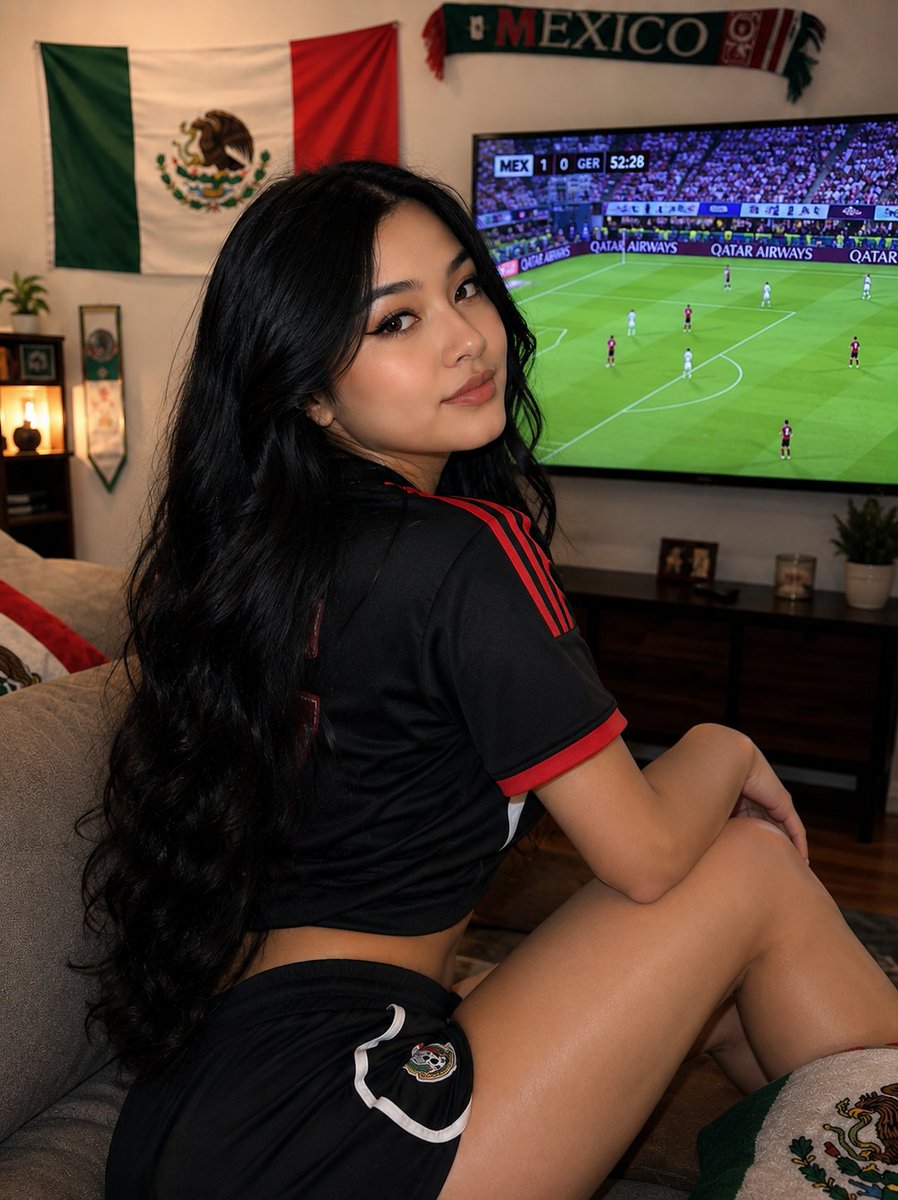








![Raw High-Contrast Mirror Selfie (iPhone Ultra-Wide) — (Vertical 9:16 smartphone aspect ratio). A raw, high-contrast [Candid Mirror Documentation] captured with](https://pbs.twimg.com/media/G_Ci0ozWMAQBspT.jpg)